Turn Your Paper PDF into a Conference Poster
Upload your paper PDF: free preview in about 30 seconds, then an editable PPTX or PDF at true poster size.
Upload your paper PDF
We read your paper, pull out its real figures, and lay out an editable poster at print size.
Free watermarked preview once a day after sign-in (no card). Editable PPTX + PDF download: 4 credits on any plan, about $2 at pack prices. This is priced separately from Studio exports. See pricing
Drop your paper here, or click to choose
PDF only, up to 20 MB
Choose a PDF and confirm the box above to continue.
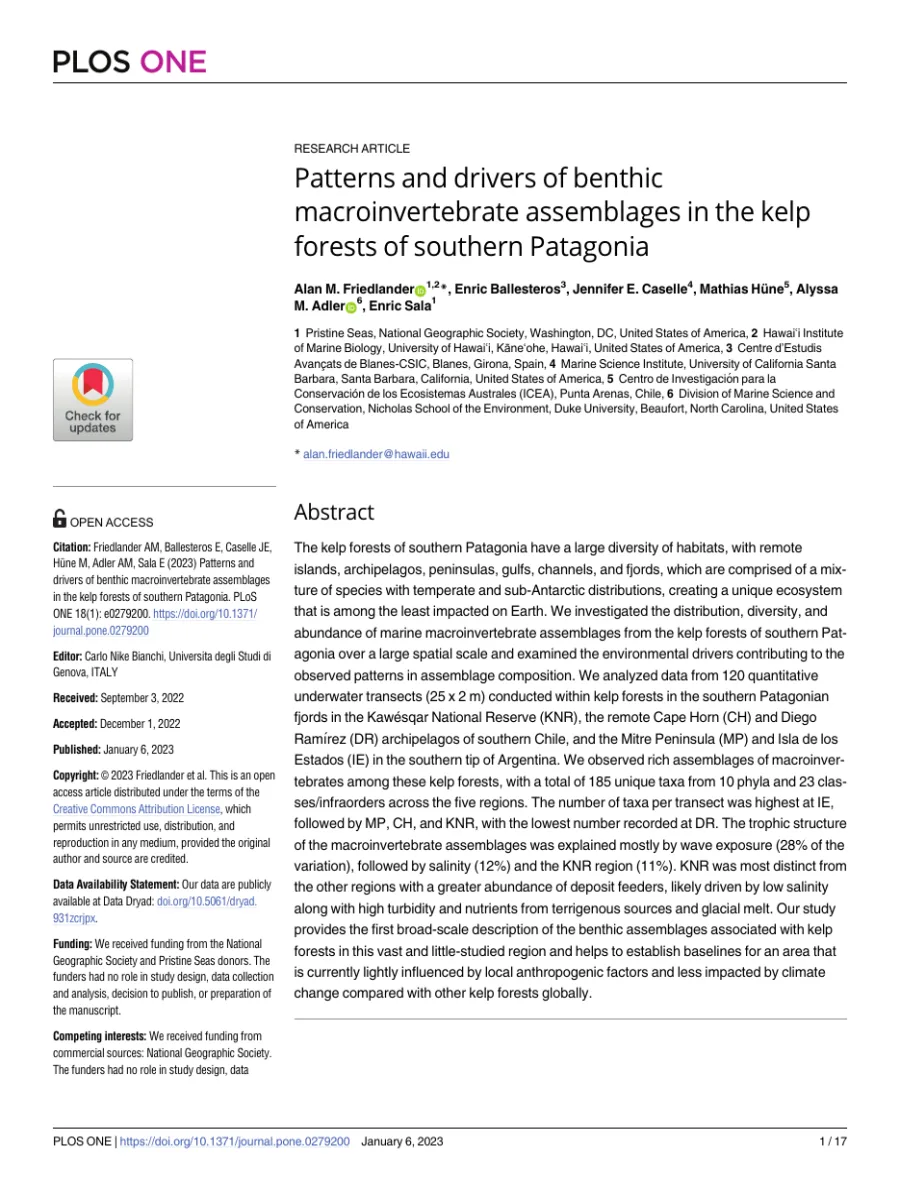
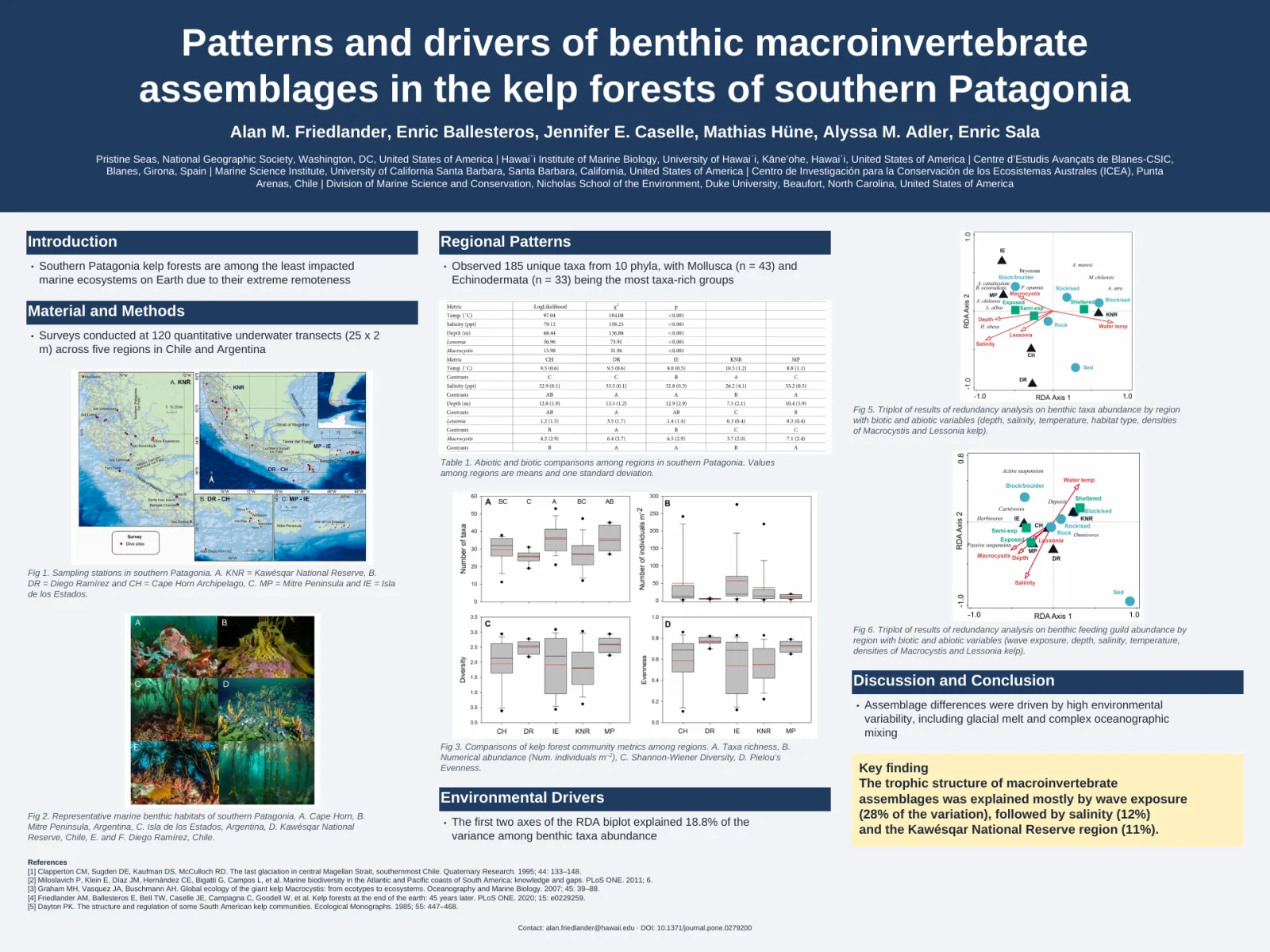
Real example, about 30 seconds from upload. Source paper: PLOS ONE, CC BY 4.0.
Free preview once a day. Your PDF is used only to build this poster.
This tab draws a poster layout sketch from a written description and does not read a paper; use the PDF tab for a true-size poster with your own figures.
Poster Layout Generator (from a description)
Tip: pick Landscape or Portrait with the settings button (top right of this form). Describe your poster in English for the cleanest layout. Every layout you generate is saved in My images, so you can come back to an earlier version at any time.
Preview on this page with your credits · Clean file download needs a

Example layout from a written description · Click to enlarge
Scientific Poster Examples
Layout sketches from a written description; a poster built from your paper uses your own figures at print size
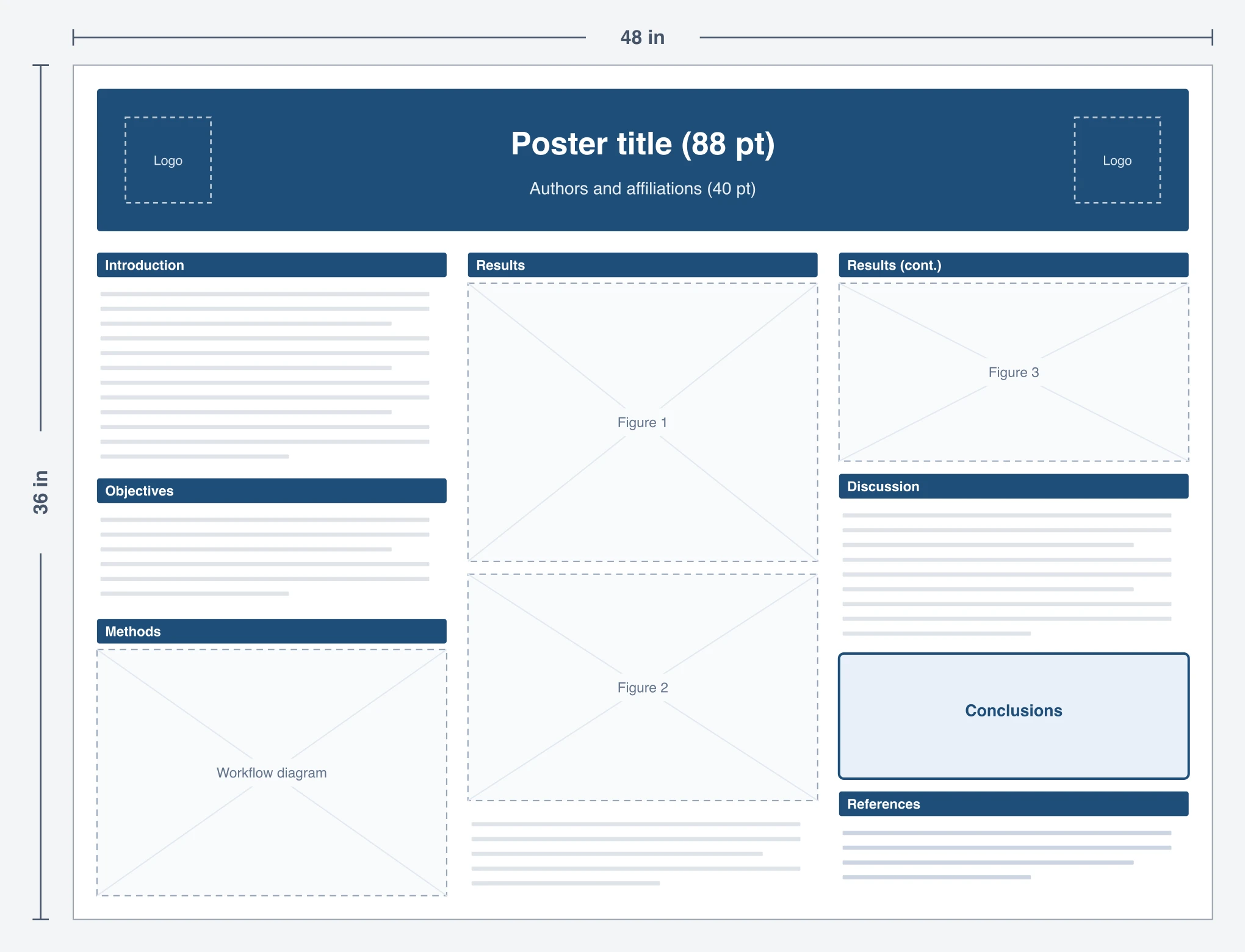
Three-Column Biomedical Poster
A classic three-column landscape layout with a growth curve, histology panels, and a conclusions box.
Urban Green Space and Mental Health Poster
A 4:3 conference poster layout with a results line chart and grouped bars, ready for your own text and data.
Nanoparticle Drug Delivery Poster
A biomedical poster layout with a tumor growth curve, accumulation chart, and a methods illustration.
AI illustrated poster: gut microbiome and sleep
AI-generated example: a landscape poster layout with a study schematic, a bar chart and a gut illustration. Body text is placeholder, so add your own text and data.
Real paper-to-poster results
Posters built from published papers: the paper’s own sections, figures, and numbers, laid out at true print size and downloaded as an editable PPTX plus PDF.
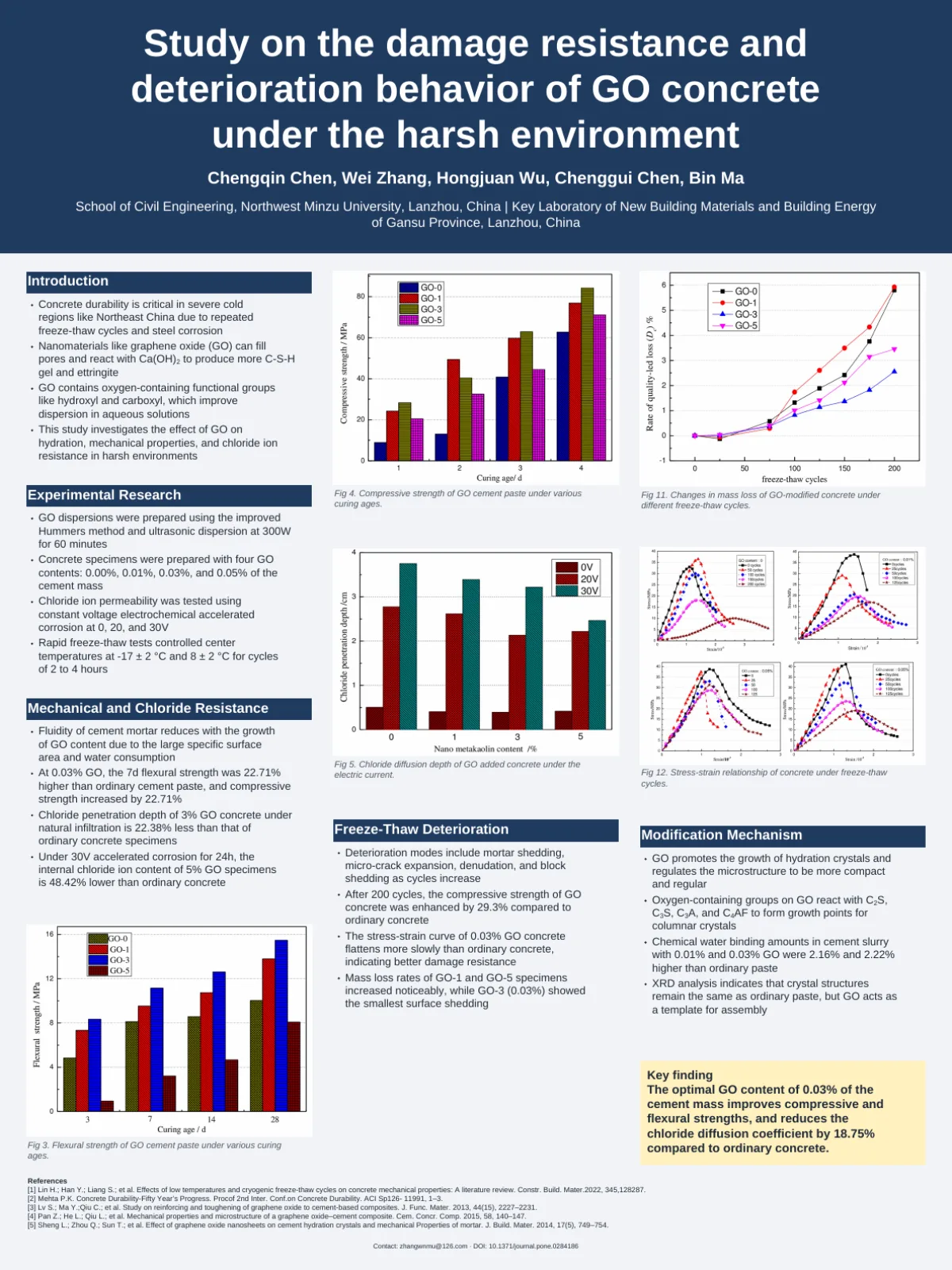
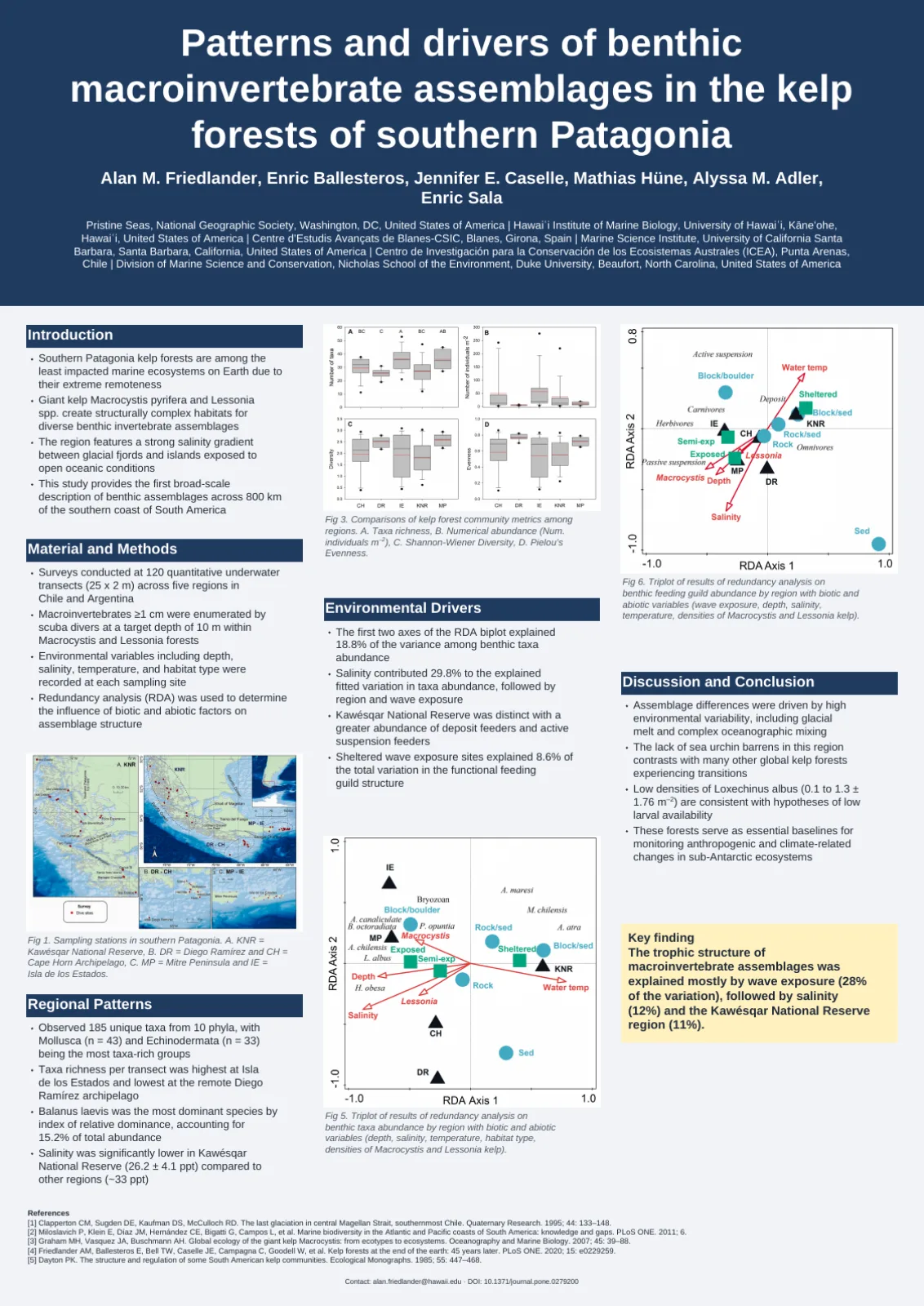
Check the real output before you upload your own paper
Real output of the tool; open it in PowerPoint to see the live text boxes. Curious how it compares? Read our same-paper test of three poster tools.
At a glance
- What it makes
- A true-size conference poster laid out from your paper PDF, plus 7 free PowerPoint poster templates.
- Who it's for
- Researchers and graduate students who have a finished paper and a conference deadline.
- Price & credits
- The watermarked preview is free, once per account per day after sign-in (no card). Downloading the editable PPTX and the PDF costs 4 credits once; re-downloading the same file is free while it is kept (24 hours).
- Output formats
- Editable PPTX with live text and the figures from your paper, plus a matching PDF, both at true board size: 48×36 in, 36×48 in or A0.
- License & commercial use
- The 4-credit download carries no watermark, and you can print it at 48×36 in and present it at your conference. Upload only your own paper, or one you have the right to use.
Start from a scientific poster template
Pick a layout to open its prompt and size in the description tab above, or download it as a free true-size PowerPoint file to finish and print. Check your conference's board size first in the research poster size guide.
What is a scientific poster?
A scientific poster is a single-page visual summary of a research project, displayed at conferences, symposiums, and departmental events so you can present your work and talk it through with peers. A good poster walks a reader through the study at a glance: the title and authors up top, then the introduction, methods, results, and conclusion arranged in columns. This tool starts from the PDF of your own paper: it reads the text, pulls out the real figures, and lays them out at your board size as a conference poster.
How to turn your paper into a poster
- Upload your paper as a PDF, up to 20 MB. The original file exported from your editor works best; scanned or image-only PDFs often fail to parse.
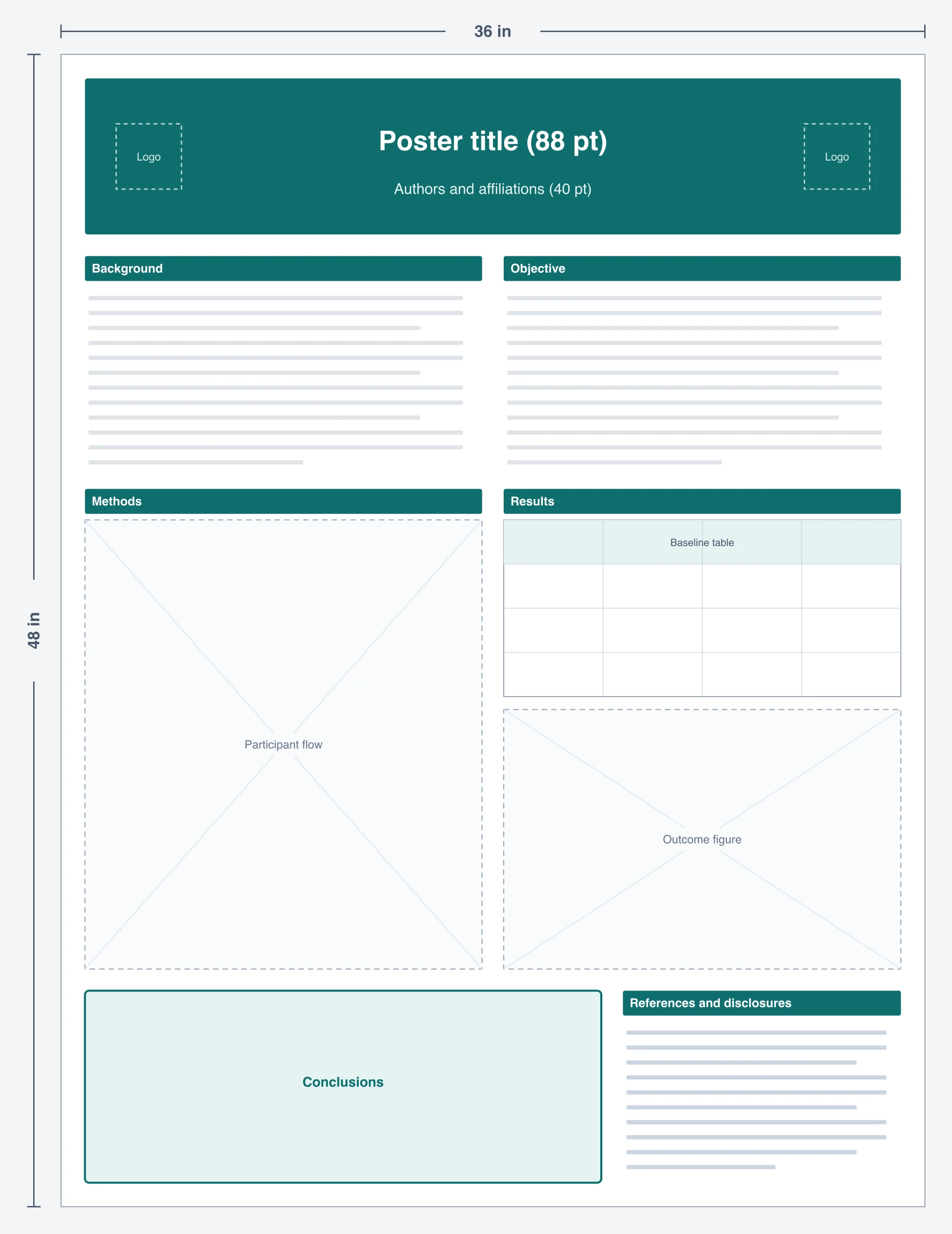
- Choose the board size: landscape 48×36 in, portrait 36×48 in, or A0 portrait, then confirm that the paper is yours or one you have the right to use.
- Sign in and check the free watermarked preview, usually ready in about 30 seconds. Each account gets one free preview per day.
- Download the editable PPTX or the matching PDF for 4 credits, charged once for both formats. The file is kept for 24 hours, and downloading it again in that window is free.
- Open the PPTX in PowerPoint to adjust text, move blocks, add logos, and swap in higher-resolution images, then export a print PDF at 48×36 in.
Paper PDF or written description: two ways to start
The default tab reads your paper PDF and uses your own figures, numbers, and wording to build a true-size poster you can download as PPTX or PDF. The second tab is the describe-it generator: it draws a layout sketch from a written description, which is handy when you only have an abstract or want to compare arrangements. That sketch is a reference for structure and color, and any text or numbers in it are placeholders; the paper-to-poster flow is the one that produces a print file.
The sections of a good scientific poster
- Title, authors, and affiliations: a prominent header, with room for institutional logos.
- Abstract or introduction: the background, the question, and why the study matters.
- Methods: study design, participants or materials, and procedures, kept brief.
- Results: the core of the poster, carried by figures, graphs, and tables rather than text.
- Discussion and conclusion: what the findings mean and the take-home message.
- References, acknowledgments, and contact: key citations, funding, and a QR code for follow-up.
Poster size, orientation, and format
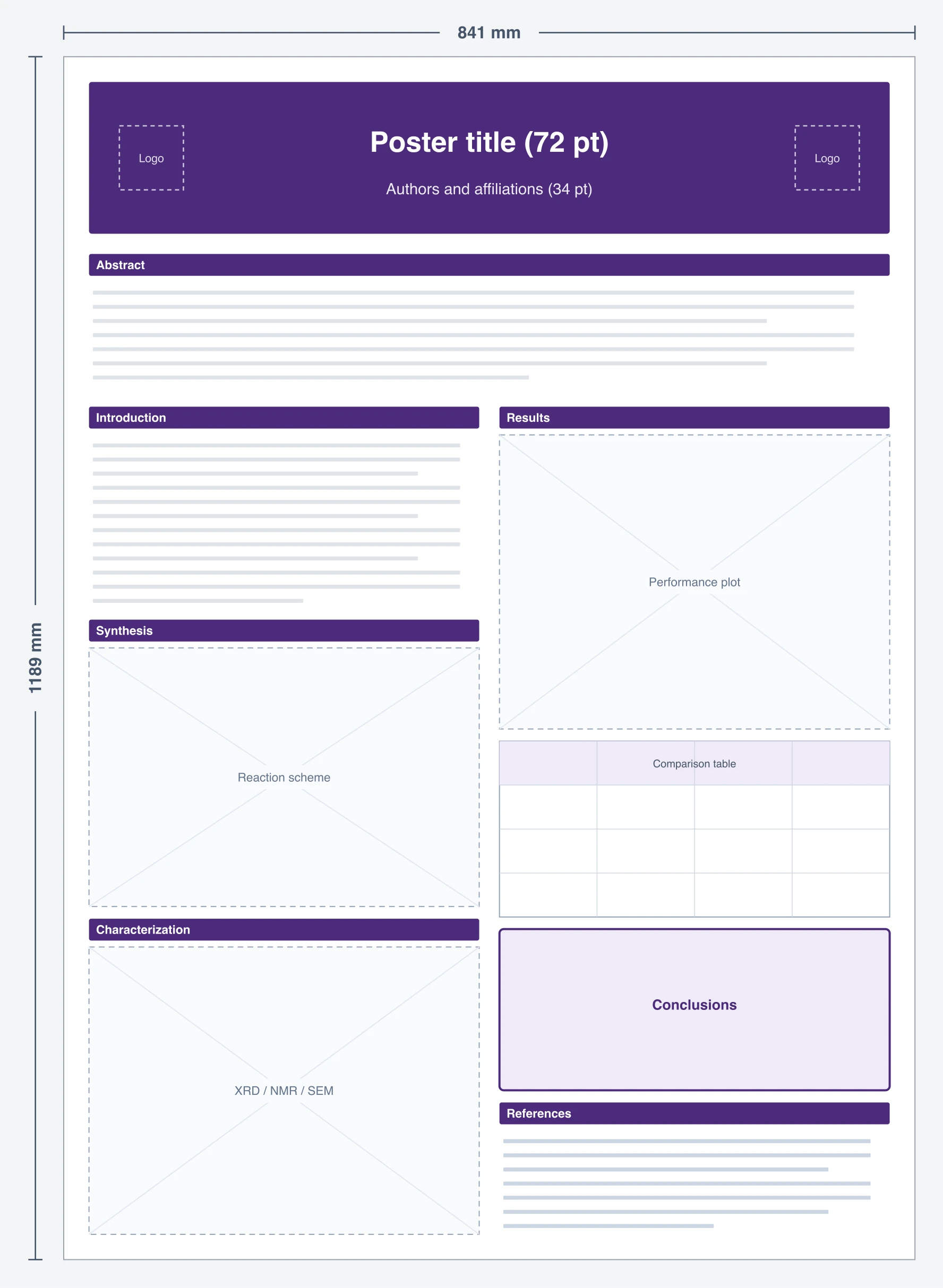
The poster is laid out at true print size: landscape 48×36 in, portrait 36×48 in, or A0 portrait (841×1189 mm). Check your conference instructions for the exact board size they ask for. Landscape suits wide figures and several columns; portrait suits a study that reads top to bottom. The download is a real-size editable file rather than a screenshot: text stays live in the PPTX, figures keep the resolution they had in your paper, and the matching PDF is ready for the print shop.
Scientific poster templates: 48×36 in, 36×48 in, A0, and A1
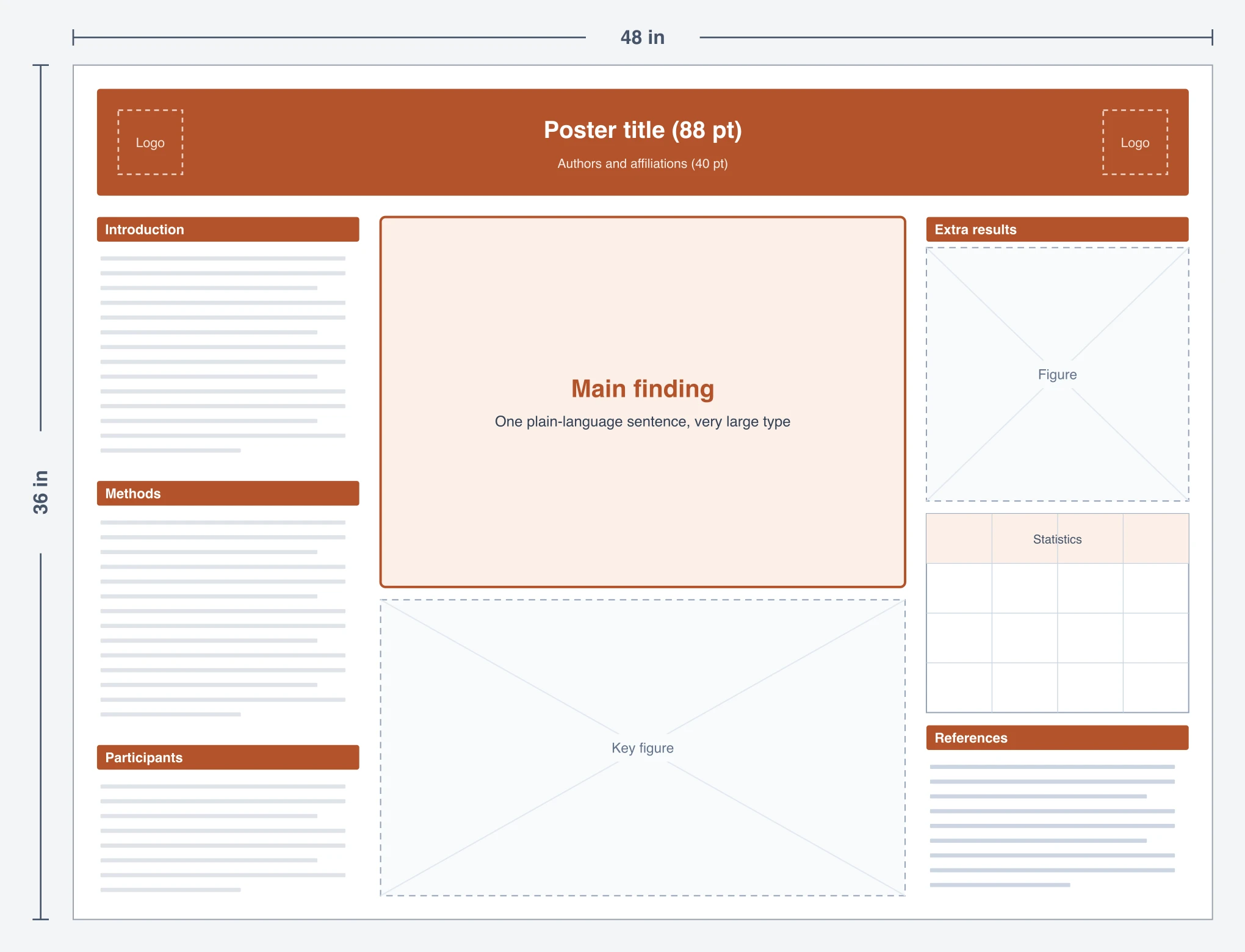
If you would rather start from a blank layout, the seven free PowerPoint scientific poster templates on this page are set to true print size: a classic three-column 48×36 in, an A0 portrait, a clinical 36×48 in, a billboard, a results-first grid, an A1 field study, and a compact 36×24 in symposium layout. They download with no sign-up, and each one also opens in the description tab with its layout pre-filled as a prompt if you want to compare it with a layout made from your paper.
Scientific poster best practices
Posters are read from several feet away, so keep the title large (about 85pt or more) and body text readable (24pt and up). Let figures do the heavy lifting: aim for two to four strong visuals and trim text to bullet points and short captions. Keep a clear top-to-bottom, left-to-right reading order, use a consistent color scheme that matches your field or institution, and leave generous white space so the poster does not feel crowded.
For PhD, grad school, and conference posters
The same layout works across the academic timeline: a first conference poster, a departmental or symposium presentation, a thesis or PhD defense, and grad-school research showcases. The generated structure follows the conventions reviewers and committees expect, so you can spend your time on the science rather than on aligning text boxes. It works for any discipline (life sciences, physical sciences, engineering, social sciences, and the humanities) because it reads your paper and lays out your own introduction, methods, results, and conclusion.
Frequently Asked Questions
More Research Tools
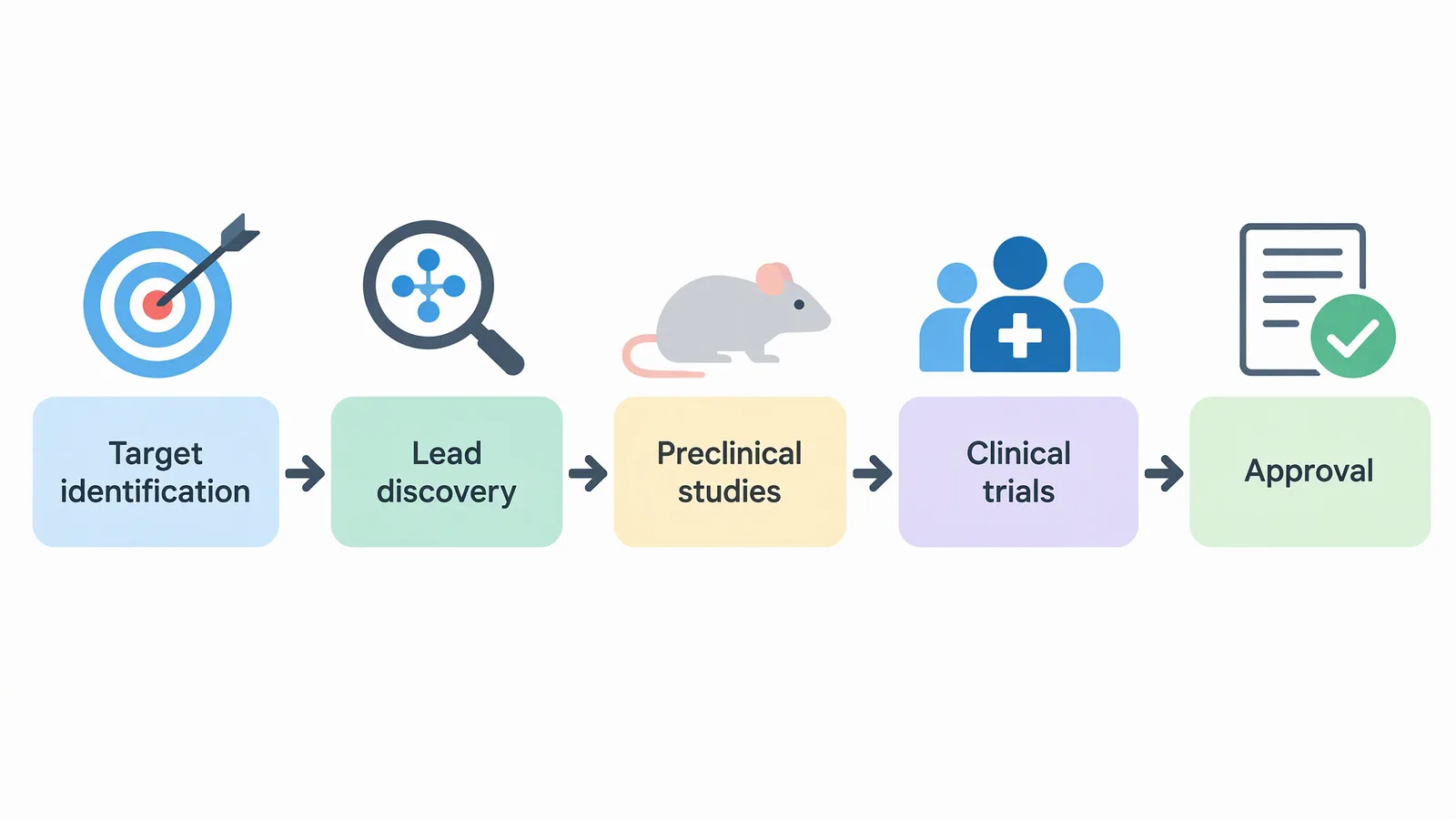
Graphical Abstract Maker
Create a professional graphical abstract draft to summarize your paper.
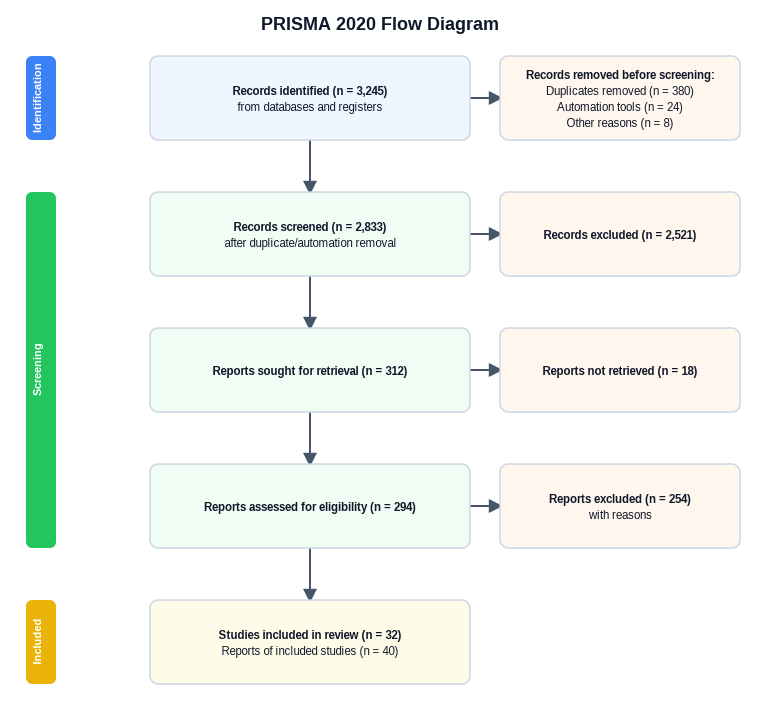
PRISMA Flow Diagram Generator
Fill in your record counts and get a PRISMA 2020 flow diagram for your systematic review.
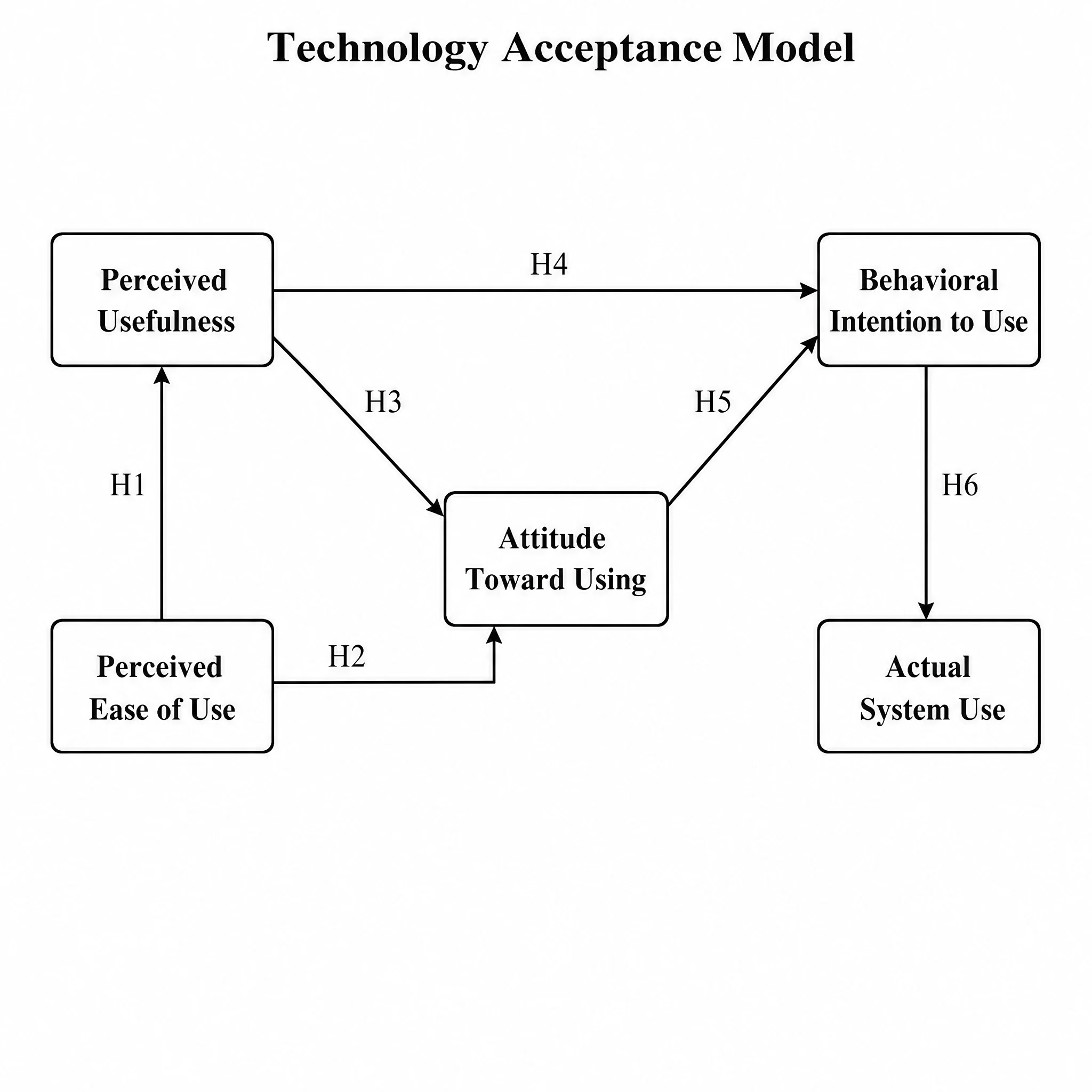
Conceptual Framework Generator
Turn your variables and hypotheses into a labeled conceptual framework diagram.
Scientific Poster Templates
Download 7 free PowerPoint scientific poster templates at true print size.