AI Medical Illustration Generator for Anatomy & Education
Generate professional medical and anatomical illustrations with AI. Describe the organ, body system, or procedure you need — heart, brain, knee joint, digestive tract — and get a clean, labeled illustration for education, presentations, patient materials, and publications. Free, and AI-powered, so review for accuracy before teaching.
Create Your Medical Illustration
Preview is free on this page ·
Used by 40,000+ teachers, students & researchers
Your medical illustration will appear here
Describe what you need and click Generate
Medical Illustration Examples
Professional anatomical and healthcare illustrations for education and publication
Heart Anatomy Illustration
Cardiology: the four chambers, valves, and great vessels, with oxygenated and deoxygenated blood color-coded.
Knee Joint Cross-Section
Orthopedics: a sagittal view of bone, cartilage, meniscus, and the ACL and PCL.
Eye Anatomy Cross-Section
Ophthalmology: a horizontal section through the eye with every internal structure labeled.
Digestive System Overview
Gastroenterology: the full digestive tract from esophagus to rectum, with each organ labeled.
Surgical Procedure Illustration
Surgery: a laparoscopic technique showing trocar placement, instruments, and the surgical field.
Respiratory System Anatomy
Pulmonology: the airway from nose to alveoli, with a magnified inset of gas exchange.
What is the AI medical illustration generator?
This is an AI medical illustration generator: you describe the anatomy, body system, or procedure you need in plain English, and it generates a clean, labeled medical illustration in seconds. It can draw organ anatomy (heart, brain, lungs, liver, kidneys), full body systems (digestive, respiratory, circulatory, nervous), cross-sections, surgical procedures, and patient-education diagrams. It is built for medical educators, students, researchers, and healthcare communicators who need a visual fast — without commissioning custom artwork or hunting through stock libraries for the exact view.
What makes a good medical illustration?
- Anatomical accuracy: structures are in the right place, the right shape, and the right proportion to one another — the single thing that separates a useful medical figure from a decorative one.
- A clear point of view: a stated perspective (anterior, posterior, lateral, or cross-section) so the viewer knows exactly what plane they are looking at.
- Readable labels: each structure named with a leader line, so the figure teaches on its own without a paragraph of caption.
- Meaningful color: consistent, conventional color coding — for example red for oxygenated and blue for deoxygenated blood — rather than color for decoration.
- A clean composition: a plain background and uncluttered layout so the anatomy, not the styling, is what stands out in a slide or on a printed page.
How to generate a medical illustration
- Name the subject: state the organ, body system, or procedure, and the level of detail you want.
- Specify the view: anterior, posterior, lateral, or cross-section — the more precise you are, the closer the result.
- List the structures to label: name the parts you want called out, and any color conventions to follow.
- Generate and refine: review the illustration, then adjust the description and regenerate until the view and labels match what you need.
Where medical illustrations are used
A clear anatomical figure does a lot of work across healthcare. Use these illustrations in lecture slides and anatomy course handouts, in nursing and allied-health training, in patient-education leaflets and pre-procedure consent discussions, as figures in research papers, posters, and conference talks, and in healthcare website and content marketing. Because you describe exactly the view and the structures you want, you can match the figure to the audience — detailed for clinicians, simplified for patients — instead of settling for whatever a stock image happens to show.
It is AI-powered — review for accuracy before teaching
These illustrations are generated by an AI image model, which makes them fast and flexible but also means they are not a substitute for a professional medical illustrator or a verified anatomical reference. The model can place a structure imprecisely, miscount or mislabel parts, or invent plausible-looking detail. Treat the output as a strong starting point: before you use a figure for teaching, clinical communication, or publication, have it reviewed against a trusted anatomy source — and correct any labels or structures that are wrong. Used this way it saves real time; used unchecked it can spread errors.
Is the medical illustration generator free?
Yes — you can describe and generate medical illustrations for free, and download the results for your slides, handouts, papers, and patient materials. Square, landscape, and portrait formats are available so the figure fits a poster, a presentation slide, or a printed page. For research figures and graphical abstracts, the related tools below pair well with this generator.
Frequently Asked Questions
More Medical & Science Tools
 Research
AI Scientific Image Generator
Generate professional scientific images for research papers and presentations.
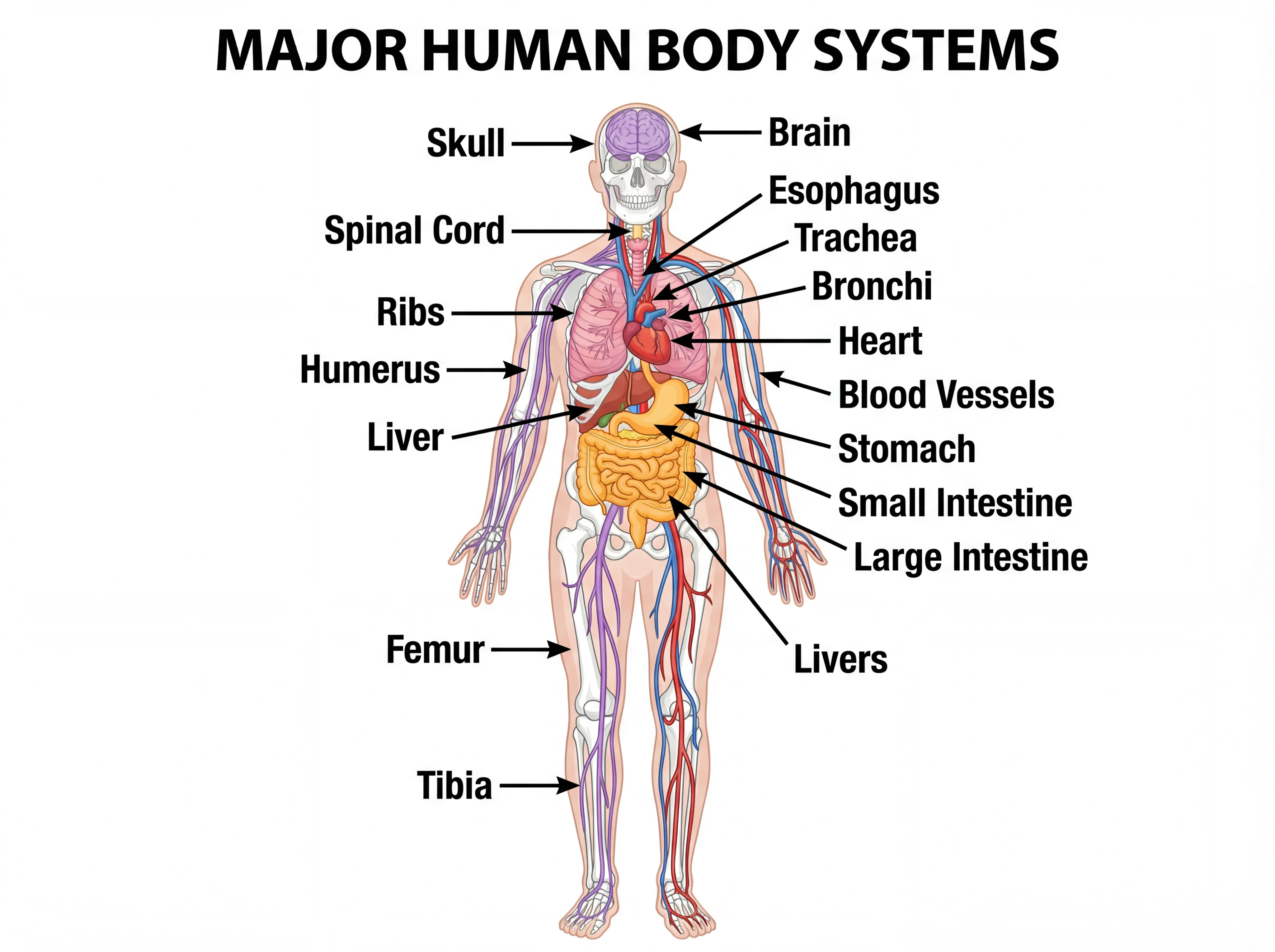 Biology
Human Body Systems Diagram Generator
Create detailed, labeled human body systems diagrams for anatomy education.
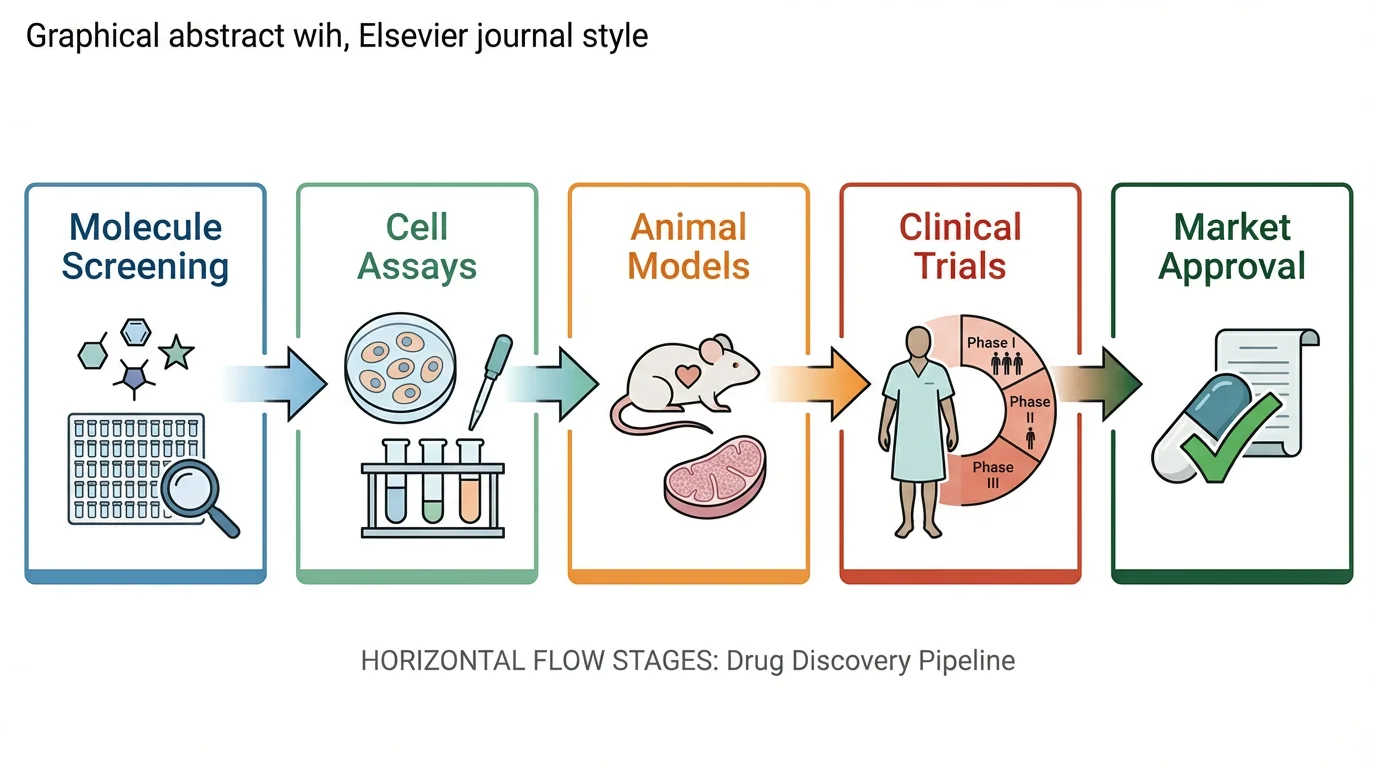 Research
Graphical Abstract Maker
Create professional graphical abstracts for medical and scientific journal submissions.