Scientific Poster Generator for Conference Posters
Generate an academic research poster with AI. Describe your study and get a conference-ready layout with title, abstract, methods, results, and conclusion sections, in portrait or landscape. Free to try.
Scientific Poster Generator
Preview is free on this page ·
Your poster layout will appear here
Describe your research and click Generate
Start from a scientific poster template
Pick a layout to load its prompt and size into the generator above, or download it as a free true-size PowerPoint file to finish and print.
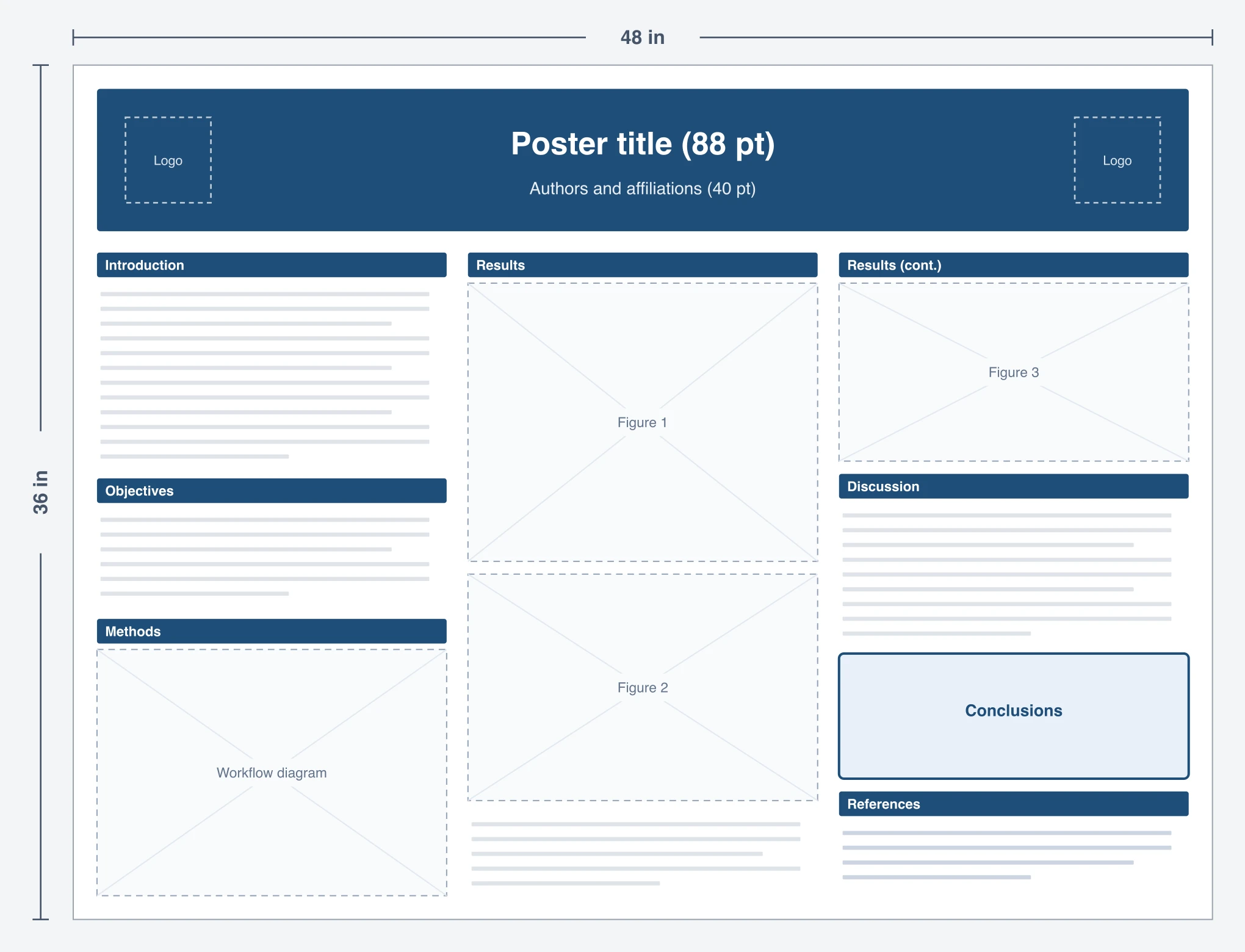
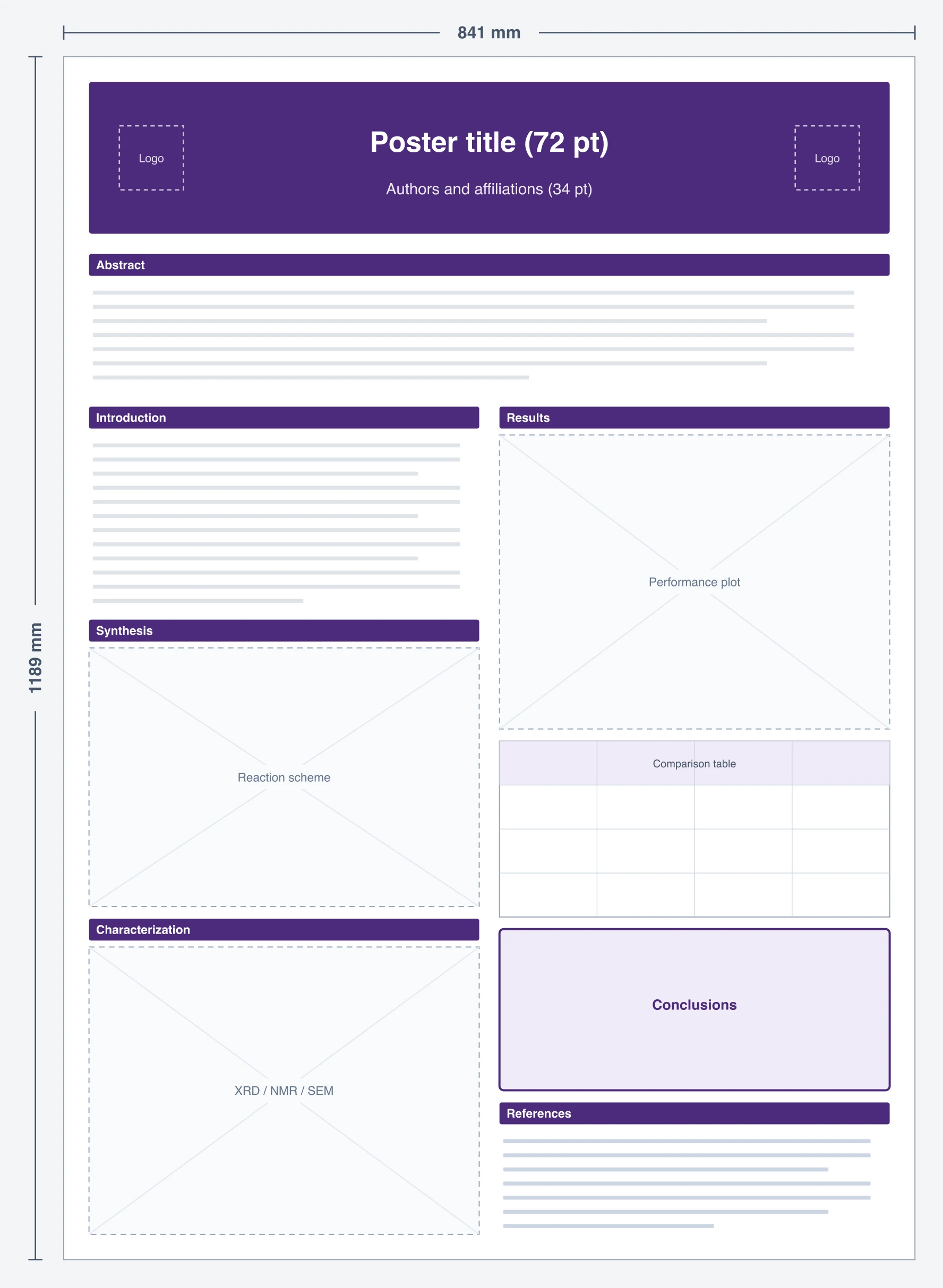
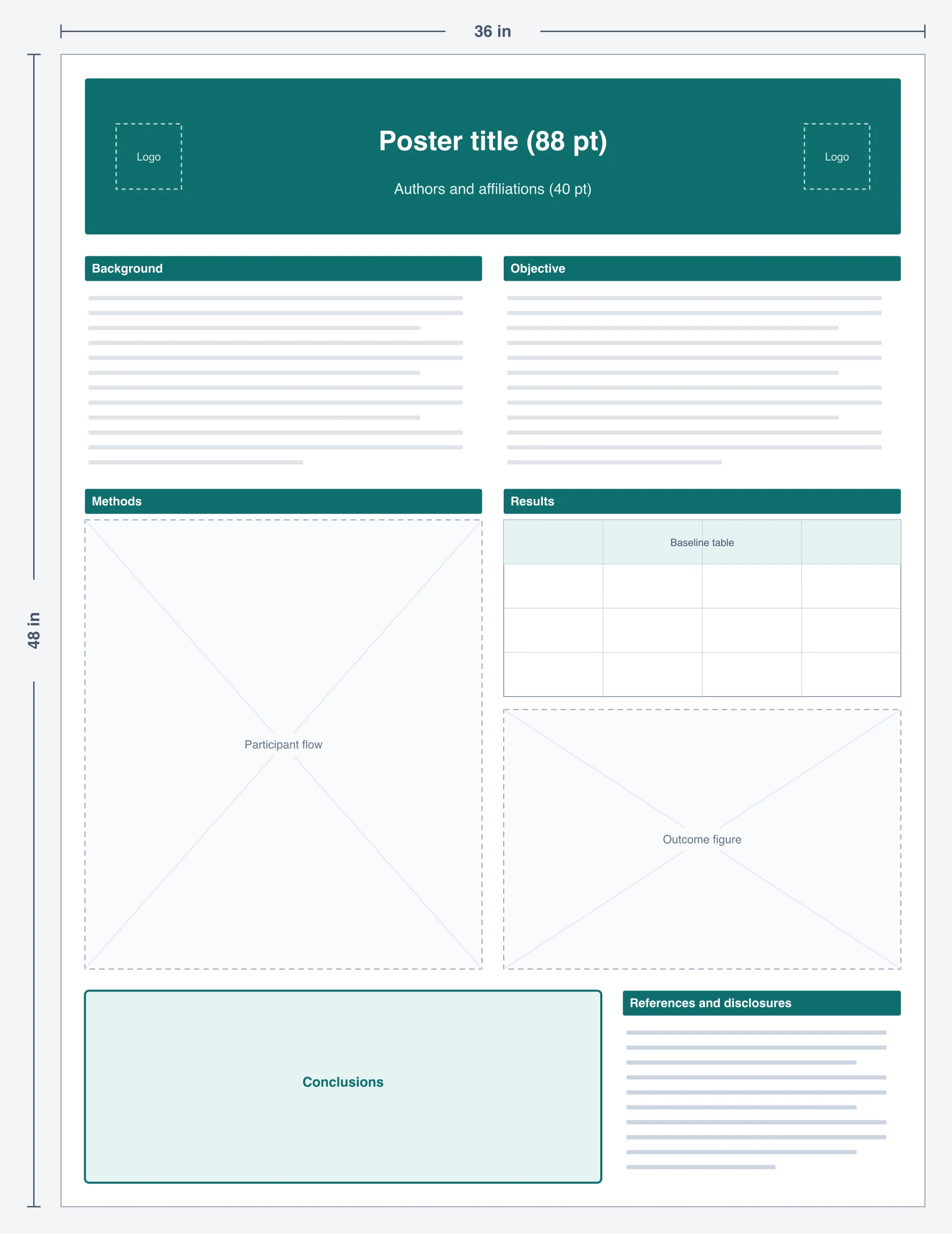
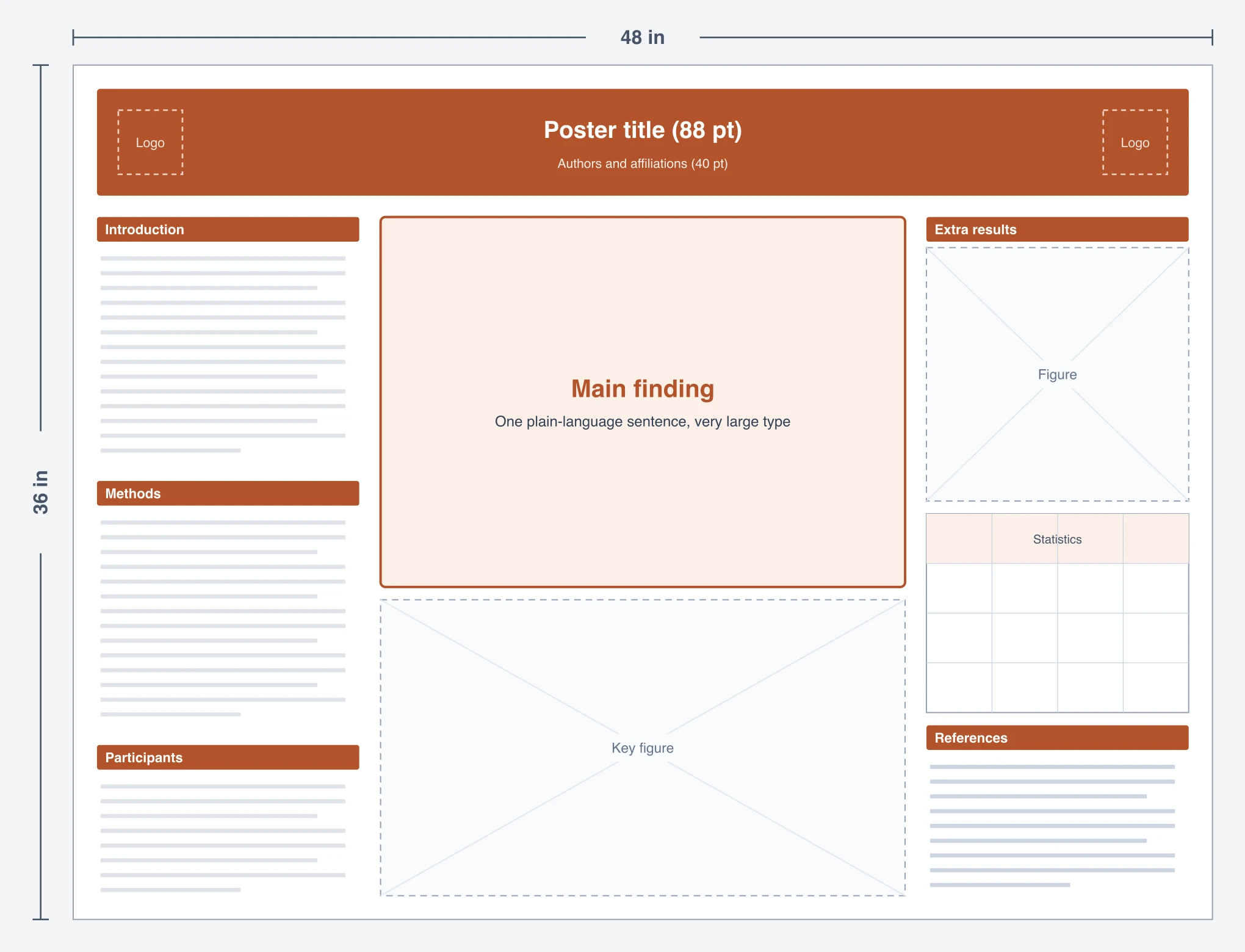
Scientific Poster Examples
AI-generated poster layouts across biomedical, CS, environmental, and other research fields
Biomedical Research Poster
A portrait biomedical poster with a clear header, methods, results figures, and conclusions for a medical conference.
Computer Science Poster
A machine-learning poster with an architecture diagram, benchmark tables, and a results block for a CS symposium.
Environmental Science Poster
An ecology poster pairing a study-area map with methodology, biodiversity charts, and conservation implications.
Psychology Research Poster
An APA-style psychology poster with an abstract, hypotheses, experimental design, and statistical results.
Chemistry Research Poster
A chemistry poster built around a synthesis route, characterization data, and a clean results-and-discussion section.
Public Health Poster
A public-health poster with population data, an intervention flowchart, outcome graphs, and take-home messages.
What is a scientific poster?
A scientific poster is a single-page visual summary of a research project, displayed at conferences, symposiums, and departmental events so you can present your work and talk it through with peers. A good poster walks a reader through the study at a glance: the title and authors up top, then the introduction, methods, results, and conclusion arranged in columns. This generator turns a plain-English description of your study into a structured, conference-ready poster layout with those sections already laid out and balanced for you.
How to generate a scientific poster
- Describe your study: enter the title, your field, the sections you want, and the figures you plan to add (graphs, tables, microscopy images, maps).
- Pick an orientation: portrait 3:4 for a 36×48 inch board, landscape 4:3 for 48×36 inch, or square. Starting from a template fills this in for you.
- Generate the layout and review the columns, headers, and figure placeholders the AI produces.
- Download the poster and drop in your real figures, data, and text in PowerPoint, Illustrator, or Keynote before printing.
The sections of a good scientific poster
- Title, authors, and affiliations: a prominent header, with room for institutional logos.
- Abstract or introduction: the background, the question, and why the study matters.
- Methods: study design, participants or materials, and procedures, kept brief.
- Results: the core of the poster, carried by figures, graphs, and tables rather than text.
- Discussion and conclusion: what the findings mean and the take-home message.
- References, acknowledgments, and contact: key citations, funding, and a QR code for follow-up.
Poster size, orientation, and format
Most US conferences use 36×48 inch (portrait) or 48×36 inch (landscape) boards, while many international meetings ask for A0 (841×1189 mm). Choose portrait when your content reads top-to-bottom and landscape when you have wide figures or several columns. This tool generates a 2K image (2048 pixels on the long side) in the aspect ratio you pick. That is ideal for choosing a design, sharing a draft with co-authors, or showing on an ePoster screen, but it is not sharp enough to print at 48 inches on its own. For the printed version, rebuild the design in a true-size PowerPoint file (our free scientific poster templates are already set to 48×36 in, 36×48 in, A0, and A1), add your real figures, and export a PDF at the exact print size.
Scientific poster best practices
Posters are read from several feet away, so keep the title large (about 85pt or more) and body text readable (24pt and up). Let figures do the heavy lifting: aim for two to four strong visuals and trim text to bullet points and short captions. Keep a clear top-to-bottom, left-to-right reading order, use a consistent color scheme that matches your field or institution, and leave generous white space so the poster does not feel crowded.
For PhD, grad school, and conference posters
The same layout works across the academic timeline: a first conference poster, a departmental or symposium presentation, a thesis or PhD defense, and grad-school research showcases. The generated structure follows the conventions reviewers and committees expect, so you can spend your time on the science rather than on aligning text boxes. It works for any discipline (life sciences, physical sciences, engineering, social sciences, and the humanities) because you describe the study and the AI adapts the sections to it.
Frequently Asked Questions
More Research Tools
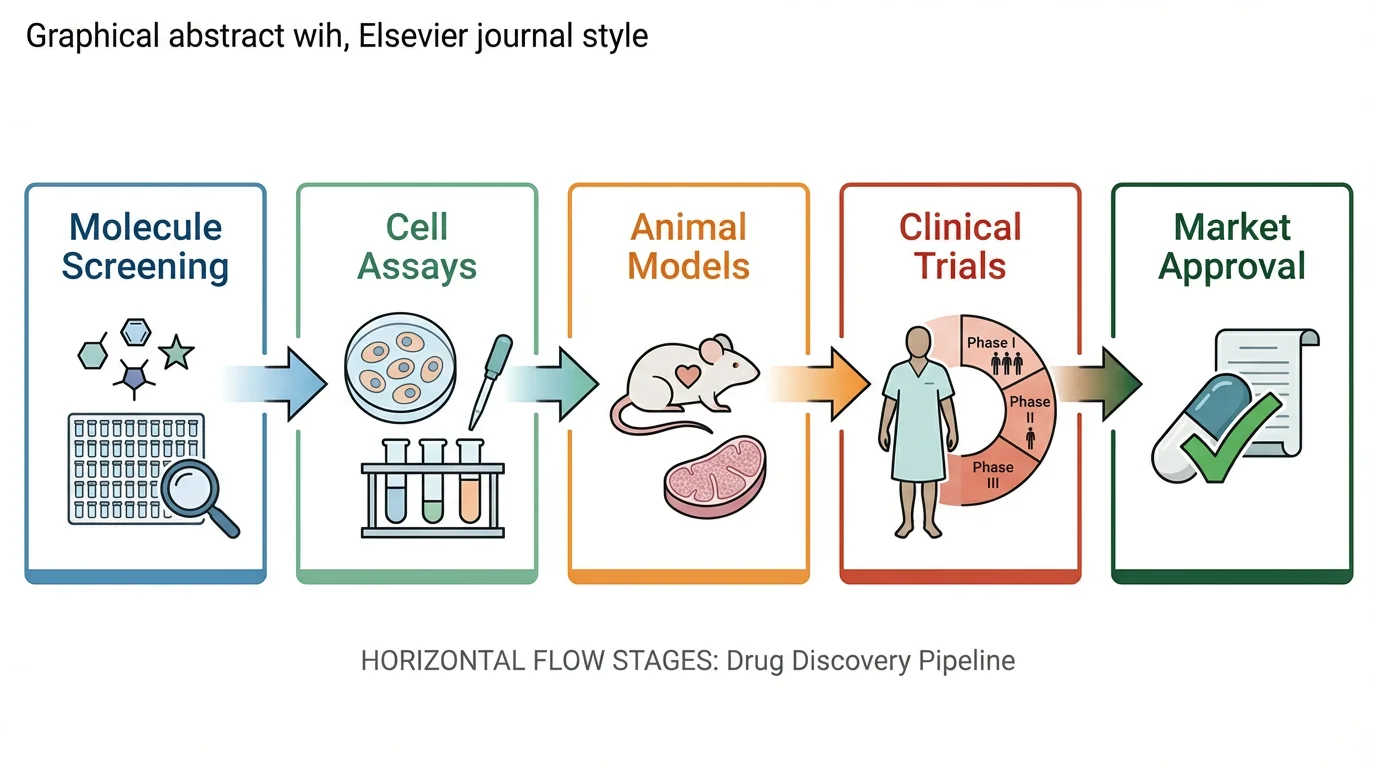 Research
Graphical Abstract Maker
Create a professional graphical abstract to summarize your paper for journal submission.
 Visualization
AI Infographic Generator
Turn your data and key points into a clean, shareable infographic for talks and posts.
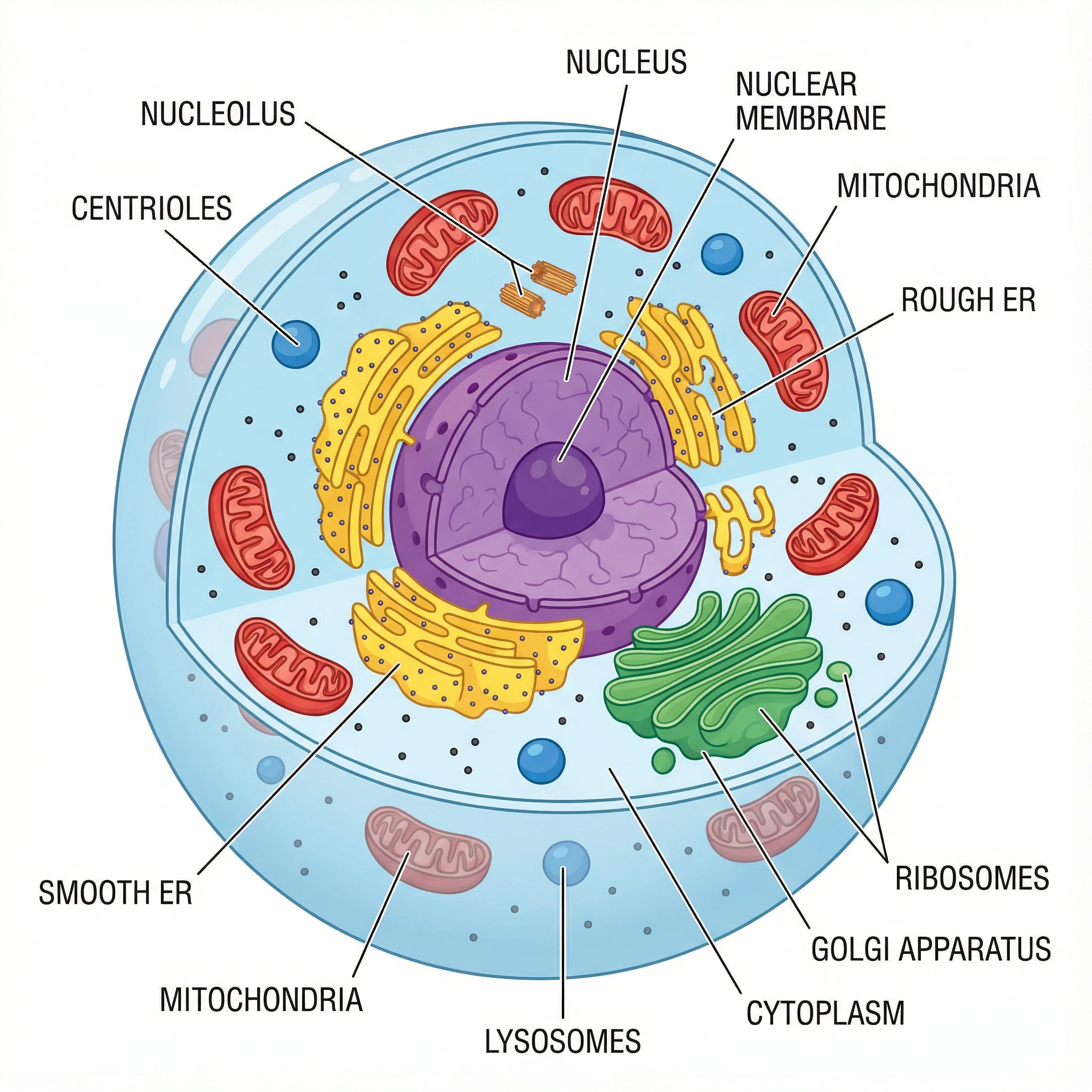 Biology
Animal Cell Diagram Generator
Make labeled animal cell diagrams with the nucleus, mitochondria, and other organelles.