Free Body Diagram Maker for Forces & Equilibrium
Make a free body diagram online. Type your forces as label, magnitude, and angle for an exact, auto-labeled FBD, or describe a scenario for an AI illustration — then download SVG, free.
Enter forces as label, magnitude, angle — renders an exact, labeled free body diagram as SVG, free
Force settings
Exact, labeled diagram, rendered as SVG.
One force per line: label, magnitude, angle. Angle is in degrees, 0° points right (east), measured counterclockwise. Up to 8 forces.
Net force ≈ 3 at 0°
Arrows radiate from the object, scaled to each force.
Free Body Diagram Generator
Free to try ·
Your free body diagram will appear here
Describe your physics scenario and click Generate
Free Body Diagram Examples
Common scenarios covering inclined planes, tension, friction, pulleys, and circular motion
Inclined Plane FBD
Weight pulls straight down, the normal force is perpendicular to the surface, and friction acts along the incline.
Tension & Equilibrium
A hanging mass in equilibrium: two tension forces balance gravity, so the net force is zero.
Falling Object FBD
Gravity points down and air resistance points up — the difference gives the net force.
Pushed Box FBD
Four forces on a sliding box: applied force right, friction left, normal up, weight down.
Pulley System FBD
An Atwood machine needs one free body diagram per mass, with tension up and weight down.
Circular Motion FBD
In circular motion the net force points toward the center as the centripetal force.
What is a free body diagram?
A free body diagram (FBD) is a simple sketch that isolates a single object and shows every force acting on it as a labeled arrow. The object itself is drawn as a box or a point, and each arrow points in the direction the force acts, with its length representing the size of the force. By stripping away the surroundings and keeping only the forces, a free body diagram makes it easy to apply Newton’s laws and solve for unknowns. This free body diagram maker draws that sketch for you: enter each force as a label, magnitude, and angle, and it places a correctly oriented, scaled, labeled arrow for every one.
Two ways to make a free body diagram here
- Precise mode: type each force as label, magnitude, angle. The tool draws an exact, scaled arrow for every force, labels it, and computes the net force — accurate every time, with no dragging or aligning.
- AI illustration mode: describe the physical scenario in plain English and the tool generates a polished, textbook-style free body diagram illustration with standard physics styling.
- Use precise mode when correctness matters (homework, lab reports, exam practice); use AI mode when you want a richly illustrated figure for slides, handouts, or a study guide.
How to draw a free body diagram
- Choose your object and treat it as a single point or box — everything outside it is part of the environment.
- Identify every force acting on the object: weight (gravity), the normal force from any surface, friction, tension, applied pushes or pulls, and drag.
- Give each force a direction. In this generator, 0° points right (east) and angles increase counterclockwise, so straight up is 90°, left is 180°, and straight down is 270°.
- Enter the forces, read off the net force the tool calculates, and download a clean SVG to drop into your notes, report, or worksheet.
Common forces on a free body diagram
Weight (Fg = mg) always points straight down toward the Earth. The normal force (Fn) is perpendicular to the contact surface and pushes the object away from it. Friction (Ff) acts along the surface, opposing motion or the tendency to move. Tension (T) pulls along a rope or cable, away from the object. An applied force (Fa) is any direct push or pull, and drag or air resistance opposes the direction of motion through a fluid. A correct FBD includes only forces acting on the object itself — never forces the object exerts on something else, and never quantities like velocity or acceleration, which are not forces.
Equilibrium and Newton’s second law
Once the forces are drawn, a free body diagram becomes a calculation tool. If the object is in equilibrium (at rest or moving at constant velocity), the forces balance and the net force is zero: ΣFx = 0 and ΣFy = 0. If the net force is not zero, Newton’s second law gives the acceleration: ΣF = ma. The generator sums the horizontal and vertical components of your forces and reports the resultant, so you can immediately see whether your object is balanced or accelerating, and in which direction.
When to use the AI illustration mode
Reach for AI illustration mode when you want a styled, context-rich figure rather than a strict force layout — an inclined-plane scene, a pulley system, or a banked-curve illustration for a presentation or handout. For anything where the directions and magnitudes must be exactly right, such as a graded problem or a lab write-up, use the precise mode so the arrows are computed from your input and the net force is calculated for you.
Frequently Asked Questions
Related Physics Tools
 Physics
Vector Diagram Maker
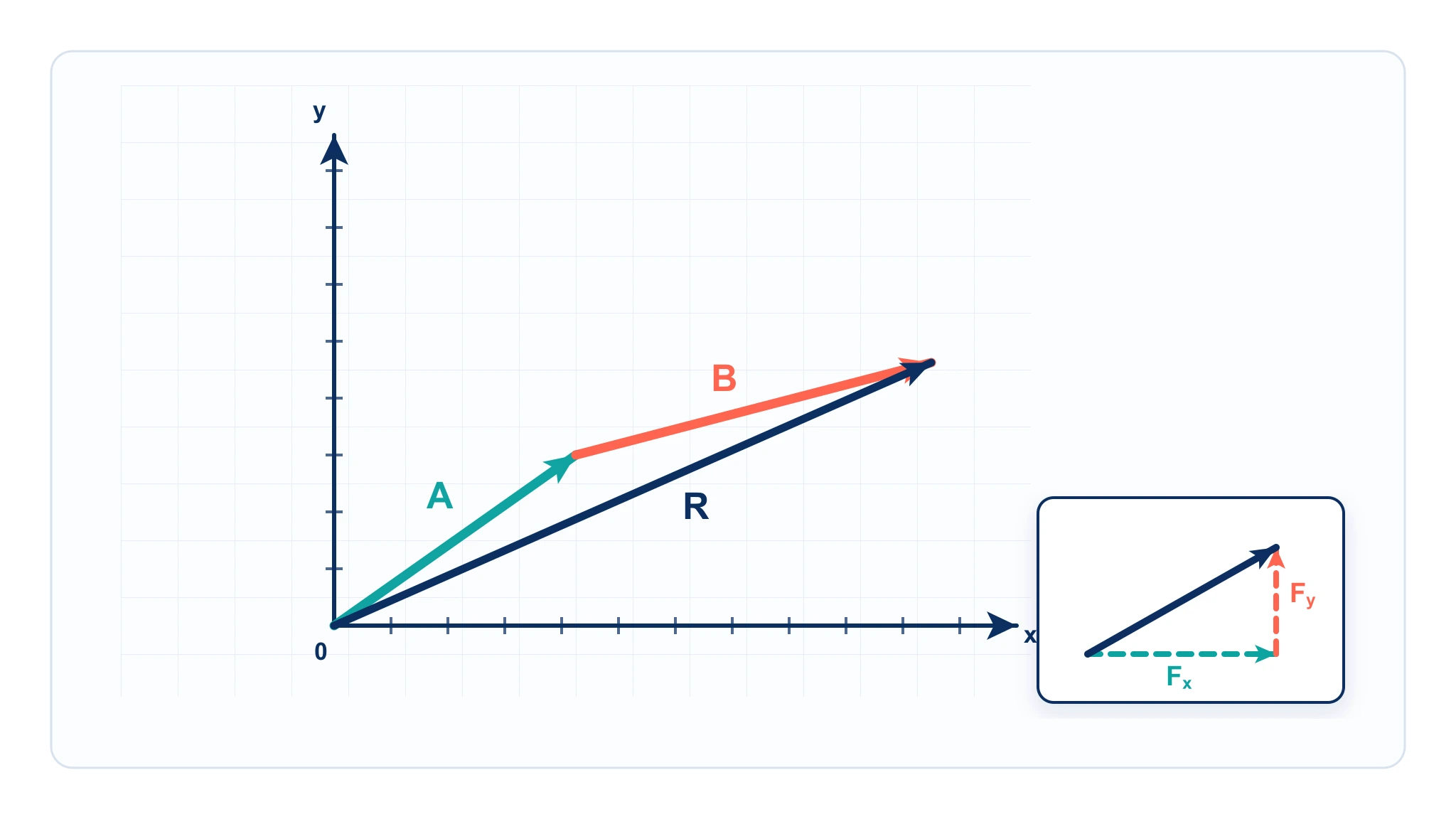
Add vectors head-to-tail, resolve components, and draw the resultant from magnitude and angle.
 Diagrams
Text to Diagram Generator
Turn a plain-text description into a clean, structured diagram in seconds.
 Research
Scientific Poster Generator
Build a polished research poster with figures, sections, and clean academic styling.