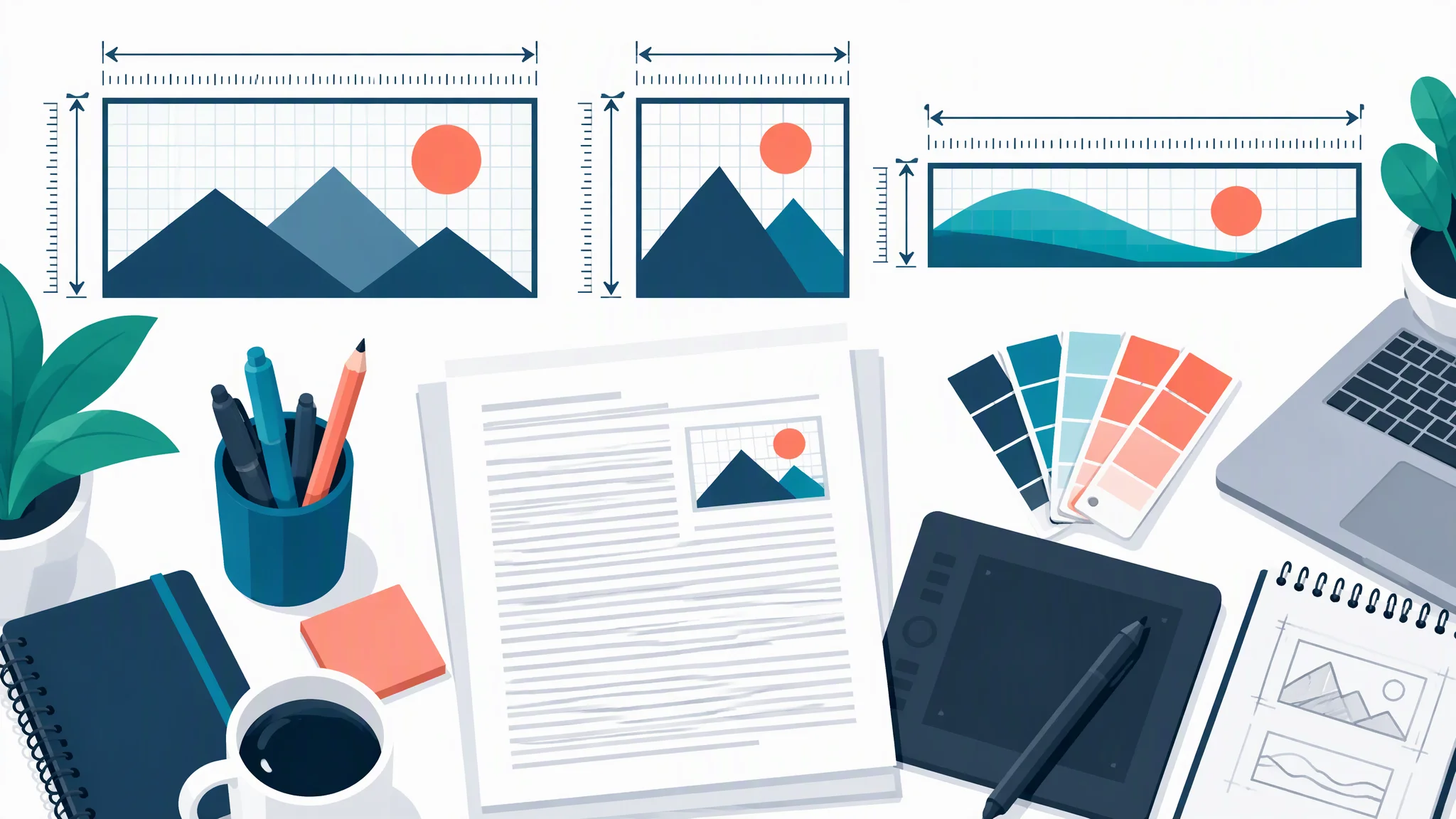
TOC Graphic Requirements by Journal: Sizes and Formats
TOC graphic and graphical abstract sizes for ACS, RSC, Wiley, Elsevier, Cell Press, MDPI and Nature Chemistry, checked on official guides in October 2026.
A table of contents (TOC) graphic is the small image a journal shows next to your article title in its online contents list, search results, and alerts. Every publisher sets its own size, format, and text rules, and they differ a lot: ACS wants a wide strip no larger than 3.25 × 1.75 inches, Cell Press wants an exact 1200 × 1200 pixel square, and Elsevier wants a 5:2 banner of at least 1328 × 531 pixels. The table below lists the current requirements for seven publishers and journals, each taken from the official author guide and checked in October 2026.
Publishers also use different names for the same thing. ACS and most Wiley chemistry journals say TOC graphic, RSC says table of contents entry, and Elsevier, Cell Press, MDPI, and Nature journals say graphical abstract. If your journal asks for any of these, this guide applies. For the design side, see our step-by-step guide on how to create a graphical abstract.
Graphical Abstract Maker
Describe your paper's main finding and get a single-panel TOC graphic draft in a square or landscape format. Crop and export it to your journal's exact size.
Draft your TOC graphic →TOC graphic size by journal: quick comparison
All values are copied from the publisher's own page. "Not stated" means the official guide does not say; it does not mean anything goes. Pixel values in brackets are our conversion at the resolution the publisher asks for, so you can set up a canvas directly.
| Publisher | Term used | Size | Resolution | File formats | Text rules | Official source |
|---|---|---|---|---|---|---|
| ACS (all ACS journals) | TOC/Abstract graphic | Max 3.25 × 1.75 in (8.25 × 4.45 cm) [975 × 525 px at 300 dpi] | 300 dpi colour, 1200 dpi black and white | TIF, or EPS in RGB with fonts outlined or embedded | Labels only, no long phrases; sans-serif, 8 pt preferred, 6 pt minimum | ACS TOC guidelines (PDF) |
| RSC (ChemComm) | Table of contents entry (graphical abstract) | Max 8 cm wide × 4 cm high [1890 × 945 px at 600 dpi] | 600 dpi or greater | TIFF | Labels only in the graphic, plus 1 to 2 sentences of text, max 250 characters | ChemComm author guidelines |
| Wiley: Angewandte Chemie | Table of Contents graphic | 5.5 × 5.0 cm or 11.5 × 2.5 cm (w × h, max) [650 × 591 px or 1358 × 295 px at 300 dpi] | 300 dpi | JPEG, TIF, PNG; ChemDraw .cdx for structures | Accompanying text max 50 words; minimum font in image 6 to 7 pt | Angewandte Notice to Authors |
| Wiley: Advanced Materials family | ToC figure | 55 × 50 mm or 110 × 20 mm (w × h) [650 × 591 px or 1299 × 236 px at 300 dpi] | At least 300 dpi (general figure rule) | TIFF or PNG (general figure rule) | ToC text 50 to 60 words, third person | Advanced author guidelines |
| Elsevier (default) | Graphical abstract | Min 1328 × 531 px (w × h), ratio 5:2; shown at 500 × 200 px | Min 300 dpi | TIFF, EPS, PDF, MS Office | All text inside the image; Times, Arial, Courier or Symbol; no "graphical abstract" heading | Elsevier graphical abstract page |
| Cell Press | Graphical abstract | Exact square, 1200 × 1200 px | 300 dpi | TIFF, PDF, JPG | Simple labels, use text sparingly, no data (2014 Cell Press guide) | Cell Final File Requirements (PDF) |
| MDPI (Molecules) | Graphical abstract | Min 1100 × 560 px (w × h) | Not stated | PNG, JPEG, TIFF | No large blocks of text; no "graphical abstract" heading | Molecules instructions for authors |
| Springer Nature: Nature Chemistry | Graphical abstract | Fits within 90 mm wide × 50 mm high [1063 × 591 px at 300 dpi] | Per the journal's figure guidelines | Single standard image file; separate .cdx for ChemDraw structures | Keep text to a minimum | Nature Chemistry formatting guide |
All sources checked October 2026. Individual journals can override their publisher's default, so always open your target journal's own guide before you export.
The biggest trap is shape. ACS, RSC, and Elsevier want a wide landscape strip, Cell Press wants a square, and Wiley journals accept either a near-square box or a very thin banner. Decide the canvas shape before you draw anything, because a square design squeezed into a 5:2 strip rarely survives.
Publisher by publisher
ACS: TOC/Abstract graphic
The ACS guidelines (updated February 28, 2024) apply to every ACS journal. Submit the graphic "at the actual size to be used for the TOC so that it will fit in an area no larger than 3.25 inches by 1.75 inches." Save it as TIF at 300 dpi for colour (1200 dpi for black and white) or as an RGB EPS. Label it "For Table of Contents Only" and place it on the last page of the manuscript; the JACS author guidelines also require it inside the manuscript file.
- Must be original: "entirely original, unpublished artwork created by one of the coauthors." Avoid reusing a figure that already appears in the paper.
- Not allowed: photos or drawings of people, postage stamps, currency, and trademarked items such as company logos.
- Text: limited to labels for compounds, reaction arrows, and diagrams. Sans-serif such as Helvetica, ideally 8 pt and never below 6 pt.
- Background: Not stated. Colour is encouraged.
ACS's own advice is to treat the graphic as "a single PowerPoint slide that tells the story of your article" and to show it to someone who has not read the paper.
RSC: table of contents entry
RSC journals publish separate guidelines; we checked ChemComm. The entry is a graphic plus 1 to 2 sentences of text (max 250 characters), submitted at the revision stage, not at first submission.
- Size: "a maximum size of 8 cm wide x 4 cm high." RSC recommends using the full space.
- Resolution and format: TIFF at 600 dpi or greater. That is twice the resolution most other publishers ask for.
- Text: keep it to labels for compounds, arrows, and diagrams. The sentence that accompanies the graphic should not repeat the title or abstract.
- Other rules: no logos, trademarks, or brand names; avoid complex schematics or spectra. If an AI tool helped, authors must confirm it was trained on fully licensed data and that its licence allows commercial reuse.
- Background: Not stated.
Wiley: depends on the journal
There is no Wiley-wide TOC size. Wiley's general Author Services page covers ordinary figures only, so check the journal's own page. Two of the most common:
- Angewandte Chemie. The Notice to Authors asks for an image of 5.5 × 5.0 cm or 11.5 × 2.5 cm (maximum width × height), minimum font size 6 to 7 pt, embedded on the last page of the Word manuscript rather than uploaded separately. Text up to 50 words. AI-generated TOC images are allowed if declared. Note that the journal's separate graphics guidelines page lists the wide format as 11.0 × 2.5 cm, so design to 11.0 cm wide to satisfy both.
- Advanced Materials and sister journals. The Advanced author guidelines specify "either 55 mm × 50 mm (w × h) or 110 mm × 20 mm (w × h)", with 50 to 60 words of ToC text written in the third person. Images that need a reuse credit cannot be used.
Some smaller Wiley journals publish a "Graphic in Table of Contents" PDF (for example InfoMat), which asks for TIFF at 300 dpi for colour and 1200 dpi for black and white, uploaded separately at first submission. Treat those PDFs as journal-specific.
Elsevier: graphical abstract
The Elsevier graphical abstract page sets the default for most Elsevier journals:
- Size: "a minimum of 1328 x 531 pixels (w x h) using a minimum resolution of 300 dpi." Larger images must keep the same 500:200 ratio, because ScienceDirect scales every graphical abstract into a 500 × 200 pixel window.
- Format: TIFF, EPS, PDF, or MS Office files, uploaded as a separate file in the submission system.
- Text: "Any text or label must be part of the image file." Use Times, Arial, Courier, or Symbol, large enough to read when the image is only 200 pixels tall. No heading that says "graphical abstract", and no unnecessary white space.
- Flow: a clear start and end, reading top to bottom or left to right.
- AI: use of generative AI must follow Elsevier's AI policy for journals.
The graphical abstract appears online (search results, contents list, article page) but usually not in the PDF. Your journal's Guide for Authors can override these defaults.
Cell Press: graphical abstract
Cell's Final File Requirements are explicit: "The image should be an exact square, 1200 x 1200 pixels in dimension at 300 dpi. Preferred file types are TIFF, PDF, or JPG." The figure guidelines describe it as a single-panel square image, listed among the final files rather than the first submission.
An older Cell Press guide from 2014 still circulates with a 5.5-inch square size; the current file requirements say 1200 × 1200 pixels, so use that. The 2014 guide's design advice still holds: one panel, a clear start and end, sparse labels in Arial at 12 to 16 pt, no data, and no heavily saturated primary colours. Not every Cell Press journal publishes graphical abstracts, so check the journal page.
MDPI: graphical abstract
On the Molecules instructions, "the minimum required size for the graphical abstract is 560 × 1100 pixels (height × width)" in PNG, JPEG, or TIFF. It must not be identical to a figure in the paper, a collage of subfigures, or the text abstract pasted next to a picture. Resolution and where to upload it are not stated, so follow the submission system prompts.
Springer Nature: per journal
Springer Nature has no portfolio-wide graphical abstract rule; each journal decides whether it uses one and in what size. Nature Chemistry does: "The image must be sized to fit in a rectangle of dimensions 90 mm wide × 50 mm high," submitted with a white background, with minimal text and a separate .cdx file if it contains ChemDraw structures.
Two examples made to journal specs
To check that these sizes are workable with an AI drafting tool, we made one example for each of the two most common pixel-based specs, using the graphical abstract maker with its standard prompt. Both are illustrative topics, not published papers.
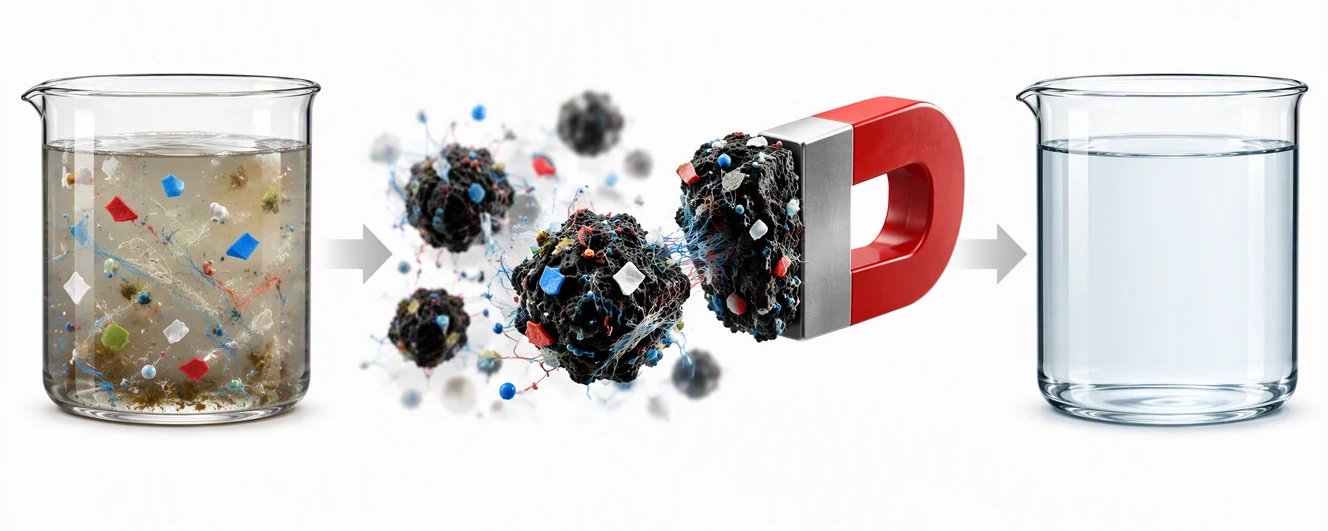
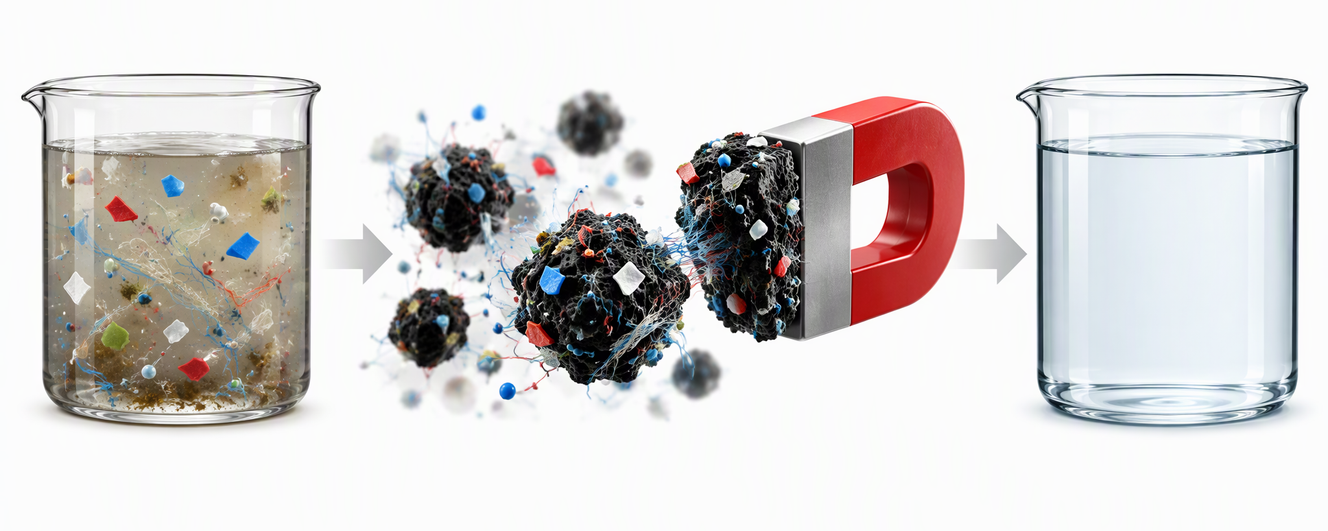
Elsevier spec: 1328 × 531 px at 300 dpi. Generated in the 16:9 format with the prompt asking for all content inside a wide horizontal band, then cropped to 5:2 and resized to exactly 1328 × 531 px. It reads left to right with a clear start and end and no text, as Elsevier asks. Download the PNG.
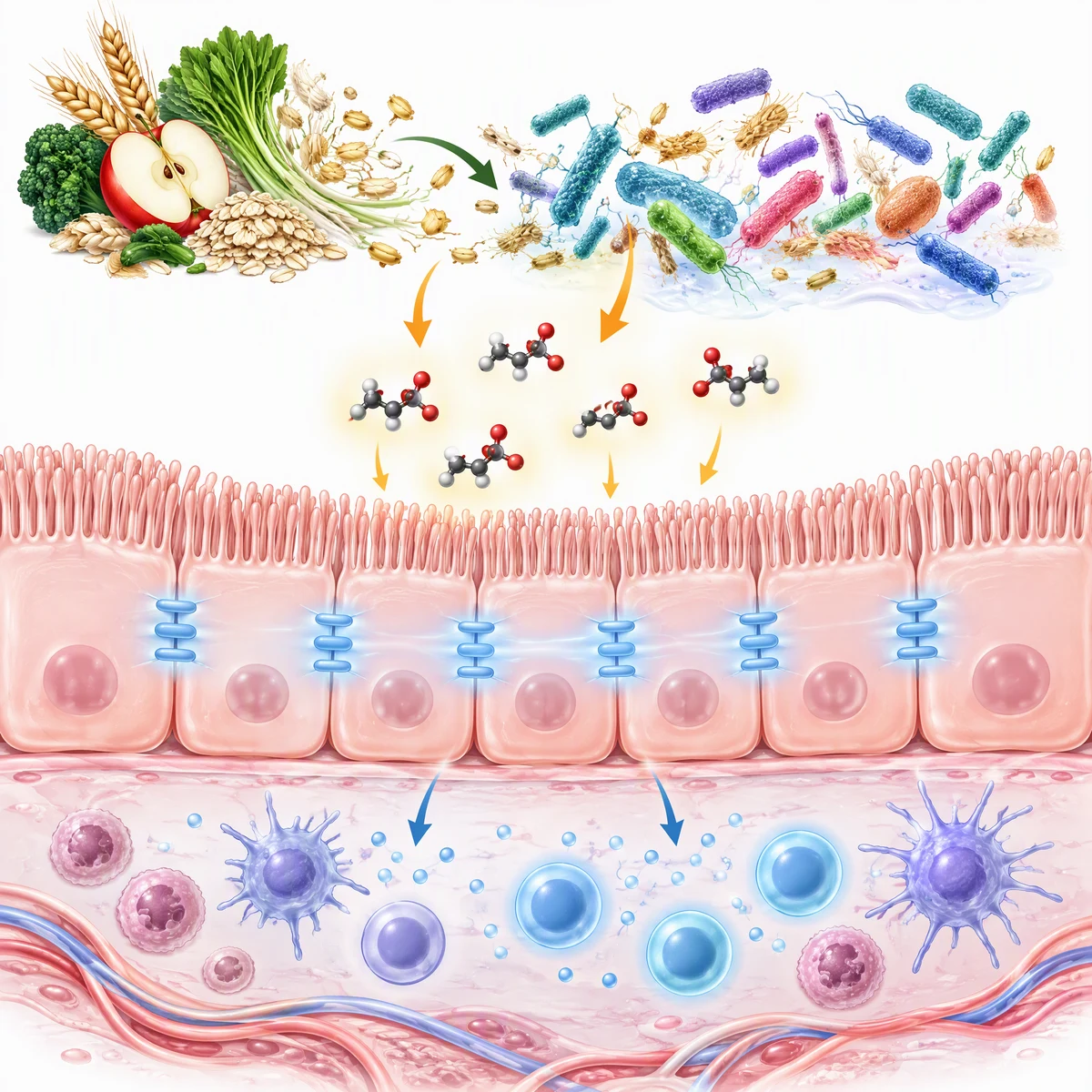
Cell Press spec: exact 1200 × 1200 px at 300 dpi. Generated in the 1:1 format and resized to 1200 × 1200 px. Single panel, reading top to bottom. Molecules and cell junctions are schematic, so a real submission would need the authors to check every structure. Download the PNG.
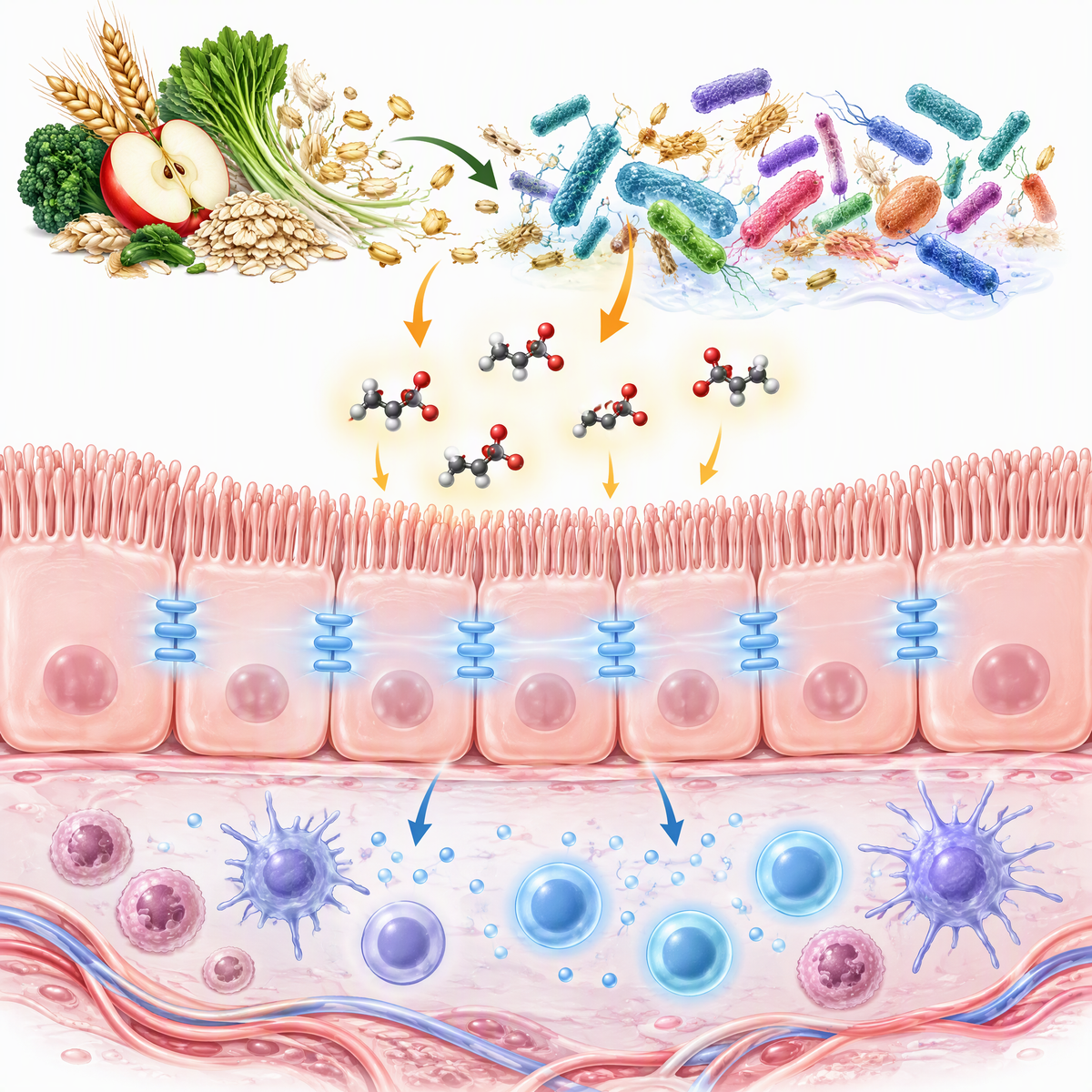
Two lessons from making these. First, the generator offers 16:9, 1:1, 4:3, and 3:2 formats, none of which is 5:2, so for Elsevier ask for a wide band of content with empty space above and below, then crop. Second, AI tools are poor at small text, which works in your favour here: most publishers want few or no words in the image, so add the two or three labels you need afterwards in PowerPoint, Illustrator, or Inkscape. Check your journal's AI policy before you submit an AI-assisted graphic; Elsevier, RSC, and Angewandte all publish rules on it.
How to set up your canvas
Publishers mix physical sizes (inches, cm) and pixel sizes. Convert once, then design in pixels:
| If the guide says | Set the canvas to | Why |
|---|---|---|
| 3.25 × 1.75 in at 300 dpi (ACS) | 975 × 525 px | inches × dpi |
| 8 × 4 cm at 600 dpi (RSC) | 1890 × 945 px | cm ÷ 2.54 × dpi |
| 5.5 × 5.0 cm at 300 dpi (Angewandte, Advanced) | 650 × 591 px | cm ÷ 2.54 × dpi |
| 1328 × 531 px minimum (Elsevier) | 1328 × 531 px or any larger 5:2 size, e.g. 2656 × 1062 | keep the 500:200 ratio |
| 1200 × 1200 px (Cell Press) | exactly 1200 × 1200 px | "exact square" |
| 1100 × 560 px minimum (MDPI) | 1100 × 560 px or larger | minimum only |
Changing the dpi number in an image's metadata does not add detail. If your drawing is 600 pixels wide, relabelling it as 600 dpi only makes it physically smaller. Start with enough pixels.
Pre-submission checklist
Run through this before you upload:
- Right journal, right page. You opened the target journal's own author guide, not just the publisher default.
- Right shape and size. Width and height match the spec in pixels or physical units; Cell Press is an exact square.
- Right resolution. 300 dpi for most publishers, 600 dpi for RSC, 1200 dpi for black and white line art at ACS.
- Right format. TIFF is accepted almost everywhere; check before sending PNG or JPEG.
- Readable at thumbnail size. Shrink the image to about 200 pixels tall on screen. If you cannot read it, enlarge the labels or delete them.
- Minimal text. Labels, not sentences. No "Graphical abstract" heading, no title, no figure caption inside the image.
- Original artwork. Not a copy of Figure 1, no third-party images without permission, no logos or trademarks.
- Clear flow. One start, one end, left to right or top to bottom.
- AI disclosure. If an AI tool helped, the journal's AI policy is followed and declared where required.
- Right stage and place. Uploaded as a separate file, embedded in the manuscript, or held until revision, as the journal specifies.
Common reasons TOC graphics get sent back
These come straight from what the publishers warn against:
- Wrong size or shape. A square graphic for an ACS paper, or a 16:9 image for Elsevier that does not keep the 5:2 ratio.
- Too much text. ACS shows "very cluttered" examples whose fonts are "too small or faint to be readable." Elsevier and Cell Press both say to use text sparingly.
- Too low resolution. A screenshot or a 72 dpi export enlarged to fit.
- Reused figures. ACS and RSC want original artwork that does not simply repeat a figure from the paper; MDPI says the graphical abstract must not be identical to a figure.
- Logos, trademarks, or people. ACS bans images of people, currency, and trademarked items; RSC bans logos and brand names.
- Third-party content without permission. Elsevier requires permission for any third-party material, and Advanced journals will not accept images that need a reuse credit.
Related reading
- How to create a graphical abstract for a research paper, the step-by-step design process.
- Graphical abstract examples and templates by discipline, for layout ideas in your field.
- Visual abstract vs graphical abstract, if your journal uses the medical-style visual abstract.
- Free AI graphical abstract makers compared, if you want to try a few tools.
Graphical Abstract Maker
Start from a plain-text summary of your finding, pick square for Cell Press or landscape for ACS and Elsevier, and refine the draft before cropping to spec.
Make a graphical abstract →Frequently Asked Questions
What is a TOC graphic?
A TOC (table of contents) graphic is a small image that summarizes a paper visually and appears next to the article title in a journal's online contents list, search results, and email alerts. ACS and many chemistry journals call it a TOC graphic; Elsevier, Cell Press, MDPI, and Nature journals call the same thing a graphical abstract.
What size is an ACS TOC graphic?
ACS asks for a graphic that fits in an area no larger than 3.25 by 1.75 inches (about 8.25 by 4.45 cm), submitted at actual size as TIF at 300 dpi for colour or 1200 dpi for black and white, or as an RGB EPS. At 300 dpi that is 975 by 525 pixels. The same rule applies to JACS and other ACS journals.
What size is an Elsevier graphical abstract?
Elsevier's default is a minimum of 1328 by 531 pixels (width by height) at 300 dpi or more. Larger images must keep the 5:2 ratio because ScienceDirect shows them in a 500 by 200 pixel window. Preferred formats are TIFF, EPS, PDF, or MS Office files, uploaded separately. Individual journals can override this.
What size is a Cell Press graphical abstract?
Cell Press asks for an exact square of 1200 by 1200 pixels at 300 dpi, as TIFF, PDF, or JPG, submitted with the final files. An older 2014 guide mentions 5.5 inches square, but the current Cell final file requirements specify 1200 by 1200 pixels.
Is a TOC graphic the same as a graphical abstract?
Mostly yes. Both are a single image that summarizes the paper for browsing readers. The difference is in naming and shape: chemistry publishers such as ACS and RSC tend to use small, wide TOC graphics, while Elsevier and Cell Press use slightly larger graphical abstracts. A medical visual abstract is different again, with a structured text layout.
Can a TOC graphic contain text?
Only a little. ACS and RSC limit text to labels for compounds, arrows, and diagrams; Elsevier wants any text inside the image and no heading; Cell Press says to use text sparingly with no data; MDPI says to avoid large blocks of text. RSC and Wiley journals collect a short sentence of TOC text separately from the image.
Can I use an AI-generated TOC graphic?
It depends on the journal. Elsevier requires AI use to follow its generative AI policy, RSC requires authors to confirm the AI tool used fully licensed training data and allows commercial reuse, and Angewandte Chemie accepts AI-generated TOC images if declared. Always disclose AI use where the journal asks and check every scientific detail yourself.
What dpi should a TOC graphic be?
300 dpi is the minimum at ACS (colour), Elsevier, Cell Press, Wiley's Advanced and Angewandte journals. RSC asks for 600 dpi or greater, and ACS asks for 1200 dpi for black and white artwork. Setting the dpi value in metadata does not add detail, so make sure the image has enough pixels for the physical size.
Categories
More Posts
BioRender Pricing 2026: Plans, Academic Cost, When to Switch
BioRender pricing in 2026: Academic Individual is $35/month billed yearly. Compare plans, add-ons, publication rights, and when switching makes sense.
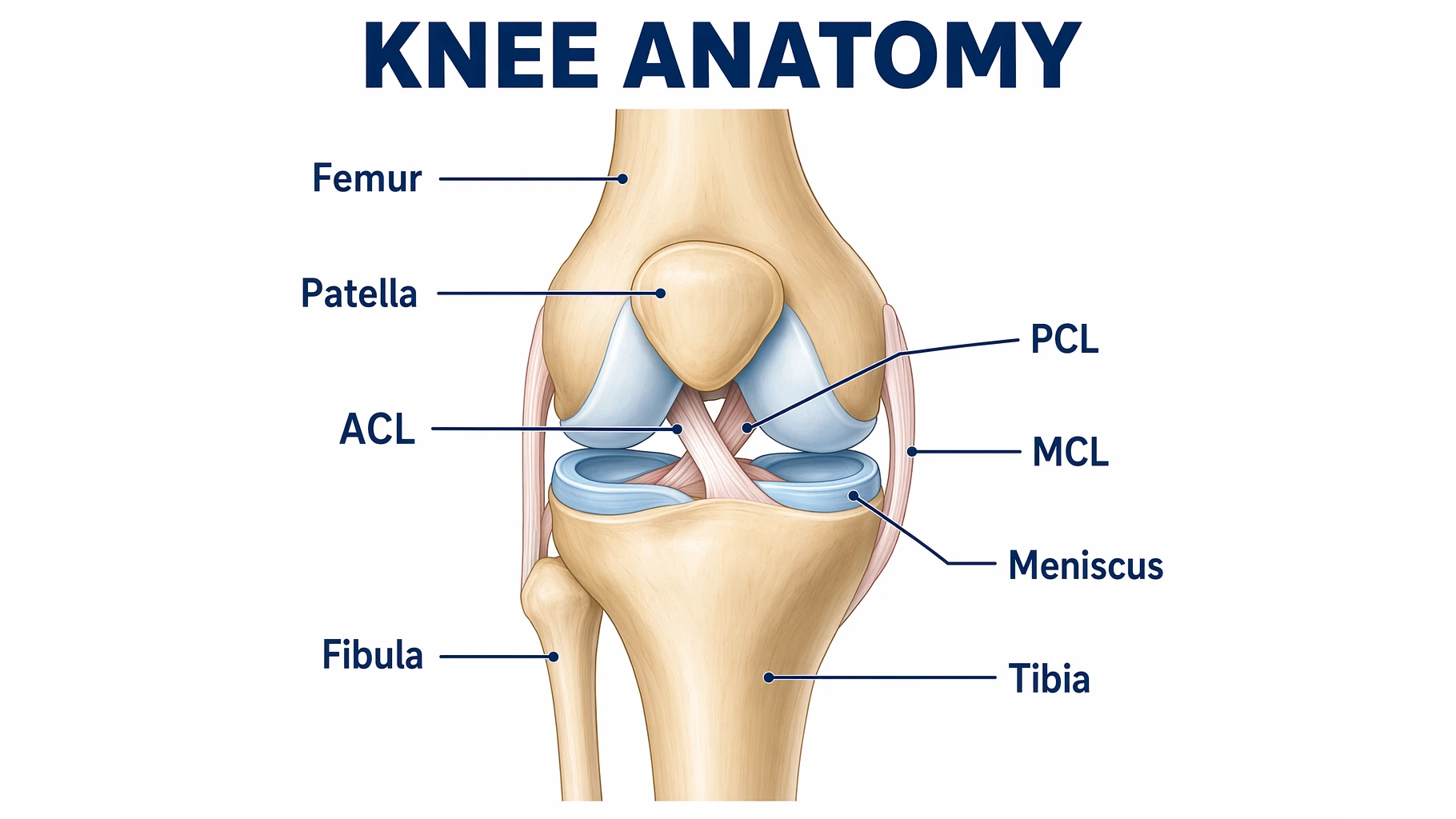
Knee Anatomy Explained: Bones, Ligaments & Diagram
A clear guide to knee anatomy: the bones, cartilage, four main ligaments and tendons, how the knee joint moves, and how to read and label a knee diagram.
AI Worksheet Generator Guide: Create Printable Worksheets and Answer Keys
Learn how to use an AI worksheet generator for printable classroom worksheets, answer keys, differentiation, diagrams, and teacher review workflows.