Graphical Abstract Template: Free PPT, Elsevier & Cell Sizes
Free graphical abstract template for PowerPoint: Elsevier 1328 x 531 px and Cell 1200 x 1200 px canvases, with layout rules and a checklist before you submit.
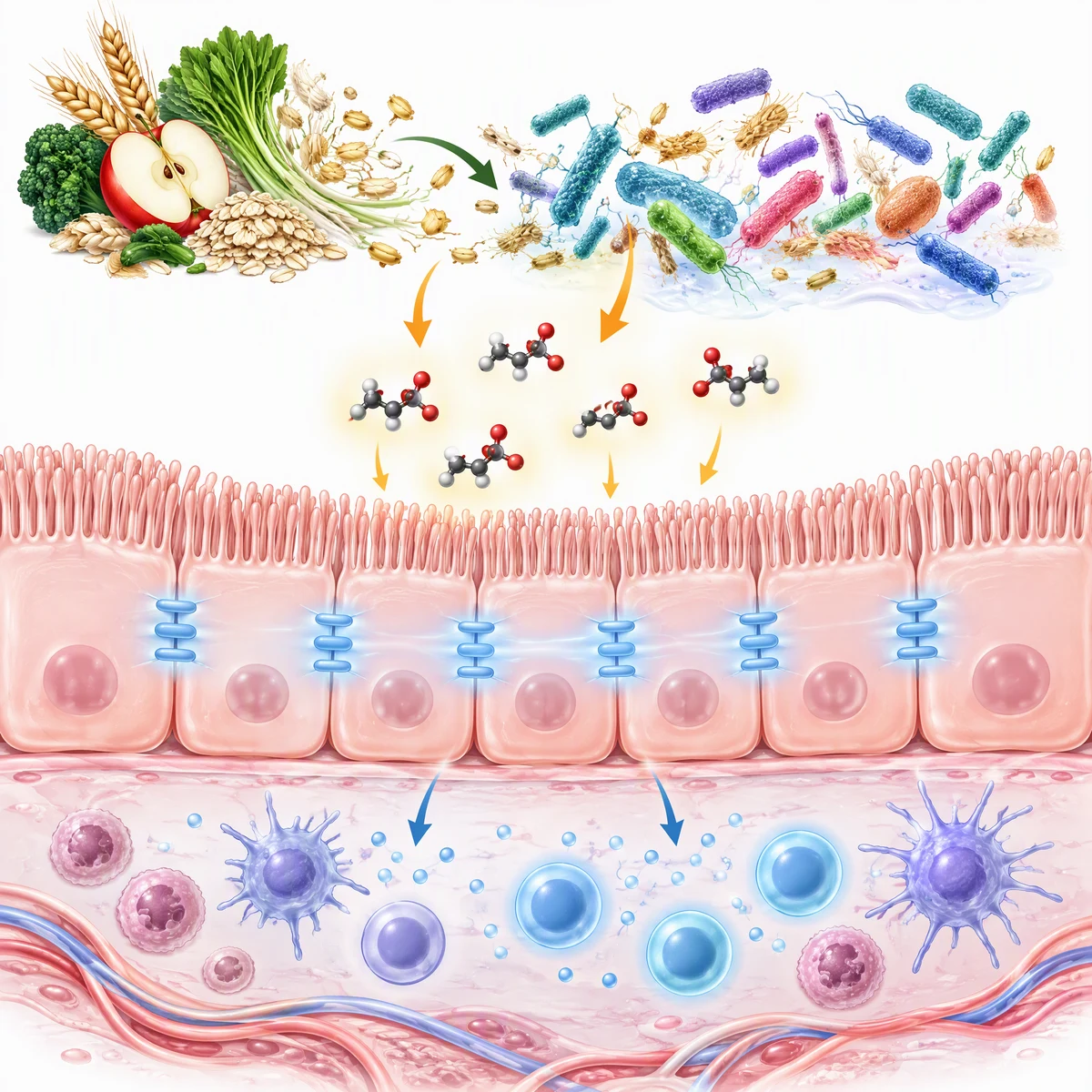
Describe your paper's main finding and get a single-panel graphical abstract draft in a square or landscape format. Start free with 2 image credits, valid for 7 days, no card required.
Start with this diagram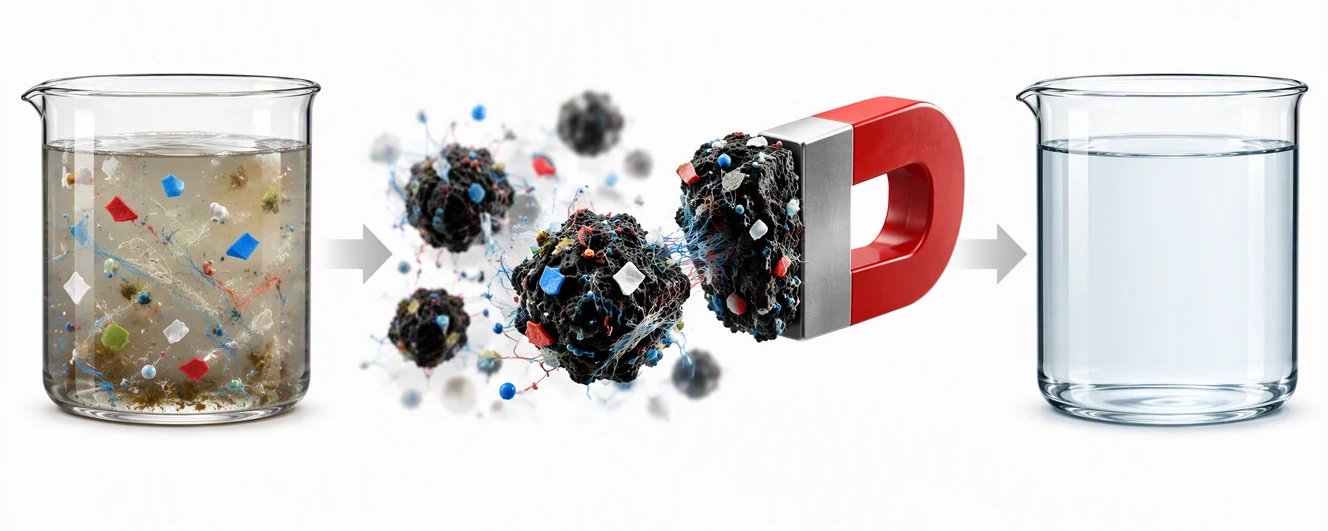
Most graphical abstract template pages describe what a template should look like. This one gives you the file. Below are three free PowerPoint canvases, each set to an exact slide size, with editable placeholders for the problem, the method and the key finding. Open one, replace the placeholders, export a PNG, and check it against your journal's guide.
Quick answer: which canvas for which journal
| Canvas | Slide size | Use it for | Rule it follows |
|---|---|---|---|
| Elsevier landscape | 1328 × 531 px | Elsevier journals | Minimum 1328 × 531 px, 300 dpi, text inside the image |
| Cell Press square | 1200 × 1200 px | Cell Press journals | Exact square, 1200 × 1200 px, 300 dpi |
| General 16:9 | 1280 × 720 px | Journals with no fixed shape, talks, lab pages | Widescreen slide |
Sizes come from the publisher guides we checked in our TOC graphic requirements by journal guide. That post also covers ACS, RSC, Wiley, MDPI and Nature Chemistry. Individual journals can override a publisher default, so open your target journal's own guide before you export.
Download the free PowerPoint canvases
Each file has one slide, uses standard shapes and text boxes only (Arial), and has an export tip in the speaker notes. There are no logos, journal marks or watermarks on the canvas. The file works in PowerPoint and Keynote; Google Slides may rescale the page, so check the size under File > Page setup.
Elsevier landscape
1328 × 531 px. Three panels read left to right: Problem, Method, Key finding.
Cell Press square
1200 × 1200 px. A central Key finding with Problem above and Method below.
General 16:9 before and after
1280 × 720 px. Problem on the left, Key finding on the right, Method in between.
The slides are sized so that PowerPoint on Windows exports a PNG at exactly the pixel size in the table. On a Mac, or when you want more pixels, export at a larger size and keep the same shape. Always check the pixel size of the exported file before you upload it.
For filled-in examples at these two sizes, see the Elsevier and Cell Press examples made to spec.
A finished graphical abstract at the Elsevier size. Your canvas is the empty version of this layout.
Which layout to pick
- Linear flow (Elsevier canvas). Best for a process or a pipeline with a clear start and end.
- Central focus (Cell Press canvas). Best when one concept connects everything else.
- Before and after (16:9 canvas). Best when the paper shows a change, such as a treatment or an intervention.
- Layered or hierarchical. Best for systems with levels, such as cell, tissue and organism. Start from any canvas and stack the panels.
Our graphical abstract examples by discipline show each structure in biology, chemistry, medicine, engineering and data science, so you can copy the structure that matches your field.
A finished square graphical abstract. The central-focus canvas gives you the same structure to fill in.
Fill in the template in 5 steps
- Write the finding in one sentence. Put it in the Title placeholder. If you cannot say it in one line, the figure will not either.
- Sketch before you style. Replace each dashed box with a simple icon or drawing. One idea per panel.
- Cut the words. Keep three to five words per label. Delete any caption that repeats the title.
- Test at thumbnail size. Shrink the picture to about 200 pixels tall. If a label is unreadable, make it larger or remove it.
- Export at the journal size. Use File > Export > PNG, then check the exported size. Save as TIFF or PDF if the journal asks.
If you would rather start from a drawn draft than an empty canvas, the step-by-step graphical abstract guide walks through the design process.
Canva, Word or Illustrator instead of PowerPoint?
We only provide PowerPoint files. To use another tool, create a blank canvas at the same pixel size:
- Canva. Choose Custom size, enter the width and height in pixels (1328 × 531 or 1200 × 1200), and rebuild the layout. Download as PNG.
- Word. Word is a poor fit because it is built for pages, not images. Draw in PowerPoint and paste the exported PNG into Word if you need it there.
- Illustrator or Inkscape. Create an artboard at the same size, in pixels, and export at 300 dpi.
Whatever you use, changing the dpi value in a file's metadata does not add detail. Start with enough pixels.
Check the file before you submit
- The size and shape match your journal's guide, in pixels or physical units.
- Cell Press: the image is an exact square.
- Elsevier: every label is inside the image and there is no "graphical abstract" heading.
- Labels are readable when the image is 200 pixels tall.
- The artwork is original, with no logos, trademarks or third-party images used without permission.
- The file format is one the journal accepts, and any AI-tool disclosure the journal requires is made.
Frequently Asked Questions
Is there a free graphical abstract template for PowerPoint?
Yes. This page has three free PowerPoint files: an Elsevier landscape canvas at 1328 by 531 pixels, a Cell Press square canvas at 1200 by 1200 pixels, and a general 16:9 before-and-after canvas. Each has editable placeholders for the problem, method and key finding.
What size is the Elsevier graphical abstract template?
Elsevier asks for a minimum of 1328 by 531 pixels at 300 dpi or more. Larger images must keep the same shape because ScienceDirect shows them in a 500 by 200 pixel window. Check your journal's Guide for Authors, which can override the default.
What size is the Cell graphical abstract template?
Cell Press asks for an exact square of 1200 by 1200 pixels at 300 dpi, as TIFF, PDF or JPG, supplied with the final files.
Can I use a graphical abstract template in Word?
You can paste an exported image into Word, but Word is not a good drawing tool for this. Draw the figure in PowerPoint, export it as an image at the journal size, and insert the image into your document.
Can I make a graphical abstract template in Canva?
Yes. Create a custom-size design in pixels, for example 1328 by 531 or 1200 by 1200, rebuild the layout, and download it as a PNG. Check the exported pixel size before you upload it to the journal.
Do I need a different template for each journal?
Only if the journals ask for different shapes. Elsevier wants a wide banner and Cell Press wants a square, so use the matching canvas. Journals with no fixed shape accept the general 16:9 canvas, but always read the target journal's author guide first.
More Posts
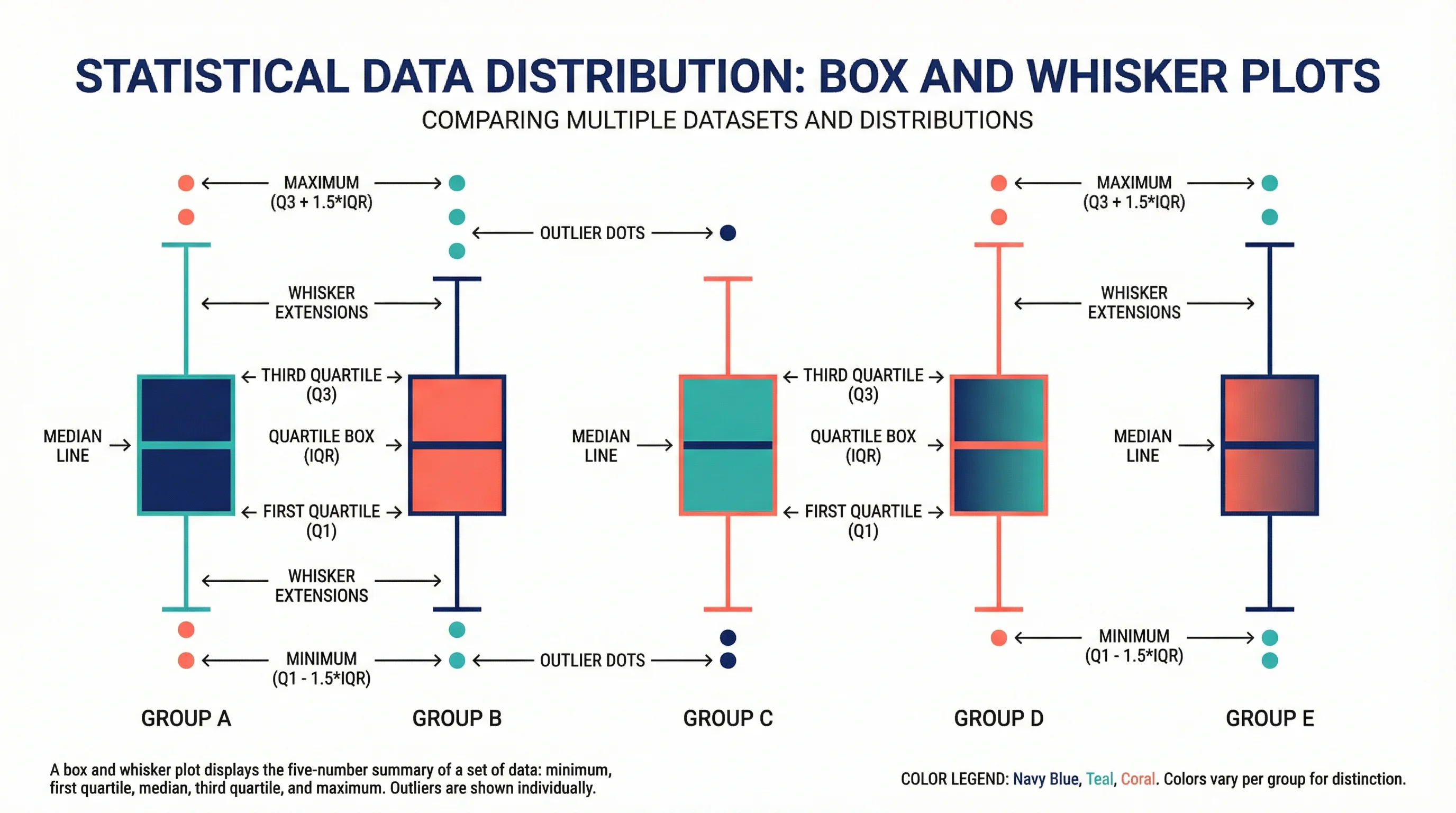
How to Draw a Box and Whisker Diagram: Step-by-Step
Learn how to draw a box and whisker diagram from scratch. A step-by-step tutorial covering hand-drawn, Excel, Python, and R methods, with common mistakes.
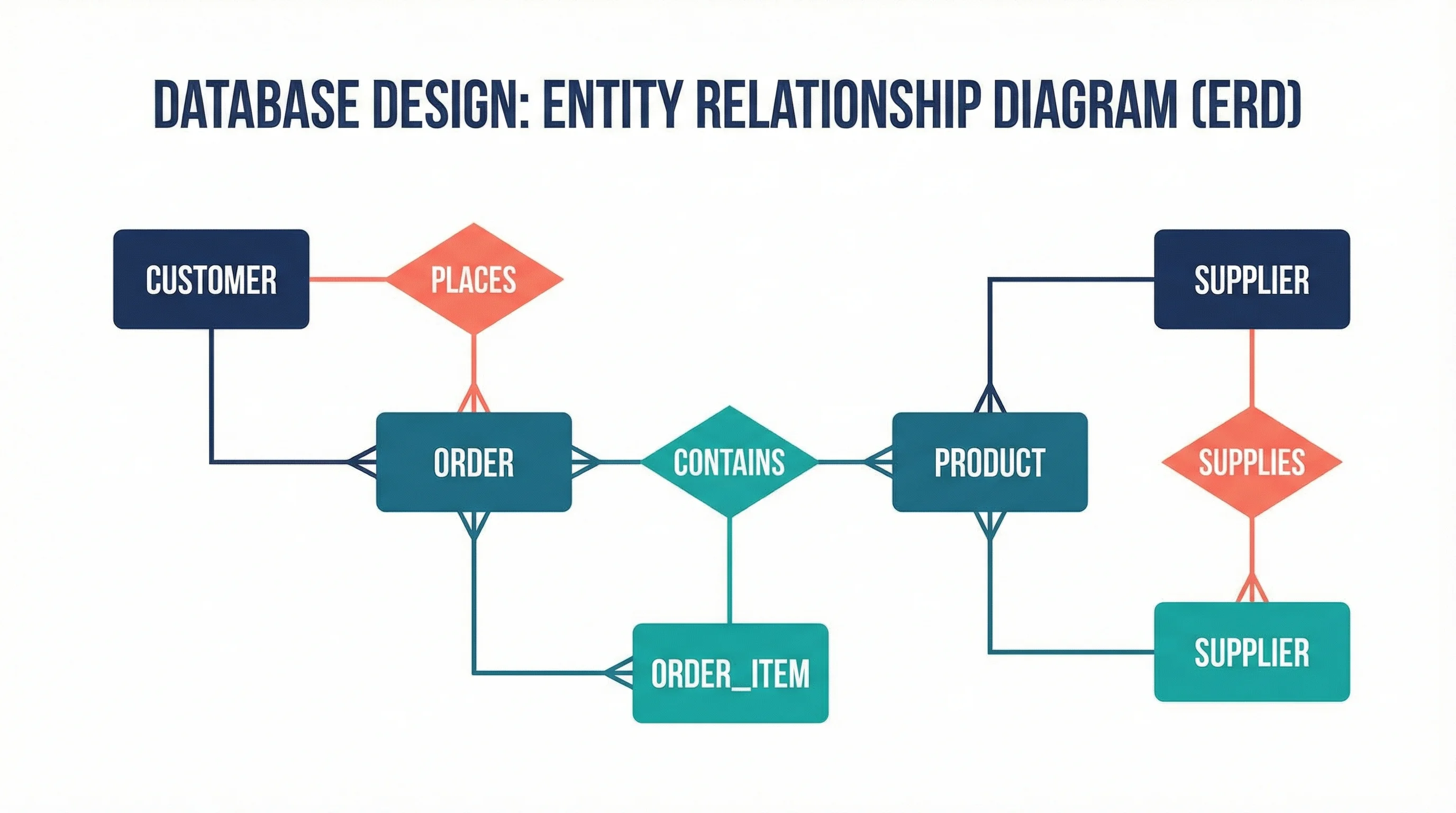
ER Diagram Guide: How to Design Entity-Relationship Diagrams
Learn how to draw ER diagrams from scratch in this step-by-step guide. Covers Chen and Crow's Foot notation, best practices, real examples, and free tools.

AI Conceptual Framework for Thesis: Prompts, Examples, and Chapter 1 Workflow
Create an AI conceptual framework for thesis work with prompts, examples, variable tables, Chapter 1 writing tips, and validation checks.