IEEE Graphical Abstract: Size, Format & Template (2026)
IEEE graphical abstract specs: 660 x 295 px, 300 dpi minimum, under 45 KB, file name gagraphic, plus video rules and a layout template (checked 2026-11-27).
Draft a layout sketch from a plain-text summary of your finding, then rebuild it at the exact pixel size your journal asks for.
Open the toolAn IEEE graphical abstract is a single image of 660 x 295 pixels, at least 300 dpi, with a recommended file size under 45 KB. Upload it with the file name gagraphic and include a caption that describes the image. IEEE accepts JPG, TIF, PNG, GIF, DOC, DOCX, PDF, PS, EPS or BMP and converts the file to JPG for publication. A video graphical abstract follows separate rules: 29.97 frames per second, 16:9, and a static cover image that meets the same image specs. These numbers come from the IEEE Author Center and were checked on 2026-11-27. See the original page, Prepare Supplementary Materials, and re-check it before you upload, because individual journals can add their own instructions.
Is a graphical abstract required at IEEE?
The IEEE pages we read do not say that a graphical abstract is mandatory. They describe it as "a visual summary of your journal article" that can be an image, video, audio file or PowerPoint file, uploaded during submission. The IEEE Access author guide, in turn, only mentions it in connection with video: "Any video published with an article will automatically be published as a graphical abstract (GA)."
So treat it as optional at most IEEE journals, but check your journal's own author instructions and the submission form. If your journal or editor asks for one, the specs below apply. IEEE also states that the graphical abstract "must undergo peer review along with the rest of your article," so reviewers will see it.
IEEE graphical abstract specs at a glance
| Item | Static image | Video |
|---|---|---|
| Size | 660 x 295 pixels | 16:9 aspect ratio, 29.97 frames per second |
| Resolution | Minimum 300 dpi | Static cover image must meet the image specs |
| Recommended file size | Under 45 KB | Under 100 MB |
| File types | JPG, TIF, PNG, GIF, DOC, DOCX, PDF, PS, EPS or BMP | MP4 preferred; MOV, WMV and AVI can be provided for conversion to MP4 |
| File name | gagraphic | gavideo (video) and gacovergraphic (static cover image) |
| Caption | Required: a caption describing the image | Captions synchronized with the audio when the video has sound |
| Publication | Converted to JPG | Published with the article as its graphical abstract (IEEE Access guide) |
Source: IEEE Author Center, Prepare Supplementary Materials (checked 2026-11-27).
IEEE's page also covers an audio abstract (MP3, AIFF, MOV, RA or WAV, recommended under 3 MB, file name gaaudio, with a static gacovergraphic image) and a PowerPoint option converted to a MOV file at about 3 to 5 seconds per frame. Most authors will use the static image or a video.
On the image itself, IEEE asks for:
- A sans serif font such as Arial, Helvetica or Verdana.
- A font size of 16 pixels or larger (about 12 points).
- Text for labels only, not paragraphs.
- At least a 4.5:1 contrast ratio between text and background, following the WCAG accessibility guidelines.
Template: a layout for the 660 x 295 banner
The IEEE spec gives you a wide, short banner. By pixel arithmetic, 660 / 295 is about 2.24:1. That is much wider than a square, so a left-to-right story works better than a stacked one.
Our suggestion, not an IEEE rule. Divide the banner into three zones:
- Left, about a third: problem or input. One icon or a small sketch plus a short label, such as the signal, device, dataset or clinical situation you start from.
- Middle: method. Your system, architecture or pipeline as three to five boxes in a row, joined by arrows. Name only the parts a reader needs to follow the idea.
- Right, about a third: result or conclusion. One headline result, drawn as a small chart or a before/after pair, with one short label.
Practical tips for this size, also our own suggestions:
- Keep text to labels. IEEE asks for 16 px or larger. At 660 px wide, that leaves room for roughly three to four short labels, not sentences.
- Cut detail you cannot read at full size. Thin lines, tiny axis ticks and small legends disappear at 660 x 295. Redraw simplified versions rather than pasting a full paper figure.
- Keep generous margins so nothing touches the edge after conversion.
- Watch the file size. The recommended limit is under 45 KB, which is small. Export JPG or PNG at 660 x 295, prefer flat colors to gradients and textures, and reduce the color count or the JPG quality step by step until the file is under the limit while the labels stay sharp.
- Work at the final pixel size rather than shrinking a large figure at the end, so text and lines stay crisp. The 300 dpi figure is a minimum on IEEE's page, so keep the metadata at 300 dpi or higher.
- Write the caption separately. The caption is required and should say in one or two sentences what the graphic shows. Do not rely on text inside the image alone.
Static image or video?
A static image is the simplest choice: one file named gagraphic, and small enough for the 45 KB guideline. Pick a video when the idea depends on motion, such as a process, a simulation or a device in operation.
If you submit a video, you must also supply a static cover image that meets the image specs (660 x 295 pixels, at least 300 dpi), named gacovergraphic, next to the gavideo file. IEEE Access's author guide says the video file should not exceed 100 MB, must be included in peer review with the article, and, once published, "will automatically be published as a graphical abstract."
Graphical abstract vs. regular figure specs
The graphical abstract has its own spec. Do not reuse your body-figure files for it. IEEE's regular figure guidance, from the Resolution and Size and File Formatting pages (checked 2026-11-27), differs:
| Item | Graphical abstract | Figures in the article |
|---|---|---|
| Size | 660 x 295 pixels | One column: 3.5 in (88.9 mm, 21 picas). Two columns: 7.16 in (182 mm, 43 picas) |
| Resolution | Minimum 300 dpi | Color and grayscale non-vector images: above 300 dpi. Black-and-white line art: above 600 dpi |
| File types | JPG, TIF, PNG, GIF, DOC, DOCX, PDF, PS, EPS or BMP | PS, EPS, PDF, PNG or TIFF |
For the dpi rules of other publishers, see figure resolution and DPI requirements by journal.
Using AI tools and IEEE's policy
IEEE's Submission and Peer Review Policies include a section on AI-generated content. The requirement is that the use of AI-generated content in an article, "including but not limited to text, figures, images, and code," is disclosed in the acknowledgments section. The disclosure should name the AI system and identify the sections of the article where it was used, with a brief explanation of how. The page treats editing and grammar help differently: disclosure is recommended rather than required there. Read the policy yourself: IEEE Author Center submission and peer review policies.
In our comparison of ten publishers' AI image policies, IEEE sits in the "allowed with disclosure" group. Two cautions of our own:
- AI images must not represent research data or results. That is the common line across major publishers. A graphical abstract is a summary, not evidence, so keep measurements, micrographs and plots in the real figures.
- IEEE's page does not mention graphical abstracts specifically. If you are unsure whether an AI-drafted graphical abstract is acceptable for your journal, ask the editorial office before you submit.
If you use an AI tool, including ConceptViz, to sketch a layout, treat the output as a draft: redraw it to the spec above, check every label against your paper, and add the disclosure.
Mismatches to avoid
These are not IEEE-published rejection statistics. They are mismatches between a file and the published specs, so they are the first things to check:
- Wrong dimensions. A figure scaled from a square or a full-width journal figure will not be 660 x 295 pixels.
- Missing caption. IEEE says the graphical abstract must include a caption describing the image.
- File too large. The recommendation is under 45 KB. A photo-heavy image or an uncompressed PNG can be many times that.
- Wrong file name. Use gagraphic, or gavideo plus gacovergraphic for a video.
- A video without a cover image. The static image is required alongside the video.
- Text too small or too low in contrast. IEEE asks for 16 px or larger and a 4.5:1 contrast ratio.
- Treating an AI-generated picture as data. Do not present generated imagery as research results, and disclose AI use in the acknowledgments.
More on graphical abstracts
- TOC graphic requirements by journal for ACS, RSC, Wiley, Elsevier, Cell Press, MDPI and Nature Chemistry.
- Graphical abstract examples and templates by discipline for layouts in different fields.
- How to create a graphical abstract for a research paper for the step-by-step design process.
Frequently Asked Questions
What size is an IEEE graphical abstract?
660 x 295 pixels, with a minimum resolution of 300 dpi and a recommended file size under 45 KB, according to the IEEE Author Center page checked on 2026-11-27. By pixel arithmetic that is about 2.24:1, a wide banner.
What file name and format does IEEE want for the graphical abstract?
Name the file gagraphic. IEEE accepts JPG, TIF, PNG, GIF, DOC, DOCX, PDF, PS, EPS or BMP and will convert it to JPG for publication. Include a caption that describes the image.
Is a graphical abstract required for IEEE Access?
The IEEE pages we checked do not describe it as required. The IEEE Access author guide mentions graphical abstracts only in connection with video: any video published with an article is automatically published as a graphical abstract. Check your journal's author instructions and the submission form for the current rule.
Can my IEEE graphical abstract be a video?
Yes. IEEE lists 29.97 frames per second, a 16:9 aspect ratio, MP4 as the preferred file type and a recommended size under 100 MB, with the file name gavideo. You must also supply a static image that meets the image specs, named gacovergraphic.
How do I keep an IEEE graphical abstract under 45 KB?
Build it at 660 x 295 pixels from the start, keep colors flat, avoid gradients, textures and photographs, use labels instead of paragraphs, and export as JPG or PNG with progressively lower quality or fewer colors until the file is under 45 KB. This is our practical suggestion; IEEE gives the number as a recommendation.
Can I use an AI-generated graphical abstract in an IEEE journal?
IEEE's policy requires disclosure of AI-generated content, including figures and images, in the acknowledgments, naming the AI system and the sections where it was used. AI images must not represent research data or results. If you are unsure whether an AI-drafted graphical abstract is acceptable for your journal, ask the editorial office.
Categories
More Posts
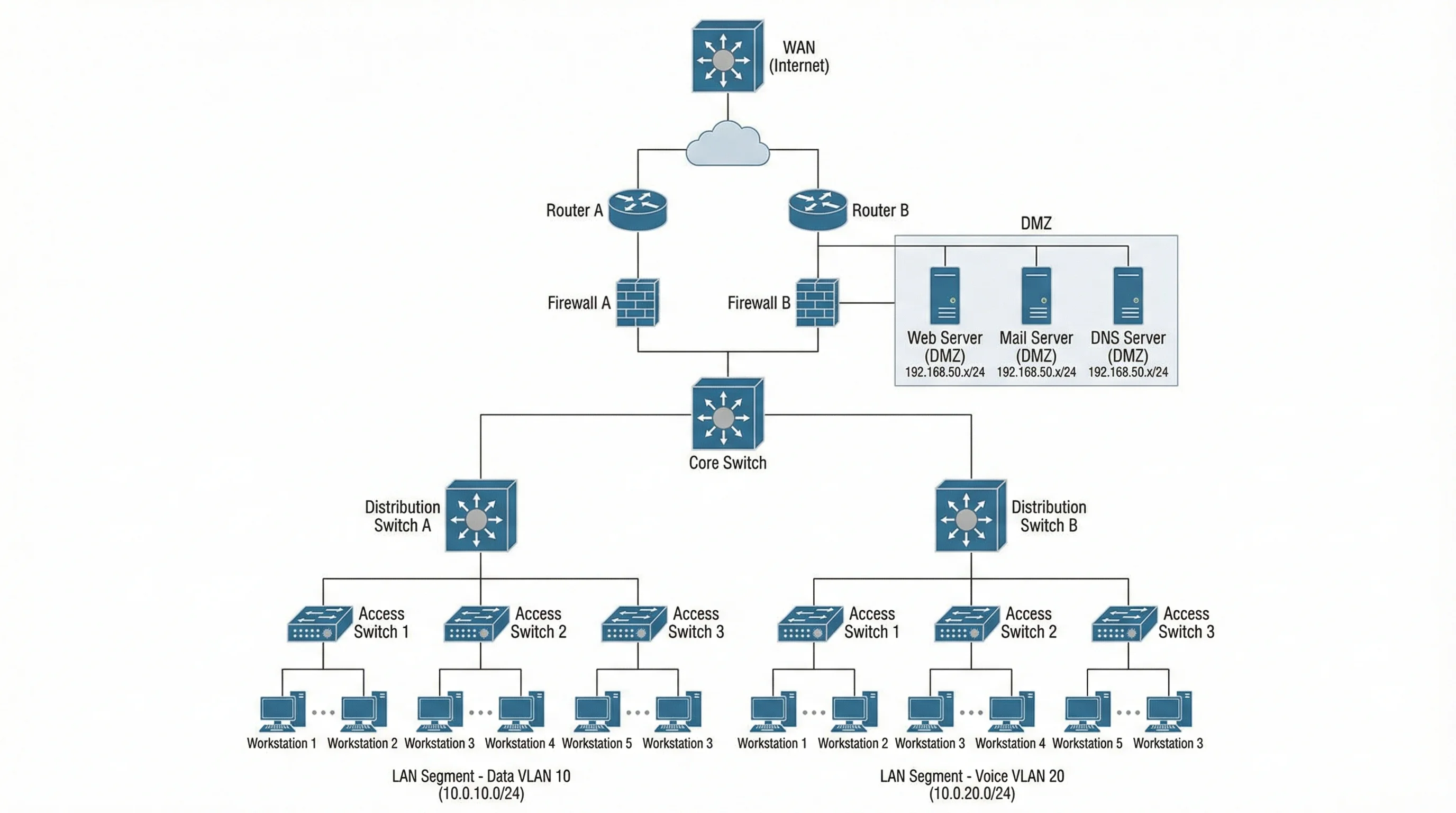
How to Create a Network Diagram: Types, Symbols & Step-by-Step Guide (2026)
Learn how to create network diagrams for IT infrastructure. Covers logical vs physical diagrams, standard symbols, topology types, and real-world examples.
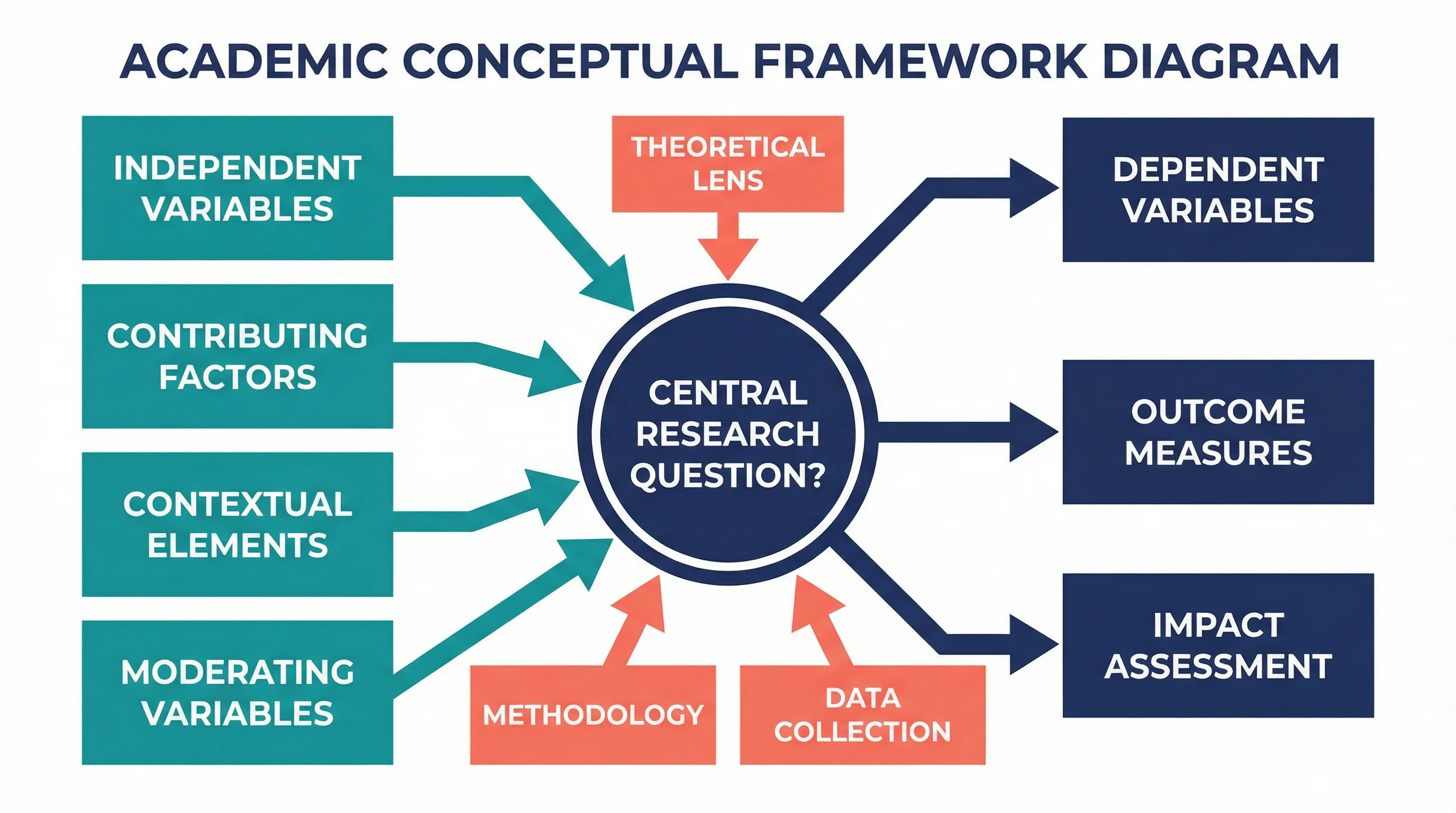
Framework vs Model in Research: Complete Guide to Understanding the Difference
Learn the key differences between frameworks and models in academic research, with examples, when to use each, and how to apply them in your methodology.
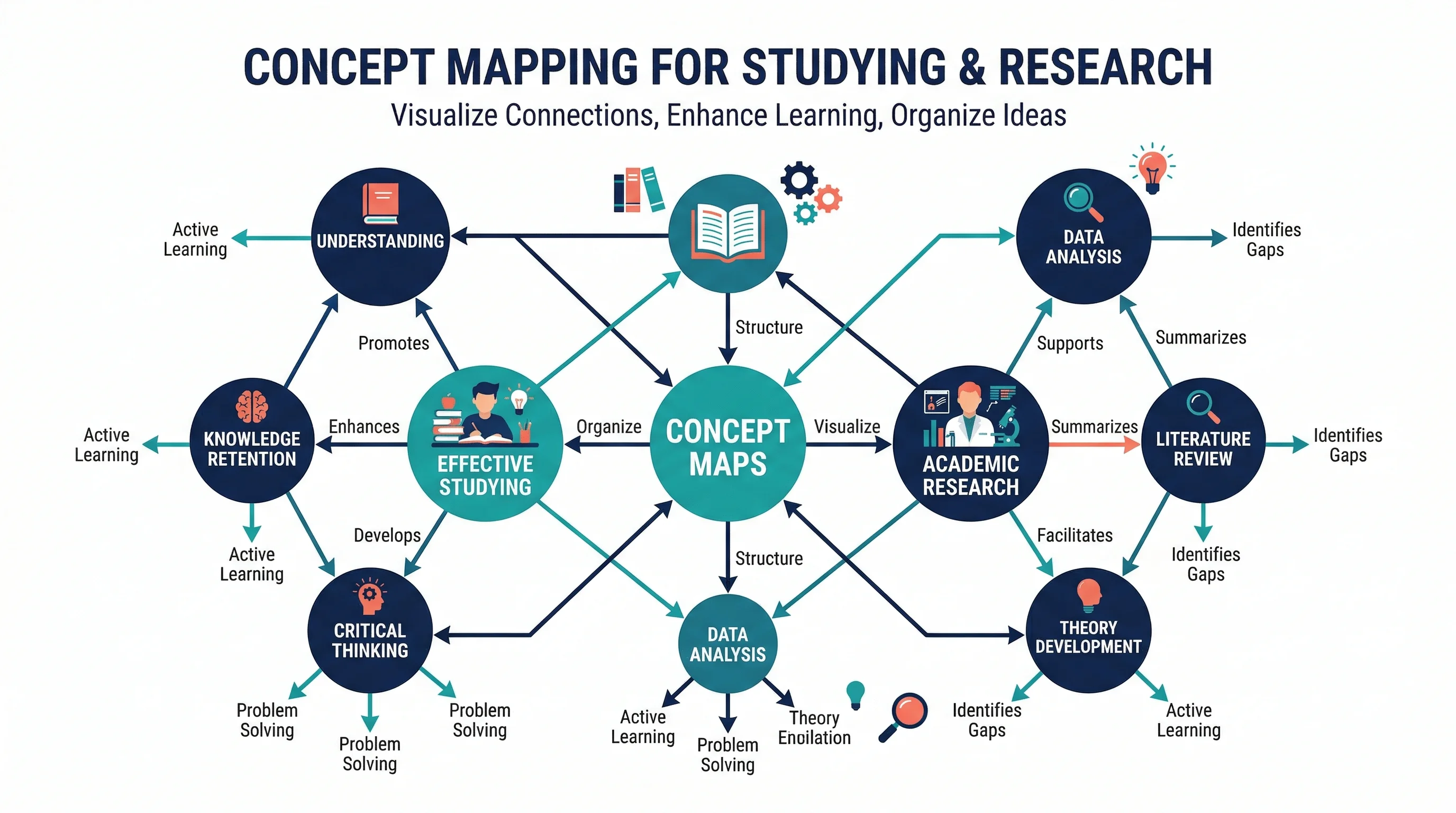
How to Make a Concept Map: Step-by-Step Guide for Students and Researchers (2026)
Learn how to make a concept map for research papers, studying, and brainstorming. Covers structure, linking phrases, tools, and common mistakes, with examples.