BioRender vs Illustrator for Scientific Figures (2026)
BioRender vs Illustrator for paper figures: speed, editability, publication rights, price and workflow, plus when to use both or draft from text first.
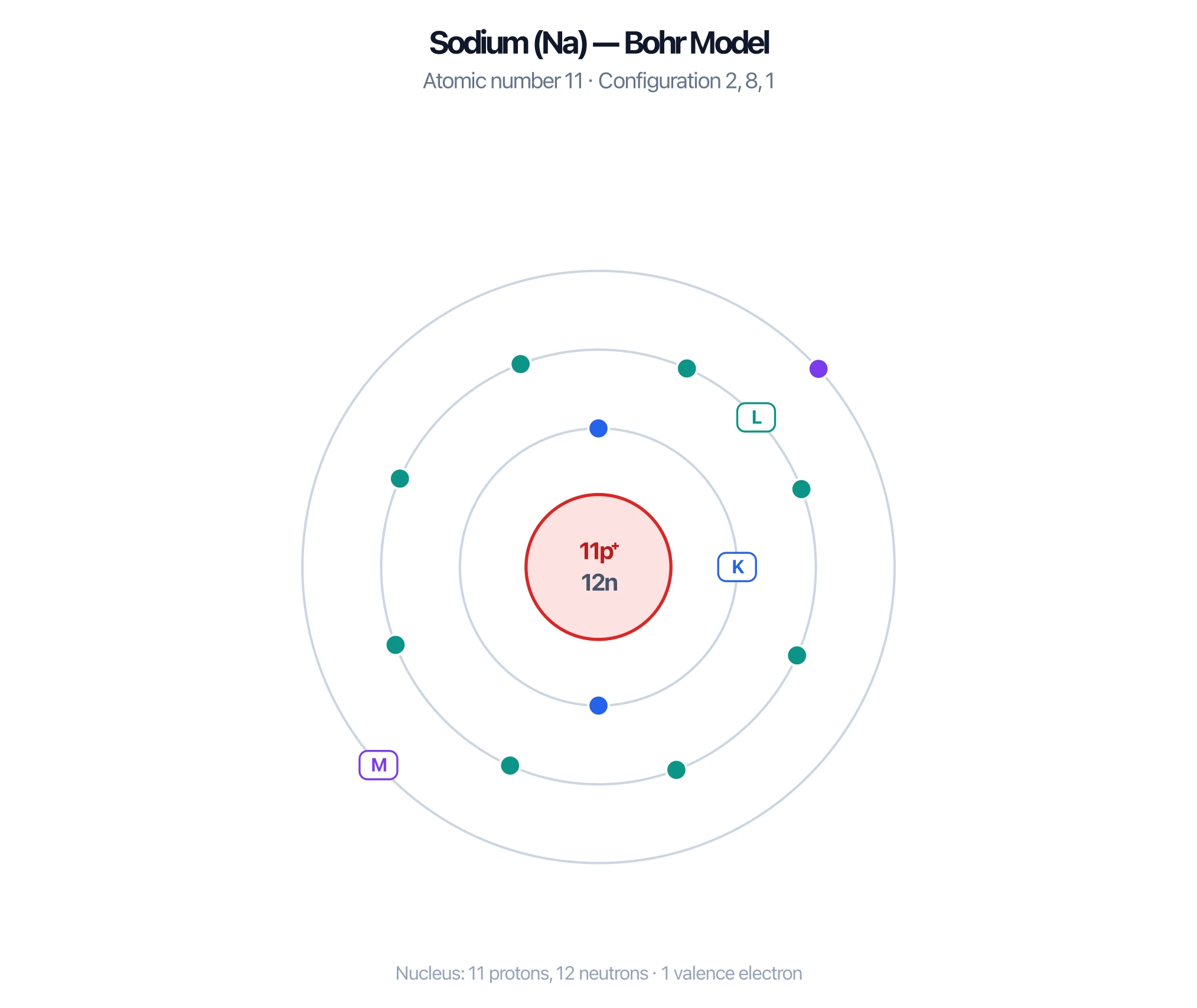
Turn a written brief into an editable scientific figure in minutes.
Open the toolBioRender vs Illustrator is not a contest between two similar programs. BioRender is an icon library with a figure canvas built for biology. Illustrator is a general-purpose vector editor. Which one you want depends on how much of your figure already exists as an icon, and how much control the final layout needs.
This page is for a PhD student, postdoc or PI deciding which one to learn or pay for before the next paper. Prices and license terms below come from the vendors' own pages where we could read them, and we say plainly where we could not. Checked 2026-11-22.
Short answer
| If your figure is... | Usually start with |
|---|---|
| A standard pathway, cell or lab-workflow cartoon | BioRender |
| A multi-panel figure with exact journal sizing, fonts and color mode | Illustrator |
| Mostly your own data plots, with schematics added | Illustrator (or your plotting tool), with icons from a library |
| A mechanism or view that no icon library has | Draw it in Illustrator, or draft it from text first (see below) |
| A quick lab-meeting or slide figure | BioRender |
Many labs use both: BioRender for the first draft of a schematic, Illustrator for the final panel layout.
What each tool is
BioRender gives you a large library of life-science icons and templates on a web canvas. You drag, recolor and connect icons, add text and arrows, and export. Its pricing page lists unlimited figures, high-resolution exports and editable export to PowerPoint on paid plans.
Adobe Illustrator is a vector drawing program. You draw shapes and paths, set type, control color modes and artboards, and export to formats such as PDF, SVG and EPS. It does not come with a life-science icon library, so scientific icons have to come from elsewhere: your own drawings, a licensed library, or a free set such as Servier Medical Art or Bioicons (check each set's license terms).
Side-by-side comparison
| Dimension | BioRender | Illustrator |
|---|---|---|
| What it is | Icon library and canvas for biology | General vector graphics editor |
| Learning curve | Low: drag-and-drop with templates | Steeper: paths, layers, type and export settings take practice |
| Speed for a standard schematic | Fast, if the icons exist | Slower, unless you already have assets |
| Speed for a custom drawing | Limited by the library | Not limited by a library, but you draw everything |
| Editability | Edit inside BioRender; paid plans can export editable images to PowerPoint | Full control over every object, once you have vector files |
| Typography and layout control | Basic | Precise (fonts, grids, artboards, color modes) |
| Publication rights | Set by plan; see the license section below | Your own artwork is yours; third-party icons follow their own licenses |
| Collaboration | Shared folders and co-editing on Lab and Institution plans | Share files through Adobe's cloud or your own storage; no biology-specific lab features |
| Price | Public (see below) | Not verified here (see below) |
Learning curve and speed
BioRender is quick to learn because the work is assembling, not drawing. A student can make a clean signaling cartoon in an afternoon. The cost is that your figure looks like BioRender's icon language, and anything not in the library takes workarounds.
Illustrator takes longer to learn, but nothing is out of reach. A typical postdoc workflow is to build panels once, save a template with the journal's column widths and font sizes, and reuse it for every paper. If you will make figures for years, that investment pays back; if you need one cartoon next week, it usually does not.
Editability and final layout
Journals care about final details: column width, minimum font size, line weight, color mode, and whether text is live or outlined. Illustrator is built for those controls. BioRender is catching up on export (the pricing page lists editable PowerPoint export on paid plans), but the last 10 percent of layout is usually easier in a vector editor.
A common pattern is to draft the schematic in BioRender, export, and do the final panel assembly in Illustrator. Before you do this, read the license rules in the next section, because editing outside BioRender does not remove the credit requirement.
Publication rights and license terms
This is the part people skip and later regret.
- BioRender. The pricing page (checked 2026-11-22) says the Free plan includes up to 3 figures and "No commercial use or publication." Paid Individual, Lab and Institution plans list "Academic publishing rights," and the Industry plan lists "Rights for commercial usage." BioRender's help center also describes how to publish figures in a journal, including crediting BioRender and what applies if you edit the figure outside BioRender: Publishing BioRender figures in a journal and editing your figure outside of BioRender. We could not re-load those help pages on the check date, so read them directly before you submit. Related guide: How to cite BioRender.
- Illustrator. Artwork you draw yourself is yours. If you place icons from a library, the license of that library applies; for example, Servier Medical Art states its images are free under CC BY 4.0, which means you credit the source.
In both cases your journal has the final say, for example on AI-generated imagery. Check its author guidelines.
Price
BioRender (official pricing page, checked 2026-11-22; confirm the live page before you budget):
| Plan | Listed price |
|---|---|
| Free | $0, up to 3 figures, no commercial use or publication |
| Academic Individual | $35 per month, paid annually |
| Academic Lab | $99 per month for 5 seats, paid annually ($129 monthly); extra seats +$20 per month |
| Industry Individual | $95 per month billed annually ($115 monthly) |
| Institution | Custom |
Graphing and AI-assisted figure generation are listed as add-ons. The full breakdown is in BioRender Pricing 2026.
Illustrator. Adobe's pricing page blocked our automated check on 2026-11-22, so we do not quote a number. Adobe sells Illustrator as a subscription; check adobe.com for the current plan and any student or institutional discount. Many universities provide Creative Cloud licenses, so ask your IT office before you pay.
Common workflows
- BioRender, then Illustrator. Build the schematic in BioRender, export, then finish layout, labels and panel assembly in Illustrator. Keep the credit requirement in mind.
- Illustrator plus an icon library. Assemble panels from free or licensed vector icons (for example Servier Medical Art or Bioicons) and your own drawings. Slower at first, but you control everything and avoid a seat license.
- BioRender only. Fine for lab meetings, slides, posters and papers where the icon style is acceptable and your plan covers publication.
- Illustrator only. Fine if you or a collaborator already draw well in vector tools, or if the figure is mostly plots.
For a journal figure checklist (sizes, fonts, panels), see How to Make Figures for Nature and Science Journals.
When to choose which
Choose BioRender when
- Your figures are mostly standard biology: cells, receptors, pathways, assay workflows.
- You need a clean draft in hours, not days.
- Your lab or institution already has a seat.
- You are fine citing BioRender and staying inside its license terms.
Choose Illustrator when
- You need precise control over type, color mode and journal sizing.
- Your figures include custom shapes that no library has.
- You combine plots, images and schematics in one multi-panel figure.
- You will make figures for many years and want one portable skill.
Use both when
- You want BioRender's speed for the schematic and Illustrator's precision for the final figure.
A third route: draft from text, then finish in a vector editor
If the hard part is that the figure you need is not in any icon library, and you do not want to draw it from scratch, a text-to-figure tool can produce a first draft. ConceptViz generates a figure from a written description; you can then check it, and finish it in the vector editor you already use. ConceptViz sells credit packs rather than a per-seat license (see the pricing page for current packs). Its SVG export turns text into outlines, so use the PowerPoint export when you need editable text. Drafts from any AI tool need a careful check of labels and structure, and a check against your journal's AI policy before submission.
This route fits one situation well: a custom mechanism or anatomy view that BioRender does not have and that would take hours to draw in Illustrator. It is a poor fit if you need to nudge icons on a shared lab canvas.
For more comparisons, see BioRender vs ConceptViz, Free BioRender Alternatives and FigDraw Alternatives.
Frequently Asked Questions
Should I use BioRender or Illustrator for scientific figures?
Use BioRender when your figure is mostly standard biology icons and you want a fast draft. Use Illustrator when you need precise layout, custom shapes or multi-panel figures with exact journal sizing. Many researchers use BioRender for the schematic and Illustrator for the final assembly.
Can I edit a BioRender figure in Illustrator?
Yes, a figure can be exported and edited in a vector editor, but BioRender's license guidelines still apply, including credit. Read BioRender's help-center article on editing a figure outside BioRender before you submit.
Is BioRender free for publications?
According to BioRender's pricing page (checked 2026-11-22), the Free plan does not include commercial use or publication, while paid Academic plans list academic publishing rights. Check the current terms and your plan before you submit.
Is Illustrator harder to learn than BioRender?
Generally yes. BioRender is drag-and-drop with ready icons, while Illustrator requires learning paths, layers, type and export settings. In exchange, Illustrator gives you full control over every object and the final layout.
Can I use Illustrator with free icon libraries?
Yes. Free sets such as Servier Medical Art and Bioicons provide icons you can place in Illustrator, but each has its own license, which may require credit. Read the terms of the set you use.
What if neither tool has the figure I need?
You can draw it from scratch in Illustrator, or draft it from a written description with a text-to-figure tool and finish it in a vector editor. Check every label and structure in an AI draft, and check your journal's policy on AI-generated figures.
More Posts
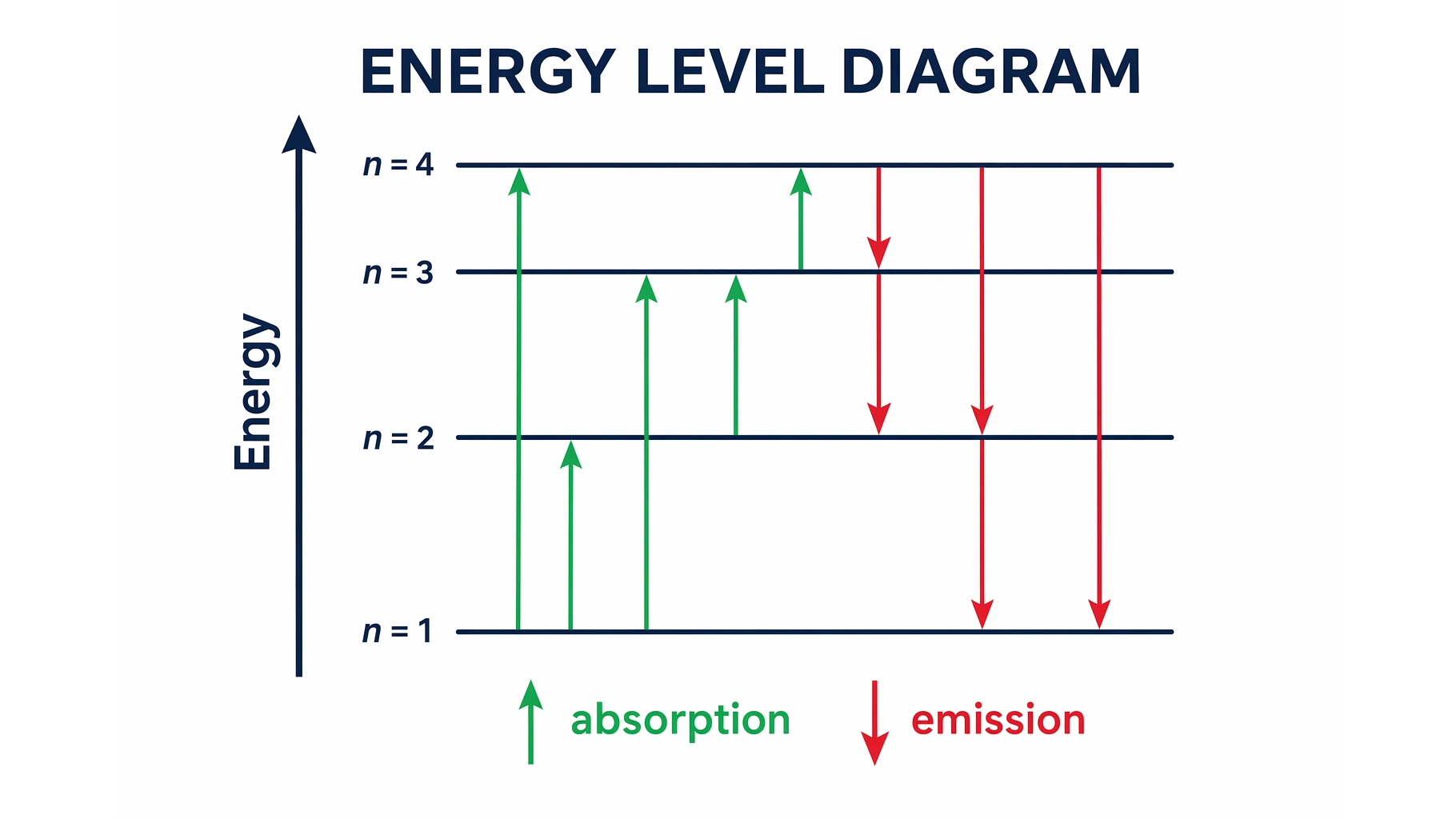
Energy Level Diagrams Explained: Electrons, Photons & Spectra
Learn how to read an energy level diagram: electron transitions, absorption and emission of photons, and how the hydrogen spectrum and its series are produced.
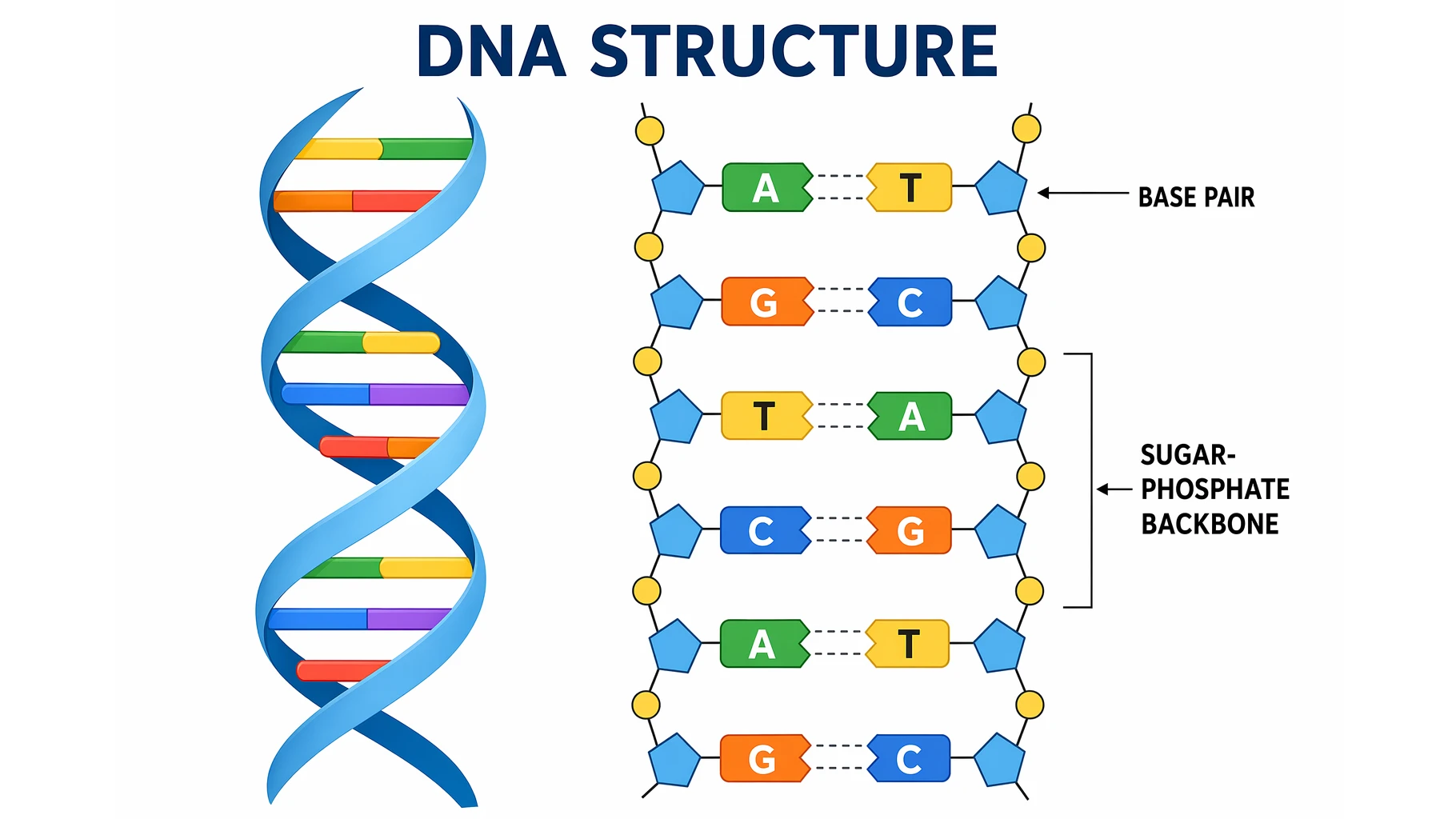
DNA Structure: The Double Helix and Base Pairs Explained
A clear guide to DNA structure: the double helix, nucleotides, the sugar-phosphate backbone, A-T and G-C base pairing, antiparallel strands, and grooves.
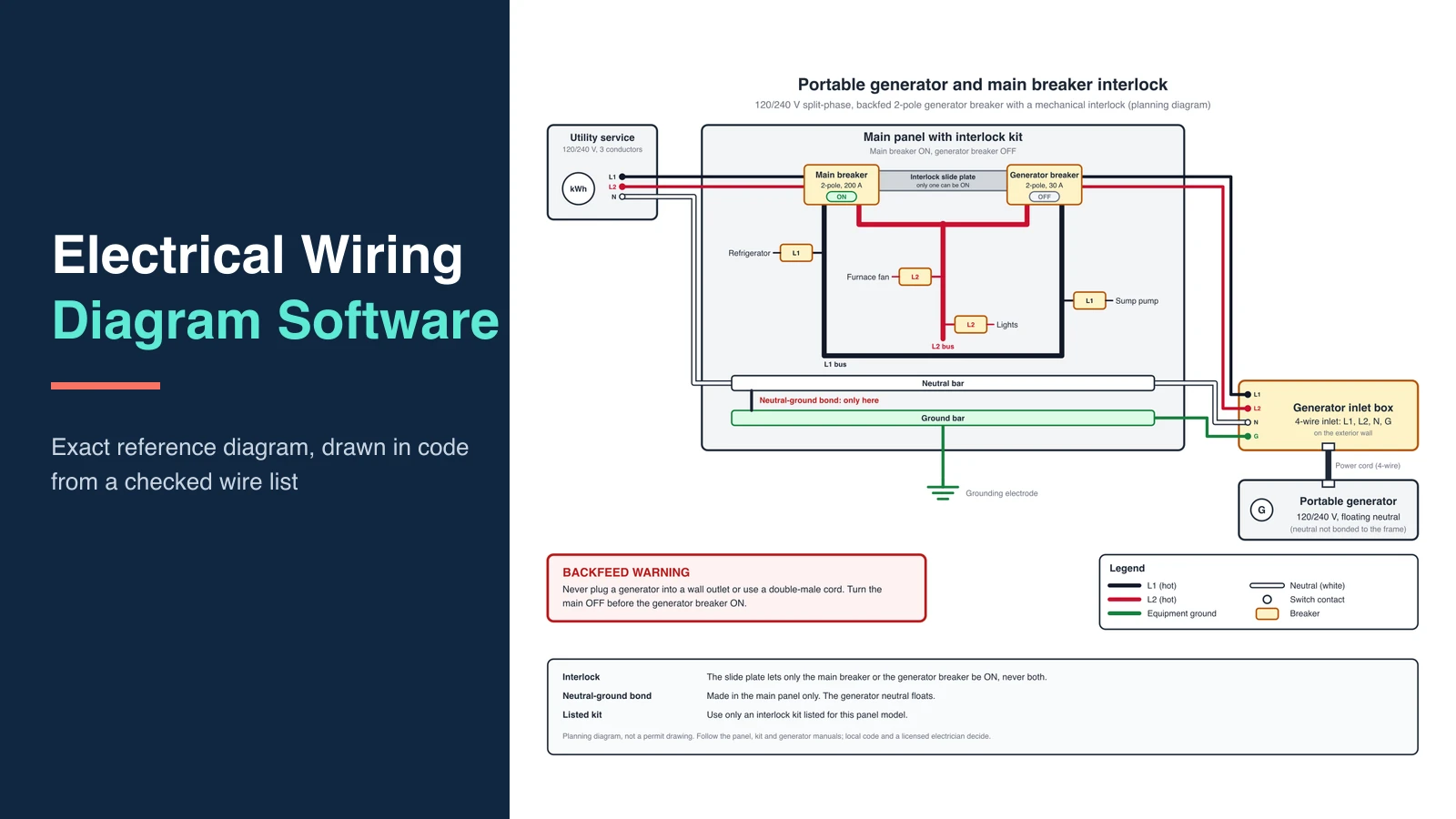
12 Best Wiring Diagram Software & Apps (2026)
Compare 12 wiring diagram programs and apps for electrical, panel, and automotive work, with prices checked in October 2026, free options, and car lookup apps.