FigDraw Alternatives 2026: Editable Figures Beyond Templates
FigDraw alternatives for researchers: when fixed templates are hard to change, compare BioRender, ConceptViz, SciDraw, FigureLabs and free icon libraries.
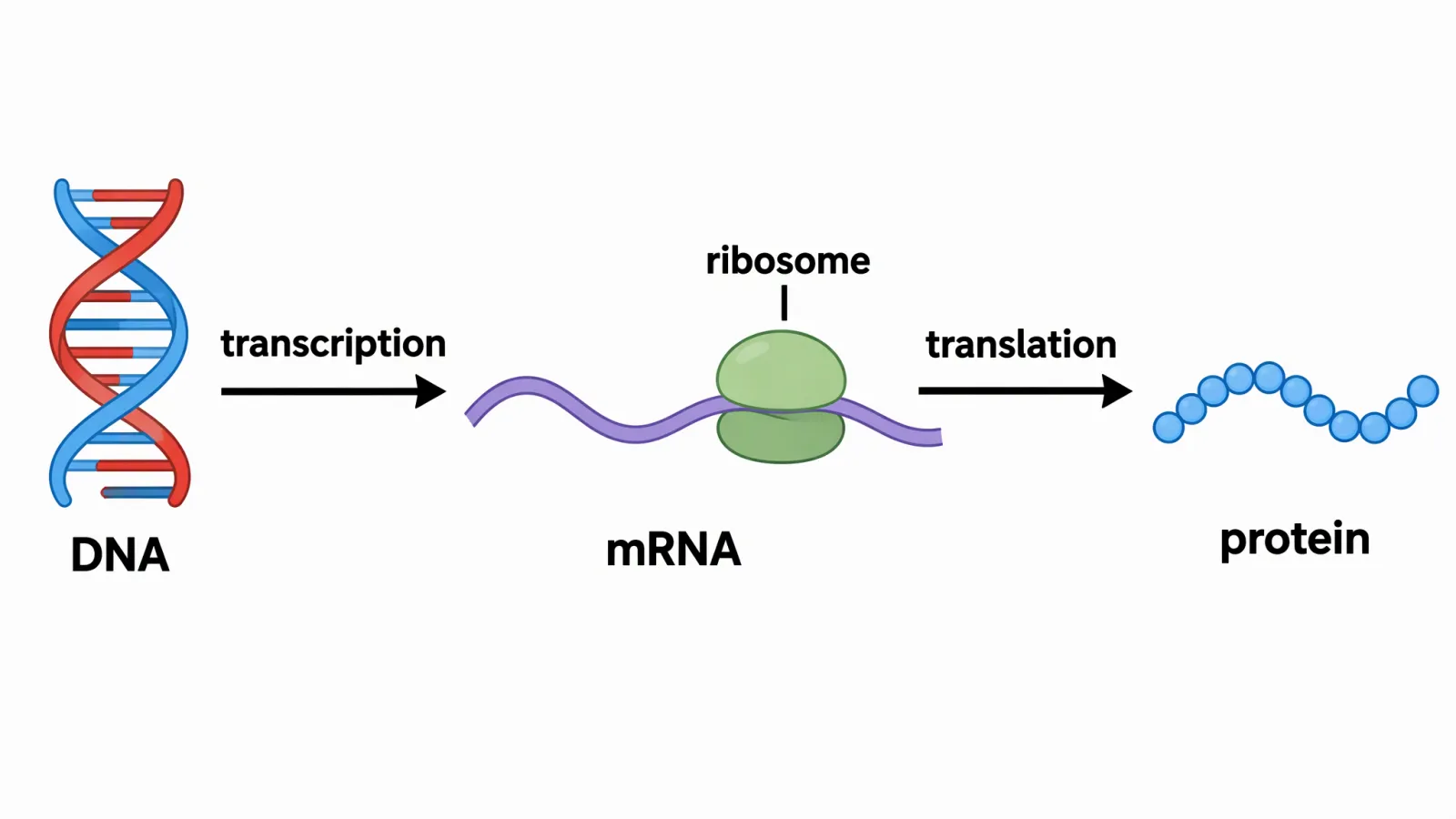
Describe a mechanism, assay, or concept and get a full-figure first draft instead of fitting your data into a fixed template.
Open the toolA FigDraw alternative usually becomes necessary at one specific moment: you have picked a template, and your experiment does not match it. A template-and-icon platform is fast when your figure looks like the template. It is slow when you need a different organ view, a different pathway layout, or a mechanism no one has drawn yet. This page compares what to use instead, and is honest about what we could and could not verify about FigDraw itself.
What FigDraw is, and what is publicly stated
FigDraw (figdraw.com) describes itself as a visual communication platform for designing and collaborating on scientific charts and graphics (the site is in Chinese). Its published terms mention a library of icons and templates, a free version, a student version and a personal version, and subscriptions.
What the public pages we could read say about use of its content: you own your research charts and your own content, while FigDraw keeps its rights in its icons and templates, which are licensed to you on a limited, non-exclusive, non-transferable, royalty-free basis for use inside your charts. You may not extract or redistribute them outside the app. The terms also require you to follow FigDraw's citation rules when you publish a research chart.
What we could not find stated on pages we could read: plan prices, free-plan limits, the list of export formats (for example whether SVG or PPTX is offered), and any AI generation features. We therefore do not list FigDraw prices or formats here. Check the live site, and ask these questions before you pay:
- Can I export an editable file (SVG or PPTX with live text), or only an image?
- Does the plan I need include publication use, and in what wording?
- Can I change the template's structure, or only recolour and relabel it?
Why a template stops working
Template platforms optimise for the common case. The friction shows up in four places:
- Structure. A template fixes the number of panels, the arrows and the flow. If your pathway has an extra branch, you rebuild it by hand.
- Icons. You can only draw with what is in the library. A specific surgical view, an unusual cell type or a new instrument may not exist.
- Consistency. Mixing a template's icons with your own sketches rarely looks consistent without manual clean-up.
- Licence. Library content is licensed for use inside your figure, with limits on extraction, as FigDraw's terms say. If the figure matters to a paper, read the exact licence language.
A text-to-figure tool flips the starting point: you describe the figure, get a full draft, and edit. The trade-off is that you must review the result carefully, because AI drafts can get structures and labels wrong, and journals have their own rules on AI images (see journal AI image policies).
FigDraw alternatives compared
| Tool | Approach | Price (vendor page) | Vector / PPTX export | Best when |
|---|---|---|---|---|
| ConceptViz | Written brief to full figure | Packs from $9.90; plans optional | SVG and PPTX, credits per export | The figure is custom and you want to pay per figure |
| BioRender | Icon library on a canvas | Academic Individual $35/mo billed yearly | Editable PPT export on paid plans | You assemble standard pathways every week |
| SciDraw AI | Text or sketch to figure | $10, $20, $40 per month | SVG and PPTX | You generate figures regularly on a monthly plan |
| FigureLabs | Text or sketch to figure | From $9/mo | SVG / PPTX at 150 credits per export | You want an AI draft plus a paid vector handoff |
| Servier Medical Art / Bioicons | Free icon libraries | Free | PowerPoint set / SVG icons | Standard anatomy or lab icons with attribution |
Sources: BioRender pricing, SciDraw AI pricing, FigureLabs pricing, Servier Medical Art, Bioicons; ConceptViz from our own pricing page. Checked 2026-11-21.
Option details
ConceptViz: text in, editable figure out
ConceptViz generates a full figure from a written brief, so there is no template to bend. You buy credit packs that do not expire, from $9.90, or an optional plan. SVG and PPTX exports cost credits per export (fewer on a plan); the SVG turns text into outlines, so use the PowerPoint export when you need editable text. See /pricing for current details. One credit removes the watermark from one image, which may then be used in papers and theses; commercial use needs a subscription. Not a good fit if you want to nudge individual icons on a shared lab canvas. Tools: scientific image generator, medical illustration.
BioRender: the library most labs know
If your figures are standard cell and pathway cartoons, a large curated library is faster than generation. See BioRender Pricing 2026 for plans and what the free tier does not allow, and BioRender vs ConceptViz for the paid decision.
SciDraw AI and FigureLabs: AI-native monthly tools
Both generate from text or a sketch and sell vector export on paid plans. For the SciDraw breakdown see SciDraw Alternatives; for the credit-metering detail see FigureLabs vs ConceptViz.
Free libraries
Servier Medical Art states its images are free under CC BY 4.0, so credit the source. Bioicons offers SVG icons with a licence per icon. More free routes: 7 Free BioRender Alternatives 2026.
How to test a FigDraw alternative in 15 minutes
- Pick one figure you actually need: a mechanism with at least one structure that is not in a standard library.
- Try to produce it in each tool.
- Export SVG or PPTX and open it in Illustrator, Inkscape or PowerPoint. Check whether text is live and shapes are separate.
- Count the cost of the revisions you needed, not just the headline price.
- Check the licence wording for publication use, and your journal's AI policy.
Frequently Asked Questions
What is the best FigDraw alternative?
For a custom figure that does not fit a template, a text-to-figure tool such as ConceptViz. For standard pathway icons, BioRender. For free icons, Servier Medical Art or Bioicons. The right choice depends on whether you need a custom structure or a library icon.
How much does FigDraw cost?
We could not find FigDraw prices on the public pages we could read, so we do not quote one. Check figdraw.com directly.
Who owns figures made with FigDraw?
FigDraw's terms say you own your research charts and your own content, while FigDraw's icons and templates are licensed to you on a limited basis for use inside your charts. The terms also require you to follow FigDraw's citation rules when you publish a chart. Read the full terms before publication use.
Can I edit AI-generated figures afterwards?
If the tool exports SVG or PPTX with separate shapes and live text, yes. Test one export before you commit, and review every label.
Do journals allow AI-generated figures?
It depends on the journal and figure type. See our summary of ten publishers' policies in AI-Generated Figures in Papers: Journal Policies 2026, and check your journal's current author guidelines.
Bottom line
If a template platform keeps forcing your figure into someone else's layout, move to a tool that starts from your description, or to a library you can combine freely. Test with one real figure, check the export is editable, and read the licence and your journal's AI policy. When you are ready, draft a figure from a brief or read the journal AI image policy summary.
Categories
More Posts

AI Conceptual Framework for Thesis: Prompts, Examples, and Chapter 1 Workflow
Create an AI conceptual framework for thesis work with prompts, examples, variable tables, Chapter 1 writing tips, and validation checks.
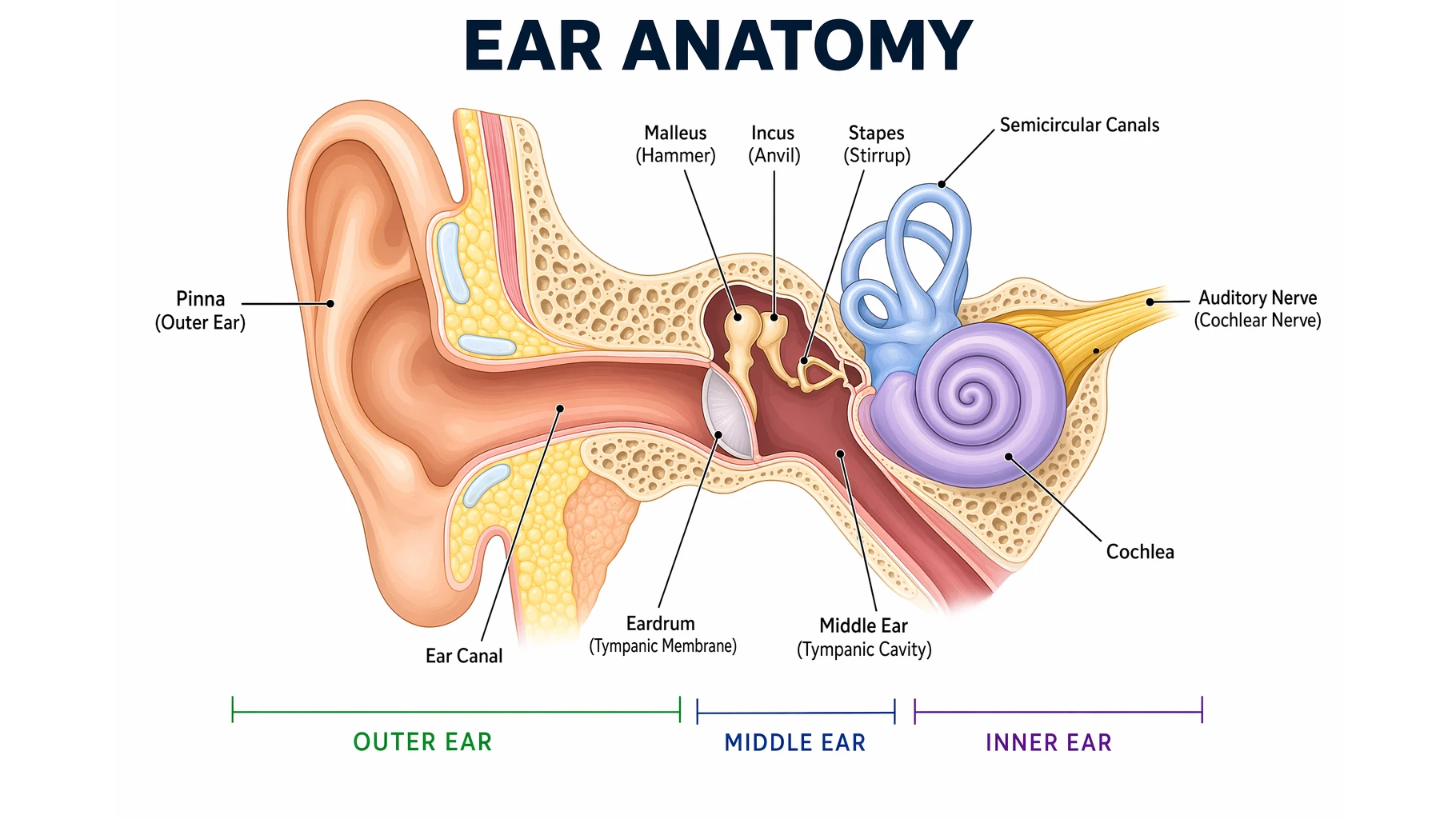
Ear Anatomy: Parts of the Human Ear Explained
Learn human ear anatomy: the outer ear (pinna, ear canal), middle ear (eardrum, ossicles), and inner ear (cochlea, semicircular canals), plus how hearing works.
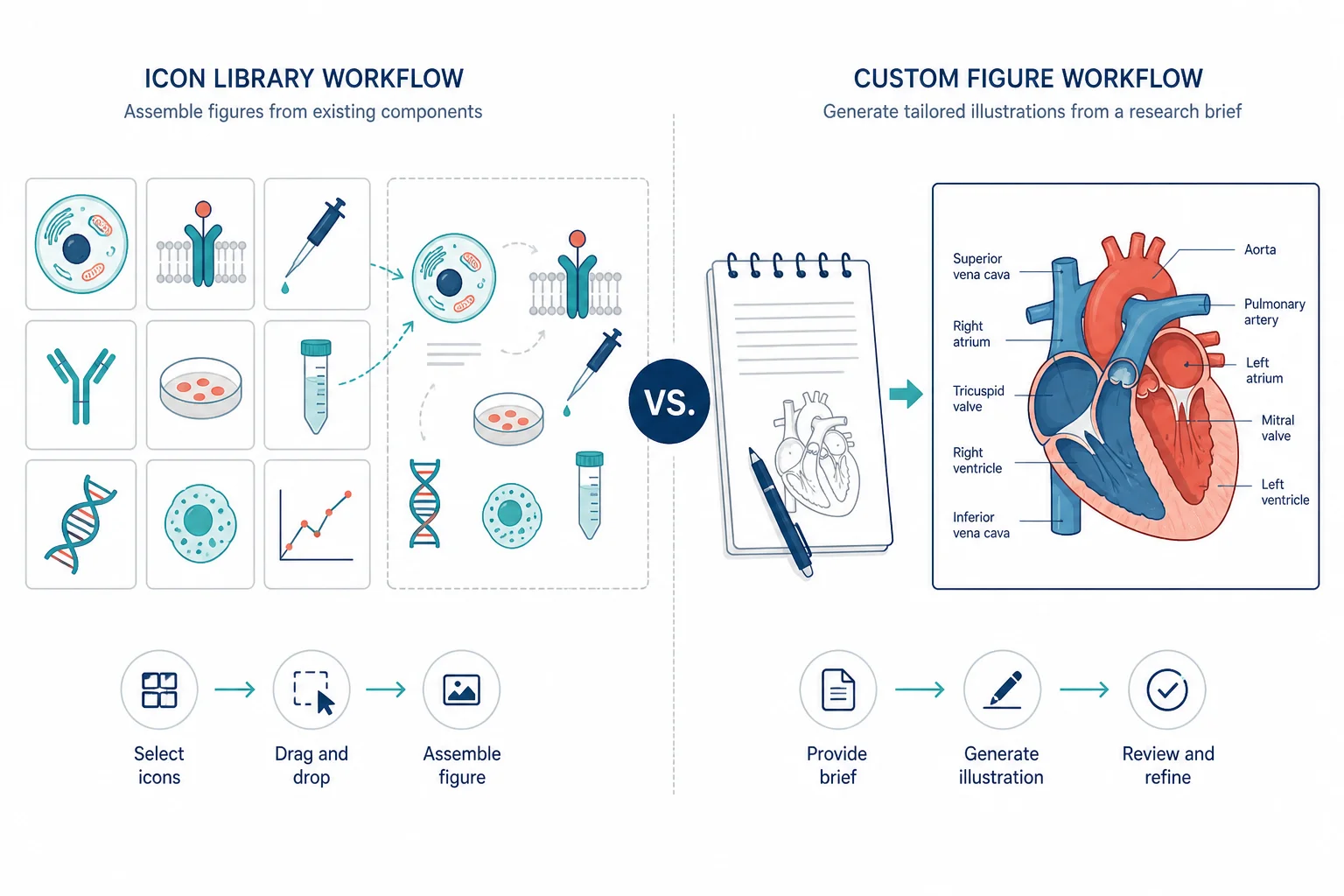
BioRender vs ConceptViz: Keep the Seat or Pay Per Figure
Compare BioRender vs ConceptViz in 2026: $35/mo Academic Individual versus credit packs, required citations, and when buying a second seat is the wrong call.