
7 Free BioRender Alternatives 2026: Tested for Science & Research
7 free BioRender alternatives tested for scientific illustration — pricing, quality, ease of use compared. Best picks for researchers, teachers, and students.
BioRender has become the go-to tool for creating scientific illustrations — from cell diagrams and molecular pathways to graphical abstracts for journal submissions. But at $35/month for academics and $79/month for industry professionals, it's not exactly budget-friendly, especially for students and independent researchers.
The good news? Several excellent alternatives exist — some completely free, others significantly cheaper — that can produce publication-quality scientific figures. In this guide, we'll compare 7 BioRender alternatives based on pricing, features, ease of use, and output quality to help you find the right tool for your needs.

AI Scientific Image Generator
Generate publication-ready scientific illustrations with AI. Describe any concept and get a professional figure in seconds.
Try it free →This guide is tested for scientific illustration and research (publication-quality figures). If you're a K-12 teacher making classroom materials, our best free BioRender alternatives for teachers guide is a better fit.
Quick Comparison Table
| Tool | Price | Best For | Output Quality | Ease of Use |
|---|---|---|---|---|
| BioRender | $35-79/mo | Lab teams, publications | ★★★★★ | ★★★★★ |
| ConceptViz | Free credits, then packs from $5 | Quick figures, any science field | ★★★★☆ | ★★★★★ |
| Mind the Graph | $7/mo+ | Budget-conscious researchers | ★★★★☆ | ★★★★☆ |
| Inkscape + Bioicons | Free | Advanced users, custom work | ★★★★★ | ★★☆☆☆ |
| Canva for Education | Free (teachers) | K-12 teachers, presentations | ★★★☆☆ | ★★★★★ |
| Chemix | Free | Chemistry lab diagrams | ★★★★☆ | ★★★★★ |
| SciDraw | Free | Simple biology illustrations | ★★★☆☆ | ★★★★☆ |
| Draw.io + Bioicons | Free | Flowcharts, pathway diagrams | ★★★★☆ | ★★★☆☆ |
1. ConceptViz — AI-Powered Scientific Figures
Price: Free credits on signup, then pay-as-you-go credit packs from $5 — no subscription
ConceptViz takes a fundamentally different approach from BioRender. Instead of dragging and dropping icons from a library, you describe the scientific concept in plain text and AI generates a complete, labeled illustration in seconds.
Strengths:
- Covers all scientific fields (biology, chemistry, physics, earth science, medicine)
- Generates unique illustrations — not assembled from a template library
- Extremely fast: describe → generate → download in under a minute
- Supports data visualization with real CSV data (histogram, scatter plot, box plot)
- 4K resolution output suitable for publications
Limitations:
- Less precise control over individual element placement compared to BioRender
- AI-generated content should be reviewed for accuracy
- Limited editing capabilities (generate new vs. edit existing)
Best for: Researchers who need quick figures for presentations, grant proposals, and papers across any scientific discipline. Especially valuable when you need a figure for a concept that doesn't exist in BioRender's icon library.
AI-generated illustration of enzyme active site mechanism — created with ConceptViz in seconds
2. Mind the Graph — Affordable Icon Library
Price: Free tier (limited), paid from $7/mo
Mind the Graph offers a BioRender-like experience at a fraction of the cost. With over 75,000 scientific illustrations across 80+ fields, it's one of the most comprehensive icon libraries available.
Strengths:
- Massive illustration library (75K+ icons)
- Significantly cheaper than BioRender ($7/mo vs $35/mo)
- Drag-and-drop editor similar to BioRender
- Good selection of biology, chemistry, and medical icons
- Templates for graphical abstracts and posters
Limitations:
- Free tier is very limited (watermarked exports)
- UI can feel dated compared to BioRender
- Smaller community and fewer tutorials
Best for: Researchers who want a BioRender-style workflow but at a lower price point.
3. Inkscape + Bioicons — Free & Fully Customizable
Price: Completely free (open source)
Inkscape is a professional-grade vector graphics editor, and combined with Bioicons (2,700+ free scientific SVG icons), it creates a powerful — if steep-learning-curve — alternative to BioRender.
Strengths:
- Completely free and open source
- Full vector editing capabilities (on par with Adobe Illustrator)
- Bioicons provides high-quality SVG icons for biology, chemistry, and medicine
- Maximum creative control over every element
- No watermarks, no attribution required
- Files can be exported in any format (SVG, PDF, PNG, EPS)
Limitations:
- Significant learning curve for non-designers
- Requires manual assembly of every figure
- Time-intensive compared to template-based tools
- No built-in scientific templates
Best for: Researchers with design skills who need pixel-perfect, fully customized figures for high-impact journal submissions.
4. Canva for Education — Free for Teachers
Price: Free (with teacher verification)
Canva for Education provides full access to Canva's premium features at no cost for verified educators. While not specifically designed for scientific illustration, its vast template library includes many science-relevant options.
Strengths:
- Completely free for verified teachers
- 80,000+ templates including science posters and diagrams
- Extremely user-friendly drag-and-drop interface
- Collaboration features for team projects
- Built-in presentation mode
Limitations:
- Scientific illustration library is limited compared to specialized tools
- Icons are not scientifically accurate at the level BioRender provides
- Not suitable for publication-grade molecular or pathway diagrams
- Requires .edu email or teacher verification
Best for: K-12 teachers creating classroom materials, worksheets, and science presentations.
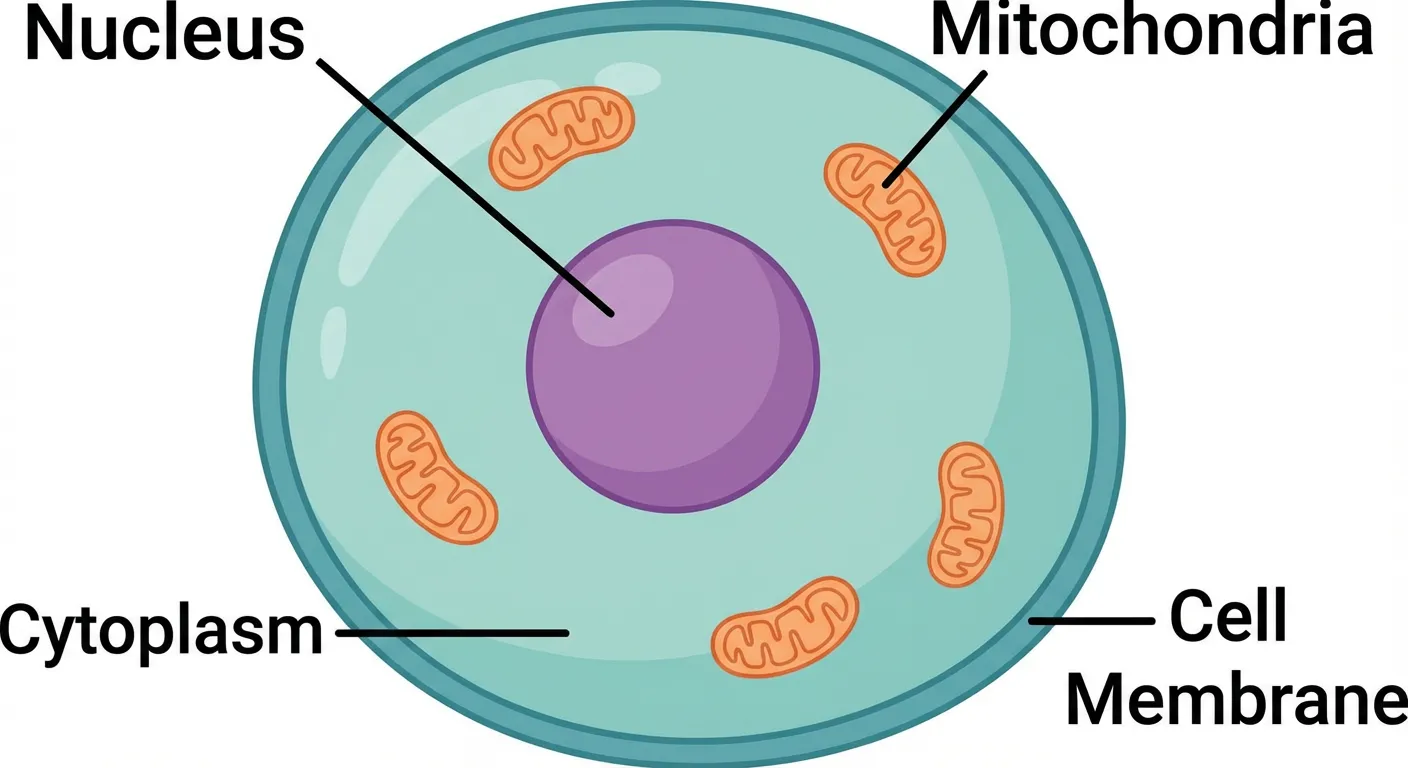
Animal cell cross-section — the type of educational diagram these tools help create
5. Chemix — Best Free Tool for Chemistry
Price: Completely free
Chemix is a specialized tool for drawing chemistry lab apparatus and experimental setups. It's simple, browser-based, and completely free.
Strengths:
- Purpose-built for chemistry lab diagrams
- Clean, accurate representations of lab equipment
- No signup required
- Works on any device with a browser
- Perfect for lab reports and worksheets
Limitations:
- Only covers chemistry lab setups — no biology, physics, etc.
- Limited to apparatus diagrams (no molecular structures or pathways)
- Basic export options
Best for: Chemistry students and teachers who need lab setup diagrams for reports and worksheets.
6. SciDraw — Community Scientific Illustrations
Price: Free
SciDraw is a community-driven repository of scientific illustrations that researchers can use freely. It's not an editor — it's a library of pre-made illustrations.
Strengths:
- Completely free to use
- Growing library of high-quality scientific illustrations
- SVG format allows editing in other tools
- Community-contributed content
- No account required to browse and download
Limitations:
- Not an editor — you can only use existing illustrations
- Library is still relatively small compared to BioRender
- Quality varies between contributors
- Limited customization without a separate vector editor
Best for: Researchers who need ready-made scientific illustrations for presentations and don't need heavy customization.
7. Draw.io + Bioicons — Free Diagramming Powerhouse
Price: Completely free
Draw.io (also known as diagrams.net) is a free online diagramming tool. Combined with SVG icons from Bioicons, it's surprisingly capable for creating scientific pathway diagrams and flowcharts.
Strengths:
- Completely free with no limitations
- Good for pathway diagrams and flowcharts
- Works offline
- Integrates with Google Drive, OneDrive, and GitHub
- No account required
Limitations:
- Not designed for scientific illustration specifically
- Requires importing external icons
- Limited styling options compared to BioRender
- Steeper workflow for complex biological figures
Best for: Researchers who need pathway diagrams, flowcharts, and process illustrations on a budget.
How to Choose the Right Tool
The "best" BioRender alternative depends entirely on your specific needs:
Choose ConceptViz if:
- You need figures across multiple scientific disciplines
- Speed matters more than pixel-perfect placement
- You want AI to handle the design work
- You need data visualization alongside scientific figures
Choose Mind the Graph if:
- You want a BioRender-like drag-and-drop workflow
- Budget is a concern ($7/mo vs $35/mo)
- You primarily work in biology or medicine
Choose Inkscape + Bioicons if:
- You have design skills and want full creative control
- You're creating figures for high-impact journals
- You don't mind investing time for perfect results
Choose Canva for Education if:
- You're a K-12 teacher
- You need general-purpose science visuals (not specialized diagrams)
- Collaboration with other teachers is important
Stick with BioRender if:
- Your lab or institution provides a subscription
- You need the most comprehensive icon library
- You create complex biological pathway diagrams frequently
- Publication licensing is critical (BioRender's license is straightforward)
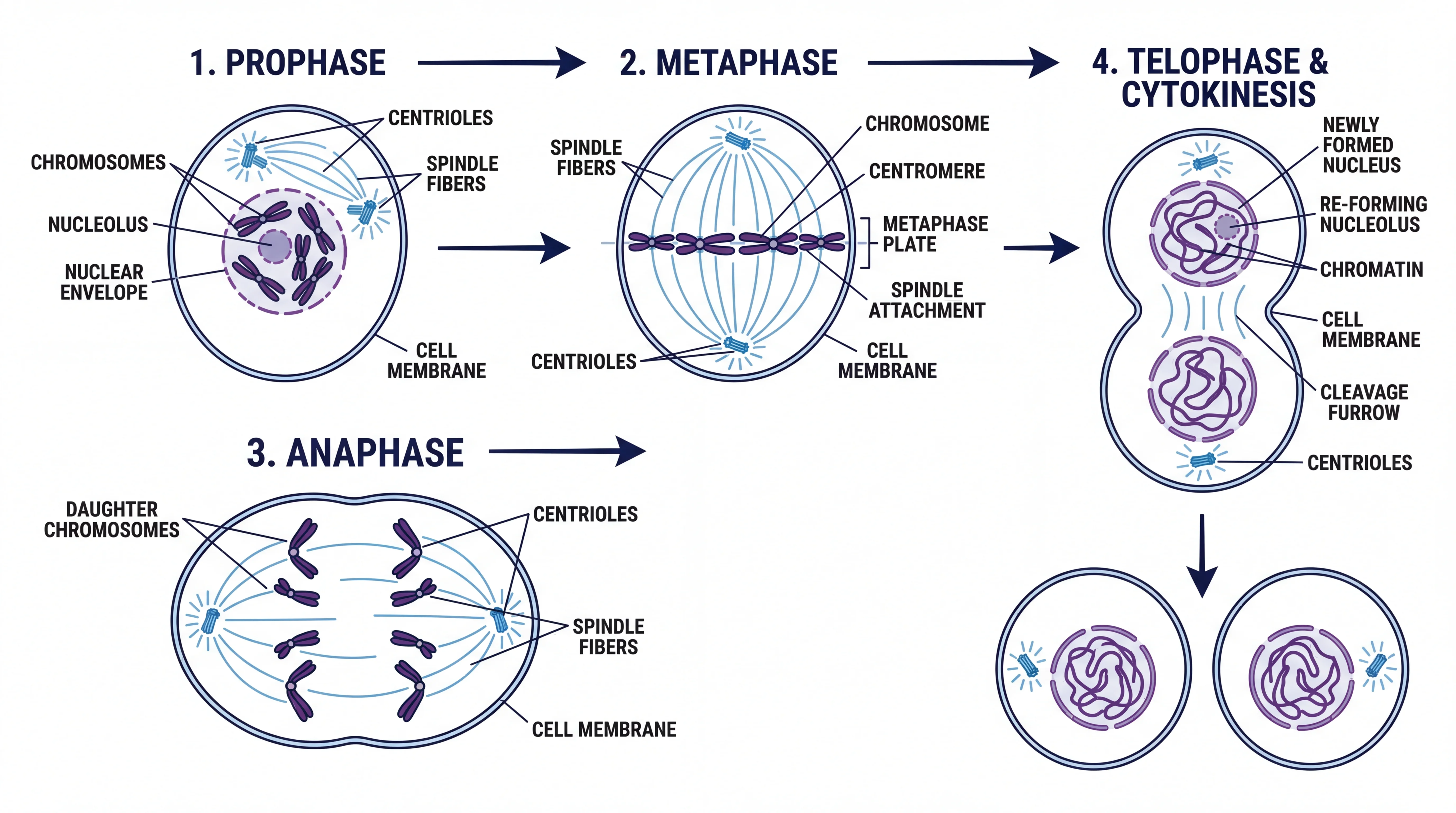
Science Drawing Generator
Create labeled science drawings for biology, chemistry, and physics with AI.
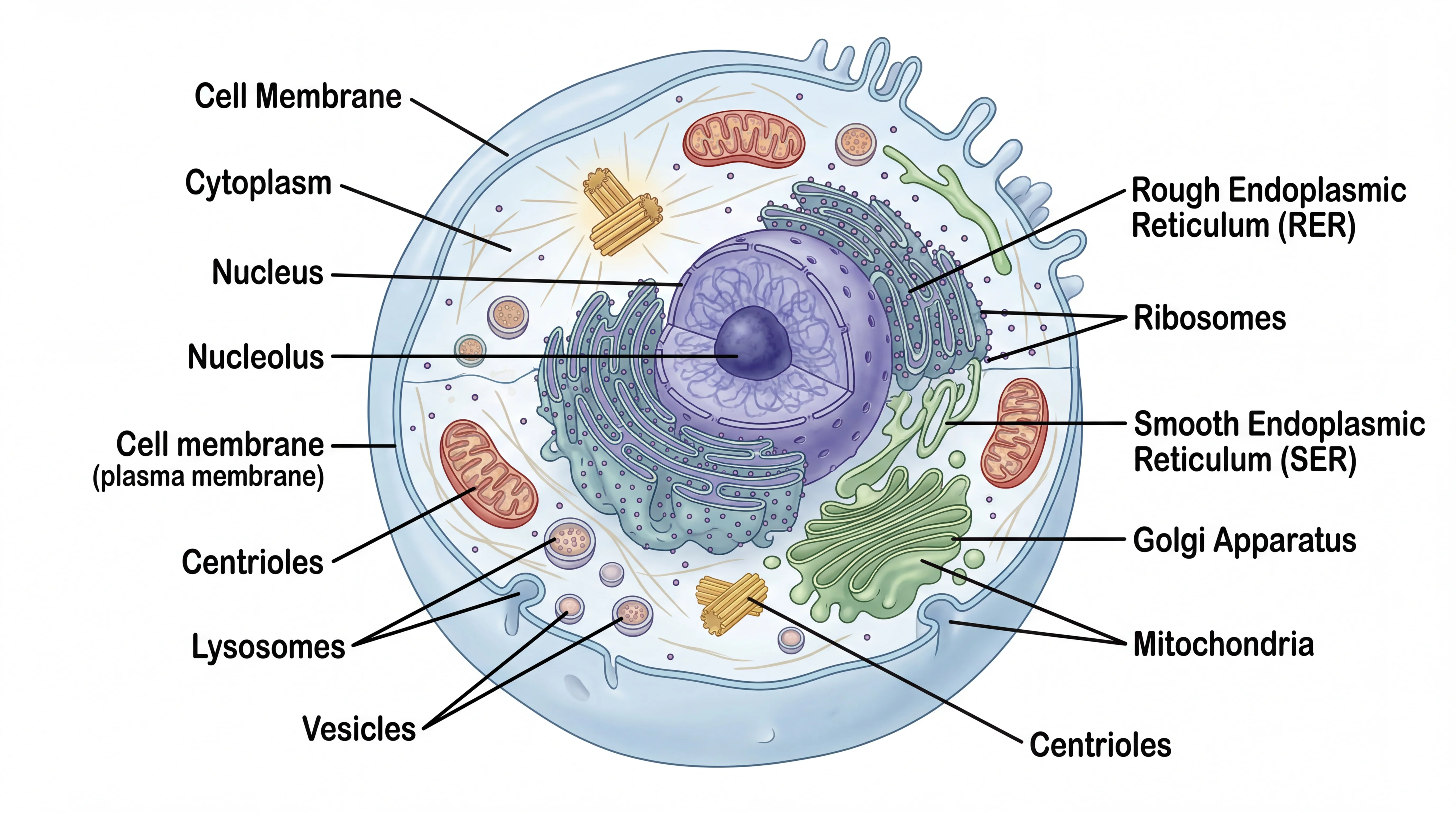
Biology Drawing Generator
Generate professional biology illustrations — cells, anatomy, genetics, ecology.
The Bottom Line
BioRender is excellent but expensive. For most researchers, a combination of tools works best:
- Quick figures for presentations: ConceptViz (AI-generated, fast)
- Detailed biology diagrams: Mind the Graph or Inkscape + Bioicons
- Chemistry lab setups: Chemix
- Classroom materials: Canva for Education
- Pathway diagrams: Draw.io + Bioicons
The key insight is that no single tool replaces BioRender entirely, but by using the right tool for each task, you can produce equally professional results at a fraction of the cost — or completely free.
Related reading:
- Best Fonts for Scientific Posters and Figures
- How to Create a Graphical Abstract for Your Research Paper
- Scientific Color Palette Guide for Research Papers
Frequently Asked Questions
Is BioRender free for students?
BioRender offers a free Basic plan with limited features, but figures created on the free plan cannot be used in publications or for commercial purposes. Students can get discounted subscriptions with a .edu email address, and BioRender offers a 14-day free trial of paid features.
What is the best free alternative to BioRender?
The best free alternative depends on your needs. For AI-generated scientific figures across all disciplines, ConceptViz offers free credits. For chemistry lab diagrams specifically, Chemix is completely free. For maximum creative control, Inkscape combined with Bioicons provides professional-grade vector editing at no cost.
Can I use free tools for journal publications?
Yes, most free tools allow publication use. Inkscape, Chemix, and Draw.io have no restrictions on how you use exported images. ConceptViz allows publication use on any paid credit pack, and Mind the Graph on its paid plans. Always check the specific tool's licensing terms before submitting figures to journals.
Is ConceptViz better than BioRender?
They serve different purposes. BioRender excels at drag-and-drop assembly of biological diagrams using a curated icon library. ConceptViz uses AI to generate complete scientific illustrations from text descriptions, covering all scientific fields. ConceptViz is faster and more versatile, while BioRender offers more precise control over individual elements.
How much does BioRender cost in 2026?
BioRender pricing starts at $35/month for individual academic users, $79/month for industry professionals, $99/month for academic lab teams, and $395/month for industry teams. Annual subscriptions offer discounts. A free Basic plan exists but with significant limitations — figures cannot be used in publications.
Can AI tools replace BioRender for scientific illustrations?
AI tools like ConceptViz can replace BioRender for many use cases — especially quick figures for presentations, grant proposals, and papers where speed matters more than pixel-perfect placement. However, for highly detailed molecular pathway diagrams or figures requiring exact positioning of specific biological components, BioRender's template-based approach still has an edge.
What tools do professional scientific illustrators use?
Professional scientific illustrators typically use Adobe Illustrator or Inkscape for vector graphics, combined with specialized icon libraries like Bioicons. For quick drafts and conceptual figures, many now use AI tools like ConceptViz. BioRender is popular in academic labs for standardized biological diagrams.
Are there any open-source alternatives to BioRender?
Yes. Inkscape is a fully open-source vector graphics editor that, combined with Bioicons (2,700+ free scientific SVG icons), provides a powerful alternative. Draw.io (diagrams.net) is another open-source option for pathway diagrams and flowcharts. SciDraw offers a community-driven library of free scientific illustrations in SVG format.
Categories
More Posts
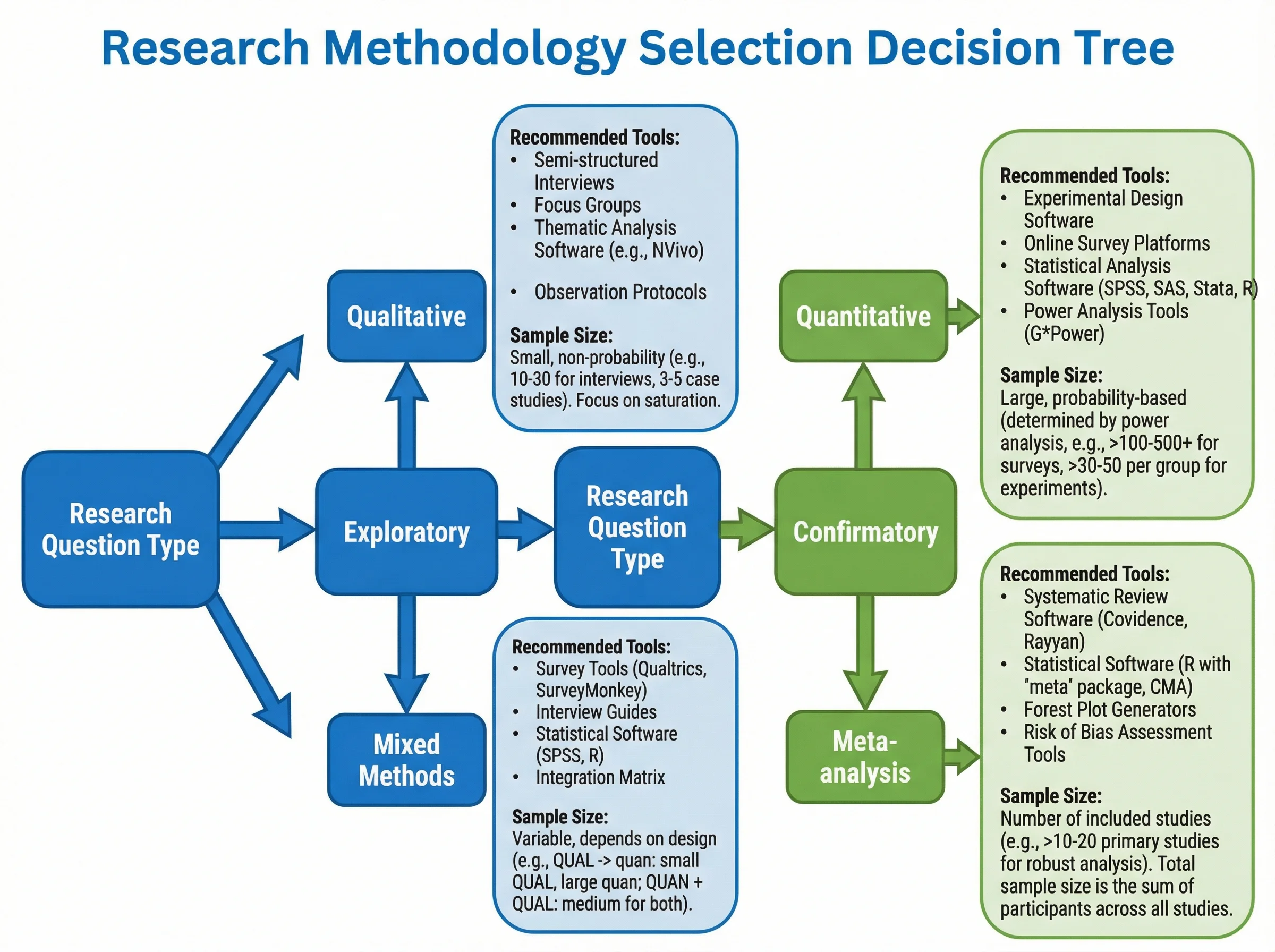
How to Create a Tree Diagram: 5 Types, Examples & Free AI Generator (2026)
Learn how to create tree diagrams for probability, decisions, org charts, and more. Step-by-step guide with real examples — plus a free AI tree diagram maker.
How to Create Scatter Plots in Excel: Step-by-Step Guide (2026)
Learn how to make scatter plots in Excel with trend lines, labels, and formatting. Complete guide with screenshots and tips for research data visualization.
Lucidspark Alternatives: 8 Best Free Tools (2026)
Compare the 8 best free Lucidspark alternatives for 2026. FigJam, Miro, Excalidraw, Canva Whiteboard & more — unlimited brainstorming without the paywall.