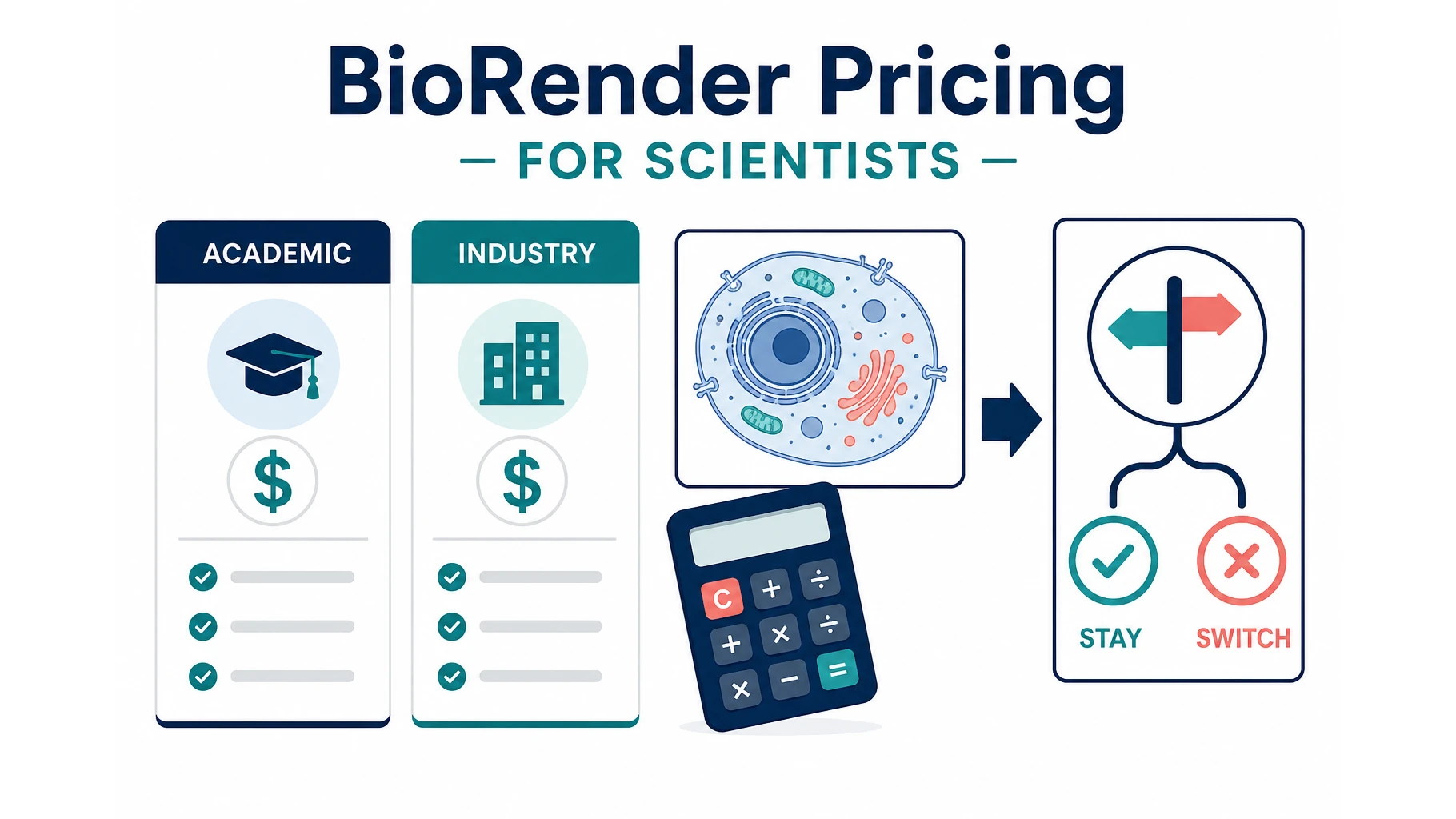
BioRender Pricing 2026: Plans, Academic Cost, When to Switch
BioRender pricing in 2026: Academic Individual is $35/month billed yearly. Compare plans, add-ons, publication rights, and when switching makes sense.
BioRender pricing is the question most labs ask after they have already drafted a figure and hit a watermark. The official BioRender pricing page (checked October 2026) lists Academic Individual at $35 per month billed annually, or $39 month-to-month. Industry Individual is $95 per month billed annually, or $115 month-to-month. The free plan is real, but figures made on it cannot be used in publications or commercial work.
This page is a cost brief, not another “alternatives” list. You will get the current plan math, the add-ons that change the invoice, the license rules that trip people up at submission, and a simple rule for when a credit-based tool is cheaper than keeping a seat.
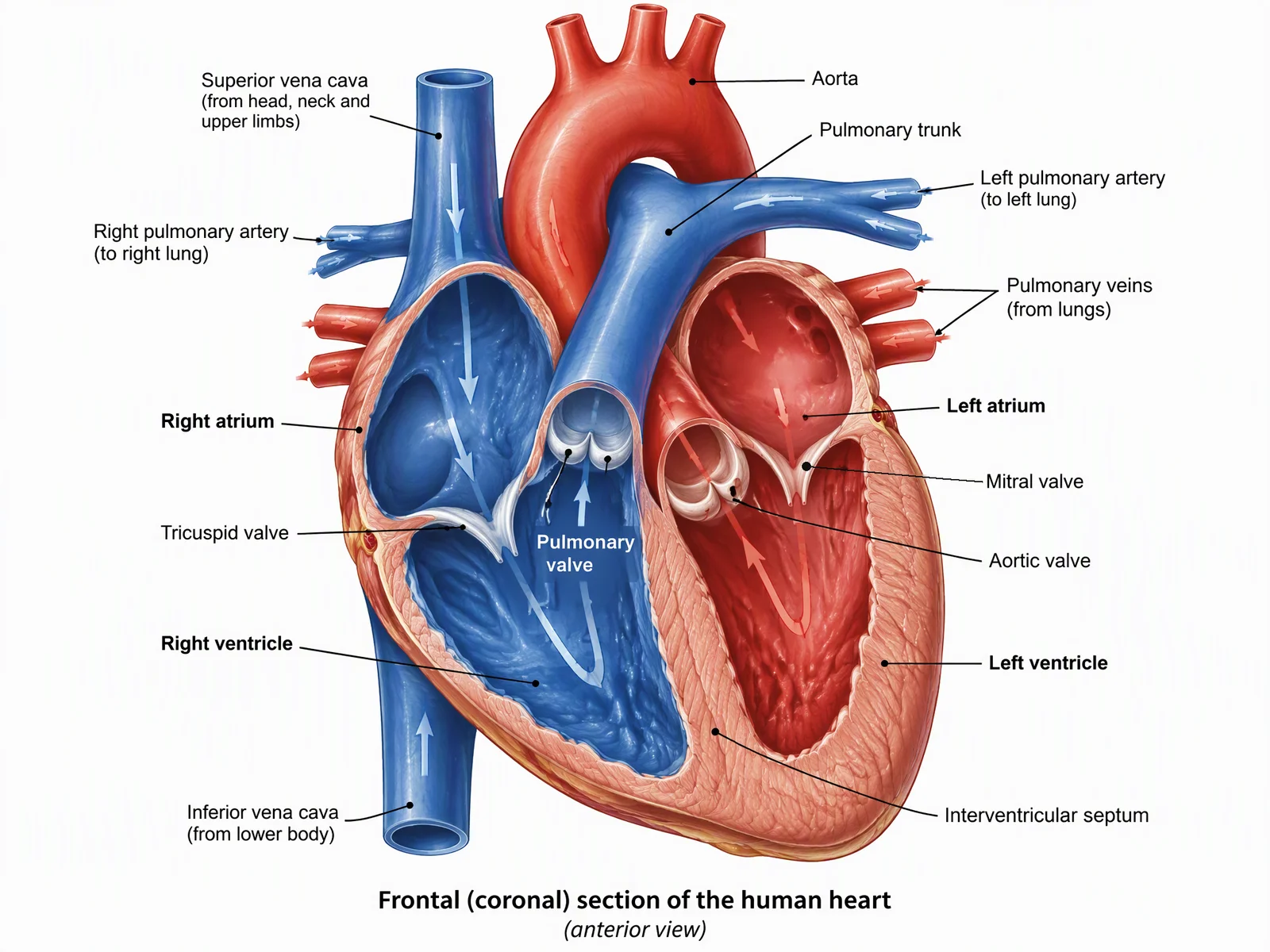
Medical Illustration Generator
Generate labeled anatomical figures from a text brief. Useful when you need a custom organ or procedure view that is not in a stock icon library.
Try it free →For caption wording and the license download steps, see how to cite BioRender before submitting a figure.
BioRender pricing at a glance (October 2026)
Prices below are USD list prices from BioRender’s public pricing page and help center. Labs and companies still need to confirm the live quote — BioRender can change seat math, student discounts, and add-on credits without a press release.
| Plan | Who it is for | List price | What you actually unlock |
|---|---|---|---|
| Free (Basic) | Trying the canvas | $0 | Up to 3 figures, 1 Graphing file, no publication or commercial use |
| Academic Individual | One academic, NGO, or government non-profit user | $35/mo billed yearly, or $39/mo | Unlimited figures, high-res export, journal publication rights |
| Academic Lab | PI + lab members | Shown on the Academic tab after you open Lab; recent public listings put a 5-seat lab at $99/mo yearly or $129/mo | Shared folders, commenting, admin seats. Confirm current extra-seat price on BioRender. |
| Academic Institution | Universities buying sitewide | Custom | SSO, multi-lab admin, onboarding, usage metrics |
| Industry Individual | One for-profit user | $95/mo billed yearly, or $115/mo | Same premium canvas + commercial / publication rights |
| Industry Team | For-profit teams | $5,700/year for 5 seats, or $570/month; extra seats $95/month on annual billing (Industry Team help) | Shared team library, centralized billing |
| Industry Enterprise | Companies | Custom | SSO, multi-team admin, dedicated support |
Student pricing. BioRender’s FAQ says students who pay out of pocket see a discounted price after signing up with an academic email. Undergraduates have a separate $20 for a 4-month term (Undergraduate subscription). If a PI or department will reimburse you, BioRender tells you to buy Individual or Lab instead of the student discount.
Trial. Paid plans include a 14-day free trial. You enter a card to start it; cancel before day 14 and you are not charged.
Payment. Cards work on every plan. Purchase orders and annual invoices are for multi-user annual licenses only.
What the free BioRender plan does not include
This is the part people miss, then rediscover the week a journal asks for a high-resolution file.
According to BioRender’s own pricing FAQ:
- Free-plan figures cannot be used in publications or commercial work. You must upgrade to obtain those rights. See Where can I use my illustrations?.
- Free is capped at 3 figures.
- High-res, watermark-free export is a paid feature.
- “Bio-brushes,” extra fonts, slide decks, and live support sit on paid Individual and above.
If you only need a slide for an internal lab meeting, free can be enough. If the figure will appear in a thesis that will be published, a journal PDF, a preprint, a grant, a textbook, or a company deck, budget for a paid seat before you spend an afternoon on the canvas.
Academic vs industry: why the same software costs 3× more
BioRender splits the catalog by who you work for, not by how many icons you click.
- Academic pricing applies to universities, research institutes, registered non-profits, and government non-profits. BioRender’s FAQ states that registered non-profits get academic pricing.
- Industry pricing applies if you work at a for-profit company or you will use the figures to generate profit.
That is why a postdoc on a university appointment pays $35–$39, and the same person doing the same figure at a biotech startup pays $95–$115. The canvas is similar. The license is not.
If your appointment is mixed (university lab + company consultancy), read the license for the use, not the email address. A figure that will appear in a company white paper is an industry-use problem even if you drafted it on a .edu account.
Add-ons that change the real invoice
The Individual price is not always the number that hits the grant.
| Add-on | Academic list (yearly) | Industry list (yearly) | When it matters |
|---|---|---|---|
| BioRender Graphing | $15 per seat / month | $49 per seat / month | You want CSV / Excel / Prism import and BioRender-styled plots in the same file |
| AI-assisted figure generation | From $4 / month | From $25 / month | You want a first-pass figure from a text prompt, then edit it with BioRender icons |
Both add-ons are optional. A student who only needs labeled cells does not need Graphing. A lab that already plots in Prism or R should not buy Graphing just because it is on the pricing page.
AI credits are metered. “From $4” is a starting price (academic, annual billing), not unlimited generation.
The license details that appear at submission time
Paid BioRender does not mean “no strings.” Two rules show up again and again in their help center:
- Publication rights are plan-gated. Free-plan figures stay personal / educational. Paid Academic or Industry is what you need for a journal PDF.
- Completed graphics that include BioRender content still need BioRender’s citation (unique citation or citation URL) next to the figure or in the credits. That is true on paid plans. Journals usually accept it in the figure legend: “Created with BioRender.com.”
If your PI wants a figure that looks custom and does not read as a BioRender icon collage — or your journal’s graphical-abstract instructions ban stock-icon styles — the citation is the least of your problems. The style itself may be wrong for that venue.
Industry help pages also spell out allowed uses (journal articles, conference slides, a published thesis, limited textbook figures). If you are reprinting more than a handful of textbook figures, or you need a journal cover, confirm the specific license instead of assuming Individual covers it.
How to decide: keep BioRender, add a second tool, or switch
Use the job, not the brand.
Keep BioRender (or get the institutional seat) when:
- You make icon-based biology figures every week — cells, membranes, pathways, experimental cartoons — and you want the same icon language across a paper.
- Your lab already shares folders and comments in BioRender.
- Your university pays for Institution, so your marginal cost is close to zero.
- You need their specific icon set more than you need a one-off custom drawing.
Add a second tool instead of a second BioRender seat when:
- One person on the paper needs a custom anatomical view, a graphical abstract that is not an icon collage, or a figure outside BioRender’s strongest libraries.
- A collaborator needs a single figure this month and will not use a $35–$115 seat again.
- You are costing a grant and the figure is a one-time deliverable.
Switch the default tool when:
- Most of your figures are custom illustrations, not icon assemblies.
- You already pay for BioRender and still redraw the same organ in Illustrator because the library does not have your surgical plane or your mutant phenotype.
- You want pay-per-figure instead of another annual seat.
ConceptViz sits in that second and third bucket. It generates a full illustration from a written brief. It is weaker than BioRender when you need to nudge one receptor 4 pixels left on a shared icon canvas. It is stronger when the thing you need does not exist as an icon.
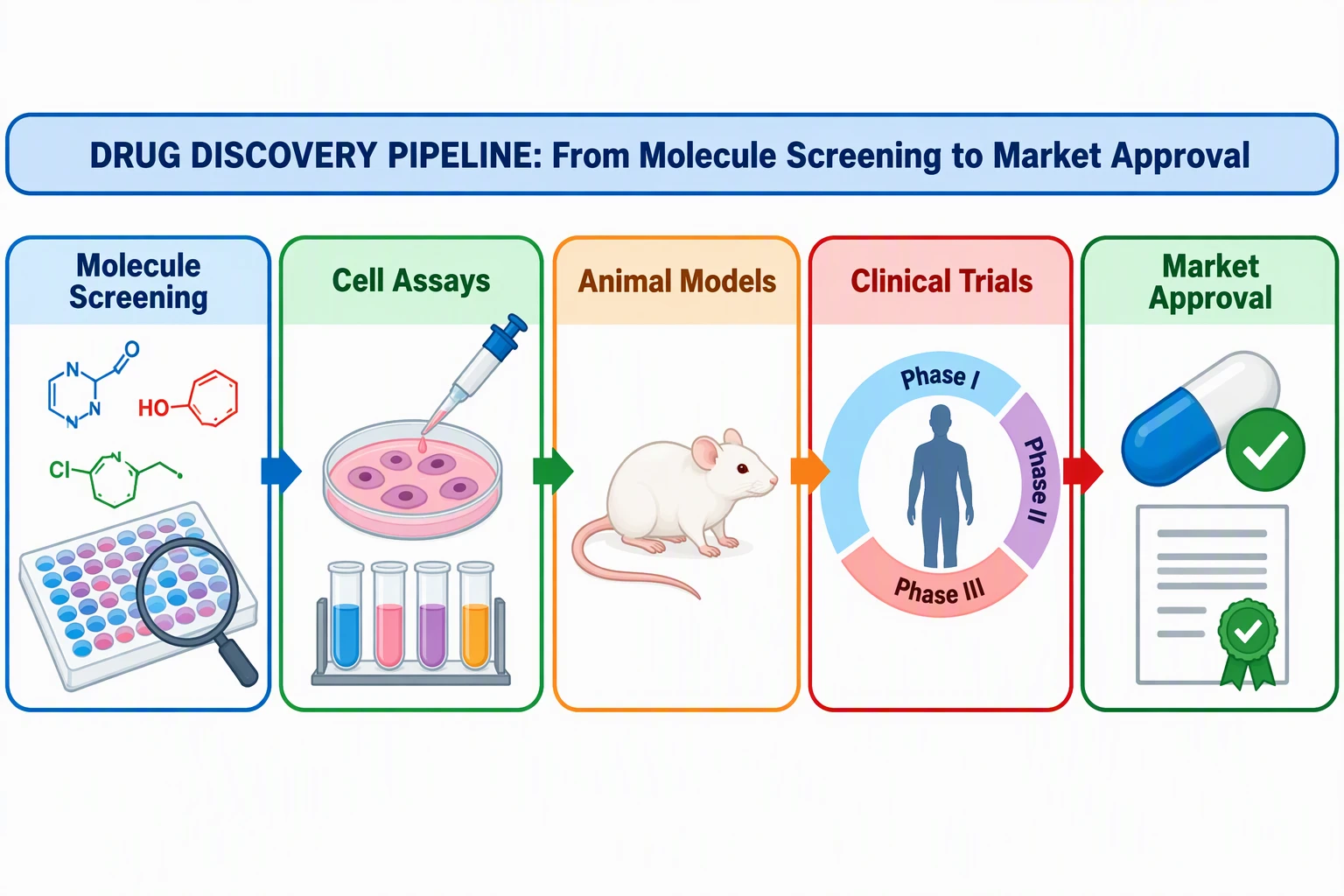
Graphical Abstract Maker
Draft a single-panel visual abstract for Elsevier, Cell, or Nature-style tables of contents. Review journal size rules before you export.
Draft a graphical abstract →
A single-panel visual abstract is a different job from a BioRender icon cartoon. Check your journal’s pixel size and AI-image policy before you submit.
Worked cost examples
These are planning numbers, not invoices. They use BioRender’s October 2026 list prices and ConceptViz’s public pricing: one-time credit packs (Lite $4.99 for 8 credits, Standard $19.90 for 45, Pro $49.90 for 130) and the optional Agent subscription (Standard $29.90/month or $249.90/year).
1. One graduate student, four thesis figures this semester
| Option | 4-month cash out | Notes |
|---|---|---|
| BioRender Academic Individual, monthly | 4 × $39 = $156 | Publication rights for those figures |
| BioRender Undergraduate (if eligible) | $20 per 4-month term | Out-of-pocket students only; not for PI-reimbursed seats |
| ConceptViz Standard credit pack | $19.90 once | 45 credits, no monthly seat; enough for drafts plus a few final exports if you do not regenerate endlessly |
| Keep BioRender Free | $0 | You still cannot publish those three free figures |
If the student is eligible for the undergraduate term and will only publish after upgrading, read the license before building on Free. Do not assume you can “just upgrade later” and keep the same file rights — confirm with BioRender.
2. A five-person academic lab that figures every week
Academic Lab (5 seats) is usually cheaper than five Individual seats:
- Five Individual yearly seats: 5 × $35 = $175/month
- Academic Lab at the commonly listed yearly rate: $99/month for the same headcount
If only two people actually open BioRender, Individual × 2 ($70/month yearly) can beat a five-seat lab. Count active figure-makers, not names on the lab website.
3. A biotech scientist who needs commercial slides
Industry Individual yearly is $95/month. That is the correct catalog if the figures will appear in investor or customer materials.
A credit-based tool can still be cheaper for a one-off medical illustration or graphical abstract. It does not replace an industry BioRender seat if your weekly output is icon-based mechanism figures that legal already knows how to license.
4. “We already have Illustrator”
Adobe Illustrator (~$23/month on many Creative Cloud seats) plus free icon sets (Bioicons, NIAID, Reactome exports) is the classic $0–$23 path. It wins on control and loses on time. BioRender’s product is speed + a curated biology library. Price it against hours, not against Illustrator’s sticker.
Custom anatomy is the usual reason labs keep a second tool next to BioRender. Icon libraries are excellent for generic hearts; they are weak for a specific surgical view or a labeled research schematic.
BioRender vs a credit-based generator (honest split)
| Need | BioRender is usually better | A generator such as ConceptViz is usually better |
|---|---|---|
| Weekly cell / pathway cartoons in one visual language | Yes | No |
Lab commenting on the same .biorender file | Yes | No |
| A custom heart, surgical field, or organ schematic that is not in the library | Slow or impossible | First draft in one prompt |
| Graphical abstract with a unique layout | Possible, often stiff | Faster first composition |
| Publication rights + a known vendor license | Clear paid-plan path | You still review the figure and follow the journal’s AI / image rules |
| Pixel-level icon nudging | Yes | Weak; you regenerate or edit the exported image |
| Occasional figures, no unused seats | Expensive | Cheaper if you stop when the figure is done |
Two things ConceptViz will not claim: that every export is “journal-ready,” or that a generator replaces a medical illustrator for a cover-quality plate. Journals differ on generative-AI images. Elsevier’s policy on generative AI in figures allows AI for some explanatory figures (schematics, workflows, conceptual diagrams) if you disclose the tool in the caption; it bans AI on primary research images (microscopy, blots, patient photos); and it tells authors to use a dedicated scientific-illustration tool, not a general-purpose image generator, for graphical abstracts. Check your journal before you pick a tool on price alone.
If you want a side-by-side of free and cheap tools after you have decided BioRender is too much seat, use the existing comparison: 7 Free BioRender Alternatives 2026. That article is a catalog. This one is the invoice.

AI Scientific Image Generator
Describe a mechanism, assay, or concept and generate a full-figure first draft.
How to get a real number for your grant
Do this in 20 minutes before you write “BioRender, $X” into a budget justification:
- Open biorender.com/pricing while signed in with the email that matches your appointment (academic vs industry).
- Count active figure-makers, not total lab members.
- Decide whether Graphing or AI add-ons are required. Default is no.
- Check whether your university already has Institution. If yes, your cost is the internal recharge — not the list price.
- Add the citation requirement to your figure-legend template now, so it does not surprise you at proof.
- Price the leftover work (custom anatomy, graphical abstracts, one-off clinical figures) as credits or a single month of a second tool, not as another unused BioRender seat.
For graphical-abstract size rules after you have a draft, see How to Make a Graphical Abstract.
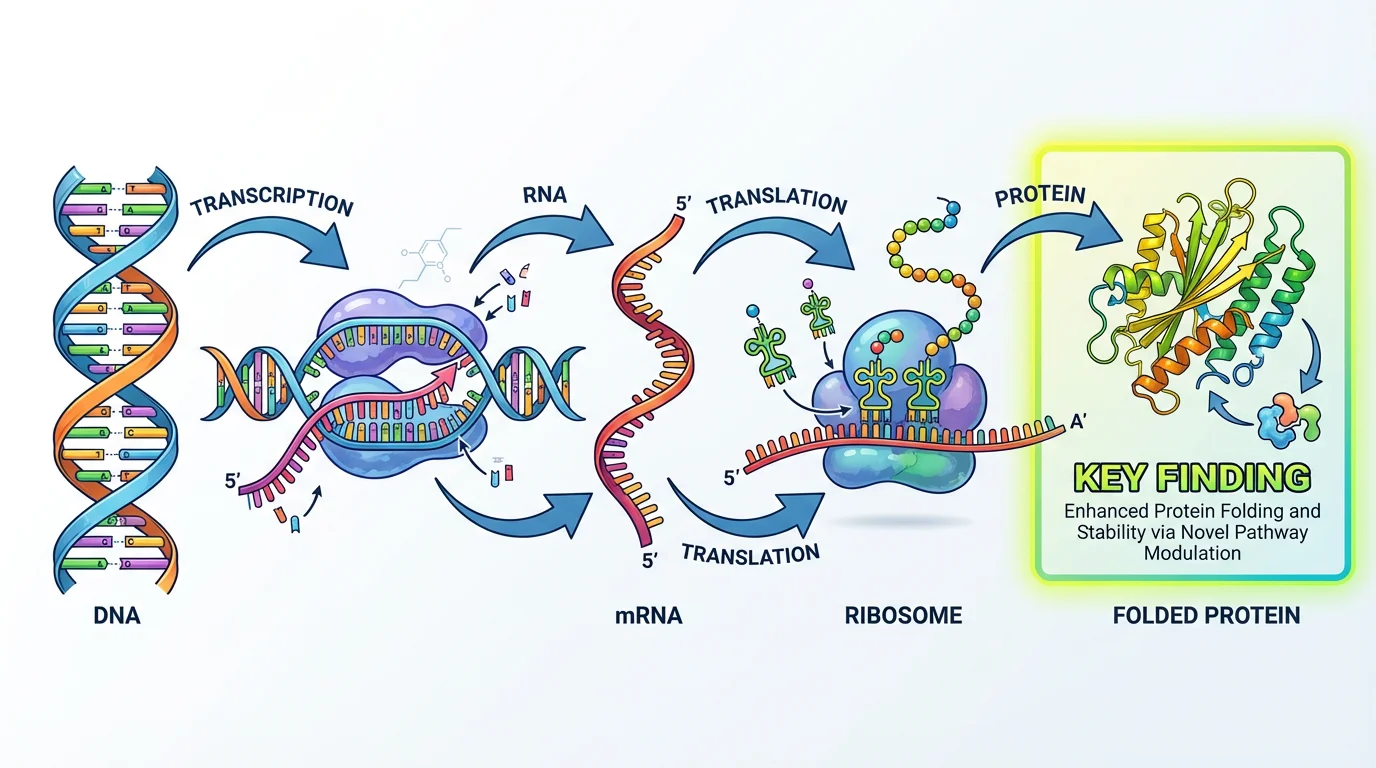
Price the tool after you know the deliverable. A TOC image, a mechanism cartoon, and a full anatomical plate are three different invoices.
Frequently Asked Questions
How much does BioRender cost in 2026?
On BioRender’s public pricing page in October 2026, Academic Individual is $35 per month billed annually or $39 month-to-month. Industry Individual is $95 per month billed annually or $115 month-to-month. A free plan exists but does not include publication or commercial rights.
Is there a free BioRender plan?
Yes. The Basic plan is $0 and includes up to three figures. BioRender does not allow those figures to be used in publications or commercial work. Upgrade to a paid Academic or Industry plan for those rights.
Does BioRender offer student or undergraduate pricing?
Yes, for students paying out of pocket with an academic email. Undergraduates can buy a 4-month term at $20. If a PI or department will reimburse the subscription, BioRender requires an Individual or Lab plan instead of the student discount.
Can I publish BioRender figures in a journal?
Paid Academic or Industry plans include permission to publish in journals. Free-plan figures cannot be published. Paid figures that include BioRender content still need BioRender’s required citation in the legend or credits.
How much is BioRender for a lab or company team?
Academic Lab pricing is shown on BioRender’s Academic tab; recent public listings put five seats at $99 per month billed annually. Industry Team is $5,700 per year for five seats or $570 per month, with extra seats at $95 per month on annual billing. Institution and Enterprise are custom quotes.
Are BioRender Graphing and AI extra?
Yes. Graphing is listed at $15 per seat per month (academic, annual) or $49 (industry). AI-assisted figure generation starts at $4 per month academic or $25 industry on annual billing. Neither is required for the core canvas.
When is BioRender not worth the seat?
If you only need a few custom figures a year, if the icon library does not contain your anatomy or layout, or if your university already refuses icon-collage graphical abstracts. In those cases a credit-based generator or Illustrator plus open icons is usually cheaper.
Is ConceptViz a BioRender replacement?
No. ConceptViz is better for custom one-off illustrations and visual abstracts from a text brief. BioRender is better for weekly icon-based biology figures and lab collaboration. Many groups keep both rather than forcing one tool to do both jobs.
Bottom line
BioRender’s 2026 sticker is straightforward once you ignore the marketing tiles: $35–$39 for one academic, $95–$115 for one industry user, then a jump at five-seat Lab/Team and a custom quote at Institution/Enterprise. The expensive mistakes are buying industry pricing by accident, paying for unused lab seats, and building a paper on the free plan.
If your next figure is a custom anatomical plate or a graphical abstract — not another icon pathway — generate the draft on the medical illustration or graphical abstract page, then decide whether you still need a BioRender seat for the rest of the manuscript.
For a side-by-side of BioRender, FigureLabs, and credit-based tools, see Best AI Scientific Illustration Tools 2026. The 1-to-1 paid decision is BioRender vs ConceptViz.
Categories
More Posts
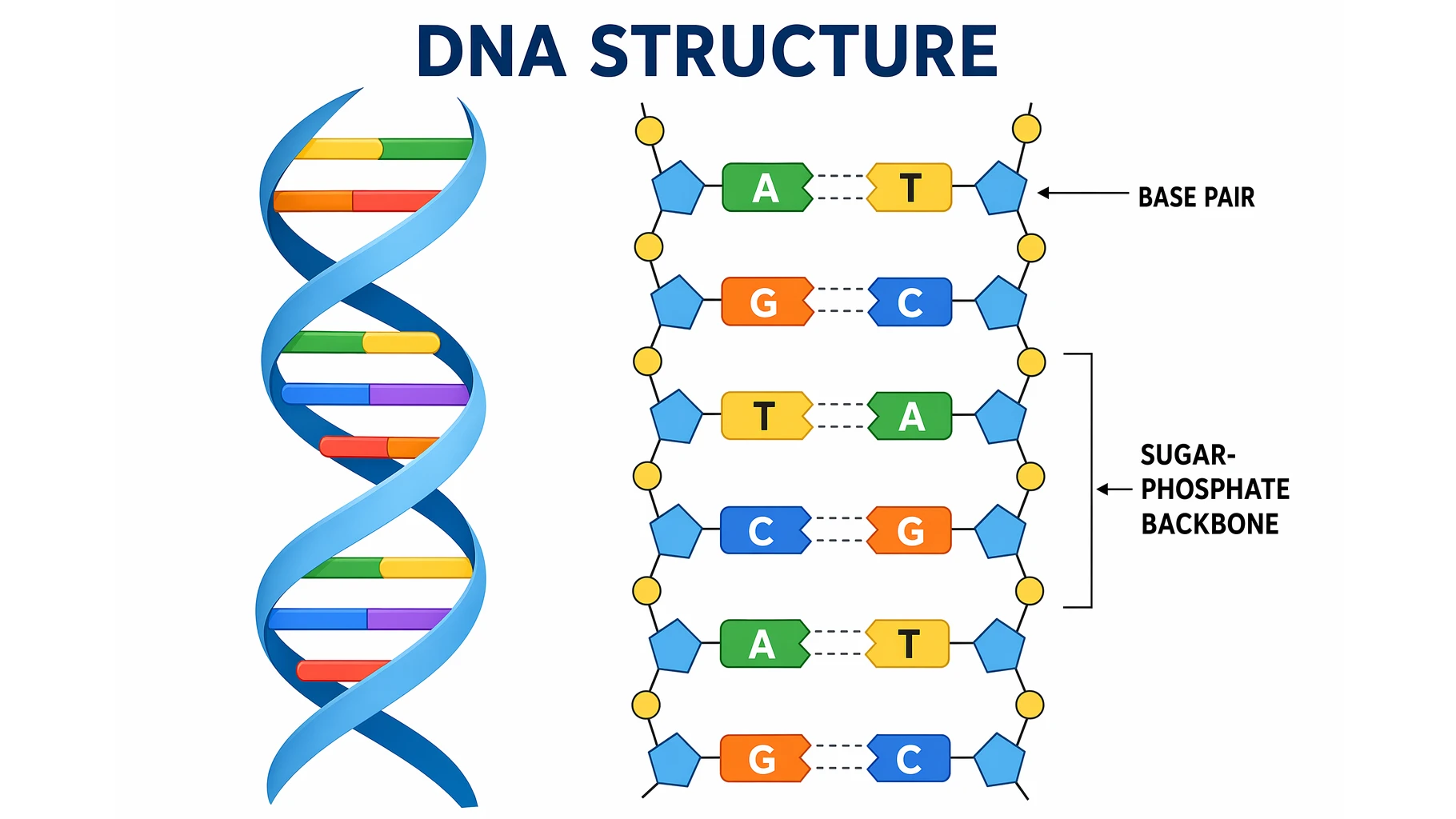
DNA Structure: The Double Helix and Base Pairs Explained
A clear guide to DNA structure: the double helix, nucleotides, the sugar-phosphate backbone, A-T and G-C base pairing, antiparallel strands, and grooves.
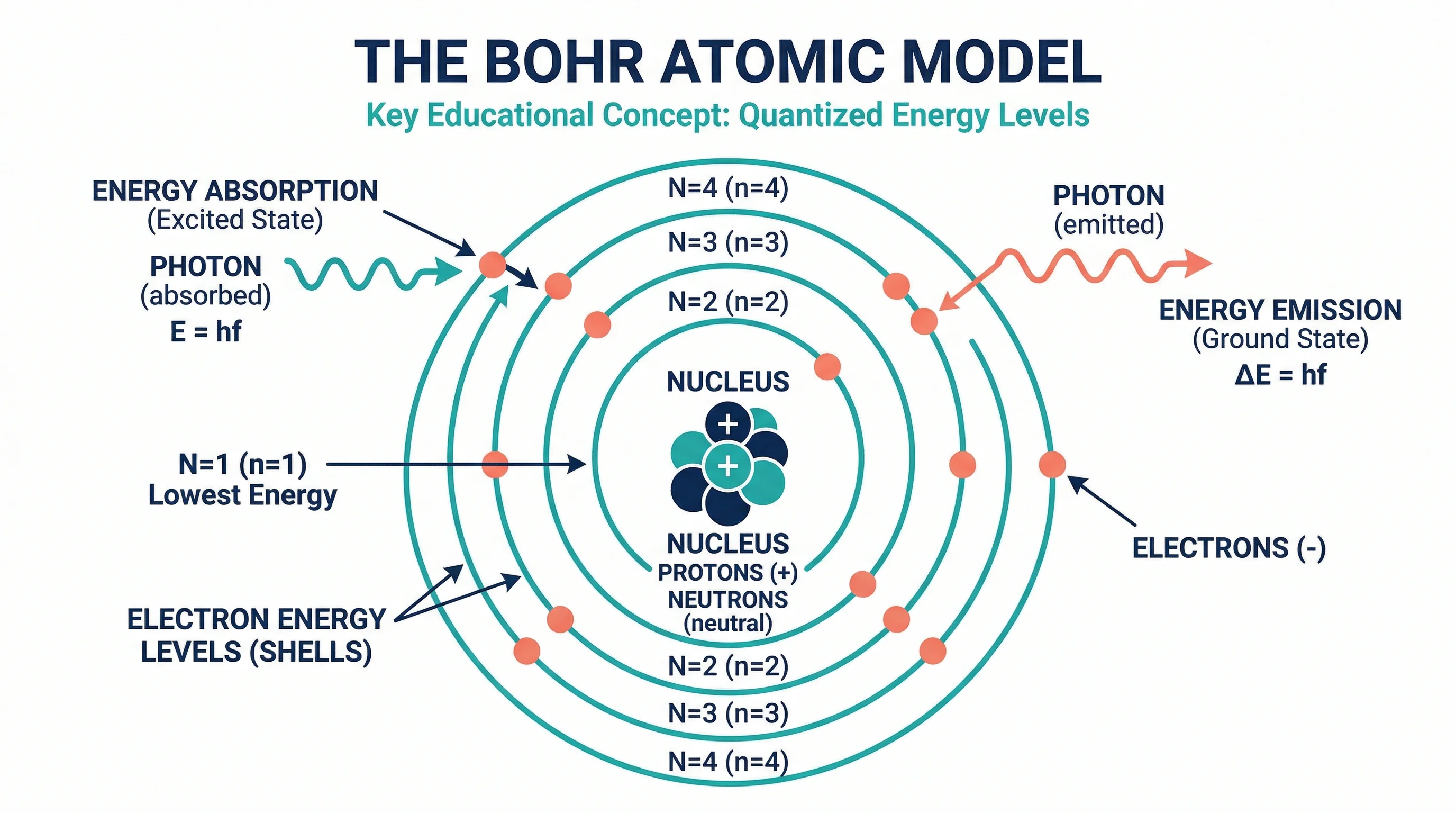
How to Make a Bohr Model: Step-by-Step Guide for Students (2026)
Learn how to draw a Bohr model for any element. Covers electron shell rules, common elements, mistakes to avoid, and where Bohr models break down.
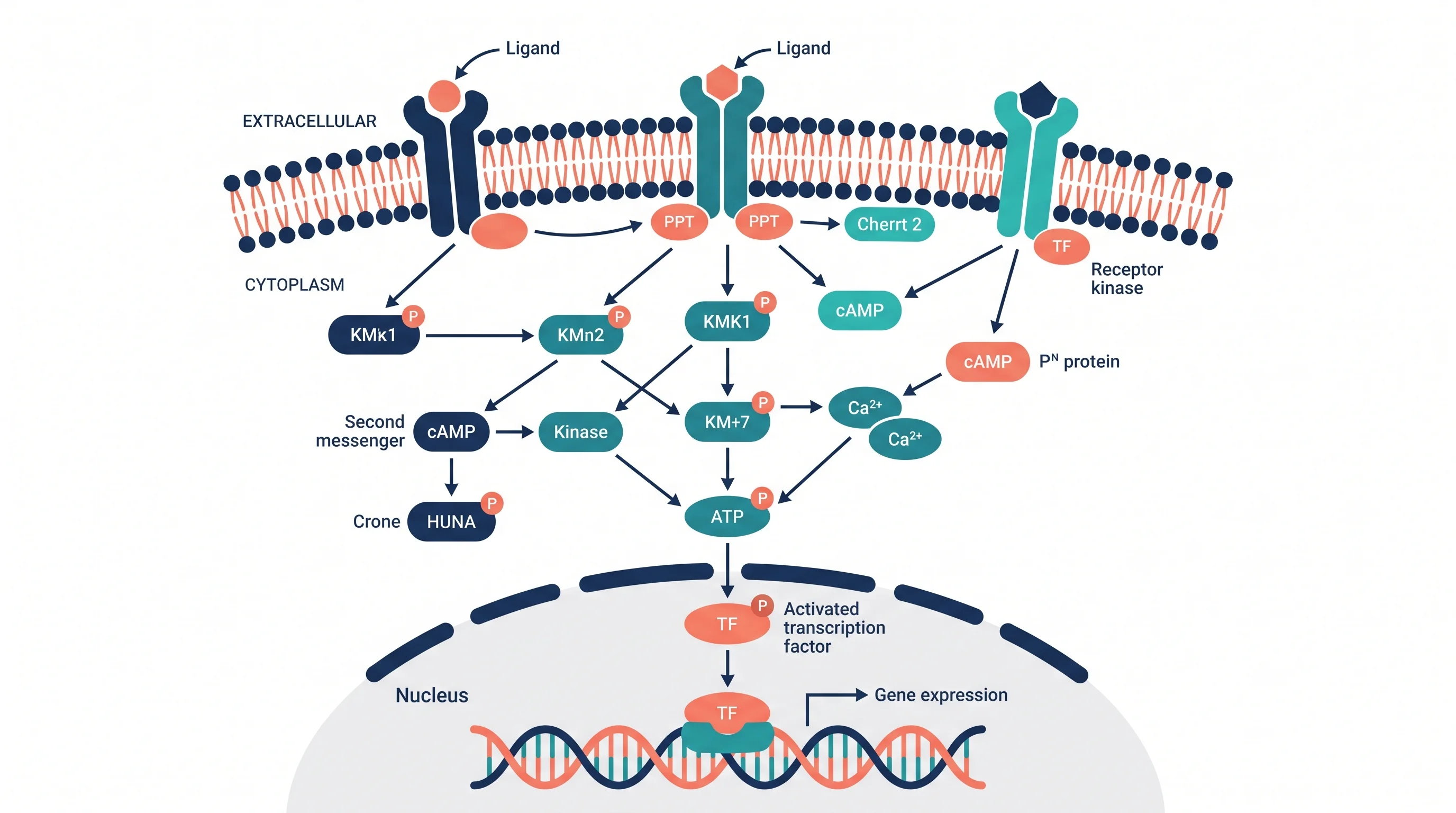
Signal Transduction Pathway Diagram: A Complete Guide for Biology Students and Researchers
Learn how to create signal transduction pathway diagrams for papers and presentations. Covers GPCR, RTK, MAPK, and Wnt pathways with tools and symbols.