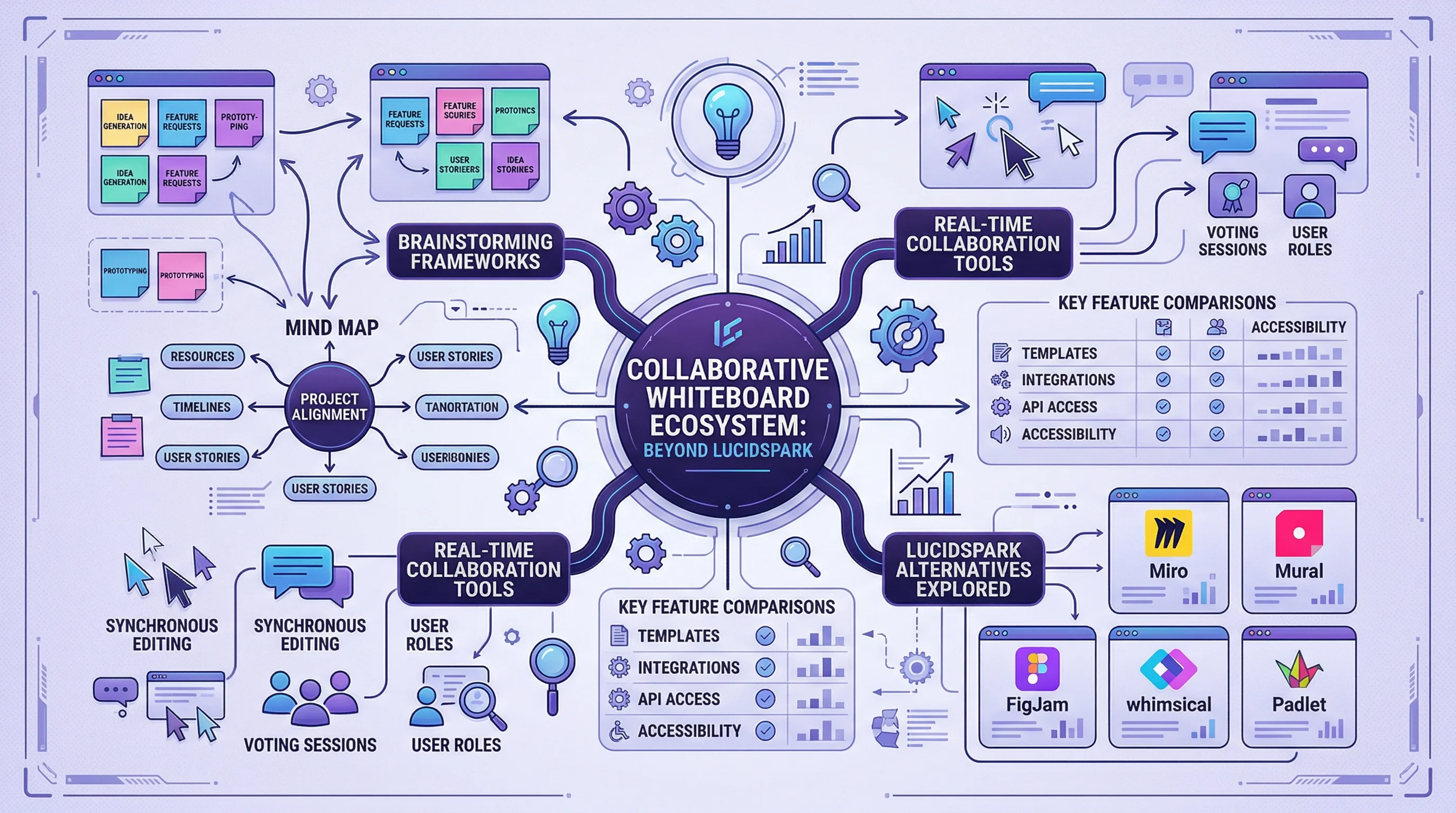
Lucidspark Alternatives: 8 Best Free Tools (2026)
Compare the 8 best free Lucidspark alternatives for 2026. FigJam, Miro, Excalidraw, Canva Whiteboard & more — unlimited brainstorming without the paywall.
Best Free Lucidspark Alternatives for Brainstorming & Collaboration in 2026
Lucidspark is Lucid Software's virtual whiteboard tool, built for brainstorming sessions, collaborative workshops, and visual ideation. It sits alongside Lucidchart (diagramming) and Lucidscale (cloud visualization) in the Lucid suite — but Lucidspark is specifically designed for real-time, freeform collaboration rather than structured diagrams.
The problem? Lucidspark's free plan limits you to 3 editable boards, and paid plans start at $7.95/user/month. For teams running frequent brainstorming sessions or managing multiple projects, those costs add up fast. The Individual plan unlocks unlimited boards, but you lose advanced collaboration features like voting, timers, and breakout boards unless you upgrade to the Team plan at $9/user/month.
If you need unlimited brainstorming space without the price tag, there are strong alternatives in 2026. This guide covers the 8 best free Lucidspark alternatives — from open-source tools to AI-powered platforms — so you can find the right fit for your workflow.
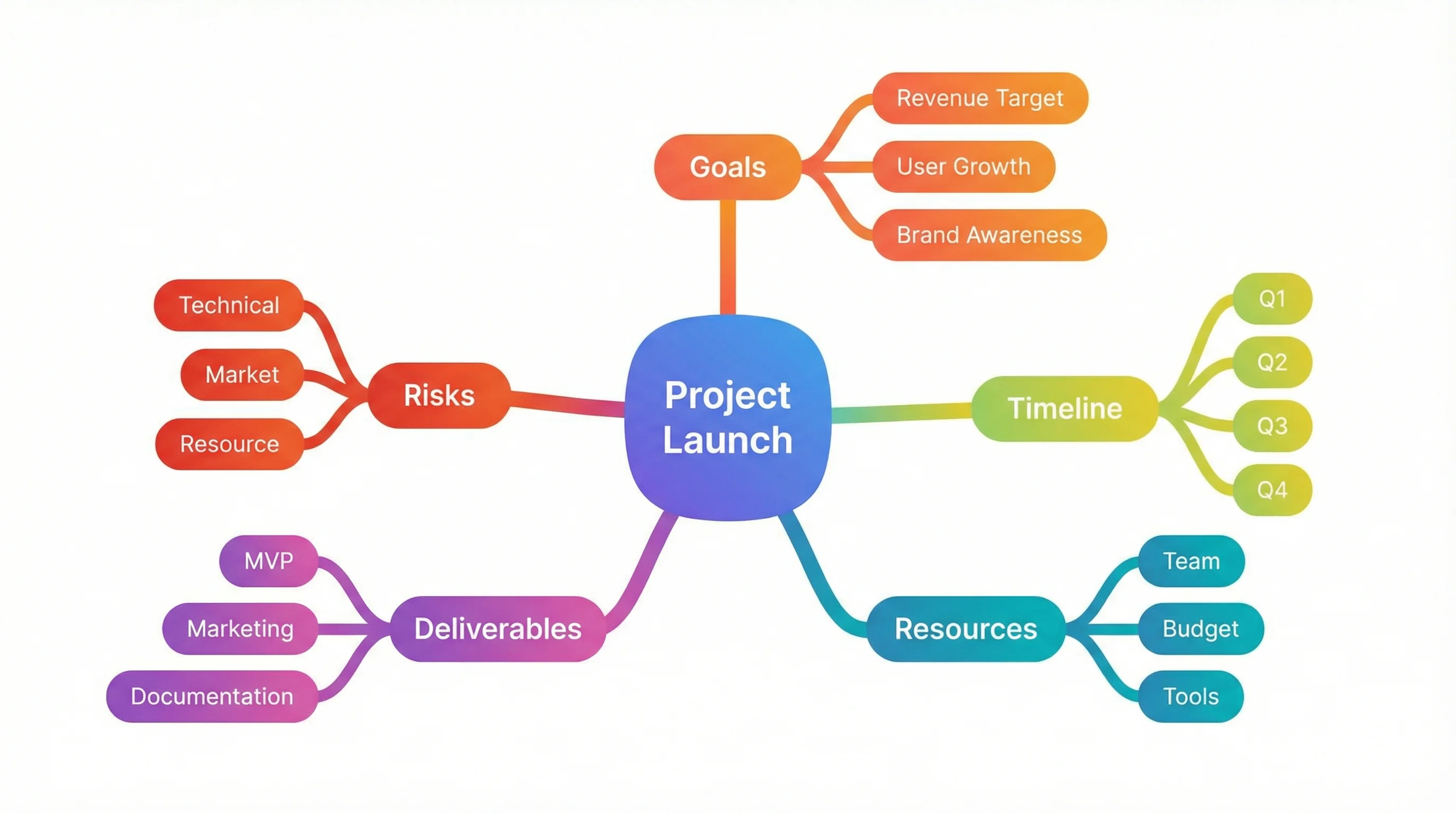
AI Mind Map Generator
Turn any topic into a structured mind map in seconds. Great for brainstorming and idea organization.
Try it free →
Quick Comparison: Top 8 Lucidspark Alternatives
| Tool | Price | Best For | Free Boards | Standout Feature |
|---|---|---|---|---|
| FigJam | Free (3 boards) / Free for Edu | Design teams, educators | 3 (unlimited for edu) | AI generation, Figma ecosystem |
| Miro | Free (3 boards) / $8+/user/mo | Workshops, agile teams | 3 | 2,500+ templates, deep integrations |
| Excalidraw | 100% Free | Quick sketching, privacy | Unlimited | Open-source, no account needed |
| Canva Whiteboard | Free | Visual brainstorming | Unlimited | 100M+ design assets |
| Microsoft Whiteboard | Free (M365) | Microsoft ecosystem users | Unlimited | Deep Teams integration |
| Boardmix | Free | No-limits collaboration | Unlimited | No team size limits |
| MURAL | Free (3 murals) / $12+/user/mo | Enterprise facilitation | 3 | Facilitation superpowers |
| ConceptViz | Free tier | AI-generated diagrams | N/A | AI creates visuals from text |
1. FigJam — Best Overall Lucidspark Alternative
Price: Free (3 boards) / Free for education / $5/editor/month (Professional) Platform: Web, Desktop (Windows, Mac) Website: figma.com/figjam
FigJam is Figma's whiteboard tool, and it has become the go-to alternative for teams that want a polished brainstorming experience without the Lucidspark price tag. Since Figma's acquisition by design-minded teams across the industry, FigJam has matured into a full-featured collaborative canvas.
Why Choose FigJam Over Lucidspark:
- AI-powered features — Generate content, summarize sticky notes, categorize ideas, and create boards from text prompts
- Figma integration — Move seamlessly between brainstorming (FigJam) and design (Figma) without switching tools
- Open sessions — Invite participants without requiring Figma accounts, perfect for cross-team workshops
- Widgets and plugins — Polls, timers, music, voting, and hundreds of community-built extensions
- 100% free for education — K-12 gets Enterprise features free; higher education gets Professional tier free
Key Features:
- Infinite canvas with sticky notes, shapes, connectors, and sections
- Real-time collaboration with visible cursors and multiplayer editing
- Stamps, stickers, emotes, and audio notes for expressive feedback
- Built-in templates for retrospectives, brainstorming, journey maps, and more
- Presentation mode to walk through ideas step-by-step
Limitations:
- Free plan limited to 3 boards (same as Lucidspark)
- Some advanced features require Professional plan
- Can feel overwhelming for users who just want a simple whiteboard
Verdict: FigJam is the strongest all-around alternative to Lucidspark. The AI features, Figma ecosystem, and free education plan make it hard to beat — especially for design-adjacent teams.
2. Miro — Best for Workshops and Agile Teams
Price: Free (3 boards) / Starter $8/user/month / Business $16/user/month Platform: Web, Desktop, iOS, Android Website: miro.com
Miro is the market leader in collaborative whiteboards and a direct competitor to Lucidspark. With over 80 million users, Miro offers the deepest feature set for workshop facilitation, sprint planning, and team brainstorming.
Why Choose Miro Over Lucidspark:
- 2,500+ templates — Far more than Lucidspark's library, covering agile, strategy, design thinking, and education
- Extensive integrations — Jira, Confluence, Slack, Asana, Notion, Google Workspace, and 200+ more
- Talktrack — Record walkthroughs of your boards as async video presentations
- Intelligent canvas — AI-assisted clustering, summarization, and idea generation
- Stronger ecosystem — Larger community, more plugins, better third-party support
Key Features:
- Infinite canvas with sticky notes, mind maps, flowcharts, and wireframes
- Voting, timers, and facilitation tools built for workshop management
- Video chat and screen sharing directly within boards
- Presentation mode with frames for structured storytelling
- Robust permissions and guest access controls
Limitations:
- Free plan limited to 3 editable boards (same as Lucidspark)
- Paid plans are more expensive than Lucidspark ($8-16/user vs. $7.95-9/user)
- Feature-rich interface has a steeper learning curve
- No offline mode
Miro vs. Lucidspark:
| Feature | Miro | Lucidspark |
|---|---|---|
| Free boards | 3 | 3 |
| Templates | 2,500+ | 100+ |
| Integrations | 200+ | 50+ (Lucid suite focus) |
| AI features | Yes (clustering, generation) | Yes (ideation, sorting) |
| Voting & timers | Yes | Yes |
| Video chat | Built-in | No (requires separate tool) |
| Pricing (team) | $8/user/mo | $9/user/mo |
Verdict: Miro beats Lucidspark on breadth — more templates, more integrations, and a larger user community. If you're leaving Lucidspark because it feels limited, Miro gives you everything Lucidspark does and more. The tradeoff is a steeper learning curve and slightly higher team pricing.
3. Excalidraw — Best Free Open-Source Option
Price: 100% Free, open-source Platform: Web (works offline as PWA) Website: excalidraw.com
Excalidraw is the antidote to feature bloat. It's a completely free, open-source whiteboard with a distinctive hand-drawn aesthetic that makes every diagram feel informal and approachable — exactly the vibe many brainstorming sessions need.
Why Choose Excalidraw Over Lucidspark:
- No account required — Open the site and start drawing immediately. No signup, no credit card, no trial expiry
- Unlimited everything — No board limits, no shape limits, no collaborator limits
- End-to-end encrypted — When you share collaboration links, content is encrypted by default
- Works offline — Install as a PWA and use it without internet
- Self-hostable — Run your own instance for complete data control
Key Features:
- Infinite canvas with shapes, arrows, text, and freehand drawing
- Real-time collaboration via shareable links
- Library system for reusable components and shapes
- Export to PNG, SVG, clipboard, or embed in docs
- Dark mode and multiple color themes
- Lightweight and fast — loads in under a second
Limitations:
- No built-in templates (community templates available)
- No facilitation tools (voting, timers, etc.)
- Hand-drawn style may not suit corporate presentations
- One drawing per session (use multiple tabs for more)
- No built-in video chat or commenting
Verdict: Excalidraw is perfect if Lucidspark's restrictions frustrate you. Zero cost, zero limits, zero friction. It trades polish and facilitation features for pure simplicity and freedom. Developers and privacy-conscious teams love it.
4. Canva Whiteboard — Best for Visual Brainstorming
Price: Free / Canva Pro $12.99/month / Canva for Education (100% free for verified educators) Platform: Web, iOS, Android Website: canva.com/online-whiteboard
Canva Whiteboard combines Canva's massive design asset library with a collaborative infinite canvas. If your brainstorming sessions need to look polished — or if ideas frequently turn into presentations, social posts, or documents — Canva Whiteboard is uniquely positioned.
Why Choose Canva Over Lucidspark:
- Unlimited free boards — No 3-board limit like Lucidspark
- 100M+ design assets — Drag photos, illustrations, icons, and graphics directly onto your whiteboard
- Design-to-deliverable pipeline — Turn a brainstorm board into a presentation, poster, or document without leaving Canva
- Easy learning curve — If you've used Canva for anything, you already know how to use the whiteboard
- Timer and collaboration features — Sticky notes, reactions, real-time cursors, and timed brainstorming sessions
Key Features:
- Infinite canvas with sticky notes, shapes, connectors, and freehand drawing
- Built-in templates for mind maps, flowcharts, mood boards, and org charts
- AI-powered design suggestions and content generation
- Real-time collaboration with colorful cursors
- Export to PDF, PNG, or share as a link
- Accessible on mobile devices
Limitations:
- Some premium assets require Canva Pro subscription
- Not as focused on facilitation as Lucidspark or Miro
- Fewer integrations with project management tools
- Can feel cluttered with so many design options
Verdict: Canva Whiteboard is the best choice if you want beautiful brainstorming boards and the ability to turn ideas into polished deliverables. The unlimited free boards alone make it a strong Lucidspark alternative.
5. Microsoft Whiteboard — Best for Microsoft 365 Users
Price: Free with Microsoft 365 Platform: Web, Windows, iOS, Android Website: microsoft.com/microsoft-whiteboard
If your organization is already in the Microsoft ecosystem, Microsoft Whiteboard is included with your existing subscription. It integrates deeply with Teams, making it a natural choice for hybrid brainstorming sessions during video calls.
Why Choose Microsoft Whiteboard Over Lucidspark:
- Already included — If you have Microsoft 365, there's nothing extra to pay
- Teams integration — Open whiteboards directly in video calls without switching apps
- OneNote sync — Export boards to Class Notebooks or meeting notes
- Ink beautification — Handwritten text and shapes are auto-cleaned for readability
- Unlimited boards — No 3-board restriction
Key Features:
- Infinite canvas with drawing tools, shapes, and sticky notes
- Real-time collaboration during Teams meetings
- Copilot AI integration for idea generation and organization
- Templates for brainstorming, project planning, and retrospectives
- Touch and pen input support for Surface and tablet users
- Accessibility features including screen reader support
Limitations:
- Requires Microsoft account
- Fewer creative features than Canva or FigJam
- Limited integrations outside the Microsoft ecosystem
- Less polished than dedicated whiteboard tools
- Feature updates can be slow compared to competitors
Verdict: A solid, no-extra-cost option for organizations already paying for Microsoft 365. The Teams integration is genuinely useful for hybrid brainstorming. But if you're not in the Microsoft ecosystem, other tools offer more value.
6. Boardmix — Best Truly Unlimited Free Option
Price: Free (unlimited boards, unlimited team members) Platform: Web Website: boardmix.com
Boardmix is the dark horse of whiteboard tools. While most competitors limit free plans to 3 boards, Boardmix offers unlimited boards and unlimited collaborators at no cost. It has been gaining traction in 2025-2026 among teams frustrated by the restrictions of Lucidspark, Miro, and FigJam.
Why Choose Boardmix Over Lucidspark:
- Truly unlimited free plan — No board limits, no team size limits, no shape restrictions
- AI-powered brainstorming — Generate ideas, mind maps, and content with built-in AI
- Presentation mode — Turn boards into slideshows for stakeholder presentations
- Multiple diagram types — Mind maps, flowcharts, org charts, Kanban boards, and more on one canvas
- Real-time collaboration — Audio/video chat, cursors, and comments
Key Features:
- Infinite canvas with all standard whiteboard elements
- Built-in diagramming tools (not just sticky notes)
- Templates covering brainstorming, project management, and education
- Export to PNG, JPG, SVG, PDF
- Desktop app available for offline access
- Markdown and document editing within boards
Limitations:
- Smaller user community than Miro or FigJam
- Fewer third-party integrations
- Less established brand and track record
- Advanced AI features may require paid upgrades
- Template library is growing but still smaller than competitors
Verdict: If Lucidspark's 3-board limit is your main frustration, Boardmix solves that problem completely. The free plan is genuinely generous, and the tool is maturing fast. Worth trying if you want zero restrictions on free brainstorming.
7. MURAL — Best for Structured Enterprise Workshops
Price: Free (3 murals) / Team+ $12/user/month / Business $17.99/user/month Platform: Web, iOS, Android Website: mural.co
MURAL is built specifically for facilitation. If you run structured workshops — design sprints, strategy sessions, retrospectives, or innovation labs — MURAL's facilitation toolkit is deeper than what Lucidspark or Miro offer out of the box.
Why Choose MURAL Over Lucidspark:
- Facilitation superpowers — Built-in timers, voting, summoning (bring all participants to one spot), private mode (hide ideas until reveal), and guided workflows
- Structured frameworks — Templates designed by professional facilitators for specific workshop methodologies
- Enterprise-ready — SOC 2 Type II certified, GDPR compliant, SSO support, and admin controls
- Consulting-grade — Used by McKinsey, IDEO, IBM, and other firms that run workshops professionally
Key Features:
- Infinite canvas with sticky notes, shapes, icons, and connectors
- Private brainstorming mode (participants can't see others' ideas until facilitator reveals)
- Summon feature to gather all participants to one area
- Outline view for navigating large boards
- Integration with Microsoft Teams, Slack, and project management tools
- Robust analytics on participation and engagement
Limitations:
- Free plan limited to 3 murals (same as Lucidspark)
- More expensive than Lucidspark on paid plans
- Focused on facilitation — may be overkill for casual brainstorming
- Steeper learning curve for facilitator features
- Less suitable for diagramming or design work
Verdict: MURAL is the premium choice for professional facilitators and enterprise teams. If you run structured workshops regularly, the facilitation features justify the investment. For casual brainstorming, simpler tools will suffice.
8. ConceptViz — Best for AI-Generated Visual Brainstorming
Price: Free credits on signup, then pay-as-you-go credit packs from $5 — no subscription Platform: Web Website: conceptviz.app
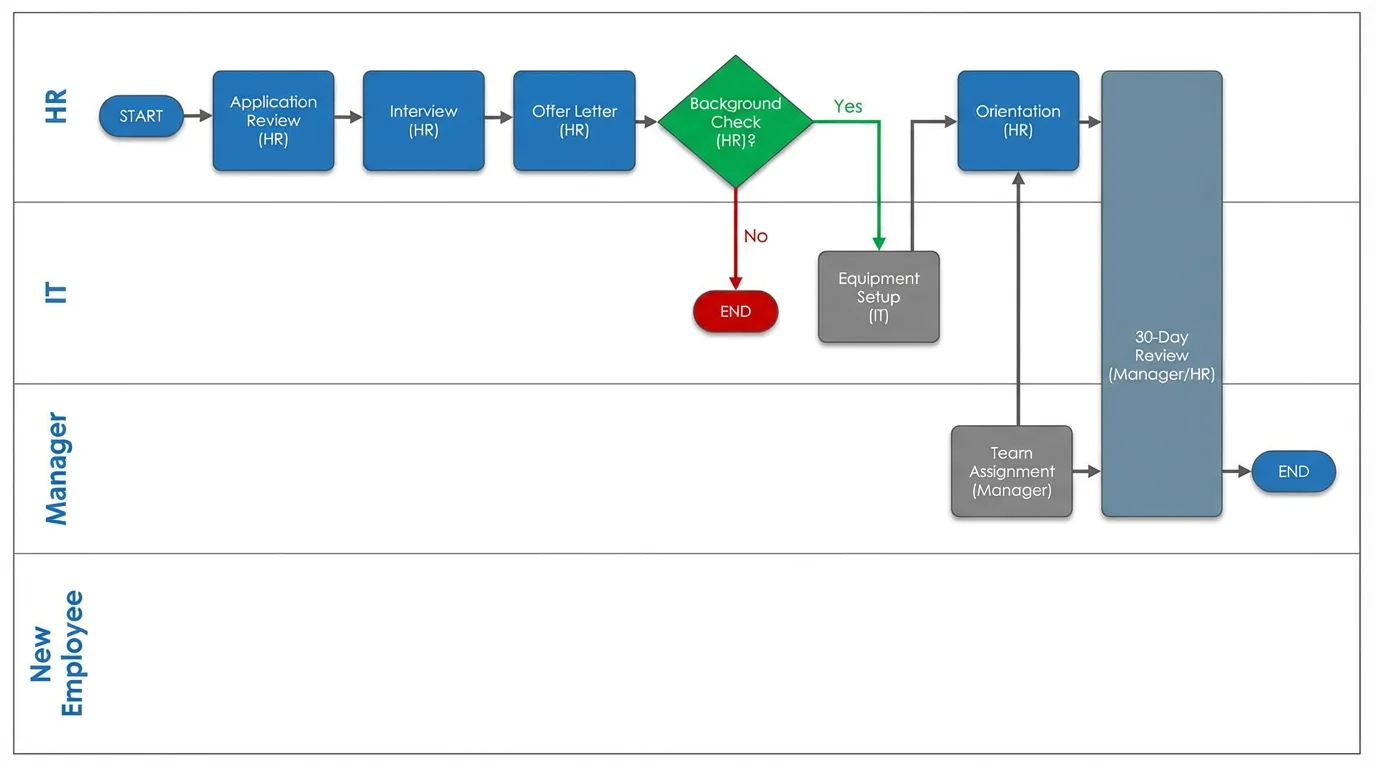
ConceptViz takes a fundamentally different approach to brainstorming visuals. Instead of dragging shapes and sticky notes around a canvas, you describe what you need in plain text and AI generates professional diagrams in seconds. It's not a direct whiteboard replacement — it's a powerful complement that eliminates the time you spend manually building visual frameworks.

Why ConceptViz Complements Your Brainstorming Workflow:
- AI-powered generation — Describe a concept, process, or framework in natural language and get a professional visual instantly
- No design skills needed — Skip the manual layout work entirely
- Multiple diagram types — Mind maps, flowcharts, concept maps, frameworks, and more
- Export anywhere — Download generated diagrams and add them to any whiteboard tool (FigJam, Miro, Canva, etc.)
Popular Tools for Brainstorming:
- AI Mind Map Generator — Turn any topic into a structured mind map
- AI Flowchart Generator — Generate process flows from descriptions
- Text to Diagram Generator — Convert any text into visual diagrams
- Conceptual Framework Generator — Build research and strategy frameworks
Best For:
- Teams that need professional diagrams fast but don't have designers
- Adding structured visuals to brainstorming sessions
- Educators creating teaching materials and visual aids
- Researchers building conceptual frameworks
Verdict: ConceptViz isn't a Lucidspark replacement — it's a brainstorming accelerator. Use it alongside your whiteboard tool to generate polished diagrams from ideas in seconds, rather than spending time manually building them.

Text to Diagram Generator
Turn any text description into a professional diagram with AI
Why You Might Need Lucidspark Alternatives
Lucidspark is a capable whiteboard tool, but several common pain points drive users to explore alternatives:
1. The 3-Board Limit
Lucidspark's free plan restricts you to 3 editable boards. For anyone managing multiple projects, running regular brainstorming sessions, or teaching multiple classes, this limit is reached quickly. Tools like Excalidraw, Canva Whiteboard, and Boardmix offer unlimited boards for free.
2. Pricing Adds Up for Teams
At $9/user/month for the Team plan, a 10-person team pays $1,080/year. If your team primarily needs brainstorming and sticky note collaboration, that's a steep price when alternatives offer similar capabilities for less — or free.
3. Lucid Suite Lock-in
Lucidspark works best when paired with Lucidchart and Lucidscale. If you don't use the full Lucid suite, you're paying for integration value you can't use. Independent tools like FigJam (with Figma), Miro (standalone), or Excalidraw (no ecosystem required) may fit your workflow better.
4. Feature Gaps
Despite being a mature tool, Lucidspark lacks some features competitors offer:
- No built-in video chat (Miro has it)
- Smaller template library than Miro or FigJam
- Fewer third-party integrations than Miro
- No offline mode (Excalidraw works offline)
- No open-source or self-hosted option
5. Different from Lucidchart
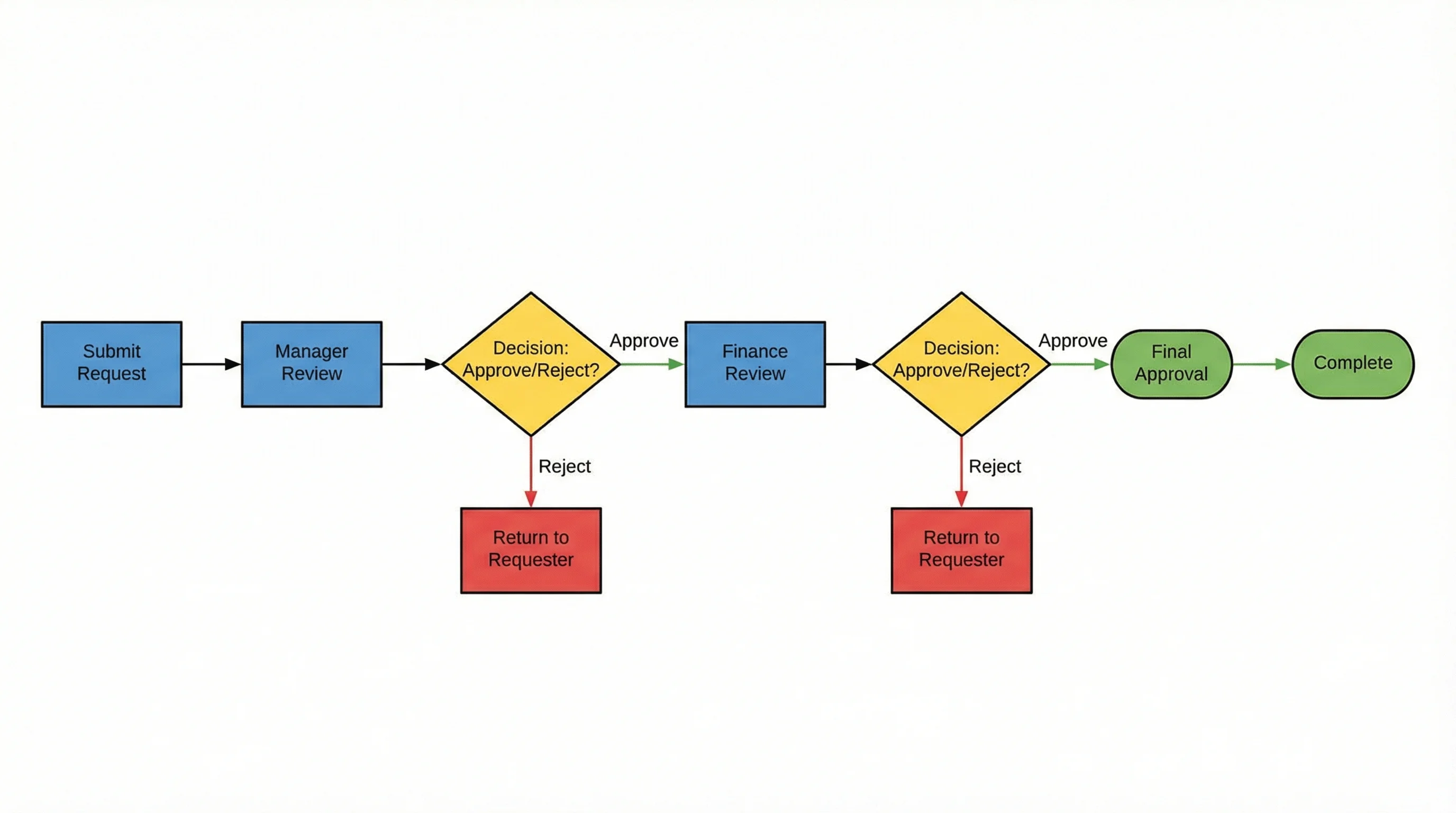
It's worth noting: Lucidspark and Lucidchart are different products. Lucidchart is for structured diagramming (flowcharts, ER diagrams, network diagrams). Lucidspark is for freeform brainstorming and collaboration. If you're looking for diagramming alternatives, see our Lucidchart alternatives guide instead.
Which Tool Should You Choose?
| Your Situation | Best Choice |
|---|---|
| Want the most features and templates | Miro |
| Design team using Figma | FigJam |
| Need truly unlimited free boards | Excalidraw or Boardmix |
| Want beautiful visual brainstorming | Canva Whiteboard |
| Already have Microsoft 365 | Microsoft Whiteboard |
| Run professional workshops | MURAL |
| Need AI-generated diagrams | ConceptViz |
| Value privacy and open-source | Excalidraw |
Decision Framework:
- Budget is zero: Excalidraw (unlimited, no account) or Boardmix (unlimited, with account)
- Small team, need collaboration: FigJam or Miro free plan (3 boards each)
- Enterprise workshops: MURAL or Miro Business
- Visual-heavy brainstorming: Canva Whiteboard
- Microsoft shop: Microsoft Whiteboard
- Need diagrams from ideas: ConceptViz Mind Map Generator
Related Guides
Looking for alternatives to other tools? Check out our comparison guides:
- Best Free Lucidchart Alternatives — Flowcharts and diagramming tools
- Best Free Miro Alternatives — Whiteboard and collaboration tools
- Best Free Prezi Alternatives — Presentation tools
- Best Free EdrawMax Alternatives — Professional diagramming
FAQ
Q: What is the best free Lucidspark alternative? A: For unlimited free boards with no account required, Excalidraw is the best option. For a more feature-rich experience with templates and AI, FigJam (free for education) or Boardmix (unlimited free boards) are excellent choices.
Q: Is Lucidspark the same as Lucidchart? A: No. Lucidspark is a virtual whiteboard for brainstorming and collaboration, while Lucidchart is a diagramming tool for flowcharts, ER diagrams, and technical diagrams. They are separate products from Lucid Software.
Q: Can I use Lucidspark for free? A: Yes, Lucidspark offers a free plan with 3 editable boards, unlimited shapes per board, basic collaboration, and presentation mode. However, features like voting, timers, and advanced facilitation require a paid plan.
Q: What is the best Lucidspark alternative for teams? A: Miro offers the deepest feature set for team collaboration with 2,500+ templates, 200+ integrations, and built-in video chat. For budget-conscious teams, Boardmix provides unlimited free boards with no team size limits.
Q: Is there an open-source alternative to Lucidspark? A: Yes, Excalidraw is fully open-source, free, and can be self-hosted. It offers real-time collaboration, end-to-end encryption, and no usage limits.
Q: Which Lucidspark alternative has the best AI features? A: FigJam and Miro both offer strong AI features for brainstorming, including idea generation, content summarization, and automatic clustering. For AI-generated diagrams specifically, ConceptViz can create professional mind maps, flowcharts, and frameworks from text descriptions.
Q: Can I migrate my boards from Lucidspark? A: There's no direct migration tool between Lucidspark and most alternatives. You can export Lucidspark boards as images or PDFs and import them into other tools, but interactive elements (sticky notes, connections) will need to be recreated.
Q: What replaced Google Jamboard for brainstorming? A: Google Jamboard was discontinued in late 2024. The best replacements for brainstorming are FigJam (integrates with Google Classroom), Excalidraw (free, no account), and Canva Whiteboard (unlimited free boards with design assets).
Categories
More Posts
How to Make a Venn Diagram: Free Guide with Examples & AI Generator (2026)
Learn how to make a Venn diagram step by step. Explore 10+ real examples for science, business, and education — or use our free AI Venn diagram maker to create one instantly.
How to Draw a Box and Whisker Diagram: Complete Step-by-Step Guide (2026)
Learn how to draw a box and whisker diagram from scratch. Step-by-step tutorial covering hand-drawn, Excel, Python, and R methods with examples and common mistakes.
How to Design an Award-Winning Scientific Poster: Complete Guide
Master the art of scientific poster design with proven strategies used by award winners. Learn layout principles, visual hierarchy, and presentation tips.