Text to Diagram Generator from Plain Text
Describe any diagram in plain text and let AI build it for you — flowcharts, mind maps, org charts, network maps, processes, and more. Type what you want, the AI picks the right diagram and draws it, then export your result. Free to try.
Generate Diagram from Text
Free to try ·
Your diagram will appear here
Describe any diagram type above in plain language
Text to Diagram Examples
Diagrams generated from plain-text descriptions across common types
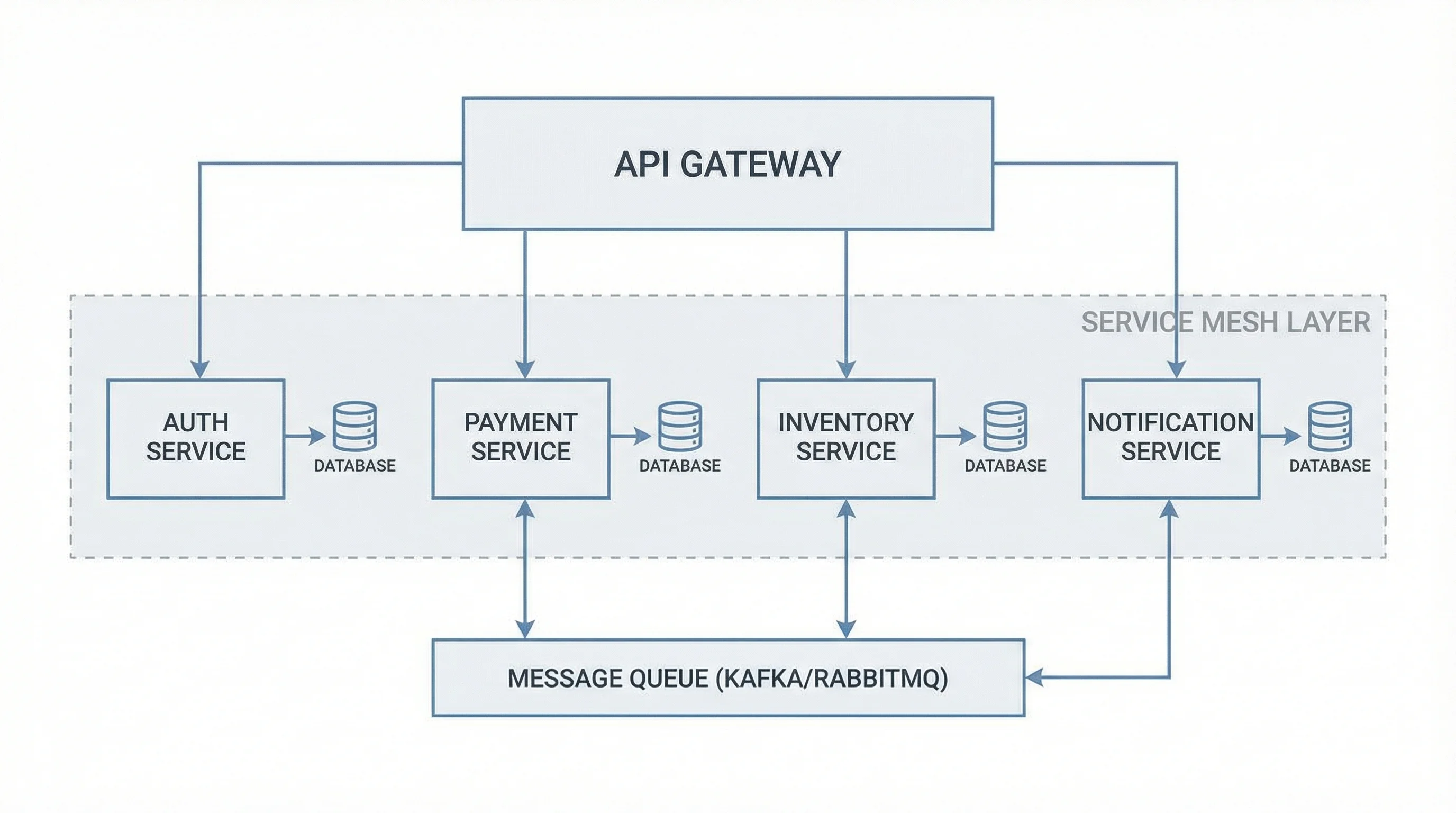
Software Architecture
Describe a system and the AI lays out services, gateways, databases, and the connections between them.
Business Process Flow
Write out the steps and who does what, and the AI arranges them into a clear swimlane process flow.
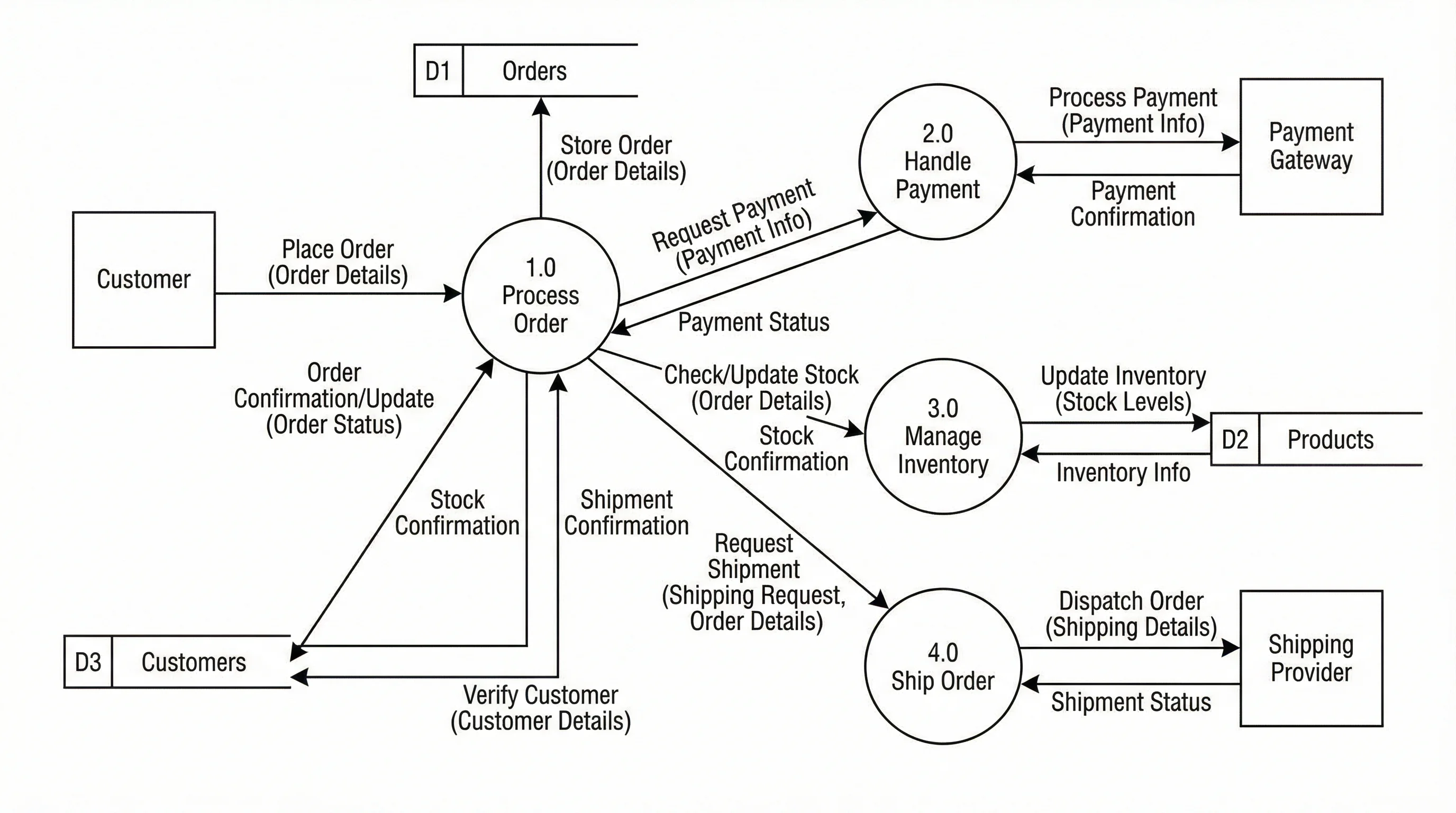
Data Flow Diagram
Explain how data moves through a system and the AI maps the processes, stores, and flows for you.
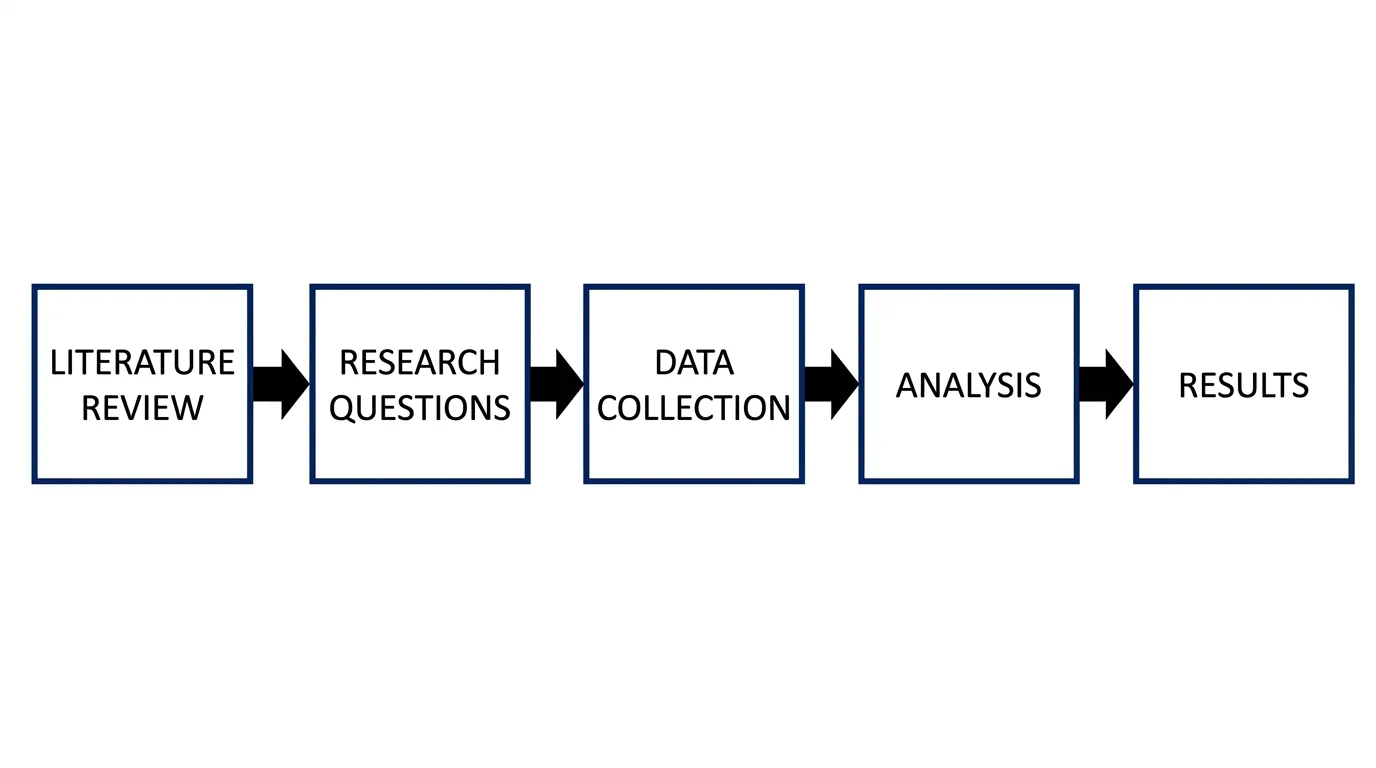
Workflow Diagram
Turn a description of any process into a stage-by-stage workflow with the steps connected in order.
Network Topology
List the devices and zones and the AI draws the topology — firewalls, switches, VLANs, and links.
State Machine Diagram
Describe the states and what triggers each change, and the AI produces a clean state diagram.
Turn any text description into a diagram
This is a general-purpose text-to-diagram generator: you describe the diagram you want in plain language, and the AI reads your description, decides which kind of diagram fits, and draws it. You do not pick a template, drag boxes, or align connectors — you write a sentence or a paragraph, and a finished visual comes back. Because it understands your intent rather than just your keywords, you can describe a flowchart, a mind map, an org chart, a network map, or a process in the same box and get the right diagram each time.
What diagram types can you generate from text?
- Flowcharts and process diagrams — steps, decisions, and branches in order.
- Mind maps — a central topic with branches and sub-branches.
- Org charts — reporting lines from leadership down to teams.
- Network and architecture diagrams — devices, services, and the links between them.
- Data flow and entity-relationship diagrams — how information moves and how records relate.
- Timelines, swimlanes, and state diagrams — sequences, responsibilities, and transitions.
How to convert text to a diagram
- Describe what you want in plain English — name the topic, the items or steps, and how they connect.
- Add any detail that matters: groupings, decision points, labels, or the order things happen in.
- Generate, and the AI interprets your text, chooses a suitable diagram type, and lays it out.
- Refine your wording and generate again if you want a different structure or more detail, then save your result.
Tips for a clear prompt
The clearer your description, the better the diagram. Spell out the elements you want shown and the relationships between them — for a flowchart, list the steps and where decisions branch; for an org chart, name the roles and who reports to whom; for a network diagram, list the devices and how they connect. If you have a specific layout in mind, say so (top-to-bottom, left-to-right, grouped by team). Mentioning the diagram type by name also helps the AI match your intent, though it can infer the type from context when you do not.
AI diagrams vs. structured diagram editors
An AI generator is the fastest way to get from an idea to a picture: you describe it once and a complete diagram appears, which is ideal for first drafts, brainstorming, and visuals where the exact layout is flexible. It is honest to say the output is AI-generated — the AI interprets your words and composes the image, so it is best for communicating an idea rather than for diagrams that must be pixel-perfect or precisely data-bound. When you need strict structure or exact data, a dedicated tool that builds the diagram from your inputs is the better fit.
Need a specific diagram type?
For some diagram types we have dedicated tools that give you more control over structure and labeling. Try the Workflow Diagram Generator for step-by-step processes, the Software Architecture Diagram Generator for systems and services, the Data Flow Diagram Generator for DFDs, the Swimlane Diagram Generator for cross-team processes, the State Diagram Generator for state machines, and the Mind Map Generator for branching topics. Use this general text-to-diagram tool whenever you are not sure which type you need, or when you want the AI to choose for you.
Frequently Asked Questions
Related Diagram Tools
 Diagrams
Workflow Diagram Generator
Map a process step by step, with stages and decisions connected in order.
 Diagrams
Software Architecture Diagram Generator
Lay out services, databases, and connections for a system architecture.
 Diagrams
Data Flow Diagram Generator
Show how data moves between processes, stores, and external entities.