AI Mind Map Generator from Text
Turn any topic or text into a clear mind map. Describe a central idea and the AI radiates branches and sub-branches for brainstorming, study notes, and planning — then download your map. Free to try.
Mind Map Generator
Free to try ·
Your mind map will appear here
Describe your topic and click Generate
Mind Map Examples
Mind maps for studying, planning, brainstorming, and organizing ideas
Project Planning Mind Map
A central project with branches for goals, timeline, resources, deliverables, and risks.
Essay Writing Mind Map
Outline an essay before you write — introduction, body paragraphs, conclusion, and sources.
Marketing Strategy Mind Map
Map a strategy at a glance: channels, target audience, campaigns, budget, and metrics.
Study & Revision Mind Map
Condense a whole topic onto one page — ideal for revision and exam preparation.
Business Model Mind Map
Break a business model into value proposition, customers, revenue, channels, and costs.
Learning Plan Mind Map
Organize a learning plan into clear, manageable branches you can work through.
What is a mind map?
A mind map is a diagram that starts with one central topic and radiates outward into branches, with each branch splitting into sub-branches. The single center keeps everything anchored to the main idea, while the radiating layout mirrors how you actually think — one thought sparking the next. Because related ideas sit together and the hierarchy is visible at a glance, a mind map makes a big subject feel organized and easy to recall. This generator builds that structure for you: give it a topic and it places the central node, the main branches, and the supporting detail in a clean, readable layout.
Mind map vs. concept map: what is the difference?
- A mind map is hierarchical and radial. It has one central topic, branches that flow outward, and a clear parent-to-child structure — perfect for breaking a single idea into its parts.
- A concept map is a network. It links multiple concepts with labeled connecting lines (for example "causes", "leads to", "is part of") and can show cross-links between branches, so it is better for explaining how ideas relate to each other.
- In short: reach for a mind map when you are expanding one topic into its components, and a concept map when the relationships between separate concepts are the point.
What you can use a mind map for
- Brainstorming: capture ideas fast around a central question without worrying about order, then refine the structure later.
- Study and revision notes: condense a chapter or topic onto a single page so connections and hierarchy are easy to remember.
- Planning: outline a project, essay, presentation, or event with branches for each major workstream or section.
- Organizing ideas: turn a messy list of thoughts into a tidy, grouped structure you can act on.
How to make a mind map from text
- Start with your central topic — a project name, essay question, subject, or theme — and type it in.
- Describe the main branches you want (aim for four to six) and any sub-topics that belong under each one.
- Add a note about style or detail level if you like, then generate; the tool arranges the central node, branches, and sub-branches for you.
- Review the layout, regenerate to explore a different structure, and download the mind map for your notes, slides, or planning doc.
Tips for a good mind map
- Keep one clear central topic so every branch stays connected to a single idea.
- Use short, keyword-style labels rather than full sentences — they are faster to scan and recall.
- Limit each level to a handful of branches; if a branch gets crowded, split it into sub-branches.
- Group related ideas together and order branches logically (by sequence, priority, or theme) so the map tells a story rather than listing facts.
Mind maps for students and professionals
Students use mind maps to outline essays, summarize chapters, and revise for exams because the radial layout makes a whole topic visible on one page and easier to memorize. Professionals use them to plan projects, structure presentations, run brainstorming sessions, and map out strategy, turning scattered ideas into a clear, shareable overview. Because this generator builds the map from a plain-text description, you skip the manual dragging and aligning and go straight to a clean, presentable diagram — whether you are preparing for a test or kicking off a new initiative.
Frequently Asked Questions
Related Mind Mapping Tools
 Education
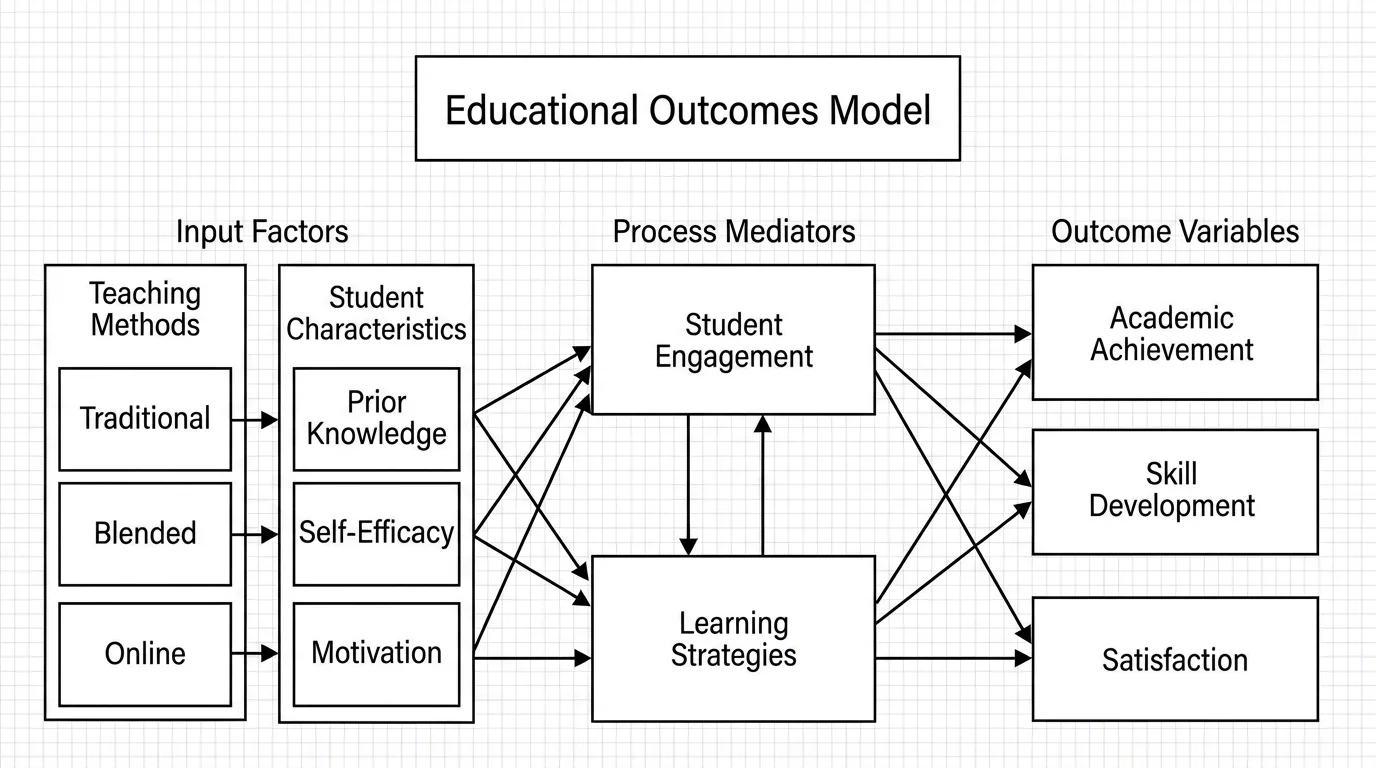
Concept Map Generator
Link concepts with labeled connecting lines to show how ideas relate.
 Education
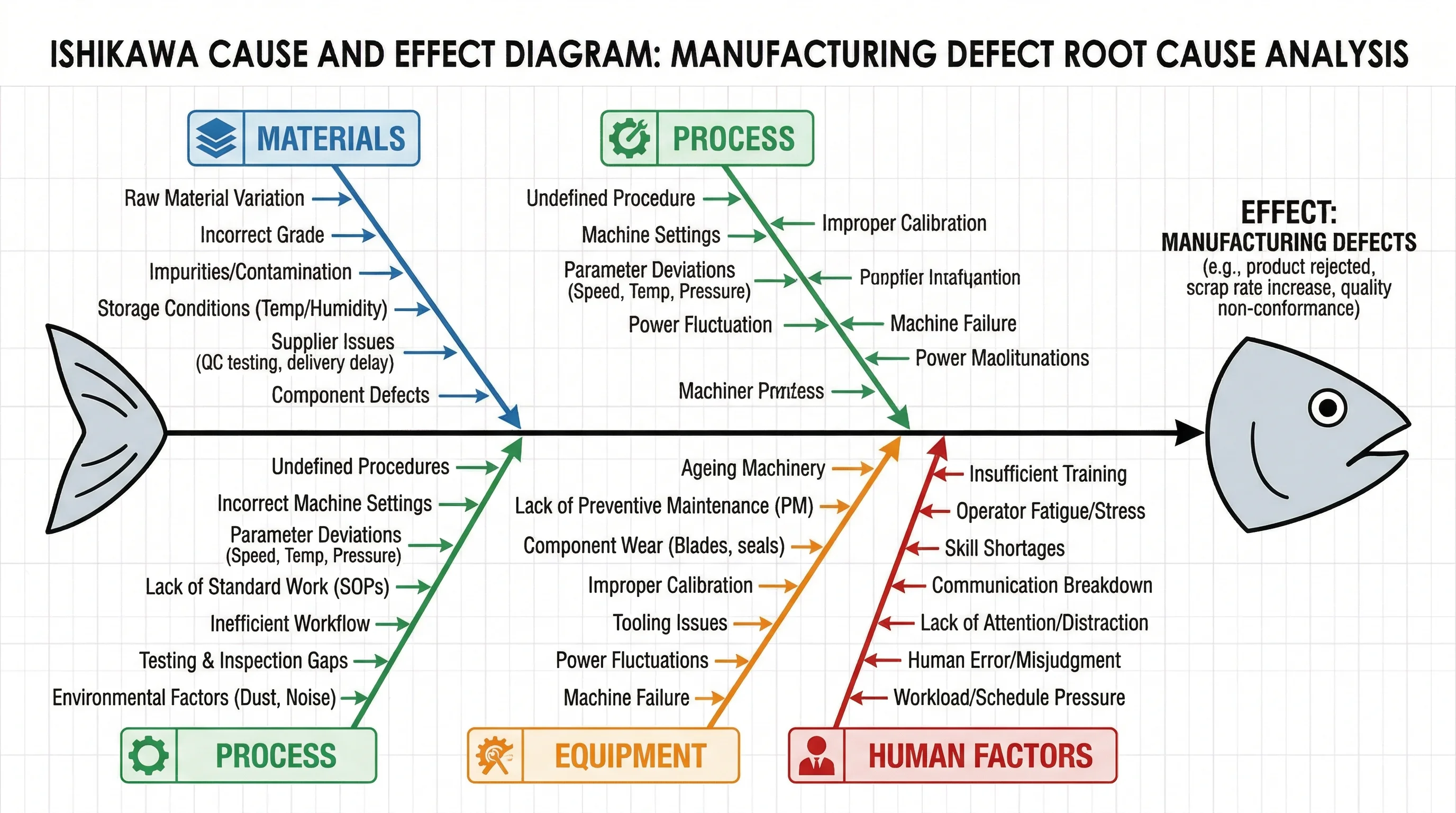
Graphic Organizer Generator
Create webs, charts, and organizers to structure ideas and information.
 Visualization
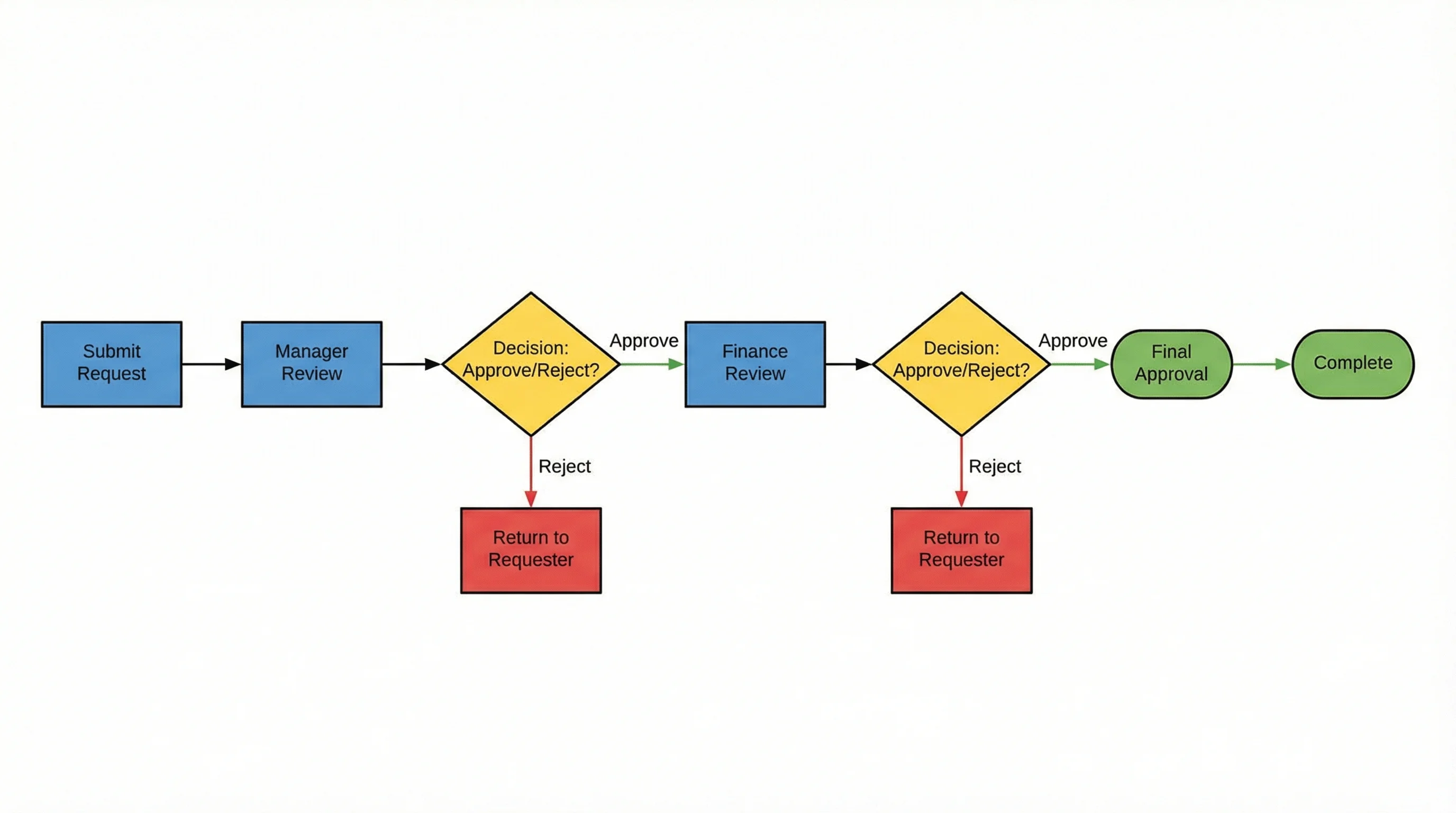
AI Flowchart Generator
Turn a process or set of steps into a clear, connected flowchart.