AI Flowchart Generator from a Text Description
Turn a plain-text description of any process into a clean flowchart. Describe your steps and decisions and the AI draws the diagram — start and end terminators, process rectangles, decision diamonds, and connecting arrows — then export it, free.
AI Flowchart Generator
Free to try ·
Your flowchart will appear here
Describe your process and click Generate to draw the flowchart
Flowchart Examples
Processes, decisions, and workflows generated from plain-text descriptions
Approval Process Flowchart
A multi-step approval workflow with decision diamonds that branch to approve or reject paths.
SDLC Flowchart
A process flow with a pass/fail decision and a feedback loop back to an earlier stage.
Decision-Heavy Flowchart
Chained yes/no decisions guide the reader to the right outcome — ideal for troubleshooting.
User Flow Flowchart
Input steps, validation checks, and error paths that return the user to fix their entry.
Pipeline Flowchart
Sequential processing stages with a quality-check decision and an error-handling branch.
Workflow Flowchart
A repeating workflow with a decision that either loops back for another cycle or completes.
What is a flowchart?
A flowchart is a diagram that shows the steps of a process in the order they happen, connected by arrows. Each step sits in its own box, decisions split the path into branches, and arrows trace the flow from the start to the end. Because it turns a sequence of actions into a picture, a flowchart is the clearest way to explain how something works, spot missing steps, and get everyone agreeing on the same process. This AI flowchart generator builds that diagram for you from a plain-text description, so you do not have to draw or align a single box.
How to make a flowchart from text
- Write your process in plain English — list the steps in order and note where the path branches, for example "if approved, do X; if rejected, do Y".
- Paste the description into the generator and click generate. The AI reads your steps and decisions and lays out the flowchart.
- It places a start and end terminator, a rectangle for each action, a diamond for each decision, and arrows connecting them in the right order.
- Review the result, refine your wording if a step is missing, regenerate, and export the flowchart to drop into a doc, slide, or wiki.
Standard flowchart symbols
- Terminator (rounded oval): marks the Start and End of the process — every flowchart begins and ends with one.
- Process (rectangle): a single action or step, such as "Send confirmation email" or "Charge payment".
- Decision (diamond): a yes/no or true/false question that splits the flow into two or more labeled branches.
- Input/Output (parallelogram): data entering or leaving the process, like "Enter email address" or "Display receipt".
- Flow lines (arrows): connect the symbols and show the direction the process moves from one step to the next.
- Connector (small circle): joins flow lines across a break or a long path so the diagram stays readable.
Decision diamonds and branching
The decision diamond is what makes a flowchart more than a numbered list. Each diamond holds a question with a clear answer — usually Yes/No — and each answer leaves on its own labeled arrow. One branch often continues forward while the other loops back to an earlier step (for example, "validation failed → return to the input step") or jumps to an end terminator. Describe these branches in your text and the generator draws each path and labels it, so the logic of your process is visible at a glance instead of buried in prose.
Using flowcharts for process documentation
Flowcharts are a staple of process documentation because a single diagram replaces paragraphs of step-by-step instructions. Teams use them to onboard new hires, write standard operating procedures, map approval and request workflows, document software logic and algorithms, and run process-improvement reviews where a drawn-out flow makes bottlenecks and redundant steps obvious. Generating the chart from a written description keeps the documentation and the diagram in sync: update the text, regenerate, and the flowchart matches the process again.
Tips for a clear flowchart
Keep each box to a single action and start it with a verb ("Review request", "Send invoice"). Phrase every decision as a question with a definite answer, and make sure each branch eventually reaches an end terminator so no path is left dangling. Let the flow read top-to-bottom or left-to-right, and avoid crossing arrows where you can. When you write your description for the generator, follow the same rules — one step per line, decisions spelled out as "if/then" — and the resulting flowchart will come out clean and easy to follow.
Frequently Asked Questions
Related Diagram Tools
 Visualization
Text to Diagram Generator
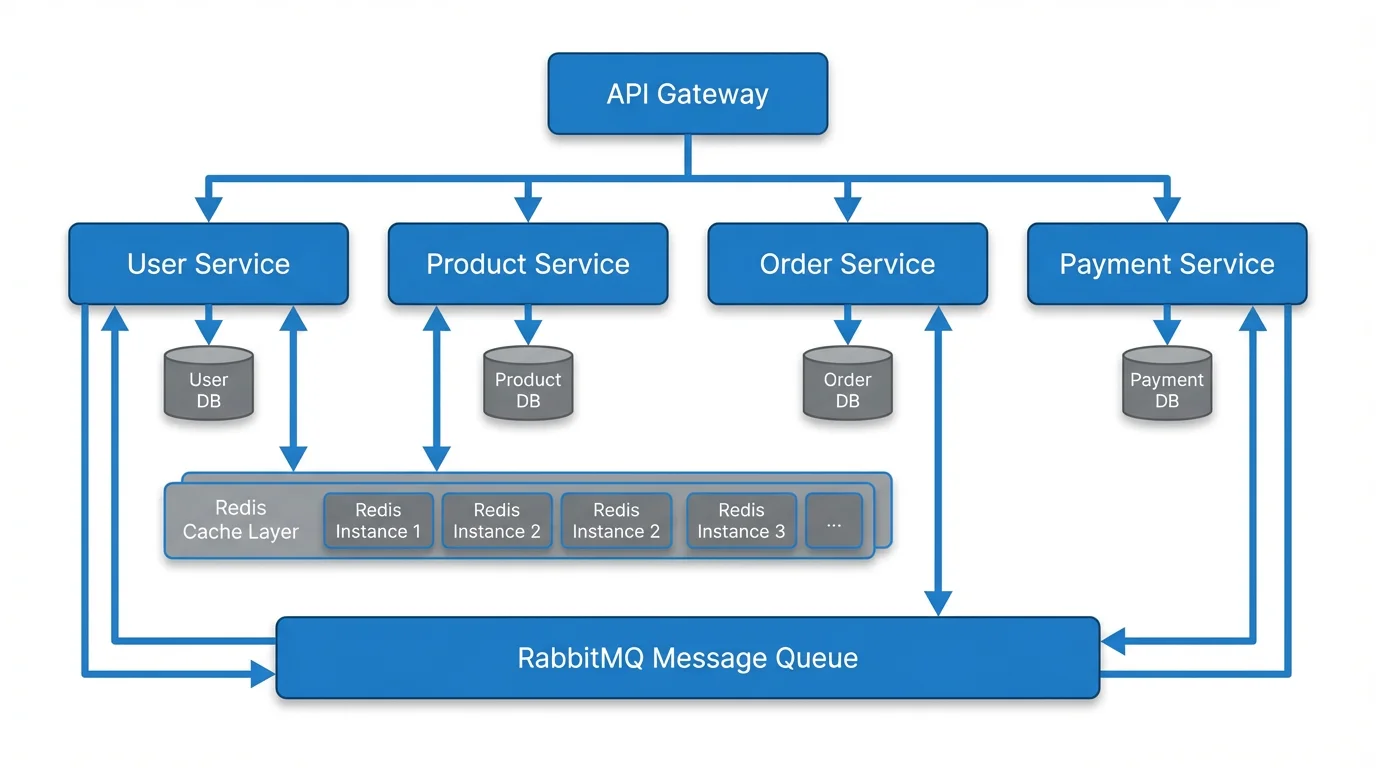
Turn any plain-text description into a diagram — flowcharts, architecture, sequences, and more.
 Research
Conceptual Framework Generator
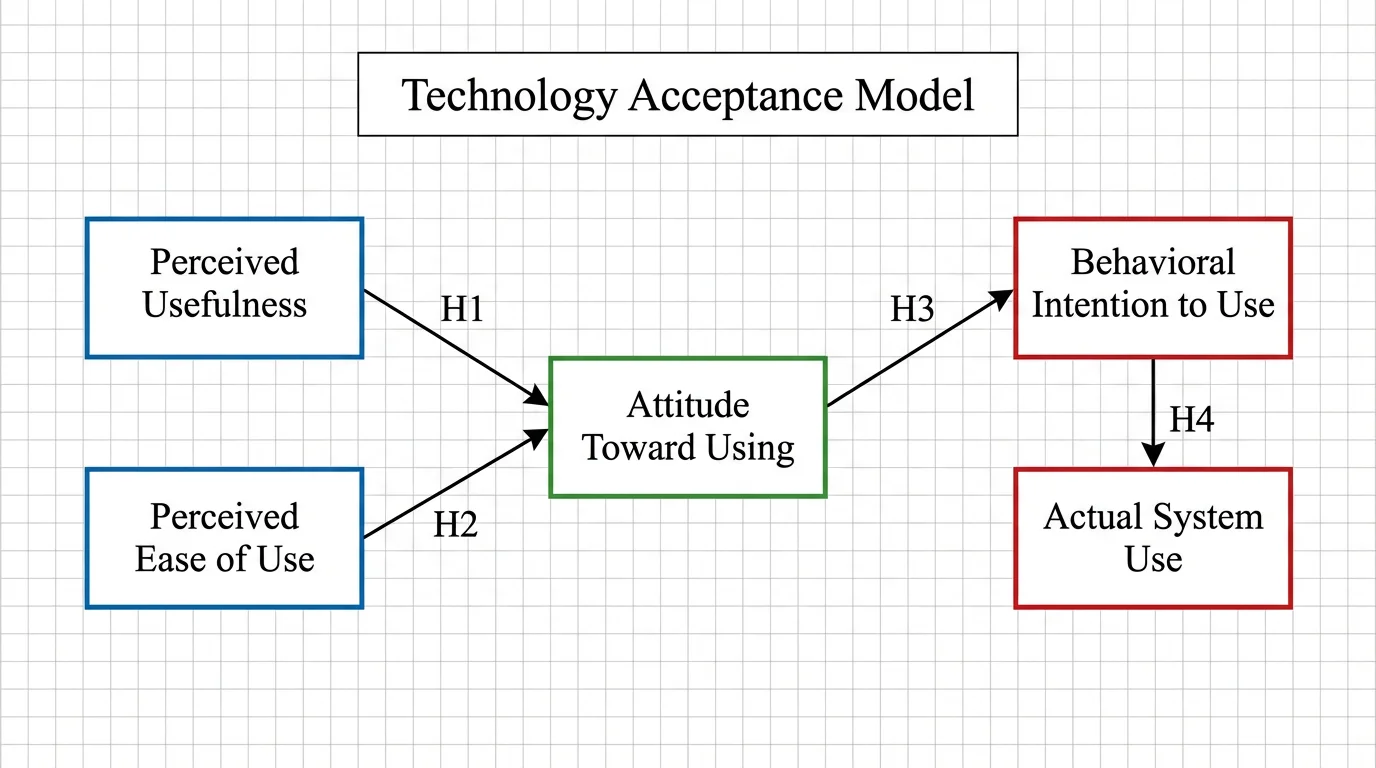
Map variables and relationships into a clear conceptual framework for research.
 Visualization
AI Infographic Generator
Create clean, shareable infographics from your data and key points.