Statistics Tables (Which Table to Use)
Pick the right statistics table in seconds: z, t, chi-square, F, Tukey, binomial and Poisson. Get your df and critical value, then open the full table.
What do you want to do?
Draw it
Shade the rejection region on a bell curve
Open the bell curve generatorIs the population σ known?
Test type
Use this table
T table
Open the full table- Statistic
- t statistic
- df rule
- df = n − 1
- Your df
- df = 25 − 1 = 24
Critical value t*
2.064
Reject H0 if |t| > 2.064
Two-tailed: use it for "different from". α = 0.05 is split, 0.025 in each tail, and you compare |t| with the value.
Comparing two proportions with a z test uses the Z table instead (no df).
Also see: P-value table (turn your t into p)
Draw it
Shade the rejection region on a bell curve
Open the bell curve generatorAll statistics tables by topic
Every table page has its own calculator and printable sheets.
Normal and tMeans and standardized scores.
Variances and ANOVASpread, group differences and pairwise follow-ups.
CorrelationIs a relationship real, and how strong is it?
Discrete distributionsCounts instead of measurements.
CombinedSeveral distributions on one page.
Decision table: test, statistic, table and df
Each example is computed at α = 0.05 (two-tailed for z, t and r).
| Test | Statistic | Table | Degrees of freedom | Common α | Example |
|---|---|---|---|---|---|
| One-sample z test (σ known) | z | Z table | none | 0.05, 0.01 | z* = 1.960 |
| One-sample t test | t | T table | n − 1 | 0.05, 0.01 | n = 25, df = 24: t* = 2.064 |
| Paired t test | t | T table | pairs − 1 | 0.05, 0.01 | 25 pairs, df = 24: t* = 2.064 |
| Two independent means (equal variances) | t | T table | n1 + n2 − 2 | 0.05, 0.01 | 15 + 15, df = 28: t* = 2.048 |
| Two independent means (Welch) | t | T table | Welch–Satterthwaite | 0.05, 0.01 | df is fractional: round down or use software |
| Slope of a simple regression | t | T table | n − 2 | 0.05, 0.01 | n = 22, df = 20: t* = 2.086 |
| Pearson correlation | r (or t) | Critical values table, r | n − 2 | 0.05, 0.01 | n = 12, df = 10: r* = 0.576 |
| One-way ANOVA | F | F distribution table | k − 1 and N − k | 0.05, 0.01 | k = 3, N = 30: F* = 3.354 |
| Compare two variances | F | F distribution table | n1 − 1 and n2 − 1 | 0.05 two-sided (use 0.025 column) | 15 and 15, two-sided (α/2 = 0.025): F* = 2.979 |
| Tukey post hoc after ANOVA | q | Tukey table | k and N − k | 0.05, 0.01 | k = 3, df = 27: q* = 3.506 |
| Chi-square goodness of fit | χ² | Chi-square table | categories − 1 − estimated parameters | 0.05 | 4 categories, df = 3: χ²* = 7.815 |
| Chi-square test of independence | χ² | Chi-square table | (rows − 1)(columns − 1) | 0.05 | 3 × 4 table, df = 6: χ²* = 12.592 |
| Successes in n trials | X | Binomial distribution table | none (n and p) | none | n = 10, p = 0.3: P(X ≤ 3) from the table |
| Events per interval | X | Poisson distribution table | none (λ) | none | λ = 2.5: P(X ≤ 3) from the table |
Free Statistics Table Flowcharts and Cheat Sheets
Every sheet below is drawn by the same code as the chooser above, with values computed from the exact distributions. View, download and print them free, no sign-up.
Which Statistics Table Do I Need? Flowchart
Six questions, one table each, with the df rule written under every answer.
Choose a table
Reference tables
Study aids
What are statistics tables?
A statistics table lists critical values or probabilities of a probability distribution, so you can judge a test result without software. Each test statistic follows its own distribution: z follows the standard normal curve, t follows the t distribution, chi-square and F follow skewed right-tailed distributions, and counts follow the binomial or Poisson distribution. The question is therefore not which table is best, but which distribution your statistic comes from. The chooser above answers it from your goal and the few inputs that change the answer, then computes the degrees of freedom and the critical value for you.
How to read any statistics table in three steps
- Find the row: work out the degrees of freedom (df) from the rule for your test, for example n − 1 for a one-sample t test or (rows − 1)(columns − 1) for a chi-square test of independence.
- Find the column: pick the significance level α, usually 0.05, and for z, t and r decide between a one-tailed and a two-tailed test.
- Compare: reject the null hypothesis when the absolute value of your statistic is larger than the table value. For chi-square, Tukey q and the ANOVA F test the test is right-tailed, so the statistic itself is compared.
One-tailed or two-tailed?
Use a two-tailed test unless you fixed one direction before collecting data. The same number can carry two labels: a one-tailed α of 0.05 and a two-tailed α of 0.10 share a column. For t with df = 10 the one-tailed 0.05 value is 1.812, while the two-tailed 0.05 value is 2.228. For z the two-tailed 0.05 value is 1.960 and the two-tailed 0.01 value is 2.576. Chi-square and Tukey q tests use the right tail only, and so does the ANOVA F test. For a two-sided test of two variances, use α/2.
Examples of values you will look up
A t test with 13 observations compared with 0.05 two-tailed uses df = 12 and the value 2.179. A chi-square test with df = 3 at α = 0.05 uses 7.815. A one-way ANOVA with 3 groups and 30 observations has df = (2, 27), and the F table gives 3.354 at α = 0.05. The chooser above reproduces each of these numbers when you enter the matching inputs, and the linked table pages show the neighbouring rows and columns.
What if my degrees of freedom are not listed?
Printed tables skip some rows, for example t tables often jump from 30 to 40. Take the next smaller df that is listed. That gives a slightly larger critical value, so the decision is conservative: you will not call a result significant when it is borderline in the other direction. Where the page offers a calculator, type the exact df instead. A Welch t test has a fractional df that software reports, and the usual rule is to round it down for a printed table.
When to skip the table and use software
A table brackets a p-value (for example between 0.02 and 0.05), while software reports the exact value and the exact test, including Welch corrections and exact tests for sparse counts. Use tables to learn, to check a calculation, in exams that allow them and for quick planning. Use software for analyses you will report, and cite both the statistic, the df and the p-value in the write-up.
Frequently Asked Questions
Want to see the curve behind a critical value? Use the bell curve generator. Checking the shape of your data first? Try the histogram maker.
Related Statistics Tools
 Research
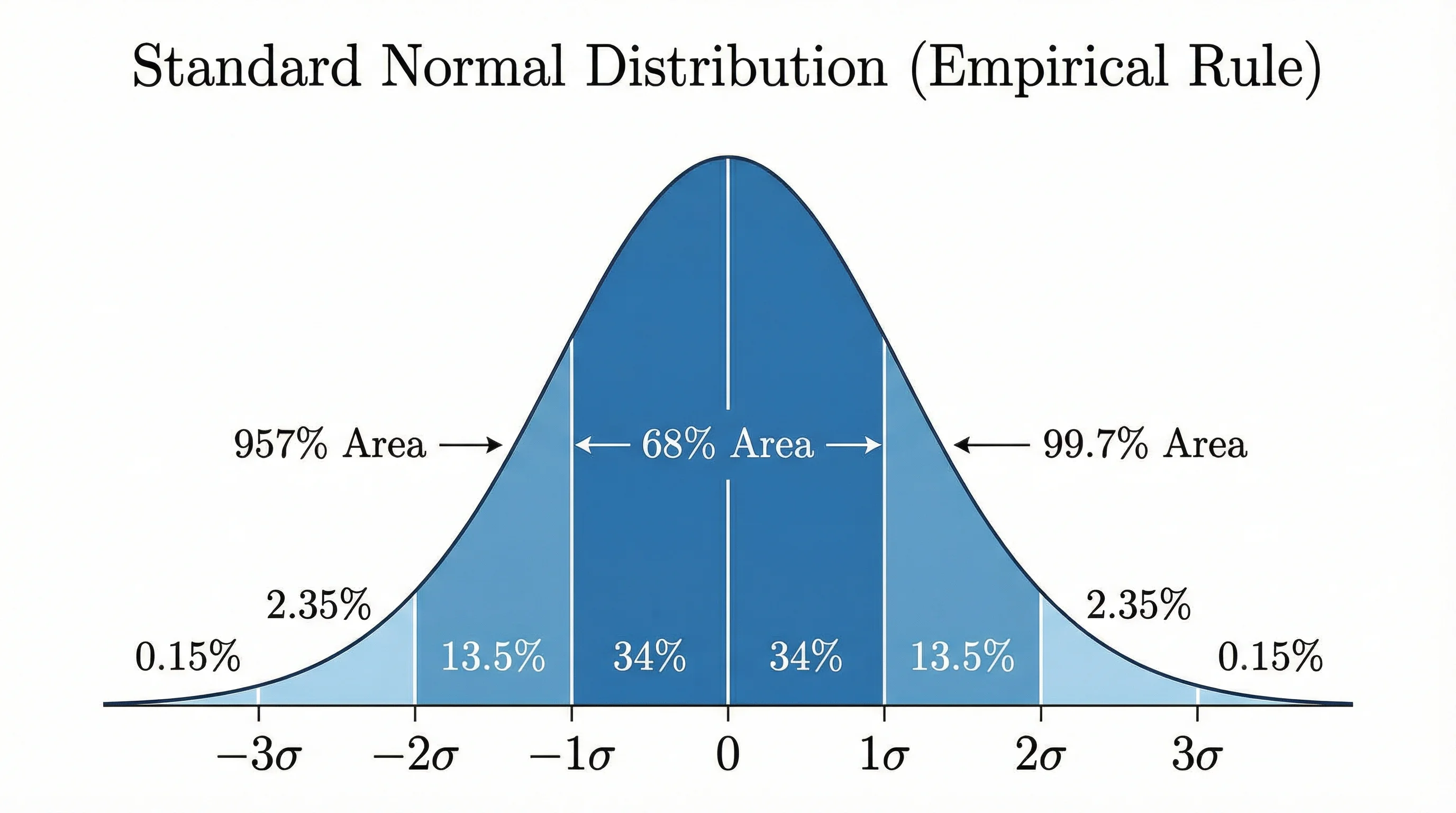
Bell Curve Generator
Draw a normal distribution curve with shaded areas and custom mean and standard deviation.
 Research
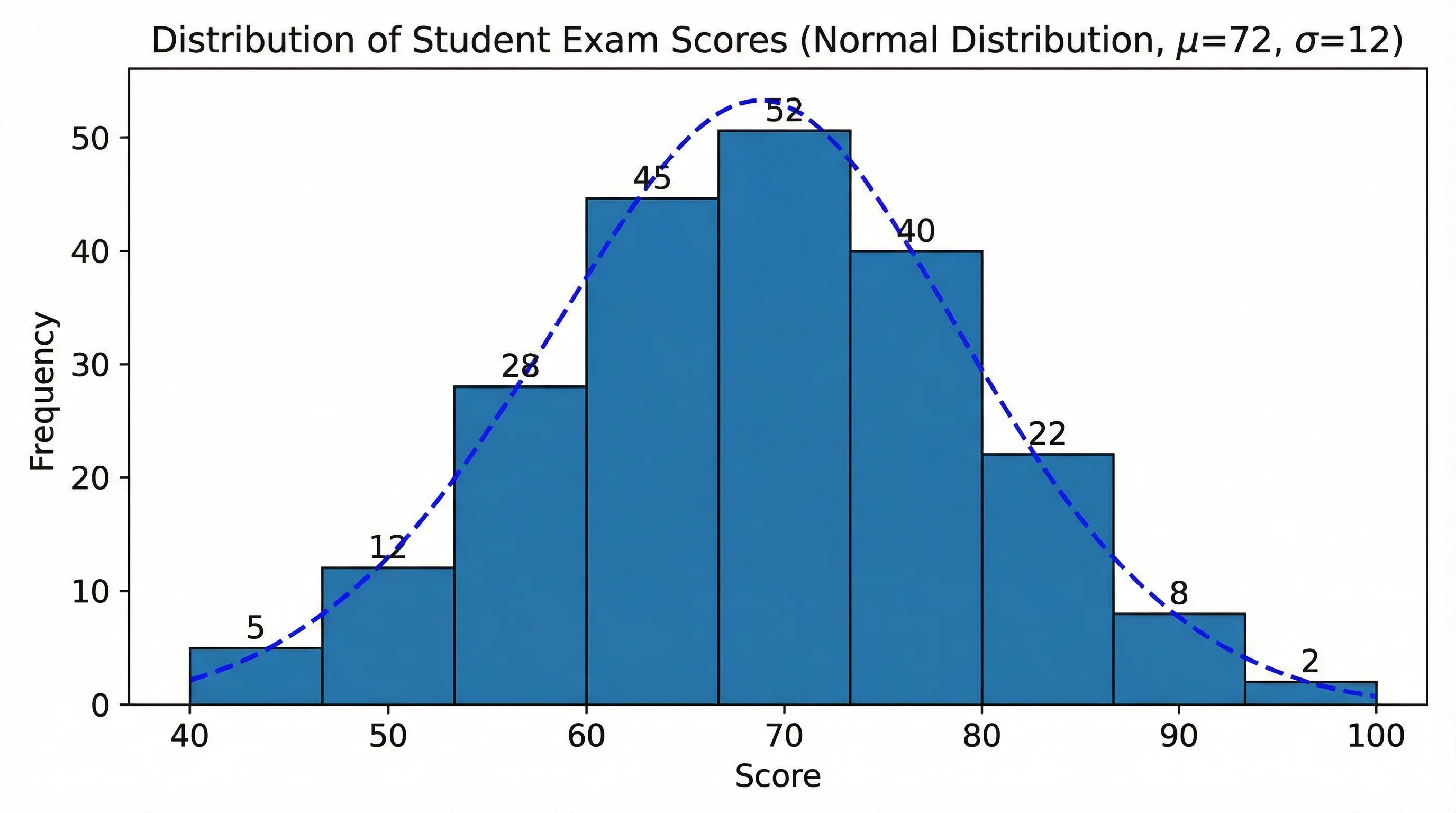
Histogram Maker
Turn a list of numbers into a histogram to check the shape of your data.
 Research
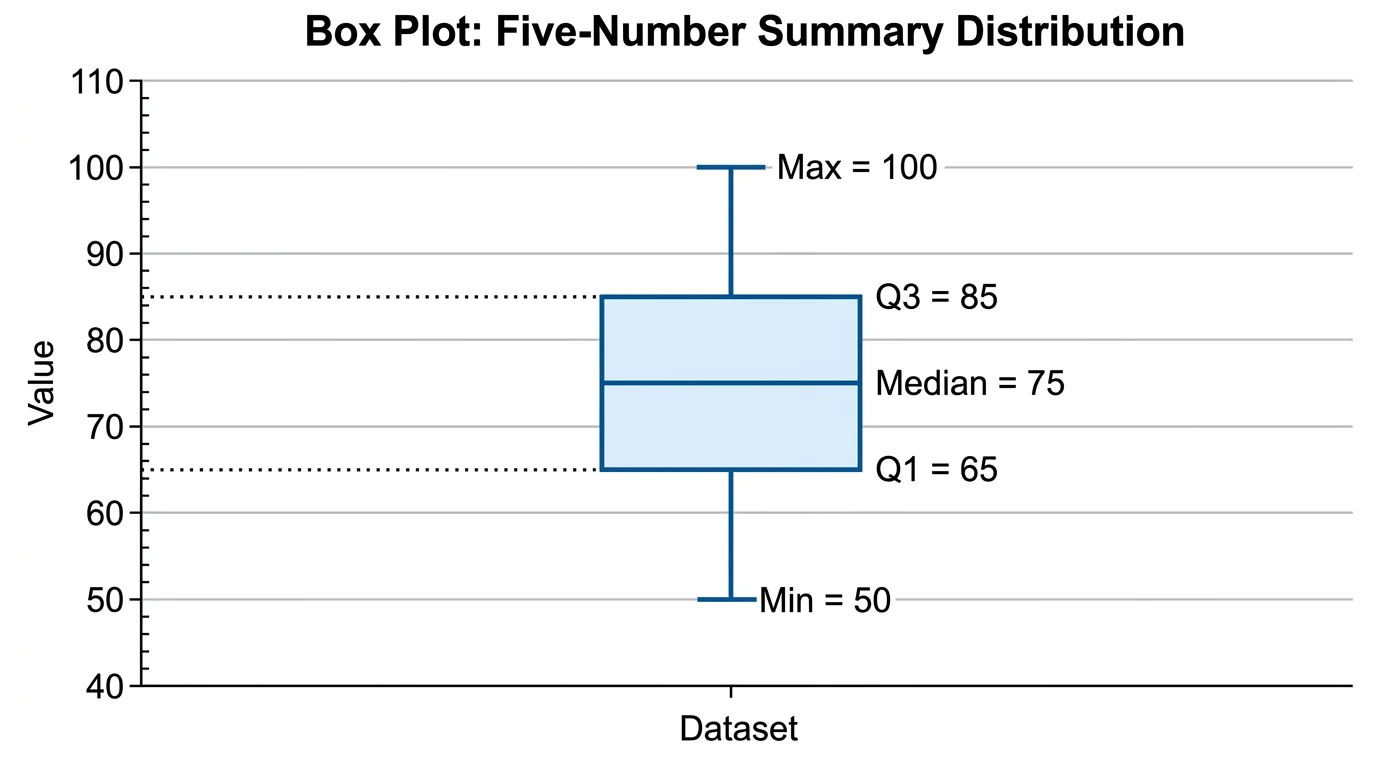
Box Plot Generator
Make box plots from your data to compare groups before you run a test.
 Research
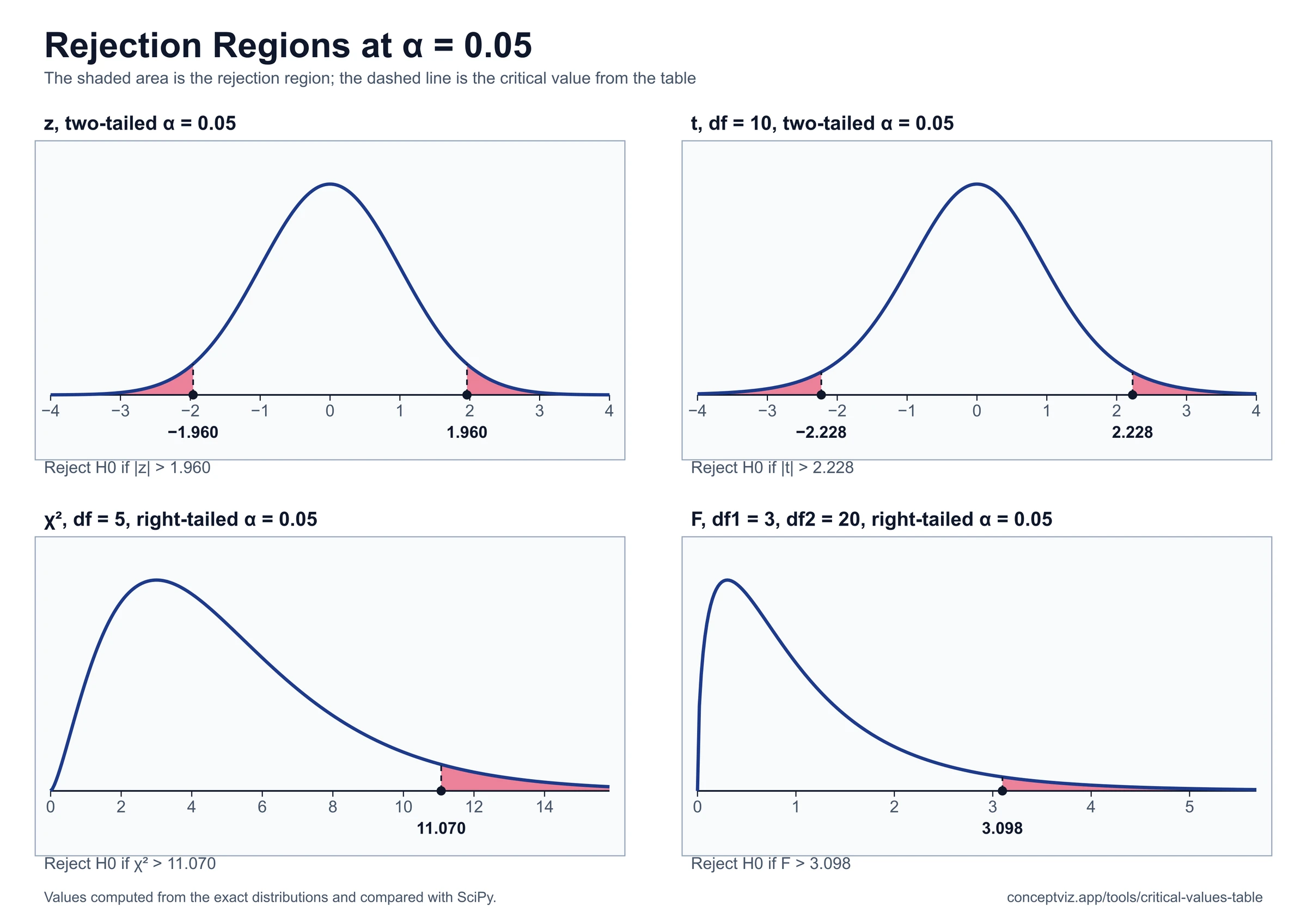
Critical Values Table
Critical values table for z, t, chi-square, F and Pearson r: enter alpha and df to get the value, quick-reference tables and a printable r table.
 Research
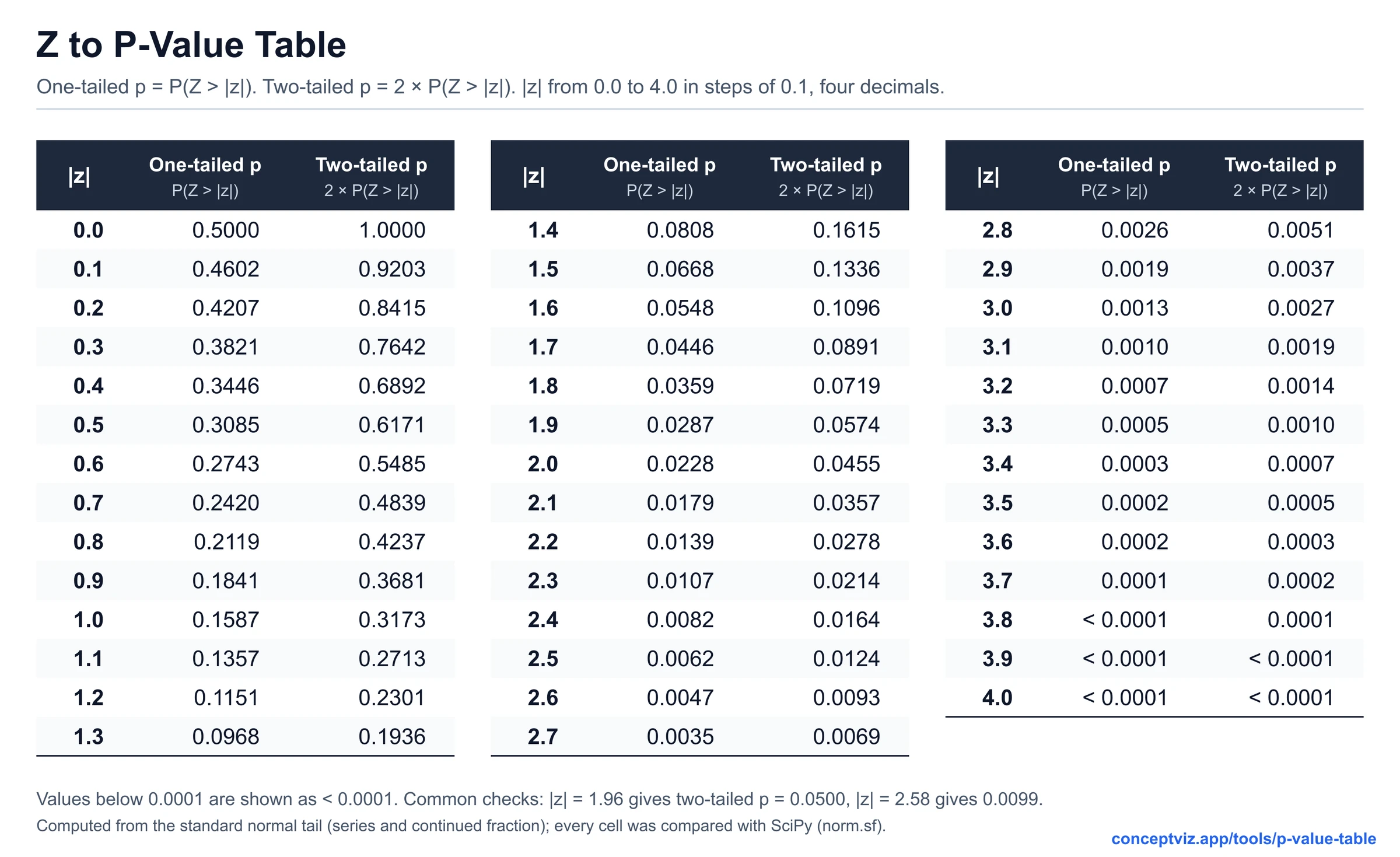
P-Value Table
P-value table and calculator for z, t, chi-square, F and r statistics, with one-tailed and two-tailed values and APA 7 reporting examples.
 Research
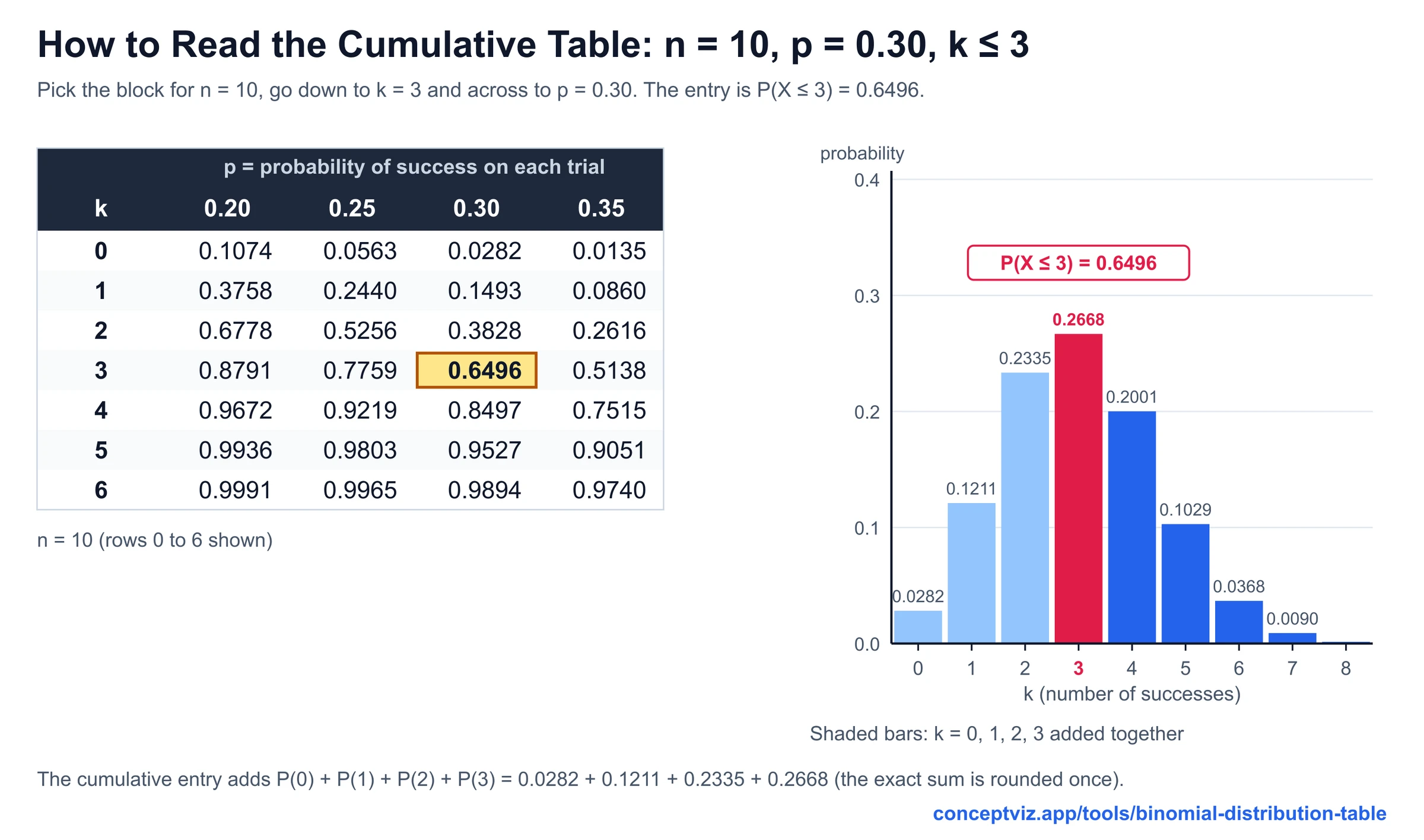
Binomial Distribution Table
Binomial distribution table for n = 1 to 20 and 25 with individual and cumulative values, and a calculator up to n = 1000.