Chi-Square Table
Chi-square table with right-tail critical values, df 1 to 100, a p-value calculator with shaded area and lower-tail columns. Printable.
Right-tail critical values of χ²
Each number is the χ² value with area α to its right. Read across to your df and down to your α: a test statistic larger than the number is significant at level α. The five blue columns on the left (α from 0.995 to 0.90) have most of the area to their right, so they give the lower-tail critical values; the area to the left of the number is 1 − α.
Export style
Paper for print
| df | 0.995 | 0.99 | 0.975 | 0.95 | 0.9 | 0.1 | 0.05 | 0.025 | 0.01 | 0.005 |
|---|---|---|---|---|---|---|---|---|---|---|
| left 0.005 | left 0.01 | left 0.025 | left 0.05 | left 0.1 | left 0.9 | left 0.95 | left 0.975 | left 0.99 | left 0.995 | |
| 1 | ||||||||||
| 2 | ||||||||||
| 3 | ||||||||||
| 4 | ||||||||||
| 5 | ||||||||||
| 6 | ||||||||||
| 7 | ||||||||||
| 8 | ||||||||||
| 9 | ||||||||||
| 10 | ||||||||||
| 11 | ||||||||||
| 12 | ||||||||||
| 13 | ||||||||||
| 14 | ||||||||||
| 15 | ||||||||||
| 16 | ||||||||||
| 17 | ||||||||||
| 18 | ||||||||||
| 19 | ||||||||||
| 20 | ||||||||||
| 21 | ||||||||||
| 22 | ||||||||||
| 23 | ||||||||||
| 24 | ||||||||||
| 25 | ||||||||||
| 26 | ||||||||||
| 27 | ||||||||||
| 28 | ||||||||||
| 29 | ||||||||||
| 30 | ||||||||||
| 40 | ||||||||||
| 50 | ||||||||||
| 60 | ||||||||||
| 70 | ||||||||||
| 80 | ||||||||||
| 90 | ||||||||||
| 100 |
Values are rounded to 3 decimals. Computed with a regularized incomplete gamma function to better than 10-10. All 296 cells shared with the NIST/SEMATECH e-Handbook table (section 1.3.6.7.4) match to three decimals; the 0.995 and 0.005 columns, which NIST omits, were checked against an independent implementation. Click any cell to see its shaded area.
Selected cell
χ²(10, 0.05) = 18.307
With 10 degrees of freedom, 0.05 of the distribution lies to the right of 18.307 and 0.95 lies to its left.
Free Chi-Square Table Charts
Every chart below is drawn from the same code as the tool above. View, download and print them free, no sign-up.
Chi-Square Table: Right-Tail Critical Values, df 1 to 100
Every critical value to three decimals, with the left-hand area under each alpha so lower-tail tests are easy to find.
Reference tables
How to read
Distribution
Printable versions
Worked examples
Working with other test statistics? Look up normal critical values in the z table and t critical values in the t table, or draw a distribution with the bell curve generator. Critical values for the 0.05 and 0.01 levels used most often are 3.841 (df 1), 9.210 at α = 0.01 (df 2) and 18.307 (df 10).
How to read a chi-square table
- Every number in the table is a critical value: the χ² value that leaves a chosen area in the right tail. Find your degrees of freedom (df) in the left column, find the right-tail area α across the top, and read where they meet. For df = 10 and α = 0.05 the entry is 18.307, which means that 5% of the χ² distribution lies above 18.307. If your test statistic is larger than the entry, the result is significant at the 5% level.
- This table uses the right-tail convention, the one printed in most statistics textbooks. Some tables list the area to the left of the value instead, so check the column heading before you trust a lookup. Each column here shows both: α on top and the area to the left (1 − α) underneath.
Lower-tail columns and two-sided tests
The five blue columns on the left (α from 0.995 to 0.90) have almost all of the area to their right, so the value they hold sits near zero. They give lower-tail critical values, where the area to the left is 0.005 to 0.10. You need them for a two-sided test, such as a confidence interval for a variance or a test that a variance equals a given value, where you compare the statistic with both a lower and an upper cutoff. For the usual one-sided goodness-of-fit or independence test you only use the right-tail columns on the right.
Degrees of freedom for common tests
For a goodness-of-fit test with k categories, df = k − 1, minus one more for each parameter you estimate from the data. For a test of independence on a table with r rows and c columns, df = (r − 1)(c − 1), so a 2 × 2 table has df = 1. For a confidence interval or test about one variance from a sample of n values, df = n − 1. Rows beyond 30 in the table jump to 40, 50 and so on up to 100. For a df between two rows, use the calculator, which accepts any whole number.
A worked 2 × 2 example
- Suppose 50 people got a treatment and 50 were controls. In the treatment group 30 improved and 20 did not. In the control group 15 improved and 35 did not. If group and improvement were independent, each cell would be expected to hold row total × column total ÷ 100, which gives 22.5 and 27.5.
- Adding (observed − expected)² ÷ expected over the four cells gives χ² = 9.091. With df = 1 the critical value at α = 0.05 is 3.841. The statistic is larger, so the result is significant, and the exact p-value is 0.0026. Type χ² = 9.091 and df = 1 into the calculator to see the shaded area.
- This is the uncorrected Pearson statistic. Some software, including R and SciPy, applies Yates’ continuity correction to 2 × 2 tables by default, which gives χ² = 7.919 and p = 0.0049 for these counts.
When the chi-square test is reliable
A common rule of thumb says every expected count should be at least 5. It is a guideline, not a law: with smaller expected counts the χ² distribution becomes a poor approximation to the sampling distribution of the statistic, and an exact test such as Fisher’s exact test is the usual alternative for small 2 × 2 tables. The test also assumes independent observations and counts, not percentages. Large departures from the null hypothesis make the statistic large, which is why most chi-square tests (goodness of fit and independence) use only the right tail.
Frequently Asked Questions
Related Statistics Tools
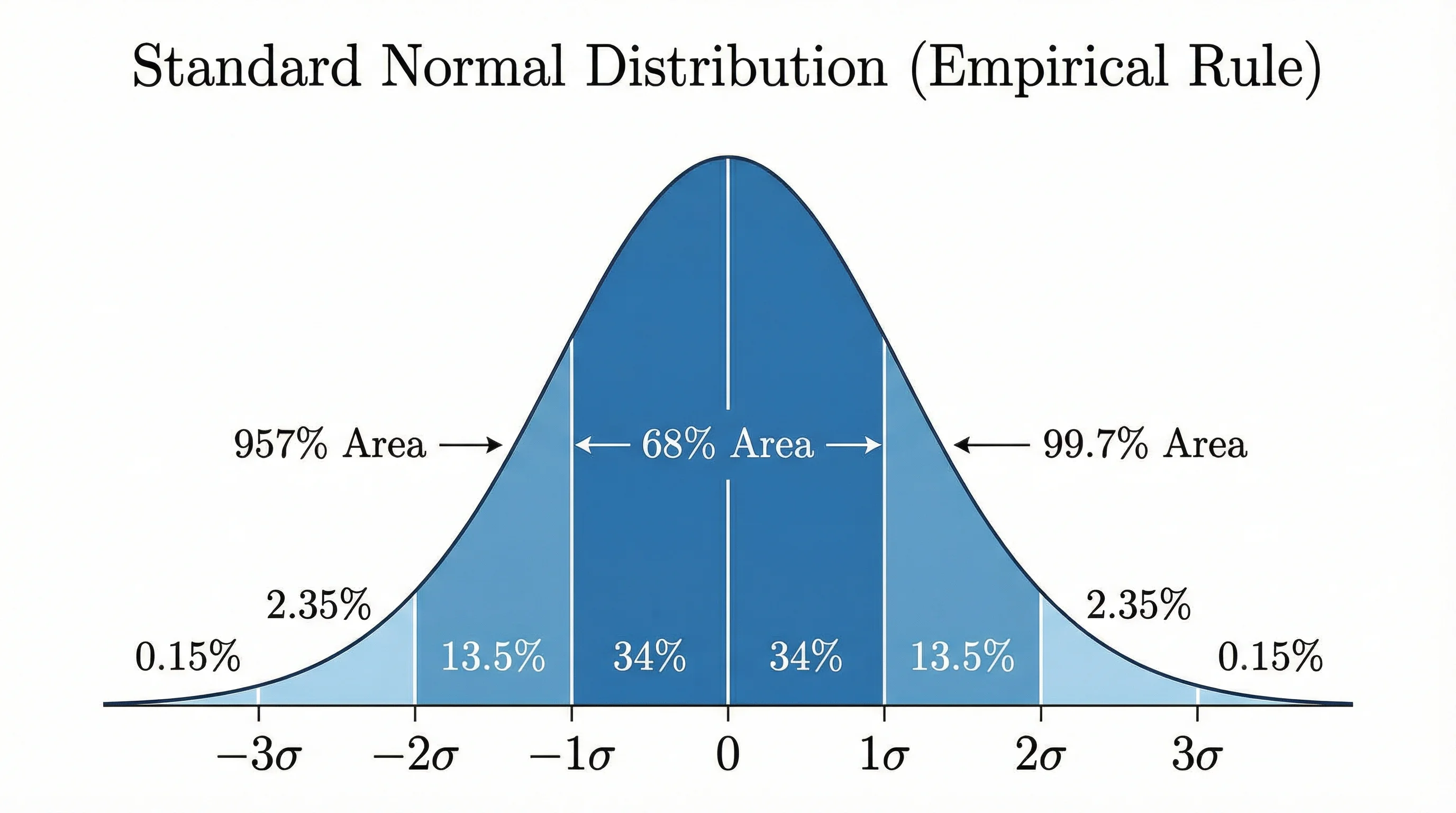 Research
Bell Curve Generator
Create professional bell curves and normal distribution graphs for statistics, data analysis, and academic papers.
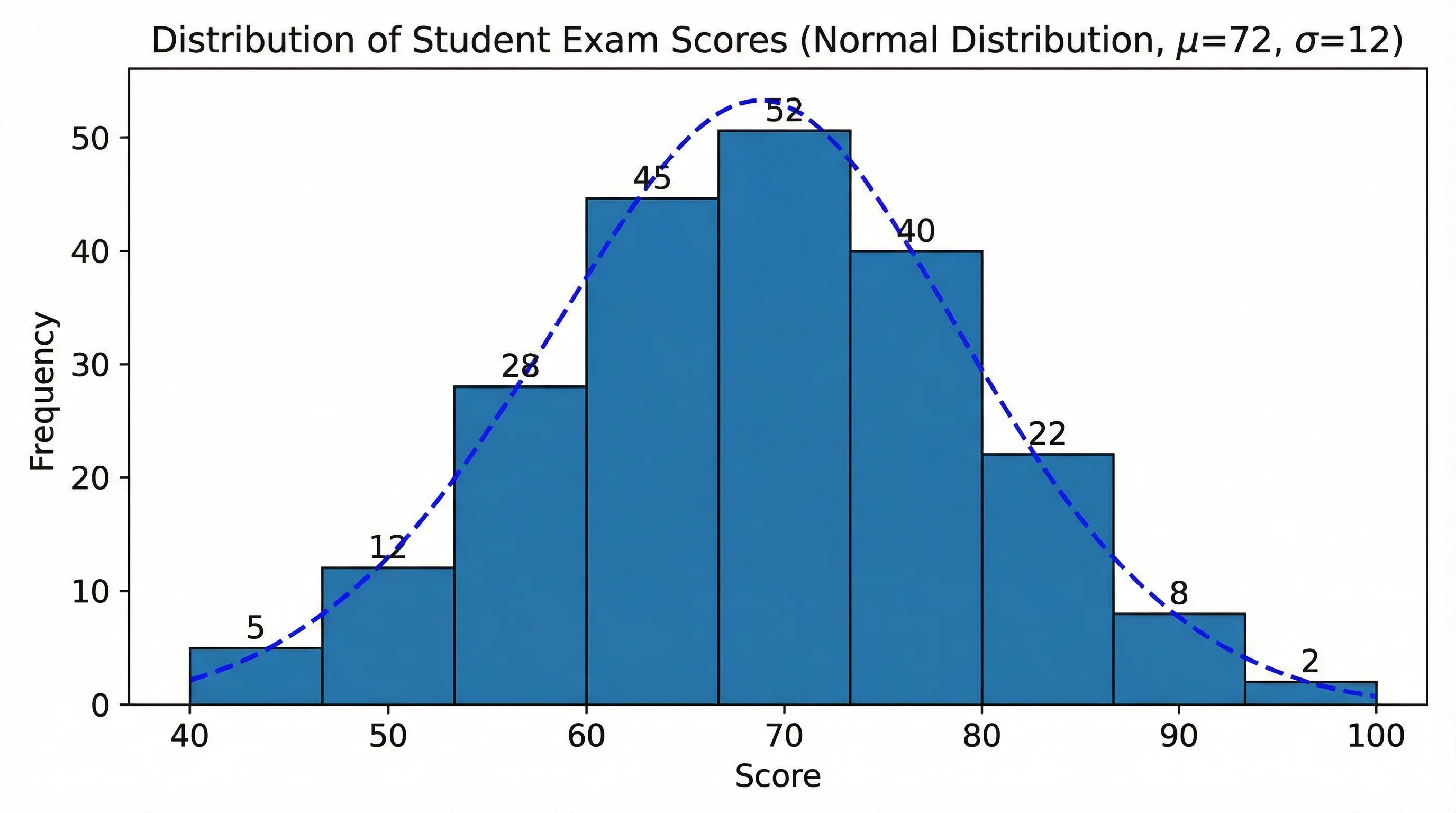 Research
AI Histogram Maker
Create professional histograms and frequency distribution charts for statistics, data analysis, and STEM education.
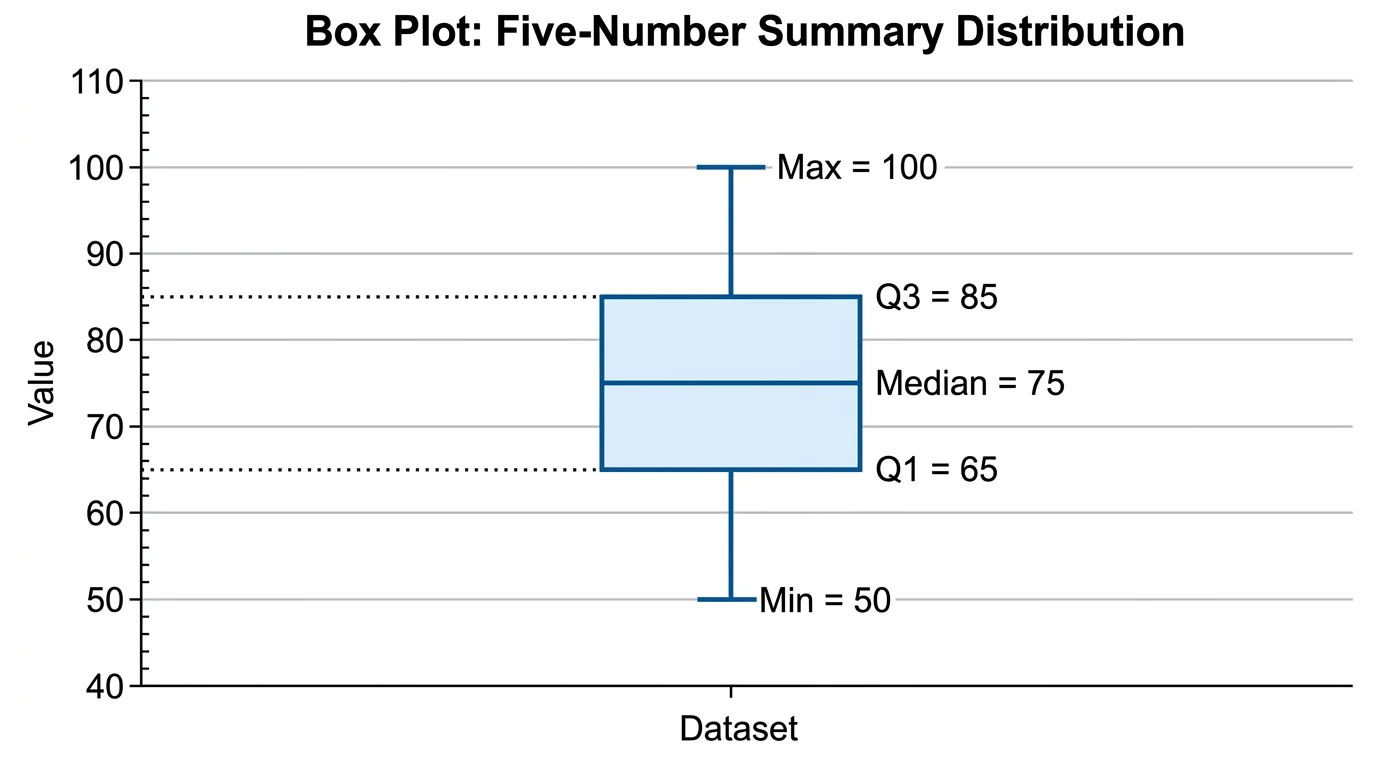 Research
Box Plot Generator
Create box plots and box-and-whisker diagrams for statistics with quartiles, outliers, and multi-group comparisons.