
Servier Medical Art: How to Use and Credit It
Servier Medical Art offers 3,000+ free medical illustrations under CC BY 4.0. How to download the PowerPoint kits, edit them, credit them, and when to use AI.
Servier Medical Art, usually shortened to SMART, is a free library of more than 3,000 medical illustrations run by the pharmaceutical company Servier. Students, researchers, and lecturers use it for slides, theses, posters, and papers because every image is licensed under Creative Commons Attribution 4.0 (CC BY 4.0). You can copy, edit, and even use the images commercially, as long as you credit them correctly.
This guide covers what is in the library, what the license lets you do, the exact credit lines Servier asks for, how to edit the PowerPoint kits, and where SMART runs out so you need another source. All facts below were checked on smart.servier.com on October 7, 2026.
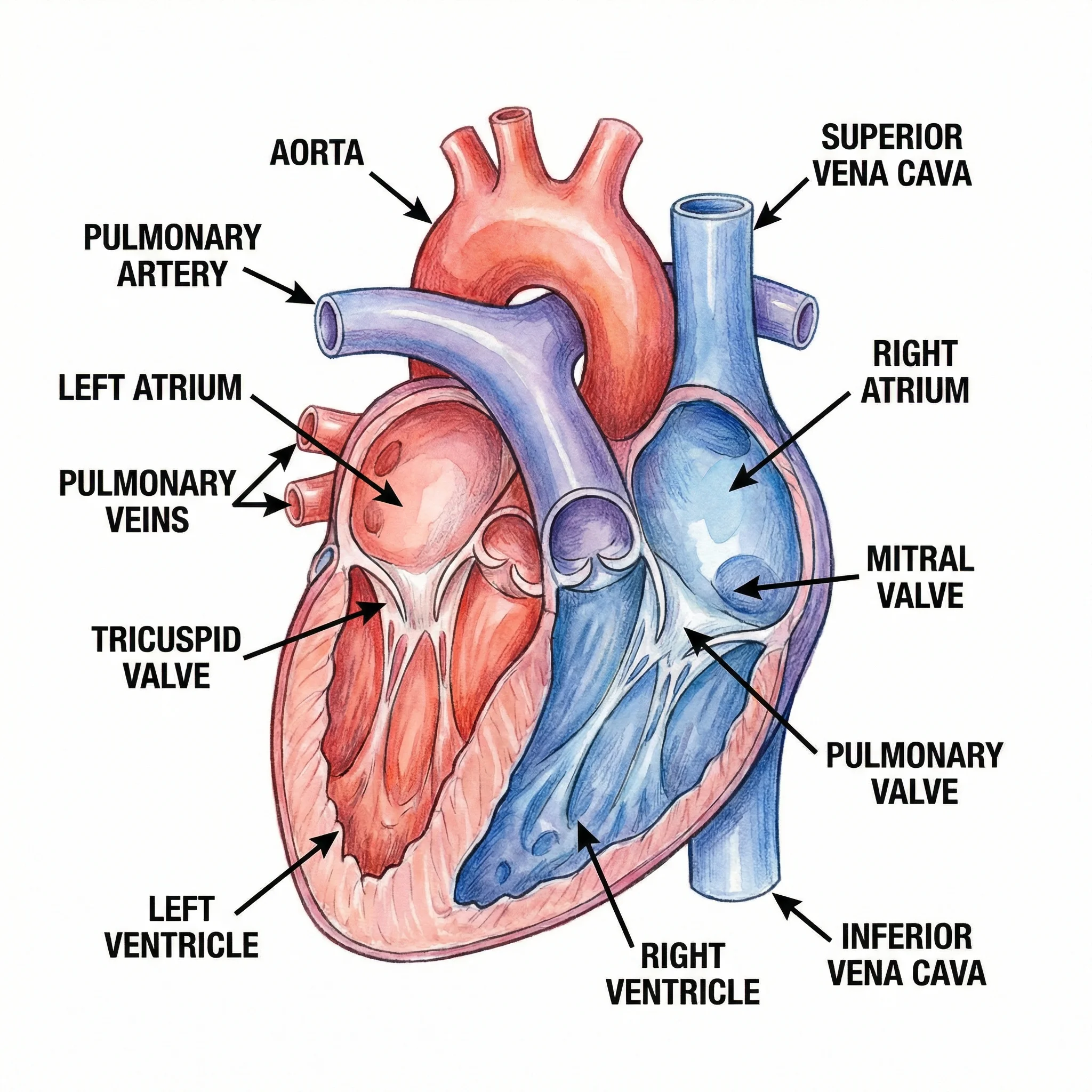
Medical Illustration Generator
Need an organ, procedure, or pathway view that is not in SMART? Describe it and get a labeled medical illustration in the same clean style.
Generate a medical illustration →Servier Medical Art at a glance
| Question | Answer (checked October 7, 2026) |
|---|---|
| What is it? | A free bank of medical and life-science illustrations from Servier, online since 2005 |
| How many images? | More than 3,000 |
| License | CC BY 4.0: share and adapt for any purpose, including commercial, with credit |
| Formats | PowerPoint (PPTX) kits and PNG. No SVG download |
| Do I need permission? | No. Servier does not issue permission letters; the license is the permission |
| How often is it updated? | New content is added about once a year |
| Languages | English only |
What is in the library
SMART organizes its downloads as 49 PowerPoint kits in 11 categories on the Image Kits by Category page. You can also grab everything at once as a single 170 MB zip.
| Category | Kits | Good for |
|---|---|---|
| Bones | 3 | Bone structure, skeleton, fractures |
| Cellular biology and histology | 7 | Cell membrane, organelles, genetics, nucleic acids, receptors, tissues, oncology |
| General items | 6 | People, animals, emergency equipment, scientific graphs, world maps |
| Heart and circulatory system | 9 | Heart physiology and pathology, arteries, veins, blood, lymphatic and urinary systems |
| Infectiology | 2 | Infectious diseases, parasitology |
| Laboratory equipment | 3 | Chemistry, lab apparatus, microbiology and cell culture |
| Medical practice | 4 | Drugs, medical procedures, equipment, paraclinical exams |
| Neurology | 2 | Nervous system, neural cells |
| Other medical fields | 6 | Dermatology, digestive, ENT, muscles, ophthalmology, respiratory |
| Physiology | 4 | Diabetes, embryology, endocrinology, reproduction |
| Risk factors | 3 | Dietetics, lipids, metabolic risk factors |
There is also a newer set of Educational Tools: ready-made learning visuals of key body systems and mechanisms, useful for revision or teaching.
What we found inside a kit
We downloaded the Heart physiology kit to see what you actually get. The file is about 2.4 MB and has 22 slides. Almost everything on those slides is built from native PowerPoint shapes: we counted more than 6,500 shapes in 55 groups, and only 5 embedded bitmap images, which are slide backgrounds and the SMART logo. In practice that means the illustrations are editable vector drawings inside PowerPoint. You can ungroup a heart, recolor a single chamber, delete a label, or resize it without blurring.
The kit's own instruction slide says the same thing: ungroup the illustrations to change colors, labels, or elements, mix pieces from different slides, and keep them as vectors for clean scaling.
What the CC BY 4.0 license allows
The CC BY 4.0 license is one of the most permissive licenses in common use. Under it you may:
- Share: copy and redistribute the images in any medium or format, for any purpose, even commercially.
- Adapt: remix, crop, recolor, relabel, and build new figures on top of them, also for any purpose.
In return, you must follow two terms:
- Attribution: give appropriate credit, link to the license, and say if you changed the image. You must not imply that Servier endorses you or your work.
- No additional restrictions: you cannot add legal terms or technical locks that stop others from doing what the license allows.
Servier's own usage FAQ adds some practical answers on top of the license:
| Use | Allowed? | Note from Servier's FAQ |
|---|---|---|
| Book, thesis, or journal article (print or digital) | Yes | Including commercial publications, with credit |
| Paid course or subscription platform | Yes | With the correct attribution |
| YouTube video, including monetized | Yes | Put the credit in the video description, not in the video |
| Mobile app or e-learning course | Yes | Add the credit in a visible place, such as a credits screen |
| Educational game or app | Yes | As long as it is not sold as a standalone image library |
| Logo or branding | Not recommended | SMART images are meant for educational and illustrative use |
| Written permission letter | Not provided | The CC BY 4.0 license is the legal basis for all uses |
How to credit Servier Medical Art
Servier publishes its own recommended wording on the How to Cite page. The standard credit line is:
Image(s) provided by Servier Medical Art (https://smart.servier.com), licensed under CC BY 4.0 (https://creativecommons.org/licenses/by/4.0/).
If you changed the image in any way (new colors, added labels, cropped, or combined with other art), switch "provided by" to "adapted from":
Image adapted from Servier Medical Art (https://smart.servier.com/), licensed under CC BY 4.0 (https://creativecommons.org/licenses/by/4.0/).
Where the credit goes depends on the format:
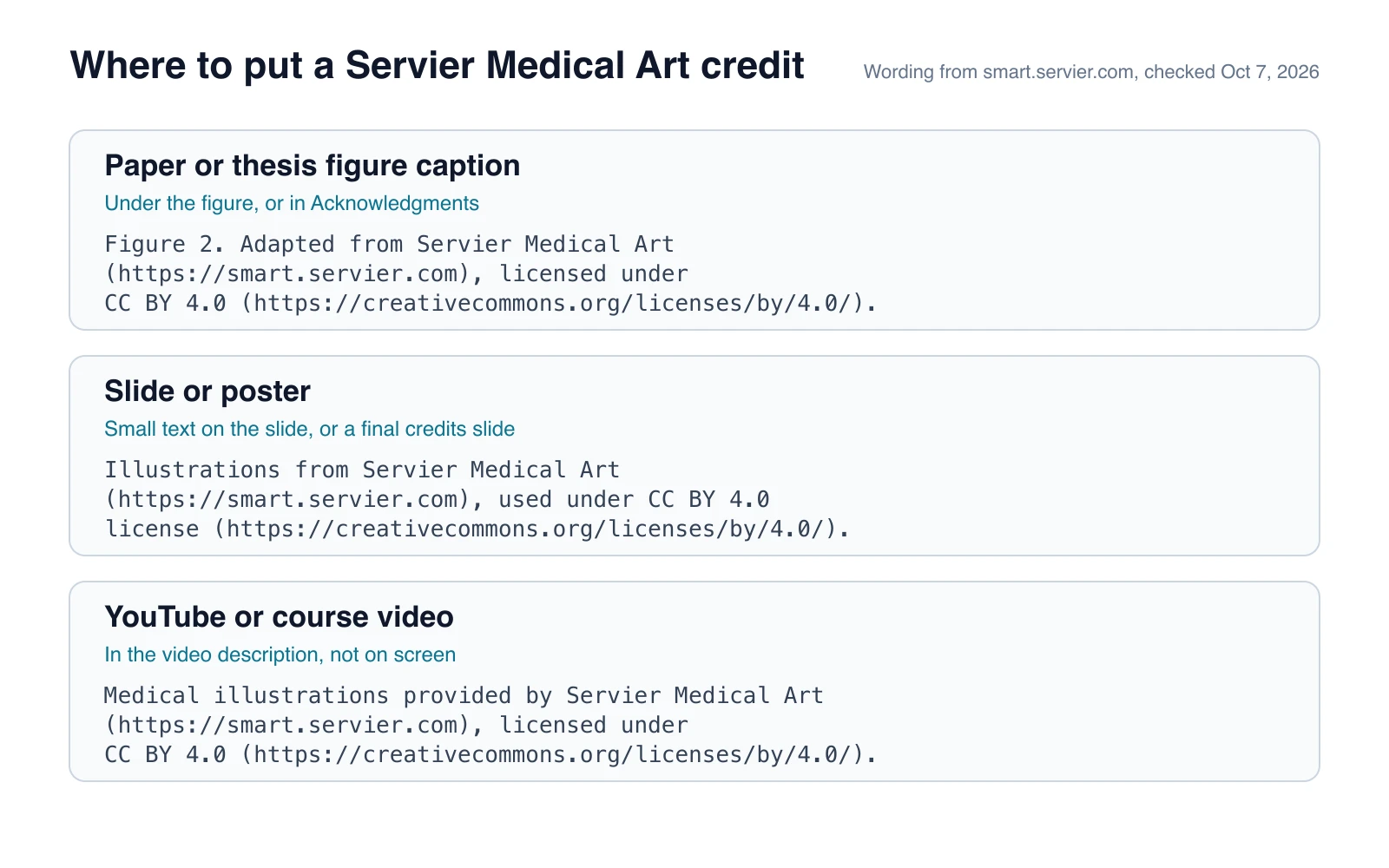
Servier's recommended wording for papers, slides, and videos. The text in each box is copied from the How to Cite page.
A few habits that keep credits clean:
- One credit per figure in a paper is clearer than a single line in the acknowledgments, especially when only some panels use SMART art.
- On slides, a small line at the bottom of each slide works, or a single credits slide at the end of the deck.
- On posters, add the line under the relevant figure or in the references block.
- Mixed figures that combine SMART art with your own drawings or other libraries should say "adapted from" and credit each source.
How to use SMART images in PowerPoint
- Download the kit. Open the Image Kits by Category page and click the kit you need, for example Heart physiology. Each kit is a normal .pptx file.
- Find the slide. Each slide holds one family of drawings, such as several heart views. Browse in Slide Sorter view to find the one you want quickly.
- Copy the drawing. Select the grouped illustration and paste it into your own deck. It keeps its vector shapes.
- Ungroup to edit. Right-click the drawing, choose Group, then Ungroup. You may need to ungroup more than once to reach a single part.
- Recolor or relabel. Change fills to match your color palette, delete labels you do not need, and add your own text boxes and arrows.
- Regroup and size it. Select all the parts and group them again so the drawing moves as one object.
- Export for other tools. Right-click the group and choose Save as Picture. PNG works everywhere; recent versions of PowerPoint for Microsoft 365 can also save the selection as SVG if you want to keep editing in a vector editor.
- Add the credit. Use the "adapted from" wording if you changed anything.
The Tips and Tricks page has more ideas, such as layering images with Bring to Front and Send to Back, and keeping image sizes consistent across a deck.
Using SMART art in papers and posters
SMART images are fine for journals because CC BY 4.0 allows reuse in commercial publications. Most of the work is making the figure meet the journal's technical rules:
- Export at print size. Build the figure at its final printed width, then export a high-resolution PNG or TIFF from PowerPoint, or save as SVG and finish it in a vector editor.
- Keep the credit in the legend. Journals usually ask you to declare third-party material. A CC BY credit line in the figure legend covers SMART art.
- Match your style. SMART has a recognizable soft, rounded look. If the rest of your figure is flat icons or photos, recolor the SMART pieces so the panels feel like one figure.
For general figure rules, see our guide on how to make scientific diagrams for research papers, and for a single-panel summary figure, how to create a graphical abstract.
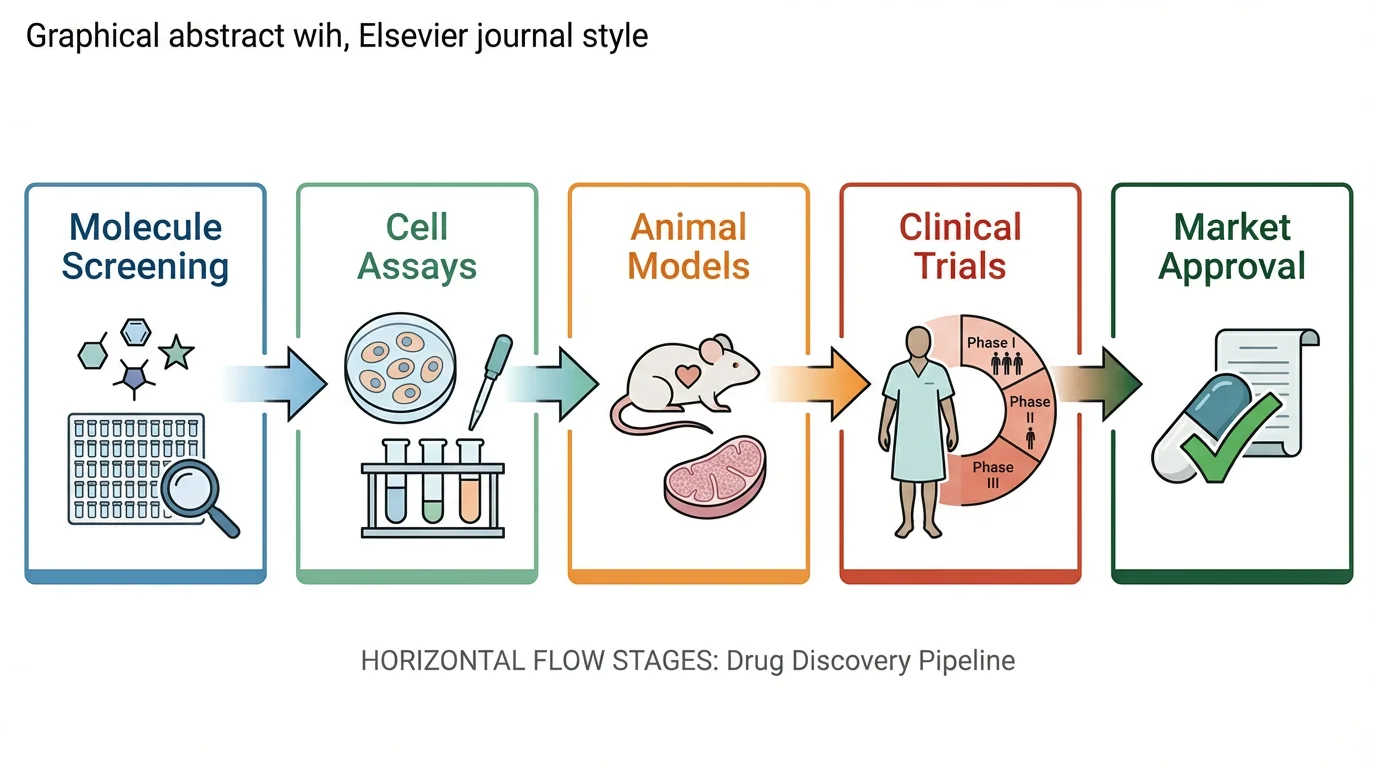
Graphical Abstract Maker
Combine your findings into one summary panel for a journal table of contents.
Where Servier Medical Art falls short
SMART is excellent for common anatomy and cell biology, but it has real gaps:
- No SVG download. You get PPTX and PNG. If you work in Illustrator, Inkscape, or Affinity, you need the PowerPoint step to get vectors out.
- Slow updates. New content arrives about once a year, so newer topics, specific signaling pathways, or rare conditions may not exist yet.
- One house style. Everything shares the same look. That is great for consistency, but it can clash with a lab's existing figure style.
- Generic views. You get a standard heart or kidney, not the exact cross-section, angle, or pathology your paper describes.
- English only. Labels and the site are in English; you will need to relabel for other languages.
- Not for branding. Servier advises against using the images in logos.
When you hit one of these gaps, you can combine SMART pieces with another library, draw the missing part yourself, or generate a custom illustration and credit SMART only for the parts you used.
Servier Medical Art vs other free sources
| Source | What it offers | License | Best when |
|---|---|---|---|
| Servier Medical Art | 3,000+ medical illustrations in PPTX kits | CC BY 4.0 for all images | You need standard anatomy, organs, or cells in PowerPoint |
| Bioicons | Open-source science icons, downloaded as SVG | Varies by icon: CC0, CC BY, CC BY-SA, MIT, BSD | You need SVG icons for lab, molecular, or computing figures |
| NIAID BioArt | 2,000+ science and medical vectors, icons, and brushes from the US NIH | Check the terms shown with each item | You want vectors for infectious disease, proteins, or lab equipment |
| BioRender | Large icon library with a figure editor | Paid plans for publication rights; see our BioRender pricing guide | Your lab already pays for it and needs templates |
| ConceptViz | AI-generated custom medical and scientific illustrations | Your generated images, under ConceptViz terms | The exact view you need does not exist in any library |
Bioicons mixes licenses, so check the label on each icon before you use it. CC BY-SA icons require you to share adaptations under the same license, which is stricter than CC BY.
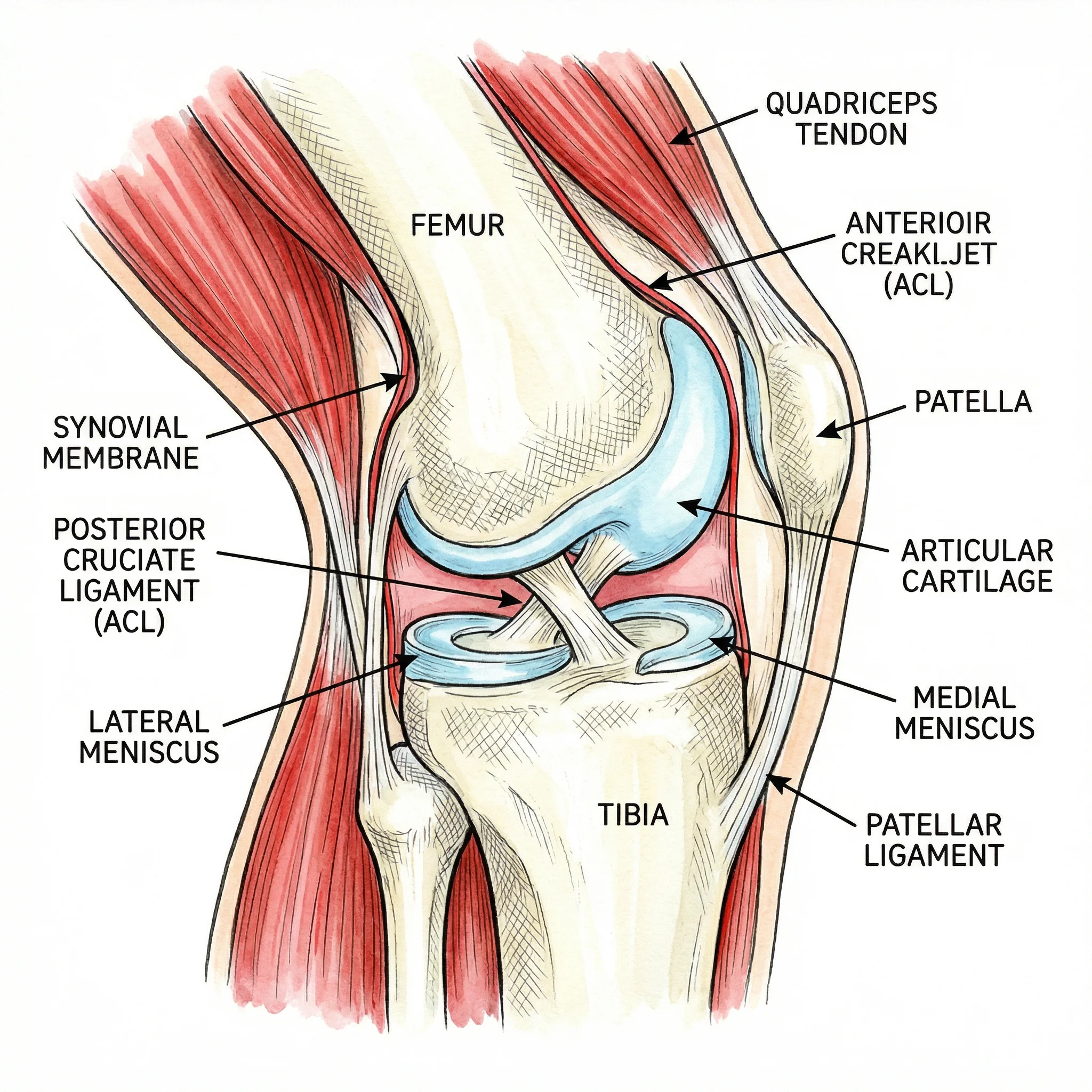
Medical Illustration Generator
Describe the anatomy, procedure, or pathology you need and get a custom illustration for slides, posters, or patient education.
Create a custom illustration →Frequently Asked Questions
Is Servier Medical Art free to use?
Yes. All SMART images are free and licensed under CC BY 4.0, so you can use them in slides, theses, papers, books, videos, and courses, including commercial ones, as long as you give credit.
Can I use Servier Medical Art for commercial purposes?
Yes. CC BY 4.0 allows commercial use. Servier's FAQ confirms commercial publications, paid courses, and monetized YouTube videos are fine with correct attribution. It does advise against using the images in logos.
How do I cite Servier Medical Art?
Use Servier's recommended line: Image(s) provided by Servier Medical Art (https://smart.servier.com), licensed under CC BY 4.0 (https://creativecommons.org/licenses/by/4.0/). If you changed the image, write 'adapted from' instead of 'provided by'. Put it in the figure caption, on the slide, or in the video description.
Can I edit Servier Medical Art images?
Yes. The license allows adaptation, and the PowerPoint kits are built from editable shapes, so you can ungroup them to recolor parts, change labels, or combine drawings. Say the image was adapted in your credit line.
Does Servier Medical Art offer SVG files?
Not as a download. SMART offers PPTX and PNG files. Because the PowerPoint drawings are vector shapes, you can select one and use Save as Picture in recent PowerPoint versions to export it as SVG.
Do I need permission to use SMART images in a journal article?
No. Servier does not issue permission letters because the CC BY 4.0 license already grants permission. Include the credit line in the figure legend and declare the third-party material if your journal asks.
What can I use when Servier Medical Art does not have the image I need?
Try Bioicons for open-source SVG icons or NIAID BioArt for NIH-made vectors, and check each item's license. For a specific view that no library has, you can generate a custom medical illustration with an AI tool such as ConceptViz.
Summary
Servier Medical Art is one of the best free sources of medical illustrations: more than 3,000 images, a permissive CC BY 4.0 license, and editable PowerPoint kits. Download the kit you need, ungroup and adapt the drawings, and always add the credit line, switching to "adapted from" when you change anything. When the library does not have the exact view your work needs, fill the gap with another open library or a custom medical illustration.
Categories
More Posts
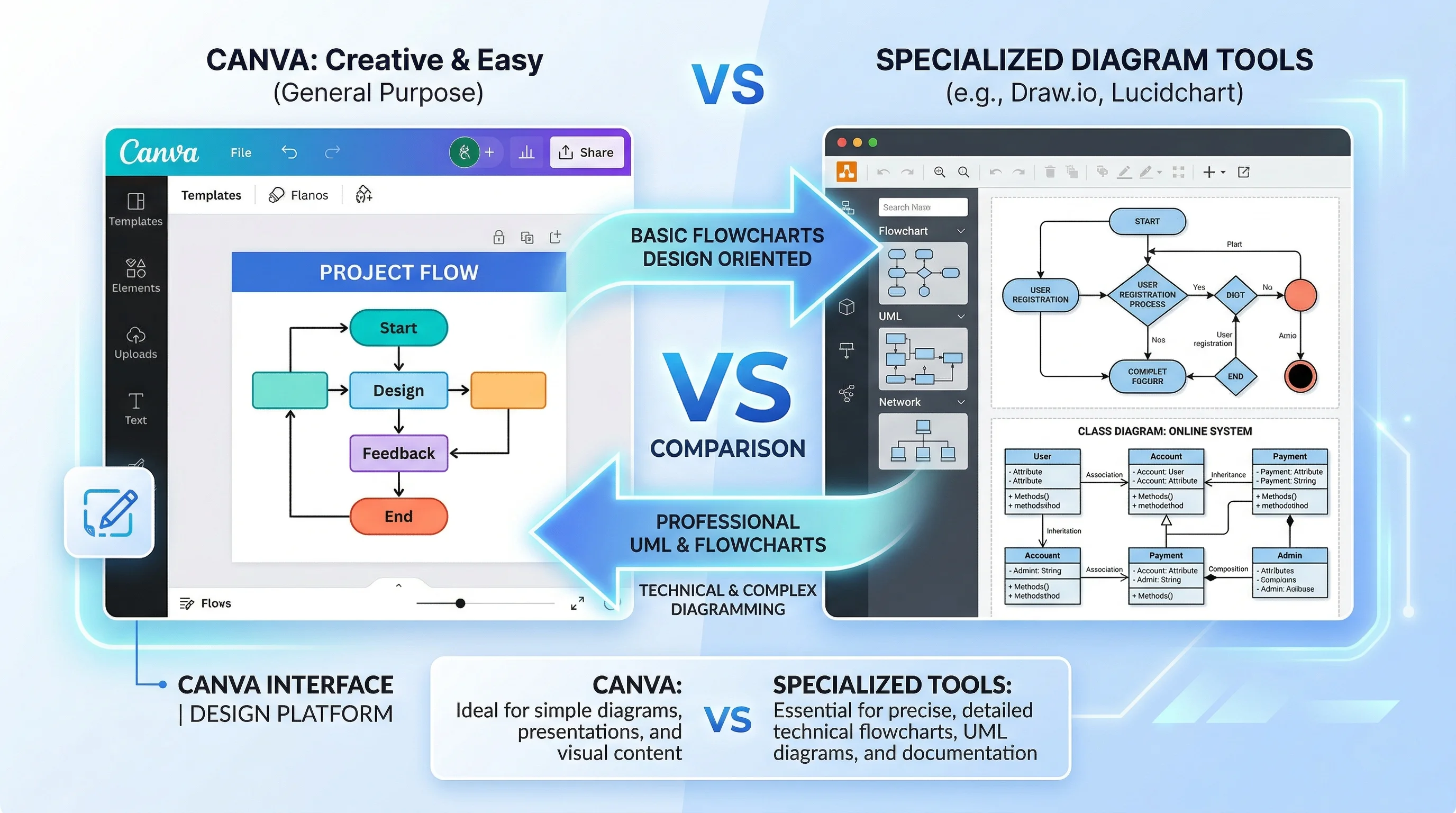
Canva for Diagrams: Honest Review & Alternatives
An honest review of Canva's diagramming features in 2026. See where Canva excels, where it falls short, and which specialized alternatives work better.
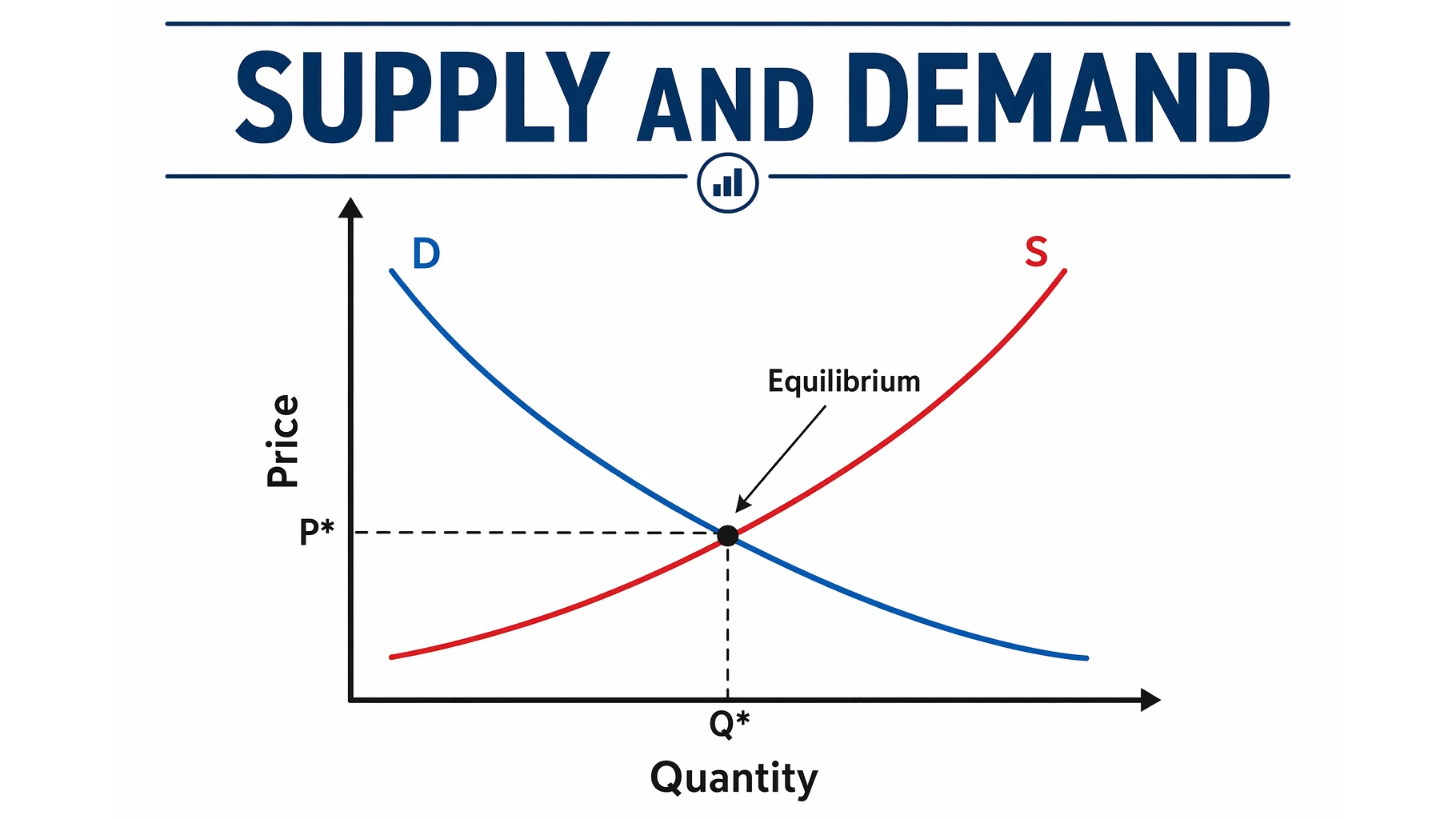
Supply and Demand Graph: Equilibrium & Shifts
Learn how to read the supply and demand graph: why demand slopes down and supply slopes up, where they meet at equilibrium, plus shifts, surplus, and shortage.
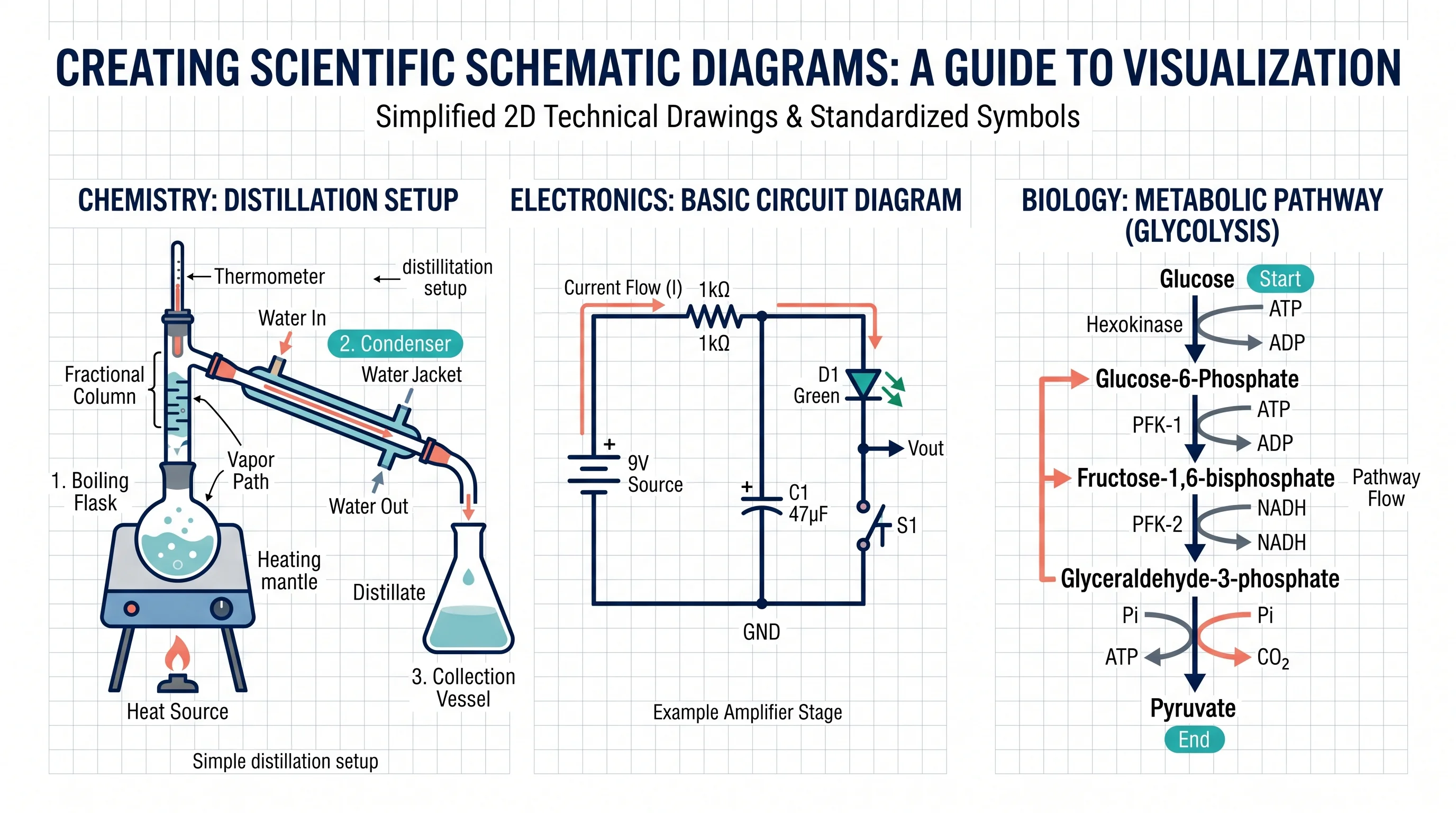
How to Make a Schematic Diagram: Step-by-Step Guide for Scientists and Students
Learn how to make a schematic diagram for science, lab experiments, and research. A step-by-step guide to rules, symbols, software tools, and examples.