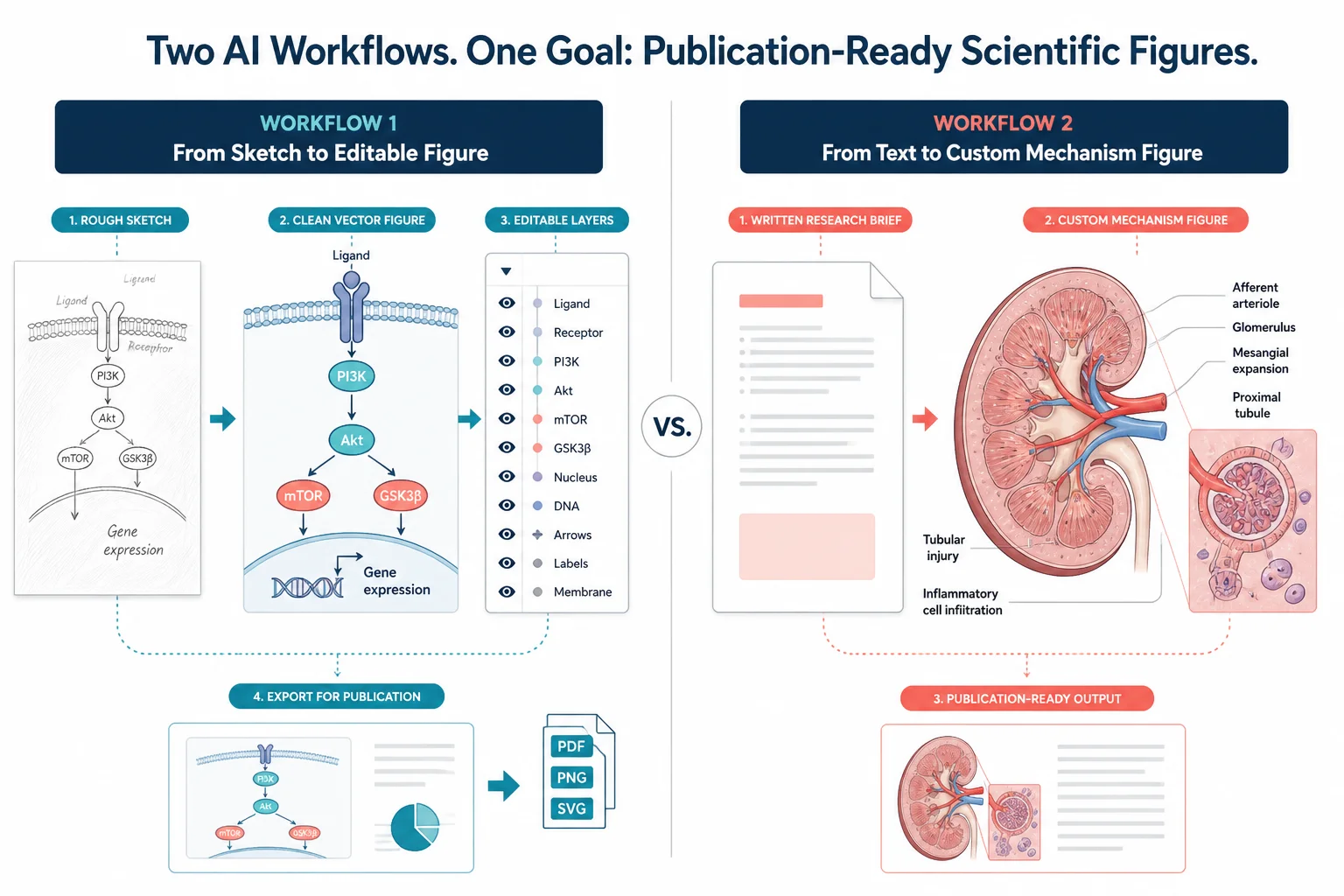
FigureLabs vs ConceptViz: AI Scientific Illustration Compared
Compare FigureLabs vs ConceptViz in 2026: credits, SVG and PPTX export, publication authorization, and when a custom brief beats an AI BioRender companion.
FigureLabs vs ConceptViz is a 1-to-1 between two AI-native figure tools, not another BioRender alternatives list. Both start from a prompt. They charge differently, export differently, and sit in different places next to a BioRender seat.
If you are still choosing among five vendors, use Best AI Scientific Illustration Tools 2026. If the other tab is BioRender’s pricing page, start with BioRender vs ConceptViz. This page is only FigureLabs (figurelabs.ai) against ConceptViz.

AI Scientific Image Generator
Mechanisms, cells, and methods figures from a written brief. Not a flowchart toy and not a BioRender icon library.
Draft a scientific figure →Same paper, two workflows
Run the same task through both products in your head before you subscribe:
| Task | FigureLabs motion | ConceptViz motion |
|---|---|---|
| Custom heart / organ plate | Text or sketch → figure, then region redraw / text edit | Written brief on the medical tool → full draft |
| Graphical abstract | Generate, then finish layout in their canvas or PPTX | Dedicated graphical-abstract tool, then journal size table |
| Mechanism / methods cartoon | Text-to-figure; vector out on paid plans | Scientific-image tool from a brief |
| Finish in BioRender or PowerPoint | They sell this path: export SVG / PPTX | Export the raster/figure and edit outside |
| Weekly icon assembly the lab already shares | Weak — that is still BioRender | Weak — same gap |
ConceptViz is not a conceptual-framework or social-science flowchart product. Third-party listicles that describe it that way are describing the wrong tool. The paid work here is medical illustration, graphical abstracts, and scientific figures.
What FigureLabs ships (from their site, September 2026)
FigureLabs sells text-to-figure, image-to-figure, and vector export as the main workflow. Their own FAQ calls the product a BioRender companion: generate a base, export SVG / PPTX, finish layout in BioRender, PowerPoint, or Illustrator. Confirm current copy on figurelabs.ai and figurelabs.ai/pricing.
What they advertise
- Generate from text, sketch / photo, or a reference
- Region redraw, text edit, background remove
- Paid plans: SVG and editable PPTX, built-in canvas, “publication authorization”
- Flowchart and plot products on the same account
- Free plan: one-time starter credits plus a daily refresh; they state free use is non-commercial
Limits (read their claims as claims)
- Credit-metered. A generation, a redraw, and a vector export each cost credits
- Their FAQ (checked September 2026) lists example costs: image generation and region redraw 50 credits, text edit 60, SVG or PPTX vector export 150. Confirm before you budget a paper
- “Clean SVG for journals” is their marketing. Your journal still has its own rules
- Weaker than BioRender if the job is only assembling the lab’s existing icon set
FigureLabs price
They advertise scientific illustration from about $9/month (Starter). Plus, Pro, Team, and Business sit above that. Public sale posts have shown other tiers on discount; treat those as promos, not a permanent list. Confirm on figurelabs.ai/pricing.
Their pricing page (September 2026) describes Starter as about 1,000 credits/month (~10 images in their own copy), 4K export, SVG, editable PPTX, built-in canvas, and publication authorization. Free is 150 one-time credits, a smaller daily refresh, and 1K export — without that authorization.
If you need a number for a grant, use the amount on their live pricing page — list prices move, and a logged-in view can differ from the public tiles.
What ConceptViz ships
ConceptViz generates a full illustration from a written brief and charges a credit pack, not a FigureLabs-style monthly credit bucket inside a seat.
Strengths
- Task-split tools: medical, graphical abstract, scientific image
- One-off custom views the icon libraries do not have
- You stop paying when the figure is done
Limits
- Not unlimited generation
- Not an in-app SVG/PPTX companion to BioRender
- Not a substitute for checking anatomy or the journal’s AI policy
- Weak if you want to nudge one icon on a shared lab canvas
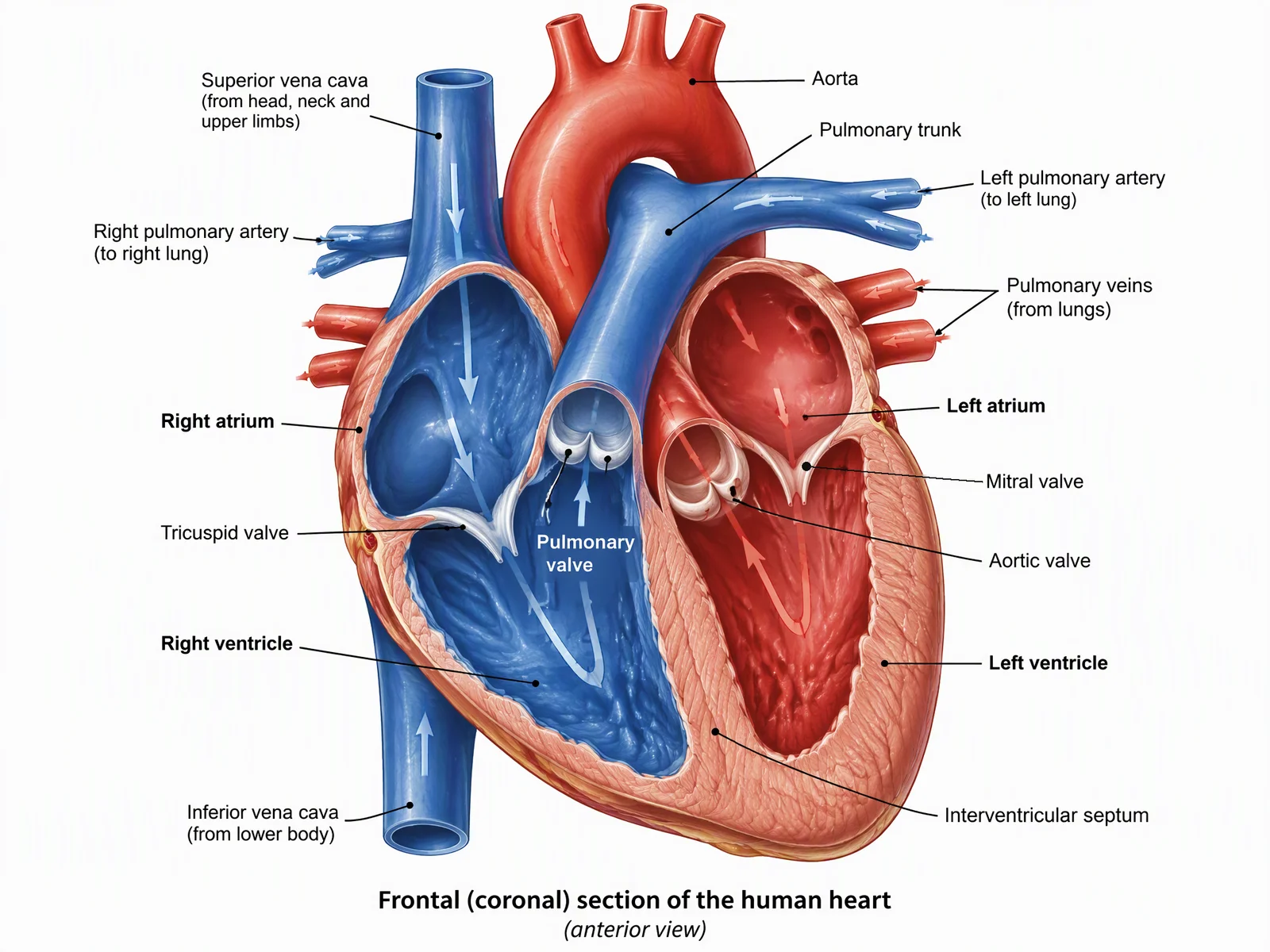
Medical Illustration Generator
Labeled organ and surgical-plane drafts. Review every structure against a textbook.
Draft a medical figure →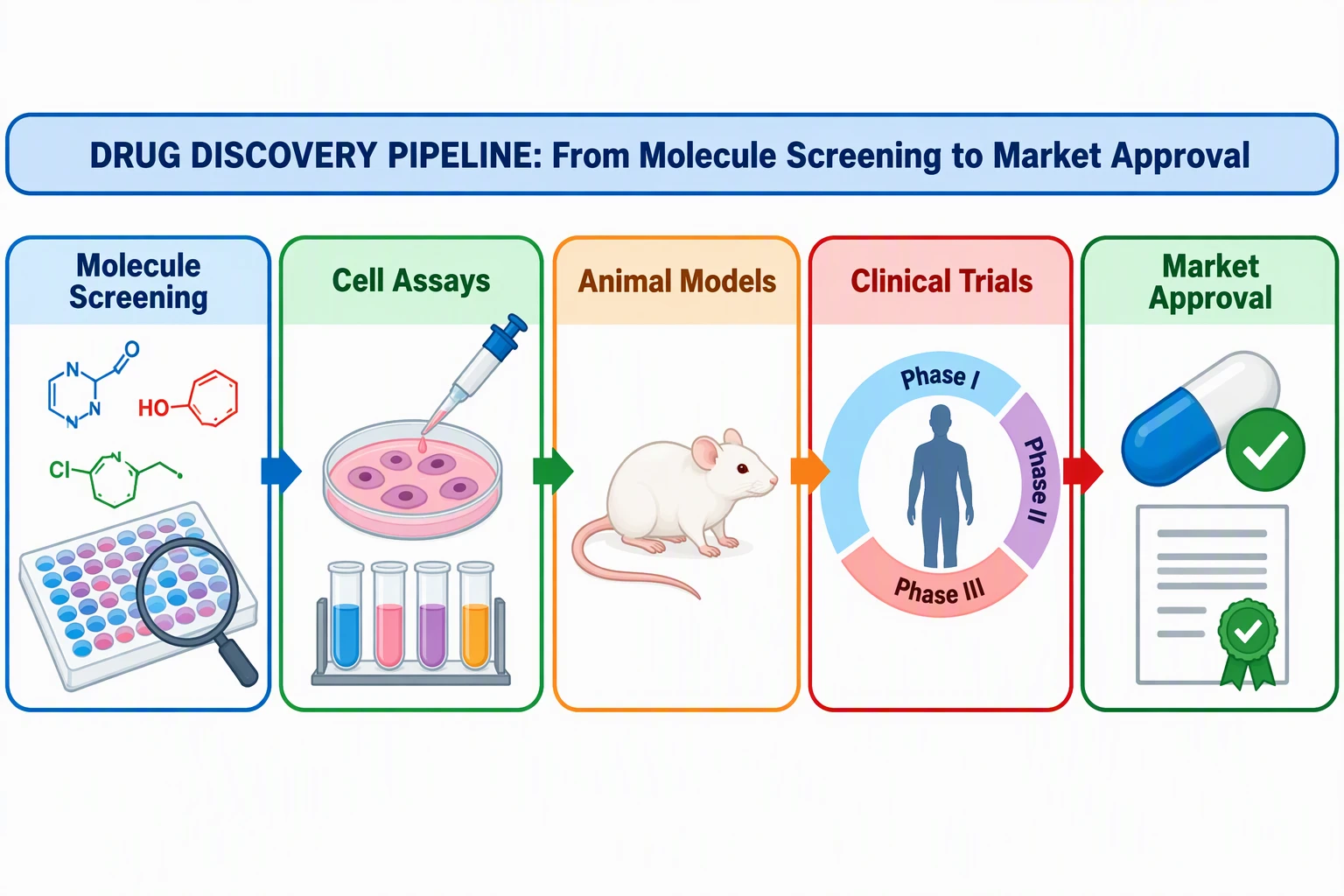
Graphical Abstract Maker
Single-panel visual abstract. Check Elsevier / Cell / Nature size tables before you export.
Draft a graphical abstract →
Custom anatomy is a brief, not a sticker sheet. Whichever generator you use, laterality still has to be right.
Credits vs a pack
This is the invoice difference people miss.
FigureLabs meters actions. Generate once (50), fix a label (60), export SVG (150) and you have spent 260 credits on one panel before layout. Their FAQ says individual credits reset each billing cycle; team plans can roll over a slice. If you iterate, the $9 Starter headline is not “ten finished journal figures.”
ConceptViz sells a pack you spend on generations. There is no seat. There is also no promise that one credit equals one submission-ready file.
| FigureLabs | ConceptViz | |
|---|---|---|
| Core motion | Prompt / sketch → figure, then in-app edit | Prompt → full figure on a task tool |
| They say they are | BioRender companion | Standalone custom-figure tools |
| Vector PPTX / SVG | Paid plans, 150 credits per vector export (their FAQ) | Not the product; edit the export outside |
| Free license | Non-commercial | Trial credits; not a production budget |
| Paid journal story | “Publication authorization” + optional PDF certificate (their claim) | You own the export; you still disclose and check the journal |
| Best user | Fast AI draft you will finish in BioRender / PPT / Illustrator | One custom view, then you stop |
A visual abstract is a layout problem as much as a generation problem. Export format only matters after the panel is the right size.
License and “publication authorization”
FigureLabs. They state they claim no ownership of your figures, that paid users can download a PDF certificate, and that free plans are for non-commercial use only. That is their language, not a journal’s acceptance letter. “Clean SVGs for journals” does not bind Nature or Elsevier.
ConceptViz. You own the export. You still follow the journal. Elsevier’s generative AI figure policy allows some explanatory schematics with disclosure and bans generated primary images. Neither vendor replaces that check.
For views, labels, and what reviewers reject, use Anatomical Illustration for Research Papers. For TOC pixel rules, use How to Create a Graphical Abstract.
Run one figure through both
Take a four-chamber heart with six labels, or a one-panel mechanism abstract. Do not start by comparing homepages.
- Write the brief once: view, structures to name, structures to leave off, audience (Results vs TOC).
- In FigureLabs, generate, then count credits for the first redraw and a vector export. If you need SVG, budget the 150-credit export before you fall in love with the draft.
- In ConceptViz, use the medical or graphical-abstract tool — not a generic chat box — and reject the file if laterality or a vessel is wrong.
- Put both exports next to the journal’s width and DPI table. The prettier file still loses if it is 1800 px wide when the journal asked for 90 mm at 300 DPI.
- Disclose the tool if the journal requires it. Do not paste a generated image into a microscopy panel.
If step 2 costs more credits than a ConceptViz pack for the same number of finished panels, you do not have a FigureLabs bargain. You have a metering problem.
When FigureLabs is the better buy
- You want an AI first pass and a vector file to finish in BioRender, PowerPoint, or Illustrator
- You will live in their canvas (region redraw, text edit) rather than regenerating the whole panel
- You also want their flowchart or plot products on the same login
- You accept credit metering, including paying again to export SVG / PPTX
That is the honest FigureLabs alternative question: not “is there a cheaper BioRender,” but “do I want a metered AI companion sitting next to the icon seat?”
When ConceptViz is the better buy
- The figure is custom anatomy or a one-panel abstract and you do not need their PPTX pipeline
- You want a pack for this paper, then nothing monthly
- You want the medical / graphical-abstract / scientific tools split, not one “scientific illustrator” box
- You are done after a checked draft, not after ten in-app redraws
BioRender vs ConceptViz
Keep the icon seat, add a credit pack, or stop renewing — the paid decision next to this one.
When neither (or both)
Stay on BioRender alone if the lab only assembles icons and Institution already pays. Adding FigureLabs or ConceptViz on top of an unused seat is how invoices grow.
Use both AI tools only if the jobs split cleanly: FigureLabs for a vector draft you will finish on the lab canvas; ConceptViz for the organ plate BioRender cannot assemble.
Hire a medical illustrator for covers, rare surgical anatomy, or journals that ban generated images. AI is a redline, not a Certified Medical Illustrator.
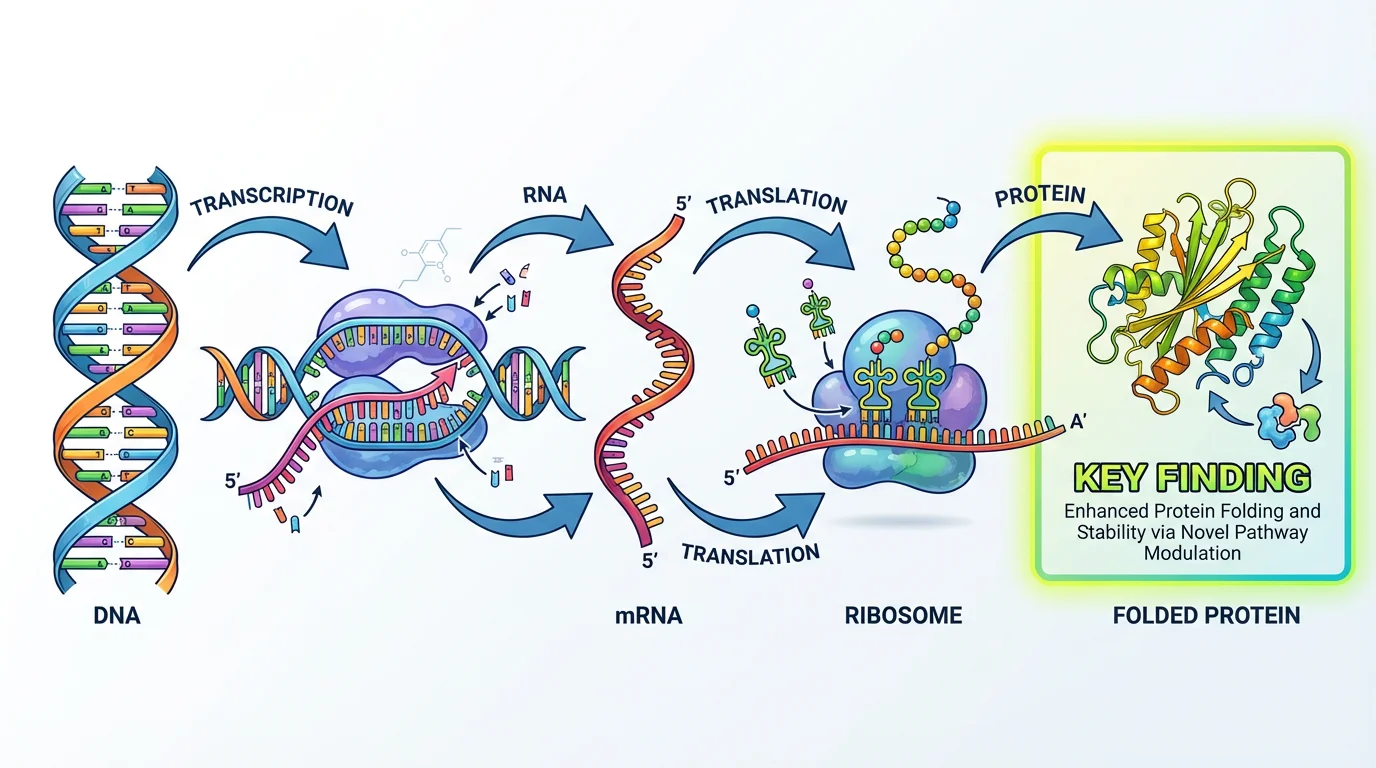
If the journal wants a dedicated illustration tool for the TOC image, name the tool in the caption and still obey the pixel table.
Frequently Asked Questions
Is ConceptViz a FigureLabs alternative?
Yes for a custom scientific or medical figure from a written brief. No if what you want is FigureLabs’ paid SVG / PPTX companion workflow into BioRender. Compare the job, not the word “AI.”
How much does FigureLabs cost?
FigureLabs advertises scientific illustration from about $9 per month for Starter. Higher tiers exist. Sale posts are not list prices. Confirm the live page at figurelabs.ai/pricing before you put a number in a grant.
Does FigureLabs include SVG and PPTX export?
On paid plans, yes — that is a core claim on their site. Their FAQ lists vector SVG / PPTX export at 150 credits per export. Free plans emphasize raster / lower-resolution export. Confirm current terms on their pricing page.
Can I publish FigureLabs figures in a journal?
They state paid plans include publication authorization and free plans are non-commercial. That is vendor language. Your journal still decides, and you still disclose AI if required.
Is FigureLabs only a BioRender alternative?
They position themselves as a companion you can finish in BioRender, not a full icon-library replacement. If you only assemble shared icons, BioRender is still the seat. If you need a custom view BioRender cannot assemble, compare FigureLabs and ConceptViz on credits and export.
Is ConceptViz a flowchart tool for social scientists?
No. That description appears on some third-party comparison pages and is wrong. ConceptViz’s relevant tools here are medical illustration, graphical abstracts, and scientific figures.
Do these tools replace a scientific illustrator?
No. Use them for a first draft you can reject. Covers, textbook plates, and figures where one wrong vessel is a clinical error still need a human who knows the anatomy.
FigureLabs vs BioRender vs ConceptViz — which one?
Weekly icon biology: BioRender. AI draft plus vector into PowerPoint or BioRender: FigureLabs. Custom one-off anatomy or visual abstract on a pack: ConceptViz. Many labs keep the BioRender seat and add only one of the other two.
Bottom line
FigureLabs if you want a metered AI draft and a paid SVG / PPTX handoff into the tool the lab already uses. ConceptViz if you want a custom panel from a brief and then you stop. Neither is unlimited, and neither stamps a figure as journal-ready.
Draft the custom work on the scientific image, medical illustration, or graphical abstract page. For the icon-seat decision, read BioRender vs ConceptViz.
Categories
More Posts
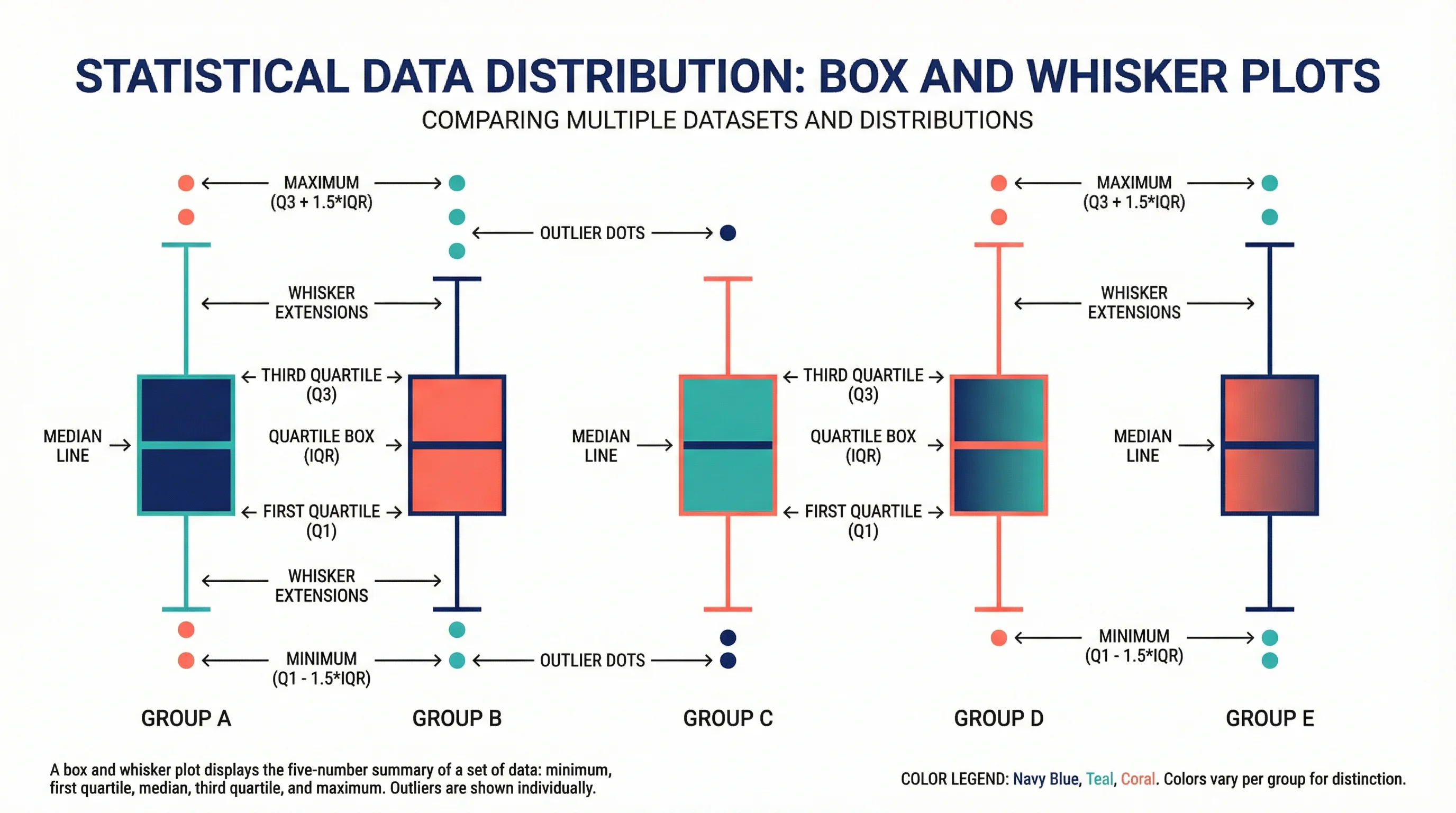
How to Draw a Box and Whisker Diagram: Complete Step-by-Step Guide (2026)
Learn how to draw a box and whisker diagram from scratch. A step-by-step tutorial covering hand-drawn, Excel, Python, and R methods, with common mistakes.

AI Conceptual Framework for Thesis: Prompts, Examples, and Chapter 1 Workflow
Create an AI conceptual framework for thesis work with prompts, examples, variable tables, Chapter 1 writing tips, and validation checks.
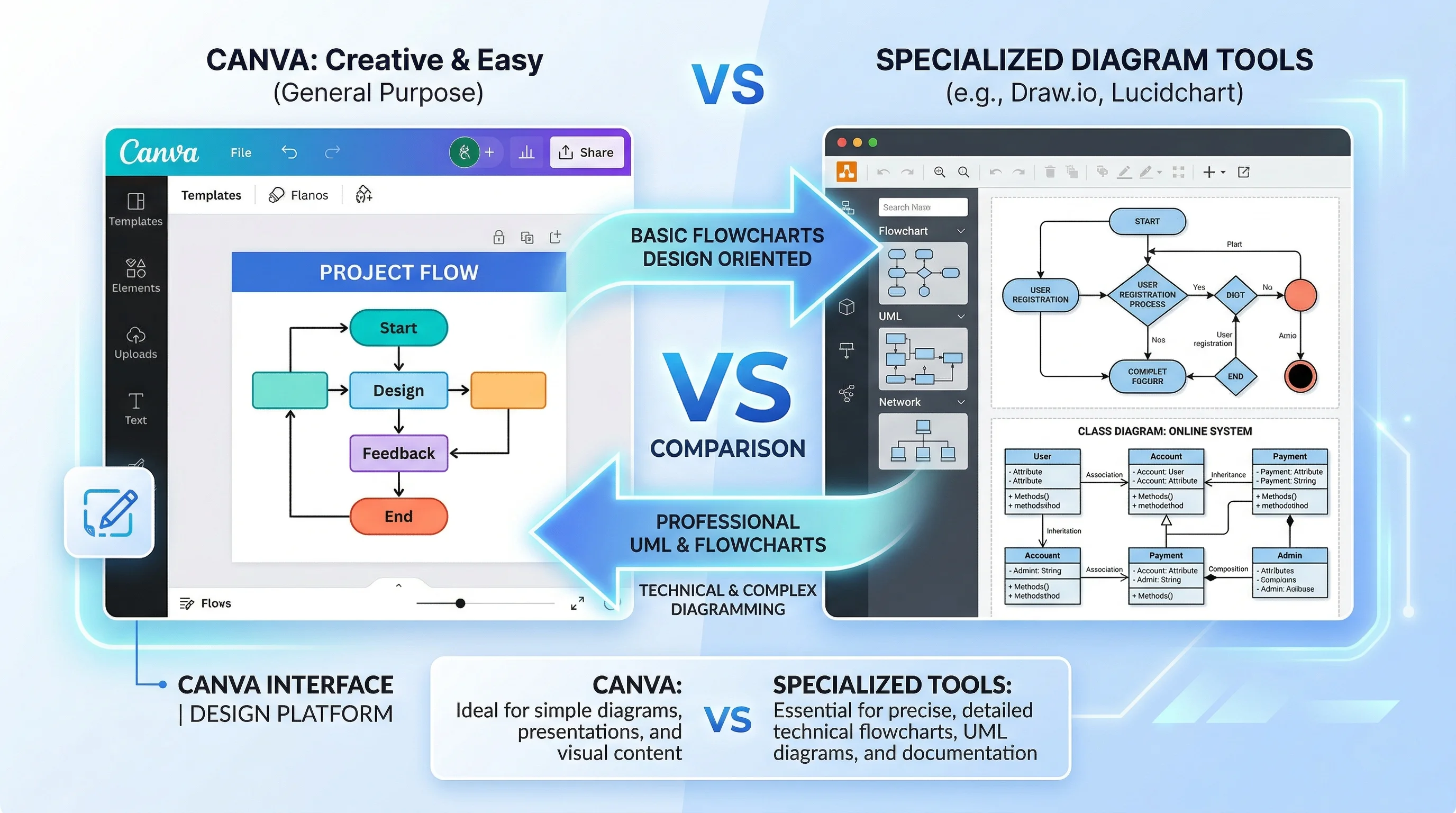
Canva for Diagrams: Honest Review & Alternatives
An honest review of Canva's diagramming features in 2026. See where Canva excels, where it falls short, and which specialized alternatives work better.