AI Medical Illustration Generator for Anatomy & Education
Generate professional medical and anatomical illustrations with AI. Describe the organ, body system, or procedure you need — heart, brain, knee joint, digestive tract — and get a clean, labeled illustration for education, presentations, patient materials, and publications. Free, and AI-powered, so review for accuracy before teaching.
Create Your Medical Illustration
このページのプレビューは無料 · 透かしなしのファイルのダウンロードにはが必要です
Used by 40,000+ teachers, students & researchers
Your medical illustration will appear here
Describe what you need and click Generate
Medical Illustration Examples
Professional anatomical and healthcare illustrations for education and publication
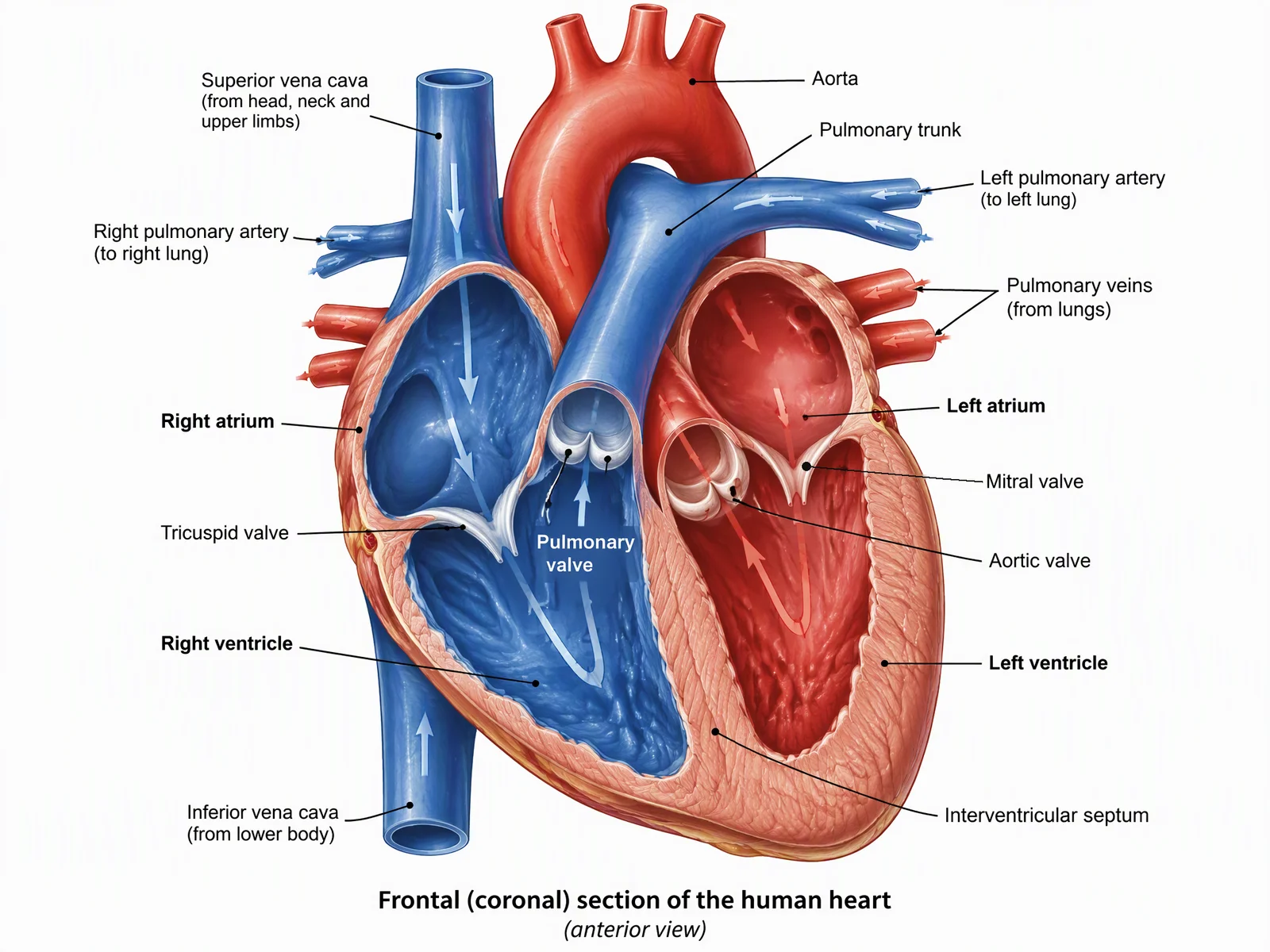
Heart Anatomy Illustration
Cardiology: the four chambers, valves, and great vessels, with oxygenated and deoxygenated blood color-coded.
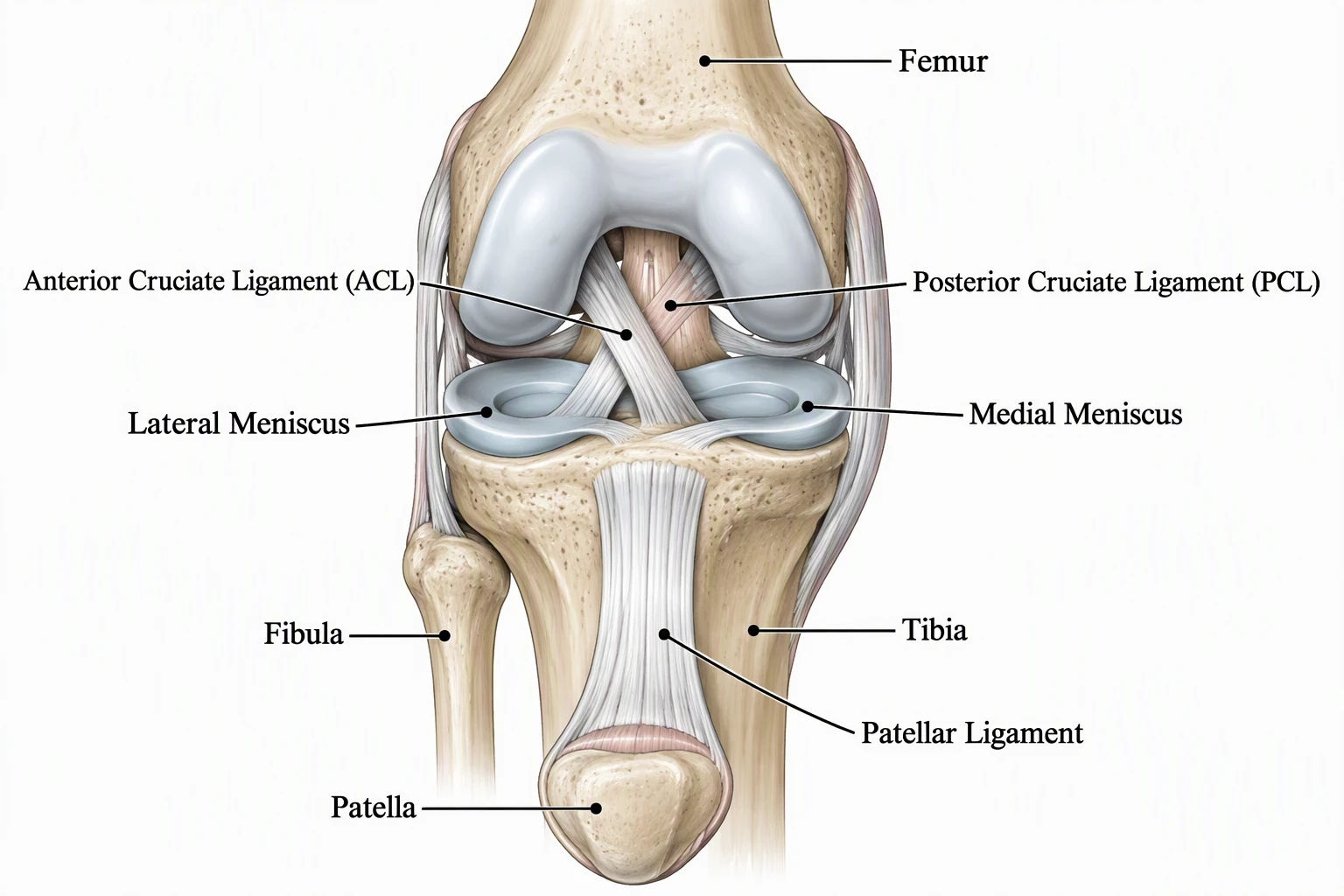
Knee Joint Cross-Section
Orthopedics: a sagittal view of bone, cartilage, meniscus, and the ACL and PCL.
Eye Anatomy Cross-Section
Ophthalmology: a horizontal section through the eye with every internal structure labeled.
Digestive System Overview
Gastroenterology: the full digestive tract from esophagus to rectum, with each organ labeled.
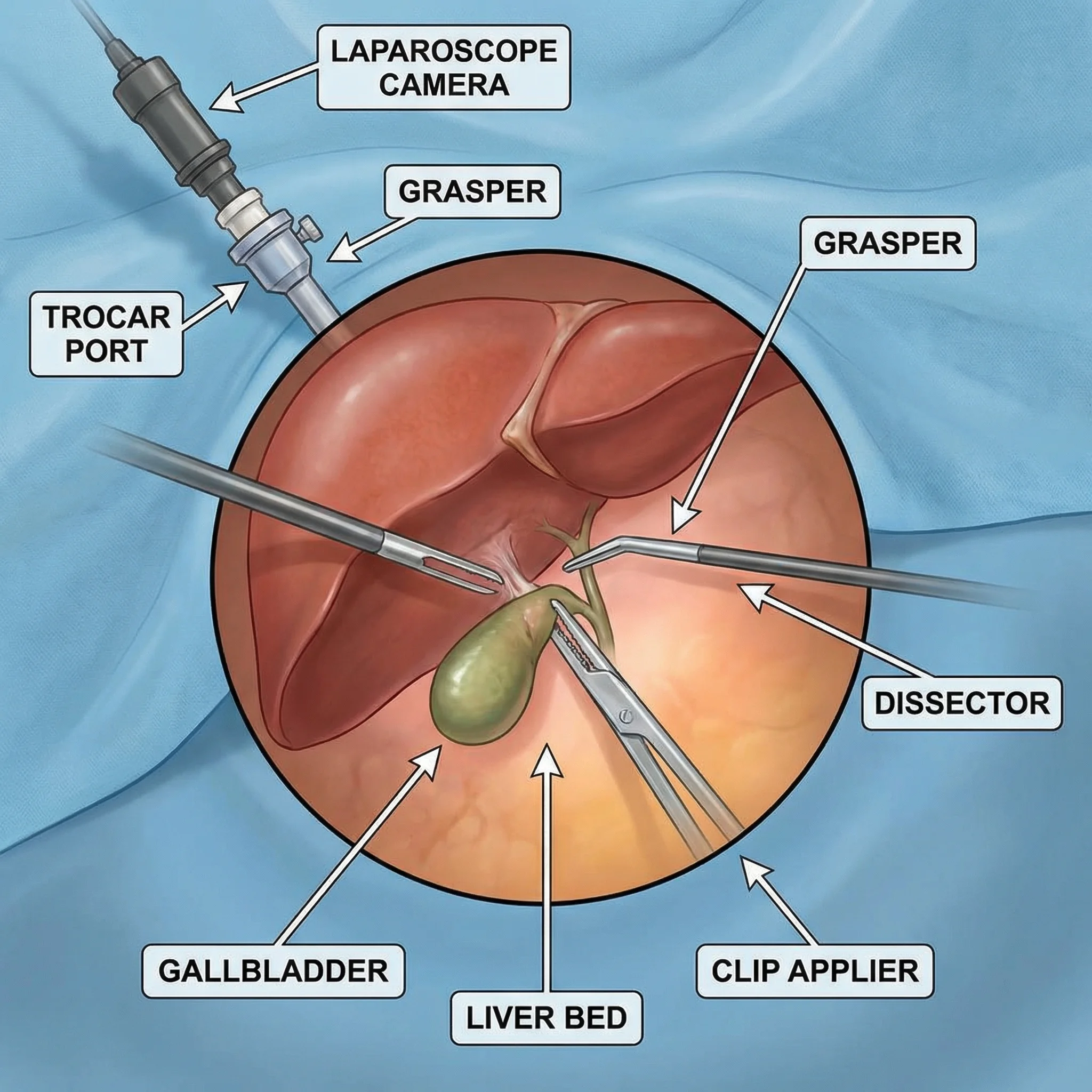
Surgical Procedure Illustration
Surgery: a laparoscopic technique showing trocar placement, instruments, and the surgical field.
Respiratory System Anatomy
Pulmonology: the airway from nose to alveoli, with a magnified inset of gas exchange.
What is the AI medical illustration generator?
This is an AI medical illustration generator: you describe the anatomy, body system, or procedure you need in plain English, and it generates a clean, labeled medical illustration in seconds. It can draw organ anatomy (heart, brain, lungs, liver, kidneys), full body systems (digestive, respiratory, circulatory, nervous), cross-sections, surgical procedures, and patient-education diagrams. It is built for medical educators, students, researchers, and healthcare communicators who need a visual fast — without commissioning custom artwork or hunting through stock libraries for the exact view.
What makes a good medical illustration?
- Anatomical accuracy: structures are in the right place, the right shape, and the right proportion to one another — the single thing that separates a useful medical figure from a decorative one.
- A clear point of view: a stated perspective (anterior, posterior, lateral, or cross-section) so the viewer knows exactly what plane they are looking at.
- Readable labels: each structure named with a leader line, so the figure teaches on its own without a paragraph of caption.
- Meaningful color: consistent, conventional color coding — for example red for oxygenated and blue for deoxygenated blood — rather than color for decoration.
- A clean composition: a plain background and uncluttered layout so the anatomy, not the styling, is what stands out in a slide or on a printed page.
How to generate a medical illustration
- Name the subject: state the organ, body system, or procedure, and the level of detail you want.
- Specify the view: anterior, posterior, lateral, or cross-section — the more precise you are, the closer the result.
- List the structures to label: name the parts you want called out, and any color conventions to follow.
- Generate and refine: review the illustration, then adjust the description and regenerate until the view and labels match what you need.
Where medical illustrations are used
A clear anatomical figure does a lot of work across healthcare. Use these illustrations in lecture slides and anatomy course handouts, in nursing and allied-health training, in patient-education leaflets and pre-procedure consent discussions, as figures in research papers, posters, and conference talks, and in healthcare website and content marketing. Because you describe exactly the view and the structures you want, you can match the figure to the audience — detailed for clinicians, simplified for patients — instead of settling for whatever a stock image happens to show.
It is AI-powered — review for accuracy before teaching
These illustrations are generated by an AI image model, which makes them fast and flexible but also means they are not a substitute for a professional medical illustrator or a verified anatomical reference. The model can place a structure imprecisely, miscount or mislabel parts, or invent plausible-looking detail. Treat the output as a strong starting point: before you use a figure for teaching, clinical communication, or publication, have it reviewed against a trusted anatomy source — and correct any labels or structures that are wrong. Used this way it saves real time; used unchecked it can spread errors.
AI vs hiring a medical illustrator: cost and when to use which
- Hiring a medical illustrator: the Ohio State University Health Sciences Library Medical Visuals page lists $109 per hour for individuals affiliated with Ohio State, with a quote after consultation and invoicing for actual hours worked. A simple color illustration is typically 8 to 15 hours, which works out to about $872 to $1,635 at the Ohio State-affiliated rate, or about $1,046 to $1,962 with the 20% surcharge for non-Ohio State individuals, before sales tax. This is one university service's published rate; other illustrators price differently. Checked October 2026.
- BioRender: its pricing page lists a free plan with no commercial use or publication, and an Individual plan on the academic tab at $35 per month paid annually or $39 monthly, which includes academic publishing rights. BioRender works from a library of icons and templates that you assemble. Checked October 2026.
- ConceptViz: you describe the figure in plain English and get a labeled draft in seconds. New accounts start free with 2 image credits valid for 7 days, no card required.
- Use AI drafts for teaching, lecture slides, handouts, and patient conversations, where a clear labeled figure matters more than a final rendered artwork and you will review it anyway.
- Use a medical illustrator when the work needs exact anatomy for publication, surgical accuracy, or a figure that a journal or textbook publisher will hold to its own standards. An illustrator can also work from your sketches, specimens, and references and be accountable for the result, which an AI draft cannot.
Before you publish: a checklist for AI medical illustrations
- View and orientation: confirm the figure shows the view you stated (anterior, posterior, lateral, or section) and that left and right are the right way round for that view.
- Structure positions: check every structure, its relative size, and its count against a trusted anatomy atlas or textbook, such as the number of valves, lobes, ligaments, or vertebrae.
- Labels: read every label and leader line, fix misspellings or invented terms, and make sure each line points to the structure it names.
- Color conventions: check that colors follow the convention your audience expects, such as red for oxygenated and blue for deoxygenated blood, and that the legend matches.
- Journal AI-image policy: many publishers restrict AI-generated images in manuscripts, so read the target journal or publisher policy on AI-generated figures before you submit, and disclose any use the policy allows. Elsevier, for example, publishes generative AI policies for its journals and, separately, for books; read the one that applies to your submission. Checked October 2026.
Is the medical illustration generator free?
Yes — you can describe and generate medical illustrations for free, and download the results for your slides, handouts, papers, and patient materials. Square, landscape, and portrait formats are available so the figure fits a poster, a presentation slide, or a printed page. For research figures and graphical abstracts, the related tools below pair well with this generator.
よくある質問
Related guides and tools
For procedure-specific figures, try the knee replacement diagram generator, the dental implant diagram generator, or the pacemaker diagram generator. For handouts, see dermatology patient education illustrations and the medical infographic maker. For mechanism figures, there is a gene therapy diagram generator.
Reading: best medical illustration software and anatomical illustration for research papers.
Sources (Checked October 2026): Ohio State Medical Visuals illustration pricing, BioRender pricing, Elsevier generative AI policies for books and commissioned content.
More Medical & Science Tools
 Research
AI Scientific Image Generator
Generate professional scientific images for research papers and presentations.
 Biology
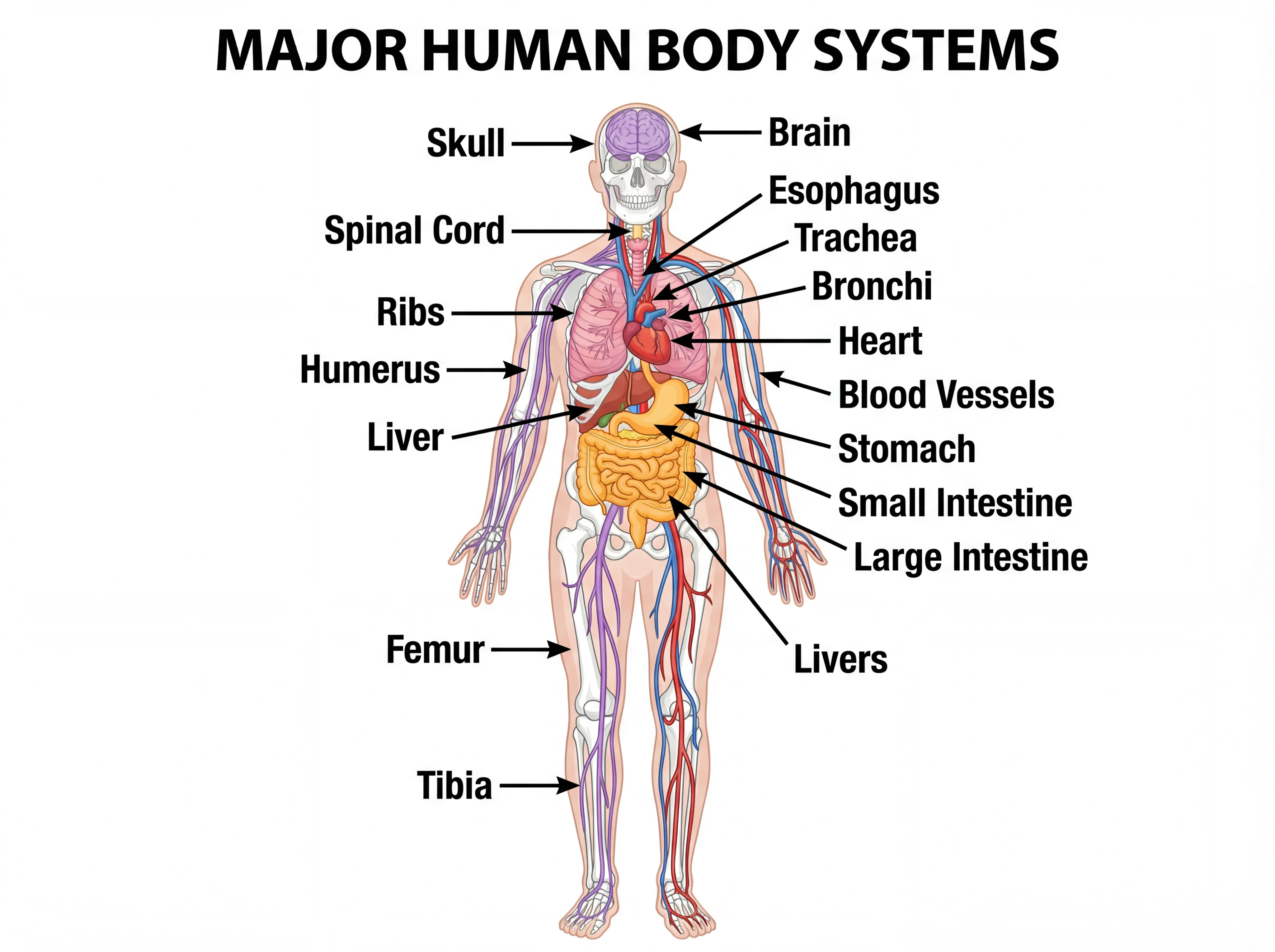
Human Body Systems Diagram Generator
Create detailed, labeled human body systems diagrams for anatomy education.
 Research
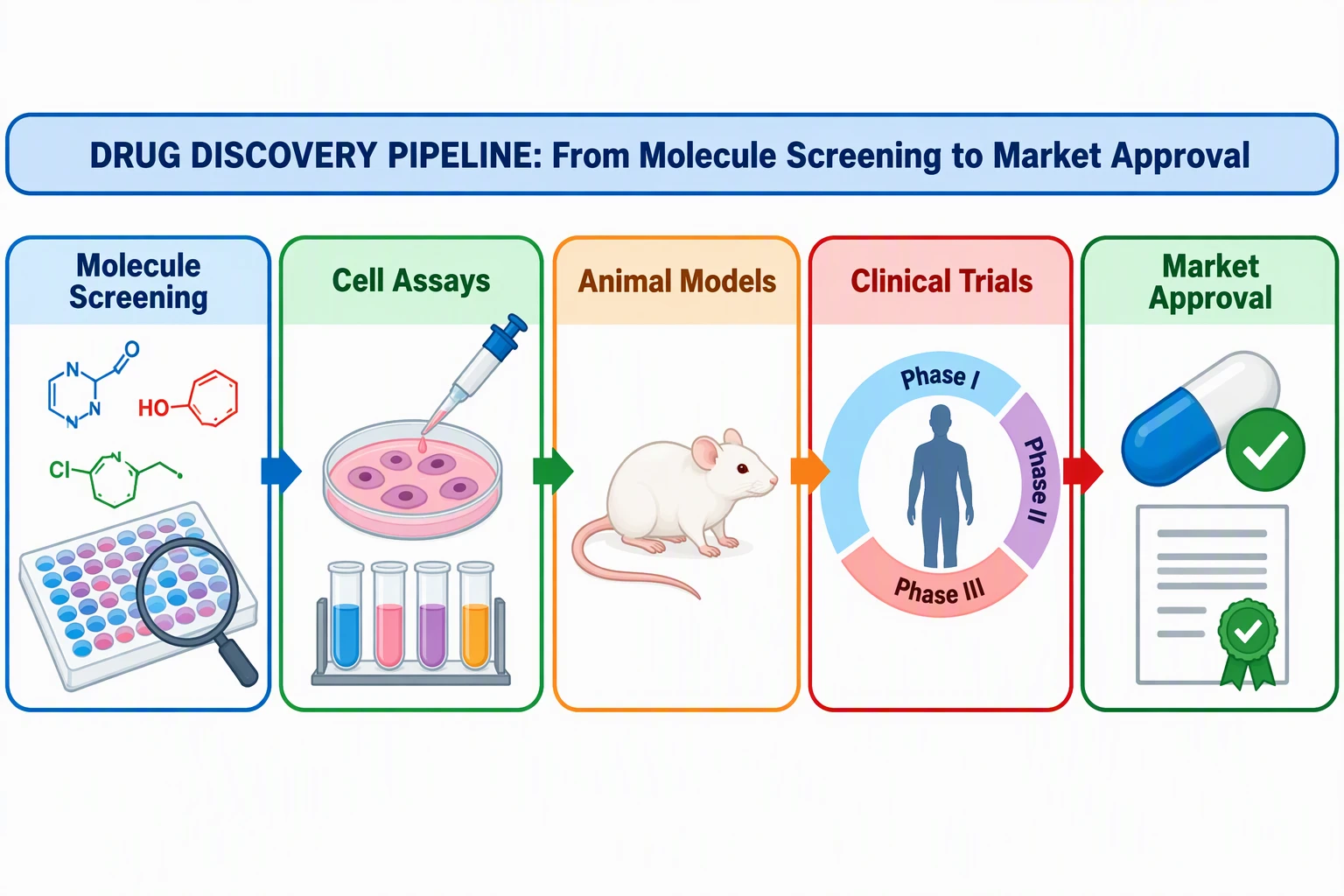
Graphical Abstract Maker
Create professional graphical abstracts for medical and scientific journal submissions.
 Medical
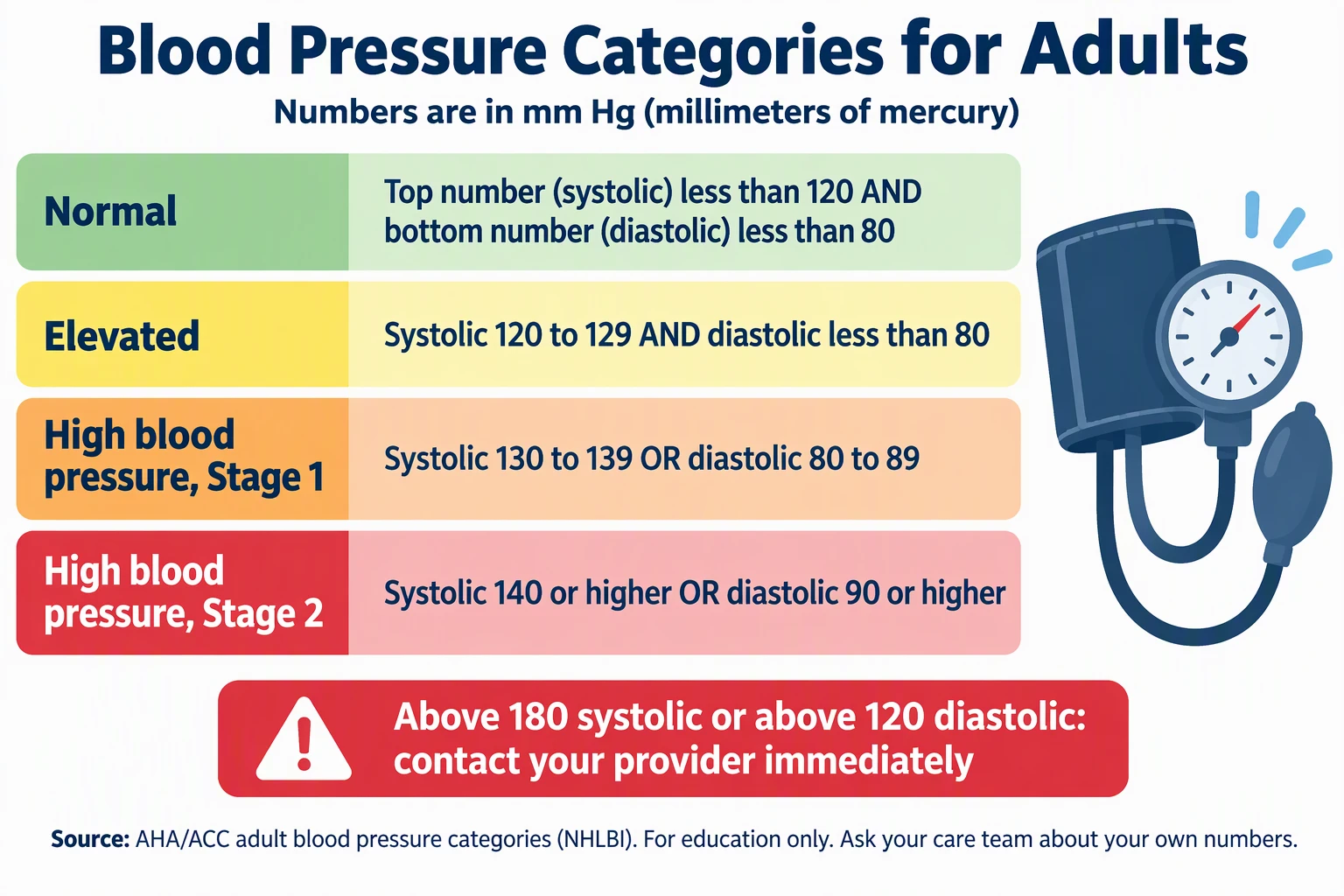
Medical Infographic Maker
Make hand hygiene, blood pressure, and stroke sign infographics from facts you cite, for clinician review.
 Medical
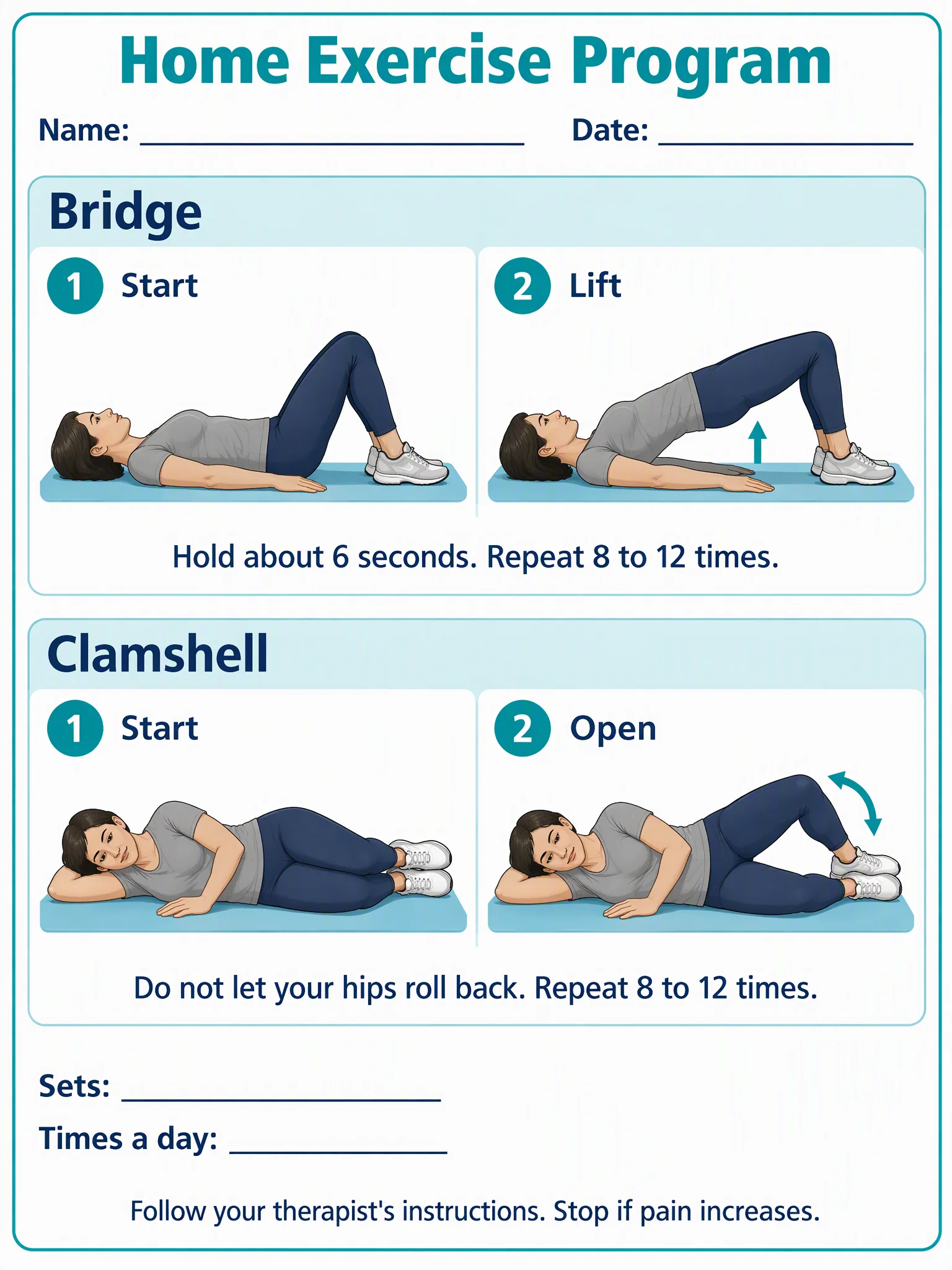
Physical Therapy Exercise Illustration Generator
Make step-by-step exercise illustrations for home exercise program handouts, for therapist review.
 Medical
Knee Replacement Diagram Generator
Make knee replacement diagrams for patient handouts, with a clinician review.
 Medical
Pacemaker Diagram Generator
Make pacemaker diagrams showing the device, leads, and heart chambers for patient education.
 Medical
Dental Implant Diagram Generator
Make dental implant diagrams for patient handouts, with a clinician review.