Dilution Calculator
Solve C1V1 = C2V2 for any unknown with unit conversion, turn 1:10 ratios into dilution factors, and build serial dilution tables with CSV export. Free.
Leave one box empty and it is solved. Units are converted for you.
- C1 × V1 = C2 × V2
- V1 = (C2 × V2) / C1
- V1 = (0.5 M × 100 mL) / 10 M = 5 mL
- Diluent = V2 − V1 = 100 mL − 5 mL = 95 mL
Free Dilution Charts and Worked Examples
Every chart below is drawn by the same code as the calculator above. View and download them free, no sign-up.
Serial Dilution Table: 2-Fold, 8 Tubes
Tube diagram and table for 8 tubes, 100 µL final volume, 50 µL transferred each step.
Worked examples
Reference
What is C1V1 = C2V2?
C1V1 = C2V2 is the dilution equation. C1 is the concentration of the stock, V1 is the volume of stock you take, C2 is the concentration you want and V2 is the final volume. The equation works because diluting only adds solvent: the amount of solute (concentration times volume) is the same before and after. Fill in any three values and solve for the fourth. For a 10 M stock diluted to 0.5 M in a final volume of 100 mL, V1 = (0.5 × 100) / 10 = 5 mL. You add 95 mL of diluent, and the dilution factor is 20-fold.
How to use the calculator
- Pick the C1V1 = C2V2 tab, type three values and leave the one you want empty. Each box has its own unit, so you can mix mL with µL or mM with µM without converting by hand.
- Example of mixed units: 500 µL of a 2 mM solution made up to 0.5 mL gives 2000 µM, the same 2 mM, because nothing was diluted.
- Concentrations must be the same kind on both sides: molar with molar, mass per volume with mass per volume. Percent w/v counts as mass per volume (1% w/v = 10 mg/mL), while % v/v and × (such as 10× stock) only match themselves. To go between molar and mass you need the molar mass, so the page asks you to convert first instead of guessing.
Dilution ratio, dilution factor and parts
- A dilution factor is the number of times the stock is diluted: final volume divided by stock volume. In many protocols a 1:10 dilution means 1 part sample plus 9 parts diluent, which is a 10-fold dilution, so 1 mL of sample in 9 mL of diluent makes 10 mL. This is the reading the calculator uses by default.
- Some fields read 1:10 as 1 part sample to 10 parts diluent (written 1+10), which is a 11-fold dilution. The two readings differ by about 10 percent, which matters for assays. Use the switch on the Ratio and fold tab, and write 1 + 9 in your notes when the reading is not obvious.
How to make a serial dilution
- A serial dilution repeats the same dilution step, each tube made from the one before. Decide the top concentration, the dilution factor per step, the number of tubes and the final volume per tube.
- Add diluent to every tube first: final volume minus the transfer volume. The transfer volume is the final volume divided by the dilution factor, so for a 2-fold series with 100 µL per tube it is 50 µL. Transfer that volume from the stock into tube 1, mix, then from tube 1 into tube 2, and so on, using a fresh tip each time.
- For a 1 mg/mL stock, tube 1 is 0.5 mg/mL and tube 8 is 0.00390625 mg/mL, which is 1/256 of the stock. Tubes that pass liquid on are left with less than the final volume, so prepare extra if you need 100 µL in every tube afterwards.
Common dilution mistakes
- Mixing units. 5 mL and 5 µL differ by a factor of 1000. Keep the unit next to every number.
- Confusing V2 with the diluent volume. V2 is the final volume, so the diluent is V2 minus V1. Adding 100 mL of diluent to 5 mL of stock gives 105 mL, not 100 mL.
- Reading 1:10 two ways. Check whether 1:10 in a protocol means 10-fold or 11-fold before you pipette.
- Skipping mixing between steps in a serial dilution. Each tube has to be mixed before you transfer from it, or the next tube is not what the table says.
- Forgetting that volumes are not always additive. The calculator assumes the volumes add up, which is fine for dilute aqueous solutions but not for strong acids, ethanol-water mixtures or viscous solutions. Make up to the final volume in a volumetric flask in those cases.
Frequently Asked Questions
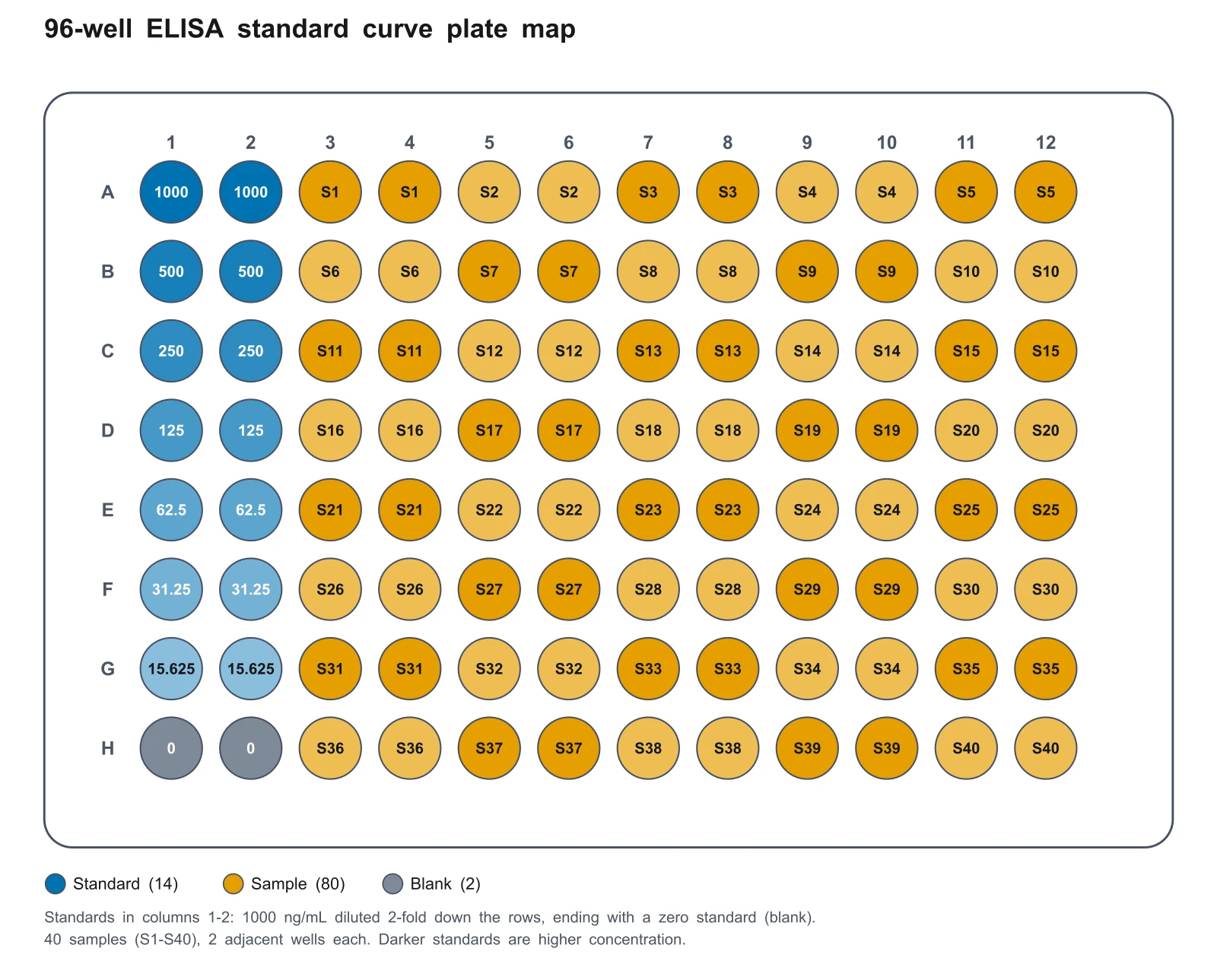
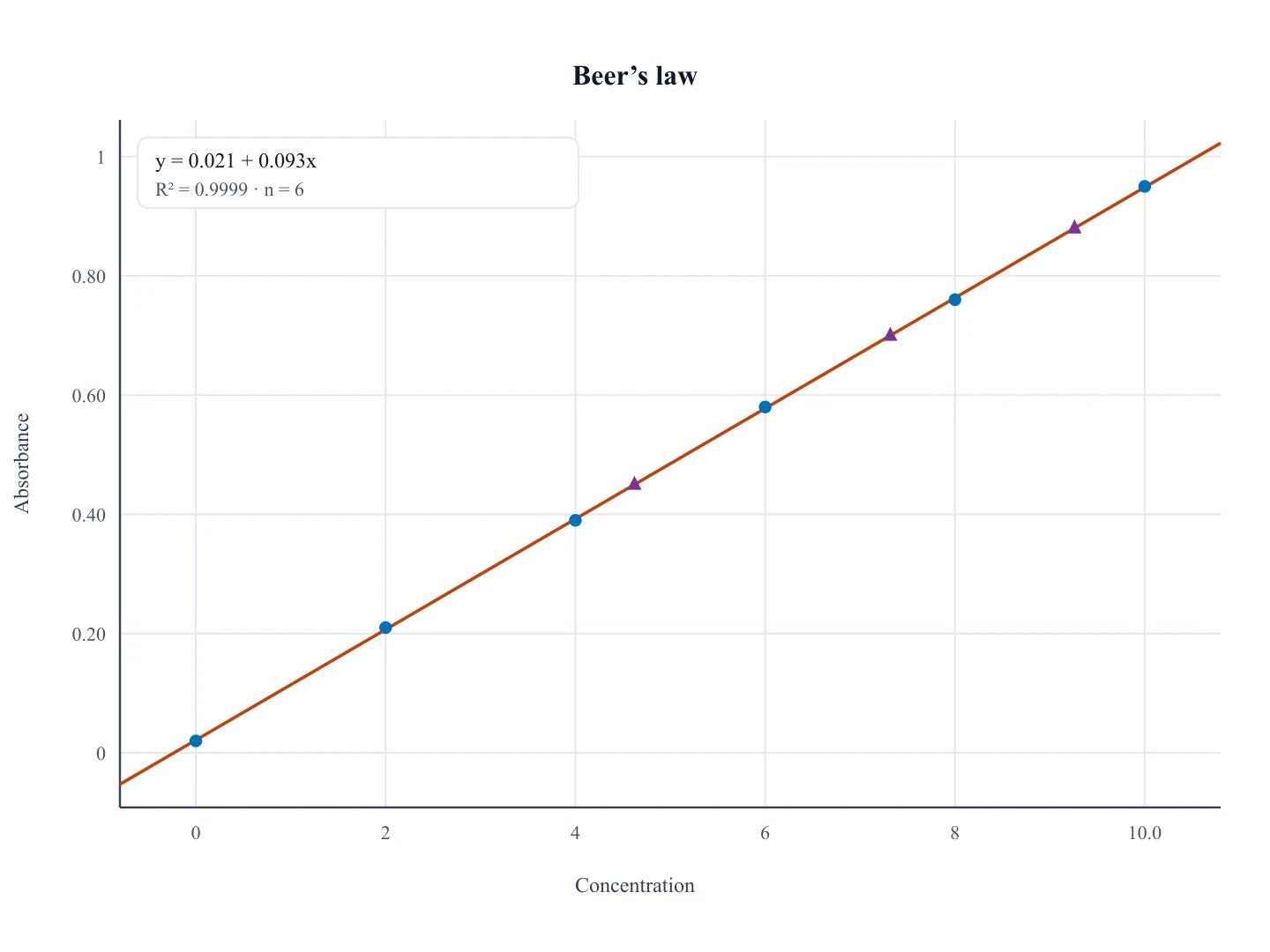
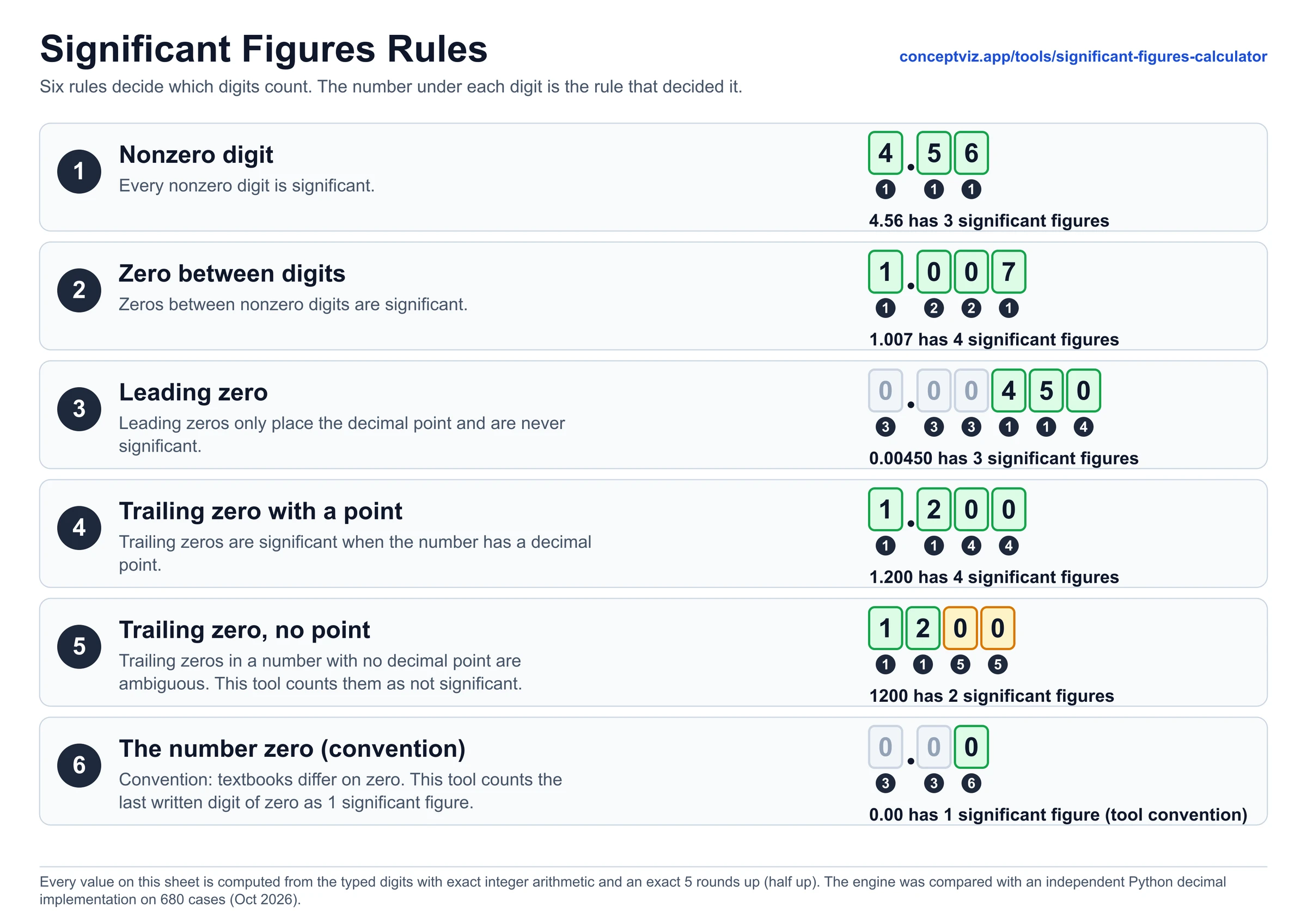
Plotting the results of a dilution series? Use the calibration curve generator to fit a standard curve, the 96-well plate template generator to lay out the series on a plate, and the significant figures calculator to round the final numbers.
Related Lab Tools
 Biology
96-Well Plate Template Generator
Make a 96 or 384 well plate template with standard curve, serial dilution and control presets.
 Research
Calibration Curve Generator
Plot a calibration curve from your standards and read unknown concentrations.
 Education
Significant Figures Calculator
Count significant figures and round results to the right number of digits.
 Education
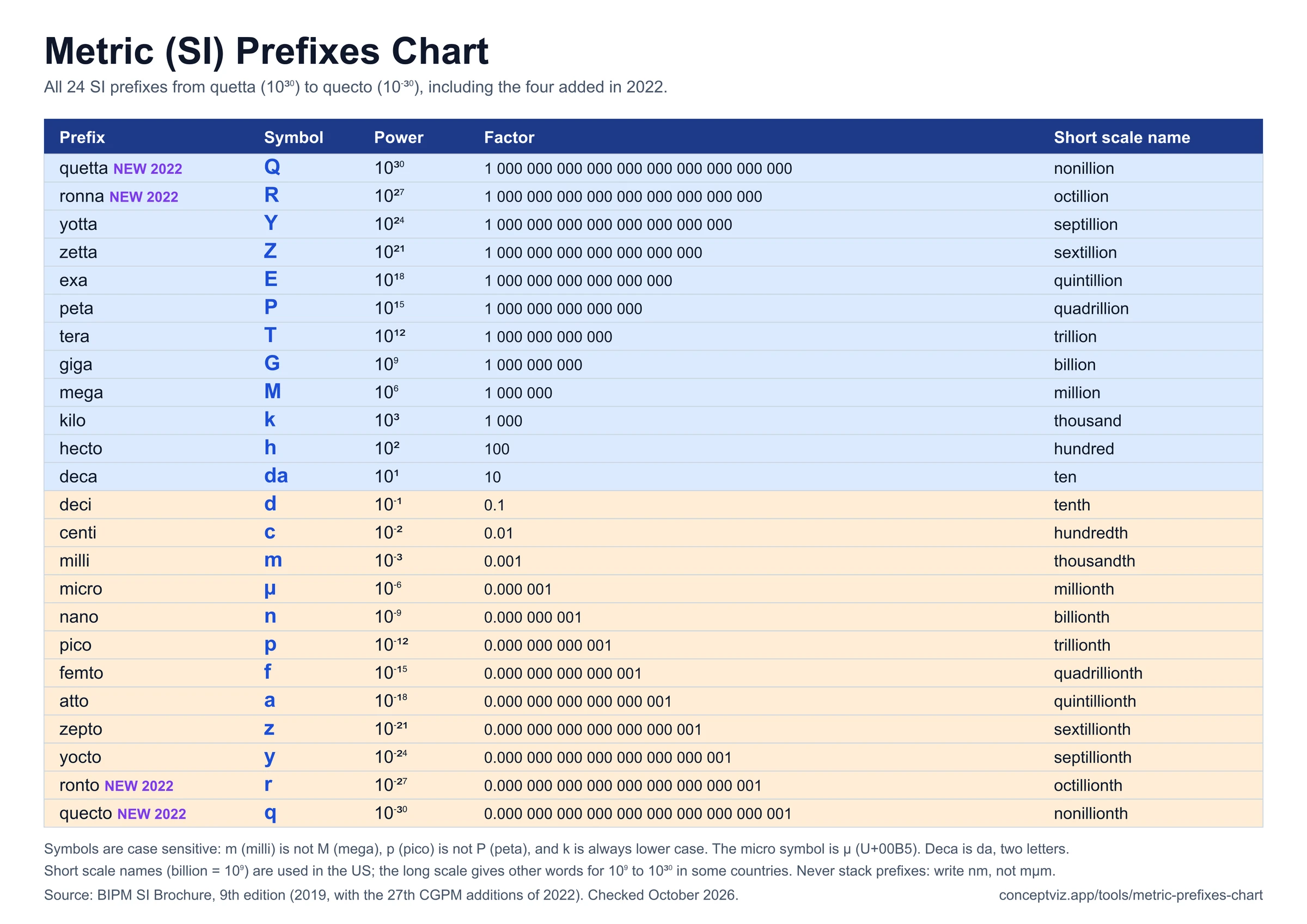
Metric Prefixes Chart
SI prefixes from pico to tera with powers of ten.
 Chemistry
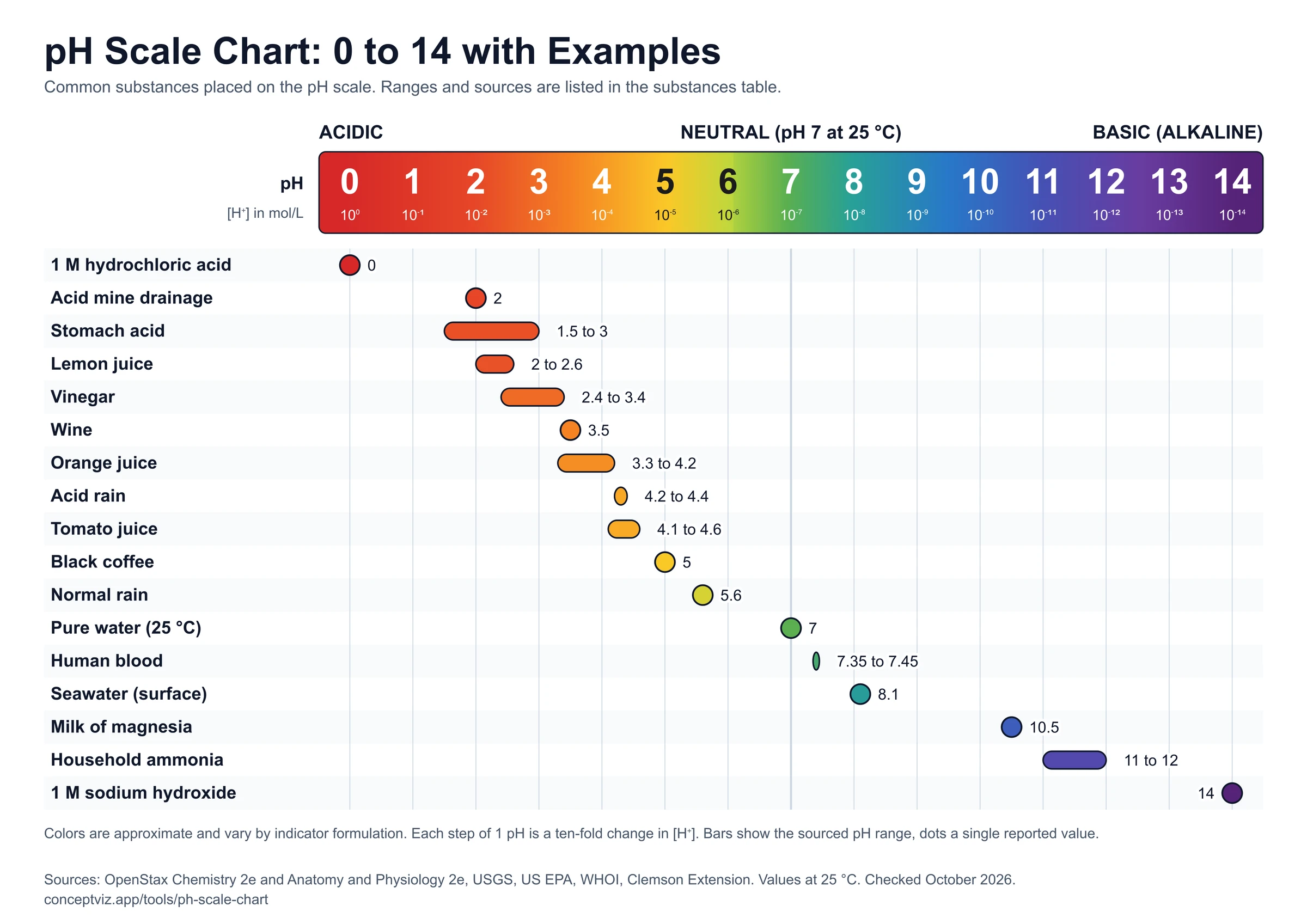
pH Scale Chart
The pH scale from 0 to 14 with everyday examples.
 Research
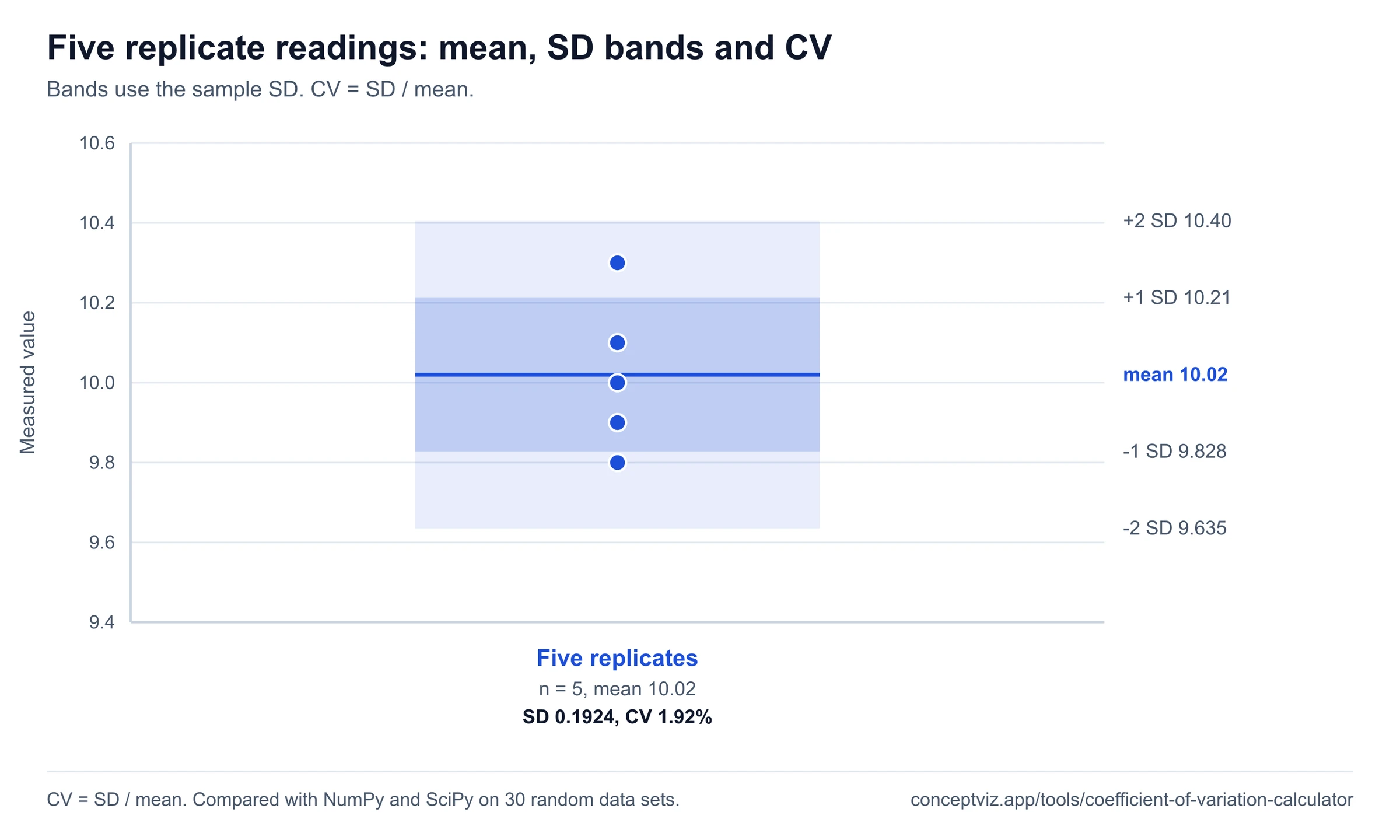
Coefficient of Variation Calculator
Find the CV and %RSD of replicate readings, for example from your dilution series.