Coefficient of Variation Calculator
Find the CV and %RSD from pasted replicates or a mean and SD, compare groups, and check against FDA and ICH M10 precision limits. Free, no sign-up.
Sample SD is the default and fits replicates drawn from a larger process. Both CVs are always listed in the table.
These are precision limits for method validation accuracy and precision runs. For routine batches, follow your SOP.
Replicate measurements (n = 5) had a mean of 10.02 and a sample standard deviation of 0.1924, giving a coefficient of variation (CV) of 1.92%.
=STDEV.S(A1:A10)/AVERAGE(A1:A10)
Format the cell as a percentage. Replace A1:A10 with your range.
Free Coefficient of Variation Charts
Every chart below is drawn from the same code as the calculator above. View and download them free, no sign-up.
Replicate Dot Plot with SD Bands
Five readings, mean 10.02, sample SD 0.1924, CV 1.92%. Four of the five points sit inside one SD of the mean.
Charts
How it works
Reference
What the coefficient of variation is
The coefficient of variation (CV) is the standard deviation divided by the mean, usually written as a percentage. It tells you how large the scatter is compared with the size of the measurement. In analytical chemistry and biology the same number is called the relative standard deviation (RSD), and %RSD and %CV mean the same thing. Because the units cancel, you can compare the repeatability of a balance reading in grams with a pipetting result in microlitres, or a method run at 5 ng/mL with one run at 500 ng/mL.
Formula, sample SD and population SD
- CV = SD / mean, and %CV = 100 × SD / mean. The only choice is which SD to use.
- The sample SD divides the squared deviations by n − 1. It is the usual choice for repeated measurements, which are a small sample from everything the method could produce, and it is the default here. The population SD divides by n and fits the case where your data are the whole group, such as every unit in a small batch. The two CVs differ by a factor of sqrt(n / (n − 1)), which is 1.118 at n = 5 and 1.017 at n = 30. For the example data (10.1, 9.8, 10.3, 10, 9.9) the sample CV is 1.92% and the population CV is 1.72%.
When not to use the CV
- The CV is meant for ratio-scale data, where zero means none of the quantity: mass, concentration, length, counts, time. It is misleading for interval scales such as temperature in Celsius or Fahrenheit, because moving the zero point changes the mean and so the CV.
- It also breaks down when the mean is close to zero, because a tiny mean inflates the ratio, and it is undefined when the mean is zero. Data with negative values rarely suit it. The calculator warns you in each of these cases.
- Finally, a CV from three or four replicates is a rough estimate. Treat small differences between two CVs as noise unless you have more data.
CV versus standard deviation
The SD is in the units of the data, so it cannot be compared across different scales. The CV can. Take two samples: Sample A has a mean of 10 and an SD of 1, so its CV is 10.00%; Sample B has a mean of 100 and an SD of 5, so its CV is 5.00%. Sample B has five times the SD but half the relative spread. If you want to describe where a single value sits relative to the mean in SD units instead, that is a z-score.
Precision limits in bioanalytical method validation
The calculator can compare a CV with the precision limits in two regulatory documents. We read the limits from the documents themselves. They apply to accuracy and precision runs of QC samples at each concentration level, within a run and between runs.
| Assay and level | CV may not exceed | Stated in |
|---|---|---|
| Chromatographic assay, QC levels | 15% | FDA 2018 Table 1; ICH M10 section 3.2.5.2 |
| Chromatographic assay, at the LLOQ | 20% | FDA 2018 Table 1; ICH M10 section 3.2.5.2 |
| Ligand-binding assay such as ELISA, QC levels | 20% | FDA 2018 Table 1; ICH M10 section 4.2.4.2 |
| Ligand-binding assay, at the LLOQ and ULOQ | 25% | FDA 2018 Table 1; ICH M10 section 4.2.4.2 |
ICH M10, section 3.2.5.2: “The precision (%CV) of the concentrations determined at each level should not exceed 15%, except at the LLOQ, where it should not exceed 20%.” Section 4.2.4.2, for ligand-binding assays: “Within-run and between-run precision of the QC concentrations determined at each level should not exceed 20%, except at the LLOQ and ULOQ, where it should not exceed 25%.” The FDA guidance (May 2018) gives the same figures in Table 1, as “± 15% CV, except ± 20% CV at LLOQ” for chromatographic assays and “± 20% CV, except ± 25% at LLOQ, ULOQ” for ligand-binding assays.
Sources: FDA, Bioanalytical Method Validation Guidance for Industry (May 2018) and ICH M10, Bioanalytical Method Validation and Study Sample Analysis (Step 4, 24 May 2022). These documents have more requirements than the CV. Follow the version and the SOP that apply to your study.
Worked example: a QC check
- A mid-level quality control sample was measured five times in one run (ng/mL): 48.2, 51.5, 49.8, 52.3, 47.9. The mean is 49.94, the sample SD is 1.950 and the CV is 3.90%. That does not exceed 15%, the limit for chromatographic assay QC levels, so the run passes on precision.
- An LLOQ sample measured five times gave 1.05, 0.93, 1.12, 0.88, 1.02 ng/mL: mean 1.000, CV 9.57%. That is within the 20% allowed at the LLOQ and also within 15%. Guidance judges precision per concentration level, so each level gets its own CV.
Excel and Google Sheets
With your data in A1:A10, the sample CV is =STDEV.S(A1:A10)/AVERAGE(A1:A10) and the population CV is =STDEV.P(A1:A10)/AVERAGE(A1:A10). Format the cell as a percentage. The calculator above copies the matching formula for the SD you selected. In Python, scipy.stats.variation(x, ddof=1) gives the sample CV; its default is ddof=0, the population version.
To see how a single value compares with the mean in SD units, use the z-score calculator. To see the spread of a data set as quartiles, try the box plot generator, and to express a difference between two means in SD units, use the effect size calculator. To watch a process over time, put the readings on a control chart.
Frequently Asked Questions
Related Statistics Tools
 Business
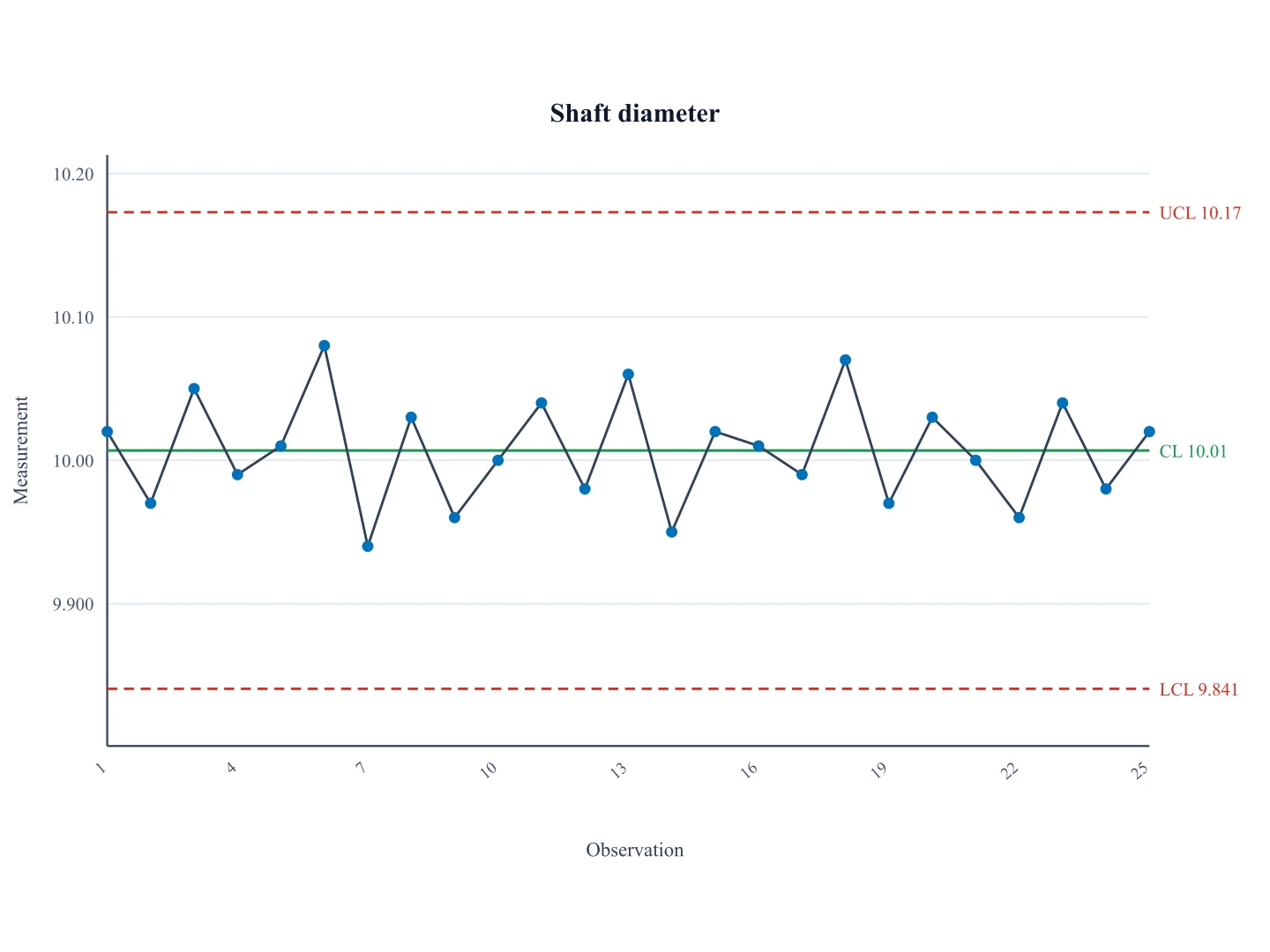
Control Chart Generator
Free control chart generator. Paste sequential measurements to draw a Shewhart I-chart with CL, UCL, and LCL, then download SVG.
 Research
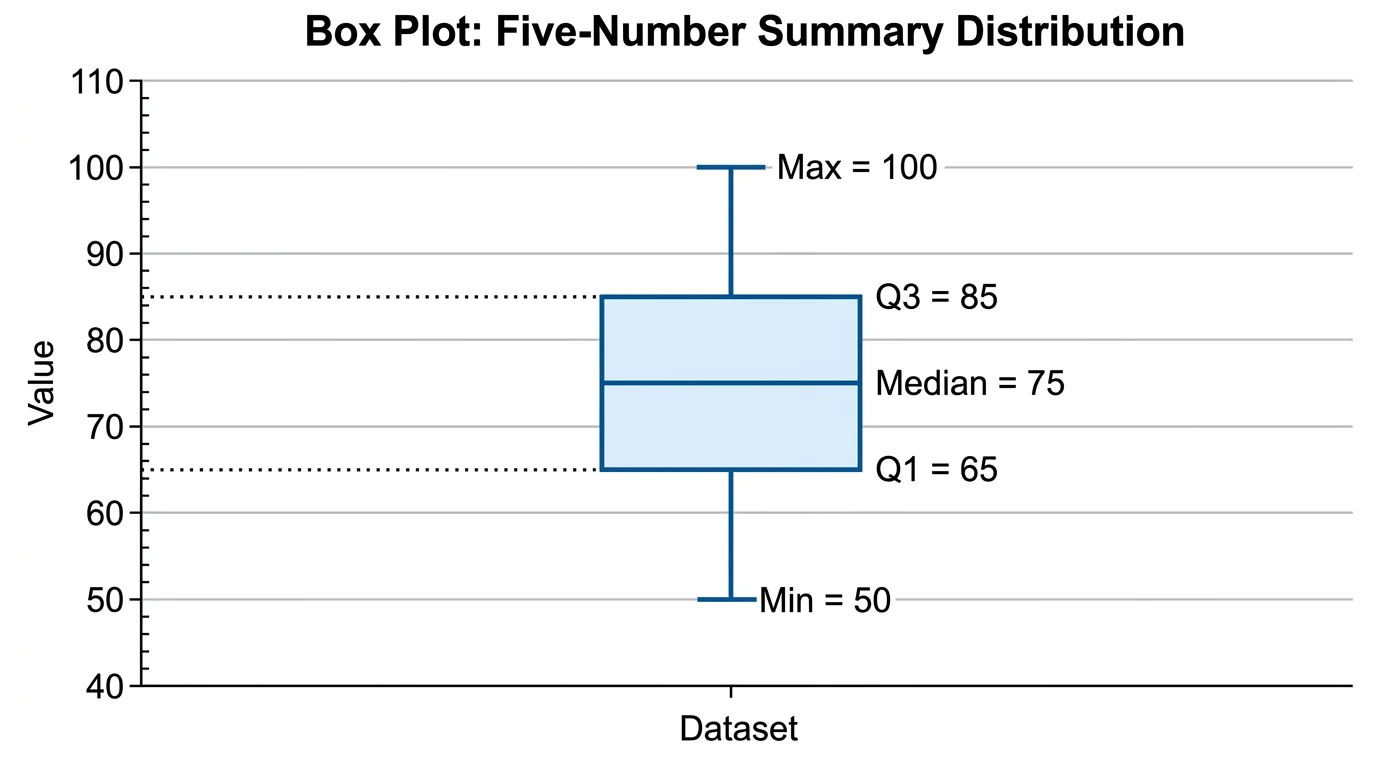
Box Plot Generator
Box plot generator for one or several groups from pasted data, with quartiles, whiskers and outliers.
 Research
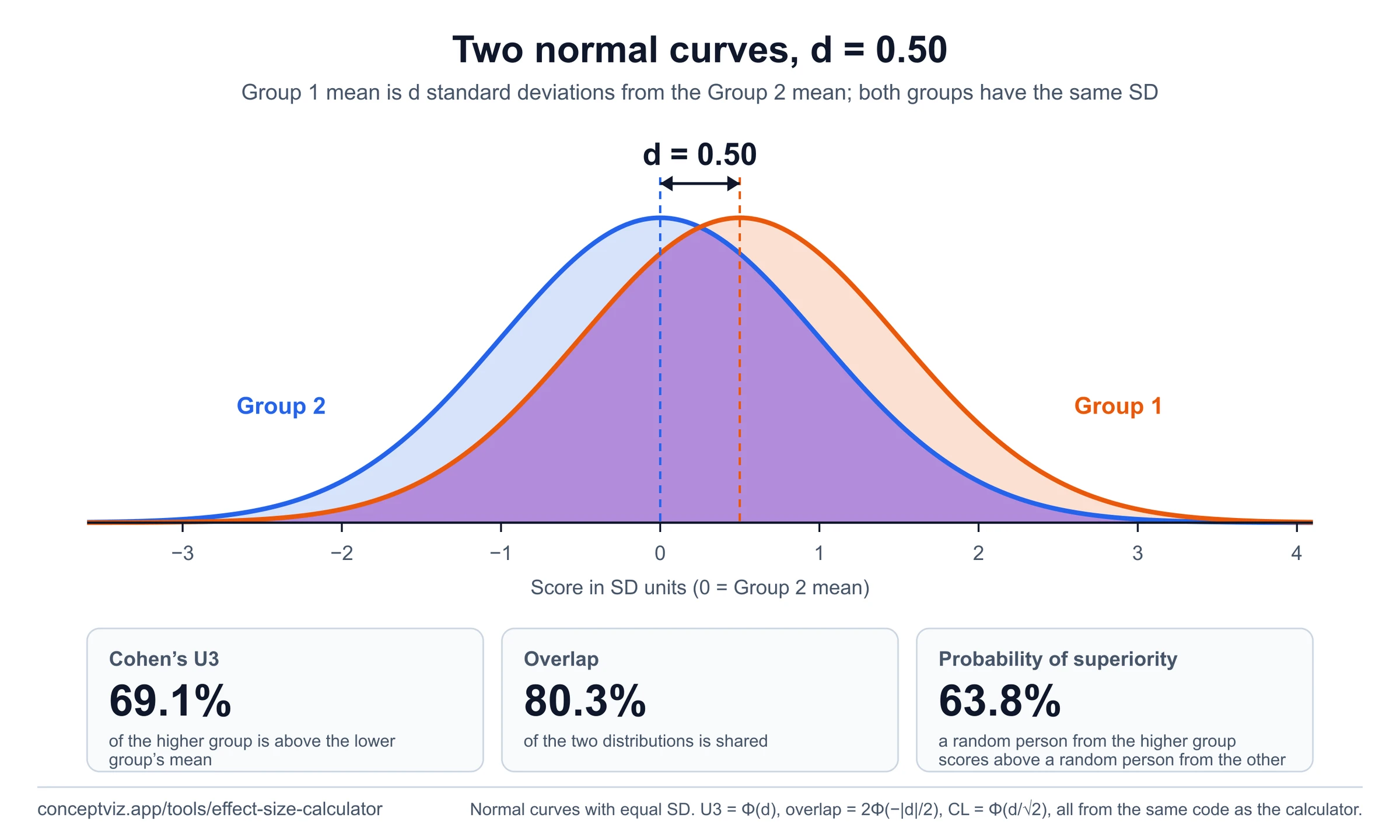
Effect Size Calculator
Effect size calculator for Cohen d and related measures from means and standard deviations.