AI Scientific Image Generator & Figure Maker for Papers
An AI scientific figure generator for researchers. Describe a pathway, cell, experimental setup, or concept model and get a labeled scientific illustration for your paper, slides, or poster in seconds.
Scientific Image Generator
このページのプレビューは無料 · 透かしなしのファイルのダウンロードにはが必要です
Your AI scientific image will appear here
AI-generated illustration — review for accuracy before teaching or publication
Scientific Image Examples
AI-generated figures across biology, chemistry, physics, earth science, and astronomy
Molecular Structure
Ball-and-stick molecules with color-coded atoms — useful for chemistry slides and figures.
Cell Biology Illustration
A labeled cell cross-section in textbook style — great for biology teaching and posters.
Physics Experiment Setup
A clean technical diagram of an apparatus, with the light path and components drawn in.
Astronomy Concept
An astrophysics concept rendered as a presentation-ready illustration on a space background.
Geological Cross-Section
Layered strata, faults, and intrusions in standard geology colors for earth-science material.
Neuroscience Diagram
Neurons and synapses with signal flow — a clear figure for neuroscience presentations.
Scientific figures you can make
Start from this general generator, or open a dedicated page for a specific figure type with prompts and examples tuned to it.
- Mechanism and pathway figures: receptors, kinase cascades, and signal flow into the nucleus.
- Graphical abstracts: a one-image summary of your study for journal submission.
- Experimental setup and design: groups, timelines, interventions, and measurements.
- Conceptual models: variables and the relationships between them.
- Cell and tissue schematics: labeled organelles and cell structure for biology figures.
- Medical and anatomical illustrations: organs, joints, and procedures in a clean textbook style.
- Systematic review flow diagrams: PRISMA-style study selection flowcharts.
What is an AI scientific image generator?
An AI scientific image generator (also called an AI scientific figure generator) turns a text description into a science illustration — a signaling pathway, a cell, an experimental setup, a molecule, a geological cross-section. Instead of drawing a figure by hand in vector software or hunting for a stock image with the right license, you describe what you want in plain English and the tool generates it for you. It is built for the visuals that fill papers, lecture slides, conference posters, and study guides, across biology, chemistry, physics, earth science, and astronomy.
What you can make with it
- Biology: cell cross-sections, organ diagrams, anatomy, microbes, and ecological processes.
- Chemistry: molecular structures, reaction concepts, lab apparatus, and atomic models.
- Physics: experiment setups, force and circuit diagrams, optics, and wave concepts.
- Earth science: geological cross-sections, the rock and water cycles, and weather systems.
- Astronomy: planets and orbits, star systems, and other astrophysics concepts.
- Teaching and outreach: poster art, slide visuals, worksheet figures, and explainer graphics.
From prompt to figure: the workflow
- Write the prompt: name the subject, list the exact components and labels you need, say how they connect (for example "arrow from receptor to kinase"), and choose a style such as "flat vector" or "labeled textbook diagram" on a white background.
- Pick an aspect ratio: square for a single figure, landscape for slides or a wide figure, or portrait for a poster panel or a narrow journal column.
- Generate, then check every label and arrow against what you know to be true. Text rendered inside an AI image is the most common thing to need a second pass.
- Change only the part that is wrong in the prompt and regenerate. Labels are drawn into the image rather than stored as editable text, so a fix is either a prompt tweak or a retouch in your own image or vector editor.
- Download the figure from the Download menu: JPG, a print JPEG tagged at 300 DPI, or a PDF page at 300 DPI. SVG (a quick trace with text converted to outlines) is available with credit packs and paid plans.
Tips for accurate, useful figures
The more specific your prompt, the better the result. Name the exact structures you want labeled, the colors or color scheme, the viewing angle, and the background (a white background usually reads as cleaner and more publication-ready). Asking for a "clean scientific textbook style" or "technical diagram" steers the model away from a busy, photo-realistic look. If a first pass is close but wrong in one place, change only that part of the prompt and regenerate rather than rewriting everything.
AI images are a starting point — review before you publish
These are AI-generated illustrations, not measured data or verified diagrams. The model can place a label imprecisely, miscount a structure, or invent detail that looks plausible but is not correct. For teaching and for anything headed to publication, treat the output as a draft: check it against a reliable source, fix or relabel anything that is off, and never present a generated figure as primary data. Used this way, it is a fast way to get a strong first draft of a visual that you then verify.
Is the AI scientific image generator free?
You can try it free in the browser, with no design software and no stock-photo subscription. Under the License & Commercial Use terms, figures made on a free account carry a ConceptViz watermark and are limited to non-commercial use such as lesson prep and personal study. Figures made on a paid account (a credit pack or a membership) have no watermark and may be used commercially.
よくある質問
Related Science Tools
 Research
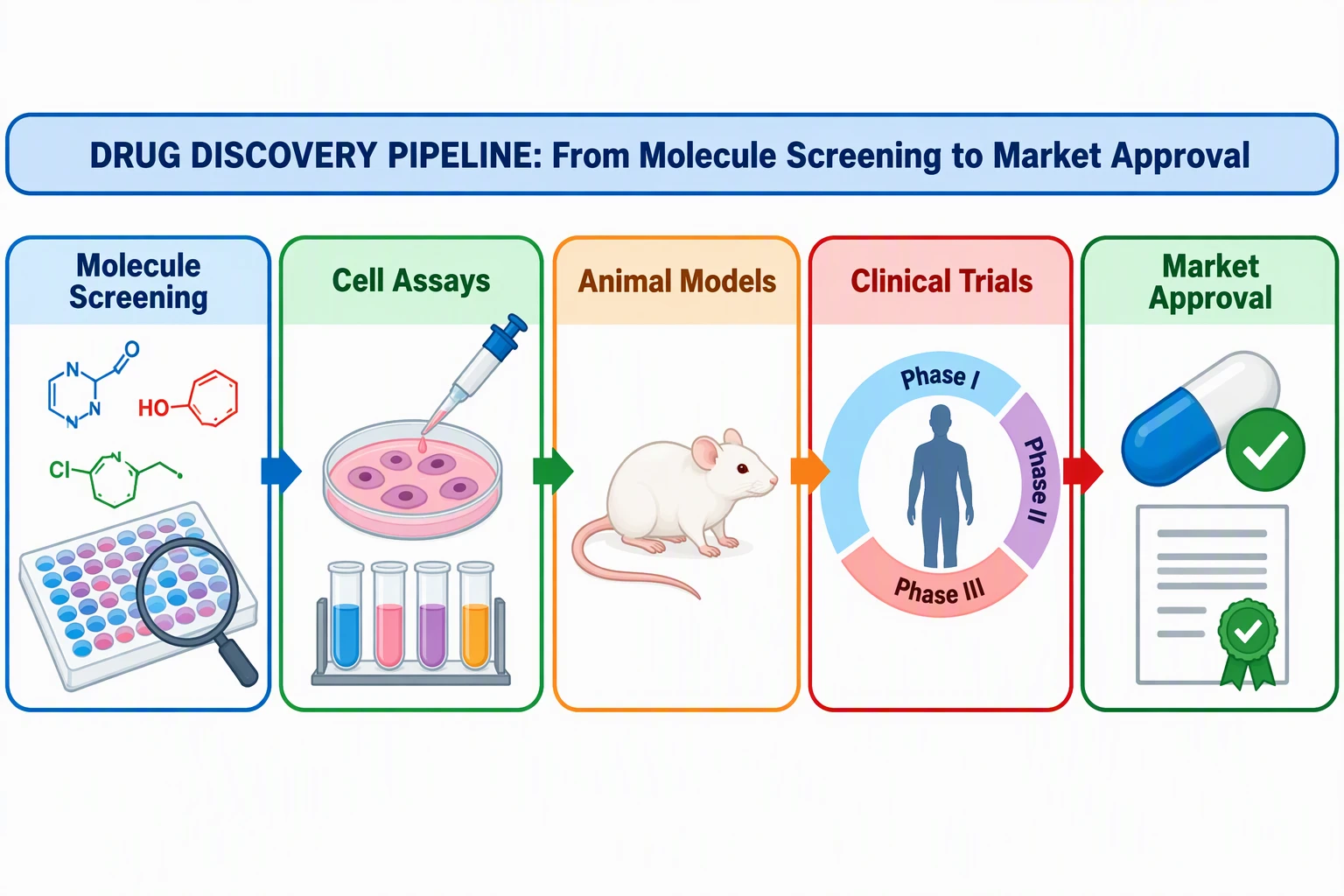
Graphical Abstract Maker
Turn your study into a clear graphical abstract for journals and presentations.
 Research
Scientific Poster Generator
Lay out a polished research poster with sections, figures, and a clean structure.
 Research
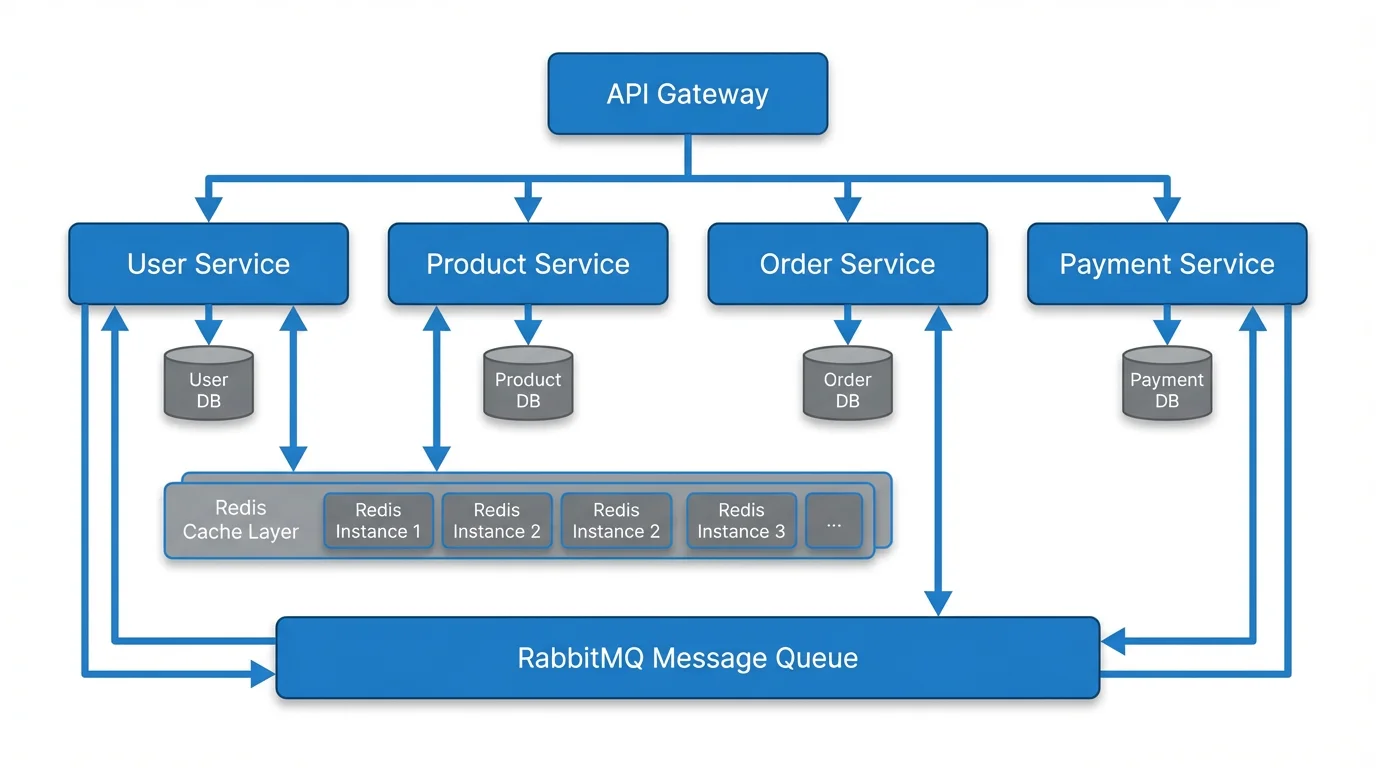
Text to Diagram Generator
Generate flowcharts, architecture, and process diagrams straight from a description.