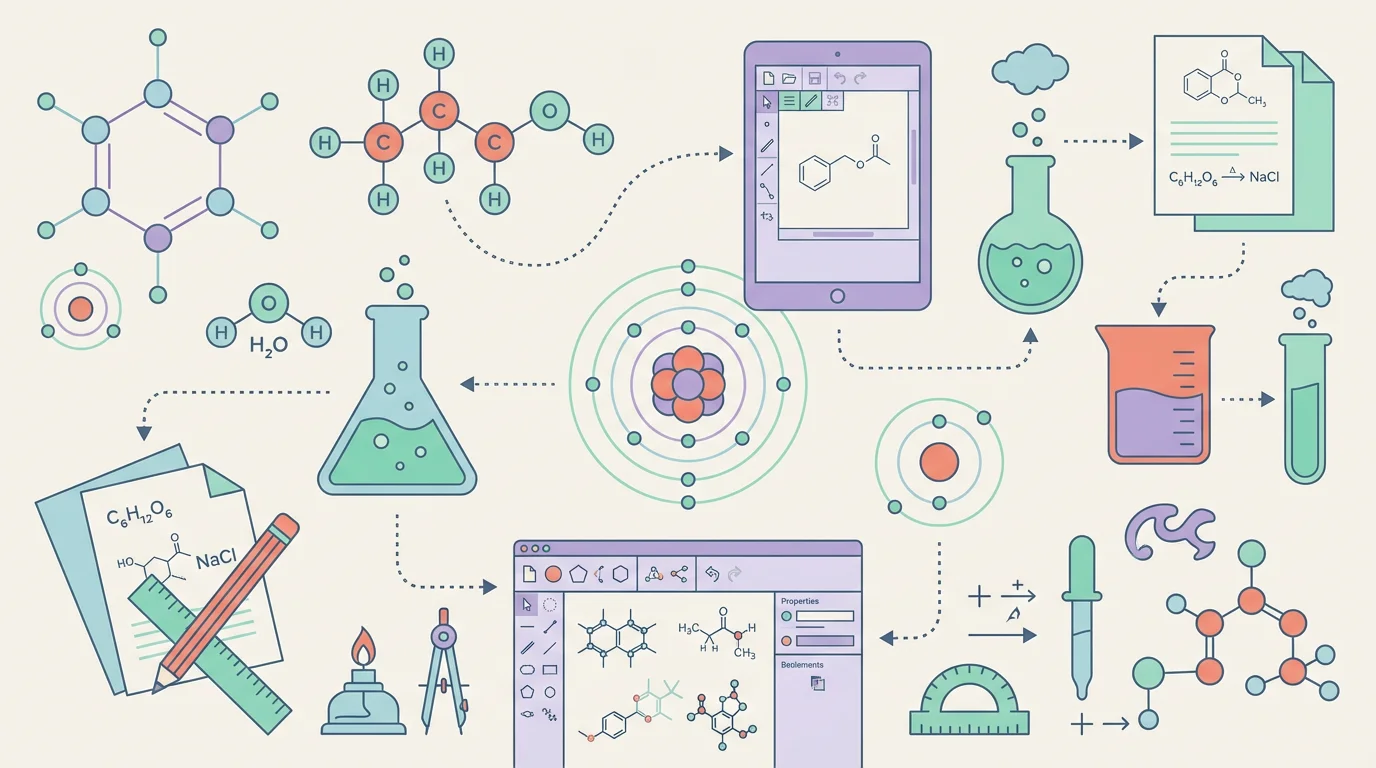
8 Best Free ChemDraw Alternatives in 2026 (For Drawing Chemical Structures)
Compare the best free ChemDraw alternatives: ChemSketch, MarvinSketch, MolView, ChemDoodle & more. Draw chemical structures without expensive subscriptions.
8 Best Free ChemDraw Alternatives in 2026 (For Drawing Chemical Structures)
If you work with chemical structures—whether for research, teaching, or studying—you've probably heard of ChemDraw, the industry-standard software for drawing molecules, reactions, and chemical diagrams. But here's the problem: ChemDraw is extremely expensive, with subscriptions that can cost hundreds of dollars per year.
The good news? There are excellent free and affordable alternatives that can help you draw professional chemical structures without emptying your wallet.
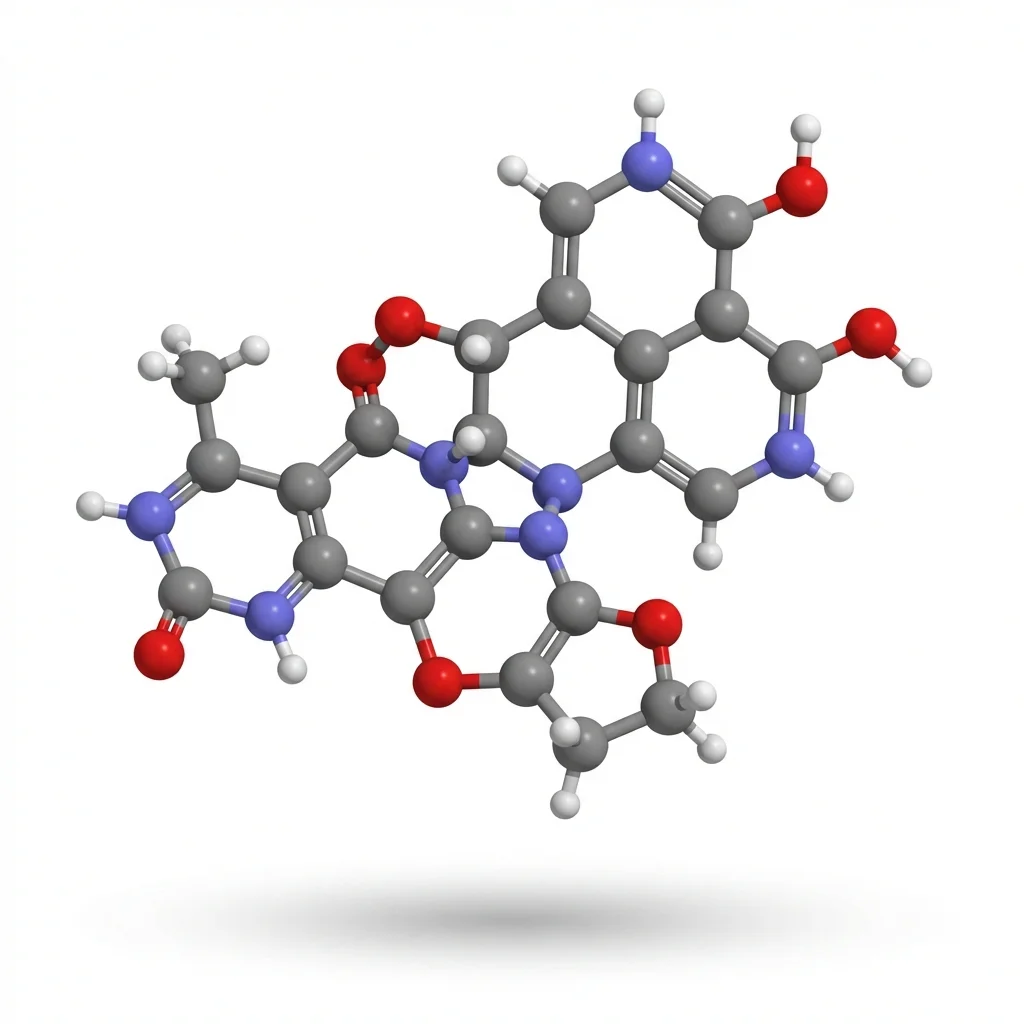
AI Scientific Image Generator
Create chemistry diagrams, molecular structures, and lab setups with AI. No design skills needed.
Try it free →Why You Need ChemDraw Alternatives
Before we dive into the alternatives, let's understand why ChemDraw might not be the best fit for K-12 educators and budget-conscious institutions:
| Issue | Details |
|---|---|
| High Cost | Subscription-only model since January 2025 (perpetual licenses discontinued) |
| Target Audience | Designed for pharmaceutical researchers and universities |
| Complex Interface | Steep learning curve for beginners |
| Overkill for Education | Most classroom needs don't require advanced features |
| Platform Limitations | Desktop-only, no mobile or Chromebook support |
2025 Update: As of January 1, 2025, ChemDraw perpetual licenses have been discontinued. All new purchases are now subscription-only, making alternatives even more attractive.
Most K-12 teachers need something simpler, more affordable, and accessible on various devices.
Quick Comparison: Top ChemDraw Alternatives for Teachers
| Tool | Price | Platform | Best For | Ease of Use |
|---|---|---|---|---|
| ChemSketch | Free | Windows | Full-featured drawing | Moderate |
| MarvinSketch | Free (Academic) | Win/Mac/Linux | Cross-platform needs | Moderate |
| MolView | Free | Web-based | Quick visualization | Very Easy |
| ChemDoodle | $19/month | All platforms | Professional quality | Easy |
| Chemix | Free | Web-based | Lab equipment diagrams | Very Easy |
| ConceptViz | Free tier | Web-based | AI-generated diagrams | Very Easy |
1. ChemSketch (ACD/Labs) — Best Free Full-Featured Option
Price: 100% Free for non-commercial use Platform: Windows 64-bit only Website: acdlabs.com/chemsketch-freeware
ChemSketch is used by millions of scientists worldwide and offers the most comprehensive free feature set among ChemDraw alternatives.
Key Features:
- 2D and 3D structure drawing — Create molecules, reactions, polymers, and organometallics
- IUPAC name generation — Automatically generate systematic names for small molecules
- Molecular property calculations — Calculate molecular weight, density, refractive index, and more
- 3D model conversion — Convert 2D drawings to 3D models for visualization
- Stereochemistry support — Represent configurations with wedges, dashes, and chiral center designations
- Template library — Pre-built templates for common structures and functional groups
Best For:
- Chemistry teachers who need professional-grade tools
- Students learning organic chemistry
- Creating publication-ready structures
- Detailed molecular property analysis
Limitations:
- Windows only — No Mac, Linux, or Chromebook support
- Commercial use prohibited — Free version is for personal/educational use only
- No technical support — Freeware version comes as-is
- Desktop installation required — Can't use on school Chromebooks
Verdict: If you have a Windows PC and need powerful, free chemistry drawing software, ChemSketch is hard to beat.
2. MarvinSketch (ChemAxon) — Best Cross-Platform Free Option
Price: Free for academic users Platform: Windows, Mac, Linux Website: chemaxon.com/marvin
MarvinSketch from ChemAxon is a fully-featured chemical editor that distinguishes itself by being free for everyone's desktop with cross-platform support.
Key Features:
- Cross-platform compatibility — Works on Windows, Mac, and Linux
- Familiar interface — Can be configured to resemble ChemDraw or ISIS Draw, including keyboard shortcuts
- Built-in calculators — pKa, logP, molecular weight calculations
- 2D to 3D conversion — Easy visualization of molecular geometry
- Query structure support — Draw structures with variable groups and R-groups
- Name-to-structure conversion — Convert IUPAC names to chemical structures and vice versa
- Structure cleaning — Automatic 2D and 3D structure optimization
Academic License:
ChemAxon offers a 1-year free academic research license in exchange for:
- Social media posts about the product
- Citing the product in posters/presentations
- Completing user surveys
Best For:
- Mac and Linux users who can't use ChemSketch
- Teachers who want ChemDraw-like keyboard shortcuts
- Research groups needing property calculations
- Schools with mixed operating systems
Limitations:
- Academic license requires annual renewal
- Calculator plugins have limited functionality without full license
- Some advanced features require paid license
Verdict: The best choice for educators who need cross-platform compatibility and don't mind the academic license process.
3. MolView — Best Free Online Option
Price: Completely free, open-source Platform: Web-based (any browser) Website: molview.org
MolView is an intuitive, open-source web application that makes chemistry visualization accessible to everyone. Available free since 2014, it's perfect for quick molecule visualization without any installation.
Key Features:
- No installation needed — Works in any modern browser
- 2D structure editor — Draw molecules with an intuitive toolbar interface
- 3D model viewer — Instantly convert 2D structures to interactive 3D models
- Database search — Search PubChem, RCSB (proteins), and other databases
- Multiple 3D representations — Ball and stick, wireframe, van der Waals spheres, and more
- Spectroscopy data — View spectral information for compounds
- Macromolecule support — Load proteins and other biological molecules from RCSB
Best For:
- Quick molecule visualization during class
- Students using Chromebooks or tablets
- Teachers who don't want to install software
- Demonstrating 3D molecular geometry
- Searching chemical databases
Limitations:
- Less comprehensive than desktop applications
- Limited drawing tools compared to ChemSketch
- Requires internet connection
- No IUPAC name generation
Verdict: Essential free tool for any chemistry teacher. Perfect for demonstrations and student use on any device.
4. ChemDoodle — Best Affordable Paid Alternative
Price: $19/month (includes 2D, 3D, and Mobile) Platform: Windows, Mac, Linux, iOS, Android Website: chemdoodle.com
If you need more than free tools offer but can't afford ChemDraw, ChemDoodle provides professional features at a fraction of the cost.
Key Features:
- Publication-quality graphics — Automatic bond orientation, stroke merging, and smart formatting
- Thousands of chemistry features — Comprehensive tools for any chemistry need
- 3D graphics engine — Render molecules with customizable atom labels and colors
- Structure recovery — Rebuild structures from images with no chemical data
- Web components — Embed interactive structures in any website
- Lab glassware library — Draw experimental setups
- Cross-platform — Same features on desktop and mobile
Pricing Comparison with ChemDraw:
| Feature | ChemDoodle | ChemDraw |
|---|---|---|
| Monthly Cost | $19 | $70+* |
| Annual Cost | ~$228 | $420+ |
| Platform Support | All | Desktop only |
| Mobile Apps | Yes | No |
| One-time Purchase | Available | Discontinued |
*Institutional pricing varies
User Reviews:
"ChemDoodle is an amazingly affordable alternative to ChemDraw." — G2 Review
"Includes all of the features I needed, and it even has tools for recovering data from other applications." — SoftwareWorld
Best For:
- Schools with a small software budget
- Teachers who need mobile access
- Publication and research work
- Those who want ChemDraw-like features at lower cost
Limitations:
- Not free (though 14-day free trial available)
- Interface can be more complex than simpler tools
- Some users report steeper learning curve than ChemDraw
Verdict: Best value for money if you need professional-grade features. Try the 14-day free trial before committing.
5. Chemix — Best for Lab Diagrams
Price: Completely free Platform: Web-based Website: chemix.org
While not a molecular structure editor, Chemix is the go-to free tool for creating chemistry lab equipment diagrams—something ChemDraw doesn't do well.
Key Features:
- Comprehensive equipment library — Beakers, flasks, burners, condensers, and more
- Drag-and-drop interface — No design skills needed
- No account required — Start creating immediately
- Export options — Save as PNG or PDF
- Web-based — Works on any device with a browser
Best For:
- Creating lab setup diagrams for worksheets
- Illustrating experimental procedures
- Safety training materials
- Pre-lab instruction sheets
Verdict: Every chemistry teacher should bookmark this. It's free, easy, and does one thing exceptionally well.
6. ConceptViz — Best for AI-Generated Chemistry Diagrams
Price: Free credits on signup, then pay-as-you-go credit packs from $5 — no subscription Platform: Web-based Website: conceptviz.app
ConceptViz takes a different approach: instead of drawing structures manually, you describe what you need, and AI generates a professional diagram for you.
Key Features:
- AI-powered generation — Describe your diagram in plain English
- Built for educators — Grade-level presets (Elementary, Middle, High School)
- Multiple output styles — Labeled for teaching, unlabeled for quizzes
- Science-focused — Designed specifically for educational diagrams
- No design skills needed — Get professional results instantly
Example Chemistry Diagrams You Can Create:
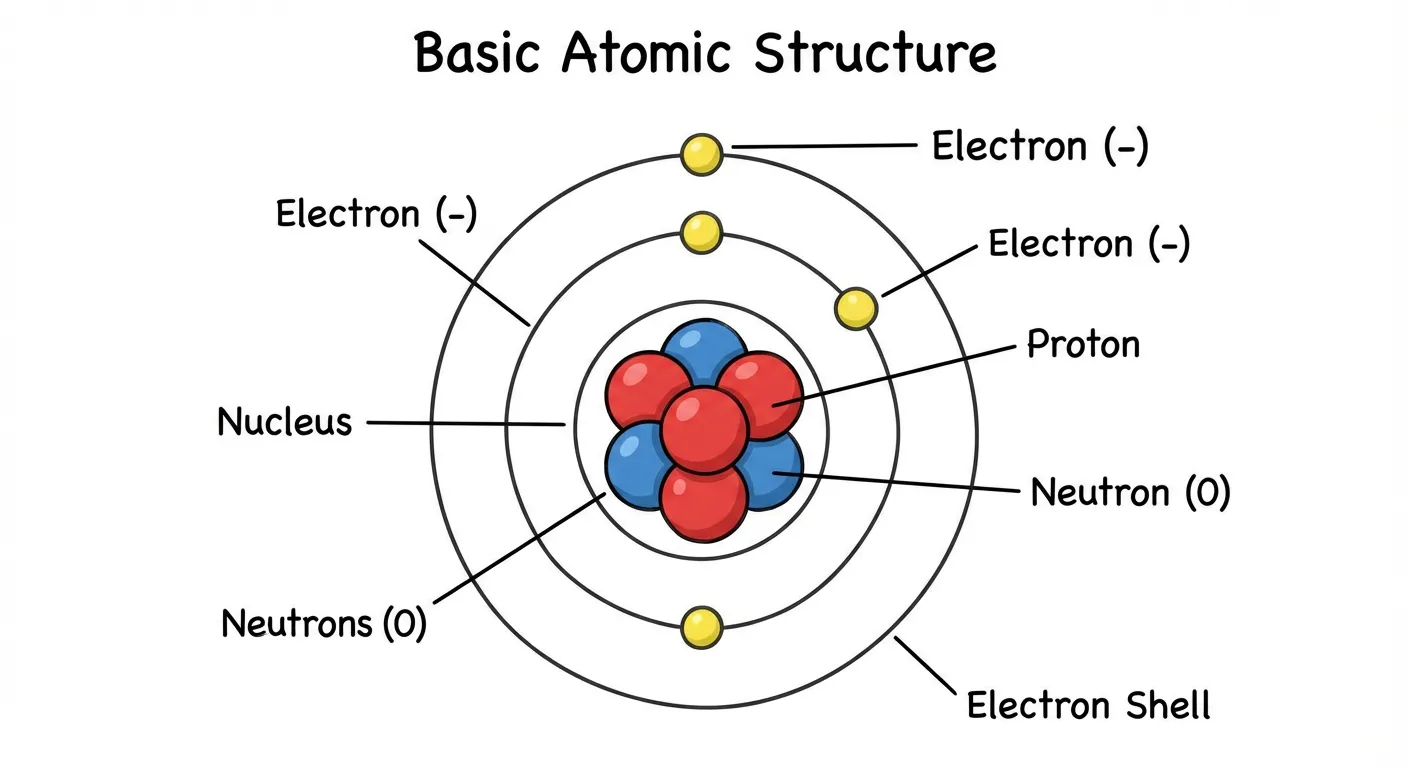
- Atomic structure models
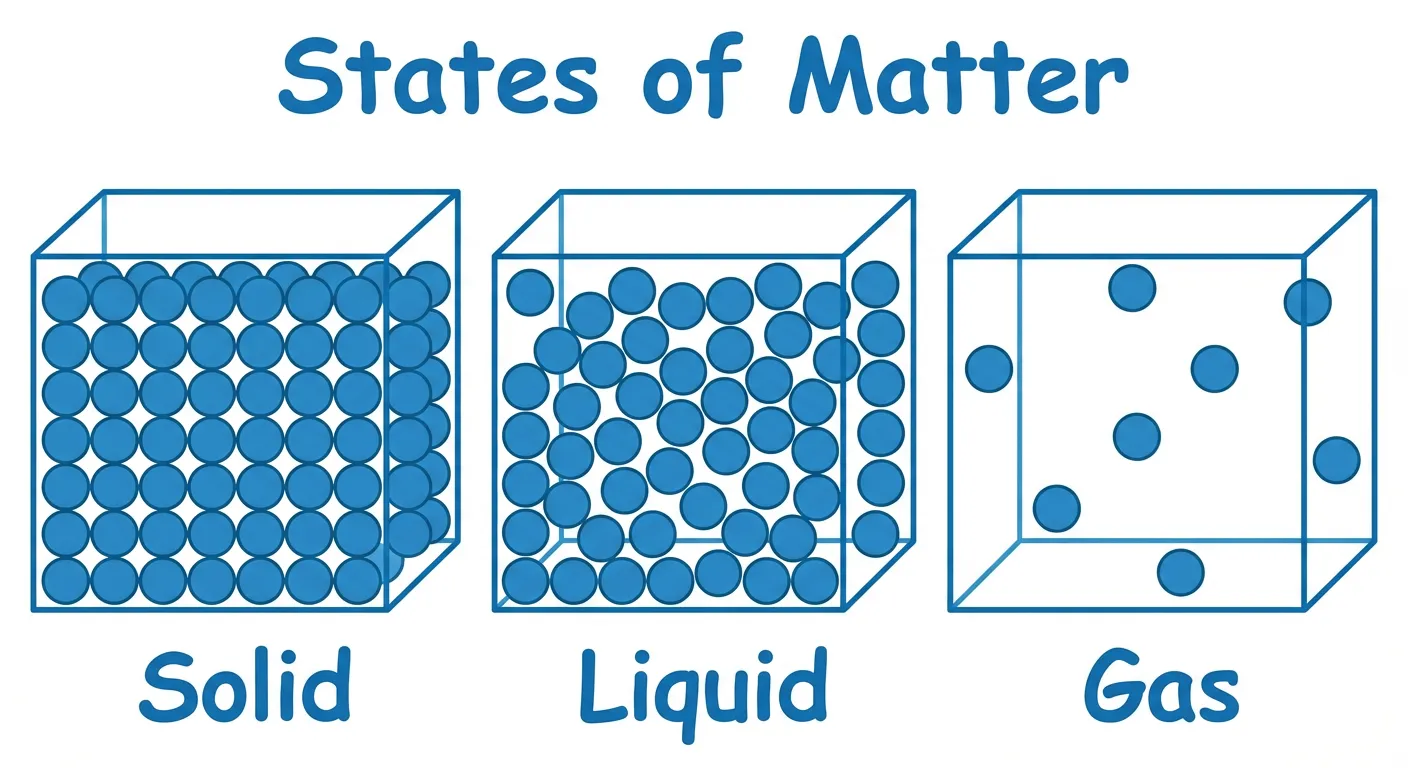
- States of matter particle diagrams
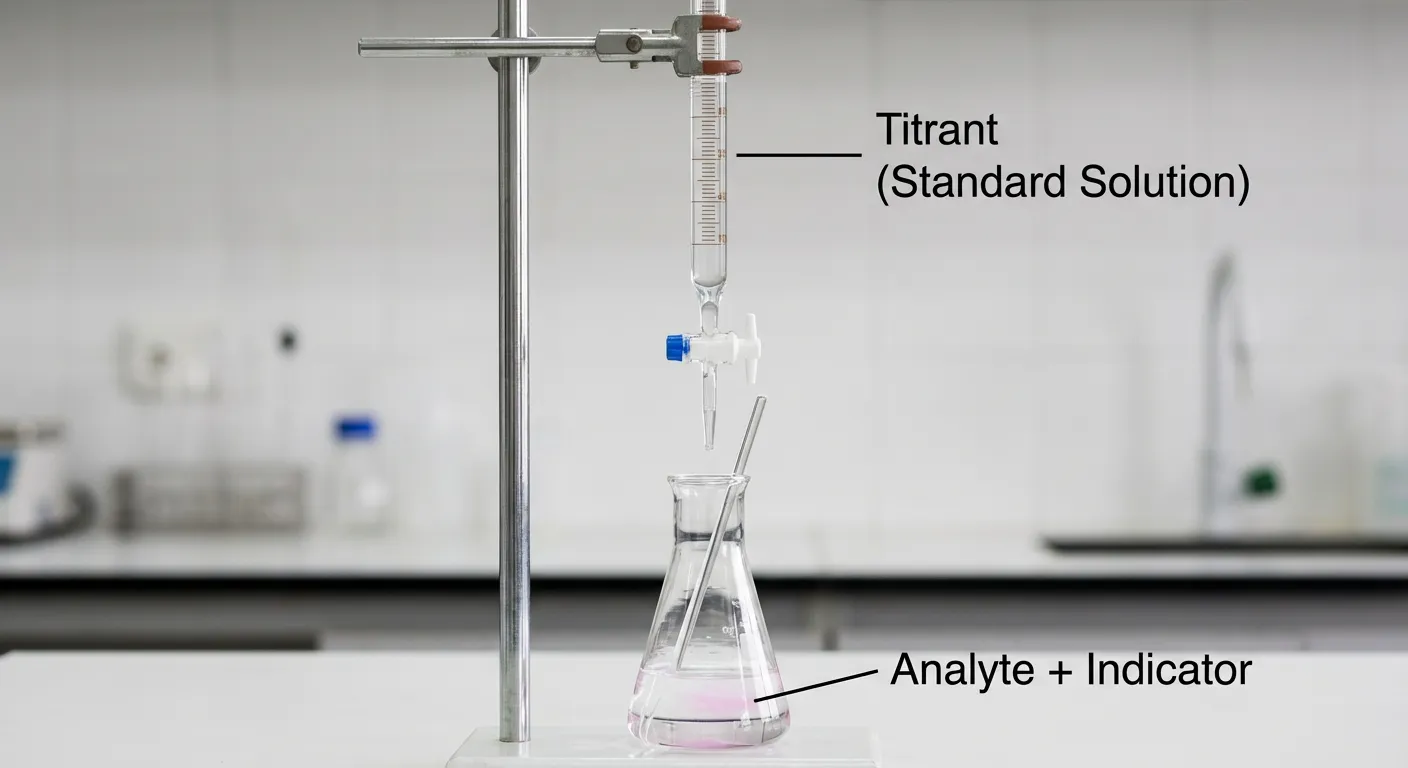
- Acid-base titration setups
- Electron configuration visualizations
- Chemical bonding diagrams
Related Tools:
- Photosynthesis Diagram Generator — Create process diagrams
- Water Cycle Diagram Generator — Visualize natural cycles
- Functional Groups Chart: Look up organic functional groups with structures and IUPAC suffixes
Best For:
- Teachers who want quick, professional diagrams
- Creating multiple variations (labeled/unlabeled)
- Those without design or chemistry drawing skills
- Generating worksheets and quiz materials
Limitations:
- AI-generated content should be reviewed for accuracy
- Not designed for precise molecular structures like ChemDraw
- Free tier has limited generations
Verdict: Perfect complement to traditional chemistry drawing tools. Use it for educational diagrams and process illustrations.
Other Free Tools Worth Mentioning
JChemPaint (Open Source)
- Website: sourceforge.net/projects/jchempaint
- Java-based, cross-platform
- Supports SMILES, Molfile, CML formats
- Best for: Open-source enthusiasts
MedChem Designer (Free)
- Website: simulations-plus.com
- Displays up to 32 compounds simultaneously
- Exports to multiple formats
- Best for: Medicinal chemistry work
Avogadro (Open Source)
- Website: avogadro.cc
- Advanced 3D molecular editor
- Supports computational chemistry
- Best for: Advanced visualization and research
Online Structure Editors
- ChemSpider — Royal Society of Chemistry's free database with 100M+ compounds
- PubChem Sketcher — Draw and search NIH's chemical database
Which Tool Should You Choose?
Here's a quick decision guide based on your specific needs:
Choose ChemSketch if:
- You have a Windows PC
- You need the most comprehensive free features
- You want IUPAC name generation and property calculations
- You're creating materials for publication
Choose MarvinSketch if:
- You use Mac or Linux
- You want ChemDraw-like keyboard shortcuts
- You need cross-platform consistency in your department
- You're comfortable with the academic license process
Choose MolView if:
- You need quick, no-install visualization
- Your students use Chromebooks
- You want 3D molecular models in class
- You're searching chemical databases
Choose ChemDoodle if:
- You have a small budget ($19/month)
- You need mobile access
- You want professional, publication-ready graphics
- You need the best ChemDraw alternative at reasonable cost
Choose Chemix if:
- You need lab equipment diagrams
- You're creating experimental setup illustrations
- You want something simple and free
Choose ConceptViz if:
- You want AI to create diagrams for you
- You need educational illustrations quickly
- You're creating worksheets with labeled/unlabeled versions
- You want diagrams suited to specific grade levels
Comparison with Related Articles
Looking for alternatives to other science diagramming tools? Check out our other comparison guides:
- Best Free BioRender Alternatives for Teachers — For biology and life science diagrams
- Best Free Lucidchart Alternatives for Teachers — For flowcharts and general diagrams
- Best Free EdrawMax Alternatives for Teachers — For professional diagramming
- Best Free Canva Alternatives for Science Diagrams — For general science visuals
- How to Make Scientific Diagrams for Research Papers — Tips for publication-quality graphics
Conclusion
You don't need to spend hundreds of dollars on ChemDraw to create professional chemistry diagrams. Whether you choose the comprehensive features of ChemSketch, the cross-platform flexibility of MarvinSketch, the instant accessibility of MolView, or the AI-powered convenience of ConceptViz, there are excellent options for every budget and skill level.
Our top recommendations:
- Best free desktop option: ChemSketch (Windows) or MarvinSketch (Mac/Linux)
- Best free online option: MolView
- Best affordable paid option: ChemDoodle
- Best for lab diagrams: Chemix
- Best for educational illustrations: ConceptViz
Ready to create your first chemistry diagram? Try MolView for instant 3D visualization, or explore ConceptViz's AI diagram generator for educational materials.
FAQ
Q: Is ChemDraw still worth buying in 2025? A: For most K-12 teachers, ChemDraw's cost is hard to justify when excellent free alternatives exist. ChemDraw remains valuable for pharmaceutical researchers and those who need its specific integrations, but educators can accomplish most tasks with free tools like ChemSketch or MolView.
Q: Can I use these free tools for publication? A: Yes, but check each tool's license. ChemSketch is free for non-commercial use only. ChemDoodle and paid licenses of MarvinSketch explicitly allow publication. MolView is open-source with no restrictions.
Q: Which tool works best on Chromebooks? A: MolView is the best option for Chromebooks since it's entirely web-based. Chemix and ConceptViz also work well in browsers. Desktop applications like ChemSketch and MarvinSketch won't run on Chrome OS.
Q: Do I need design skills to use these tools? A: MolView and Chemix are designed for beginners with no drawing experience. ChemSketch and MarvinSketch have steeper learning curves but offer tutorials. ConceptViz requires no design skills since AI generates the diagrams.
Q: Are there any completely free options with no limits? A: MolView and Chemix are completely free with no usage limits. ChemSketch is free for personal/academic use but restricted from commercial applications. JChemPaint and Avogadro are open-source with no restrictions.
Q: Can these tools draw organic reaction mechanisms? A: ChemSketch, MarvinSketch, and ChemDoodle all support reaction drawing with electron-pushing arrows. MolView is primarily for visualization and doesn't support mechanism drawing.
カテゴリー
もっと読む
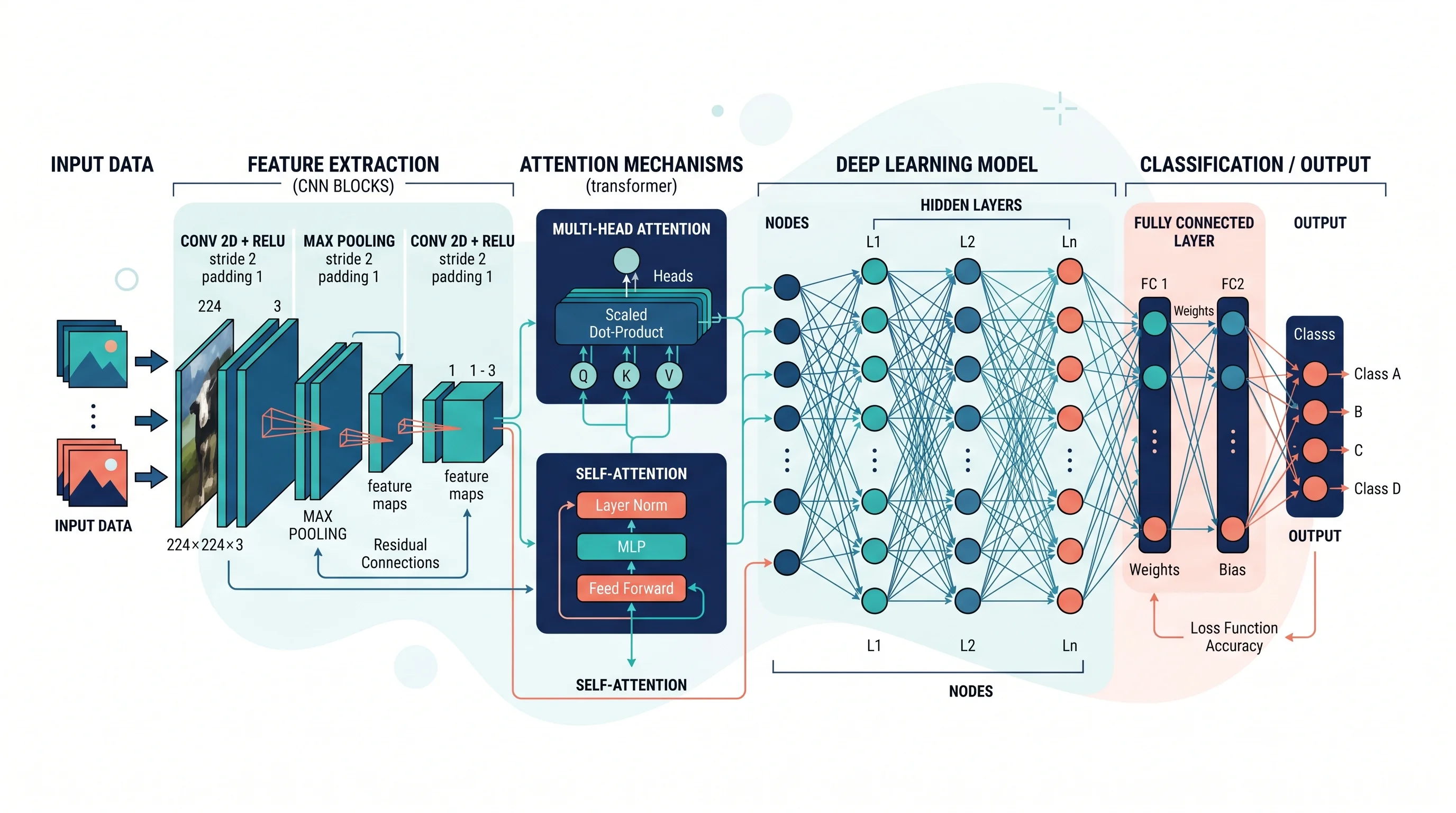
How to Draw a Neural Network Architecture Diagram: A Complete Guide
Learn how to draw neural network architecture diagrams for CNNs, RNNs, Transformers, and more. A step-by-step guide with tools, examples, and best practices.
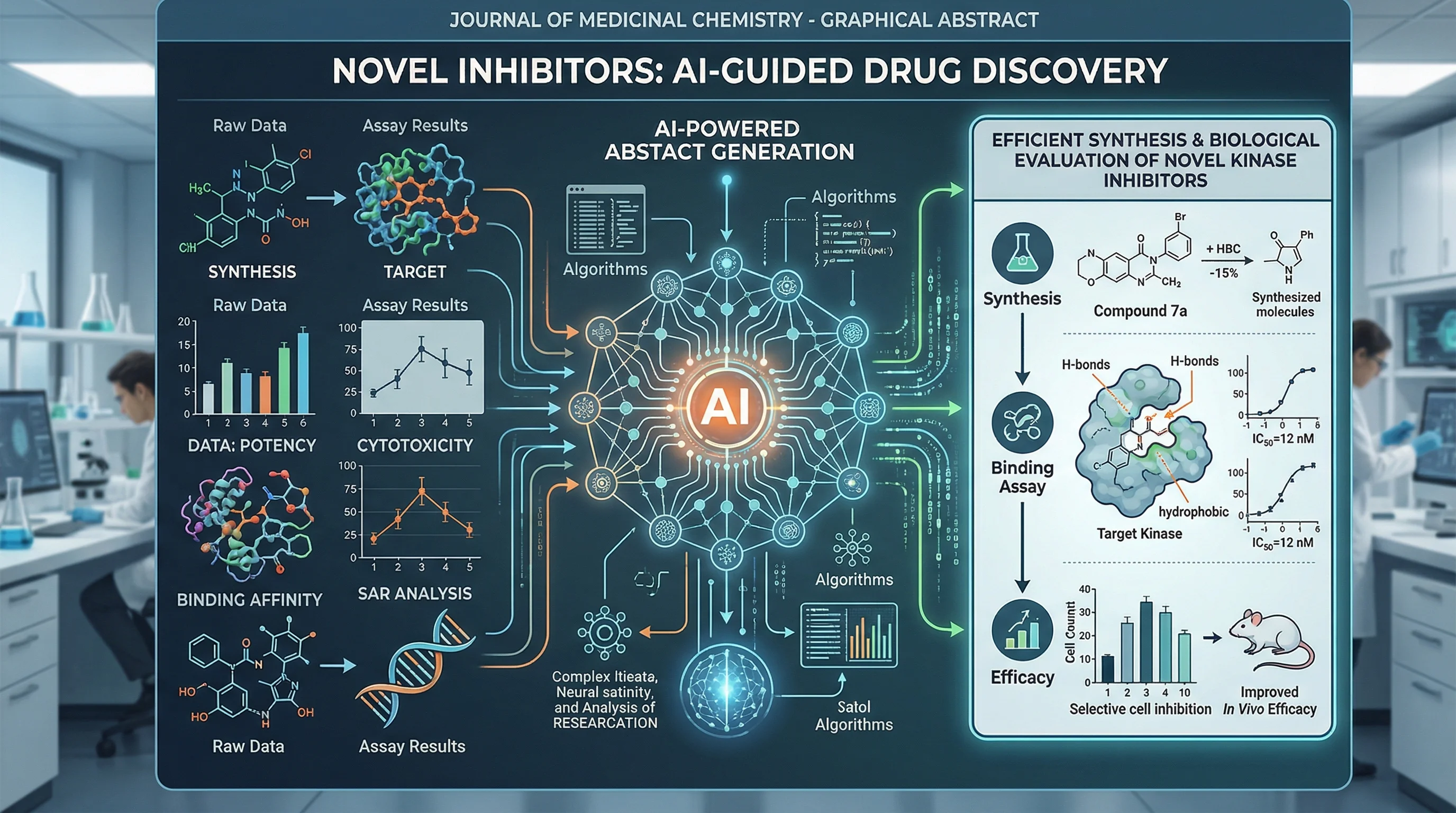
Free AI Graphical Abstract Makers for Research Papers (2026)
Compare the best free AI graphical abstract makers for researchers. Create journal-ready visual abstracts for Elsevier, Cell & Nature, no design skills needed.
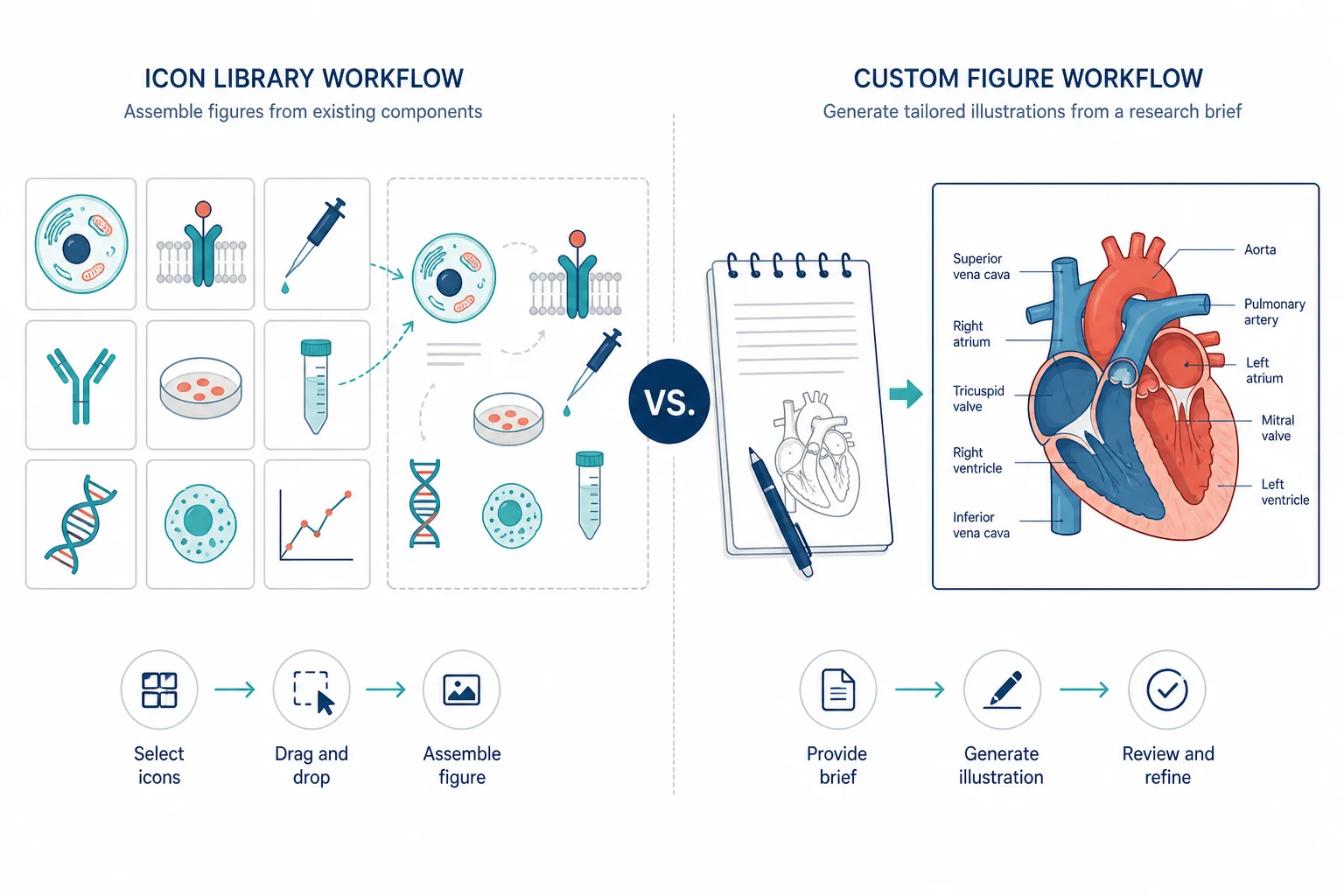
BioRender vs ConceptViz: Keep the Seat or Pay Per Figure
Compare BioRender vs ConceptViz in 2026: $35/mo Academic Individual versus credit packs, required citations, and when buying a second seat is the wrong call.