Western Blot Diagram Generator method schematic
Draw a western blot workflow, transfer sandwich, or antibody detection schematic. Edit labels, pick wet or semi-dry, export SVG or PNG. Method figures only.
Method schematic as SVG or PNG: workflow, transfer sandwich, antibody detection, or a blank worksheet. Free, no account.
Figure options
Method schematic only. Never use it as, or in place of, real blot data.
Western Blot Diagram Generator
Free preview on this page · Clean file download needs a
Your AI western blot schematic will appear here
Check every label against the Precise Diagram tab. Never use a schematic as data.
Western Blot Diagram Examples
Four exact diagrams from the Precise Diagram tab and two AI examples with their prompts and flaws. All are method schematics, not data.
Labeled workflow
Exact diagram from the Precise Diagram tab. Dashed outlines in the gel are schematic, not data.
Transfer sandwich
Exact diagram. Gel sits on the cathode (-) side, membrane on the anode (+) side.
Antibody detection
Exact diagram. Primary binds the target, the HRP secondary binds the primary.
Blank worksheet
Exact diagram. Same six panels with the step names removed for revision.
AI example: workflow
AI illustration, checked by hand after one prompt revision. Electrodes, wells and antibody orientation are correct. Flaws: the transfer step is an exploded view with an arrow but no cathode or anode labels; the gel is drawn inside a thick tank frame; crowded small text.
AI example: transfer sandwich
AI illustration, checked by hand. Layer order and electrodes are correct. Flaws: exploded view with gaps between layers, the arrow sits beside the stack instead of through it, the callout text hugs the left edge, and the membrane is drawn as a thick slab.
What a western blot diagram shows
A western blot diagram is a method figure: how proteins are separated on a gel, moved to a membrane, and detected with antibodies. It explains the procedure. It is not a result. This page draws the procedure as an exact diagram, and every membrane or gel shape in it is an outlined schematic with no band images.
The six steps in order
- 1. Sample prep: lyse cells or tissue and denature proteins in SDS sample buffer.
- 2. SDS-PAGE: SDS gives proteins a negative charge, so they separate mainly by size as they run toward the anode (+).
- 3. Transfer: an electric field moves proteins from the gel onto a nitrocellulose or PVDF membrane. Wet (tank) and semi-dry systems are both common.
- 4. Blocking: a protein solution such as milk or BSA covers empty membrane sites so antibodies do not stick everywhere.
- 5. Antibodies: an unlabeled primary antibody binds the target, then an enzyme-conjugated secondary (often HRP) binds the primary.
- 6. Detection: HRP acts on a chemiluminescent substrate, and the light is captured on film or with a digital imager.
The transfer sandwich order
- From the cathode (-) to the anode (+): sponge (fiber pad), filter paper, gel, membrane, filter paper, sponge. The gel faces the cathode and the membrane faces the anode, because SDS-coated proteins are negative and move toward the positive electrode.
- Semi-dry transfer drops the sponges and stacks buffer-soaked filter paper between plate electrodes. The gel-to-membrane direction stays the same. Sponge and paper counts differ by apparatus, so follow your manufacturer manual.
Common drawing mistakes
- Sandwich reversed: membrane on the cathode side. Proteins would run off the gel away from the membrane.
- Primary and secondary swapped: the secondary carries the enzyme and binds the primary, not the target protein.
- Enzyme drawn on the primary antibody in an indirect scheme, or substrate drawn before the secondary step.
- Missing filter paper, or a membrane placed outside the gel footprint.
- Bands drawn as if they were results. A method figure should never include band images.
Integrity note: schematics are not data
These diagrams are method illustrations. Never use them as, or in place of, real blot data, and never edit a method figure to look like a blot. Real blot figures should show the uncropped membrane or gel with molecular weight markers and a loading control, as your journal requires. AI illustrations can be wrong in small ways, so check every label against the exact diagram and discard any image that looks like a real blot.
Precise diagram vs AI illustration
The Precise Diagram tab fixes the layer order and labels in code, lets you edit the six step labels, switch wet or semi-dry, recolor the antibodies, and export SVG or PNG. The AI Illustration tab is for slide mockups; its prompts ask for method schematics only.
Frequently Asked Questions
Sources checked
Workflow order and detection steps follow the Thermo Fisher western blotting overview. Gel-to-cathode and membrane-to-anode orientation follows the QIAGEN western blotting bench guide. Checked October 2026. Your apparatus manual decides sponge and paper counts.
Related Lab Tools
 Biology
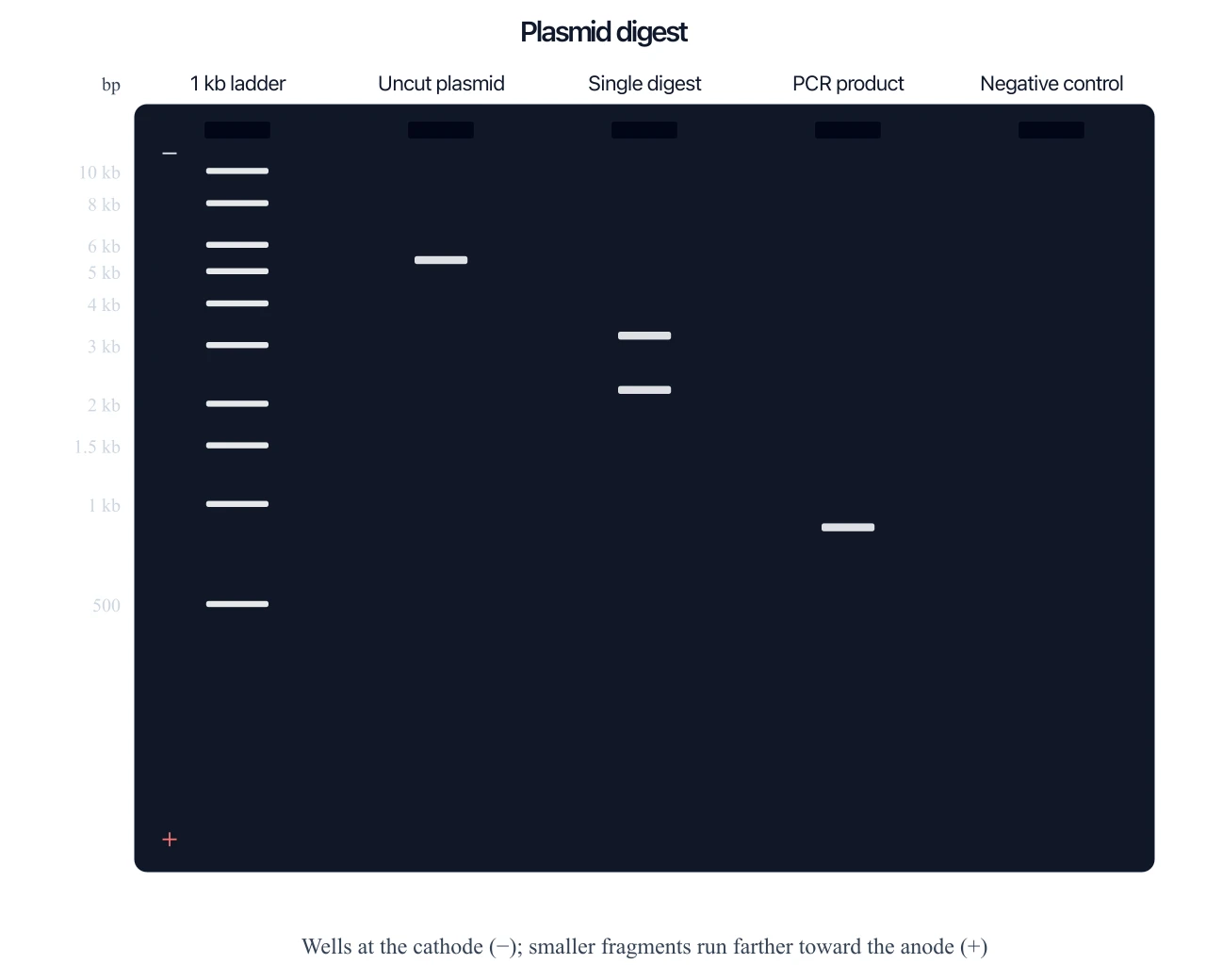
Gel Electrophoresis Diagram Generator
Lanes, wells, and fragment sizes: the gel step that comes before the blot.
 Biology
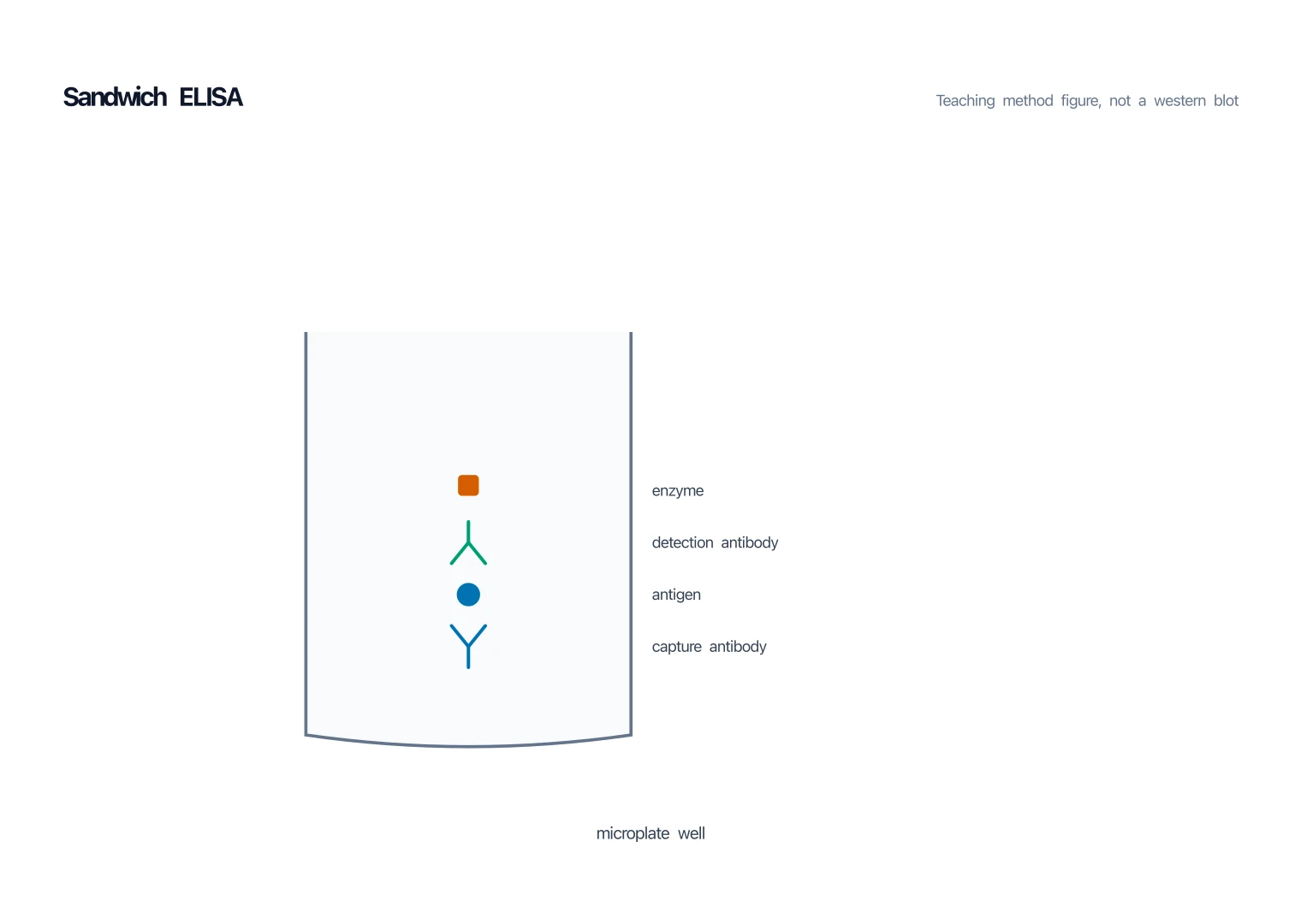
ELISA Diagram Generator
Capture, antigen, detection antibody, and enzyme in a well, not on a membrane.
 Biology
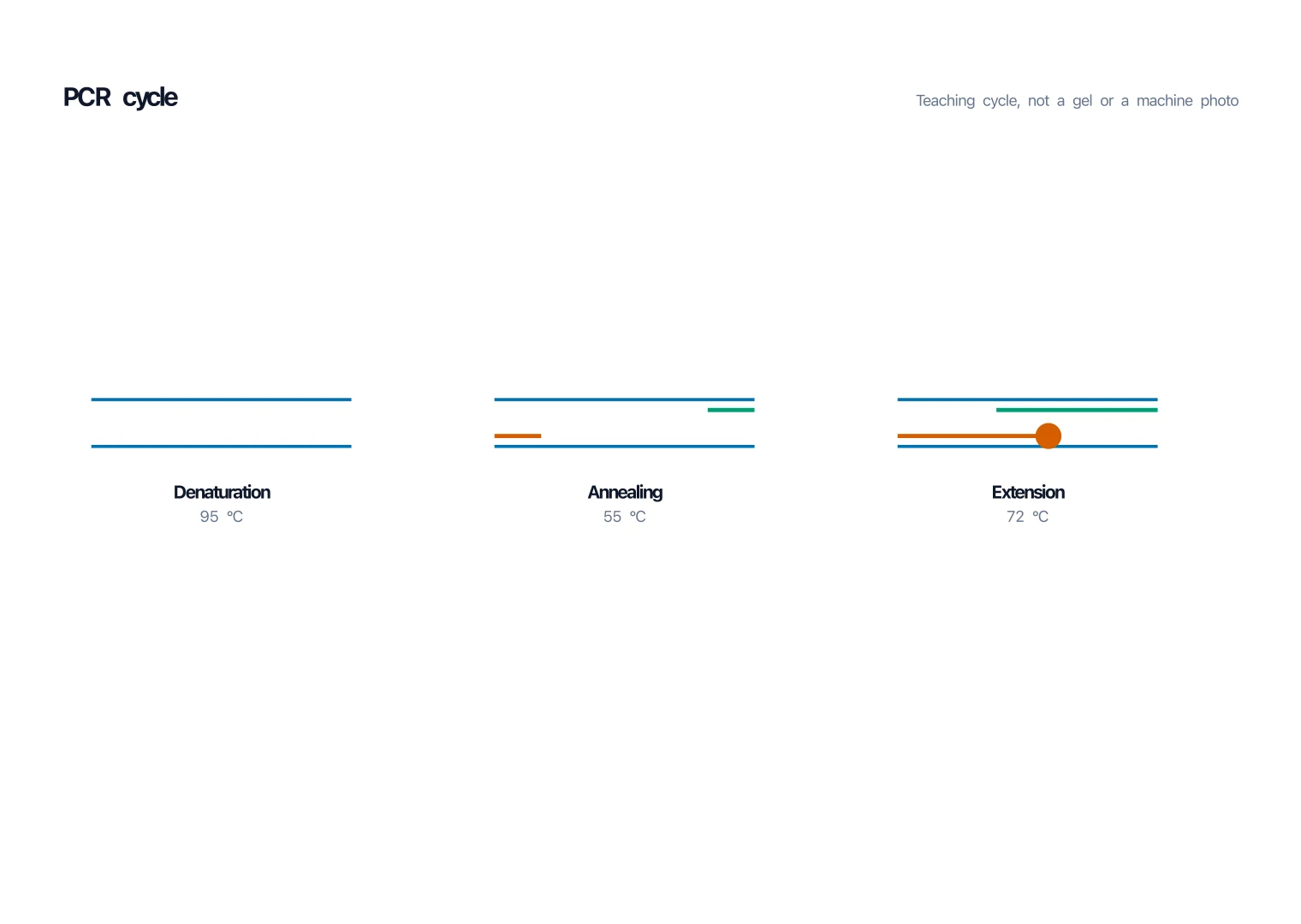
PCR Diagram Generator
Denature, anneal, extend: the DNA cycle, not a protein blot.
 Biology
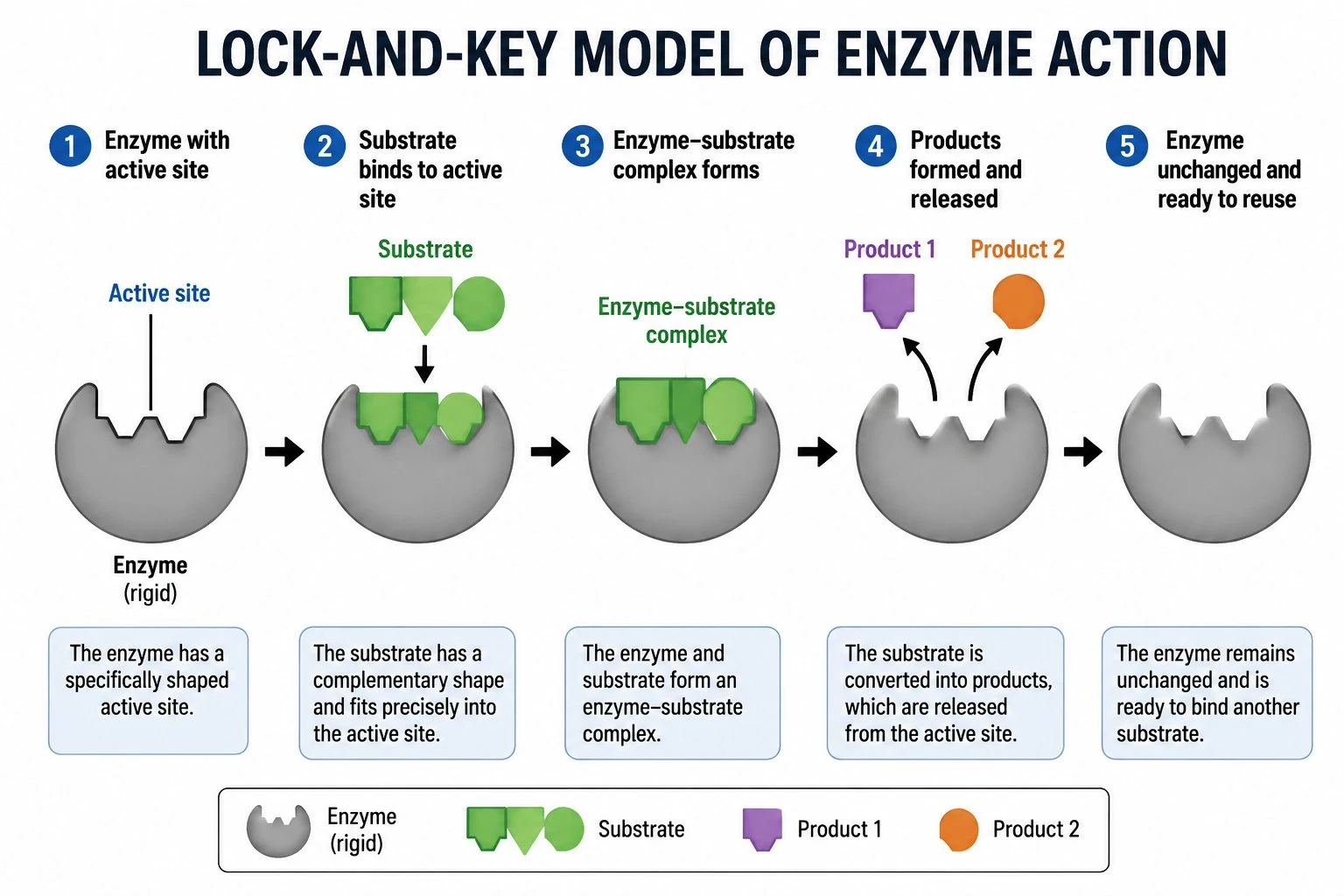
Enzyme Diagram Generator
Lock-and-key or induced fit, for the enzyme as a molecule.