Graphical Abstract Maker for Journal Submissions
Make a graphical abstract for your research paper in minutes. Describe your study and the AI generates a scientific illustration draft in square and landscape formats you can crop to Elsevier, Nature, or Cell specs. Free to try.
AI Graphical Abstract Generator
このページのプレビューは無料 · 透かしなしのファイルのダウンロードにはが必要です
Used by 40,000+ teachers, students & researchers
Your graphical abstract will appear here
Generate the illustration here, then add your text labels in a vector or slide editor
Graphical Abstract Examples
Journal-style summaries across biomedicine, ML, environment, and materials
Drug Discovery Pipeline
A left-to-right pipeline: screening to assays to trials, the classic methodology-to-result flow.
Machine Learning Workflow
Input on the left, model in the middle, prediction on the right: a clean ML summary.
Gene Expression Study
A molecular pathway with the key finding boxed: a clear structure for molecular-biology submissions.
Clinical Trial Results
Treatment vs control, a comparison chart, and the headline result: a NEJM-style layout.
Environmental Impact
A top-to-bottom cause-and-effect story: source, mechanism, and impact, in earth tones.
Nanomaterials Application
Fabrication to characterization to application: a materials-science narrative in three panels.
Before you submit: check your journal's AI image policy
Policies on AI-generated images differ by publisher and journal, and some restrict them. Elsevier's graphical abstract page, for example, says that using generative AI or AI-assisted tools to produce a graphical abstract must align with its generative AI policies for journals (checked October 2026). Read your target journal's author guidelines first, disclose AI use where it is required, and treat anything made here as a draft to review and adapt. Elsevier graphical abstract instructions
What is a graphical abstract?
A graphical abstract is a single, self-contained image that visually summarizes the main finding of a research paper. Many journals now display it alongside the title and text abstract in search results, tables of contents, and on social media, where it is often the first, and sometimes only, thing a reader sees. A strong graphical abstract communicates the core message at a glance: what you studied, what you found, and why it matters. This maker is an AI graphical abstract generator: you describe your study in plain language and it produces a clean, publication-style illustration you can refine and download.
Visual abstract vs graphical abstract
The two terms are often used for the same thing: Elsevier's author page says journals request a "graphical" or "visual abstract" and describes one summary image shown in search results and the online contents list. Some journals and conference programs use "visual abstract" for their own format, sometimes with a required template or fixed fields. Read the exact wording in your journal's or event's instructions, and if a template is supplied, treat an image from this maker as a draft or source for that template, never a replacement for it.
How to make a graphical abstract with AI
- Summarize your study in a sentence or two: the system, the method, and the single key result you want to lead with.
- Describe the visual flow you want, usually left-to-right (input → method → result) or top-to-bottom (cause → mechanism → effect).
- Pick the aspect ratio closest to your target journal's spec. A 1:1 square matches the Cell Press format; for the wide 5:2 banner Elsevier asks for, generate 16:9 with the content in a horizontal band, then crop to size.
- Generate, review, and refine the prompt until the layout and emphasis are right, then download the image to add your own text labels.
What makes a good graphical abstract
The best graphical abstracts are simple, focused, and readable at thumbnail size. Show one clear take-home message rather than every result in the paper. Use a single, obvious direction of flow so the reader's eye moves from setup to conclusion without effort. Keep the palette limited and consistent, leave generous white space, and make sure any element would still be legible when shrunk to a small icon in a journal's table of contents. Avoid clutter, redundant decoration, and dense text: a graphical abstract is a visual summary, not a second figure.
Journal requirements: size, format, and clarity
Always check your target journal's author guidelines, because specifications vary. Elsevier, for example, asks for a minimum of 1328 × 531 pixels at a 5:2 aspect ratio and 300 dpi, while Cell Press wants an exact 1200 × 1200 pixel square. Elsevier lists TIFF, EPS, PDF, or MS Office; Cell Press lists TIFF, PDF, or JPG. Nature requirements vary by journal; Nature Chemistry specifies 90 × 50 mm. Check the exact journal guide for originality, image format, and AI-use rules. Generate at the aspect ratio closest to your journal's spec, then crop or resize to the exact dimensions before submission. The Elsevier, Cell Press and ACS details above were checked in October 2026; confirm the Nature Chemistry size on its current author page.
TOC graphic (table of contents graphic): what to prepare
In ACS journals the table of contents (TOC) graphic is the graphical abstract: it appears on the table of contents page and often next to the article abstract. ACS Axial lists the basics of a good TOC graphic: it tells the reader what the article is about, uses a simple and distinctive color scheme or illustration, is provided in the manuscript at its actual published size, fits the size the journal recommends (usually a horizontal frame), and uses minimal text that stays legible at the published size. ACS asks authors to check each journal's author guidelines for specific requirements, so confirm the exact dimensions there before you export. Checked October 2026.
What is a central illustration?
A central illustration is a single image that summarizes the main message or finding of a paper. Some journals ask for one as a separate item, and it can overlap with a graphical abstract or visual abstract, but the name and the rules differ by journal.
Adding and editing text labels
AI image generation excels at composition, color, and scientific imagery, but on-image text can render imperfectly, so this tool focuses on producing a clean illustration rather than baking in labels. The reliable workflow is to generate the artwork here, then add your titles, panel captions, and annotations afterward in a vector editor or slide tool. That keeps the text crisp and lets you match the exact terminology, fonts, and abbreviations your manuscript uses, and makes last-minute wording changes painless during revision.
A free graphical abstract maker for researchers
Designing a graphical abstract by hand can take hours of fiddling in illustration software, and commissioning one can be expensive. This free graphical abstract generator turns a description of your study into a journal-style draft in seconds, so you can iterate on ideas quickly before a submission deadline. It suits researchers, graduate students, and lab groups across biomedicine, life sciences, chemistry, materials, environmental science, and computational fields: anyone who needs a clear visual summary of a paper without starting from a blank canvas.
よくある質問
Not sure which format your journal means? Read visual abstract vs graphical abstract for how the two terms are used.
Sources (checked October 2026): Elsevier graphical abstract, Cell Press graphical abstract, ACS Axial graphics.
Graphical abstract guides
- Graphical abstract examples by discipline: examples across 12 disciplines with journal size checks
- Graphic requirements by journal: size, format and resolution specs to check before you export
- Visual abstract vs graphical abstract: which one your journal is asking for
- Free AI graphical abstract makers compared: a side-by-side comparison of what each one offers
Related Research Tools
 Visualization
AI Infographic Generator
Create clean, shareable infographics from your data and key points.
 Biology
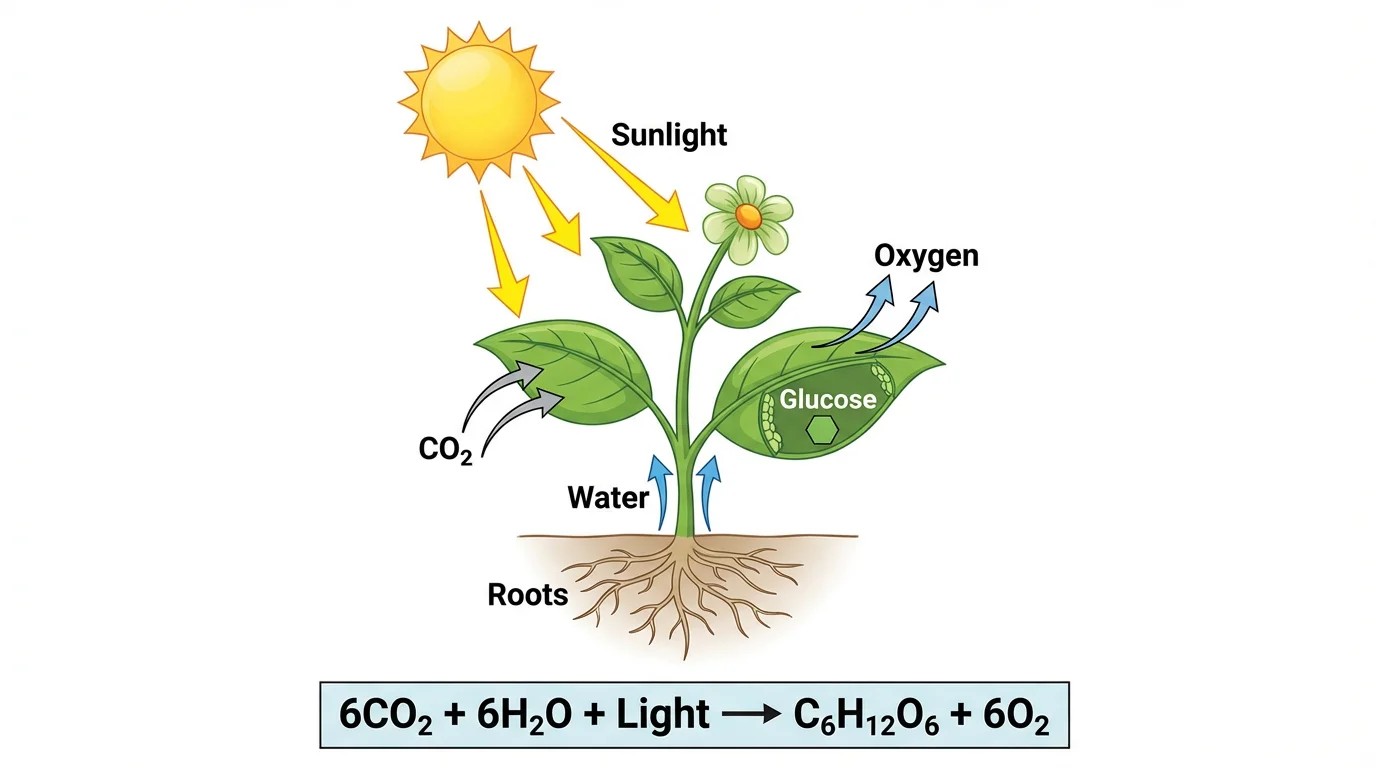
Photosynthesis Diagram Generator
Make labeled photosynthesis diagrams showing inputs, outputs, and the chloroplast.
 Earth Science
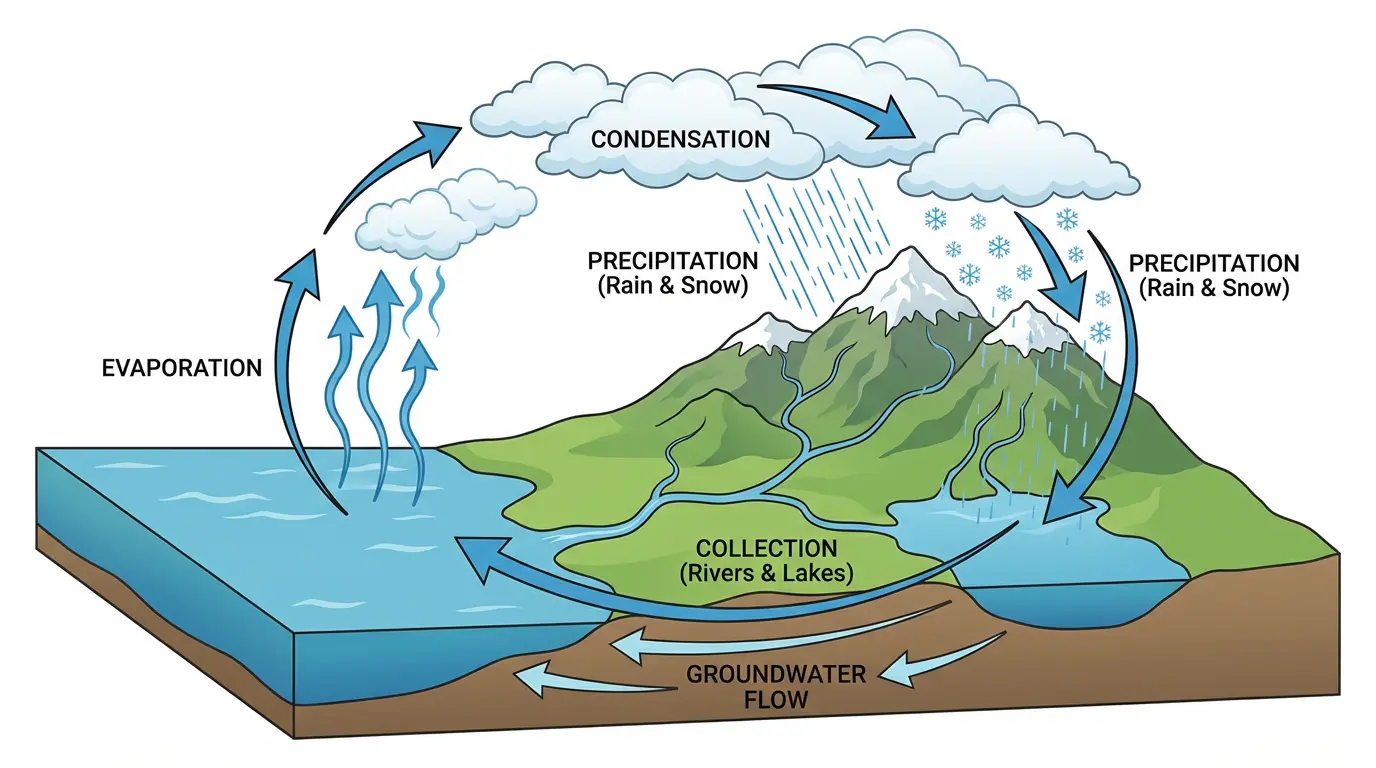
Water Cycle Diagram Generator
Draw a labeled water cycle with evaporation, condensation, and precipitation.
 Research
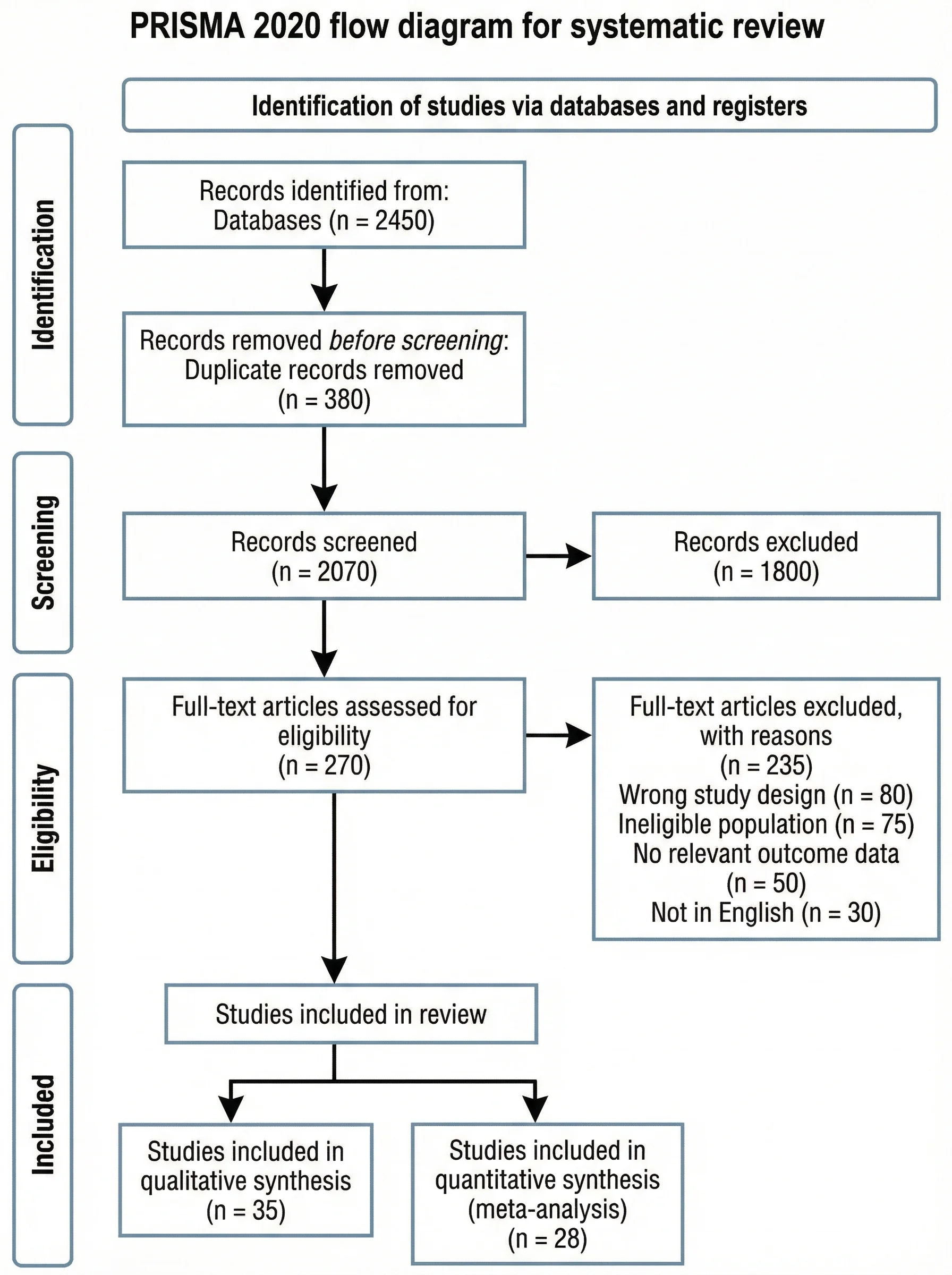
PRISMA Flow Diagram Generator
Fill in your record counts and get a PRISMA 2020 flow diagram for your systematic review.