CONSORT Flow Diagram Generator for Clinical Trials
Make a CONSORT flow diagram from your trial counts. Choose the CONSORT 2025 or 2010 wording, add arms and exclusion reasons, export SVG or PNG. Free.
Enter your participant counts to draw an exact CONSORT 2025 or 2010 flow diagram, free. Export SVG or PNG.
Follow-up lists discontinued first, then lost to follow-up for the primary outcome; analysis reads "Analysed for primary outcome".
CONSORT Diagram Generator
無料で試す ·
Your AI CONSORT-style diagram will appear here
For an exact diagram drawn from your counts, use the Precise Diagram tab instead
CONSORT Diagram Examples
Exact engine renders plus AI illustrations across trial designs
Two-Arm Parallel RCT
Exact engine render — the standard two-arm CONSORT 2010 layout with all four phases.
Three-Arm Trial
Exact engine render — three parallel arms, showing the engine scales past two groups.
Crossover Trial
AI illustration — a crossover design with two sequences and a washout period.
Cluster RCT
AI illustration — a cluster-randomised trial with clusters and nested participants.
Pilot / Feasibility Trial
AI illustration — a small pilot and feasibility RCT.
Multi-Site Trial
AI illustration — a large multicenter trial reported with intention-to-treat analysis.
What is a CONSORT flow diagram?
A CONSORT flow diagram is the standard chart that tracks participants through a randomized controlled trial (RCT). It follows people down four phases (Enrollment, Allocation, Follow-Up, and Analysis), showing how many were assessed for eligibility, how many were excluded and why, how many were randomised, and how many in each arm received the intervention, were lost to follow-up, and were finally analysed. The CONSORT statement pairs this diagram with its reporting checklist, and CONSORT is endorsed by many medical journals, so nearly every published trial includes one. This generator draws it for you: enter your counts on the left and the exact diagram updates instantly on the right.
CONSORT 2025 vs 2010: what changed for the flow diagram
The CONSORT 2025 statement (Hopewell et al., published 14 April 2025 in The BMJ, JAMA, The Lancet, Nature Medicine and PLOS Medicine) supersedes CONSORT 2010, and its authors say the 2010 statement should no longer be used. Most of the changes are in the checklist, which now has 30 items and a new open science section. The flow diagram keeps the same boxes and arrows: assessed for eligibility, excluded with reasons, randomised, allocated to each group, follow-up, and analysis. The official 2025 figure changes three wording details. The follow-up box lists "Discontinued intervention (give reasons)" before "Lost to follow-up for primary outcome (give reasons)". The analysis box reads "Analysed for primary outcome" instead of "Analysed". The first phase is spelled "Enrolment". Use the CONSORT 2025 / 2010 switch above the inputs to pick the wording your journal asks for; your counts stay the same. Checked October 2026 against figure 1 of the 2025 statement and the 2010 statement figure (sources below).
The four phases
- Enrollment — how many people were assessed for eligibility, how many were excluded (with reasons), and how many were randomised.
- Allocation — how many were allocated to each arm, how many received the allocated intervention, and how many did not (with reasons).
- Follow-Up — how many in each arm were lost to follow-up or discontinued the intervention.
- Analysis — how many in each arm were analysed and how many were excluded from analysis (with reasons).
How to make your CONSORT diagram
- Pick the CONSORT 2025 or 2010 box wording, or load the two-arm or three-arm example to see a finished diagram.
- Enter the enrollment numbers: assessed for eligibility, the exclusion reasons and their counts, and the number randomised.
- Fill in each arm — allocated, received, did not receive, lost to follow-up, discontinued, analysed, and excluded from analysis.
- The diagram redraws instantly as an exact SVG with the four standard phases labeled down the side and arrows connecting every box.
- Download a scalable SVG or a PNG at twice the on-screen size for your manuscript, thesis, or slides, free and with no sign-up.
CONSORT vs PRISMA — which do I need?
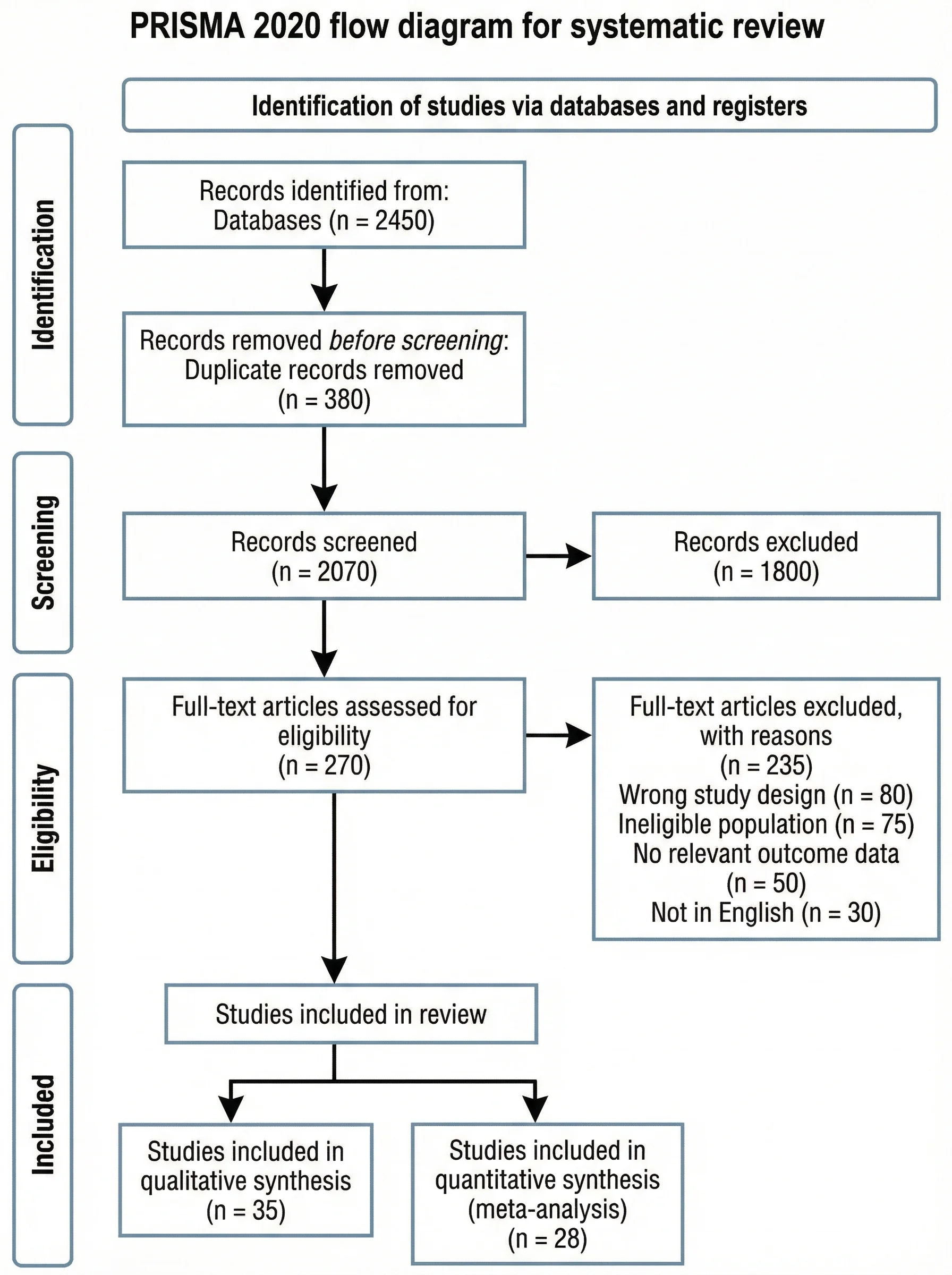
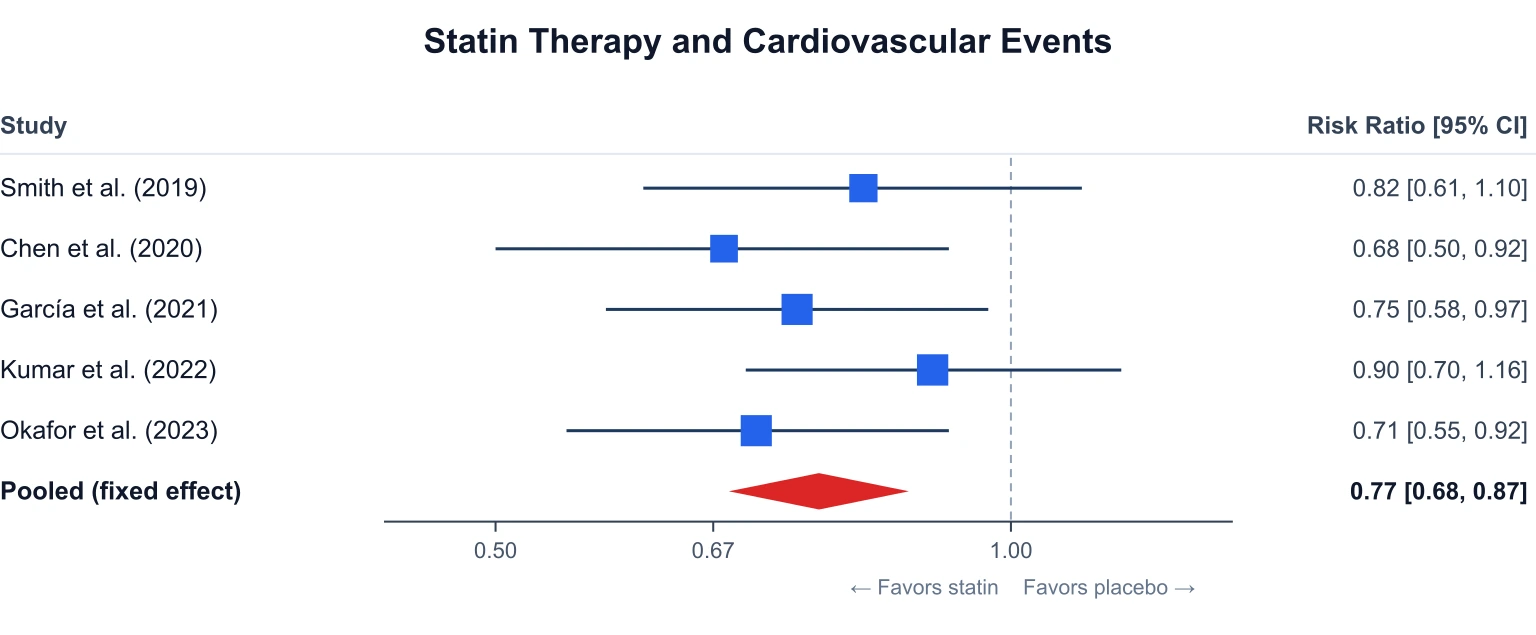
These two flow diagrams look similar but answer different questions. A CONSORT diagram tracks participants through a single randomized controlled trial, from eligibility screening to final analysis. A PRISMA flow diagram, by contrast, tracks studies through a systematic review or meta-analysis — how many records were identified, screened, and included. If you are reporting one trial, you need CONSORT; if you are pooling many studies, you need PRISMA. Many methods papers include both, alongside a forest plot for the pooled results. Use the PRISMA flow diagram generator and the forest plot generator for those figures.
CONSORT diagrams in a trial report
The CONSORT flow diagram is usually the first figure in a trial paper and sits alongside the CONSORT checklist in the methods and results sections. Report the exact counts at each stage so readers can trace every participant from screening to analysis — unexplained drops between randomisation and analysis are a common reviewer flag. This tool renders the diagram from the counts you enter; it does not compute intention-to-treat or per-protocol populations for you, so enter the analysis numbers you plan to report. For the pooled treatment effect across trials, pair it with a forest plot.
Checks reviewers make on a CONSORT diagram
- Enrolment adds up: assessed for eligibility minus excluded equals randomised, and the exclusion reasons sum to the excluded total.
- Allocation adds up: the arms sum to the number randomised, and in each arm, received plus did not receive equals allocated.
- Every loss has a reason: the official figure asks for reasons next to did not receive, discontinued, lost to follow-up, and excluded from analysis.
- Analysis reconciles: every allocated participant is either analysed or counted in a box with a reason, and the text says who is included in each analysis and in which group (CONSORT 2025 item 21).
- The diagram matches the results: the numbers analysed agree with the tables (CONSORT 2025 item 26 asks for the number included in the analysis for each outcome and group).
- This tool draws exactly what you enter and does not check these sums, so run through this list before you submit. The three-arm example shows counts that reconcile at every stage.
Cluster, crossover and multi-arm trials
CONSORT 2025 covers all randomised trials but focuses on the two-group parallel design. Separate CONSORT extensions cover other designs, including cluster, crossover, multi-arm, factorial, and pilot and feasibility trials, and the 2025 statement recommends using the existing version of the relevant extension until it is aligned with 2025. This tool draws parallel-group diagrams with as many arms as you add, so multi-arm trials work directly: load the three-arm example to start. The crossover, cluster, pilot and multi-site images in the gallery above are AI illustrations that show how those diagrams are usually laid out. They are not drawn from real counts, so do not copy numbers from them. For a figure you submit, enter your own counts in the precise diagram tool; if your design needs extra boxes, such as clusters and participants at each stage, export the SVG and add them in Illustrator or Inkscape following the relevant extension.
よくある質問
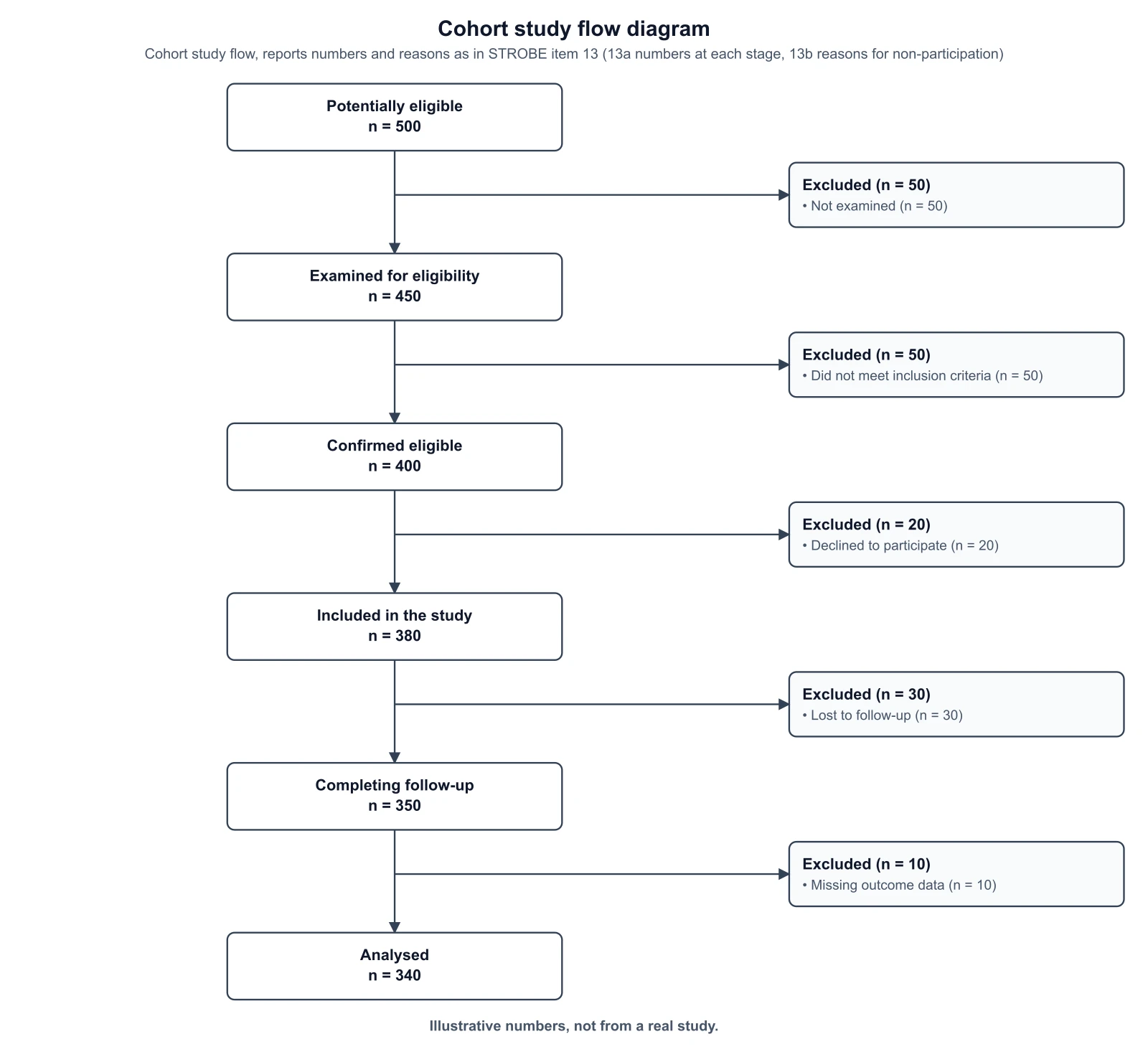
For observational cohort studies, use the STROBE flow diagram generator.
Sources, checked October 2026: CONSORT 2025 statement in The BMJ 2025;389:e081123 and PLOS Medicine 22(4):e1004587 (figure 1, flow diagram); CONSORT 2010 statement in PLOS Medicine 2010 (figure 1).
Related Research Tools
 Research
STROBE Flow Diagram Generator
Draw the participant flow of an observational cohort study, with reasons for non-participation at each stage.
 Research
PRISMA Flow Diagram Generator
Draw the PRISMA 2020 study-selection flow for a systematic review or meta-analysis.
 Research
Forest Plot Generator
Plot pooled effect sizes with confidence intervals for a meta-analysis.
 Research
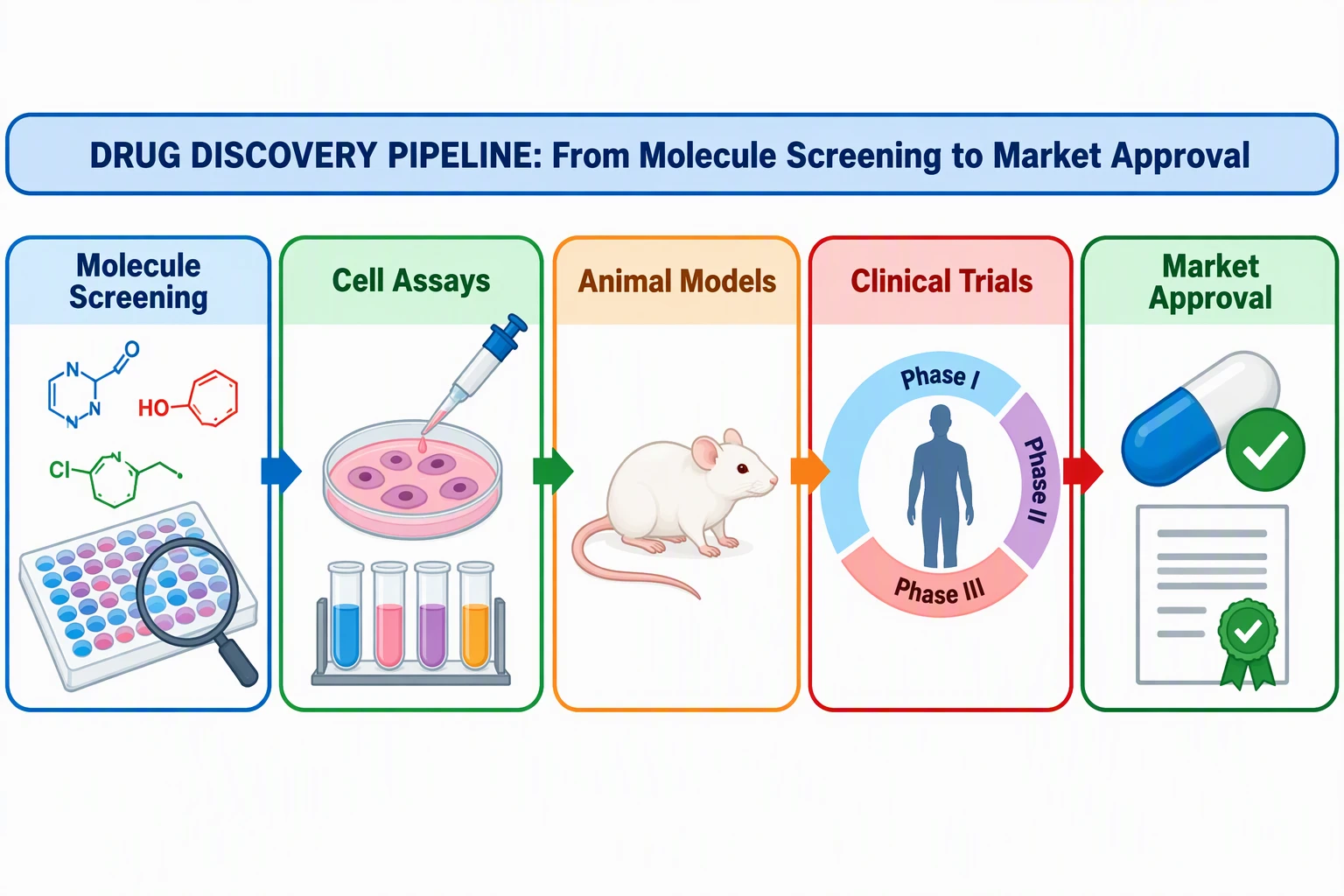
Graphical Abstract Maker
Summarize your paper in one visual abstract figure.
 Research
Scientific Poster Generator
Lay out a conference research poster with your figures and sections.
 Research
Conceptual Framework Generator
Diagram the variables and relationships behind your study or thesis.