STROBE Flow Diagram Generator for Cohort Studies
Free STROBE flow diagram generator for cohort studies. Enter counts and exclusion reasons at each stage, check they add up, export SVG or PNG.
Enter your participant counts: the cohort-study flow is drawn exactly as SVG or PNG, free
Start from an example (illustrative numbers)
Draws a cohort-study flow. Case-control and cross-sectional layouts differ and are not drawn yet.
STROBE Flow Diagram Generator
Free to try ·
Your AI STROBE-style diagram will appear here
AI drawings can misplace or misspell numbers. For exact counts, use the Precise Diagram tab instead
STROBE Flow Diagram Examples
Exact renders from the generator, all with illustrative numbers
Simple cohort flow
Exact render from the tool: six stages, one exclusion reason per stage. Illustrative numbers.
Two exposure groups
Exact render with the exposure split on from inclusion: each group has its own exclusions, and group counts add up to the stage totals. Illustrative numbers.
Multiple exclusion reasons
Exact render with 2 to 4 reasons for non-participation per stage (item 13b). Illustrative numbers.
What is a STROBE flow diagram?
STROBE (Strengthening the Reporting of Observational Studies in Epidemiology) is a reporting guideline for cohort, case-control and cross-sectional studies. It has a 22-item checklist. Item 13 is about participants: 13a asks for the numbers of individuals at each stage of the study, 13b asks for the reasons for non-participation at each stage, and 13c says "Consider use of a flow diagram". A STROBE flow diagram is that figure: a chart that follows people from the pool of potentially eligible individuals down to the group you analysed, with the people who dropped out and the reasons shown at each step.
What this generator draws today
This tool draws a cohort-study flow; case-control and cross-sectional layouts differ and are not drawn yet. Think of it as a STROBE diagram template you fill in with your own counts. The cohort layout reports the numbers and reasons that STROBE item 13 asks for: potentially eligible, examined for eligibility, confirmed eligible, included in the study, completing follow-up and analysed, with a side box of exclusion reasons and counts between stages (13b). You can edit every stage label, add or remove reasons at each stage, and optionally split the included, follow-up and analysis stages by exposure group (the labels default to Exposed and Unexposed), with a separate exclusion box for each group after the split.
How to make a STROBE flow diagram for a cohort study
- Pick an example to start from, or edit the default. All example numbers are illustrative and the image says so unless you switch that label off.
- Type the count for each stage, from potentially eligible down to analysed. Rename the stages to match your own wording if needed.
- Under each stage, list the reasons people were excluded before it and how many for each reason. Add or remove reason rows as needed.
- Optional: turn on the exposure split. It starts at "Included in the study", so the two groups are counted at baseline, follow-up and analysis. Each group gets its own reasons and counts for exclusions after the split. The tool prefills a rough half-and-half split that you can overwrite.
- Fix any red messages. The diagram is only drawn when every stage equals the previous stage minus its exclusions, so a misleading figure is never exported.
- Download SVG for a vector figure you can edit, or PNG for slides and documents. Both are free, with no sign-up.
How the numbers are checked
Counts must be whole numbers of zero or more. Each stage must equal the previous stage minus that stage’s exclusions, and the message shows the sum, for example "Included in the study (820) should be 850 − 30 = 820". With the exposure split on, the two group counts at "Included in the study" must add up to the confirmed-eligible count minus the exclusions before inclusion. After that, each group count must equal that group’s previous count minus that group’s own exclusions, and can never be larger than before. The tool checks arithmetic only. It cannot know whether your eligibility criteria or reasons are right, so check the final figure against your data and the full STROBE checklist.
STROBE vs CONSORT vs PRISMA: which flow diagram do I need?
CONSORT is the reporting guideline for randomised trials, and its flow diagram follows participants through enrolment, allocation, follow-up and analysis. STROBE covers observational studies (cohort, case-control and cross-sectional designs), where nobody is randomised, so the diagram follows people through eligibility, inclusion, follow-up and analysis instead. PRISMA is for systematic reviews and meta-analyses, and its diagram follows records and studies, not people. Pick the guideline that matches your study design.
Is a flow diagram required by STROBE?
No. In the STROBE explanation and elaboration paper, item 13c reads "Consider use of a flow diagram", and the authors write: "While we recommend the use of a flow diagram, particularly for complex observational studies, we do not propose a specific format for the diagram." It is a recommendation, and what a journal asks for is set by that journal, so check its instructions for authors. A diagram from this tool reports the numbers and reasons that STROBE item 13 asks for, but it does not make a paper compliant with the whole guideline.
Frequently Asked Questions
Related flow diagrams
Reporting a randomised trial? Use the CONSORT diagram generator. Reporting a systematic review or meta-analysis? Use the PRISMA flow diagram generator. To lay out the causal assumptions behind an observational study, try the causal diagram (DAG) maker.
Sources
Checked October 2026.
- Vandenbroucke JP, von Elm E, Altman DG, et al. Strengthening the Reporting of Observational Studies in Epidemiology (STROBE): Explanation and Elaboration. PLoS Med 2007;4(10):e297. Items 13a, 13b and 13c and the 22-item checklist. journals.plos.org
- EQUATOR Network, STROBE reporting guideline page: designs covered (cohort, case-control and cross-sectional studies), checklists and the original statement by von Elm et al., 2007. equator-network.org
- STROBE Statement website (the guideline’s home, linked from the explanation and elaboration paper). strobe-statement.org
Related Research Tools
 Research
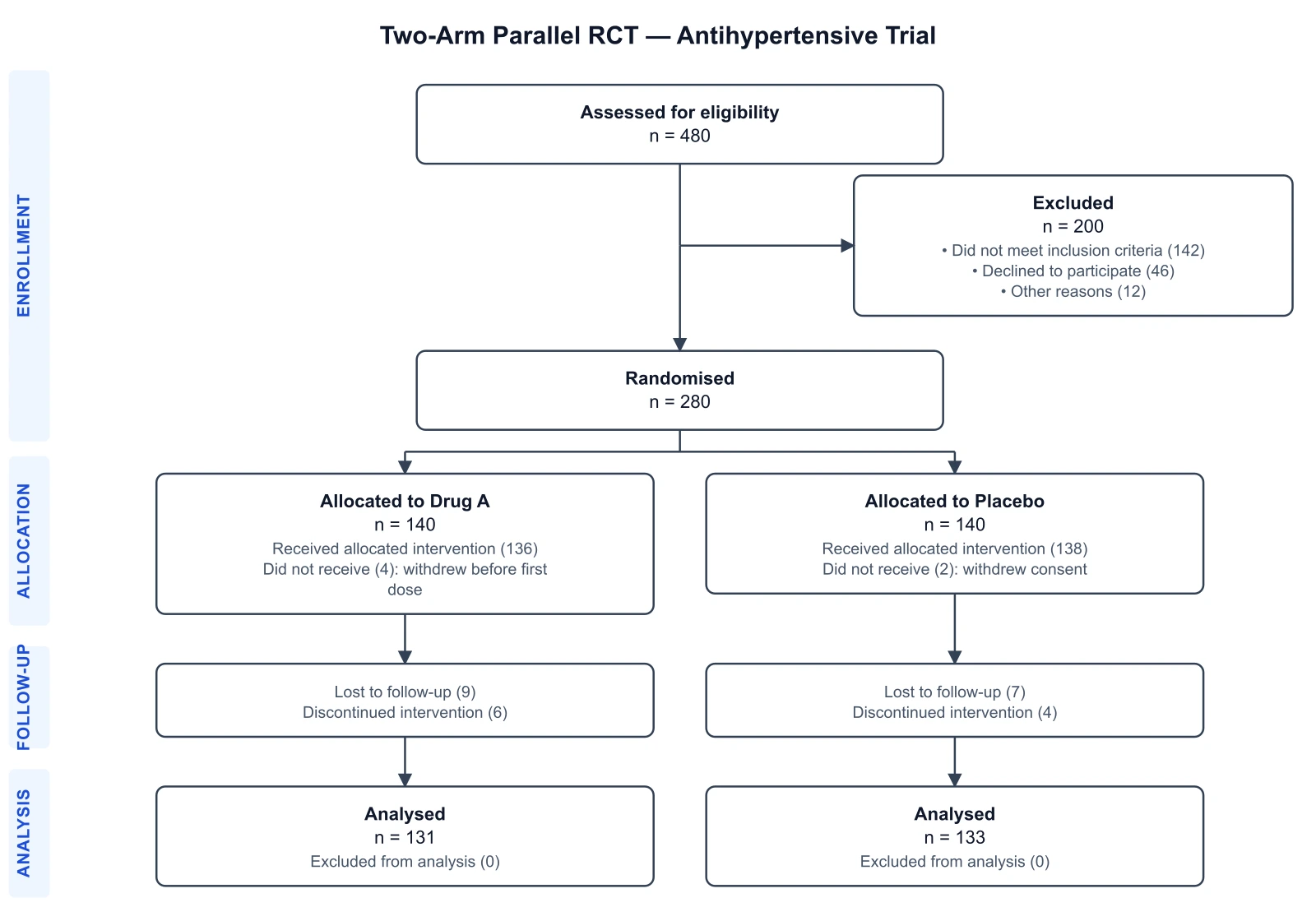
CONSORT Diagram Generator
Draw the participant flow of a randomised controlled trial, the counterpart of STROBE for trials.
 Research
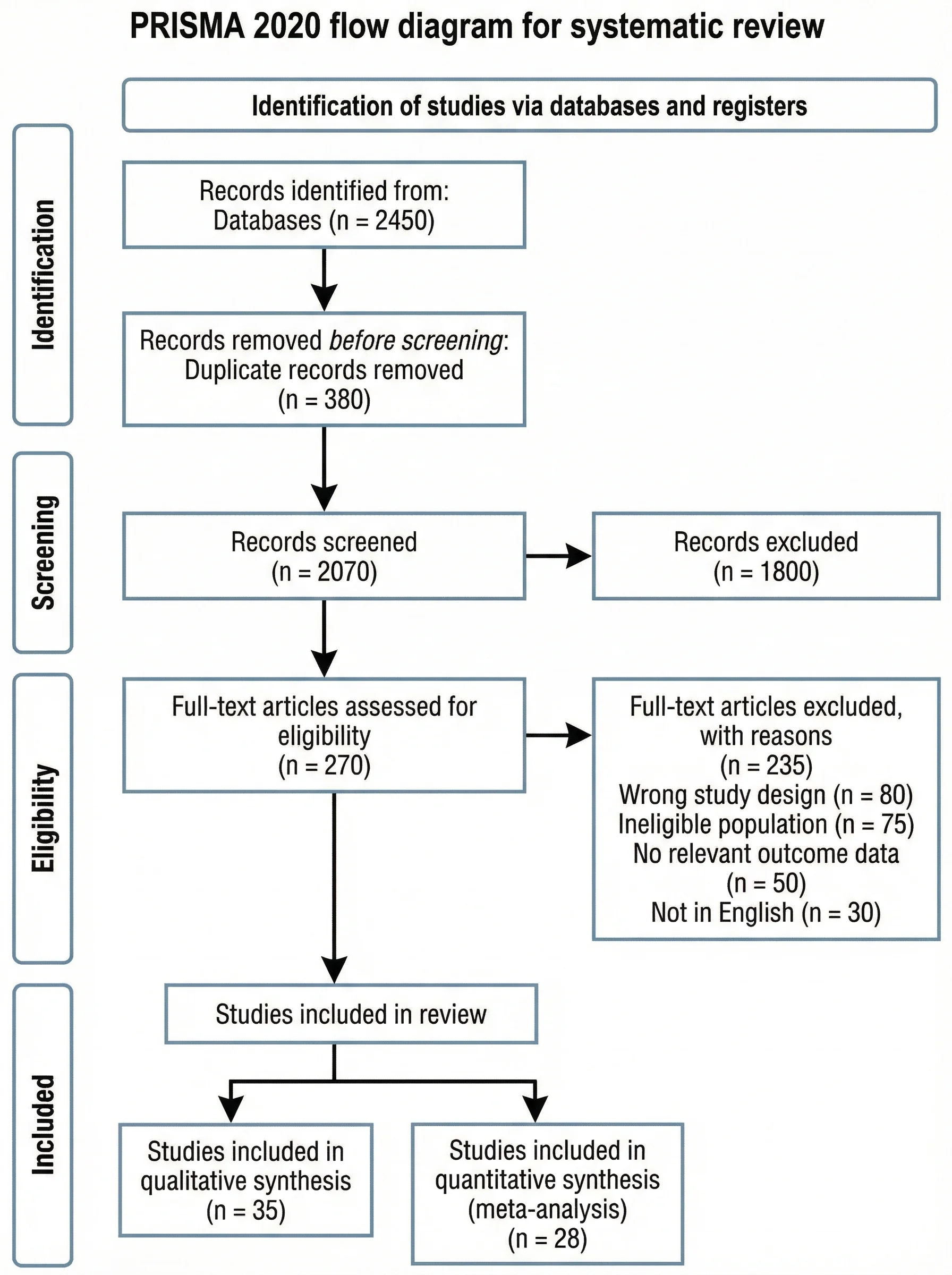
PRISMA Flow Diagram Generator
Draw the study-selection flow for a systematic review or meta-analysis.
 Research
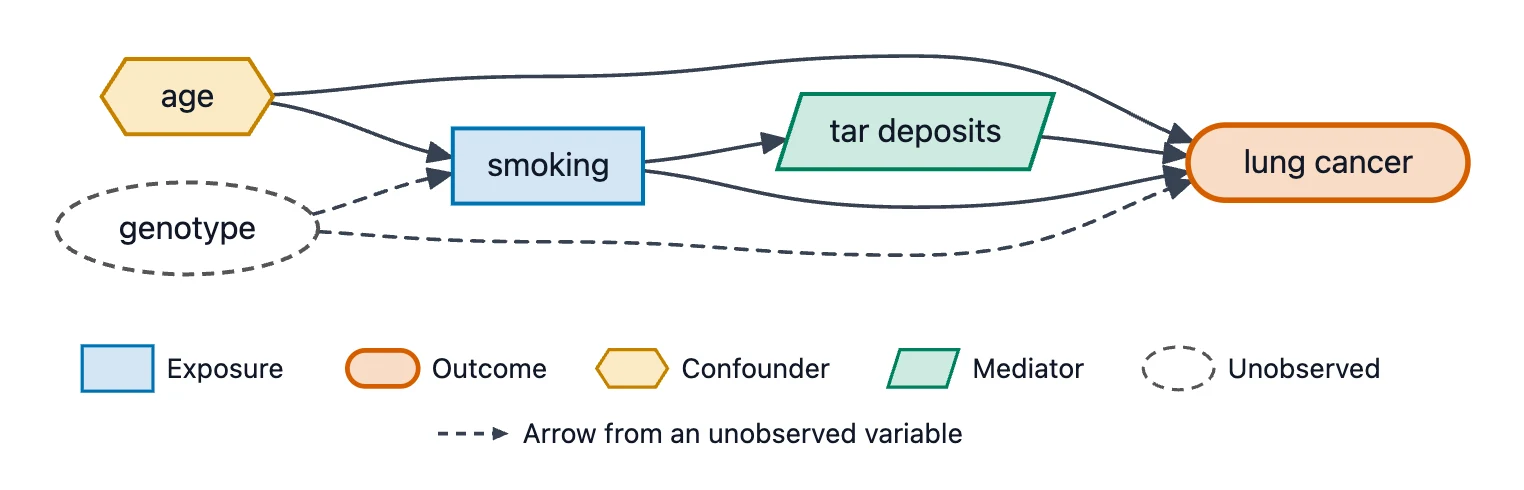
Causal Diagram (DAG) Maker
Draw the causal assumptions behind an observational study, with exposure, outcome and confounders.