5 Best Free BioRender Alternatives in 2026 (For Science Illustrations)
Free BioRender alternatives for science illustrations. Compare Canva, ConceptViz AI, draw.io + Bioicons, Mind the Graph and more. No $420/year subscription.
If a classroom figure will later go into a paper, check how to cite BioRender and obtain the correct publication license; a classroom credit alone does not grant publication rights.
5 Best Free BioRender Alternatives in 2026 (For Science Illustrations)
BioRender is the industry standard for scientific illustrations—but $35/month ($420/year) is expensive when you just need biology diagrams or cell illustrations. And the free plan only gives you 5 low-resolution diagrams with mandatory attribution.
The good news? There are excellent free alternatives that can create professional science illustrations without the subscription. This guide focuses on classroom and teaching use — if you're publishing figures in a paper, see our BioRender alternatives tested for science & research instead.
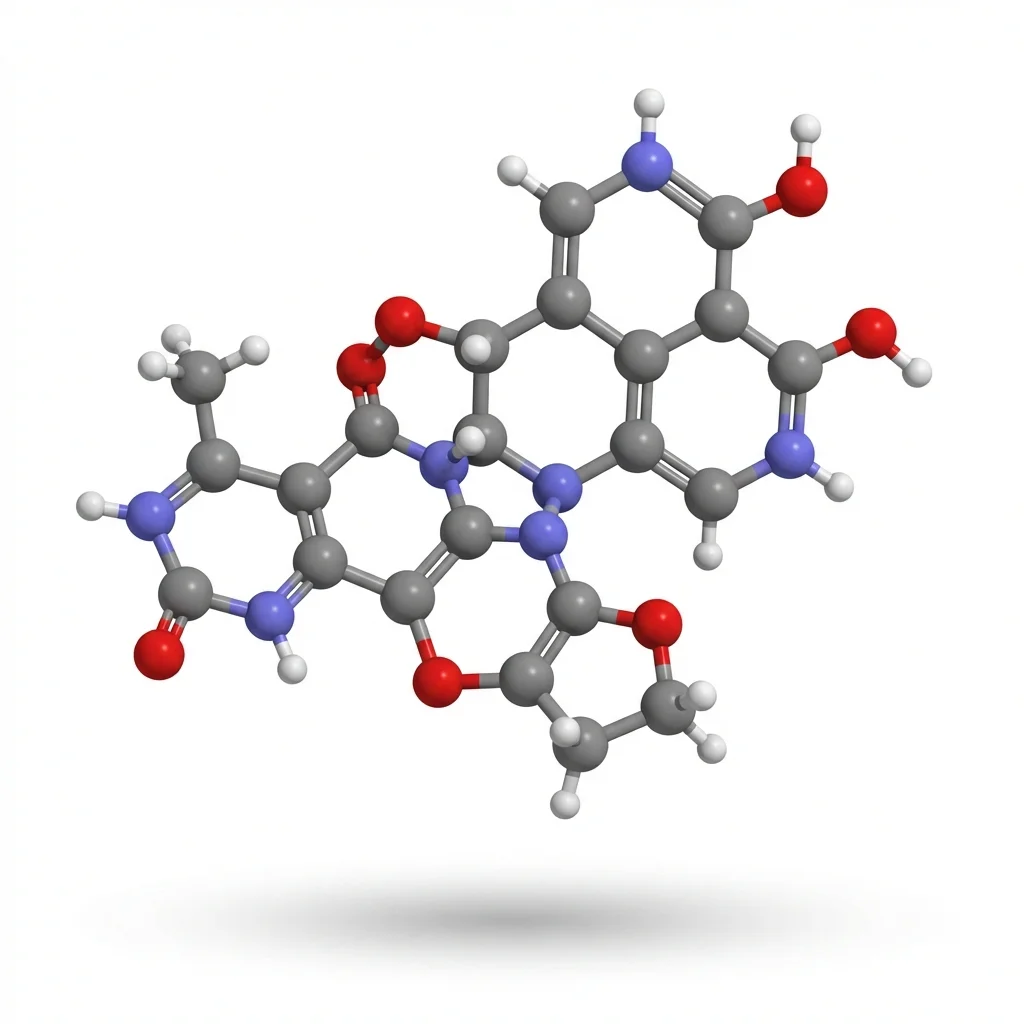
AI Scientific Image Generator
Create professional cell diagrams and biology illustrations in seconds with AI.
Try it free →Why You Need a BioRender Alternative
| Issue | Details |
|---|---|
| Expensive | $35/month or $420/year for academic plan |
| Free Plan Limits | Only 5 diagrams, low resolution, mandatory attribution |
| Target Audience | Designed for researchers, overkill for educators |
| Learning Curve | Takes time to learn the icon system |
Quick Comparison: Top BioRender Alternatives
| Tool | Price | Best For | Science Icons |
|---|---|---|---|
| ConceptViz | Free tier | AI-generated diagrams | AI creates them |
| Canva | Free (Education) | General visuals | Limited |
| draw.io + Bioicons | 100% Free | Custom diagrams | 2,700+ free icons |
| Mind the Graph | $99/year or $15/month | Research quality | Extensive library |
| Chemix | Free | Lab diagrams | Chemistry-focused |
1. ConceptViz — Best AI-Native BioRender Alternative
Price: Free credits on signup, then pay-as-you-go credit packs from $5 — no subscription Website: conceptviz.app
If BioRender's appeal is "professional science figures without hiring an illustrator," ConceptViz is the closest free alternative — but instead of dragging icons onto a canvas, you describe what you need and AI generates it. No icon system to learn, no design skills required, and you get a labeled figure in seconds rather than an afternoon of assembly.
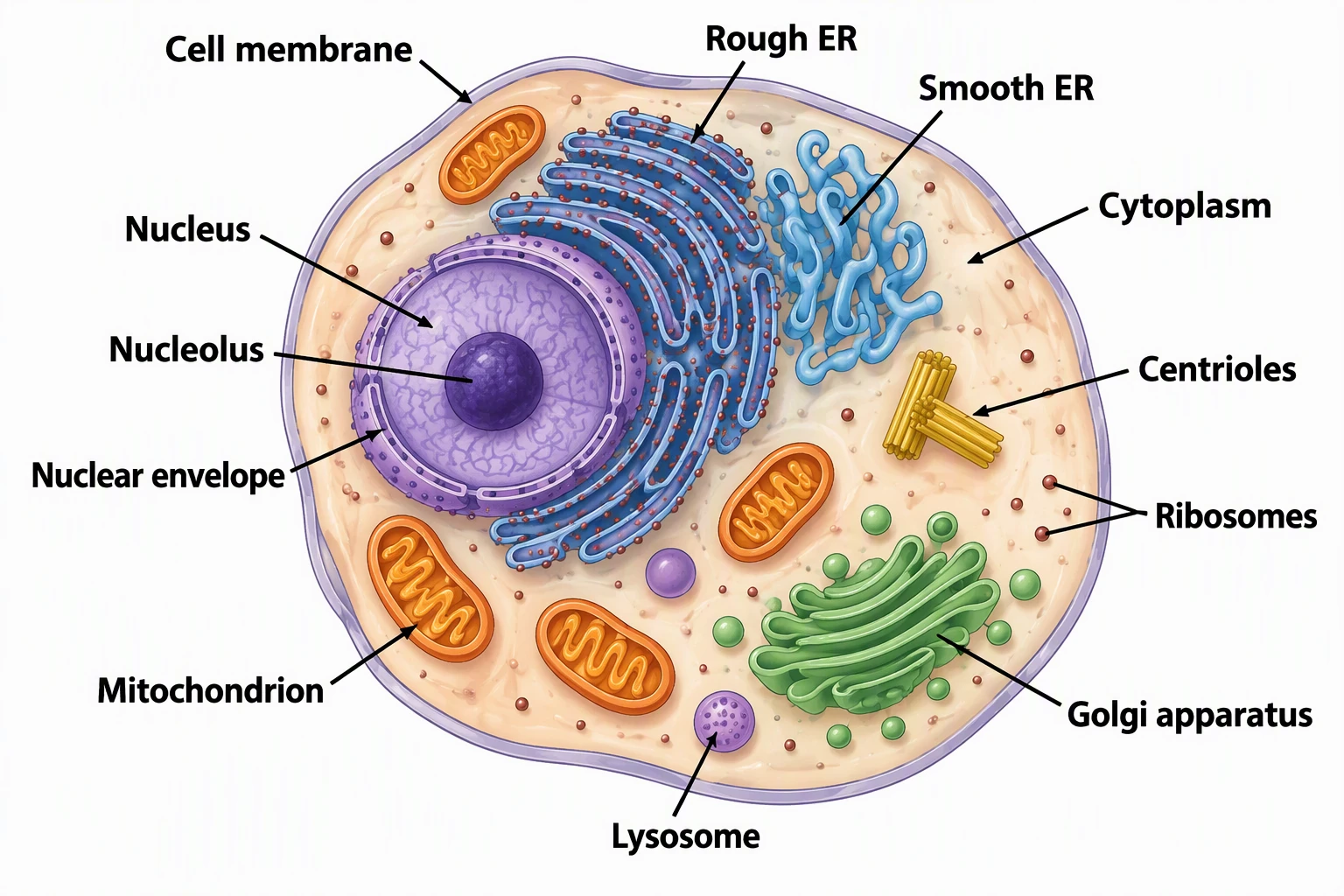
Biology & Life Science Tools:
- AI Scientific Image Generator — Any scientific concept
- Animal Cell Diagram Generator
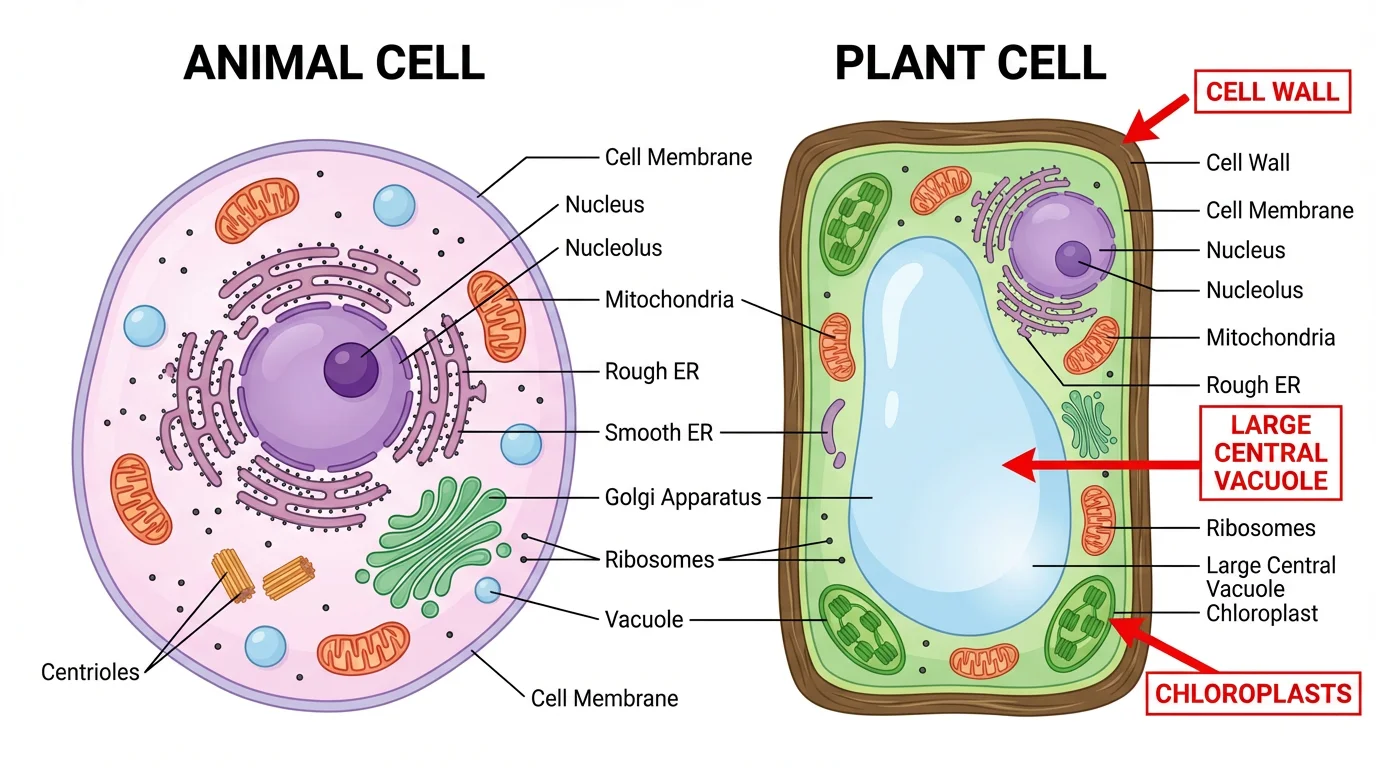
- Plant Cell Diagram Generator
- Animal vs Plant Cell Comparison
- Photosynthesis Diagram | Water Cycle
BioRender vs ConceptViz:
| Feature | BioRender | ConceptViz |
|---|---|---|
| Price | $420/year subscription | Free credits, then packs from $5 (no subscription) |
| Method | Drag & drop icons | AI generates from text |
| Learning curve | Hours | Minutes |
| Cell diagrams | Manual assembly | Generated in seconds |
Best For:
- Cell biology and life science illustrations
- Quick diagram generation without design skills
- Multiple variations (labeled, unlabeled, different styles)
- Researchers needing graphical abstracts
Where BioRender still wins:
- A larger hand-curated icon library for highly specialized pathways
- Fine pixel-level manual control over every element
Verdict: For most people who just need a clear, labeled science figure fast, ConceptViz is the quickest BioRender alternative — describe it, generate it, download it, free.
AI Scientific Image Generator
Describe any biology or science figure and let AI draw it — free.
Create a figure free →2. Canva for Education — Best for General Visuals
Price: 100% Free for verified teachers
Canva for Education is the best free option when you need general classroom visuals — posters, slides, infographics — rather than precise scientific figures. Once you verify your teacher status, you get full access to Canva's premium features at no cost.
What You Get:
- 80,000+ educational templates including biology posters, cell diagrams, and science infographics
- Drag-and-drop interface — no design skills needed
- LMS integration — works with Google Classroom, Canvas, Schoology, and more
- Collaboration features — students can work on projects together
- Print-ready exports — high-resolution PNG and PDF downloads
Best For:
- Creating science posters and presentations
- General biology and anatomy visuals
- Classroom worksheets with visual elements
- Quick, professional-looking materials
Limitations:
- Science-specific icon library is less comprehensive than specialized tools
- Not ideal for highly detailed scientific illustrations
Verdict: If you need a free, easy-to-use tool for general science visuals and presentations, Canva for Education is a great all-around pick.
3. draw.io + Bioicons — Best Free DIY Option
Price: Completely free, open-source
draw.io (also known as diagrams.net) is a powerful free diagramming tool that becomes even more useful when combined with Bioicons, a library of 2,700+ free scientific icons.
What You Get:
- No account required — start creating immediately
- Works offline — download the desktop app for Windows, Mac, or Linux
- Cloud integration — save to Google Drive, OneDrive, or locally
- Bioicons integration — import scientific icons directly into draw.io
- SVG export — scalable graphics that look sharp at any size
How to Use Bioicons with draw.io:
- Go to Bioicons
- Select the icon libraries you need
- Click "Open in draw.io"
- Start creating your diagram
Best For:
- Teachers who want full control over their diagrams
- Creating custom scientific illustrations
- Those comfortable with basic design tools
- Schools that need a free, privacy-friendly solution
Limitations:
- Steeper learning curve than Canva or ConceptViz
- Requires more time to create diagrams from scratch
- No pre-made templates for common science topics
Verdict: Great for teachers who want complete creative control and don't mind spending extra time on design.
4. Mind the Graph — Best Affordable Paid Alternative
Price: Free tier (4 illustrations, watermarked) / Researcher plan $99/year or $15/month (US pricing, checked October 2026)
Mind the Graph positions itself as the "Canva for Scientists" and offers an impressive library of 75,000+ scientific illustrations across 80+ fields.
Key Features:
- Massive icon library — 75,000+ illustrations (vs. BioRender's 40,000)
- Higher resolution — up to 1200 DPI (vs. BioRender's 600 DPI)
- No mandatory attribution — unlike BioRender, paid users own their creations
- Publication rights — free users can publish if the watermark stays and Mind the Graph is cited
- Affordable pricing — $99/year on the annual Researcher plan, about a quarter of BioRender's $420/year academic seat
Comparison with BioRender:
| Feature | Mind the Graph | BioRender |
|---|---|---|
| Annual Cost | $99-180/year | $420/year |
| Icon Library | 75,000+ | 40,000+ |
| Max Resolution | 1200 DPI | 600 DPI |
| Attribution Required | No (paid) | Yes (always) |
| Free Tier Publishing | Yes (watermark + citation) | No |
Best For:
- Teachers who need research-quality illustrations
- Those who publish educational materials
- Schools with some budget for educational tools
Verdict: If you need more than free tools offer but can't afford BioRender, Mind the Graph is the best value.
5. Chemix — Best for Chemistry Teachers
Price: Completely free
Chemix is a specialized tool for creating chemistry lab diagrams. If you teach chemistry, this is a must-have bookmark.
What You Get:
- Comprehensive lab equipment library — beakers, flasks, burners, and more
- Web-based — no download or account required
- Export options — save as PNG or PDF
- Intuitive interface — drag and drop lab equipment onto your canvas
Best For:
- Chemistry teachers creating lab setup diagrams
- Illustrating experimental procedures
- Creating chemistry worksheets
Limitations:
- Chemistry-focused only — not useful for biology or other sciences
- Limited customization options
Verdict: Essential free tool for chemistry teachers, but not helpful for other subjects.
6. Free Icon Libraries: Bioicons, SciDraw, NIH BioART
If you're comfortable using design software like PowerPoint, Google Slides, or Inkscape, these free icon libraries provide high-quality scientific illustrations:
Bioicons
- 2,700+ free icons in SVG format
- Covers molecular biology, microbiology, ecology
- Open-source, no attribution required
- Visit Bioicons
SciDraw
- High-quality drawings of animals, scientific setups
- Creative Commons licensed
- Regularly updated
- Visit SciDraw
NIH BioART
- Developed by NIH/NIAID
- Vector-based medical and biological illustrations
- Best for detailed anatomical diagrams
- Visit NIH BioART
Best For: Teachers who are comfortable with design software and want maximum customization.
Which Tool Should You Choose?
Here's a quick decision guide:
Choose ConceptViz if:
- You primarily need cell diagrams, biology figures, or worksheets
- You want AI to do the design work for you — describe it, get it in seconds
- You need both labeled and unlabeled versions for teaching and testing
Choose Canva for Education if:
- You want a free, all-in-one solution for general classroom materials
- You need to create various types of educational visuals (posters, slides)
- You value ease of use above specialized scientific features
Choose draw.io + Bioicons if:
- You want complete control over your designs
- You prefer free, open-source tools
- You don't mind a learning curve
Choose Mind the Graph if:
- You need research-quality illustrations
- You have a small budget ($99/year or $15/month)
- You want no attribution requirements
Choose Chemix if:
- You teach chemistry
- You need lab setup diagrams specifically
Conclusion
You don't need to spend $420/year on BioRender. Here are the best alternatives in 2026:
| Your Need | Best Choice | Price |
|---|---|---|
| AI-generated diagrams | ConceptViz | Free tier |
| General science visuals | Canva | Free (Education) |
| Custom diagrams with icons | draw.io + Bioicons | 100% Free |
| Research-quality illustrations | Mind the Graph | $99/year or $15/month |
Top picks:
- Fastest results: ConceptViz AI Scientific Image Generator — AI creates diagrams in seconds
- Best 100% free: draw.io + Bioicons — 2,700+ science icons
- Easiest to use: Canva for Education — Templates and drag-and-drop
Ready to get started?
- For instant AI diagrams: ConceptViz Scientific Image Generator
- For manual creation: draw.io + Bioicons
FAQ
Q: Is BioRender worth the cost for K-12 teachers? A: For most K-12 teachers, BioRender's $420/year price tag is hard to justify when free alternatives exist. BioRender is optimized for university researchers publishing in academic journals, not classroom worksheets.
Q: Can I use these diagrams in my worksheets and presentations? A: Yes! All tools mentioned allow educational use. Check each tool's license for specific terms, especially if you plan to sell materials on Teachers Pay Teachers.
Q: Which tool has the most accurate scientific diagrams? A: Mind the Graph and Bioicons offer research-quality illustrations. ConceptViz's AI-generated diagrams are accurate for educational purposes but should be reviewed before use.
Q: Do I need design skills to use these tools? A: Canva, ConceptViz, and Chemix are designed for non-designers. Draw.io and the icon libraries require basic design knowledge.
Q: Are there any completely free options with no limits? A: draw.io, Chemix, and Bioicons are completely free with no usage limits. Canva for Education is also unlimited once you verify your teacher status.
カテゴリー
もっと読む
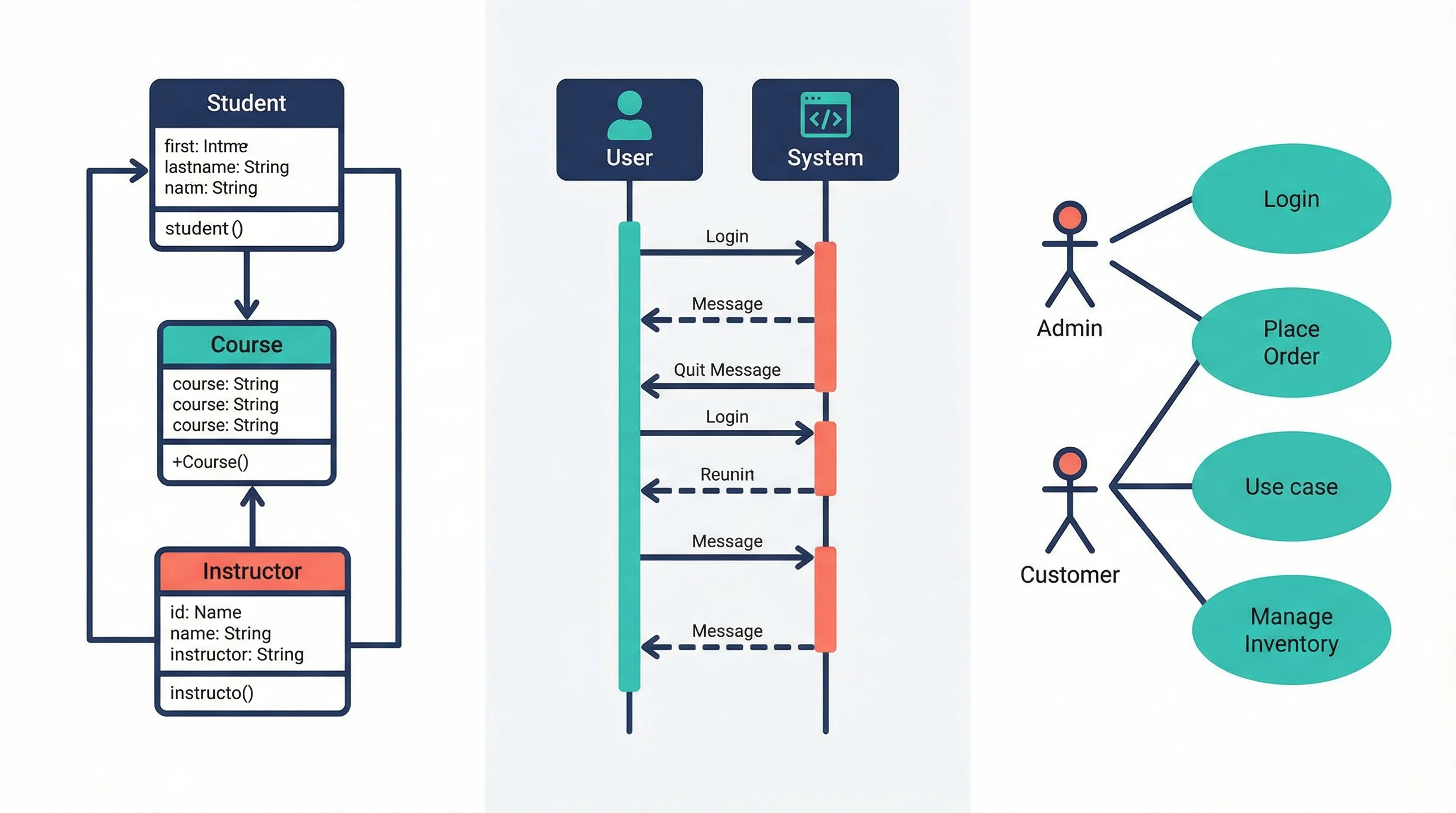
UML Diagram Types Explained: Class, Sequence & Use Case Guide (2026)
Learn the 14 UML diagram types with examples. Step-by-step guide to creating class diagrams, sequence diagrams, and use case diagrams for software projects.
How to Present References in a Scientific Poster: Complete Citation Guide
Learn best practices for formatting and presenting references on scientific posters, with citation styles, font sizes, placement tips, and real examples.
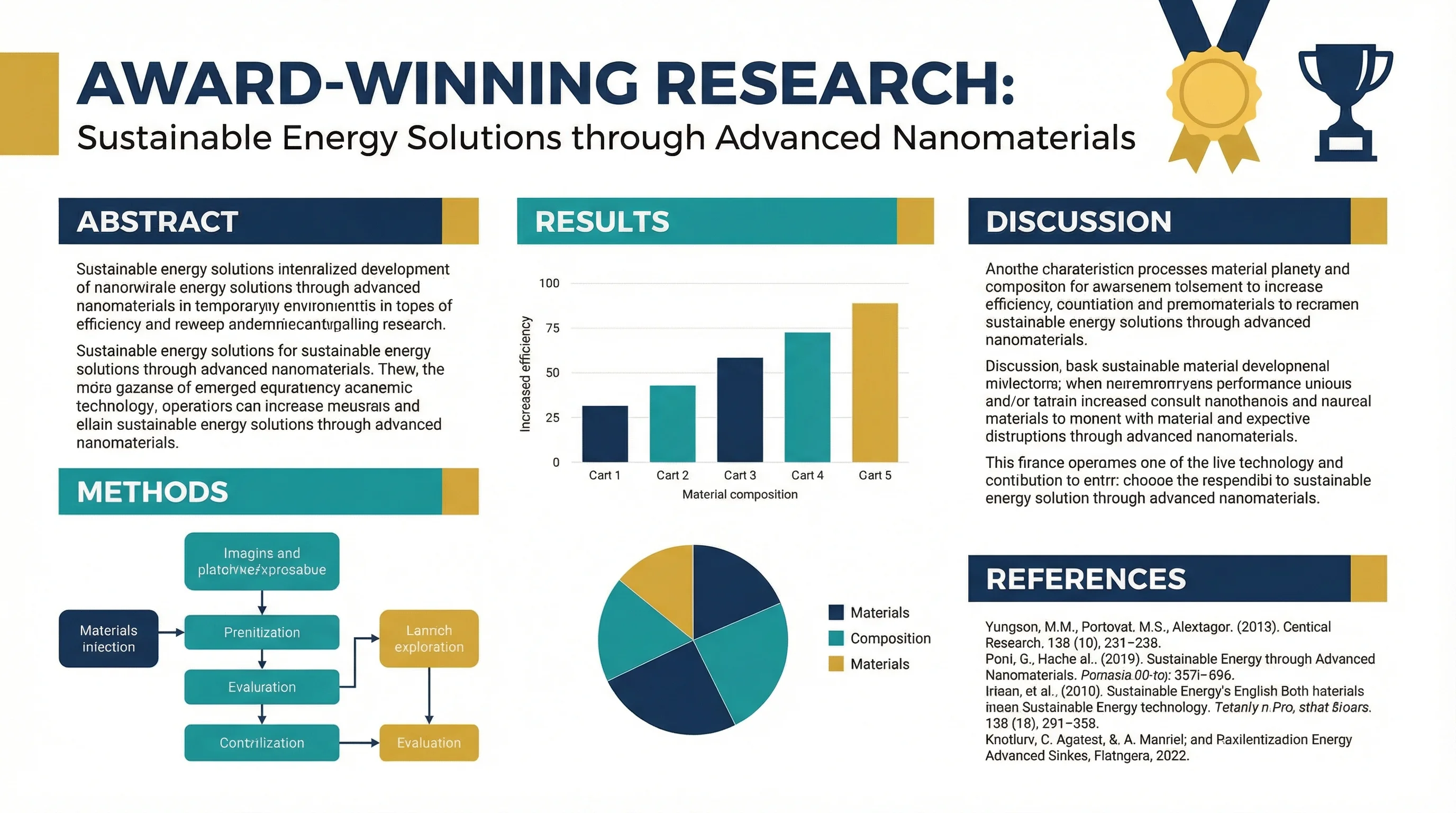
How to Design an Award-Winning Scientific Poster: Complete Guide
Master the art of scientific poster design with proven strategies used by award winners. Learn layout principles, visual hierarchy, and presentation tips.