7 Best Free Napkin AI Alternatives in 2026 (Text-to-Visual Tools)
Best free Napkin AI alternatives: Gamma, Canva, Piktochart, Venngage & more. Compare AI-powered text-to-visual tools for diagrams and infographics.
7 Best Free Napkin AI Alternatives in 2026 (Text-to-Visual Tools)
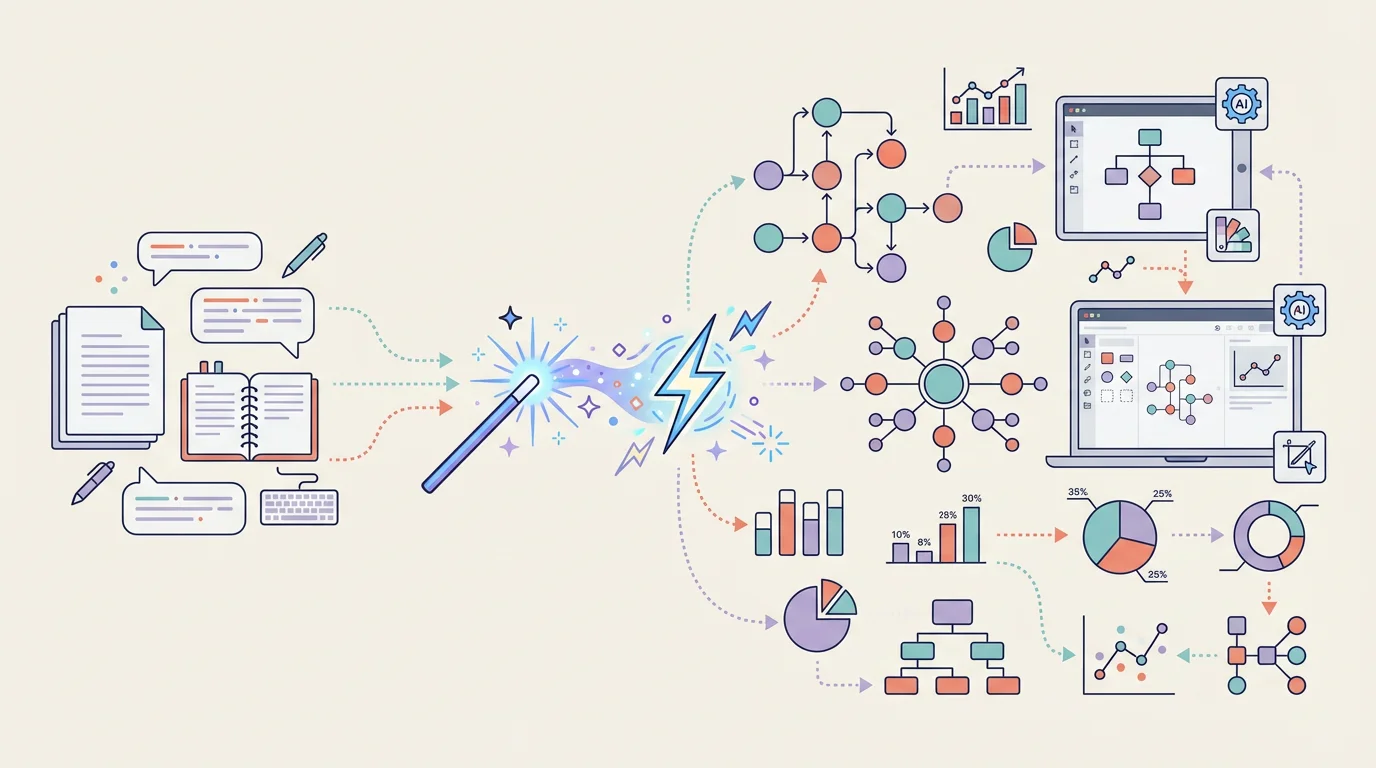
Napkin AI has taken the content creation world by storm with its ability to instantly transform text into professional diagrams and infographics. But while Napkin AI's free plan is generous (500 credits/week), you might want alternatives that offer different features, unlimited usage, or specialized capabilities.
The good news? The AI visual generation space is booming, and there are excellent free alternatives for creating stunning visuals from text.

AI Infographic Generator
Transform text into beautiful infographics with AI. Unlimited styles, no design skills needed.
Try it free →Why You Might Need Napkin AI Alternatives
Napkin AI is impressive, but it has limitations that may matter for educators:
| Issue | Details |
|---|---|
| Credit-Based System | 500 credits/week (~10-15 visuals) may not be enough for busy teachers |
| No Data Charts | Can't generate statistical charts from numerical data |
| English-Optimized | AI works best in English; other languages may produce inconsistent results |
| Business Focus | Designed for business storytelling, not educational content |
| Limited Customization | Less control than traditional design tools |
| Mobile Limitations | Mobile apps have reduced features |
What Napkin AI Does Well: Instant text-to-visual generation, elastic design that auto-adjusts, brand style extraction, and generous free tier with 500 weekly credits.
Quick Comparison: Top Napkin AI Alternatives for Teachers
| Tool | Price | Best For | AI Credits | Export Formats |
|---|---|---|---|---|
| Gamma | Free (400 credits) | AI presentations | One-time 400 | PDF, PPTX, PNG |
| Canva | Free (Education) | All-in-one design | Unlimited* | PNG, PDF, PPTX, MP4 |
| Piktochart | Free (60/month) | Infographics | 60/month | PNG, PDF |
| Venngage | $99/year (Edu) | Data visualization | Unlimited | PNG, PDF, PPTX |
| ConceptViz | Free tier | Science diagrams | 2 free | PNG, SVG |
| Miro | Free (Edu) | Collaborative boards | N/A | PNG, PDF, SVG |
*Canva AI features have usage limits but core design is unlimited
1. Gamma — Best for AI-Powered Presentations
Price: Free (400 credits at signup) / Plus $10/month / Pro $20/month Platform: Web Website: gamma.app
Gamma is the closest competitor to Napkin AI, offering AI-powered presentation, document, and website creation from text prompts. While Napkin focuses on single visuals, Gamma creates complete multi-slide presentations.
Why It's Great for Teachers:
- Complete presentations — Generate entire slide decks, not just individual graphics
- One-click redesign — Change visual themes while keeping content intact
- Import flexibility — Convert PDFs, PowerPoints, and documents into Gamma presentations
- AI chat editor — Refine content through conversation with AI
- Built-in analytics — Track how many times students view your presentations
Key Features:
- Text-to-presentation — Describe your lesson and get a complete slide deck
- URL import — Turn any webpage into a presentation
- Nested cards — Create interactive, expandable content
- Embed anything — Videos, Figma files, spreadsheets, and more
- Export options — PDF, PPTX, PNG, and Google Slides
Free Plan Includes:
- 400 AI credits (one-time, not recurring)
- Unlimited presentations
- Basic analytics
- PDF/PowerPoint export
- "Made with Gamma" branding
Best For:
- Creating complete lesson presentations from notes
- Converting existing materials into engaging formats
- Teachers who need more than single visuals
Gamma vs. Napkin AI:
| Feature | Gamma | Napkin AI |
|---|---|---|
| Output type | Multi-slide presentations | Single visuals/diagrams |
| Free credits | 400 (one-time) | 500/week (recurring) |
| Export formats | PDF, PPTX, PNG | PNG, PDF, SVG, PPTX |
| Best for | Presentations | Diagrams/infographics |
Verdict: Choose Gamma if you need complete presentations rather than individual diagrams. The AI-first workflow is excellent for quickly creating lesson materials.
2. Canva — Best All-in-One Solution
Price: 100% Free for verified educators (Canva for Education) Platform: Web, iOS, Android, Desktop Website: canva.com/education
Canva has evolved from a simple design tool into a comprehensive AI-powered content creation platform. With Canva for Education, teachers get full premium access completely free.
Why It's Great for Teachers:
- Free premium access — All Pro features free for K-12 educators
- AI Magic Suite — Magic Write, Magic Design, Magic Animate, and more
- Massive template library — Thousands of education-specific templates
- LMS integration — Google Classroom, Canvas, Schoology, Moodle
- Student accounts — Invite students to collaborate safely
AI Features:
- Magic Design — Generate designs from text descriptions
- Magic Write — AI text generation and editing
- Text to Image — Generate images from prompts
- Magic Animate — Auto-animate any design
- Magic Resize — Instantly resize for different formats
- Background Remover — One-click background removal
New 2025-2026 Features:
- Magic Activities — AI generates complete classroom activities from prompts
- Quiz Generator — Transform slides into interactive quizzes
- Canva Code — Create custom games without coding
Best For:
- Teachers who need a complete design solution
- Creating presentations, worksheets, posters, and social media
- Schools already using Canva
- Those who want unlimited creation without credits
Canva vs. Napkin AI:
| Feature | Canva | Napkin AI |
|---|---|---|
| Text-to-visual | Yes (Magic Design) | Yes (primary feature) |
| Free for education | Yes (unlimited) | 500 credits/week |
| Template library | 100M+ templates | Limited templates |
| Export formats | All major formats | PNG, PDF, SVG, PPTX |
| Learning curve | Very easy | Very easy |
Verdict: The most comprehensive free option for educators. While Napkin AI's text-to-visual is more focused, Canva offers broader capabilities for all your classroom design needs.
3. Piktochart — Best for Infographics
Price: Free (60 credits/month) / Pro $14/month / Business $24/month Platform: Web Website: piktochart.com
Piktochart specializes in infographic creation and has recently added powerful AI capabilities. Their AI Infographic Generator can transform documents, PDFs, and text into professional visuals.
Why It's Great for Teachers:
- Document upload — Convert lesson plans and PDFs directly to infographics
- Data visualization — Create charts from Google Sheets data
- Brand consistency — Save school colors and fonts for consistent materials
- Education discount — Special pricing for educators and nonprofits
- Accessibility tools — WCAG-compliant design features
Key Features:
- AI Infographic Generator — Text/document to infographic in seconds
- Interactive charts — Pie, bar, line graphs, and maps
- Live data connection — Pull data from Google Sheets
- 4M+ assets — Icons, illustrations, photos
- Multiple export formats — PNG, PDF, PPTX, HTML
AI Credit System:
- Free plan: 60 AI credits/month
- 1 credit: Topic generation
- 3 credits: Text paste or document upload
- 25 credits: Image generation
Best For:
- Creating data-driven infographics
- Converting research and reports into visuals
- Teachers who need statistical visualizations
- Schools with data-heavy presentations
Limitations:
- 60 free credits/month is quite limited
- Best features require paid plans
- Less focused on quick diagram generation
Verdict: Excellent for data visualization and infographics, especially if you need to turn research documents into visual content. The free tier is more limited than Napkin AI's.
4. Venngage — Best for Data Visualization
Price: Free / Premium $19/month / Education $99/year (1 teacher + 35 students) Platform: Web Website: venngage.com
Venngage offers specialized infographic and data visualization tools with an excellent education pricing plan that includes student seats.
Why It's Great for Teachers:
- Education plan value — $99/year includes teacher + 35 student accounts
- AI Infographic Generator — Transform text into professional visuals
- Accessibility focus — WCAG-compliant design tools
- Chart variety — Extensive data visualization options
- Nonprofit discount — 50% off for all nonprofits and NGOs
Key Features:
- AI visual generation — Enter prompts to create infographics
- Smart templates — Auto-populate with your content
- Data widgets — Charts, graphs, maps, and progress indicators
- Accessibility checker — Ensure visuals are accessible to all students
- Multiple export formats — PNG, PDF, PPTX, HTML, accessible PDF
Education Plan Includes:
- 1 instructor account
- 35 student seats
- Premium templates
- Admin controls
- 24/5 support
- Diverse icon library
Best For:
- Classrooms where students create infographics
- Data literacy lessons
- Schools needing multiple user accounts
- Accessibility-focused educators
Venngage vs. Napkin AI:
| Feature | Venngage | Napkin AI |
|---|---|---|
| Education pricing | $99/year (36 users) | $9/month (1 user) |
| Focus | Data visualization | General diagrams |
| Student accounts | Yes (35 included) | No |
| Accessibility tools | Yes | Limited |
Verdict: Best value for classrooms where both teachers and students need to create infographics. The education plan's student seats make it extremely cost-effective.
5. ConceptViz — Best for Science Diagrams
Price: Free credits on signup, then pay-as-you-go credit packs from $5 — no subscription Platform: Web Website: conceptviz.app
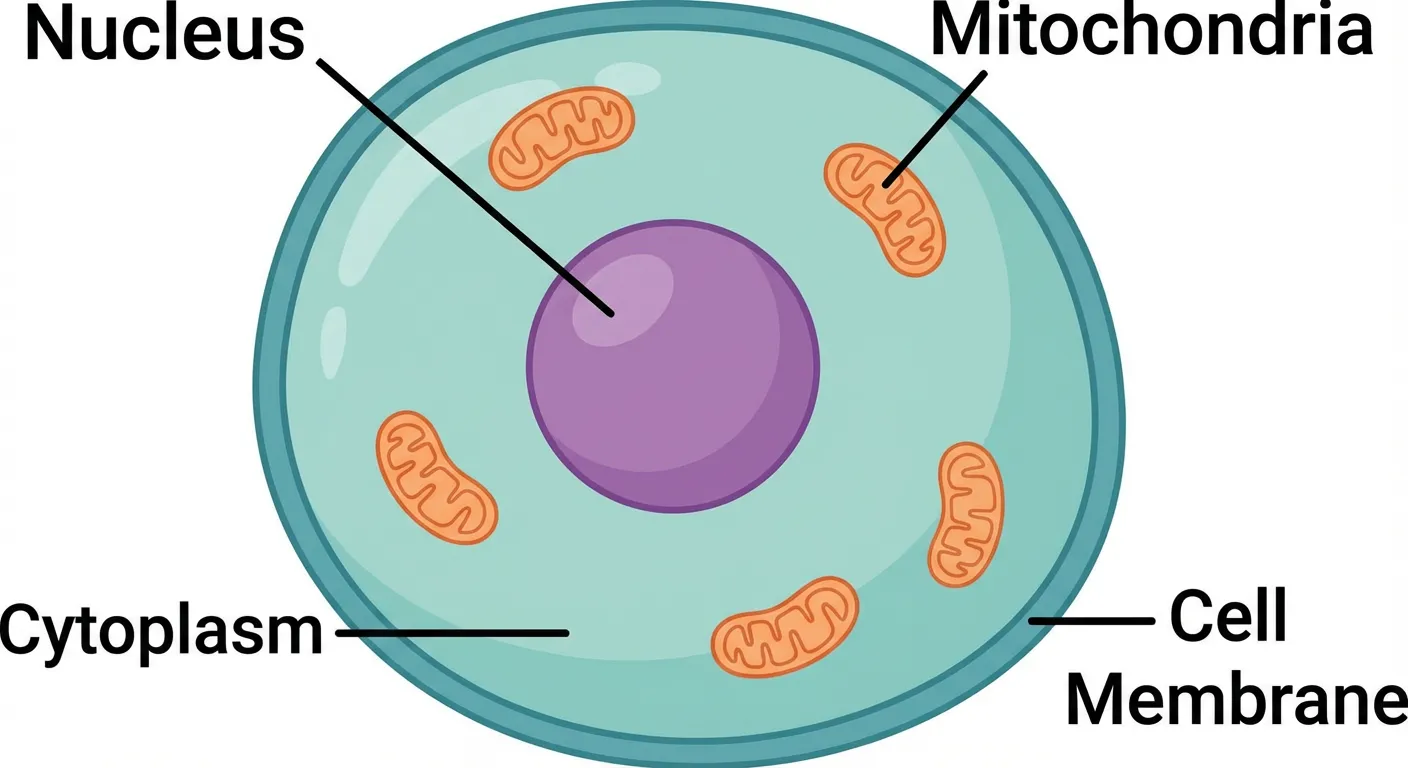
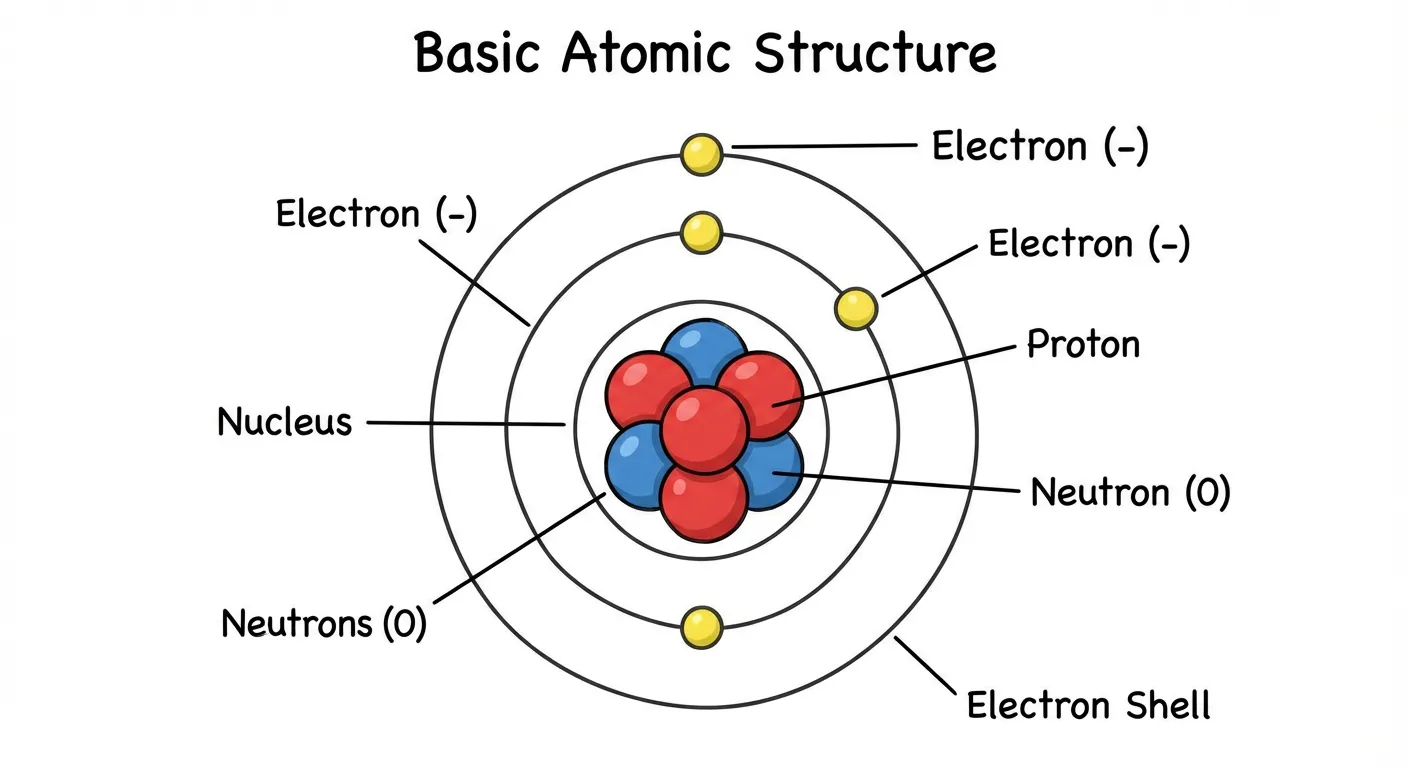
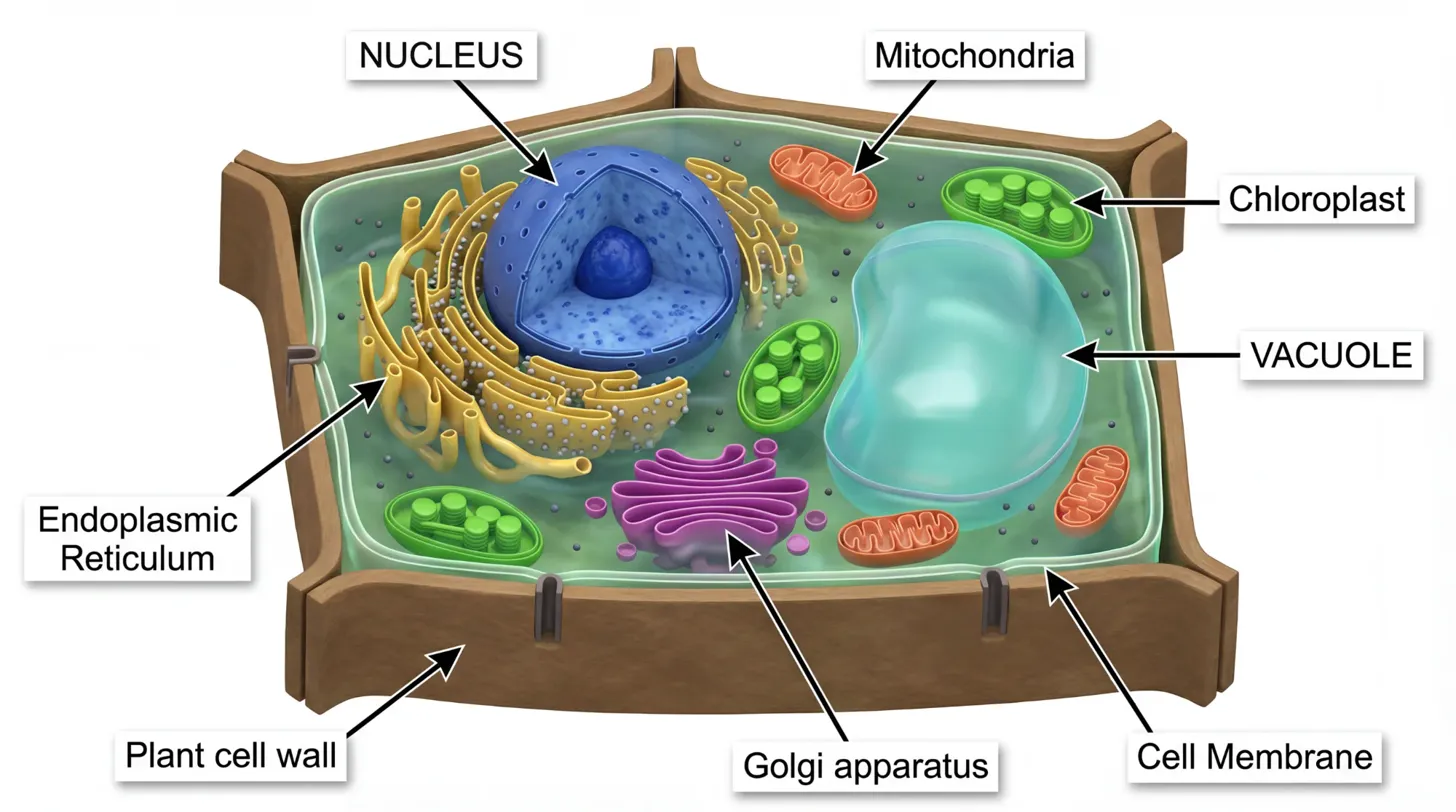
ConceptViz is an AI-powered diagram generator built specifically for science education. Unlike general-purpose tools like Napkin AI, ConceptViz is designed to create accurate, curriculum-aligned scientific diagrams.
Why It's Great for Teachers:
- Science-specific AI — Trained on scientific concepts and diagrams
- Grade-level presets — Elementary, Middle, High School options
- Labeled & unlabeled versions — Teaching diagrams and quiz worksheets
- Curriculum-aligned — Matches educational standards
- Specialized tools — Dedicated generators for common topics
Specialized Diagram Generators:
- Animal Cell Diagram Generator
- Plant Cell Diagram Generator
- Photosynthesis Diagram Generator
- Water Cycle Diagram Generator
- Life Cycle Diagram Generator
- Food Chain Diagram Generator
- Human Body Systems Generator
Best For:
- Science teachers (biology, chemistry, physics, earth science)
- Creating accurate educational diagrams
- Generating quiz and worksheet materials
- Teachers without design skills
ConceptViz vs. Napkin AI:
| Feature | ConceptViz | Napkin AI |
|---|---|---|
| Focus | Science education | Business storytelling |
| Accuracy | Curriculum-aligned | General purpose |
| Labeled/unlabeled | Yes | No |
| Grade levels | Built-in presets | N/A |
| Best for | Science diagrams | Business diagrams |
Verdict: The best choice specifically for science teachers. While Napkin AI creates general business visuals, ConceptViz understands scientific concepts and creates educationally accurate diagrams.
6. Miro — Best for Collaborative Brainstorming
Price: Free (Education plan available) Platform: Web, Desktop, iOS, Android Website: miro.com
Miro is a collaborative whiteboard platform that recently added AI features for diagram generation. While not a direct Napkin AI competitor, it's excellent for interactive classroom activities.
Why It's Great for Teachers:
- Free Education plan — Unlimited boards for verified educators
- Real-time collaboration — Students can work together simultaneously
- AI-powered diagramming — Generate flowcharts and mind maps from text
- Template library — Education-specific templates
- Integration ecosystem — Works with Google, Microsoft, Zoom, and more
Key Features:
- AI diagram generation — Convert text to flowcharts and diagrams
- Infinite canvas — Unlimited space for ideas
- Sticky notes & voting — Interactive brainstorming
- Video chat — Built-in communication
- Presentation mode — Turn boards into presentations
Best For:
- Interactive classroom activities
- Group brainstorming sessions
- Visual thinking and mind mapping
- Remote and hybrid learning
Verdict: Better for collaborative activities than individual diagram creation. Use Miro when you need students to work together, and Napkin AI or ConceptViz for creating polished teaching materials.
Other Notable Alternatives
Whimsical
- Website: whimsical.com
- Beautiful flowcharts and mind maps
- AI-assisted diagramming
- Free plan with limited boards
- Best for: Product and UX teams, documentation
Visily
- Website: visily.ai
- AI wireframe and flowchart generation
- Converts sketches to digital diagrams
- 1,500+ templates
- Best for: UI/UX education, design classes
Eraser (DiagramGPT)
- Website: eraser.io/diagramgpt
- AI-powered technical diagrams
- Flowcharts, ER diagrams, architecture diagrams
- Developer-focused
- Best for: Computer science and engineering classes
Excalidraw
- Website: excalidraw.com
- Free, open-source whiteboard
- Hand-drawn aesthetic
- No AI, but great for manual diagramming
- Best for: Quick sketches, informal diagrams
Which Tool Should You Choose?
Here's a quick decision guide:
Choose Napkin AI if:
- You want the fastest text-to-visual generation
- You create business-style diagrams frequently
- You need elastic design that auto-adjusts
- 500 weekly credits is enough for your needs
Choose Gamma if:
- You need complete presentations, not just visuals
- You want to convert documents to slides
- You prefer AI-assisted content creation
Choose Canva if:
- You want an all-in-one free design solution
- You need presentations, worksheets, and more
- Your school uses Canva for Education
Choose Piktochart or Venngage if:
- You need data-driven infographics
- Statistical visualization is important
- You want student collaboration features (Venngage)
Choose ConceptViz if:
- You teach science subjects
- You need accurate, curriculum-aligned diagrams
- You want labeled and unlabeled versions
Choose Miro if:
- Collaboration is your primary need
- You want interactive brainstorming activities
- Students need to work together in real-time
Comparison with Related Articles
Looking for alternatives to other tools? Check out our guides:
- Best Free Miro Alternatives for Teachers — For collaborative whiteboards
- Best Free Prezi Alternatives for Teachers — For engaging presentations
- Best Free Canva Alternatives for Science Diagrams — For science visuals
- Best Free Visme Alternatives for Teachers — For infographics
- Best Free BioRender Alternatives for Teachers — For biology illustrations
Conclusion
Napkin AI's text-to-visual magic is impressive, but it's not the only option for educators. Depending on your needs, you might find better value in Canva's unlimited free education plan, better science accuracy in ConceptViz, or better collaboration in Miro.
Our top recommendations:
- Best free all-in-one: Canva for Education
- Best for presentations: Gamma
- Best for science diagrams: ConceptViz
- Best for data visualization: Venngage (Education plan)
- Best for collaboration: Miro
Ready to create your first AI-generated visual? Try ConceptViz's free science diagram generators for accurate educational content, or sign up for Canva for Education for unlimited design capabilities.
FAQ
Q: Is Napkin AI free to use? A: Yes, Napkin AI offers a free plan with 500 AI credits per week (approximately 10-15 visuals). Credits refresh weekly, and you get unlimited PNG/PDF exports. Paid plans start at $9/month for more credits.
Q: Which tool is closest to Napkin AI's text-to-visual feature? A: Canva's Magic Design and Piktochart's AI Infographic Generator offer similar text-to-visual capabilities. For science-specific diagrams, ConceptViz provides the most accurate educational visuals.
Q: Can students use these tools? A: Yes! Canva for Education includes student accounts. Venngage's Education plan includes 35 student seats. Gamma, Miro, and most others allow student sign-ups with free tiers.
Q: Which tool works best on Chromebooks? A: All tools listed are web-based and work well on Chromebooks. Canva, Gamma, Miro, and ConceptViz all have excellent browser-based experiences.
Q: Do any tools offer truly unlimited free use? A: Canva for Education offers unlimited design creation for verified educators. Excalidraw is completely free with no limits. Most AI-powered tools use credit systems that limit free usage.
Q: Which tool creates the most accurate educational diagrams? A: ConceptViz is specifically designed for educational accuracy with curriculum-aligned science diagrams. For general infographics, Venngage and Piktochart offer professional results.
Categories
More Posts
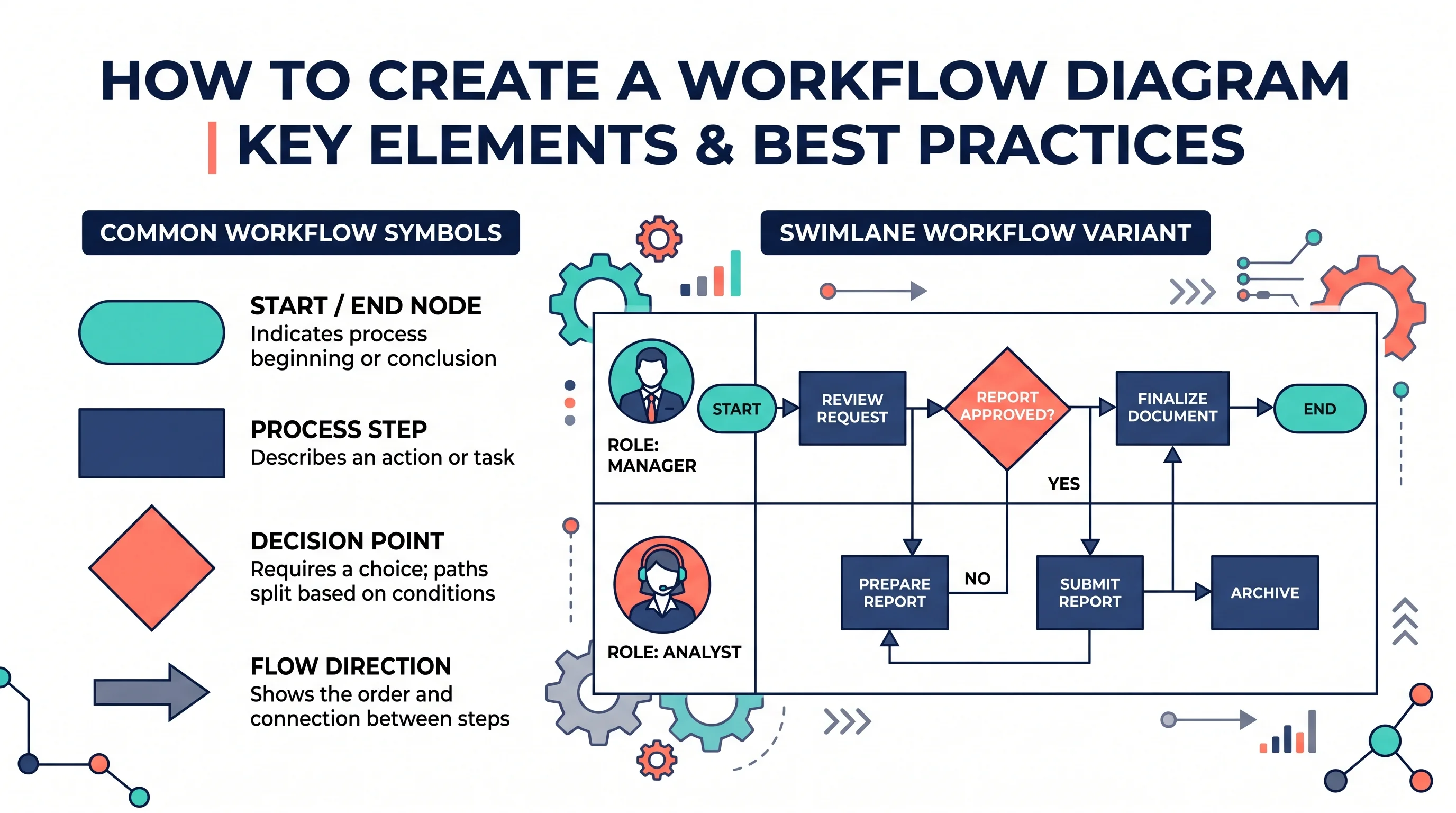
How to Create a Workflow Diagram: Step-by-Step Guide with Examples
Learn how to create a workflow diagram for research, business processes, and team projects, with symbols, types, best practices, and free tools.
7 Best Free Lucidchart Alternatives 2026: No 3-Doc Limit
Lucidchart limits free accounts to 3 documents. These 7 alternatives offer unlimited diagrams free: draw.io, Canva, Miro, Excalidraw & ConceptViz.
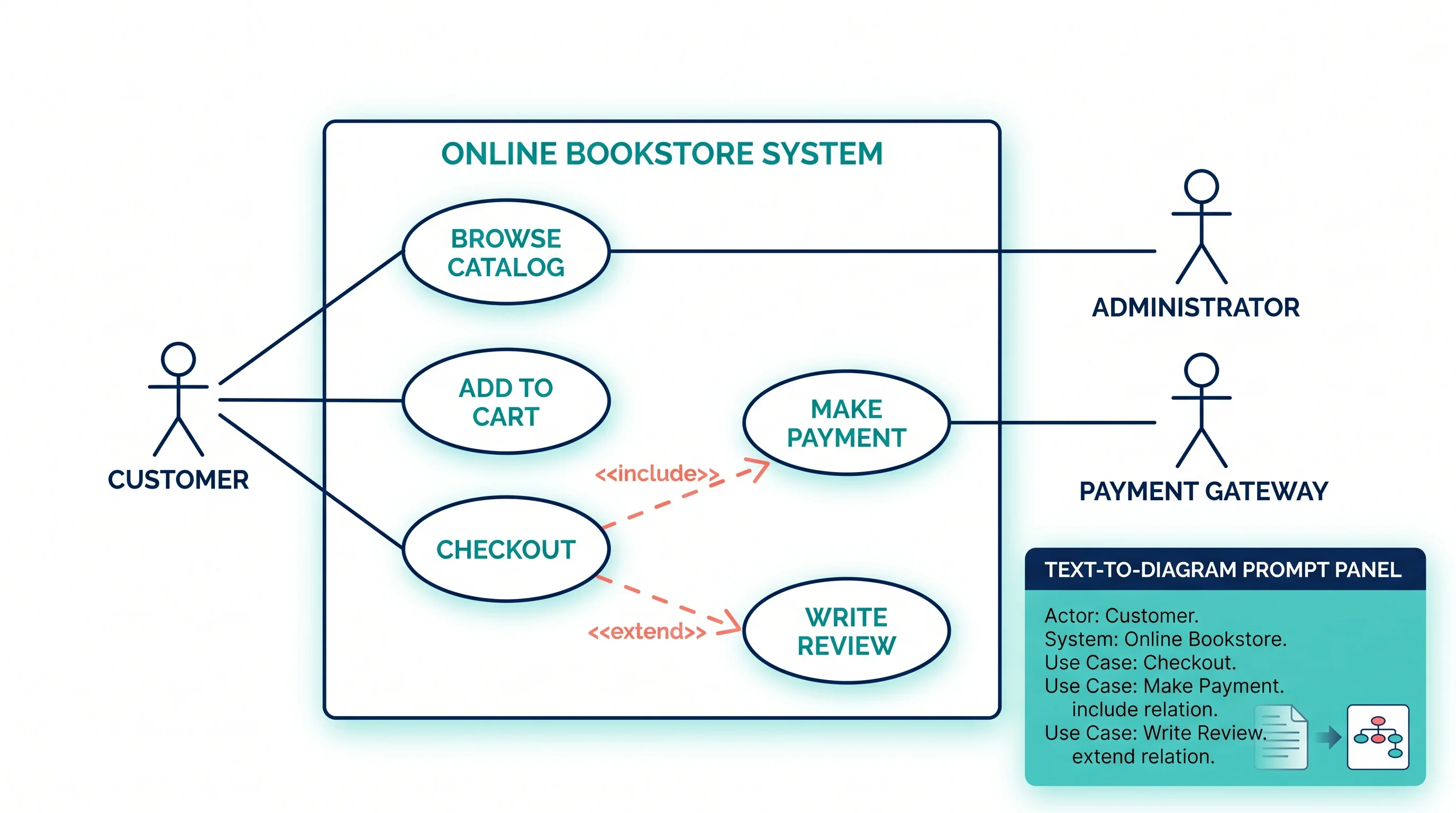
Use Case Diagram Generator Guide: Create UML Use Cases from Text
Learn how to use a use case diagram generator, define actors and system boundaries, write better prompts, and avoid common UML notation mistakes.