Science Drawing Generator for Notes, Worksheets & Slides
Generate clean, labeled science drawings from a description — biology, chemistry, physics, and earth science. Make AI illustrations for notes, worksheets, posters, and slides in seconds, then download them.
Science Drawing Generator
Free to try ·
Your science drawing will appear here
Describe the scientific concept to illustrate
Science Drawing Examples
Labeled drawings across biology, chemistry, physics, and earth science
Biology Cell Division
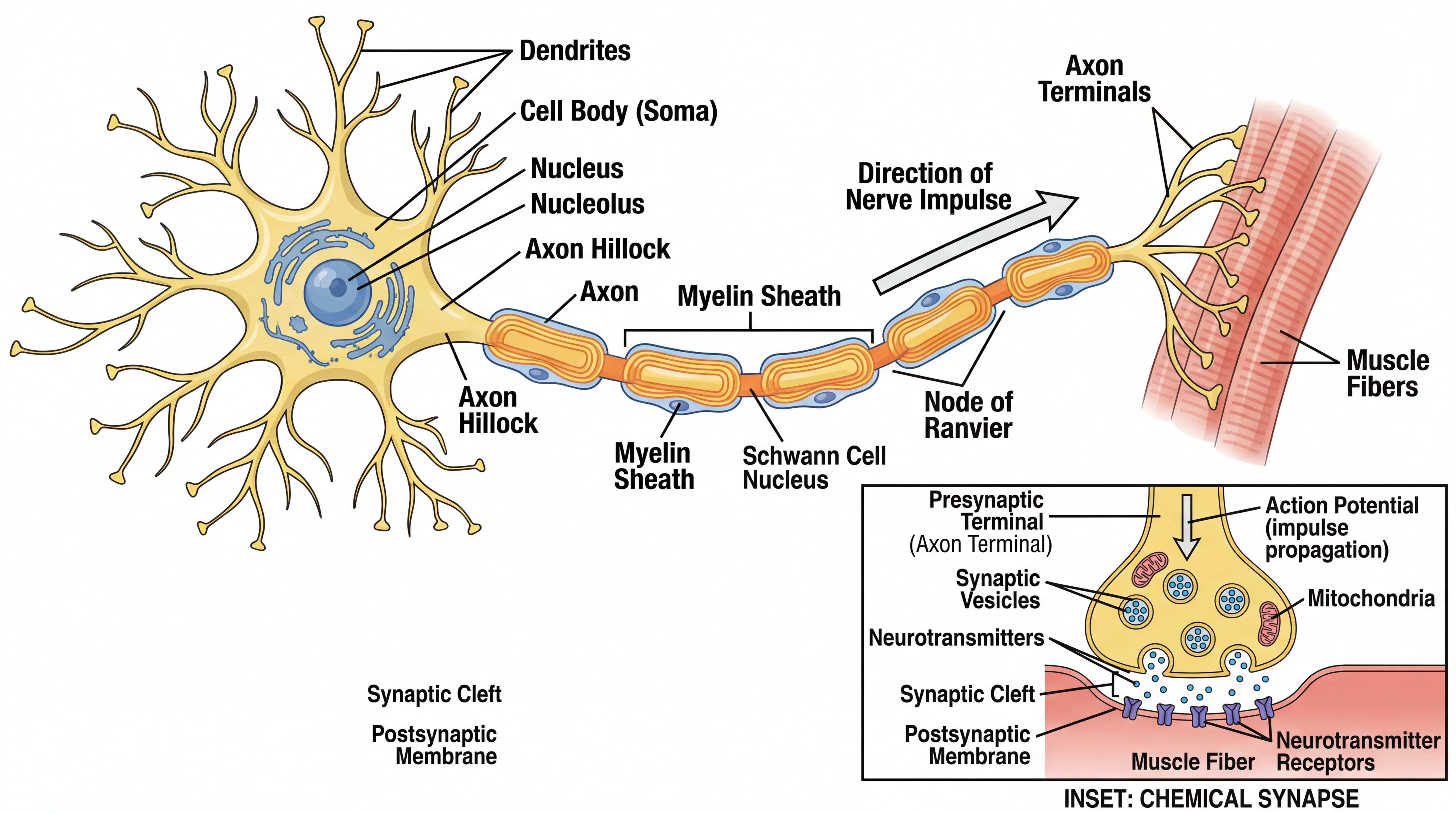
Biology stays the most-requested subject — labeled cells, organs, and life-cycle stages for notes and worksheets.
Chemistry Lab Apparatus
Technical lab setups with labeled glassware and flow directions — clean enough to drop into a lab report.
Physics Ray Diagram
Physics ray diagrams with principal rays, focal points, and the principal axis labeled for revision sheets.
Ecosystem Food Web
Ecology drawings that map trophic levels and energy flow — ideal for posters and class presentations.
Human Heart Anatomy
Anatomy cross-sections with every chamber, valve, and vessel labeled and color-coded by blood flow.
Earth Science Cross-Section
Earth-science cross-sections with labeled layers and depth markers for geology notes and worksheets.
What is the science drawing generator?
The science drawing generator turns a plain-English description into a clean, labeled science illustration. Tell it the concept you want — a plant cell, a circuit, a food web, a cross-section of the Earth — and it draws a textbook-style figure with the parts labeled, ready to use in notes, worksheets, posters, and slides. It works across biology, chemistry, physics, and earth science, so one tool covers most of the diagrams you need for a class or a study sheet. Everything is AI-generated, so you get a finished drawing in seconds instead of sketching it by hand or hunting for a clip-art figure that almost fits.
How to make a science drawing
- Describe what you want in the box — name the subject and the parts you need labeled (for example, "a labeled plant cell with nucleus, chloroplasts, cell wall, and vacuole").
- Pick an aspect ratio: 16:9 for slides, 4:3 for worksheets and handouts, or 1:1 for a square poster or social post.
- Generate the drawing — the tool renders a clean, labeled illustration in the academic textbook style.
- Review it for accuracy, then regenerate with a more specific prompt if a label or detail is off, and download the version you like.
Science subjects you can draw
Use it across the science curriculum. In biology, generate labeled cells, organs, body systems, and ecosystems. In chemistry, draw lab apparatus, reaction setups, and bonding diagrams. In physics, make ray diagrams, circuits, force diagrams, and wave illustrations. In earth science, render cross-sections, the rock cycle, weather systems, and the layers of the Earth. Because you describe the figure in your own words, you are not limited to a fixed library — if you can name the concept and the parts you want shown, the generator will draw it.
Built for notes, worksheets, posters, and slides
The drawings are made to be used, not just looked at. A clean white background and clear leader lines mean a figure drops neatly into a worksheet or a lab handout without clashing with the page. Wider 16:9 drawings sit well on presentation slides, and square outputs work for a revision poster or a social post. Teachers use it to build study materials and quizzes, students use it to illustrate notes and reports, and anyone explaining a science topic can generate a matching figure on the spot instead of searching for one.
Tips for accurate science illustrations
- Name every part you want labeled — listing the structures gives the model the labels to place rather than leaving it to guess.
- Say the style and level: "high-school textbook style", "simple line drawing", or "detailed cross-section" all steer the result.
- Add color cues when they carry meaning, such as "red arrows for light rays" or "blue for deoxygenated blood".
- Keep one concept per drawing — a focused figure reads far better than one trying to show several systems at once.
- Always read the labels and proportions before you use it, and regenerate if anything looks wrong.
AI-generated, so check the science
This is an AI illustration tool, which makes it fast and flexible — but it also means the output should be reviewed before you rely on it. AI image models can misspell a label, place a structure imprecisely, or simplify a process, so treat each drawing as a strong starting point rather than a verified scientific reference. For homework, teaching, or anything graded, check the figure against your textbook or course material and regenerate with a clearer prompt if a detail is off. Used this way, the generator saves the time of drawing from scratch while you stay in control of the accuracy.
Frequently Asked Questions
Related Science Tools
 Biology
Biology Drawing Generator
Generate labeled biology illustrations and diagrams — cells, organs, body systems, and more.
 Research
AI Scientific Image Generator
Create scientific illustrations and figures from a description for reports and research.
BiologyAnatomical Drawing Generator
Draw labeled anatomy figures of organs and body systems for study and teaching.