Multiplication Wheel Generator for Times Tables
Create a printable multiplication wheel — pick the center times table, show products around the rim, blank or fill-in practice. Free SVG.
Center factor (times table)
Mode
Multiplication Wheel Examples
Common classroom wheels and practice layouts
×7 Multiplication Wheel
Exact engine render — a complete ×7 times-table wheel with every product shown.
Blank ×5 Practice Wheel
Exact engine render — blank product slots for students to fill on the ×5 wheel.
×9 Fill-In Challenge
Exact engine render — fill-in mode hides a seeded subset of products.
×3 Wheel Including Zero
Exact engine render — include 0 on the ring so students see ×0 = 0.
Colorful Times Wheel Poster
AI illustration — a cheerful times-table wheel poster for the classroom.
Classroom Fact Wheel
AI illustration — a textbook-style wheel for times-table practice.
What is a multiplication wheel?
A multiplication wheel (or times-table wheel) is a circular times-table aid: the factor sits in the center, multipliers run around an inner ring, and each product sits on the outer rim. Spinning the eye around the wheel is the same as reading one row of a multiplication chart — but the circle is friendlier for centers, flash-card replacements, and printable classroom décor. This generator draws the wheel exactly, so every product is correct for the factor you choose.
How to use a multiplication wheel in class
- Pick one times table at a time (×7, ×9, ×12). Students trace from the center through a multiplier to its product — the physical path reinforces “groups of.”
- Blank the products for practice: the multipliers stay visible as scaffolding while students write the products themselves.
- Fill-in mode hides only some products, which is ideal for mixed review without a completely empty wheel.
Wheel vs multiplication chart
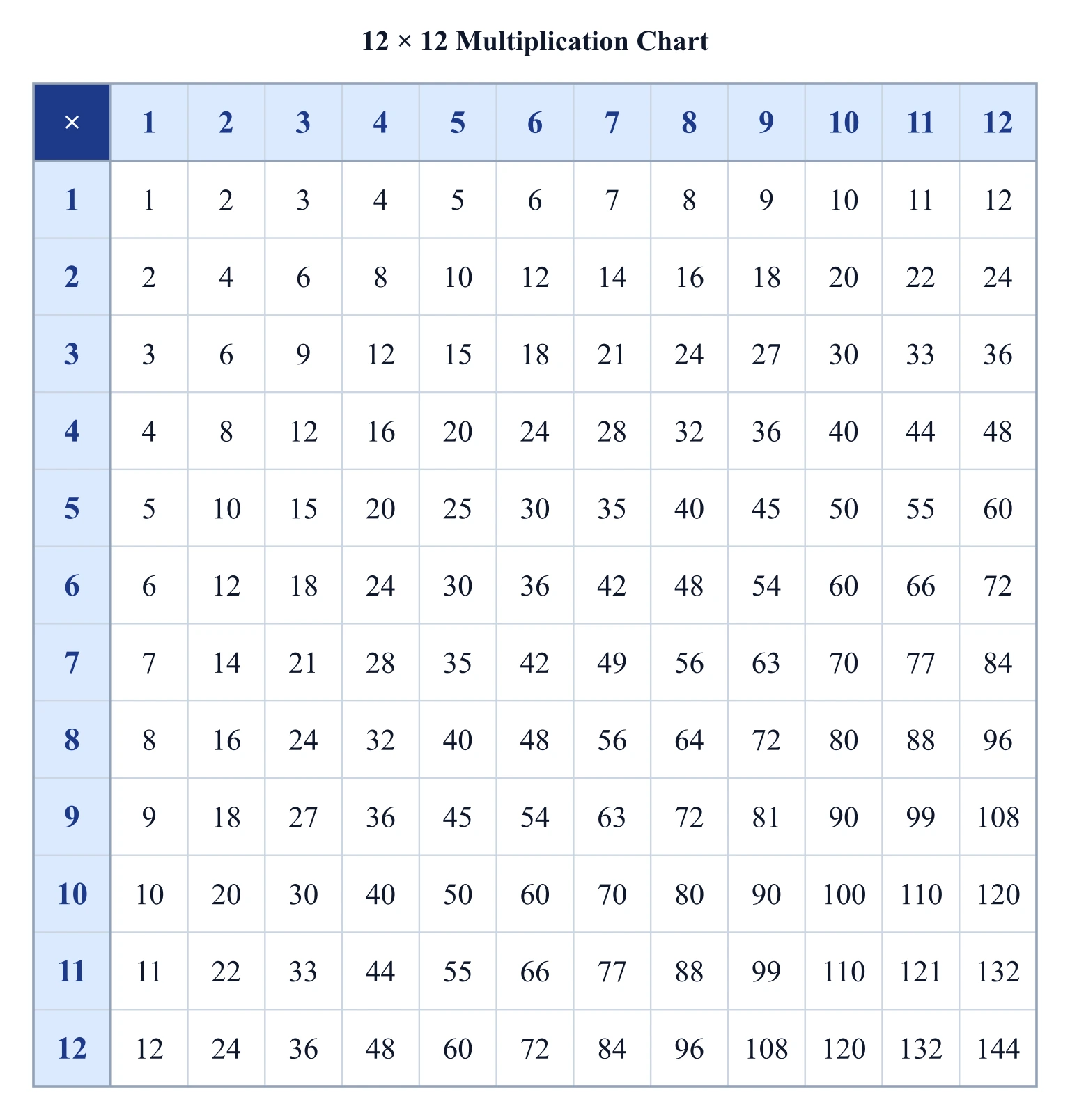
A multiplication chart shows every times table in one grid; a wheel focuses on a single factor with a stronger visual “hub and spoke” metaphor. Use the chart when you need the full 1–12 landscape; use the wheel when you are drilling one table, building a fact family center, or printing a compact circular handout. Our Multiplication Chart Generator is the grid twin of this page.
Tips for printing
Export SVG for infinite zoom in a worksheet editor, or PNG for a quick classroom print. A square aspect fits well on half-page centers; scale up for wall posters. Include zero when you want the ×0 fact explicit; leave it off for the classic 1–12 ring.
Frequently Asked Questions
Related Math Tools
 Education
Multiplication Chart Generator
Full printable times-table grids with highlights, blank practice, and SVG export.
 Education
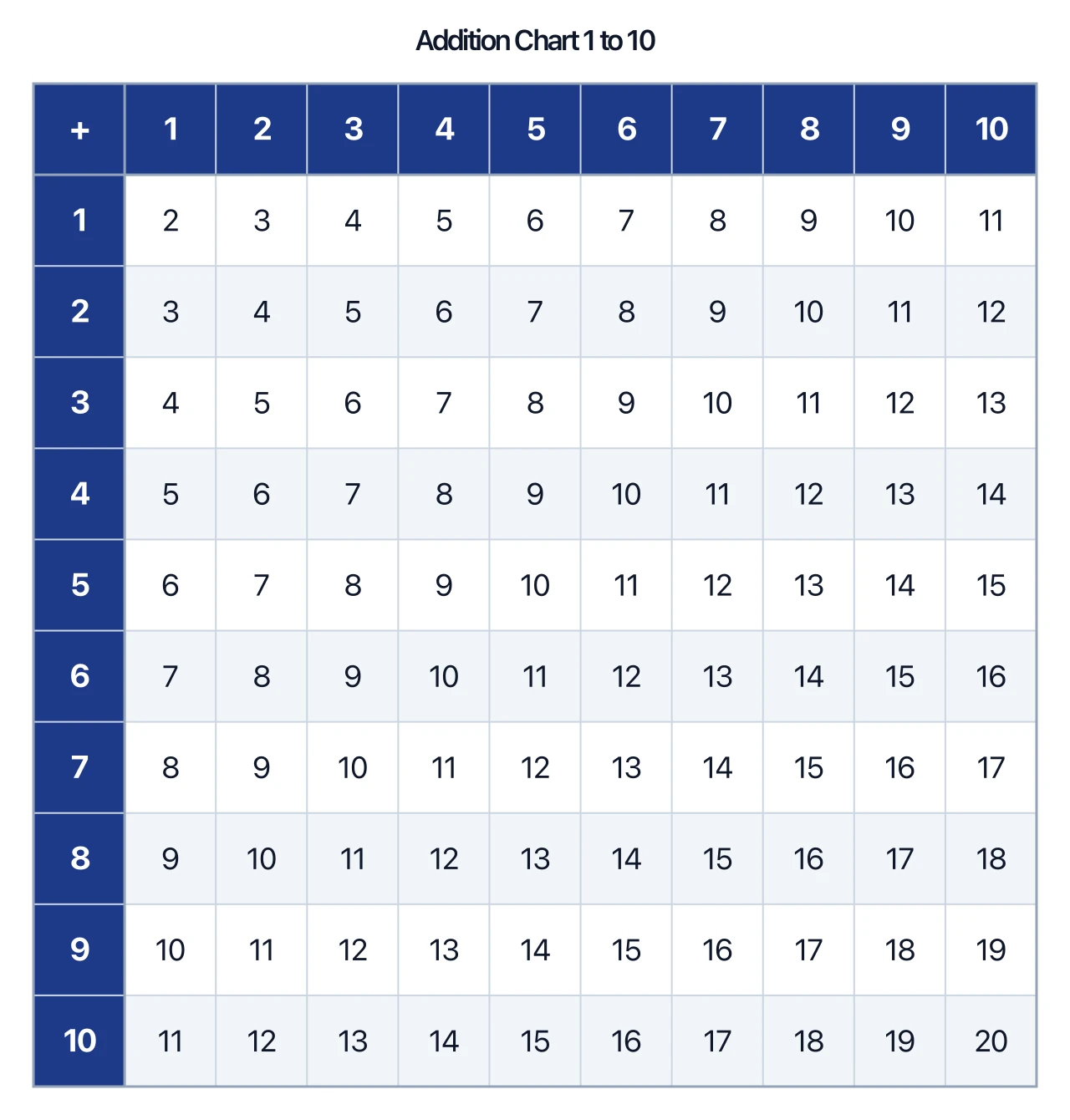
Addition Chart Generator
Printable addition facts grids with make-10 highlights and worksheets.
 Education
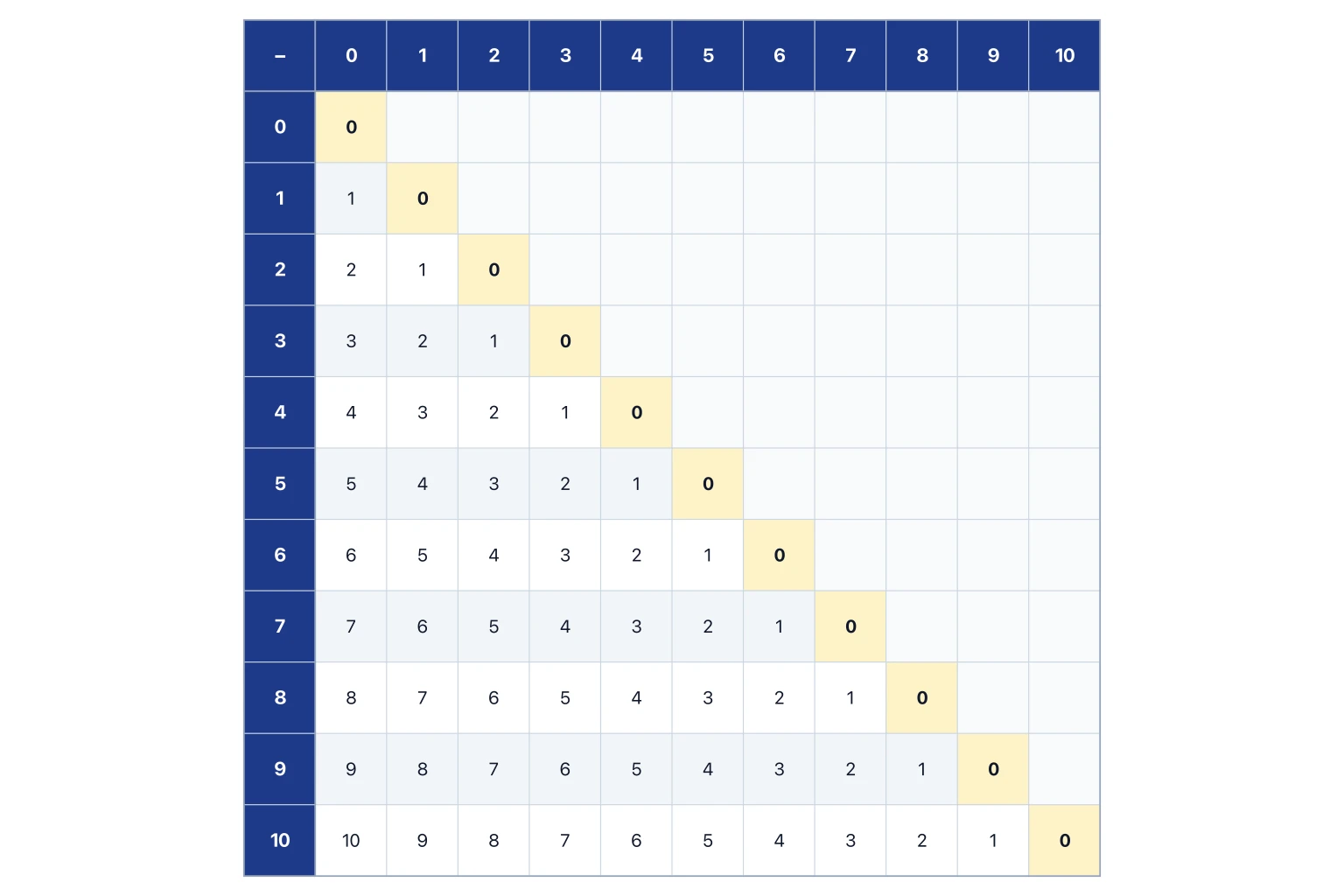
Subtraction Chart Generator
Printable subtraction tables with zero diagonal and constant-difference highlights.