Multiplication Chart Generator for Times Tables
Create a printable multiplication chart — pick the grid size, highlight any times table, and export a clean SVG or PNG. Blank or filled.
Grid size (1 to N)
Multiplication Chart Examples
Common ways to build and label a times table grid
Labeled Multiplication Chart
A clean multiplication chart with numbered row and column headers and products filled in.
12×12 Times Table
A full 12×12 times table with shaded headers and every product filled in.
Blank Multiplication Grid
A blank practice grid with numbered headers and empty cells for filling in products.
Highlighted Times Table
A multiplication chart with a single times table row and column shaded to stand out.
Multiplication Chart 1–20
A large 1–20 multiplication chart for older students and reference walls.
Colorful Multiplication Chart
A cheerful, colorful multiplication chart poster for a classroom wall.
What is a multiplication chart?
A multiplication chart — also called a times table grid or multiplication square — is a table that shows the products of two sets of numbers. The numbers along the top form the columns and the numbers down the left side form the rows; the cell where a row and column meet holds their product. On a standard 12×12 chart, the cell in row 7 and column 8 shows 56, because 7 × 8 = 56, and the bottom-right corner shows 144, because 12 × 12 = 144. Because every product appears in a fixed, predictable spot, the chart doubles as a quick reference and as a map of the patterns hidden inside multiplication. This generator draws the grid exactly, so the numbers are always correct no matter how large you make it.
How to read a multiplication chart
- To find any product, pick the first factor along the top row and the second factor down the left column, then slide your finger across and down until the row and column meet. The number in that cell is the answer.
- Multiplication is commutative, so the chart is symmetric across its diagonal: 6 × 9 and 9 × 6 both land on 54, just on opposite sides of the grid. That mirror image is why you only really need to memorize about half the table.
- The diagonal running from the top-left to the bottom-right holds the perfect squares — 1, 4, 9, 16, 25, and so on — because those cells are where a number is multiplied by itself. Turn on the diagonal tint in the tool to make that pattern pop.
Using the chart to learn times tables
- Highlighting a single times table is one of the fastest ways to learn it. Pick a factor such as 7 in the tool and the entire 7 row and 7 column are shaded, so a student sees 7, 14, 21, 28, and the rest as one connected strip instead of isolated facts.
- Learning the tables in a smart order helps too. The 1s, 2s, 5s, and 10s come quickly because of their obvious patterns; the 9s have the finger trick and a digit-sum rule; that leaves only a handful of harder facts like 6 × 7, 7 × 8, and 8 × 9 to drill.
- Because the grid is symmetric, mastering one times table gives you its mirror for free: once 3 × 8 = 24 is solid, 8 × 3 needs no extra work.
Blank charts for practice
- Switch off "Show products" to print a blank grid with only the numbered headers. Students fill in each cell themselves, which turns passive reading into active recall — the practice that actually moves facts into long-term memory.
- Blank grids work well as timed drills, as a weekly progress check, or as a fill-what-you-know warm-up where learners complete the tables they are confident with and circle the ones that still need work.
- Print several copies at different sizes — a 10×10 for early learners, a 12×12 for the standard curriculum, and a 1–20 grid for extension — so the same worksheet grows with the student.
Tips for teachers and parents
- Post a filled chart where it is easy to glance at during homework, and hand out blank grids for practice. Seeing the same layout both ways helps students connect the answer to its position.
- Use the highlight feature to focus one table per week, and the diagonal tint to introduce square numbers before formal square-root lessons.
- Everything renders in your browser and exports as a crisp SVG or a high-resolution PNG, so the charts print sharply on any paper size and drop cleanly into worksheets and slides.
Frequently Asked Questions
Related Math Tools
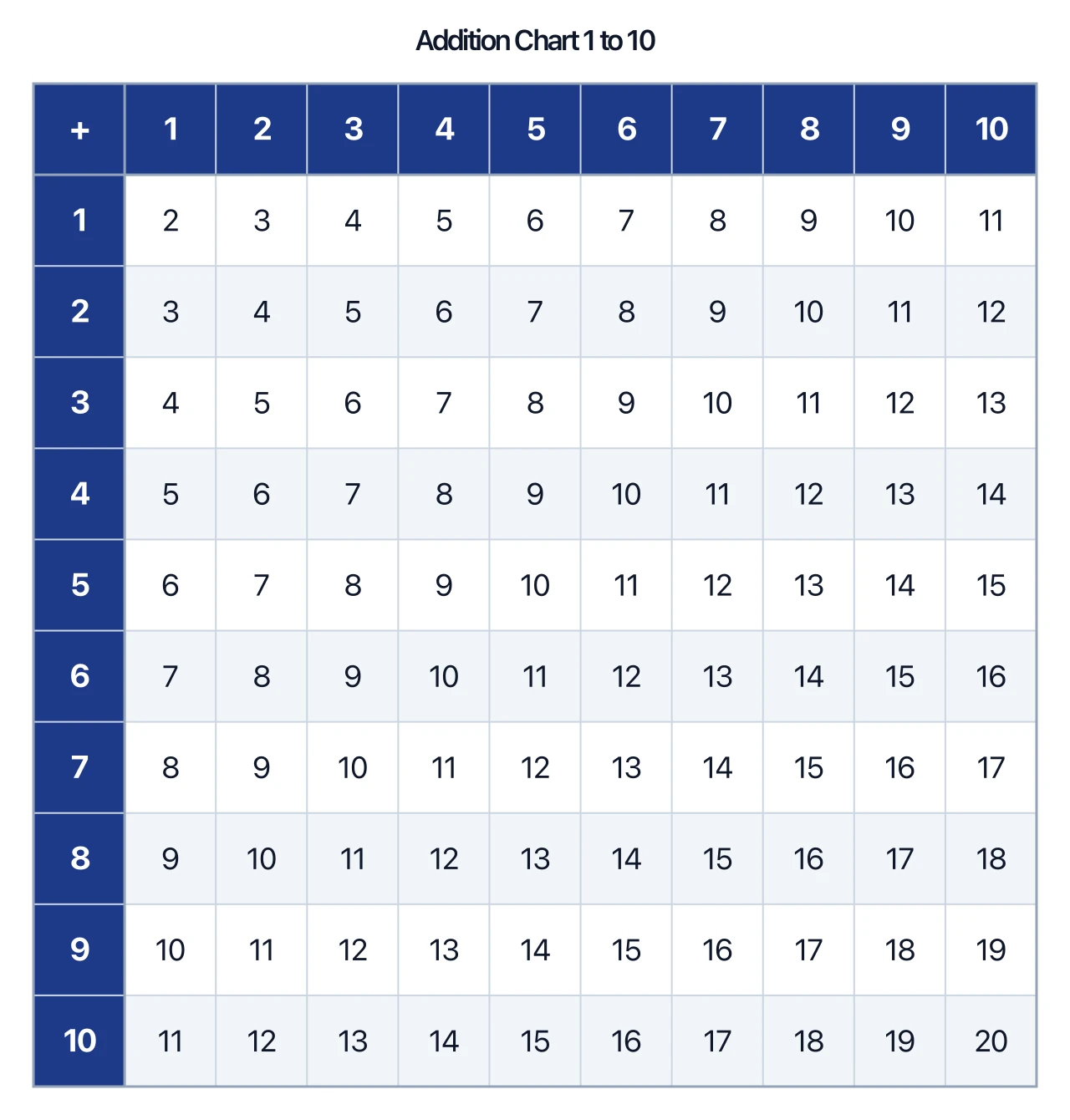 Education
Addition Chart Generator
Create printable addition charts: 1–10, 1–12 or 1–20, with make-10 highlighting, blank worksheets, and fill-in challenges.
 Education
Number Line Generator
Create precise number lines: plot points, graph inequalities and intervals, and mark fractions or decimals.
 Education
Coordinate Plane Generator
Create clean, printable Cartesian planes: plot ordered pairs, graph lines by slope and intercept, and label the four quadrants.