LSTM Diagram Generator for LSTM, GRU and RNN cells
Draw an LSTM diagram online: LSTM, GRU or RNN cell with gates, or unrolled through time. Edit labels, copy the equations, download SVG or PNG.
Draw an exact LSTM, GRU or RNN cell, or unroll it through time. Equations are generated for you and the diagram downloads as SVG or PNG, free.
Recurrent diagram
Pick a view, then edit the options and labels.
Drawn: LSTM with forget gate (Gers et al., 2000), no peepholes. Layout is schematic; the structure, equations and counts are exact. Weights are shared across time steps.
Labels
Rename the title and the symbols. Equations and the diagram update together.
Equations
- ft = σ(Wf·[ht−1, xt] + bf)
- it = σ(Wi·[ht−1, xt] + bi)
- c̃t = tanh(Wc·[ht−1, xt] + bc)
- ct = ft ⊙ ct−1 + it ⊙ c̃t
- ot = σ(Wo·[ht−1, xt] + bo)
- ht = ot ⊙ tanh(ct)
- LSTM with forget gate (Gers et al., 2000), no peepholes. The original 1997 LSTM had no forget gate.
- σ = sigmoid, ⊙ = element-wise product, + = element-wise sum. Weights W and biases b are shared across time steps.
LSTM Diagram Generator
Free preview on this page · Clean file download needs a
Your LSTM diagram will appear here
Describe the network you want
LSTM Diagram Examples
Four exact diagrams from the Precise tab and one AI illustration with its known flaws
LSTM cell
Exact diagram from the Precise tab. Three sigmoid gates, two tanh boxes, three ⊙ nodes and one + node, drawn as the LSTM with a forget gate (Gers et al., 2000), no peepholes. The equations are generated from the same cell.
GRU cell
Exact diagram from the Precise tab. Two sigmoid gates and one tanh, in the convention of Cho et al. (2014) and PyTorch: h_t = z_t ⊙ h_(t-1) + (1 − z_t) ⊙ h̃_t. The tool can also draw the swapped convention used by some other sources.
RNN unrolled, 2 layers
Exact diagram from the Precise tab, unrolled view. 6 time steps × 2 layers gives 12 cells, many-to-many, so there is one output per step. Every box in a layer is the same cell with shared weights.
Bidirectional stacked LSTM
Exact diagram from the Precise tab. 4 steps × 2 layers × 2 directions gives 16 LSTM cells. Each layer concatenates its forward and backward hidden states, and the next layer reads the concatenation. Cell state arrows are orange, hidden state arrows are indigo.
AI illustration: time series forecasting
AI illustration mode, prompt shown in the prompt box. The flow (window, LSTM layer, dense layer, forecast) reads correctly. Known flaws: the LSTM cells are plain boxes with no gates and no cell state arrows between them, the window values (the last is 17.6) do not match the end of the plotted line (about 16), the x_(t-6) to x_t labels appear twice, the highlighted "last 7 days" box covers about 10 points of the line, the window values 19.0 and 18.3 do not appear on the plotted line, the forecast dot sits near 18.3 while its label says 18.9, there is a stray mark on the line near day 8, the model inside the cells is not explained, and the background has a faint ghost texture. The title, subtitle and numbers are extras you did not ask for.
What an LSTM diagram shows
- An LSTM diagram shows how one long short-term memory cell updates its memory at a single time step. A cell state line runs across the top as the long-term memory. Three gates, each a sigmoid layer that outputs numbers between 0 and 1, decide what to erase (forget gate), what to write (input gate) and what to read out (output gate). A tanh layer proposes the new candidate content, and a second tanh squashes the cell state before the output gate multiplies it into the hidden state.
- The inputs are the current input x_t, the previous hidden state h_(t−1) and the previous cell state c_(t−1). The outputs are the new hidden state h_t, which is also the output at that step, and the new cell state c_t. The Precise tab draws exactly this, plus the matching GRU and vanilla RNN cells, and the unrolled view that shows the same cell repeated over time.
The gates and equations
- LSTM with a forget gate (Gers, Schmidhuber and Cummins, 2000), no peepholes, with [h_(t−1), x_t] meaning the two vectors concatenated:
- f_t = σ(W_f·[h_(t−1), x_t] + b_f) (forget gate)
- i_t = σ(W_i·[h_(t−1), x_t] + b_i) (input gate)
- c̃_t = tanh(W_c·[h_(t−1), x_t] + b_c) (candidate cell state)
- c_t = f_t ⊙ c_(t−1) + i_t ⊙ c̃_t (new cell state)
- o_t = σ(W_o·[h_(t−1), x_t] + b_o) (output gate)
- h_t = o_t ⊙ tanh(c_t) (new hidden state)
- σ is the sigmoid function and ⊙ is the element-wise product. The weights W and biases b are the same at every time step. The generator writes these equations from the cell you pick, uses your renamed symbols, and can include them in the SVG or copy them as plain text.
LSTM vs GRU vs vanilla RNN: which to draw
- Vanilla RNN: one tanh layer, h_t = tanh(W_xh x_t + W_hh h_(t−1) + b). It has no gates, so it is the simplest diagram and the right choice for explaining recurrence itself. It struggles to carry information over long spans because gradients vanish or explode.
- LSTM: adds a separate cell state and three gates, which makes long-range memory easier to learn. Draw it when the reader needs to see the memory path, for example in a course on sequence models or a methods section that uses an LSTM.
- GRU (Cho et al., 2014): merges the cell state and hidden state, and uses two gates, an update gate z_t and a reset gate r_t. It has fewer parameters than an LSTM and is a common alternative. The GRU is written two ways in the literature. This tool defaults to Cho et al. and PyTorch nn.GRU, h_t = z_t ⊙ h_(t−1) + (1 − z_t) ⊙ h̃_t, and offers the swapped form h_t = (1 − z_t) ⊙ h_(t−1) + z_t ⊙ h̃_t used by some other sources. They are the same model with z relabeled, so pick the one your references use and say which in the caption.
Unrolled vs folded diagrams and sequence patterns
- A folded diagram draws one cell with a loop arrow for the hidden state. An unrolled diagram copies the cell once per time step and draws the hidden state as arrows between the copies, which is how backpropagation through time sees the network. The unrolled boxes are the same cell with shared weights, not different layers.
- Many-to-one reads a whole sequence and gives one output at the end, as in sentiment classification. Many-to-many gives an output at every step, as in tagging each word. One-to-many takes one input and produces a sequence, as in image captioning or music generation. The unrolled view draws outputs only where the pattern has them.
- Stacking layers feeds the hidden state of layer l − 1 into layer l as its input, and each layer has its own weights. A bidirectional layer adds a second cell row that reads the sequence from the last step to the first, and the two hidden states are concatenated at each step. Bidirectional is not available for one-to-many here, because the backward pass would need outputs that have not been generated yet.
Common mistakes in LSTM diagrams
- Calling the original 1997 design the standard one. The LSTM of Hochreiter and Schmidhuber (1997) had no forget gate. The forget gate was added by Gers, Schmidhuber and Cummins (2000), and that is the cell almost every library implements. Say which variant you drew.
- Putting tanh on the wrong path. There are two: one on the candidate content before it is written, and one on the cell state before the output gate. The gates themselves use sigmoid, never tanh.
- Confusing c_t and h_t. The cell state c_t is the internal memory. The hidden state h_t is what the cell outputs and passes on, and it is the output gate times tanh(c_t).
- Mixing up the GRU convention. Some figures put z on the old state and some put (1 − z) there. Both are valid models, but the diagram, the equation and the code you cite must agree.
- Drawing different weights for each time step. In an unrolled diagram every copy of a cell shares the same weights.
- Forgetting peepholes are a variant. Peephole connections from the cell state into the gates are not part of the cell drawn here.
How to make an LSTM diagram
- Open the Precise Diagram tab and pick LSTM cell, GRU cell, RNN cell or Unrolled in time.
- For an unrolled diagram, choose the cell type, 2 to 8 time steps, 1 to 3 stacked layers, the sequence pattern, and whether it is bidirectional.
- Rename the title and the symbols x, h, c and y to match your paper or slides. Use up to 6 letters or numbers per symbol.
- Read the generated equations next to the diagram and switch the equations on or off in the export.
- Download SVG for slides and papers or PNG for documents, or copy the equations as plain text.
What the AI examples got wrong
- The AI illustration in the gallery was generated with the prompt shown on its card. It explains the idea, but it is not a substitute for an exact diagram.
- The forecasting image has a sensible flow, but its LSTM cells are plain boxes with no gates or cell state arrows, the last window value (17.6) does not match the end of the plotted line (about 16), the x_(t−6) to x_t labels appear twice, the highlighted "last 7 days" box covers about 10 points, the window values 19.0 and 18.3 do not appear on the plotted line, the forecast dot sits near 18.3 while its label says 18.9, there is a stray mark on the line near day 8, and it has a faint ghost texture in the background and a title and subtitle you did not ask for.
Sources
- Hochreiter and Schmidhuber (1997), Long Short-Term Memory, Neural Computation 9(8): the original LSTM, without a forget gate.
- Gers, Schmidhuber and Cummins (2000), Learning to Forget: Continual Prediction with LSTM, Neural Computation 12(10): adds the forget gate. This is the cell drawn here, without peepholes.
- Cho et al. (2014), Learning Phrase Representations using RNN Encoder-Decoder for Statistical Machine Translation, arXiv 1406.1078: the GRU, written as h_t = z ⊙ h_(t−1) + (1 − z) ⊙ h̃ with the reset gate applied to h_(t−1) before the matrix product.
- PyTorch documentation for torch.nn.LSTM and torch.nn.GRU (checked October 2026): the same GRU convention as Cho et al. PyTorch applies the reset gate after the matrix product W_hn h_(t−1), a small implementation difference it notes on the nn.GRU page, which this diagram does not draw.
- Goodfellow, Bengio and Courville (2016), Deep Learning, chapter 10, Sequence Modeling: Recurrent and Recursive Nets: unrolled computation graphs and the sequence patterns.
Frequently Asked Questions
Related Diagram Tools
 Research
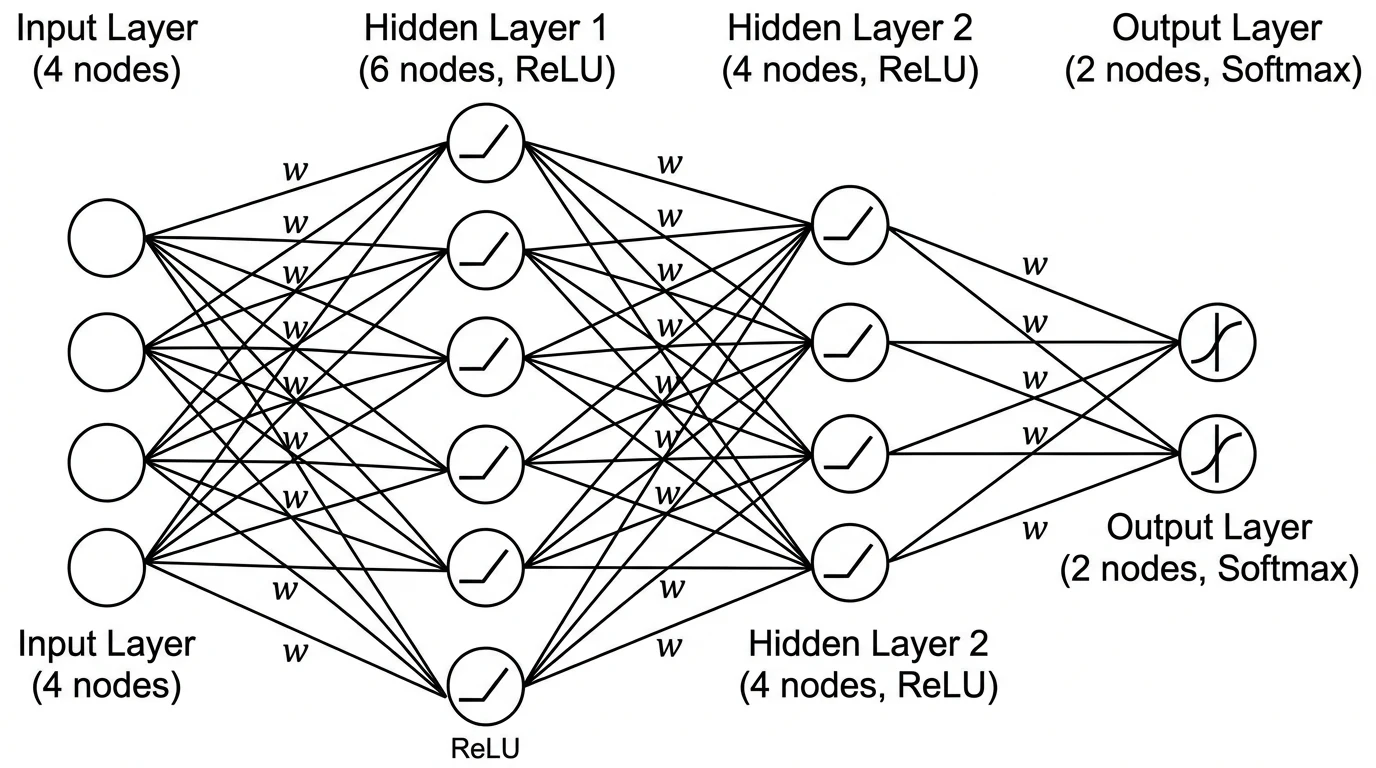
Neural Network Diagram Generator
Precise feedforward (MLP) diagrams from layer sizes, plus AI illustrations for other architectures.
 Research
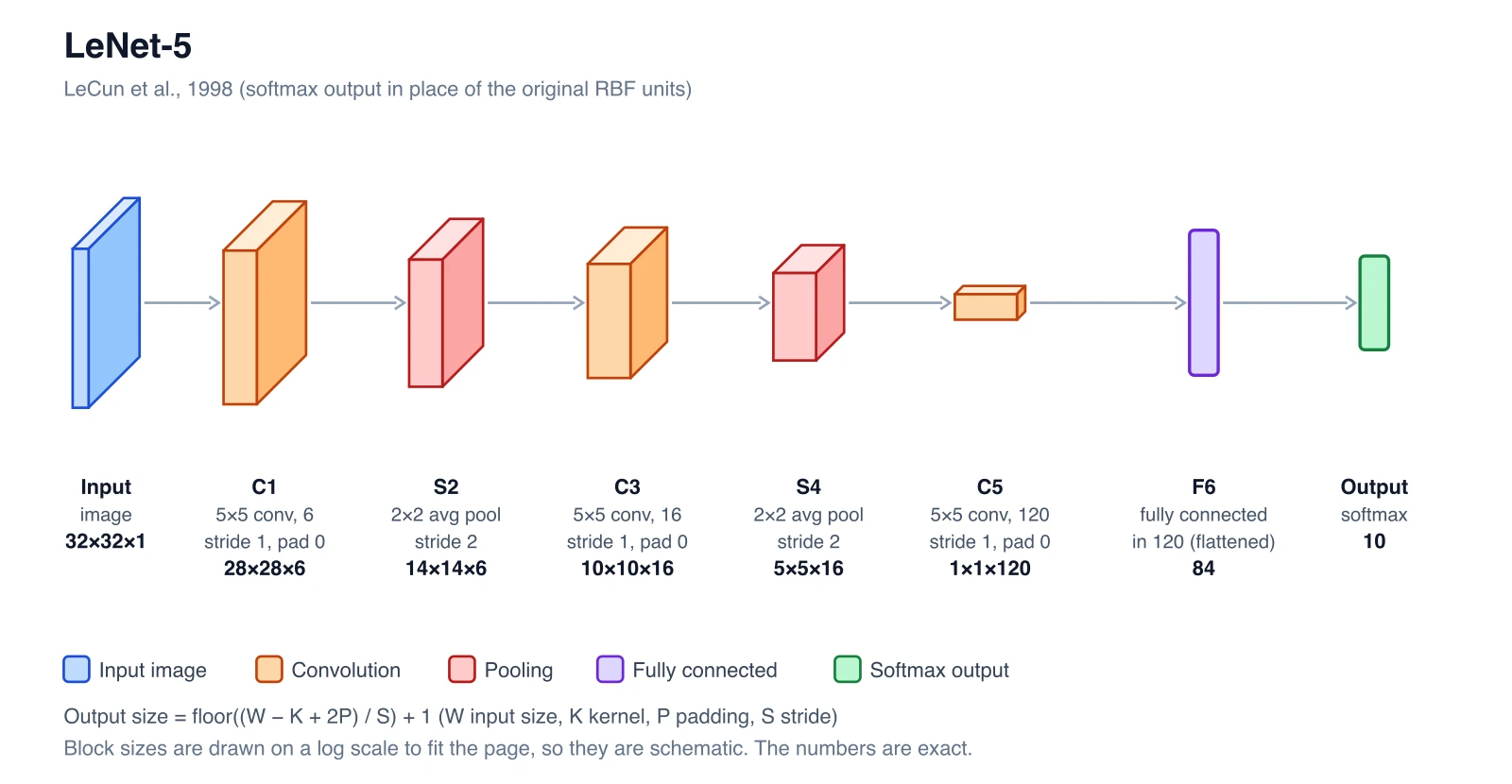
CNN Architecture Diagram Generator
Layer stacks with exact output shapes for convolution, pooling and fully connected layers.
 Research
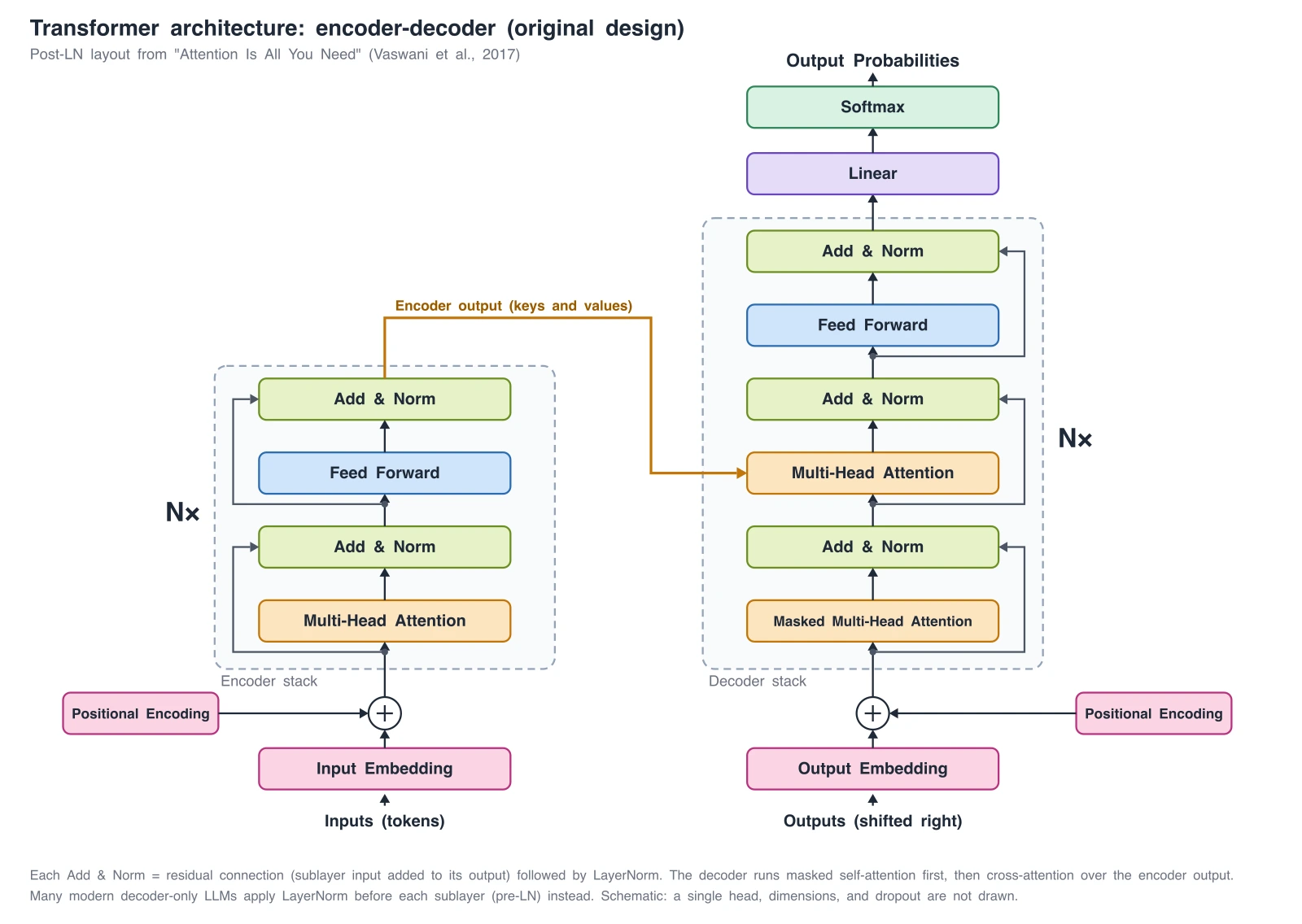
Transformer Architecture Diagram Generator
Encoder-decoder, GPT-style decoder-only, and ViT diagrams, with exact reference diagrams.