CNN Architecture Diagram Generator with exact layer shapes
Draw a CNN architecture diagram online. Edit conv, pooling and fully connected layers, get exact output shapes like 224×224×3, and download SVG or PNG.
Edit the layer list. Output sizes are computed for you and the diagram downloads as SVG or PNG, free.
Layer list
Output shapes are computed from your settings.
Output size = floor((W − K + 2P) / S) + 1 for convolution and pooling. Block sizes are drawn on a log scale, so they are schematic; the shapes and numbers are exact. Kernels are square.
Layers, in order
- 1Input image
Output 32×32×1
- 2
Output 28×28×6
- 3
Output 14×14×6
- 4
Output 10×10×16
- 5
Output 5×5×16
- 6
Output 1×1×120
- 7
Output 84
- 8
Output 10
CNN Architecture Diagram Generator
Free preview on this page · Clean file download needs a
Your CNN diagram will appear here
Describe the layers you want
CNN Architecture Diagram Examples
Four exact diagrams from the Precise CNN tab and two AI illustrations with their known flaws
LeNet-5
Exact diagram from the Precise CNN tab. 32×32×1 → 28×28×6 → 14×14×6 → 10×10×16 → 5×5×16 → 1×1×120 → 84 → 10, as in LeCun et al., 1998, with a softmax output in place of the original RBF units.
VGG-16 blocks
Exact diagram from the Precise CNN tab. Five 3×3 convolution blocks (×2, ×2, ×3, ×3, ×3), each ending in a 2×2 max pool, from 224×224×3 down to 7×7×512, which flattens to 25088.
AlexNet-style
Exact diagram from the Precise CNN tab, simplified to one stream with no local response normalization. It uses a 227×227 input, because (224 − 11) / 4 + 1 is not a whole number.
Small MNIST CNN
Exact diagram from the Precise CNN tab. Two unpadded 3×3 convolutions shrink 28×28 to 24×24, a 2×2 max pool halves it to 12×12×64, and Flatten gives 9216 values.
AI illustration: LeNet-style
AI illustration mode, prompt shown in the prompt box. The feature map sizes came out right in this run, but known flaws remain: the 120-unit layer is labeled "F5: Fully Connected" (LeNet-5 calls it C5, a convolution), each feature map stack shows about four sheets whatever the real channel count, the circles in the fully connected layers vary in size and some are drawn as ovals, the arrows for outputs 4, 5 and 6 are squeezed together, the background has a faint ghost text texture, and the 120, 84 and 10 layers draw similar numbers of circles. Check every label before you use an AI figure.
AI illustration: residual block
AI illustration mode, prompt shown in the prompt box. The block order and the equation are correct. Known flaws: no channel counts, the "(block input)" label sits against the left edge, the background has a faint texture, and the title and equation are extras you did not ask for. The Precise CNN tab does not draw residual connections yet.
What a CNN architecture diagram shows
A CNN architecture diagram lays out a convolutional neural network as a left-to-right stack of layers: the input image, convolution layers that learn filters, pooling layers that shrink the feature maps, a flatten step, and fully connected layers that end in a classifier such as softmax. A good one labels every stage with its output shape (height × width × channels), so a reader can check the model without opening the code. The Precise CNN tab draws exactly that from a layer list: each convolution or pooling block shows its kernel, stride, padding and computed output size.
How to read layer shapes
- Shapes are written height × width × channels. A 224×224×3 input is a 224 by 224 image with 3 colour channels. A convolution with 64 filters outputs 64 channels. Pooling never changes the channel count.
- For convolution and pooling, output size = floor((W − K + 2P) / S) + 1, where W is the input height or width, K the kernel size, P the padding on each side and S the stride. The same formula is applied to height and width separately. The result is rounded down (floor mode, the default in PyTorch and for Keras 'valid' padding). P is an explicit padding value; this tool does not support 'same' padding (Keras 'same' uses ceil(W / S)).
- Worked example, LeNet-5 C1: a 32×32 input with a 5×5 kernel, stride 1 and no padding gives (32 − 5 + 0) / 1 + 1 = 28, so the output is 28×28×6 with 6 filters. The 2×2 pool with stride 2 that follows gives (28 − 2) / 2 + 1 = 14.
- Worked example, VGG-16 conv layers: a 3×3 kernel with stride 1 and padding 1 gives (224 − 3 + 2) / 1 + 1 = 224, so the size stays 224×224 and only the channels change. The 2×2 max pool with stride 2 then gives 112.
- Flatten multiplies the three numbers together: 7×7×512 becomes a vector of 25088 values before the first fully connected layer.
Two ways to make a CNN diagram here
- Precise CNN: start from a preset or the input image, then add, remove and reorder layers and edit kernel, stride, padding, filters and units. Output shapes are computed for every layer, and an invalid layer (for example a 7×7 kernel on a 5×5 map with no padding) shows an error instead of a wrong number. The result is an exact diagram you can download as SVG or PNG.
- AI Illustration: describe the figure in words, such as a residual block or a convolution sliding over a grid, and the generator draws a stylized illustration. Use it for concept art and explanatory figures, and check every label and number, because an AI image does not compute shapes.
- Use Precise CNN when the numbers must be right, such as a methods figure, a thesis chapter or lecture slides. Use AI Illustration when you want a looser teaching picture.
Common mistakes in CNN diagrams
- Wrong output sizes. Forgetting padding or stride is the usual cause. A 3×3 convolution with no padding on 28×28 gives 26×26, not 28×28.
- Unlabeled channels. A box labelled "Conv" with no filter count hides the most important number in the layer.
- A size the formula cannot produce. AlexNet is often drawn with a 224×224 input, but (224 − 11) / 4 + 1 is not a whole number. The 55×55 first layer in the paper works out from 227×227, so this tool uses 227.
- Skipping the flatten size. The first fully connected layer after the last pool receives height × width × channels values, and that number should match the diagram.
- Confusing pooling with a strided convolution. Pooling has no learned filters and keeps the channel count; a strided convolution learns filters and can change the channels.
How to make a CNN architecture diagram
- Pick a preset (LeNet-5, AlexNet-style, VGG-16 or a small MNIST CNN) or edit the default layer list.
- Set the input size, for example 224×224×3.
- Add convolution, pooling, flatten, fully connected and softmax layers, and set kernel, stride, padding and filters. Use Repeat on a convolution to draw a VGG-style block.
- Read the computed output shape under each layer and fix any error message.
- Download the diagram as SVG for slides and papers, or as PNG for documents and posts.
What the AI examples got wrong
- The two AI illustrations in the gallery were generated with the prompts shown on each card, and neither is a substitute for an exact diagram.
- The LeNet-style image has correct feature map sizes, but it labels the 120-unit layer "F5: Fully Connected" (LeNet-5 calls it C5, a convolution), draws about four sheets per feature map stack whatever the real channel count, draws similar numbers of circles for the 120, 84 and 10 layers, varies the circle sizes (some are ovals), squeezes the arrows for outputs 4, 5 and 6 together, and has a faint ghost text texture in the background.
- The residual block image has the right block order and equation, but shows no channel counts, crowds the "(block input)" label against the left edge, has a faint background texture, and adds a title and equation you did not ask for.
Preset sources
LeNet-5 follows LeCun, Bottou, Bengio and Haffner (1998), with a softmax output in place of the original RBF units. The AlexNet-style preset follows Krizhevsky, Sutskever and Hinton (2012) with the paper channel counts, one stream instead of two and no normalization layers. VGG-16 is configuration D from Simonyan and Zisserman (2015). The small MNIST CNN is the convnet from the Keras MNIST example, without dropout. Presets draw plain layer stacks only, so details such as dropout, batch normalization and activation functions are not drawn.
Frequently Asked Questions
Related Diagram Tools
 Research
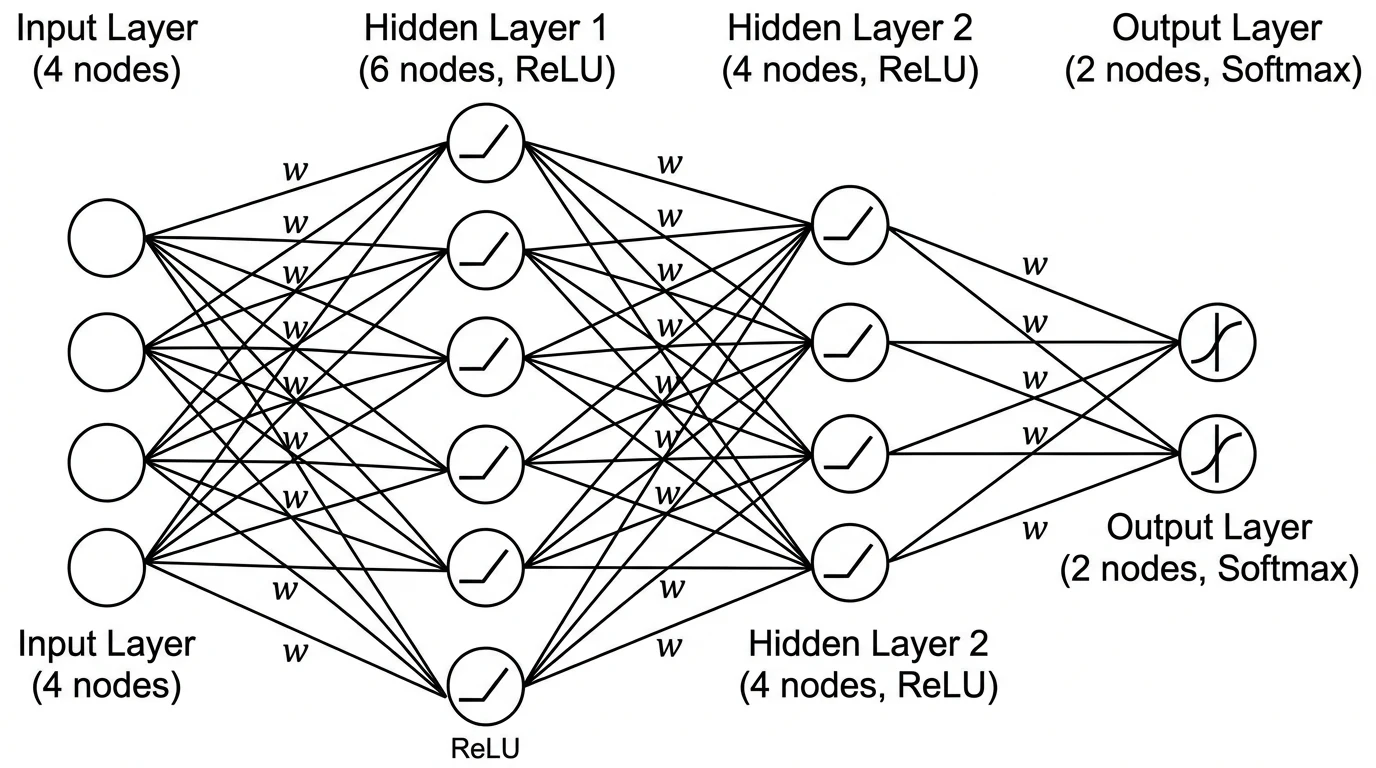
Neural Network Diagram Generator
Precise feedforward (MLP) diagrams from layer sizes, plus AI illustrations for other architectures.
 Research
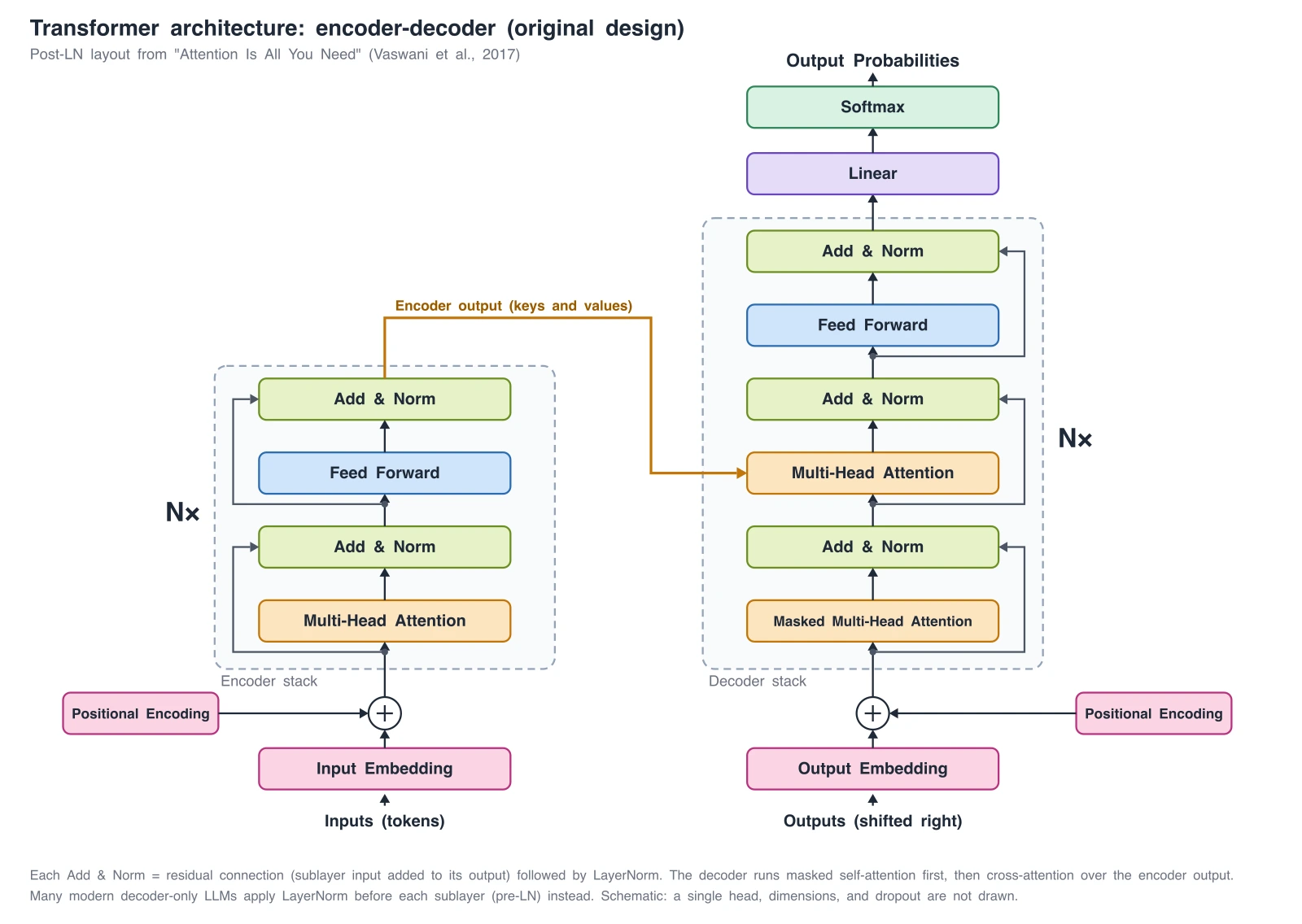
Transformer Architecture Diagram Generator
Encoder-decoder, GPT-style decoder-only, and ViT diagrams, with exact reference diagrams.
 Software
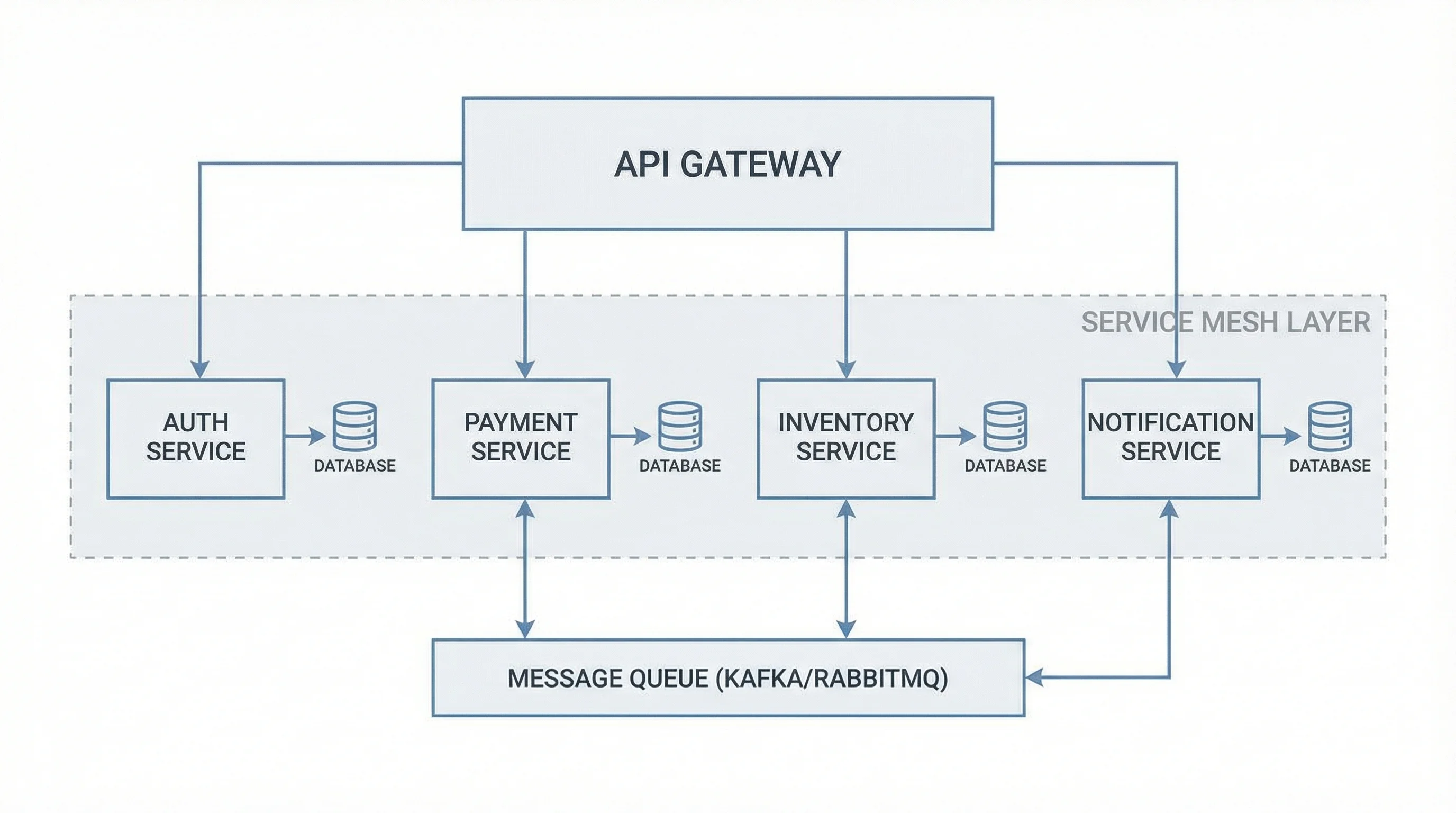
Software Architecture Diagram Generator
Map services, components, and data flow into a clean software architecture diagram.