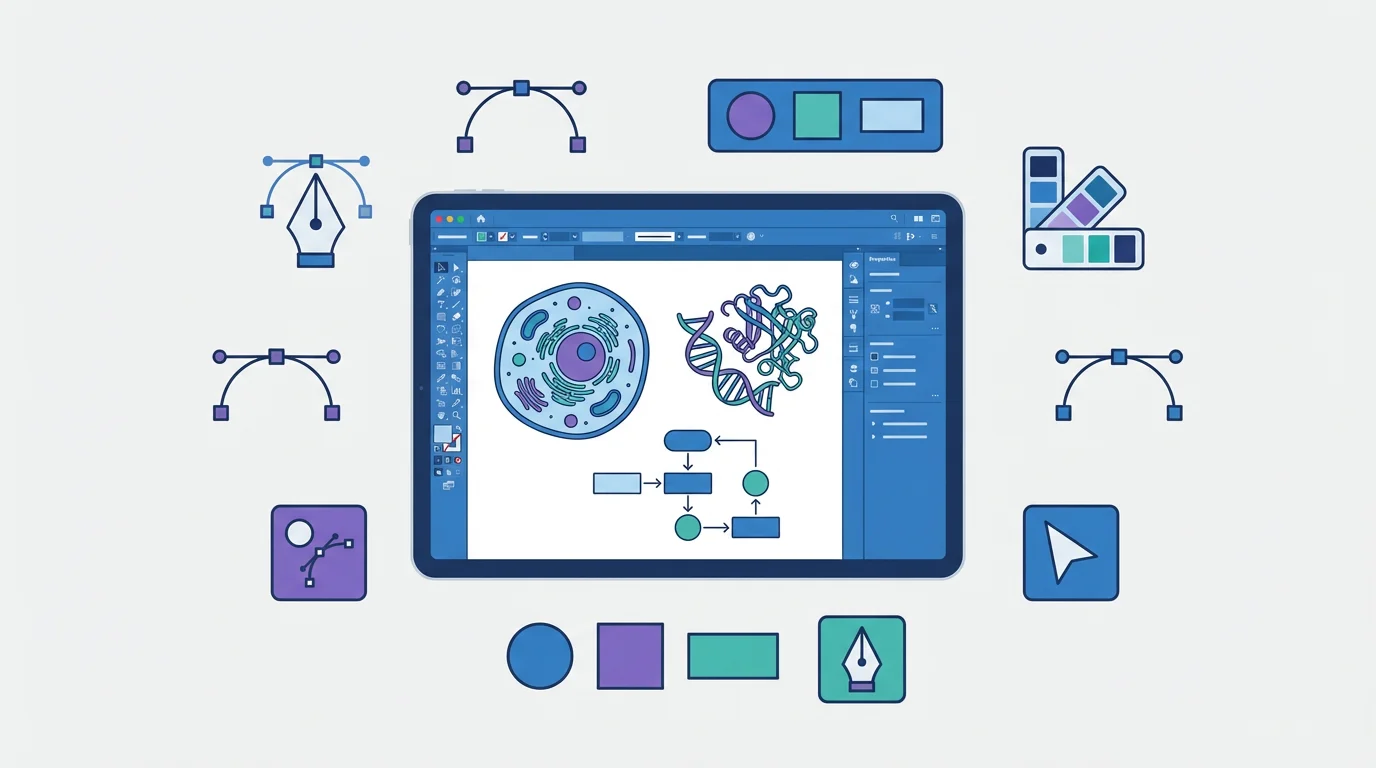
Best Free Adobe Illustrator Alternatives 2026
Compare the best free Adobe Illustrator alternatives in 2026: Inkscape, Affinity by Canva, Canva, Vectr, Gravit and ConceptViz for vector graphics and diagrams.
Best Free Adobe Illustrator Alternatives in 2026
Adobe Illustrator is the industry standard for vector graphics—but $22.99/month ($276/year) is hard to justify when you only need basic illustration capabilities. The month-to-month plan is even worse at $32.49/month.
The good news? In 2026, the strongest Illustrator alternatives are no longer just "cheaper" options. Inkscape is fully open source, Affinity by Canva is now free, Canva covers template-driven design, and ConceptViz handles science diagrams from prompts.
Quick Answer: Best Illustrator Alternatives
| Need | Best Pick | Why |
|---|---|---|
| Free professional vector editing | Inkscape | Open source, SVG-native, closest free Illustrator replacement |
| Free polished design suite | Affinity by Canva | Professional vector, photo, and layout tools in one free app |
| Fast posters and classroom graphics | Canva | Easy templates, collaboration, and education-friendly workflows |
| Scientific diagrams from prompts | ConceptViz | Generates labeled diagrams and research visuals without manual vector drawing |
| Simple browser-based vectors | Vectr | Lightweight editor for quick SVG graphics |

AI Scientific Image Generator
Create professional scientific diagrams and figures in seconds—no design skills required.
Try it free →Why You Need an Adobe Illustrator Alternative
| Issue | Details |
|---|---|
| High Cost | $22.99/month ($276/year) with annual commitment |
| Subscription Lock-in | Stop paying = lose access to your work |
| Steep Learning Curve | Designed for professional designers, not casual users |
| Overkill | Most users don't need advanced features like mesh gradients or 3D effects |
| Resource Heavy | Requires a powerful computer to run smoothly |
If you need vector graphics for diagrams, presentations, or illustrations, there are much better options.
Quick Comparison: Top Adobe Illustrator Alternatives
| Tool | Price | Best For | Learning Curve | Platform |
|---|---|---|---|---|
| Inkscape | 100% Free | Full vector editing | Moderate | Windows, Mac, Linux |
| Affinity by Canva | Free | Professional vector, photo, and layout work | Moderate | Windows, Mac |
| Canva | Free / Pro $12.99/mo | Quick designs | Very Easy | Web, iOS, Android |
| Vectr | 100% Free | Simple vectors | Easy | Web, Desktop |
| Gravit Designer | Free / Pro $49/yr | Cross-platform | Easy | Web, Desktop |
| ConceptViz | Free tier | AI-generated diagrams | Very Easy | Web |
1. Inkscape — Best Free Professional Alternative
Price: Completely free, open-source
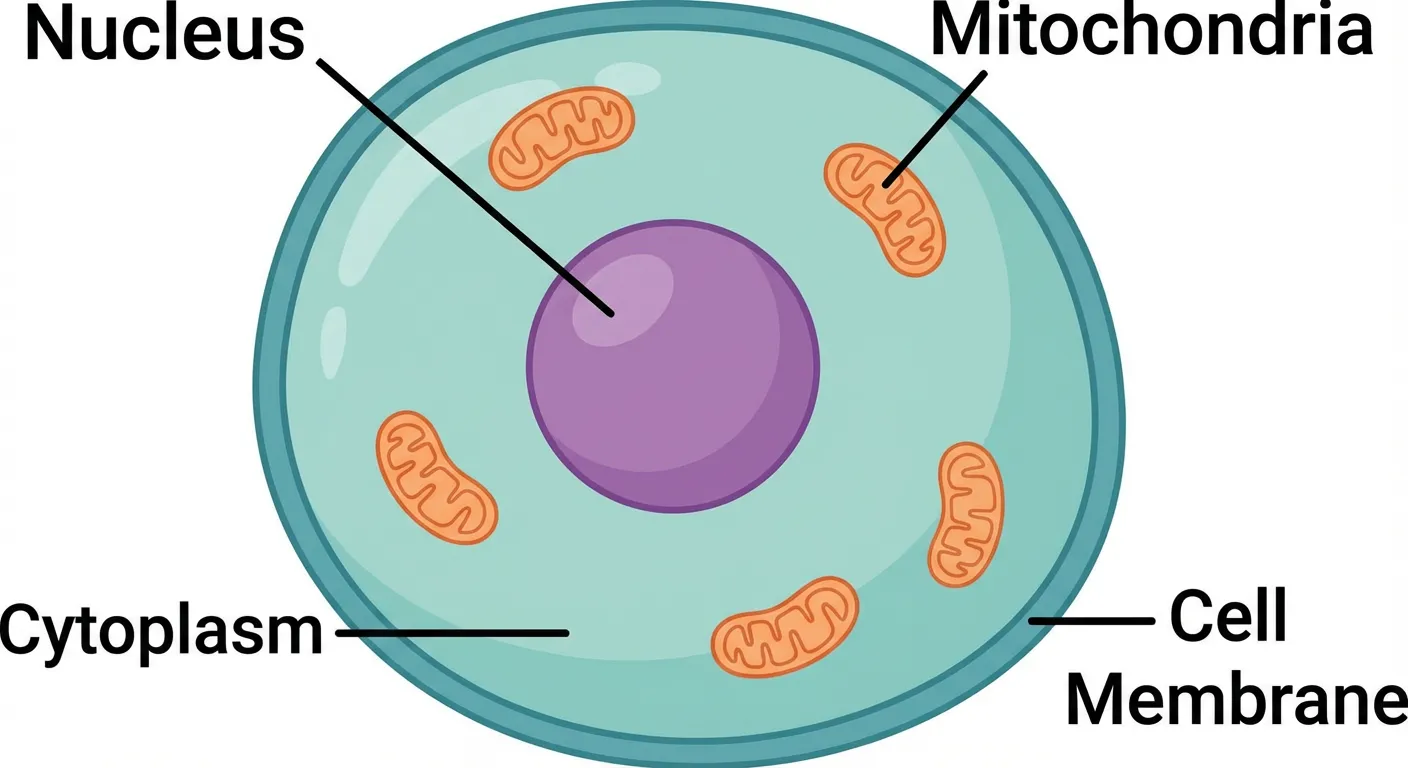
Inkscape is the most powerful free alternative to Adobe Illustrator. It's a full-featured vector graphics editor that can handle almost anything Illustrator can do — from simple diagrams to complex illustrations.
What You Get:
- Complete vector editing — bezier curves, shapes, text, gradients, and more
- SVG native format — perfect for web and scalable graphics
- Extensive file support — opens and exports AI, EPS, PDF, PNG, and more
- Active community — thousands of free tutorials and extensions
- Cross-platform — works on Windows, Mac, and Linux
Best For:
- Teachers who want full creative control
- Creating custom scientific illustrations
- Editing existing vector files (including Illustrator files)
- Schools that need a free, open-source solution
Limitations:
- Steeper learning curve than simpler tools
- Interface feels dated compared to modern apps
- No official mobile version
Verdict: If you're willing to invest time learning a proper vector tool, Inkscape gives you 90% of Illustrator's capabilities for free.
2. Affinity by Canva — Best Free Professional Design Suite
Price: Free
Affinity by Canva is now a free professional design app that combines vector design, photo editing, and page layout in one workspace. For users searching for an Illustrator alternative in 2026, this is one of the biggest changes in the market.
What You Get:
- Professional-grade tools — vector, raster, and layout tools in one app
- Free access — no Illustrator-style subscription required
- Cross-platform — available for Mac and Windows
- Opens Illustrator files — seamlessly work with AI and EPS files
- Fast performance — optimized for modern hardware
- Regular updates — free updates within major versions
Comparison with Adobe Illustrator:
| Feature | Affinity by Canva | Adobe Illustrator |
|---|---|---|
| Price | Free | $276/year |
| 3-Year Cost | $0 | $828 |
| AI File Support | Yes | Yes |
| Learning Resources | Good | Excellent |
| Cloud Storage | Canva account required | Included |
| iPad Version | Planned separately | Included in subscription |
Best For:
- Designers who want professional vector tools without a subscription
- Schools and teams that need a serious free design suite
- Users who want one app for vector design, photo editing, and layouts
Limitations:
- Still has a professional learning curve
- Canva account required
- Fewer online tutorials than Illustrator
Verdict: If you want the most capable free alternative to Illustrator in 2026, Affinity by Canva should be on your shortlist.
3. Canva for Education — Best Free All-Around Option
Price: 100% Free for verified teachers
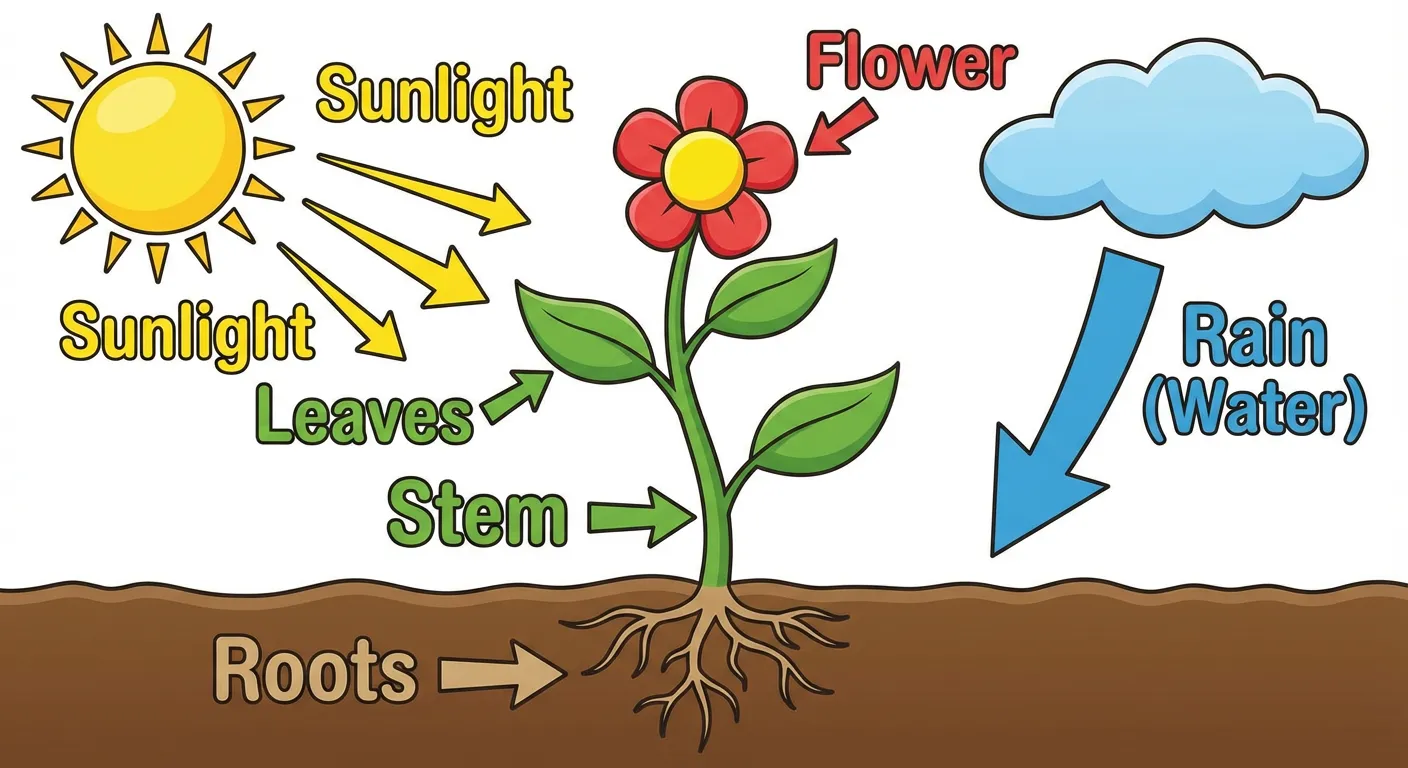
Canva for Education offers a completely different approach — instead of complex vector tools, it provides a simple drag-and-drop interface with thousands of educational templates.
What You Get:
- Free premium access — all Pro features free for verified educators
- 80,000+ educational templates — science posters, worksheets, infographics
- Drag-and-drop simplicity — no design skills required
- LMS integration — works with Google Classroom, Canvas, Schoology
- Collaboration — students can work on projects together
- Brand Kit — maintain consistent school colors and fonts
Best For:
- Creating science posters and presentations quickly
- Teachers who don't want to learn complex software
- Classroom collaboration projects
- General educational materials
Limitations:
- Not true vector editing — limited precision control
- Science-specific icons are limited
- Designs can look "templated" without customization
Verdict: For most classroom needs, Canva for Education is the easiest and most practical choice. Just verify your teacher status for full free access.
4. ConceptViz — Best for AI-Generated Scientific Illustrations
Price: Free credits on signup, then pay-as-you-go credit packs from $5 — no subscription Website: conceptviz.app
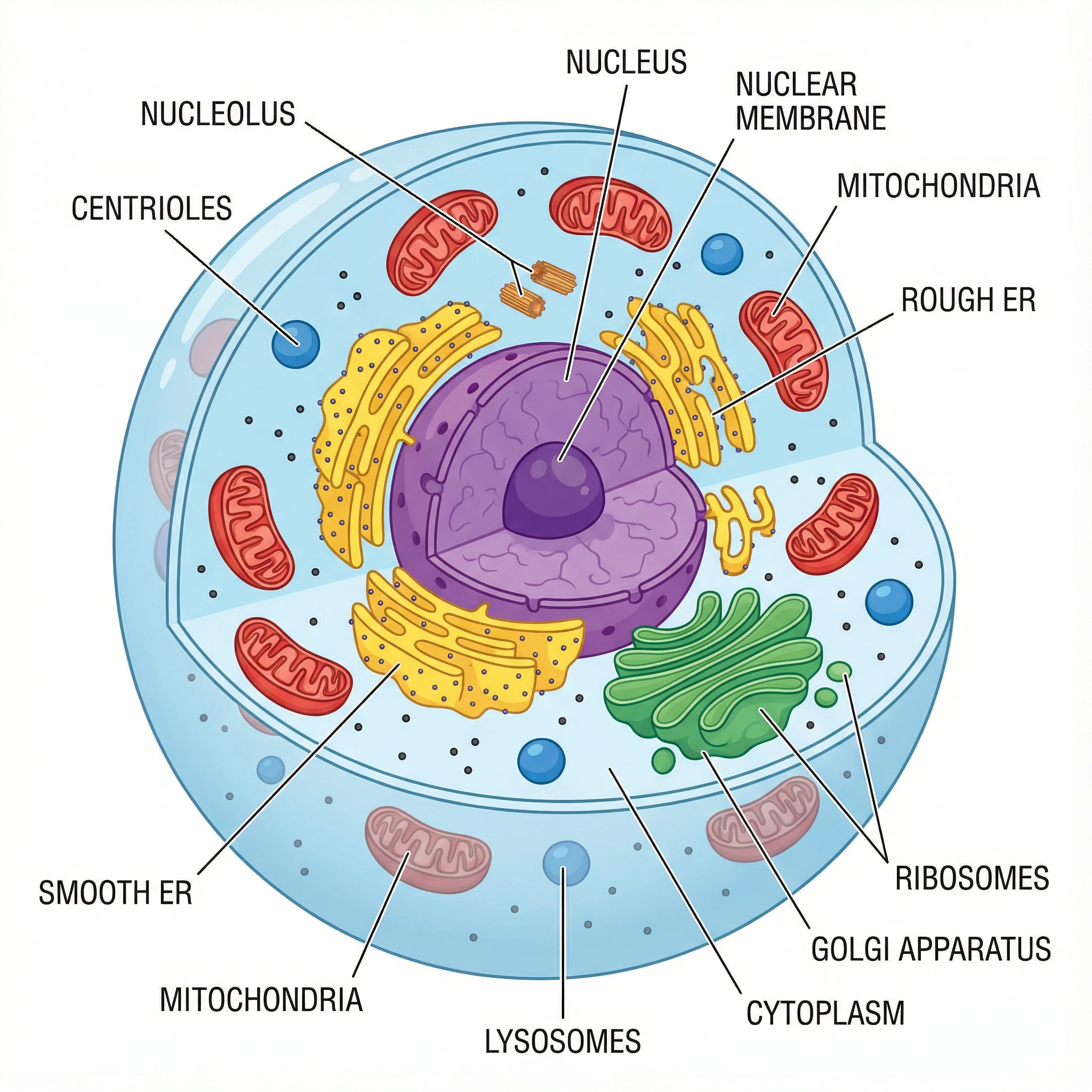
ConceptViz takes a different approach: instead of learning complex illustration software, describe what you need and AI creates it.
What Makes It Unique:
- AI-powered — Describe your diagram in plain English, get results in seconds
- No design skills needed — Professional quality without learning curves
- Scientific focus — Specialized for research and education
- Multiple output styles — Labeled diagrams, unlabeled quizzes, various visual styles
Popular Tools:
- AI Scientific Image Generator — Any scientific concept
- Graphical Abstract Maker — For research papers
- Animal Cell Diagram | Plant Cell Diagram
- Photosynthesis Diagram | Water Cycle Diagram
Best For:
- Researchers needing graphical abstracts
- Educators creating teaching materials
- Anyone who needs scientific diagrams without design skills
- Quick visualization of complex concepts
Illustrator vs ConceptViz:
| Task | Adobe Illustrator | ConceptViz |
|---|---|---|
| Cell diagram | 2-4 hours manual work | 30 seconds with AI |
| Learning required | Months | None |
| Cost | $276/year | Free tier available |
Verdict: If you need scientific illustrations and don't want to spend months learning Illustrator, ConceptViz's AI approach delivers professional results instantly.
AI Scientific Image Generator
Create a diagram in seconds
5. Vectr — Best for Simple Vector Graphics
Price: Completely free
Vectr is a free, simple vector graphics editor that's perfect for teachers who need basic vector capabilities without the complexity of Inkscape.
What You Get:
- Web and desktop apps — use anywhere without installation
- Real-time collaboration — share and edit with colleagues
- Simple interface — intuitive tools for basic shapes and text
- SVG export — scalable graphics for any use
- No account required — start creating immediately
Best For:
- Quick, simple diagrams and graphics
- Teachers new to vector graphics
- Collaborative projects
- Basic logo and icon creation
Limitations:
- Limited advanced features
- Not suitable for complex illustrations
- Smaller community and fewer tutorials
Verdict: Great starter tool for teachers who want something simpler than Inkscape but more capable than basic drawing apps.
6. draw.io (diagrams.net) — Best for Diagrams and Flowcharts
Price: Completely free, open-source
draw.io is a powerful free diagramming tool that excels at creating flowcharts, process diagrams, and educational graphics. Combined with Bioicons, it becomes a capable science diagram tool.
What You Get:
- No account required — start creating immediately
- Cloud integration — save to Google Drive, OneDrive, or locally
- Offline desktop app — available for Windows, Mac, and Linux
- Bioicons integration — import 2,700+ free scientific icons
- Template library — pre-made templates for common diagram types
How to Use with Bioicons:
- Visit Bioicons
- Select the scientific icons you need
- Click "Open in draw.io"
- Arrange and customize your diagram
Best For:
- Process diagrams and flowcharts
- Scientific workflows and pathways
- Teachers who prefer a structured approach
- Schools needing privacy-friendly solutions
Limitations:
- Not a traditional illustration tool
- Limited freeform drawing capabilities
- Requires combining with icon libraries for science content
Verdict: Essential free tool for process diagrams, flowcharts, and structured scientific illustrations.
7. Gravit Designer — Best Cross-Platform Free Option
Price: Free tier / Pro at $49/year
Gravit Designer (now part of Corel) is a capable vector design tool that works in your browser and as a desktop app.
What You Get:
- Full vector editing — professional tools for illustration
- Cross-platform — web, Windows, Mac, Linux, ChromeOS
- Cloud storage — access designs from anywhere
- Import AI files — open Illustrator files directly
- Modern interface — clean, intuitive design
Best For:
- Teachers who work across multiple devices
- Chromebook users (rare for vector tools)
- Those who want cloud-based design
Limitations:
- Free tier has limited features
- Export options restricted in free version
- Less established than other alternatives
Verdict: Good option for Chromebook users or those who need true cross-platform compatibility.
8. Free Icon Libraries for Science Education
If you're comfortable using presentation software like PowerPoint or Google Slides, these free icon libraries can help you create professional science diagrams:
Bioicons
- 2,700+ free icons for scientific illustration
- SVG format, fully scalable
- Covers molecular biology, microbiology, ecology
- Visit Bioicons
Servier Medical Art (SMART)
- 3,000+ medical and biological illustrations
- Free under CC BY 4.0, including commercial use, with attribution
- Editable vector drawings inside PowerPoint kits
- Visit Servier Medical Art or read our Servier Medical Art guide
SciDraw
- High-quality scientific drawings
- Animals, lab equipment, experimental setups
- Creative Commons licensed
- Visit SciDraw
NIH BioART
- Developed by NIH/NIAID
- Detailed anatomical and medical illustrations
- Vector-based for scaling
- Visit NIH BioART
Best For: Teachers comfortable with PowerPoint or Google Slides who want to combine pre-made icons into custom diagrams.
Which Tool Should You Choose?
Here's a quick decision guide based on your needs:
Choose Inkscape if:
- You want free, professional-grade vector editing
- You're willing to invest time learning the software
- You need to edit existing Illustrator files
- Your school requires open-source software
Choose Affinity by Canva if:
- You need professional features but hate subscriptions
- You want a free app for vector, photo, and layout work
- You want the closest experience to Illustrator
- You work primarily on Mac or Windows
Choose Canva for Education if:
- You want the easiest, fastest solution
- You need general educational materials (not just diagrams)
- You value templates over customization
- You want free access to premium features
Choose ConceptViz if:
- You primarily need science diagrams for teaching
- You want AI to handle the design work
- You need both labeled and unlabeled versions
- You value speed over manual creative control
Choose draw.io + Bioicons if:
- You need flowcharts, process diagrams, or pathways
- You want completely free, privacy-friendly tools
- You prefer structured diagramming over freeform illustration
Choose Vectr if:
- You're new to vector graphics
- You need something simpler than Inkscape
- You want to collaborate with colleagues in real-time
Cost Comparison Over Time
Let's see how these alternatives compare to Adobe Illustrator over 3 years:
| Tool | Year 1 | Year 2 | Year 3 | 3-Year Total |
|---|---|---|---|---|
| Adobe Illustrator | $276 | $276 | $276 | $828 |
| Affinity by Canva | $0 | $0 | $0 | $0 |
| Gravit Designer Pro | $49 | $49 | $49 | $147 |
| ConceptViz | $0+ | $0+ | $0+ | Pay-as-you-go (credits from $5) |
| Inkscape | $0 | $0 | $0 | $0 |
| Canva for Education | $0 | $0 | $0 | $0 |
| draw.io | $0 | $0 | $0 | $0 |
| Vectr | $0 | $0 | $0 | $0 |
Conclusion
You don't need to spend $276/year on Adobe Illustrator. Here are the best alternatives based on your needs:
| Your Need | Best Choice | Price |
|---|---|---|
| Full Illustrator replacement | Inkscape | Free |
| Professional work, no subscription | Affinity by Canva | Free |
| Quick designs, easy learning | Canva | Free |
| Scientific illustrations | ConceptViz | Free tier |
| Simple vector graphics | Vectr | Free |
Our top picks for 2026:
- Best 100% free: Inkscape — Full vector editing, open-source
- Best free professional suite: Affinity by Canva — vector, photo, and layout tools
- Easiest to use: Canva — Templates, drag-and-drop
- Best for scientific graphics: ConceptViz — AI-powered, no design skills needed
Ready to get started?
- For full vector editing: Inkscape (free forever)
- For scientific illustrations: ConceptViz AI Image Generator

Related Guides
- Best Free BioRender Alternatives — Science illustrations
- How to Create Graphical Abstracts — For research papers
- All AI Diagram Tools
FAQ
Q: What is the best free alternative to Adobe Illustrator? A: Inkscape is the best free alternative with full vector editing capabilities. It's open-source, supports SVG natively, and can open Illustrator files. For simpler needs, Canva and Vectr are easier to learn.
Q: Can Inkscape really replace Adobe Illustrator? A: For most users, yes. Inkscape handles 90% of what Illustrator does and can open AI files. The main differences are in advanced features like mesh gradients and 3D effects—features most people never use.
Q: Is Affinity by Canva really free? A: Yes. Canva announced the all-new Affinity as a free professional design app for Mac and Windows. Some Canva AI features may require a Canva plan, but the core design app is free.
Q: Can I open Adobe Illustrator (.ai) files in these alternatives? A: Yes! Inkscape, Affinity by Canva, and Gravit Designer can all open AI files. Some complex effects may not translate perfectly, but basic shapes, text, and paths work well.
Q: Which alternative is best for scientific illustrations? A: For manual creation, Inkscape with BioIcons integration works well. For faster results, ConceptViz's AI Scientific Image Generator creates professional diagrams from text descriptions in seconds.
Q: Is there a free Adobe Illustrator alternative for iPad? A: Linearity Curve (formerly Vectornator) is a powerful free vector editor for iPad. Canva also has excellent iPad apps. The new Affinity app is focused on desktop platforms, so iPad users should check Affinity's current platform availability before choosing it.
Categories
More Posts
Canva Venn Diagram Maker: Complete Guide + Free Alternatives (2026)
Learn how to make a Venn diagram in Canva step by step, see its limitations, and explore the best free alternatives, including AI-powered tools.
8 Best Free Visme Alternatives in 2026 (No Watermark)
Best free Visme alternatives: Canva, ConceptViz, Piktochart, Google Slides, Design.com and more. Make infographics and slides with no watermarks or fees.
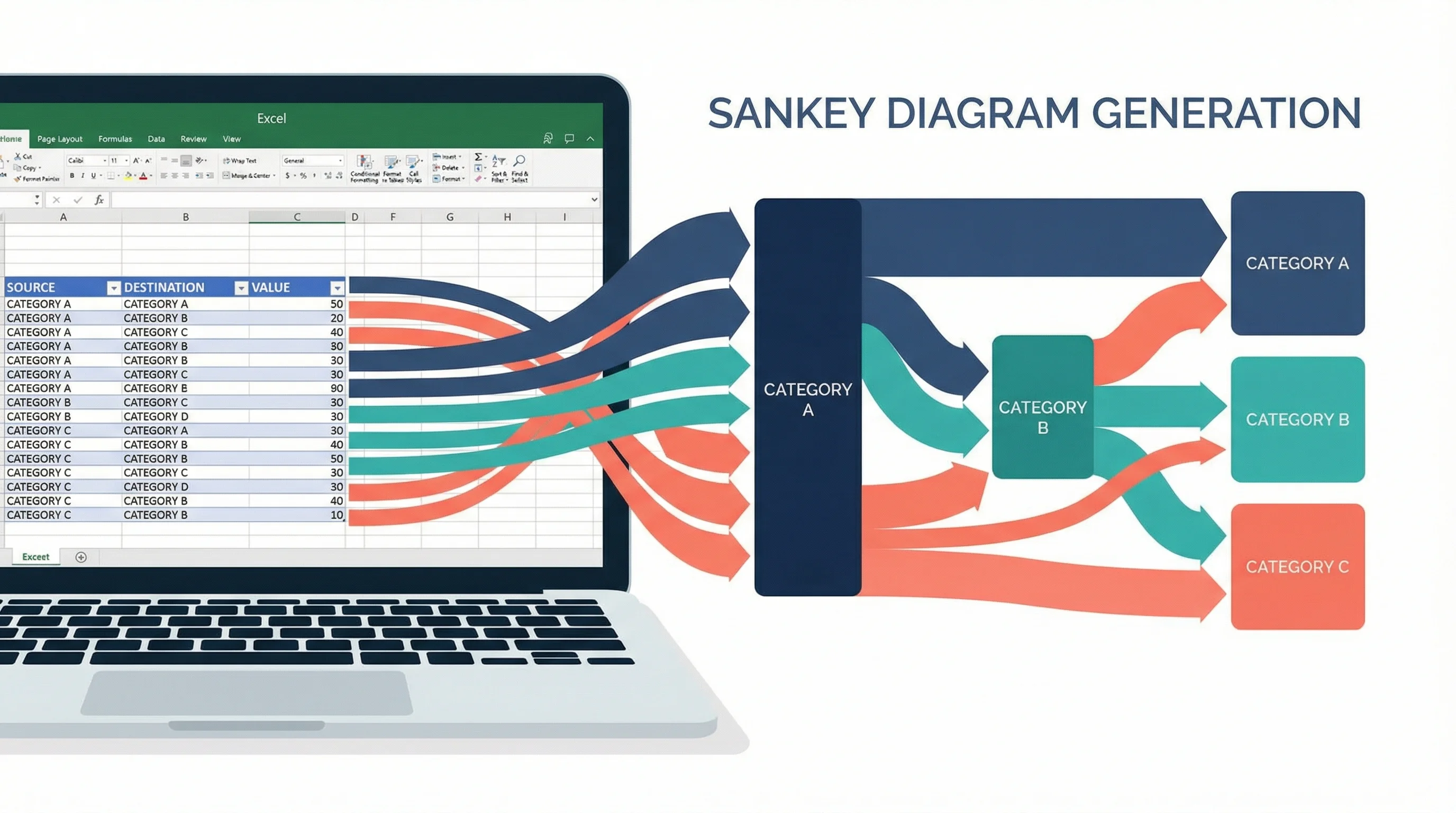
How to Create a Sankey Diagram in Excel: Step-by-Step Guide (2026)
Learn how to make Sankey diagrams in Excel using add-ins, manual workarounds, and dedicated tools. A step-by-step guide with templates and alternatives.