Context Diagram Generator Context Diagrams
Describe your system and our AI will create a professional context diagram showing system boundaries, external entities, and data flows. Perfect for systems analysis, requirements gathering, and stakeholder communication.
Context Diagram Generator
Free to try ·
Your context diagram will appear here
Describe your system and click Generate
Context Diagram Examples
Browse system context diagram examples or generate your own above
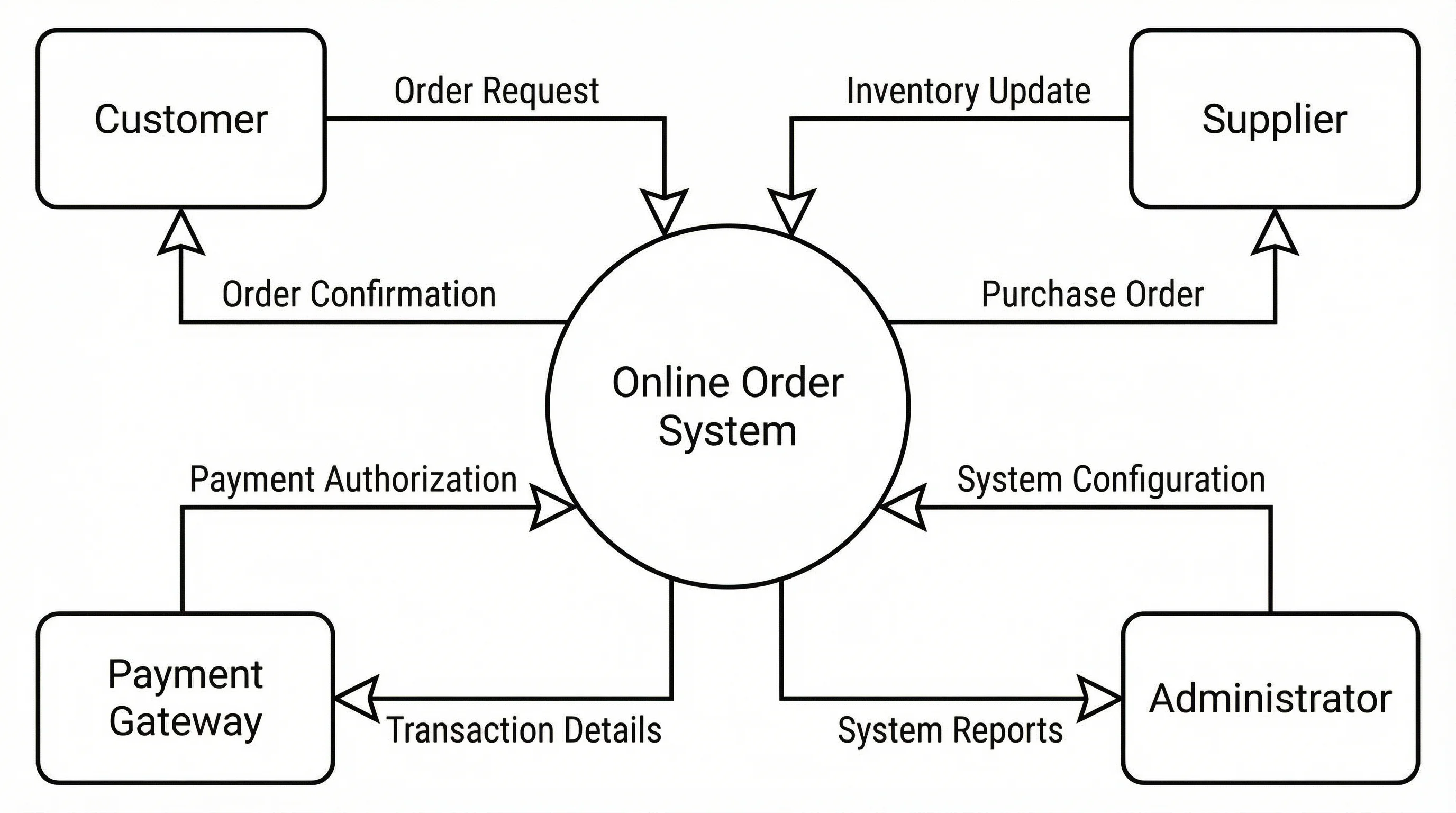
E-Commerce System Context Diagram
A system context diagram for an e-commerce platform showing the central system surrounded by external entities — customers, payment gateway, inventory supplier, and shipping provider — with labeled data flows for orders, payments, tracking, and fulfillment.
Hospital Management System Context Diagram
A system context diagram for a hospital management system with external entities including patients, doctors, insurance companies, pharmacies, and lab services, connected by data flows for appointments, prescriptions, claims, and test results.
Banking System Context Diagram
A system context diagram for an online banking system illustrating interactions between the core banking platform and external entities such as customers, ATM networks, the central bank, credit bureaus, and merchant systems.
University Enrollment System Context Diagram
A system context diagram for a university enrollment system with external entities including students, faculty advisors, the registrar office, financial aid office, and department heads, connected by enrollment, grade, and scheduling data flows.
Supply Chain Management Context Diagram
A system context diagram for a supply chain management system showing data flows between the central system and external entities including raw material suppliers, manufacturers, distribution warehouses, retailers, and logistics partners.
Mobile App Backend Context Diagram
A system context diagram for a mobile app backend showing interactions between the server system and external entities including mobile clients, push notification services, analytics platforms, third-party APIs, and the app store.
What Is a Context Diagram?
A context diagram, also known as a Level 0 data flow diagram (DFD), is a high-level visual representation that defines the boundary of a system and its interactions with external entities. It shows the entire system as a single process at the center, surrounded by the people, organizations, and other systems that interact with it. Context diagrams are the starting point of structured systems analysis, providing stakeholders with a clear, big-picture overview of what the system does and who it communicates with — without revealing any internal details or complexity.
How Context Diagrams Relate to Data Flow Diagrams
- Level 0 (Context Diagram): Shows the entire system as a single process bubble with external entities and their data flows — this is the context diagram itself, providing the highest level of abstraction
- Level 1 DFD: Decomposes the single process from the context diagram into its major sub-processes, revealing internal data stores and detailed data flows between components
- Level 2+ DFDs: Further break down individual Level 1 processes into finer sub-processes, adding more implementation detail at each level
- The context diagram establishes the system boundary — everything inside the central process is "the system" and everything outside represents external actors, making it the essential foundation before creating detailed DFDs
How to Create a Context Diagram
- Step 1 — Identify the System: Define the system you are modeling as a single process (circle or rounded rectangle) placed at the center of the diagram, labeled with a clear name
- Step 2 — Identify External Entities: List all people, organizations, and external systems that interact with your system, and place them as rectangles around the central process
- Step 3 — Define Data Flows: Draw labeled arrows between external entities and the central process to show what information flows in and out — each arrow should have a descriptive label like "Order Request" or "Invoice"
- Step 4 — Validate Completeness: Review the diagram with stakeholders to ensure all external interactions are captured and no important entities or data flows are missing
- Step 5 — Refine and Document: Clean up the layout for readability, ensure consistent notation, and add any supporting documentation such as a data dictionary for the labeled flows
When to Use Context Diagrams
Context diagrams are most valuable at the beginning of a project when you need to establish system scope and boundaries. They are essential during requirements gathering to align stakeholders on what the system will and will not do. Business analysts use context diagrams to communicate with non-technical stakeholders because the single-process view avoids overwhelming detail. They are widely used in software engineering, systems engineering, and enterprise architecture to document system interfaces. Context diagrams also serve as the foundation for security analysis, helping teams identify all external touchpoints where data enters or leaves the system.
Frequently Asked Questions
More Diagram Tools
DiagramsData Flow Diagram Generator
Create professional data flow diagrams (DFD) for Level 0, Level 1, and Level 2 system analysis with AI assistance.
DiagramsER Diagram Generator
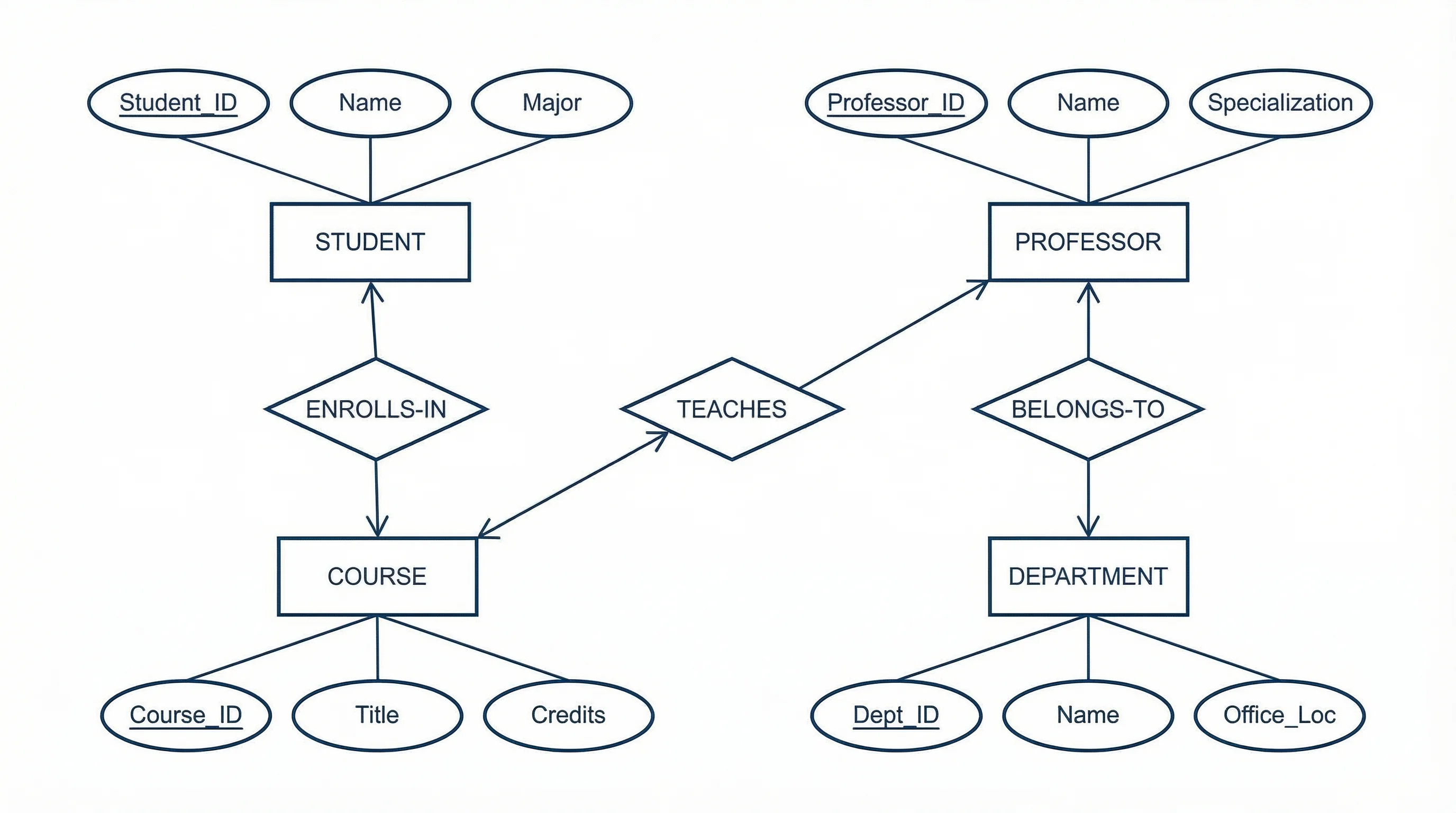
Generate entity-relationship diagrams for database design and data modeling with AI-powered visualization.
DiagramsBlock Diagram Generator
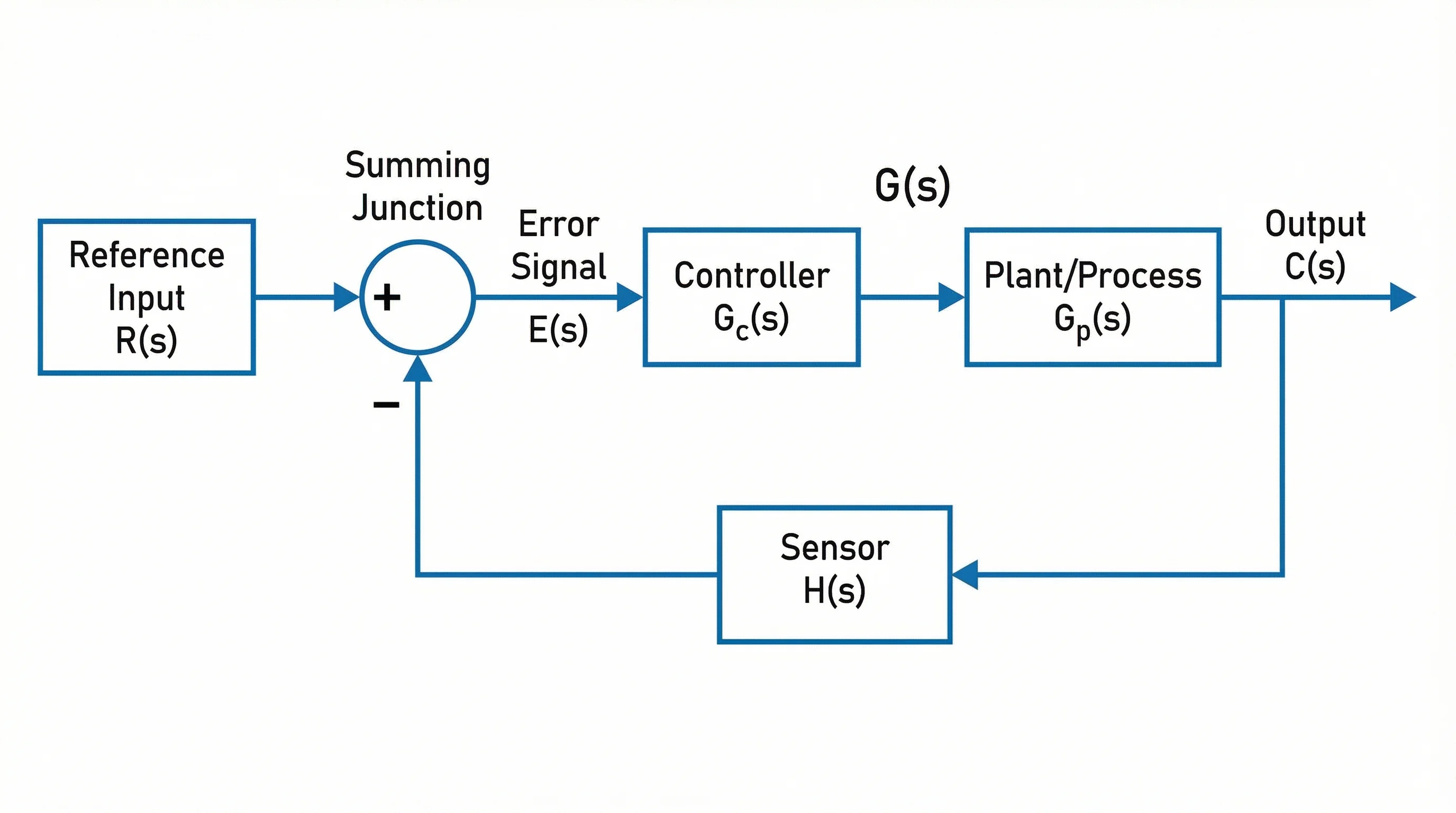
Create block diagrams for system overviews, signal processing, and engineering documentation.
DiagramsSwimlane Diagram Generator
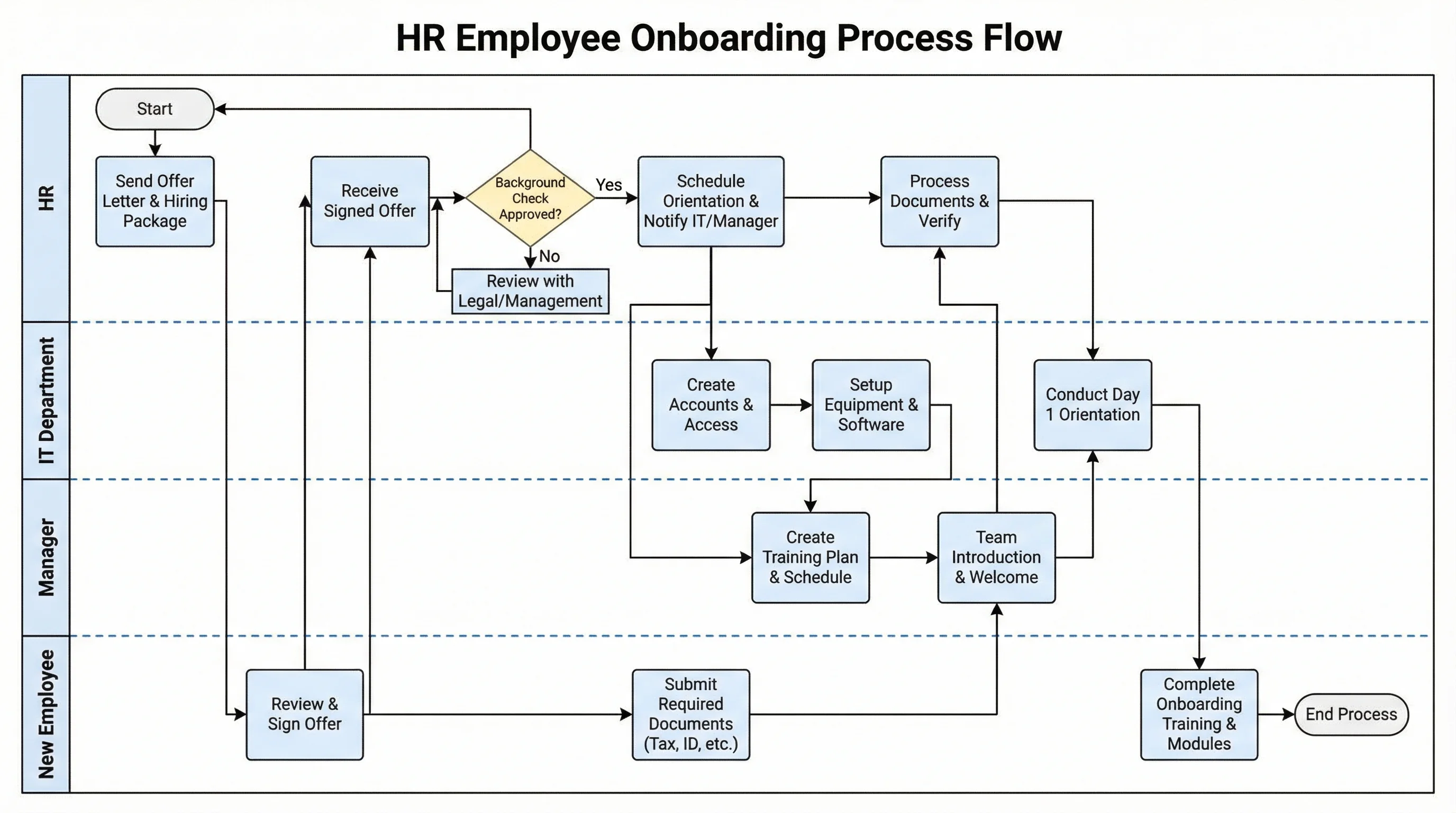
Create professional swimlane diagrams and cross-functional flowcharts for business processes and workflows.