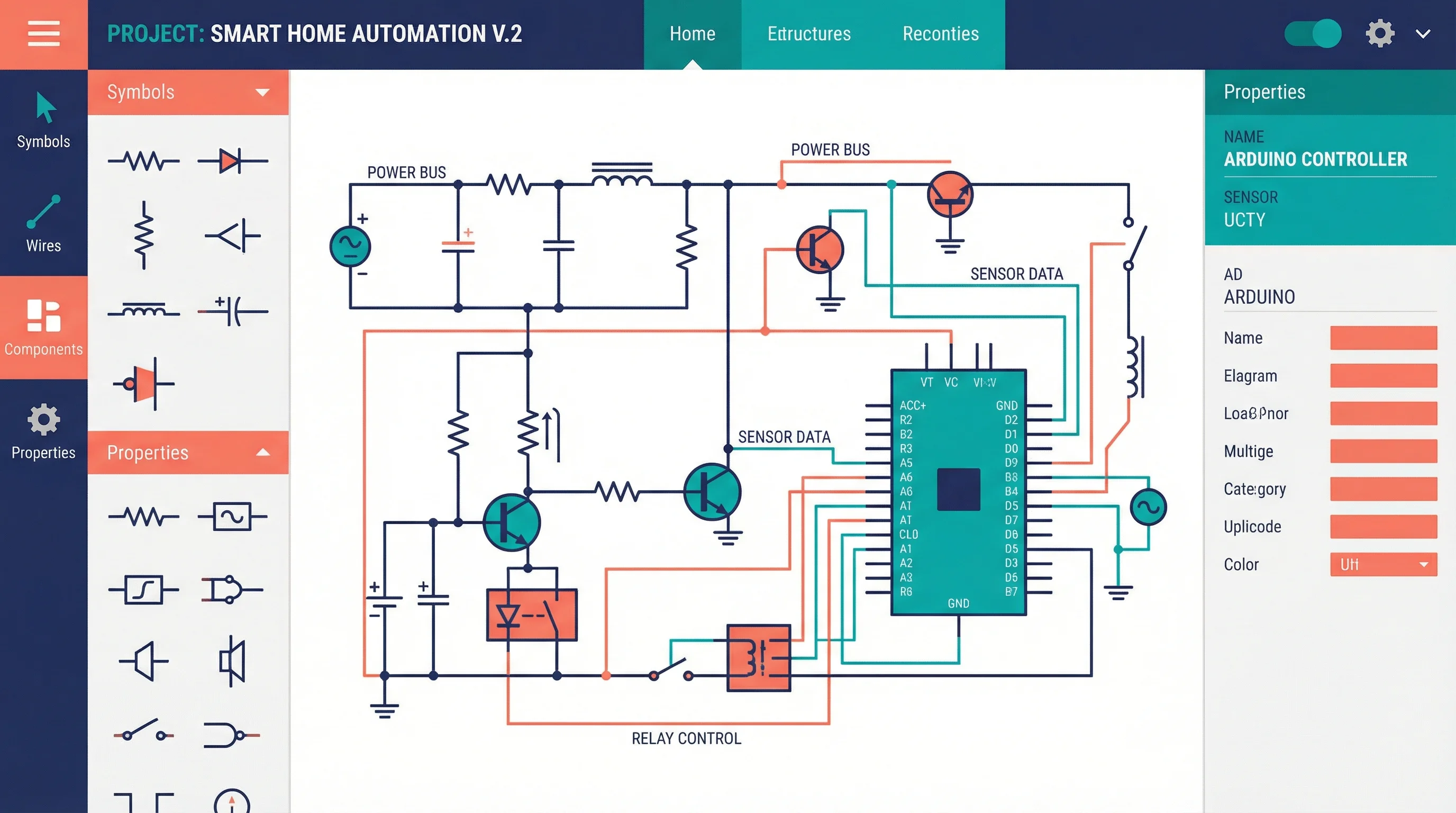
8 Best Wiring Diagram Software in 2026 (Free & Paid)
Compare the best wiring diagram software for electrical, automotive, and industrial use. Reviews of 8 free and paid tools with features, pricing, and pros/cons.
Best Electrical Wiring Diagram Software: Complete Guide
This page is a software decision, not a drawing tutorial. If you need the method — IEC vs ANSI, wire numbers, title block — use How to Make a Wiring Diagram. Here you are choosing a tool for point-to-point wiring: which terminal on which device gets which conductor.
The eight tools below cover AI first drafts, light electrical CAD, office diagramming, and full industrial suites. ConceptViz is a first-pass draft for review. It is not a stamped as-built and it does not replace the manufacturer’s terminal diagram.
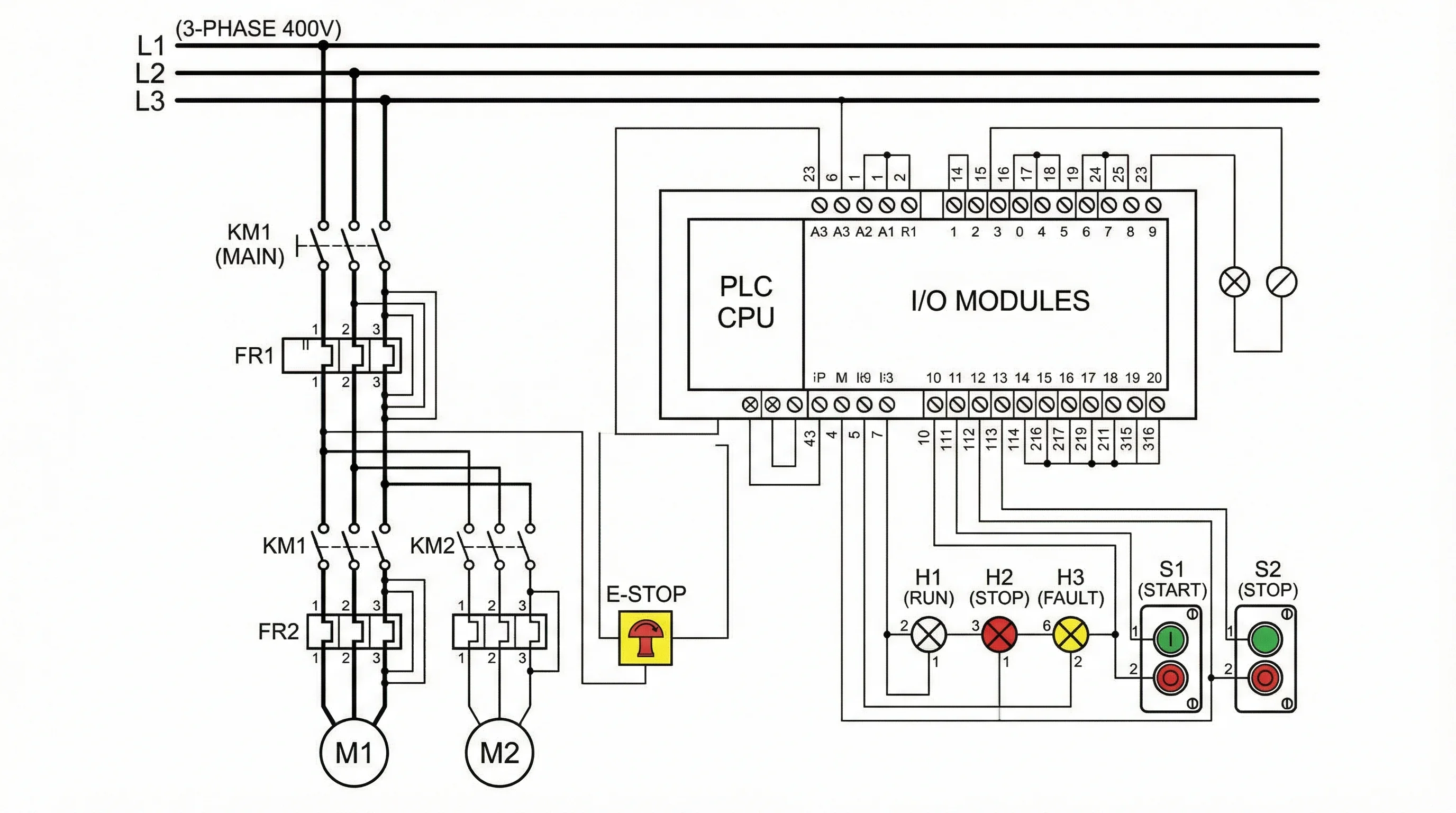
Wiring Diagram Maker
Describe a panel, motor, or harness in plain language and get a first-pass wiring diagram. Redline the terminals before it leaves the shop.
Draft a wiring diagram →Wiring vs schematic vs single-line
Search “wiring diagram software” and many lists mix three drawings. Mixing them is how a tech lands on the wrong terminal.
| Drawing | Question it answers | ConceptViz page |
|---|---|---|
| Wiring (connection / point-to-point) | Which terminal is landed on which wire? | Wiring Diagram Maker |
| Schematic (elementary) | How does the function work? | Schematic Diagram Maker |
| Single-line | How does power flow at system level? | Single-Line Diagram Generator |
You often need a schematic and a wiring sheet. AutoCAD Electrical and EPLAN treat them as related documents, not synonyms.
What actually matters in wiring software
| Feature | Why it matters on a real job |
|---|---|
| IEC / ANSI symbol sets | Mixed coil shapes fail a design review |
| Wire numbering and device tags | Shop packets live on these, not on pretty lines |
| From-to / terminal reports | Panel builders land from lists, not screenshots |
| Cross-references | Multi-page jobs need to know where coil K1 appears |
| Export | PDF for the shop; DWG when the client’s CAD library owns the job |
| Price model | Seat vs perpetual vs pay-per-draft |
AI generation is useful for a first sheet. It does not certify symbols or invent missing datasheet pins.
Quick comparison
| Software | Best for | Strength | Price shape | Free option |
|---|---|---|---|---|
| ConceptViz | Fast first-pass wiring | Text → draft in minutes | Credit packs | Yes |
| AutoCAD Electrical | Professional electrical CAD | Wire numbers, tags, DWG | Autodesk subscription | Trial |
| EPLAN | Industrial automation | Parts portal, 3D panel, multi-user | Enterprise quote | No |
| ProfiCAD | Light electrical CAD | Wire lists without a seat | Free / perpetual | Yes (non-commercial) |
| SmartDraw | Office + light electrical | Templates, sharing | Monthly | Trial |
| EdrawMax | Cross-platform all-rounder | Visio import, many templates | Yearly or perpetual | Limited |
| SolidWorks Electrical | Machine / OEM teams already on SolidWorks | Schematic ↔ 3D harness | Dassault subscription | Trial |
| QElectroTech | Free electrical CAD | IEC-oriented, offline | Free (open source) | Yes |
1. ConceptViz — Best for an AI first draft
ConceptViz generates a wiring diagram from a written brief: devices, voltage, and what must be landed. Use it when you need a sheet for a review, a teaching example, or a client conversation before anyone opens CAD.
It is not a substitute for AutoCAD Electrical or EPLAN on a code-compliant construction package.
What it is good at
- A readable first pass in minutes
- Control-panel, motor, HVAC, and harness-style briefs
- Exporting a PNG or SVG so someone else can redline
What it is not
- Not a certified IEC / ANSI symbol library
- Not automatic wire numbering or a from-to report
- Not an as-built. Confirm every terminal against the datasheet
Pricing
Credit packs (Standard and Pro). No monthly seat. Do not treat the free trial credits as a production license.
Schematic Diagram Maker
When the job is function — coils, contacts, signal flow — not physical landing.
A control-panel wiring sheet shows devices, terminals, and conductors. It is not a one-line of the facility and not a breadboard cartoon.
2. AutoCAD Electrical — Best dedicated electrical CAD
AutoCAD Electrical is the default when the deliverable is DWG, the client already lives in Autodesk, and the packet needs wire numbers, component tags, and error checks.
Strengths
- Large IEC / JIC / JIS / GB symbol sets
- Automatic wire numbering and component tagging
- Cross-reference reports across sheets
- BOM from the drawing
- Native DWG
Limits
- Steep if you are not already an AutoCAD user
- Windows-first
- Overkill for a one-page review sketch
- Subscription cost is a project-line item, not a hobby price
Pricing
Autodesk subscription (electrical toolset). Confirm the current list on Autodesk. Student licenses exist; production jobs usually cannot use them.
3. EPLAN — Best for industrial automation
EPLAN is a project database with drawings attached, not a smarter AutoCAD. OEM and SI teams use it when PLC I/O, manufacturer parts, and cabinet layout have to stay in one system.
Strengths
- EPLAN Data Portal (manufacturer parts)
- Bidirectional cross-references
- 3D cabinet layout on higher modules
- Multi-user engineering and revision control
- ERP hooks on enterprise rollouts
Limits
- Quote-level pricing and a real training ramp
- Wrong tool for a one-off sketch
- Implementation is a project, not a download
Pricing
Enterprise / seat quote. Public “street” numbers move; get a current quote if you are comparing against AutoCAD Electrical.
4. ProfiCAD — Best light electrical CAD
ProfiCAD is a small Windows program aimed at electrical and control diagrams. The free build is enough for school and non-commercial work. Paid licenses add commercial use.
Strengths
- Wire numbering and connection lists
- BOM and title blocks
- Small install, works offline
- No subscription
Limits
- Windows only
- Smaller library than AutoCAD Electrical or EPLAN
- No real-time multi-user CAD
Pricing
Free for non-commercial use. Paid home and commercial licenses (confirm current amounts on proficad.com).
5. SmartDraw — Best when wiring is one of many diagram types
SmartDraw is an office diagrammer with electrical templates. Use it when the same seat also has to produce flowcharts and the wiring sheet is documentation, not a shop packet.
Strengths
- Large general symbol set, including IEEE / IEC-style electrical shapes
- Templates and easy sharing
- Web plus Windows
Limits
- Not automatic industrial wire numbering
- Not a substitute for EPLAN on a multi-page panel job
- Subscription adds up if you only draw wiring twice a year
Pricing
Individual plans are typically about $10/month on annual billing. Confirm on SmartDraw.
6. EdrawMax — Best cross-platform all-rounder
EdrawMax covers electrical templates plus Visio-like general diagramming on Windows, Mac, Linux, and web.
Strengths
- Broad template library (panels, residential, circuits)
- Visio / PDF / SVG / image export
- One-time license option
Limits
- Template quality varies
- Not dedicated electrical CAD for complex industrial designs
- Full libraries sit behind the paid build
Pricing
Yearly subscription or a perpetual license. Confirm current SKUs on Wondershare.
7. SolidWorks Electrical — Best if the machine is already in SolidWorks
SolidWorks Electrical ties 2D schematics to 3D assemblies and harnesses. It belongs on this list when the wiring job is a machine or OEM product, not a building.
Strengths
- Schematic and 3D stay in one vendor stack
- Useful for cabinet-to-machine coordination
- Familiar if the mechanical team already pays for SolidWorks
Limits
- You are buying a Dassault workflow, not a cheap wiring app
- Poor fit if you only need a one-page landing sheet
- We have not run a full hands-on of every module; confirm features on the current datasheet
Pricing
Dassault subscription. Get a quote for Electrical Schematic vs Electrical 3D.
8. QElectroTech — Best free open-source electrical CAD
QElectroTech is an open-source editor for electrical, automation, and process diagrams. It is a closer peer to ProfiCAD than to a breadboard toy.
Strengths
- Free, offline, IEC-oriented
- Cross-platform
- Fine for school labs and internal sketches with no license fight
Limits
- Smaller ecosystem than AutoCAD Electrical
- No manufacturer parts portal
- Collaboration is file-based
Pricing
Free (open source).
Which tool for which job
Control panel / industrial landing. AutoCAD Electrical or EPLAN. ConceptViz only for the first review sheet.
Machine / OEM already on SolidWorks. SolidWorks Electrical.
One electrician, no seat budget. ProfiCAD or QElectroTech.
Office documentation, mixed diagram types. SmartDraw or EdrawMax.
Need a draft today, CAD later. ConceptViz Wiring Diagram Maker, then promote survivors into CAD.
Single-Line Diagram Generator
System-level power flow — feeders and loads — not point-to-point landing.
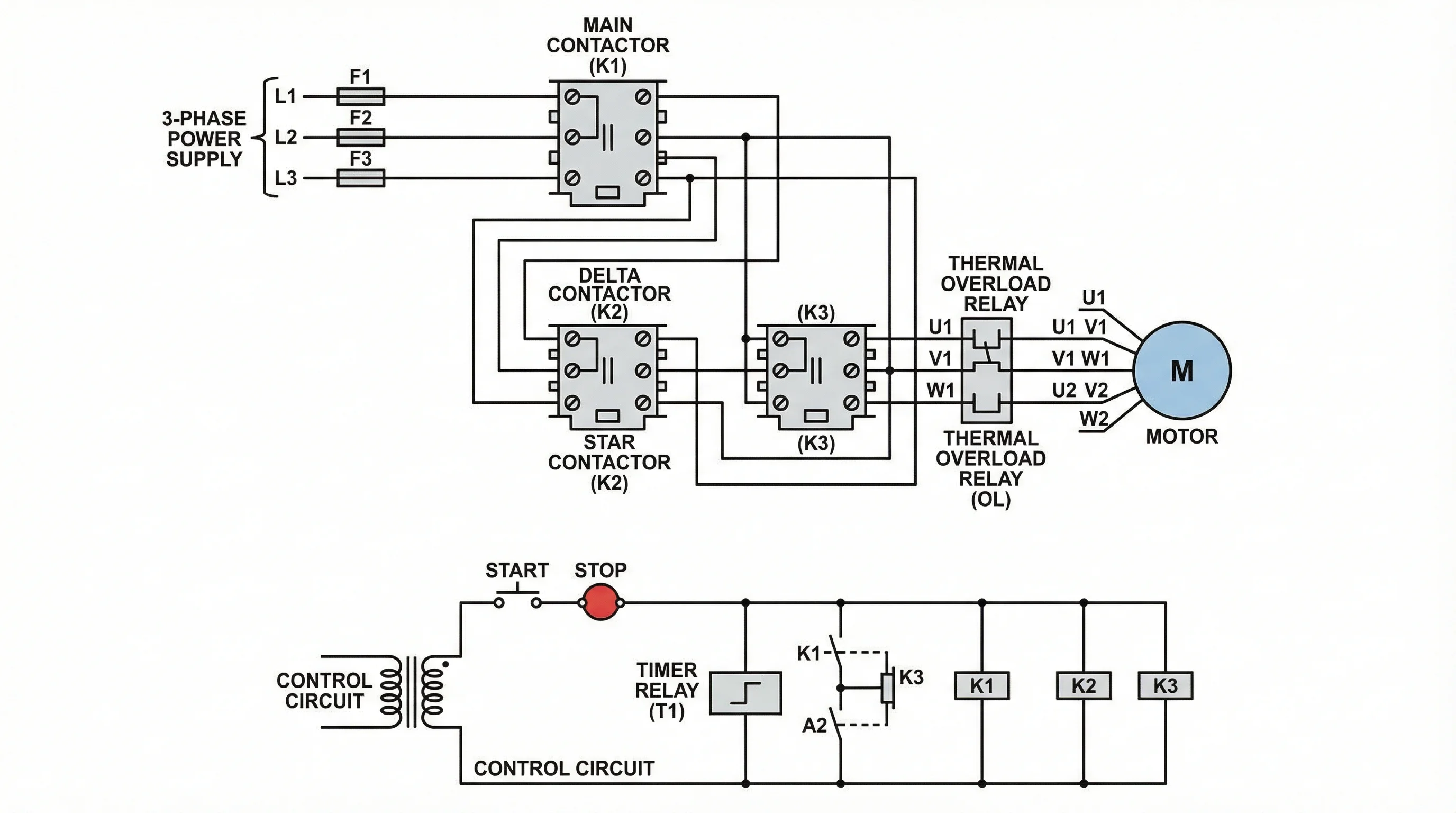
Motor and HVAC jobs still start with the datasheet terminals. Software only records what you already verified.
Free vs paid
Pay when the packet is a client deliverable, a permit set, or a multi-page job that needs wire numbers and from-to lists. Stay on a free or credit-pack tool when you are still arguing about the circuit.
| Need | Usually enough |
|---|---|
| Review sketch this afternoon | ConceptViz or QElectroTech |
| Commercial one-off sheets | ProfiCAD paid or EdrawMax |
| Shop packet with reports | AutoCAD Electrical |
| Plant / OEM standard | EPLAN or SolidWorks Electrical |
Frequently Asked Questions
What is the best free electrical wiring diagram software?
For real electrical CAD on a budget, start with ProfiCAD’s non-commercial build or QElectroTech. ConceptViz has a free credit allowance for a first-pass wiring sheet, then credit packs. None of these replace AutoCAD Electrical on a stamped package.
What is the difference between a wiring diagram and a schematic?
A wiring diagram shows physical landing — terminals, wire numbers, and how the panel is built. A schematic shows function — which contact opens which coil — without promising physical routing. You usually need both. The method is in our how-to-make-a-wiring-diagram guide.
Do I need CAD software to create a wiring diagram?
For a review draft, no. For a shop packet, permit set, or client DWG, yes — AutoCAD Electrical, EPLAN, or an equivalent electrical CAD. AI drafts are a starting sheet, not the issued drawing.
Which software do professional electricians and panel shops use?
Industrial and OEM work clusters around AutoCAD Electrical and EPLAN. Smaller shops often use ProfiCAD or EdrawMax for documentation. Many teams draft in a quick tool, then redraw the issued sheets in CAD.
Can I use Microsoft Visio for wiring diagrams?
Visio can hold simple electrical stencils. It does not give industrial wire numbering, cross-references, or a manufacturer parts portal. Use it for a slide, not a landing list.
What file format should I use for sharing wiring diagrams?
PDF for the shop and the client. DWG when another CAD library will edit the job. SVG or PNG for a review comment thread. Keep the native CAD file if anyone still has to change wire numbers.
Conclusion
Pick the tool that matches the issued document:
- First-pass wiring sheet: ConceptViz Wiring Diagram Maker
- Issued electrical CAD: AutoCAD Electrical or EPLAN
- Light / free electrical CAD: ProfiCAD or QElectroTech
- Office documentation: SmartDraw or EdrawMax
- Machine already in SolidWorks: SolidWorks Electrical
How to number wires and freeze IEC vs ANSI is in How to Make a Wiring Diagram, not here.
分类
更多文章

Scientific Illustration Guide 2026: Types, Tools & How to Get Started
What is scientific illustration? Learn the types (botanical, medical, technical), best tools (free & paid), and how to create effective scientific visuals. With career tips.

Best Free Adobe Illustrator Alternatives 2026
Compare the best free Adobe Illustrator alternatives in 2026: Inkscape, Affinity by Canva, Canva, Vectr, Gravit and ConceptViz for vector graphics and diagrams.

7 Best Free Prezi Alternatives in 2026 (Ranked)
Looking for a free Prezi alternative? Compare 7 best options with zoom effects & animations—Google Slides, Canva, Genially & more. No $59/month needed.