Ray Diagram Generator for Lenses & Mirrors
Draw accurate ray diagrams for converging and diverging lenses and concave and convex mirrors. Adjust focal length and object distance, see real vs virtual image formation, and export SVG or PNG.
Real · Inverted · Reduced
image distance ≈ 15.0 cm · magnification ≈ 0.50×
Ray Diagram Examples
Standard lens and mirror cases rendered by the precise engine
Converging Lens — Object Beyond 2F
Object past 2F gives a real, inverted, reduced image between F and 2F — the camera case.
Converging Lens — Object at 2F
Object at 2F gives a real, inverted, same-size image at 2F on the other side.
Converging Lens — Magnifying Glass
Object inside F gives a virtual, upright, magnified image — how a magnifying glass works.
Diverging Lens
A diverging lens always forms a virtual, upright, reduced image on the object side.
Concave Mirror — Real Image
A concave mirror forms a real, inverted image in front of the mirror when the object is beyond F.
Convex Mirror
A convex mirror always forms a virtual, upright, reduced image behind the mirror.
Converging Lens — Object Between F and 2F
Object between F and 2F gives a real, inverted, magnified image beyond 2F — the projector case.
Concave Mirror — Magnifying Mirror
Object inside F of a concave mirror gives a virtual, upright, magnified image — the shaving or makeup mirror.
What is a ray diagram?
A ray diagram is a scaled drawing that uses a few specially chosen light rays to locate the image formed by a lens or mirror. By tracing how each principal ray bends (refracts through a lens) or bounces (reflects off a mirror), you can find exactly where the image forms and whether it is real or virtual, upright or inverted, magnified or reduced.
How to draw a ray diagram (the three principal rays)
- For a converging (convex) lens: ray 1 travels parallel to the axis then bends through the far focal point F′; ray 2 passes straight through the optical centre undeviated; ray 3 passes through the near focal point F then emerges parallel to the axis. Where they cross is the image.
- For a diverging (concave) lens: the emergent rays spread apart, so you extend them backwards (dashed) to the same side as the object to locate the virtual image.
- For a concave mirror: ray 1 parallel to the axis reflects through F; ray 2 through F reflects parallel; ray 3 to the mirror vertex reflects symmetrically about the axis.
- For a convex mirror: reflected rays diverge, so extend them behind the mirror (dashed) to find the virtual image.
Why this tool draws precise diagrams
- Ray paths are fixed by the laws of optics, so a parallel ray must pass through the focal point and a chief ray must be undeviated. An AI image model does not know these rules and often draws physically wrong rays.
- The Precise diagram mode computes image position from the thin-lens / mirror equation 1/v + 1/u = 1/f and renders the three principal rays exactly, so the diagram is correct for homework, worksheets, and exams.
- Solid lines show real light paths; dashed lines show the virtual back-extensions used to locate a virtual image. You can export the result as SVG or PNG.
Converging lens vs diverging lens
A converging (convex) lens can form a real, inverted image (object outside the focal point) or a virtual, upright, magnified image (object inside F — the magnifying-glass case). A diverging (concave) lens always forms a virtual, upright, reduced image on the same side as the object, no matter where the object sits.
Concave mirror vs convex mirror
A concave (converging) mirror forms a real, inverted image when the object is beyond the focal point, and a virtual, upright, magnified image when the object is inside F. A convex (diverging) mirror always forms a virtual, upright, reduced image behind the mirror — which is why it is used as a wide-view safety and side mirror.
When to use the AI sketch mode
Use the AI sketch mode for flexible optical scenes the precise engine does not cover — solar cookers, prisms, total internal reflection, telescopes, periscopes, the human eye, or full lab apparatus. These sketches are illustrative previews; for exam-accurate lens and mirror image formation, use the Precise diagram mode.
Frequently Asked Questions
Related Physics Tools
 Physics
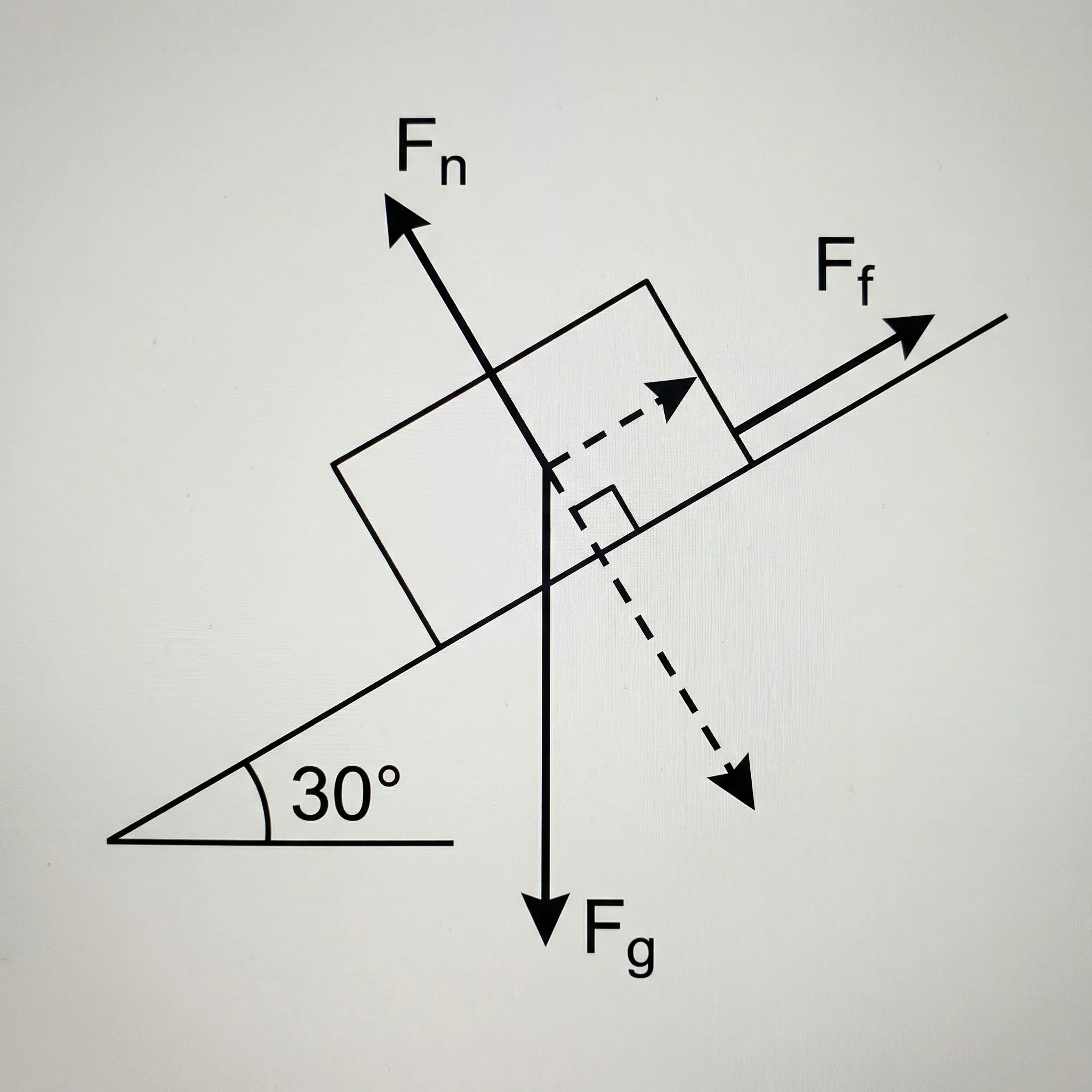
Free Body Diagram Generator
Create physics force diagrams with labeled weight, normal force, friction, tension, and applied-force vectors.
 Physics
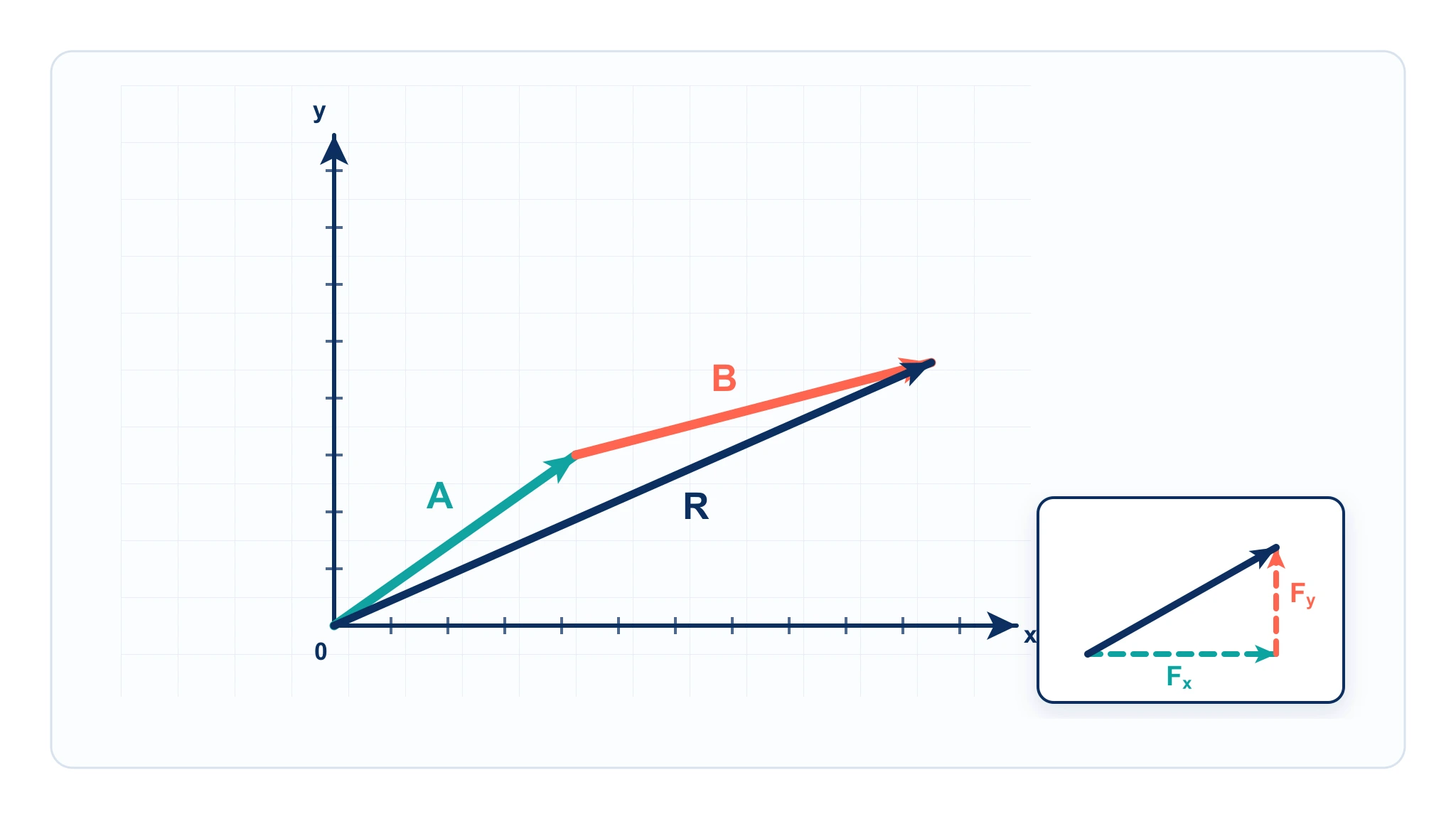
Vector Diagram Physics Maker
Draw vector arrows, components, and resultants with precise angles and scale for physics problems.
 Physics
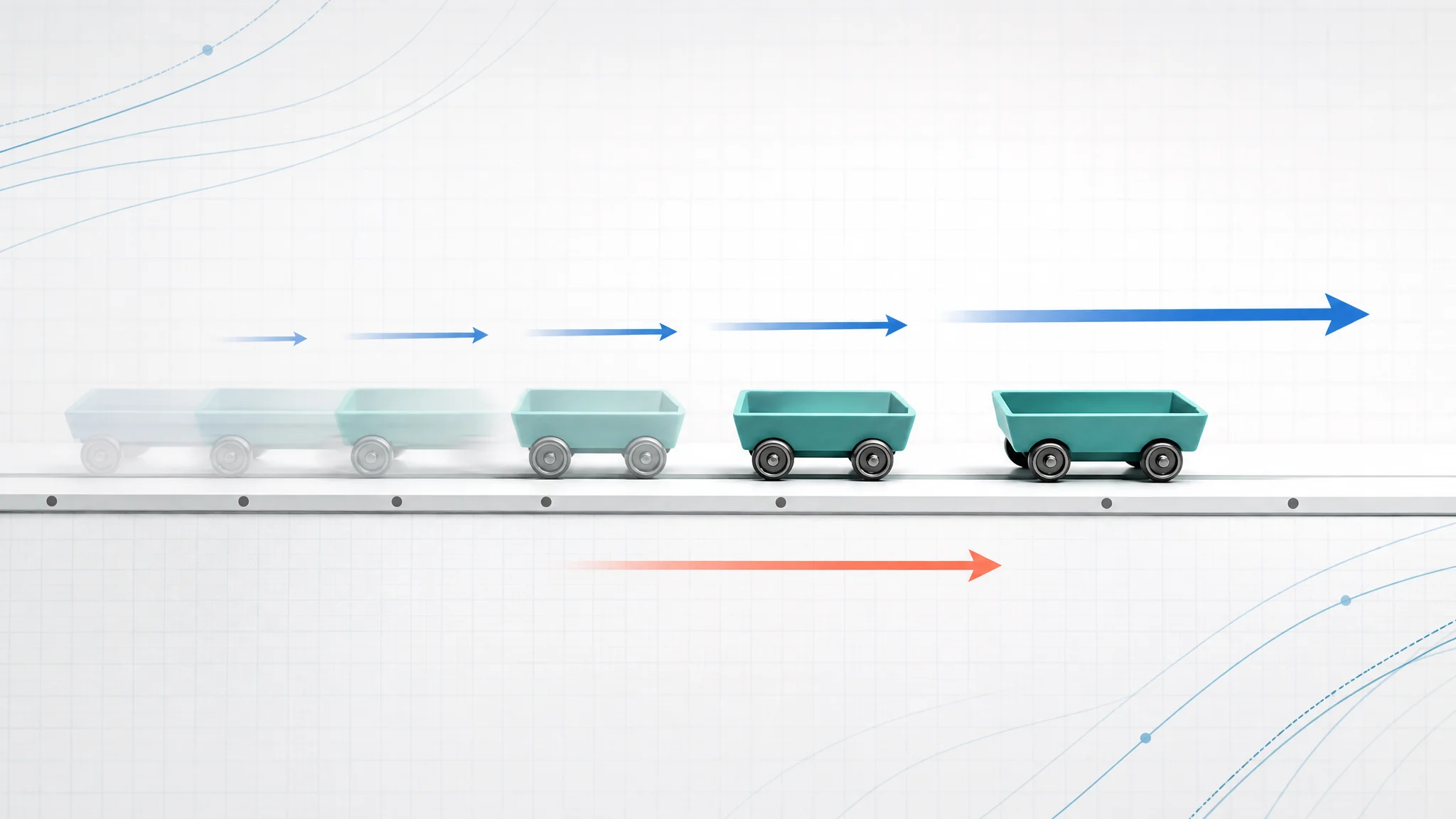
Motion Diagram Physics Maker
Build motion diagrams with position dots, velocity arrows, and acceleration arrows at equal time intervals.