Vector Components
A = 50 N at 37 degrees, resolved into x and y components.
Create precise physics vector diagrams from magnitudes and angles. Draw components, head-to-tail addition, resultants, and export SVG, PNG, or CSV.
Enter magnitude and angle in standard position.
Format: label, magnitude, angle in degrees, unit. Up to six vectors.
Angles are measured counterclockwise from the positive x-axis.
Compare common classroom cases: components, resultants, head-to-tail addition, and displacement vectors.
A = 50 N at 37 degrees, resolved into x and y components.
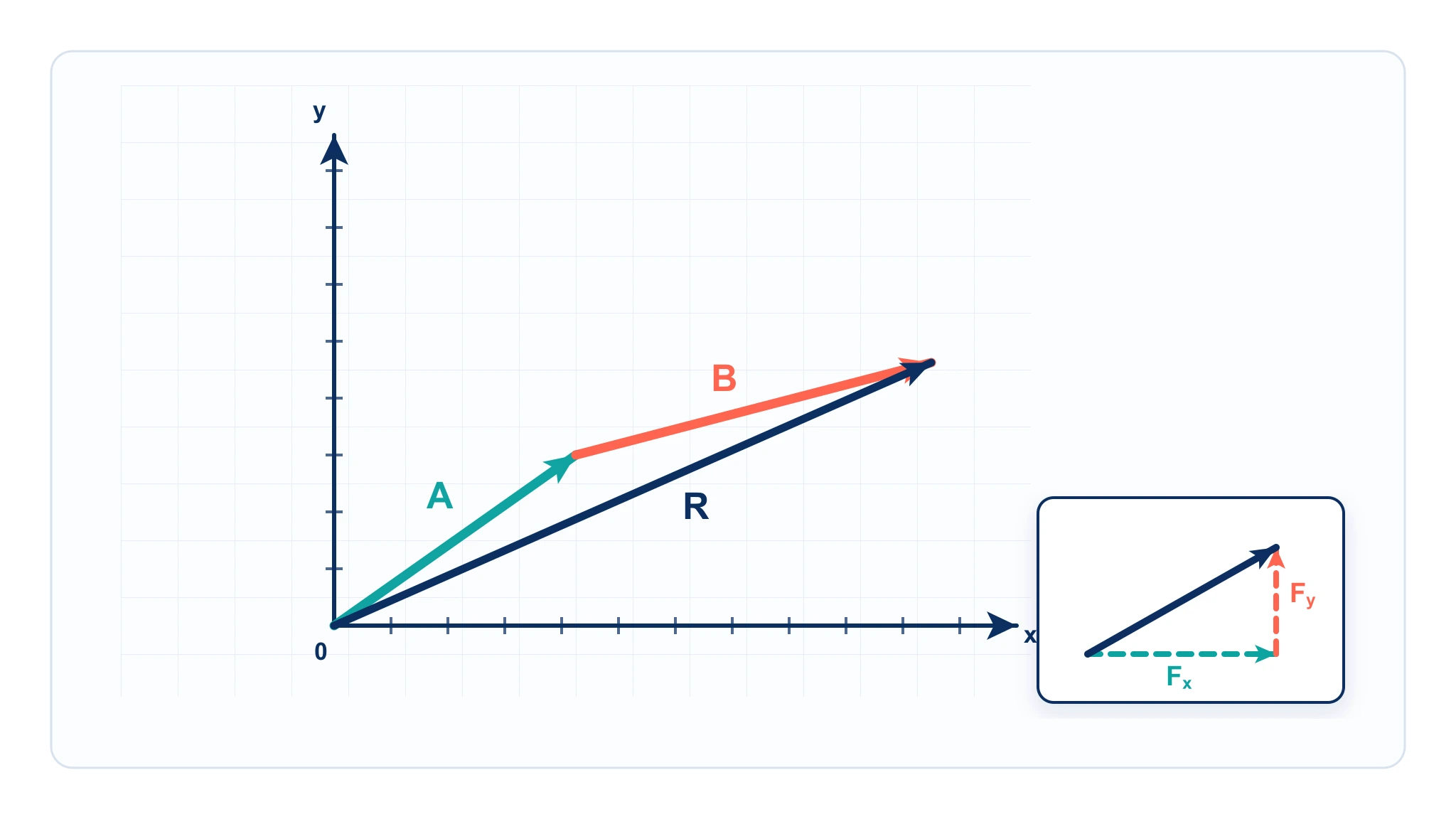
Two vectors added tip-to-tail with the resultant from start to end.
Concurrent force vectors with a net resultant.
A route drawn as vector legs with the net displacement.
Initial velocity split into horizontal and vertical components.
Three equal vectors separated by 120 degrees nearly close the triangle.
A vector diagram physics maker draws arrows that represent physical quantities with both magnitude and direction. Students and teachers use vector diagrams to resolve a vector into x and y components, add vectors graphically, estimate resultants, and check the direction of forces, velocities, displacements, and fields.
A vector diagram is a general tool for arrows, components, addition, and resultants. A free body diagram is more specific: it isolates one object and shows the external forces acting on that object. Use this page when the task is vector arithmetic or component resolution. Use the Free Body Diagram Generator when the task is force identification for a physical body.
 Physics
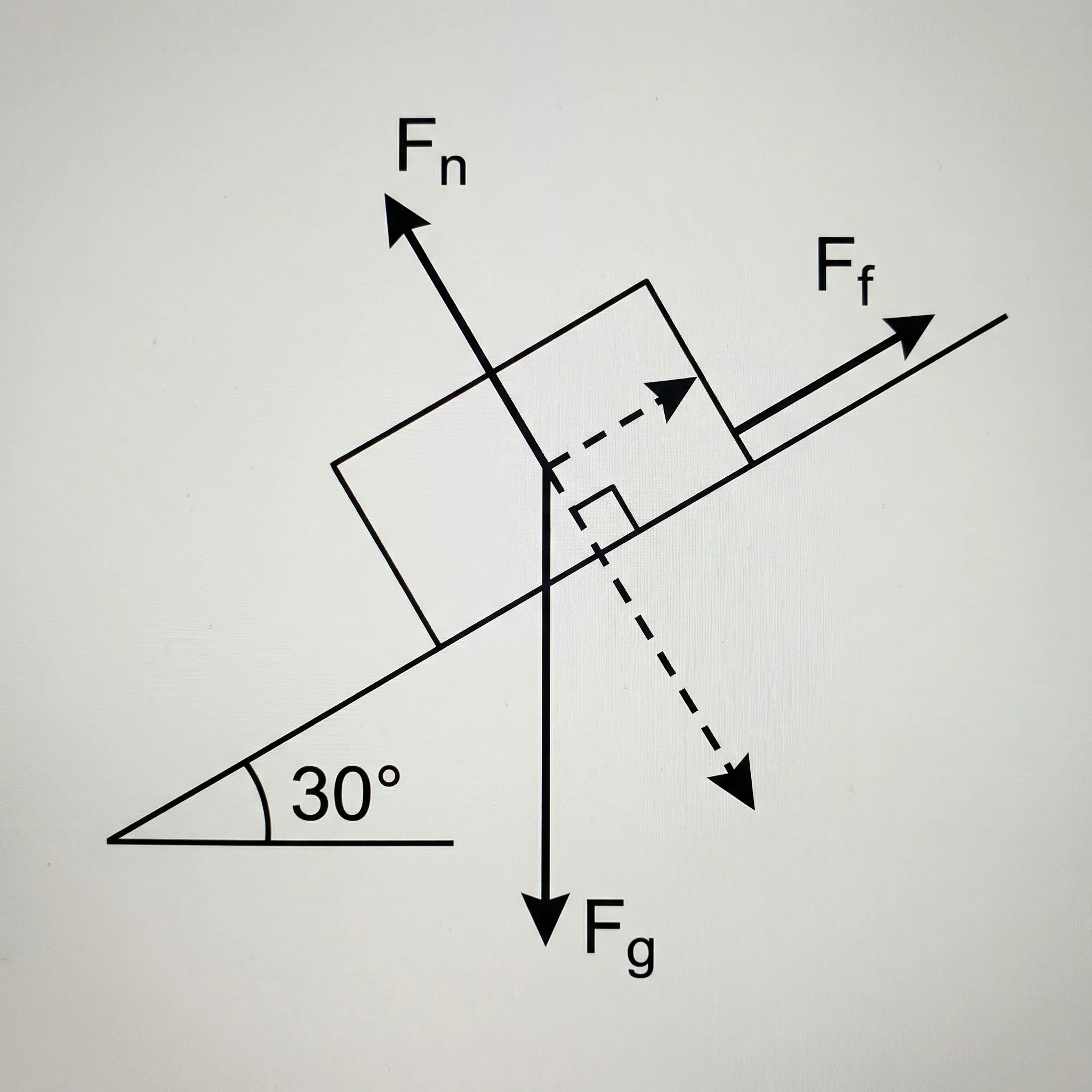
Create force diagrams with labeled weight, normal force, friction, tension, and applied force vectors.
 Physics
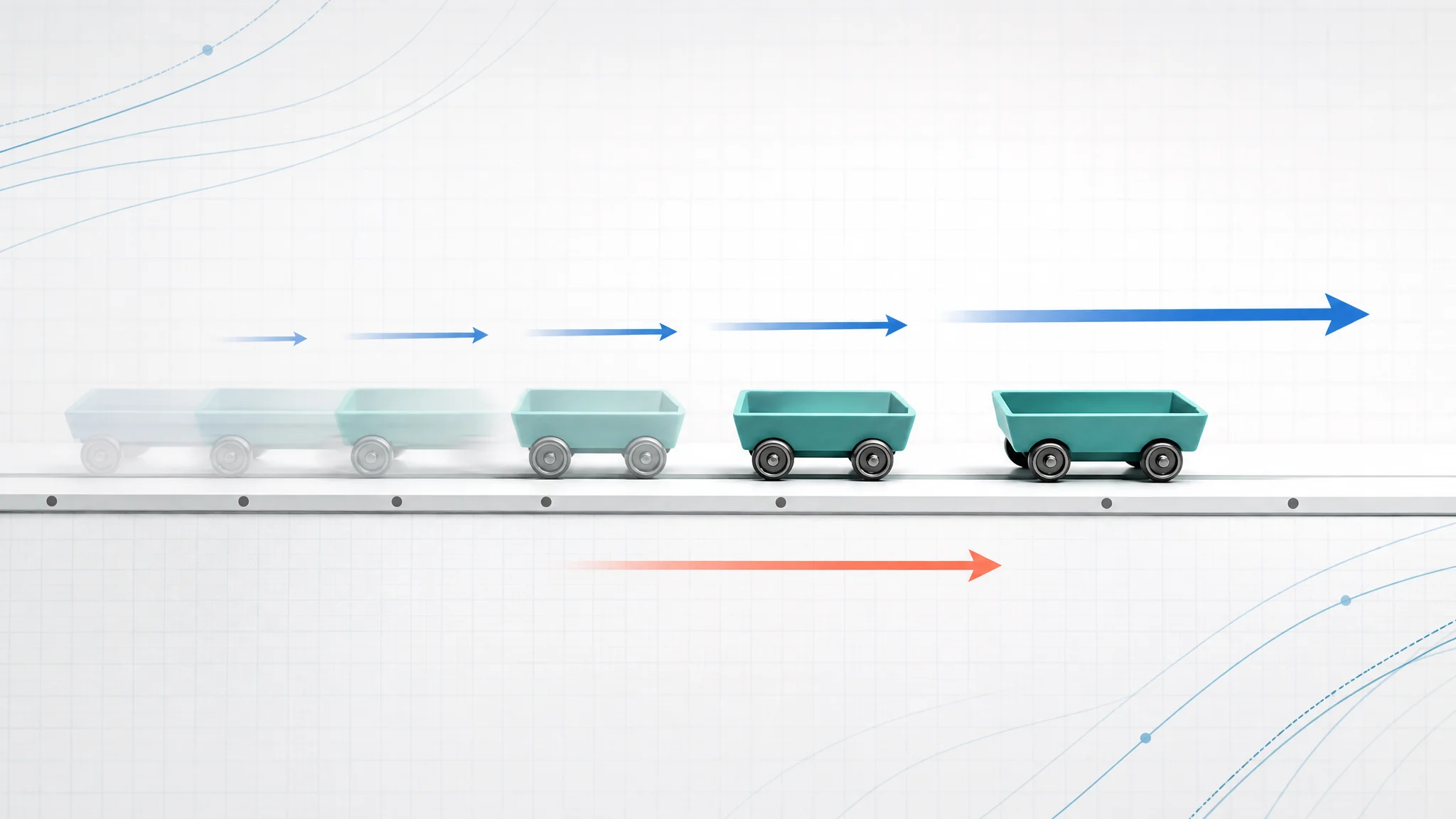
Create motion diagrams with position dots, velocity arrows, acceleration arrows, and CSV export.
 Physics
Learn how to draw vectors, components, head-to-tail diagrams, and resultant arrows.