
7 BioRender Alternatives: Free Plans & Licenses (2026)
Compare 7 BioRender alternatives, free-plan limits, prices, and publication rights. Includes open-source editors and a BioRender free-plan checklist.
Looking for BioRender alternatives usually means one of two things: a free way to assemble a scientific figure, or a cheaper paid tool with the rights needed for publication. A free editor, a free icon library, and a free trial are different offers. The seven options below keep those distinctions visible.
BioRender's Academic Individual plan is $35/month billed annually or $39 month to month, while its free plan does not include publication rights. Prices and terms below were checked against official sources in October 2026; Mind the Graph figures match our October 9 detailed review. For the wider BioRender plan comparison, see BioRender pricing.
AI Scientific Image Generator
Draft a scientific illustration from your description, then verify labels, mechanisms, and the journal’s policy on AI-generated artwork.
Try it free →This guide compares scientific illustration and research workflows using current official product and license information. It is not a paid-export benchmark. If you're a K-12 teacher making classroom materials, our best free BioRender alternatives for teachers guide is a better fit.
Quick Comparison: Cost, Free Limits, and Publication Rights
Checked October 10, 2026. USD where a dollar price is shown. “Can publish” below means the tool or asset license permits the relevant use, subject to its conditions. The journal still decides whether the artwork and any AI assistance are acceptable.
| Tool | Price / free allowance | Free-plan limit | Publication use | Best fit |
|---|---|---|---|---|
| BioRender | Free; academic $35/mo annually or $39 monthly | 3 figures, 1 Graphing file, restricted rights | Free plan and trial: no. Eligible Premium plan and figure license required | Curated biomedical figures |
| ConceptViz | 2 signup image credits, 7-day validity; Starter pack $9.90/15 credits | Watermark and non-commercial restrictions; credits are not an ongoing free allowance | Paid-account license covers publications within its terms; verify journal AI policy | Custom illustration drafts |
| Mind the Graph | Free Starter; Researcher $15/mo or $99/year (US) | Up to 4 scientific illustrations; watermark and citation | Free: CC BY-SA conditions and watermark; paid: broader rights | Science icon library and layouts |
| Inkscape + Bioicons | Free editor and icon downloads | Manual assembly; no generation-credit quota | Depends on each imported icon's license, not just the editor | Open-source vector editing |
| Canva for Education | Free for eligible K-12 educators and students | Eligibility rules; Pro content is for educational, non-commercial use | Not blanket publication clearance; check each content category and intended use | Classroom materials |
| Chemix | Free tier; Boost $5.99/mo or $4.79/mo equivalent annually | 3 cloud diagrams; SVG and high-quality export require Boost | Research papers require citation; qualifying paid exports have an attribution exemption | Lab apparatus diagrams |
| SciDraw | Free illustration downloads | Library, not an editor | CC BY or CC0 per asset; credit authors where required | Reusable scientific SVG illustrations |
| Draw.io + Bioicons | Free standalone editor and icon downloads | Paid integrations are separate; imported assets keep their own terms | You retain your drawings; satisfy icon licenses | Pathway and workflow diagrams |
Official sources: BioRender pricing, ConceptViz pricing and license, Mind the Graph pricing and publication FAQ, Inkscape and Bioicons, Canva Education and content license, Chemix pricing and license, SciDraw and draw.io terms. Checked 2026-10; uncertainties are marked rather than inferred from a free download button.
What Can You Do with BioRender Free?
The current official free-plan card lists three figures, one Graphing file, free AI-tool credits, templates, uploads, and PDB-based 3D models. It explicitly excludes publication and commercial use. The number of free AI credits is not stated on the public card we reviewed. An older FAQ on the same page still mentions more than five figures as an upgrade trigger; use the current three-figure plan card and verify the allowance inside your account.
The 14-day Premium trial is a separate offer and also excludes publication rights during the trial. See the official trial restrictions, checked October 10, 2026. Neither citing BioRender nor removing a watermark creates publication permission.
Use free access to learn the editor and prepare permitted educational or personal materials. Before a journal submission, check your plan, export the correct license, and add the generated citation. Our how to cite BioRender guide gives copyable caption layouts and the documented license-download steps.
1. ConceptViz: AI-Powered Scientific Figures
Price, checked 2026-10: 2 free signup image credits valid for 7 days; a Starter image pack is $9.90 for 15 credits and Standard is $19.90 for 45. Subscriptions are also available; Standard annual billing is $249.90. See current pricing for offers and purchase eligibility.
ConceptViz takes a fundamentally different approach from BioRender. Instead of dragging and dropping icons from a library, you describe the scientific concept in plain text and AI generates a complete, labeled illustration in seconds.
Strengths:
- Covers all scientific fields (biology, chemistry, physics, earth science, medicine)
- Generates unique illustrations: not assembled from a template library
- A prompt-to-image workflow for a first draft; generation time varies
- Supports data visualization with real CSV data (histogram, scatter plot, box plot)
- Resolution options for different workflows; the journal’s specifications still need checking
Limitations:
- Less precise control over individual element placement compared to BioRender
- AI-generated content should be reviewed for accuracy
- A generated mechanism or label can be wrong even when the picture looks polished
License, checked 2026-10: The paid-account license includes publication and commercial uses within its terms. Free accounts have restricted watermarked use. Paid users can obtain an AI Use & Commercial License Statement; it does not guarantee acceptance or accuracy.
Best for: Researchers who need quick figures for presentations, grant proposals, and papers across any scientific discipline. Especially valuable when you need a figure for a concept that doesn't exist in BioRender's icon library.
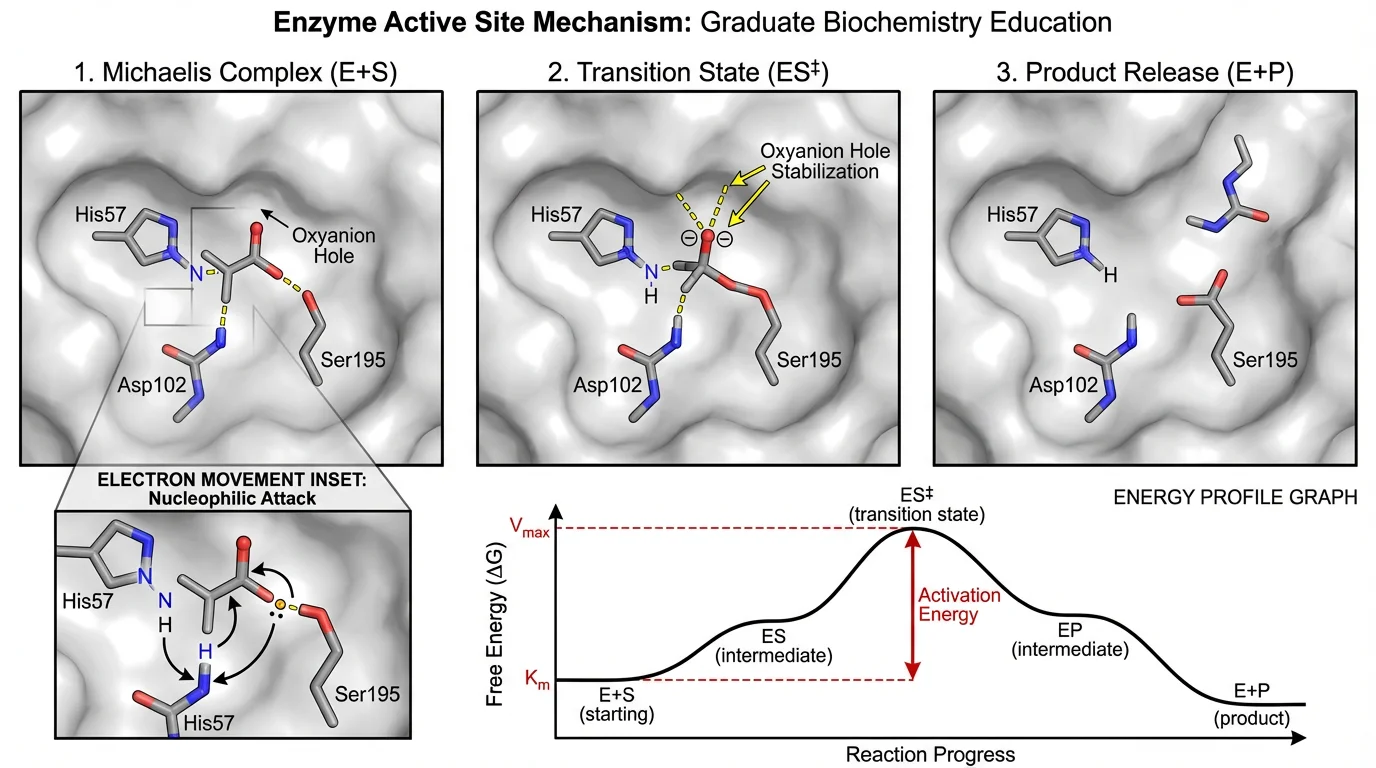
Illustrative enzyme-mechanism draft. Check molecular relationships and labels against the study before reuse.
2. Mind the Graph: Affordable Icon Library
Price: Free tier (limited), Researcher $99/yr or $15/mo (US, October 2026)
Mind the Graph offers a BioRender-like experience at a fraction of the cost. With over 75,000 scientific illustrations across 80+ fields, it's one of the most comprehensive icon libraries available.
Strengths:
- Massive illustration library (75K+ icons)
- Significantly cheaper than BioRender ($99/yr vs $420/yr on academic annual plans)
- Drag-and-drop editor similar to BioRender
- Good selection of biology, chemistry, and medical icons
- Templates for graphical abstracts and posters
Limitations:
- Free tier is very limited (watermarked exports)
- UI can feel dated compared to BioRender
- Smaller community and fewer tutorials
License, checked 2026-10: Free outputs retain the watermark and require citation under CC BY-SA 4.0. Paid-plan users have broader rights and can transfer rights to publishers. See the official publication FAQ and free-plan FAQ.
Best for: Researchers who want a BioRender-style workflow but at a lower price point. See our full Mind the Graph review for plan limits and license rules.
3. Inkscape + Bioicons: Free & Fully Customizable
Price: Completely free (open source)
Inkscape is a professional-grade vector graphics editor, and combined with Bioicons (2,700+ free scientific SVG icons), it creates a powerful: if steep-learning-curve: alternative to BioRender.
Strengths:
- Completely free and open source
- Full vector editing capabilities (on par with Adobe Illustrator)
- Bioicons provides high-quality SVG icons for biology, chemistry, and medicine
- Maximum creative control over every element
- The editor adds no license fee to your artwork; imported icons may require attribution
- Common vector and raster exports, including SVG, PDF, and PNG
Limitations:
- Significant learning curve for non-designers
- Requires manual assembly of every figure
- Time-intensive compared to template-based tools
- No built-in scientific templates
License, checked 2026-10: Bioicons lists the license and creator on each asset. CC0, CC BY, CC BY-SA, MIT, and BSD entries have different obligations. Keep required credit and license notices; do not apply “no attribution” to the entire library.
Best for: Researchers with design skills who need pixel-perfect, fully customized figures for high-impact journal submissions.
4. Canva for Education: Free for Teachers
Price: Free (with teacher verification)
Canva for Education provides education tools at no cost for eligible K-12 educators and their students. While not specifically designed for scientific illustration, its vast template library includes many science-relevant options.
Strengths:
- Completely free for verified teachers
- Templates for posters, worksheets, presentations, and diagrams
- Extremely user-friendly drag-and-drop interface
- Collaboration features for team projects
- Built-in presentation mode
Limitations:
- Scientific illustration library is limited compared to specialized tools
- Icons are not scientifically accurate at the level BioRender provides
- Not suitable for publication-grade molecular or pathway diagrams
- Eligibility must be verified; a university email alone does not establish K-12 eligibility
License, checked 2026-10: Canva’s content agreement restricts Education users’ Pro content to educational, non-commercial purposes; Education Content has its own restrictions. Do not assume a research paper, commercial textbook, or publisher rights transfer is covered simply because the design can be downloaded.
Best for: K-12 teachers creating classroom materials, worksheets, and science presentations.
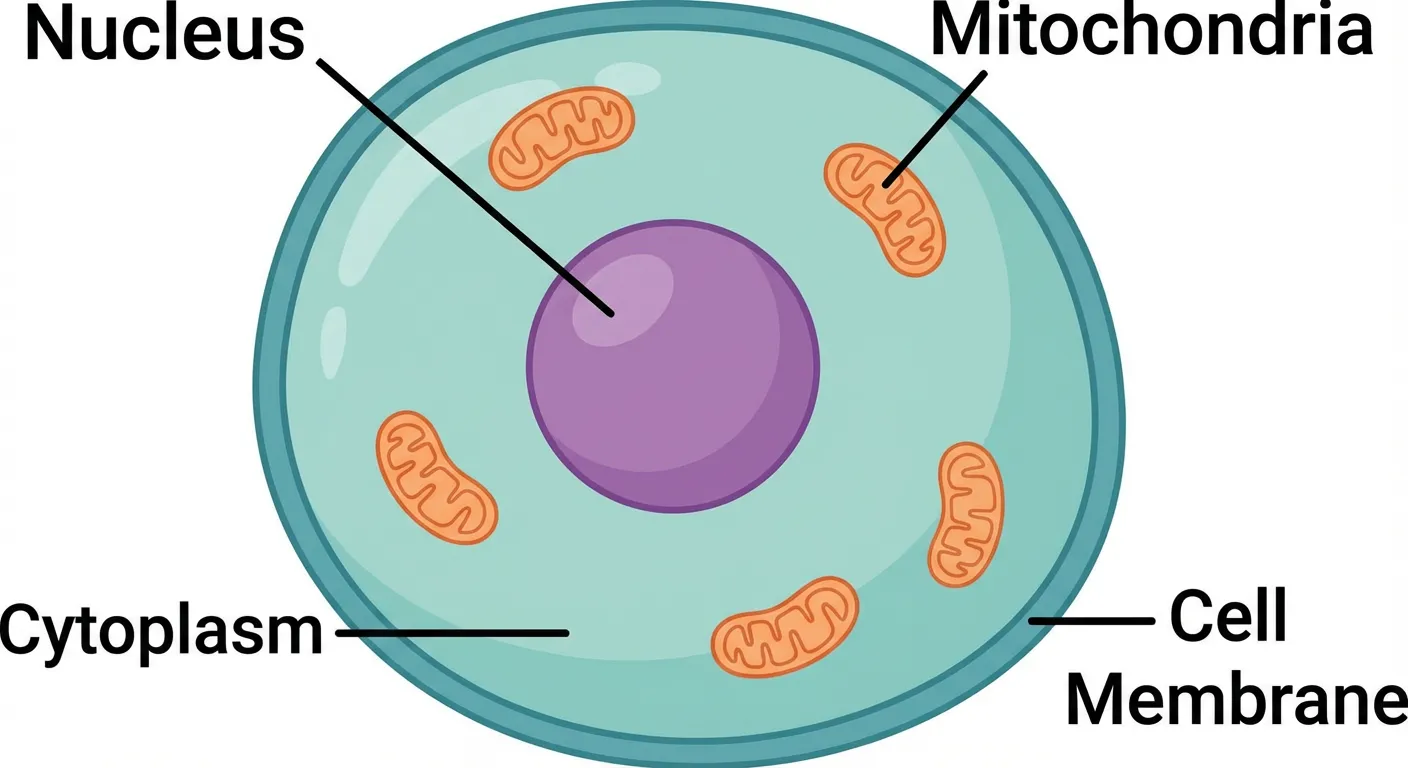
Animal cell cross-section: the type of educational diagram these tools help create
5. Chemix: Lab Apparatus Diagrams
Price/limits, checked 2026-10: Free basic features; Boost is $5.99/month or $4.79/month equivalent billed annually (USD) on the official pricing table. The subscription guide lists 3 cloud-saved diagrams on Free versus 150 on Boost. High-quality and SVG exports are Boost features.
Chemix is a specialized tool for drawing chemistry lab apparatus and experimental setups. It is browser-based and focuses on assembling apparatus diagrams.
Strengths:
- Purpose-built for chemistry lab diagrams
- Clean, accurate representations of lab equipment
- No signup required
- Works on any device with a browser
- Perfect for lab reports and worksheets
Limitations:
- Focuses on lab setups, with chemistry, biology, and physics categories; it is not a general molecular-pathway editor
- Limited to apparatus diagrams (no molecular structures or pathways)
- Basic export options
License, checked 2026-10: Chemix’s image license expressly covers research papers and requires a citation. Public or commercial distribution normally needs attribution; small, non-commercial classroom use is treated separately. Images exported while subscribed are exempt from attribution, and that exemption continues after expiry for those unmodified exports. Use the official citation wording instead of assuming a free download is attribution-free.
Best for: Chemistry students and teachers who need lab setup diagrams for reports and worksheets.
6. SciDraw: Community Scientific Illustrations
Price: Free
SciDraw is a community-driven repository of scientific illustrations that researchers can use freely. It's not an editor: it's a library of pre-made illustrations.
Strengths:
- Completely free to use
- Growing library of high-quality scientific illustrations
- SVG format allows editing in other tools
- Community-contributed content
- No account required to browse and download
Limitations:
- Not an editor: you can only use existing illustrations
- Library is still relatively small compared to BioRender
- Quality varies between contributors
- Limited customization without a separate vector editor
License, checked 2026-10: SciDraw identifies assets as CC BY or CC0 and provides a Cite action. Retain the individual creator, asset source, and required license information. Free access does not mean every illustration is attribution-free.
Best for: Researchers who need ready-made scientific illustrations for presentations and don't need heavy customization.
7. Draw.io + Bioicons: Free Diagramming Powerhouse
Price: Completely free
Draw.io (also known as diagrams.net) is a free online diagramming tool. Combined with SVG icons from Bioicons, it's surprisingly capable for creating scientific pathway diagrams and flowcharts.
Strengths:
- Free standalone browser editor; paid integrations are separate
- Good for pathway diagrams and flowcharts
- Works offline
- Integrates with Google Drive, OneDrive, and GitHub
- No account required
Limitations:
- Not designed for scientific illustration specifically
- Requires importing external icons
- Limited styling options compared to BioRender
- Steeper workflow for complex biological figures
License, checked 2026-10: The draw.io terms distinguish your diagram content from the service. Bioicons files you import retain their individual licenses; save those credits alongside your figure.
Best for: Researchers who need pathway diagrams, flowcharts, and process illustrations on a budget.
How to Choose the Right Tool
The "best" BioRender alternative depends entirely on your specific needs:
Choose ConceptViz if:
- You need figures across multiple scientific disciplines
- Speed matters more than pixel-perfect placement
- You want AI to handle the design work
- You need data visualization alongside scientific figures
Choose Mind the Graph if:
- You want a BioRender-like drag-and-drop workflow
- Budget is a concern ($99/yr vs $420/yr for academic annual plans)
- You primarily work in biology or medicine
Choose Inkscape + Bioicons if:
- You have design skills and want full creative control
- You're creating figures for high-impact journals
- You don't mind investing time for perfect results
Choose Canva for Education if:
- You're a K-12 teacher
- You need general-purpose science visuals (not specialized diagrams)
- Collaboration with other teachers is important
Stick with BioRender if:
- Your lab or institution provides a subscription
- You need the most comprehensive icon library
- You create complex biological pathway diagrams frequently
- Publication licensing is critical (BioRender's license is straightforward)
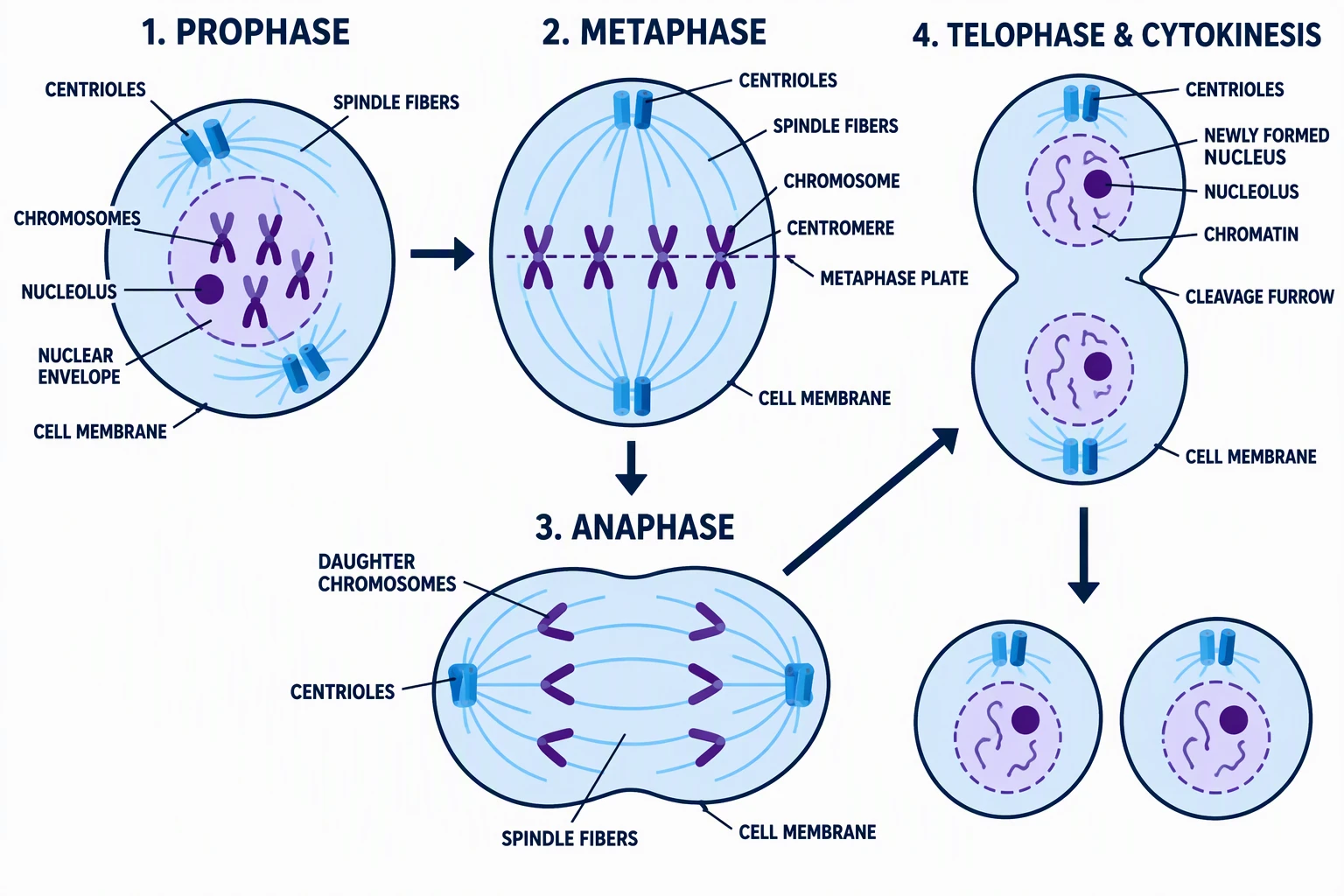
Science Drawing Generator
Create labeled science drawings for biology, chemistry, and physics with AI.
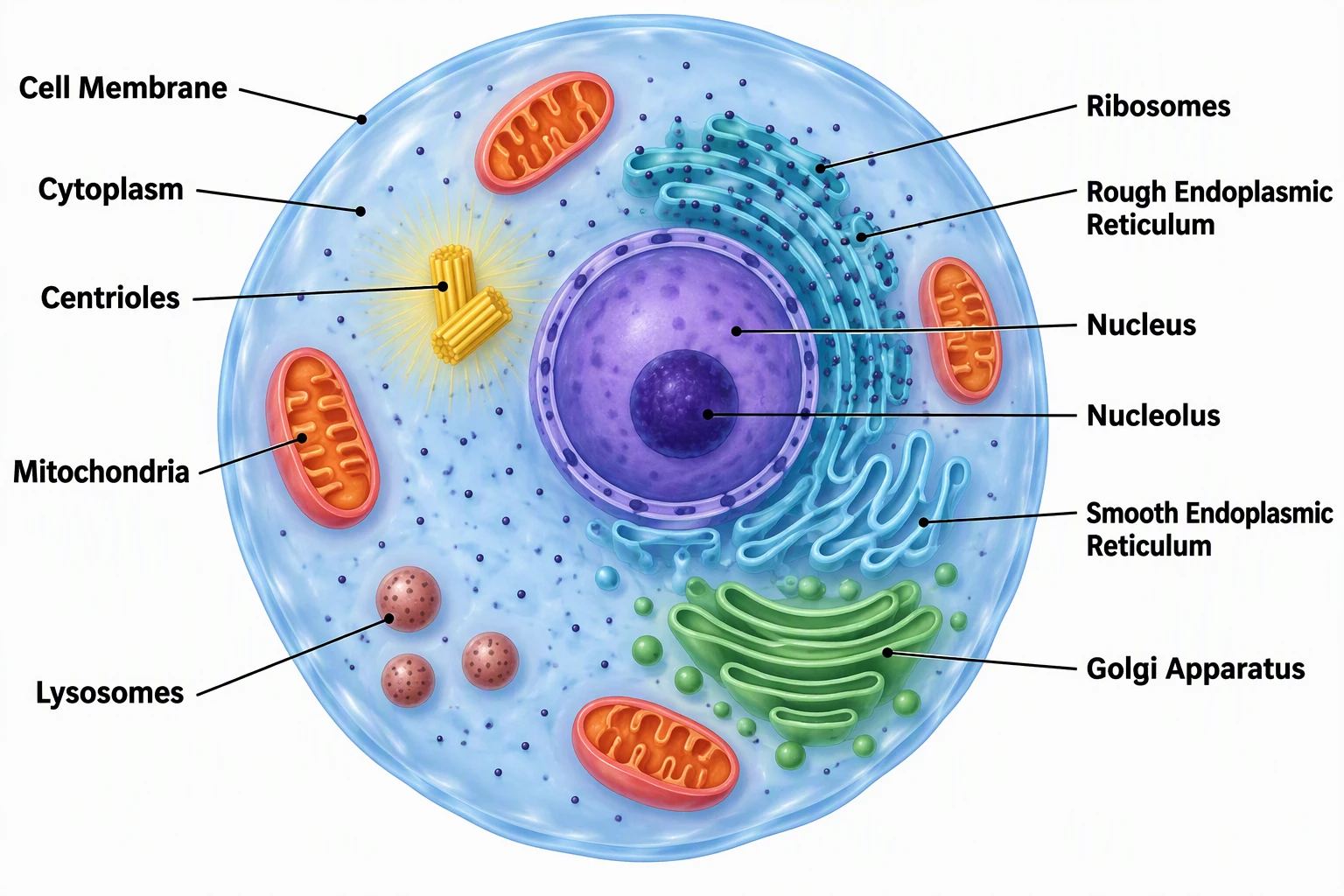
Biology Drawing Generator
Generate professional biology illustrations: cells, anatomy, genetics, ecology.
The Bottom Line
BioRender is excellent but expensive. For most researchers, a combination of tools works best:
- Quick figures for presentations: ConceptViz (AI-generated, fast)
- Detailed biology diagrams: Mind the Graph or Inkscape + Bioicons
- Chemistry lab setups: Chemix
- Classroom materials: Canva for Education
- Pathway diagrams: Draw.io + Bioicons
The key insight is that no single tool replaces BioRender entirely, but by using the right tool for each task, you can build a useful scientific-figure workflow at a lower cost, sometimes without a software fee.
Related reading:
- Best Fonts for Scientific Posters and Figures
- How to Create a Graphical Abstract for Your Research Paper
- Scientific Color Palette Guide for Research Papers
Frequently Asked Questions
Is BioRender free for students?
BioRender offers a free Basic plan with limited features, but figures created on the free plan cannot be used in publications or for commercial purposes. Students can get discounted subscriptions with a .edu email address, and BioRender offers a 14-day free trial of paid features.
What is the best free alternative to BioRender?
The best free alternative depends on your needs. For AI-generated scientific figures across all disciplines, ConceptViz offers free credits. For chemistry lab diagrams specifically, Chemix has free apparatus-drawing features; high-quality and SVG exports require Boost. For maximum creative control, Inkscape combined with Bioicons provides professional-grade vector editing at no cost.
Can I use free tools for journal publications?
It depends on the assets and account, not only the editor. Bioicons and SciDraw have per-asset licenses; Mind the Graph free outputs require a watermark and citation. ConceptViz has paid-account publication rights within its terms. Chemix permits research-paper use with its required citation, with an exemption for qualifying paid exports. Check the journal policy too.
Is ConceptViz better than BioRender?
They serve different purposes. BioRender excels at drag-and-drop assembly of biological diagrams using a curated icon library. ConceptViz uses AI to generate complete scientific illustrations from text descriptions, covering all scientific fields. ConceptViz is faster and more versatile, while BioRender offers more precise control over individual elements.
How much does BioRender cost in 2026?
The academic Individual plan is $35/month billed annually or $39 month to month, checked October 2026. The academic Lab plan starts at $99/month for five seats billed annually. The free plan has three figures and no publication or commercial rights. Check the pricing guide for other plans.
Can AI tools replace BioRender for scientific illustrations?
AI tools like ConceptViz can replace BioRender for many use cases: especially quick figures for presentations, grant proposals, and papers where speed matters more than pixel-perfect placement. However, for highly detailed molecular pathway diagrams or figures requiring exact positioning of specific biological components, BioRender's template-based approach still has an edge.
What tools do professional scientific illustrators use?
Professional scientific illustrators typically use Adobe Illustrator or Inkscape for vector graphics, combined with specialized icon libraries like Bioicons. For quick drafts and conceptual figures, many now use AI tools like ConceptViz. BioRender is popular in academic labs for standardized biological diagrams.
Are there any open-source alternatives to BioRender?
Yes. Inkscape is a fully open-source vector graphics editor that, combined with Bioicons (2,700+ free scientific SVG icons), provides a powerful alternative. Draw.io (diagrams.net) is another open-source option for pathway diagrams and flowcharts. SciDraw offers a community-driven library of free scientific illustrations in SVG format.

AI Scientific Image Generator
Turn your own scientific description into a draft, then review it and check the intended publication's requirements.
Draft a scientific illustration →Категории
Ещё публикации
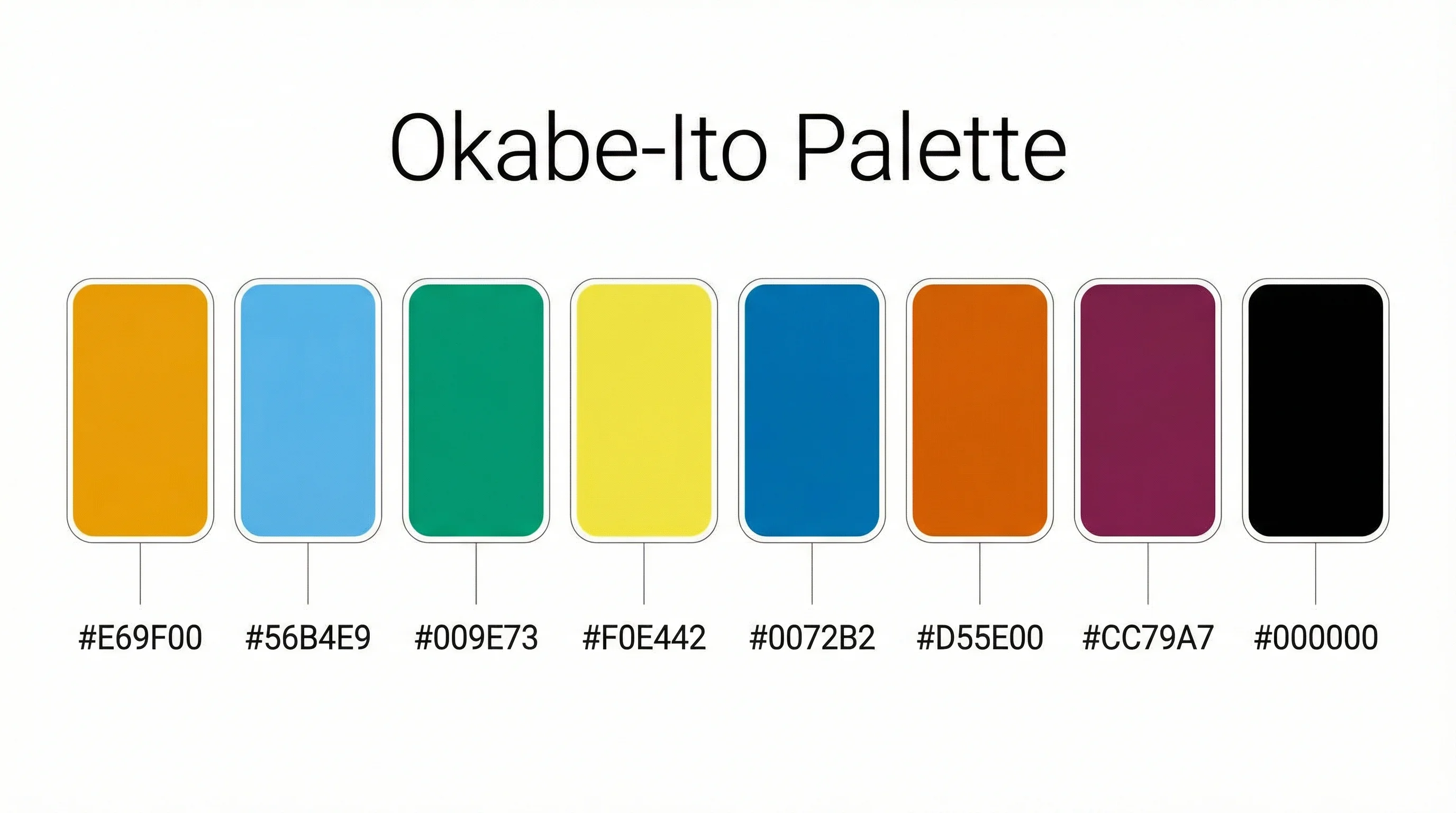
Okabe-Ito Palette Hex Codes for Python, R & CSS
Copy all 8 Okabe-Ito palette hex codes with RGB values and ready-to-use Python, R, MATLAB and CSS snippets for colorblind-safe scientific figures.
How to Make a Gantt Chart in Excel: Step-by-Step Project Timing Guide (2026)
Learn how to build a Gantt chart in Excel using a stacked bar chart, start dates, duration formulas, and milestone formatting, with official references.
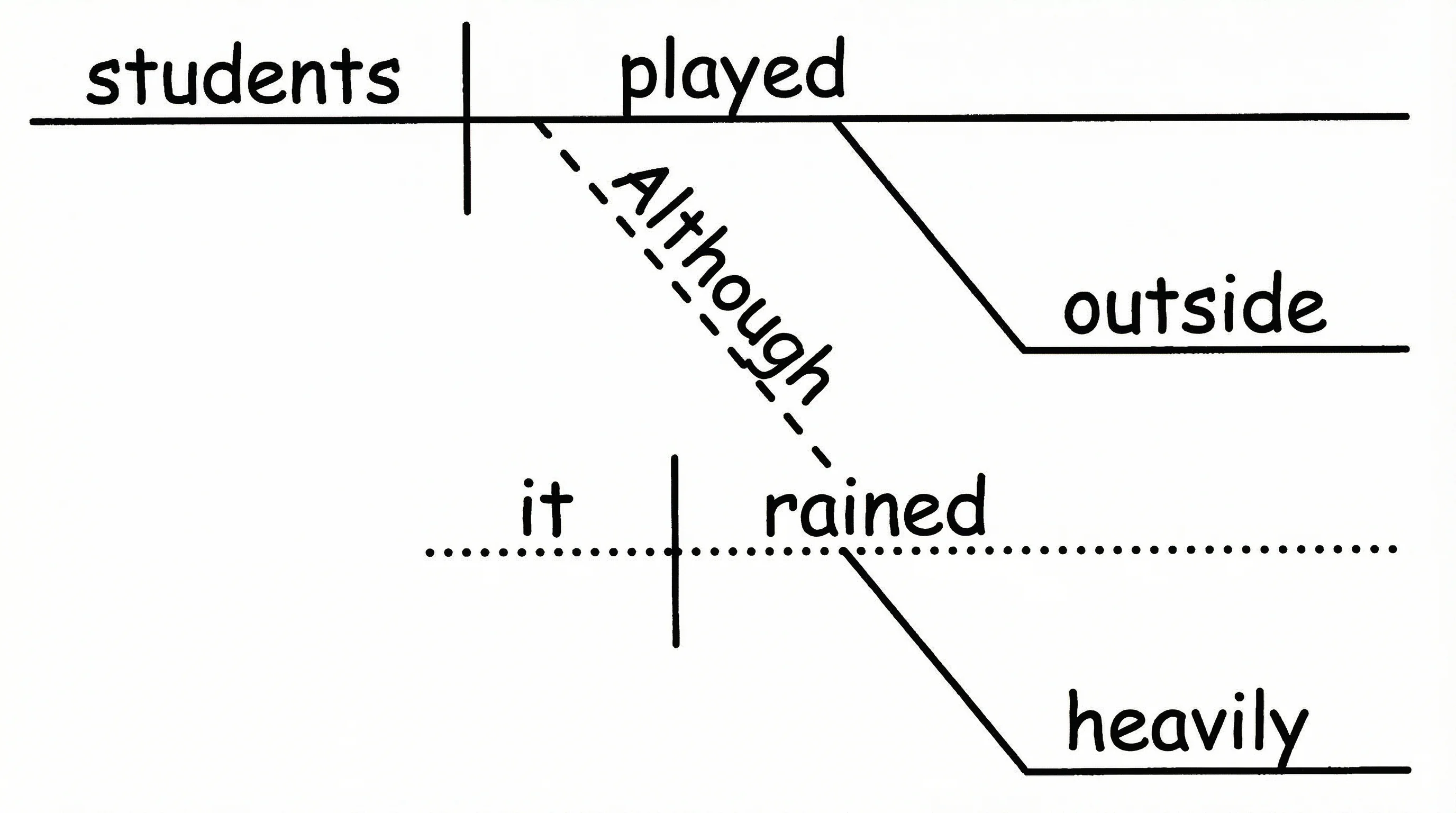
How to Diagram a Sentence: Complete Guide with Examples & Free Generator (2026)
Master sentence diagramming with our step-by-step Reed-Kellogg guide. See 15+ examples from simple to complex — or use our free AI sentence diagram generator.