AI Histogram Maker Histograms
Paste your data or describe a distribution — our AI creates a professional histogram instantly. Supports CSV, Excel paste, and plain numbers.
Histogram Generator
Free to try ·
Your histogram will appear here
Paste data or describe your histogram
Histogram Examples
Professional histogram diagrams created with AI — from normal distributions to comparative frequency charts
Normal Distribution Histogram
A classic bell-shaped histogram displaying normally distributed test scores with statistical annotations and frequency counts.
Right-Skewed Distribution
A right-skewed (positively skewed) histogram illustrating household income distribution, commonly used in economics and social science.
Bimodal Distribution
A bimodal histogram with two clearly separated peaks, demonstrating two distinct subgroups within a dataset.
Comparative Histogram
Overlapping histograms comparing distributions across multiple categories, ideal for showing differences between groups.
Rainfall Frequency Chart
A rainfall frequency histogram with cumulative percentage curve, commonly used in geography and environmental science.
Publication-Ready Histogram
A publication-ready histogram with proper formatting for academic journals, including axis labels, sample size, and statistical annotations.
What is a Histogram?
A histogram is a graphical representation of the frequency distribution of numerical data. It uses contiguous bars to show how data points fall into specified ranges (called bins or intervals). The height of each bar corresponds to the number of observations within that range. Unlike bar charts, which compare distinct categories, histograms display the distribution shape of continuous data — revealing patterns such as normal distributions, skewness, bimodality, and outliers. Histograms are essential tools in statistics, scientific research, quality control, and data-driven decision-making.
Key Components of a Histogram
- Bins (Intervals): Consecutive ranges that divide the data — the number and width of bins affect how the distribution appears
- Frequency (Y-axis): The count or proportion of data points falling within each bin
- Continuous X-axis: Represents the measurement scale of the variable being plotted, with no gaps between bars
- Distribution Shape: Reveals whether data is symmetric, skewed, uniform, or multimodal
- Annotations: Mean, median, standard deviation lines, and sample size help readers interpret the data
- Cumulative Curve: An optional ogive line showing the running total percentage across bins
Histogram vs Bar Chart
While both use bars, histograms and bar charts serve different purposes. Histograms display the frequency distribution of a single continuous variable — the bars are contiguous (touching) because the x-axis represents a continuous scale. Bar charts compare discrete categories with gaps between bars. Histograms reveal distribution shape, skewness, and spread, while bar charts show magnitude comparisons between independent groups. In academic and scientific contexts, using the correct chart type is important for accurate data representation and clear communication.
Common Distribution Shapes
Histograms reveal characteristic distribution patterns. A normal (bell-shaped) distribution is symmetric around the mean, common in biological measurements like height. Right-skewed distributions have a long tail extending to the right, typical for income or reaction time data. Left-skewed distributions tail to the left, seen in age-at-retirement data. Bimodal distributions show two peaks, indicating two distinct subgroups. Uniform distributions have roughly equal frequency across all bins. Recognizing these shapes helps researchers understand the underlying data generating process and choose appropriate statistical tests.
How to Create a Histogram with AI
- Describe your data — specify the variable, range, and approximate distribution shape or provide actual values
- Choose the context — statistics class, research paper, presentation, or textbook illustration
- Specify annotations — mean/median lines, frequency labels, sample size, or statistical summaries
- Select a style — academic (grayscale, APA), modern (colorful, gradient), or minimal (clean lines)
- Add comparisons — overlay multiple distributions or create side-by-side histograms for group comparison
- Our AI generates publication-quality histograms instantly, ready for papers, posters, and presentations
Applications Across Disciplines
Histograms are used across virtually every field that involves data. In education, teachers use them to visualize test score distributions and grading curves. In biology, histograms display measurements like organism lengths, cell counts, or enzyme activity levels. In physics, they show energy spectra and particle size distributions. In environmental science, rainfall and temperature frequency charts inform climate studies. In business, histograms reveal customer age distributions, purchase frequency, and process variation. In healthcare, they display patient outcome distributions and drug response data. Their versatility makes histograms one of the most widely taught and used statistical visualizations.
Frequently Asked Questions
Related Visualization Tools
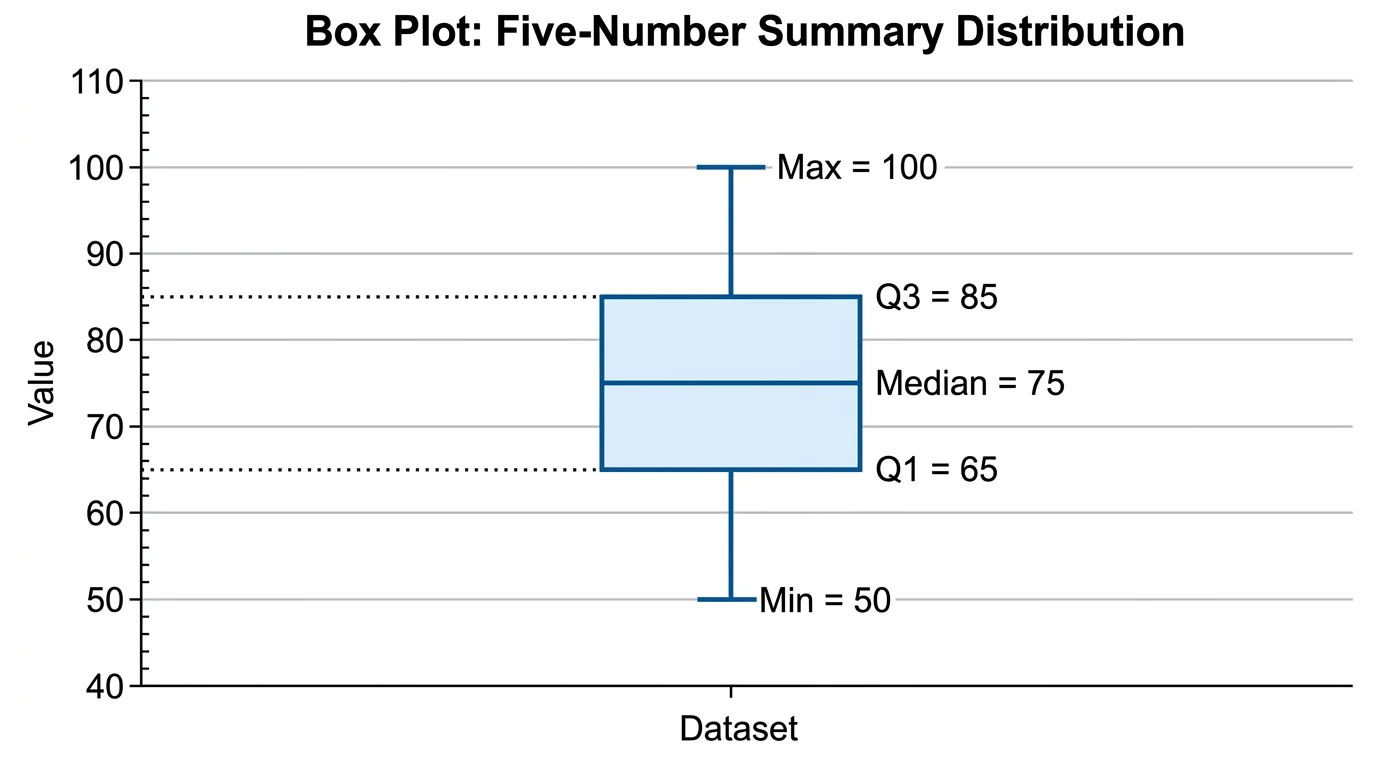
StatisticsBox Plot Generator
Create professional box plots and box-and-whisker diagrams for statistical analysis.
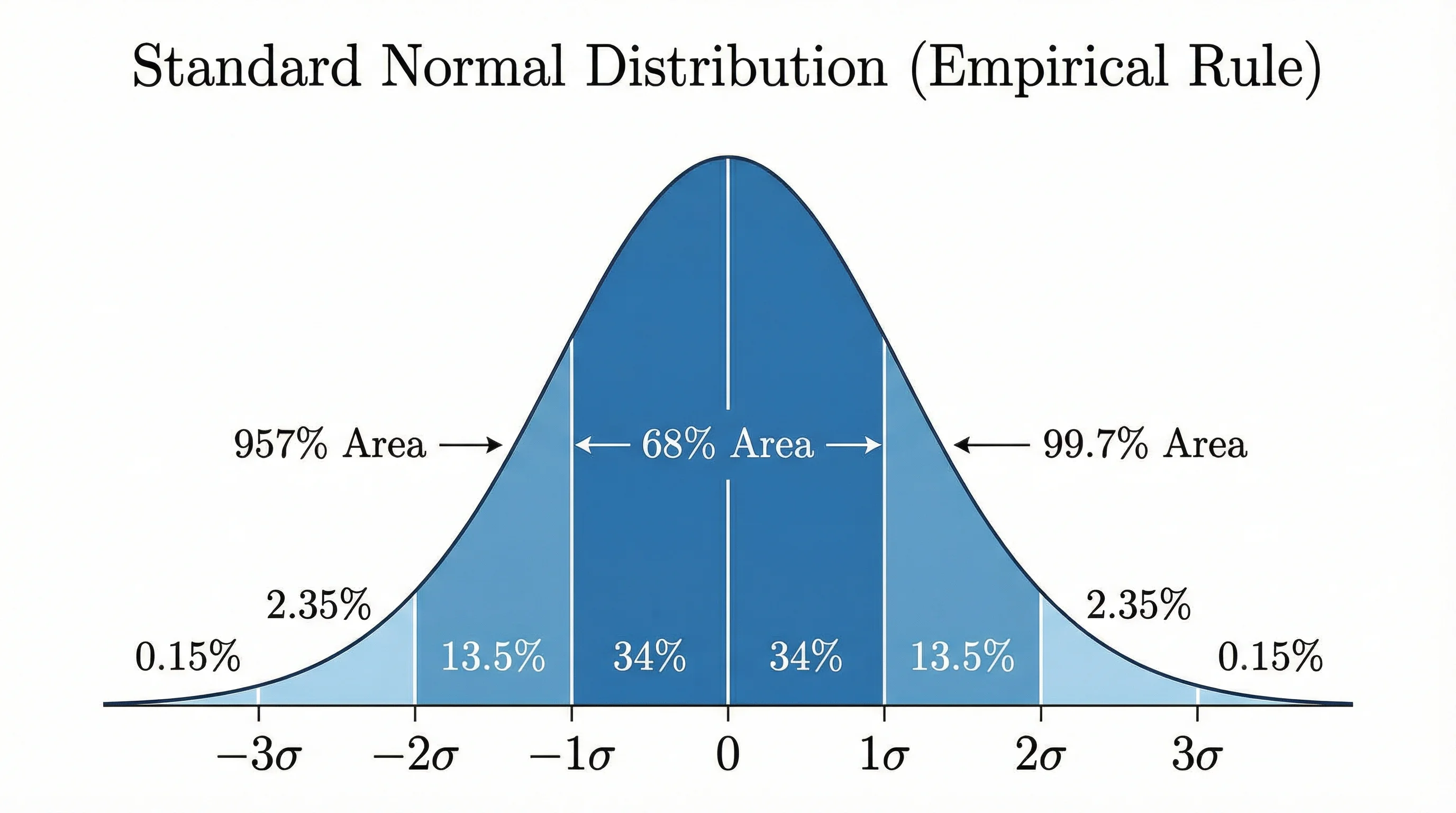
StatisticsBell Curve Generator
Create normal distribution curves and bell-shaped graphs for statistics.
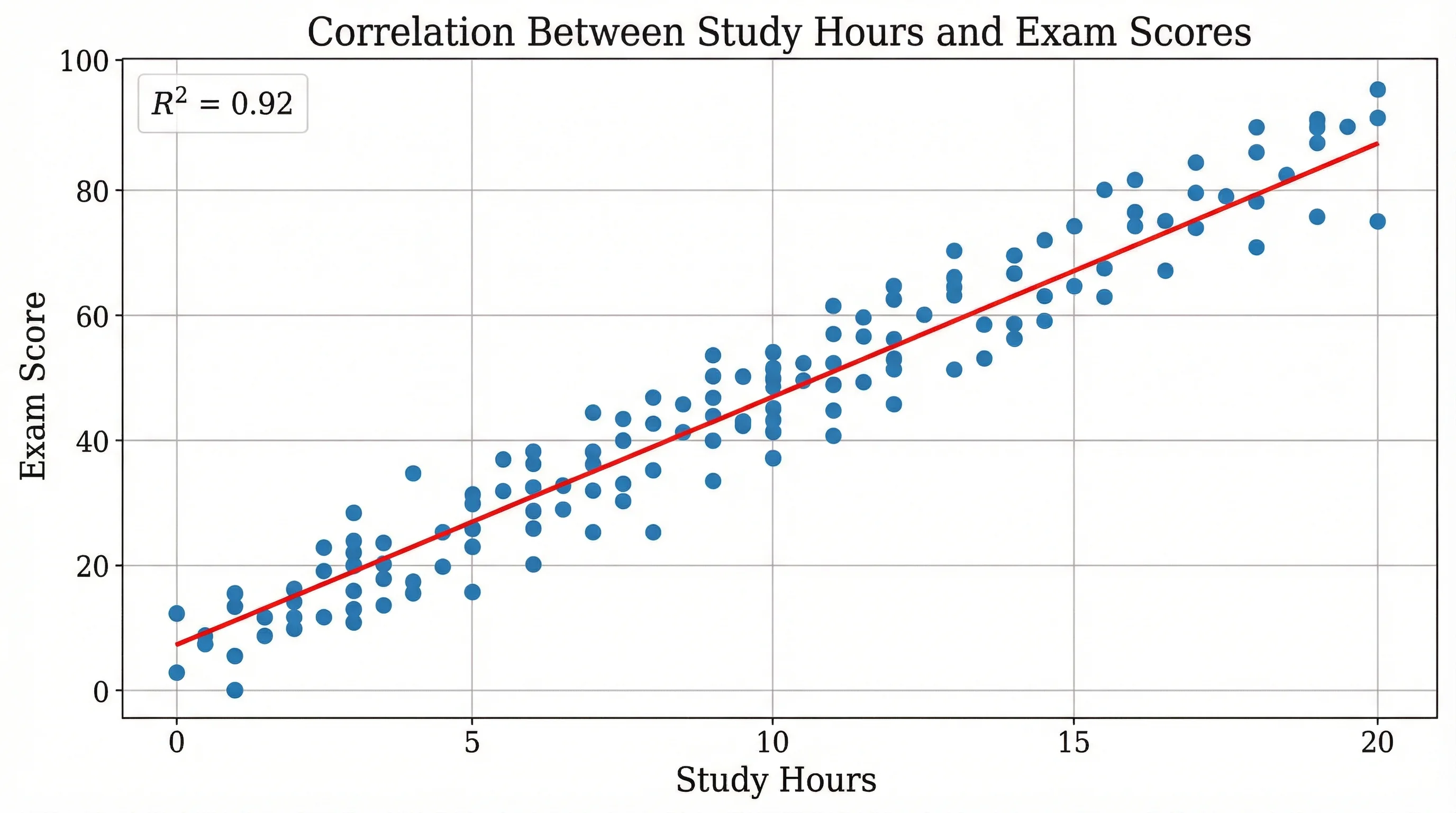
ResearchScatter Plot Maker
Create scatter plots for correlation analysis and regression visualization.