Circuit Diagram Maker & Generator for Schematics
Free online circuit diagram maker, generator and creator. Describe a circuit in plain English, such as a battery, resistor, capacitor, LED, switch or a full schematic, and generate a clean, labeled circuit diagram with standard electrical symbols. It draws schematics (how a circuit works), not physical wire runs.
This circuit diagram generator draws schematics: how components connect electrically, using standard symbols. If you need the physical wiring instead, such as wire colors, terminals and cable runs for a switch, outlet, panel or vehicle, use the wiring diagram maker. Not sure what a symbol means? Check the circuit symbols chart. Comparing desktop apps? See our guide to the best circuit diagram software.
Generate circuit diagrams from text
Create a clean circuit diagram reference for learning, documentation, and early planning.
Best for educational schematics, wiring layouts, logic diagrams, panel drafts, and presentation-ready circuit references.
Example prompts
More examples
Reference image only. Verify electrical logic, ratings, safety, tolerances, and local rules before building hardware.
Circuit diagram preview
Generated image output appears here.
Circuit diagram preview
A clean generated circuit reference image will appear here.
Circuit Diagram Examples
Exact schematics drawn in code from a checked netlist, covering series, parallel, RC, transistor, logic, and bridge circuits. Generator output for other requests needs checking against them.
Series circuit: battery, switch, resistor, LED (exact schematic)
An exact schematic drawn in code from a checked netlist. One loop, so the same current flows through every part. With a red LED dropping about 2 V, I = (9 V - 2 V) / 330 Ω ≈ 21 mA.
Series-parallel resistor network (exact schematic)
An exact schematic drawn in code from a checked netlist. The parallel block gives 1/Rp = 1/10 + 1/20 + 1/30, so Rp ≈ 5.45 Ω. Adding R4 and R5 gives Rtotal ≈ 95.45 Ω and a source current of about 0.126 A.
RC low-pass filter (exact schematic)
An exact schematic drawn in code from a checked netlist. R = 10 kΩ and C = 100 nF give a time constant τ = RC = 1 ms and a cutoff frequency fc = 1 / (2πRC) ≈ 159 Hz.
Common-emitter amplifier (exact schematic)
An exact schematic drawn in code from a checked netlist. R1 47 kΩ and R2 10 kΩ bias the base, RC is 2.2 kΩ, RE is 1 kΩ bypassed by CE 100 µF, Cin and Cout are 10 µF, and the supply is +12 V.
Half adder: XOR and AND gates (exact schematic)
An exact schematic drawn in code from a checked netlist, with all four truth-table rows. Sum = A XOR B and Carry = A AND B, so 1 + 1 gives Sum 0 and Carry 1.
Wheatstone bridge with a galvanometer (exact schematic)
An exact schematic drawn in code from a checked netlist. The bridge is balanced, with no galvanometer current, when R1 / R2 = R3 / Rx. With R1 100 Ω, R2 200 Ω and R3 150 Ω, balance means Rx = 300 Ω.
Drawing logic circuits like the half adder above? See the logic gate symbols chart for ANSI and IEC gate symbols with truth tables.
What is a circuit diagram?
A circuit diagram — also called a schematic — is a drawing that shows how the parts of an electrical circuit connect, using standard symbols instead of pictures of the real parts. Each component (a resistor, a capacitor, a battery) has its own symbol, and the lines between symbols represent the wires that carry current. Because a schematic shows the electrical connections rather than the physical layout, it stays the same whether the real circuit is built on a breadboard, a printed circuit board, or a tangle of jumper wires. This maker turns a plain-English description into that kind of labeled schematic. For a short list of basic circuits it draws the schematic in code; for anything else it returns a draft you need to check.
Common circuit symbols and what they mean
- Resistor: a zig-zag line (US) or a rectangle (IEC) that limits current; labeled with a value in ohms (Ω).
- Capacitor: two parallel lines that store charge; one curved line marks a polarized (electrolytic) capacitor, rated in farads (F).
- Battery / source: short and long lines stacked together for a battery, or a circle for a generic voltage or current source.
- Switch: a break in the line with a hinged lever that opens or closes the circuit.
- LED: a diode triangle pointing to a bar, with two small arrows showing it emits light.
- Ground: a set of stacked horizontal lines marking the 0V reference point that connections return to.
Series versus parallel circuits
How components are wired changes how a circuit behaves. In a series circuit the parts sit on a single loop, so the same current flows through each one and the voltage divides between them — which is why one broken bulb in a series string takes the rest down with it. In a parallel circuit the parts sit on separate branches across the same two points, so each branch gets the full voltage and the current splits between them. Most real designs mix the two: a parallel block of resistors might sit in series with another part, exactly like the series-parallel example in the gallery above, where three parallel resistors (10, 20, and 30 Ω) reduce to about 5.45 Ω before R4 and R5 add in series.
The five circuits drawn in code, and the math behind them
- LED indicator: a source, a series resistor, and an LED. The resistor sets the current, R = (Vs − Vf) / I. With a 9 V supply, a red LED dropping about 2 V, and a target of about 20 mA, R is 350 Ω, so the next standard value, 330 Ω, gives roughly 21 mA.
- Voltage divider: two resistors in series, with the output taken between them, Vout = Vin × R2 / (R1 + R2). Equal resistors give half the input voltage, and the output drops once a load is connected across R2.
- RC low-pass filter: a series resistor and a capacitor to ground. The cutoff is fc = 1 / (2πRC) and the time constant is τ = RC. A 10 kΩ resistor with 100 nF gives about 159 Hz.
- Inverting op-amp stage: an input resistor Rin and a feedback resistor Rf around an op-amp, with gain = −Rf / Rin. A 10 kΩ input and 100 kΩ feedback resistor give a gain of −10.
- Relay driver: a logic signal such as a microcontroller GPIO pin switching a relay coil through a low-side MOSFET with a gate resistor, and a flyback diode across the coil to absorb the voltage spike when the coil turns off.
- Anything outside these five, such as a logic circuit, a transistor amplifier, a bridge, a panel, or a full microcontroller board, comes back as a draft. The gallery shows exact references for several of them, so compare the draft with those.
Circuit diagram maker vs wiring diagram maker: which one do you need?
Use this circuit diagram generator or creator when you want an electrical circuit diagram, the schematic of how parts connect: a battery, resistor, LED, filter or amplifier, drawn with standard symbols and labeled values. Use the wiring diagram maker when you want the physical wiring diagram: which wire goes to which terminal, in what color, for a light switch, outlet, panel or vehicle. A schematic explains how a circuit works; a wiring diagram shows how to build or install it. People search for these as if they were one thing, but they answer different questions. A circuit diagram or schematic shows how components connect electrically, and that is what this maker produces. An electrical diagram is the broader term and can mean a schematic, a wiring diagram, or a one-line diagram. A wiring diagram shows the physical wire runs, colors, and terminals. For installation-type drawings, try the wiring diagram maker, the battery wiring diagram generator, the boat wiring diagram generator, or the single-line diagram generator for power distribution. Wiring and power drawings produced by AI are drafts and must be reviewed by a qualified person before anyone builds from them.
Schematic vs pictorial and wiring diagrams
A schematic uses abstract symbols and is the best way to understand how a circuit works electrically. A pictorial diagram draws components as they actually look — handy for beginners following along on a breadboard. A wiring diagram shows the physical routing of real wires and connectors, which is what you want when installing or servicing equipment. For power and electrical work there is also the single line diagram (one-line diagram), which collapses a three-phase system into a single line so a whole panel, feeder, or distribution layout fits on one readable page. Decide which view you need before you describe your circuit.
Exact reference schematics vs AI drafts
The six examples in the gallery are exact schematics. Each one is drawn in code from a checked netlist, so every connection, value, and truth-table row is placed on purpose. We do not show AI-generated circuit images as examples, because image models often draw wrong connections and wrong truth tables: a capacitor charging curve that accelerates instead of flattening, a logic table with missing or incorrect rows, or a bridge formula with the resistors swapped. The generator above works in two ways. For the basic circuits it supports today (an LED indicator, a voltage divider, an RC low-pass filter, an inverting op-amp stage, and a relay driver), it draws a vector schematic in code and checks it before showing it. Other requests, such as logic gates, transistor stages, bridges, panels, or microcontroller wiring, produce a draft that is not certified. Treat any generated diagram as a starting point, check every connection and value against the exact references and your own calculations, and have safety-critical work reviewed.
How to describe a circuit to generate one
- Name the source first: state the supply, such as "a 9V battery" or "a 5V DC source".
- List the components with values: for example "a 330 ohm resistor and a red LED".
- Say how they connect: use "in series", "in parallel", or "branching from" so the topology is unambiguous.
- Add the extras you want labeled: a switch, a ground symbol, current-flow arrows, or node labels.
- Keep it to one clear sentence per idea — "a 9V battery in series with a switch, a 330Ω resistor, and an LED" generates a far cleaner schematic than a vague request.
Who uses an online circuit diagram maker
Students use it to draw the circuits in a physics or electronics assignment without wrestling with desktop CAD. Teachers generate clear, labeled diagrams for worksheets, slides, and exam questions in seconds. Hobbyists and makers sketch a circuit before they build it on a breadboard, document a finished project, or share a design with others. Because everything runs in the browser and is free to start, it suits quick reference diagrams, homework, and concept sketches — for production hardware or safety-critical wiring, always have the result reviewed against a verified design.
Preguntas frecuentes
Related Diagram Tools
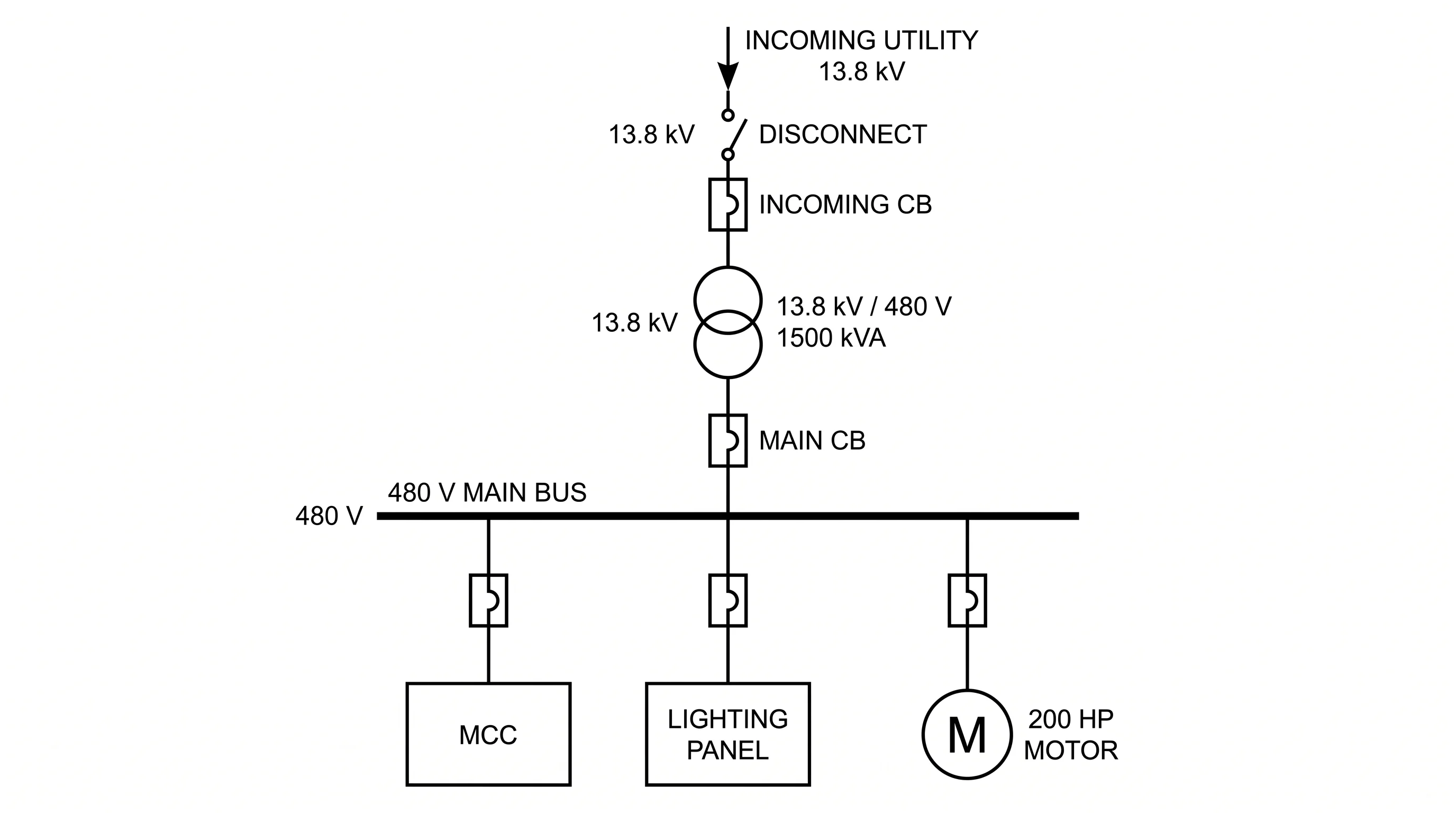 Engineering
Single-Line Diagram Generator
Electrical one-line (SLD) maps of utility, transformers, buses, and feeders.
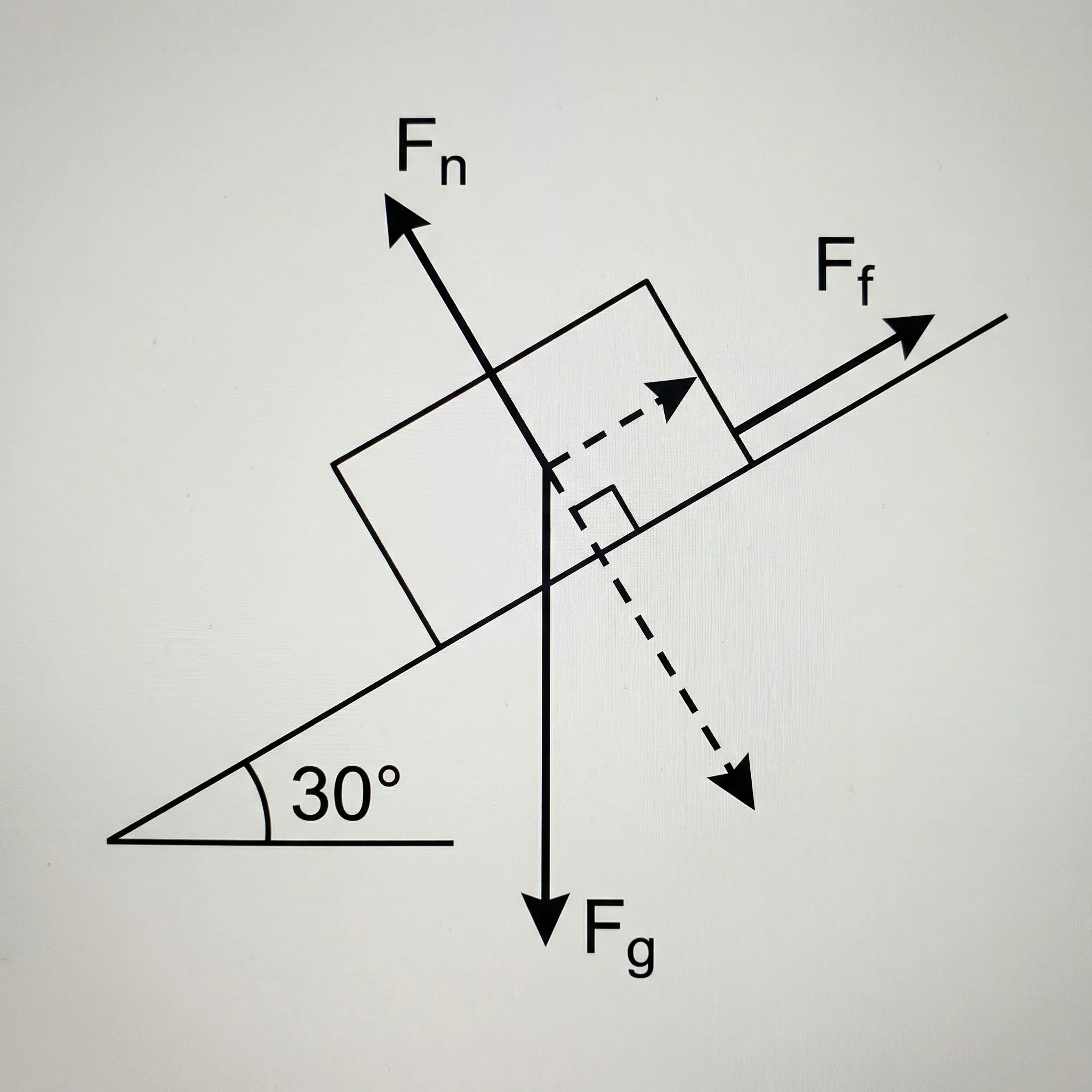 Physics
Free Body Diagram Generator
Draw labeled free body diagrams with force vectors for physics problems.
 Visualization
Text to Diagram Generator
Turn a written description into a clean diagram, flowchart, or architecture map.
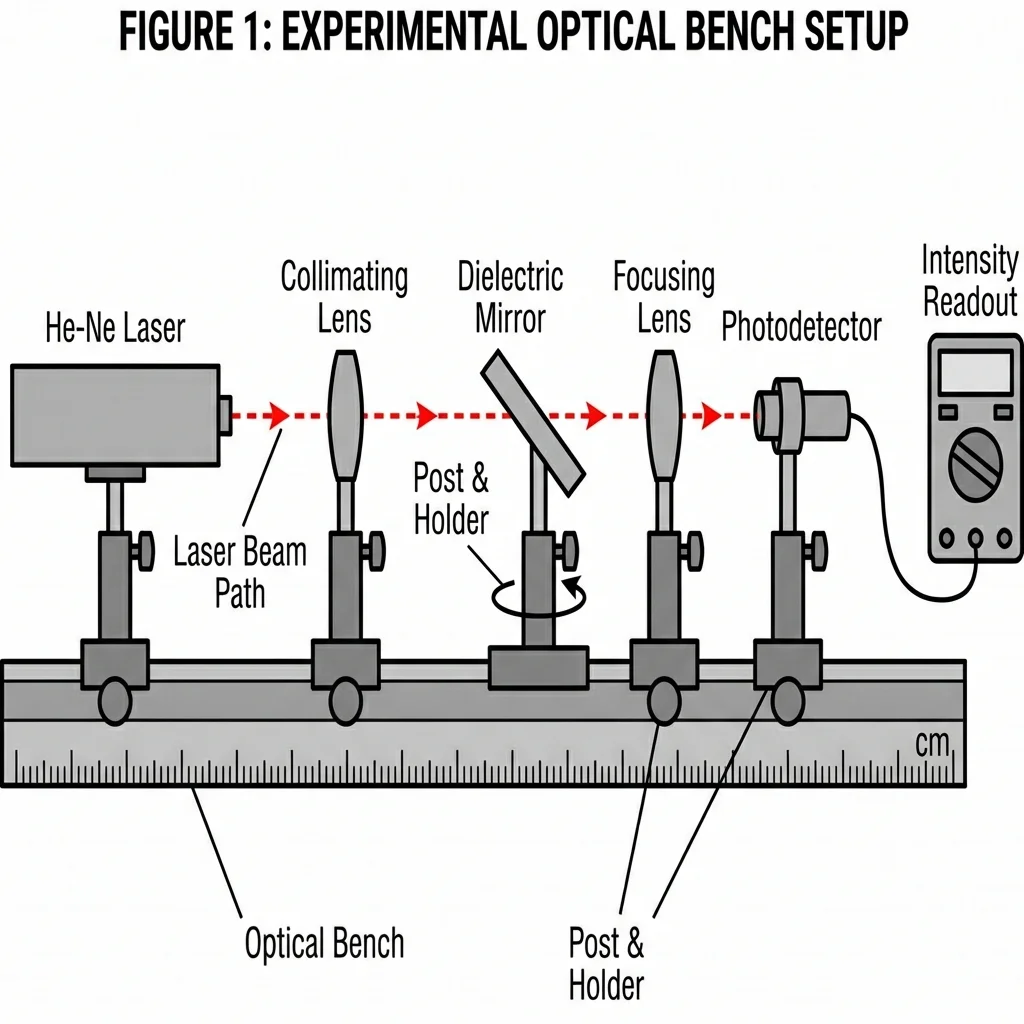 Science
AI Scientific Image Generator
Generate clear, labeled scientific figures and experiment setups from a prompt.
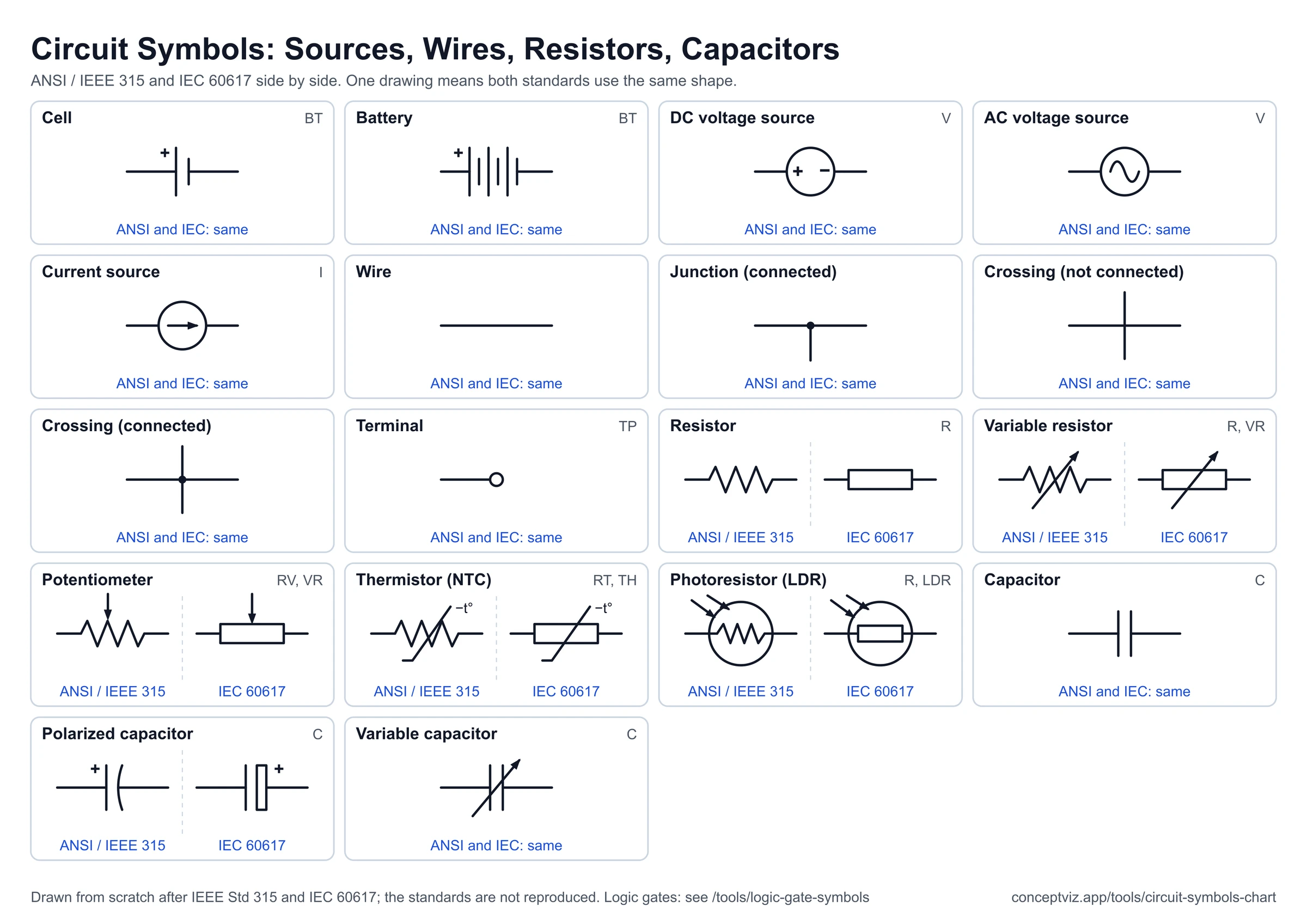 Engineering
Circuit Symbols Chart
Circuit symbols chart with resistor, capacitor, diode, transistor and more in ANSI and IEC styles, with SVG and PNG downloads and a printable cheat sheet.
 Electronics
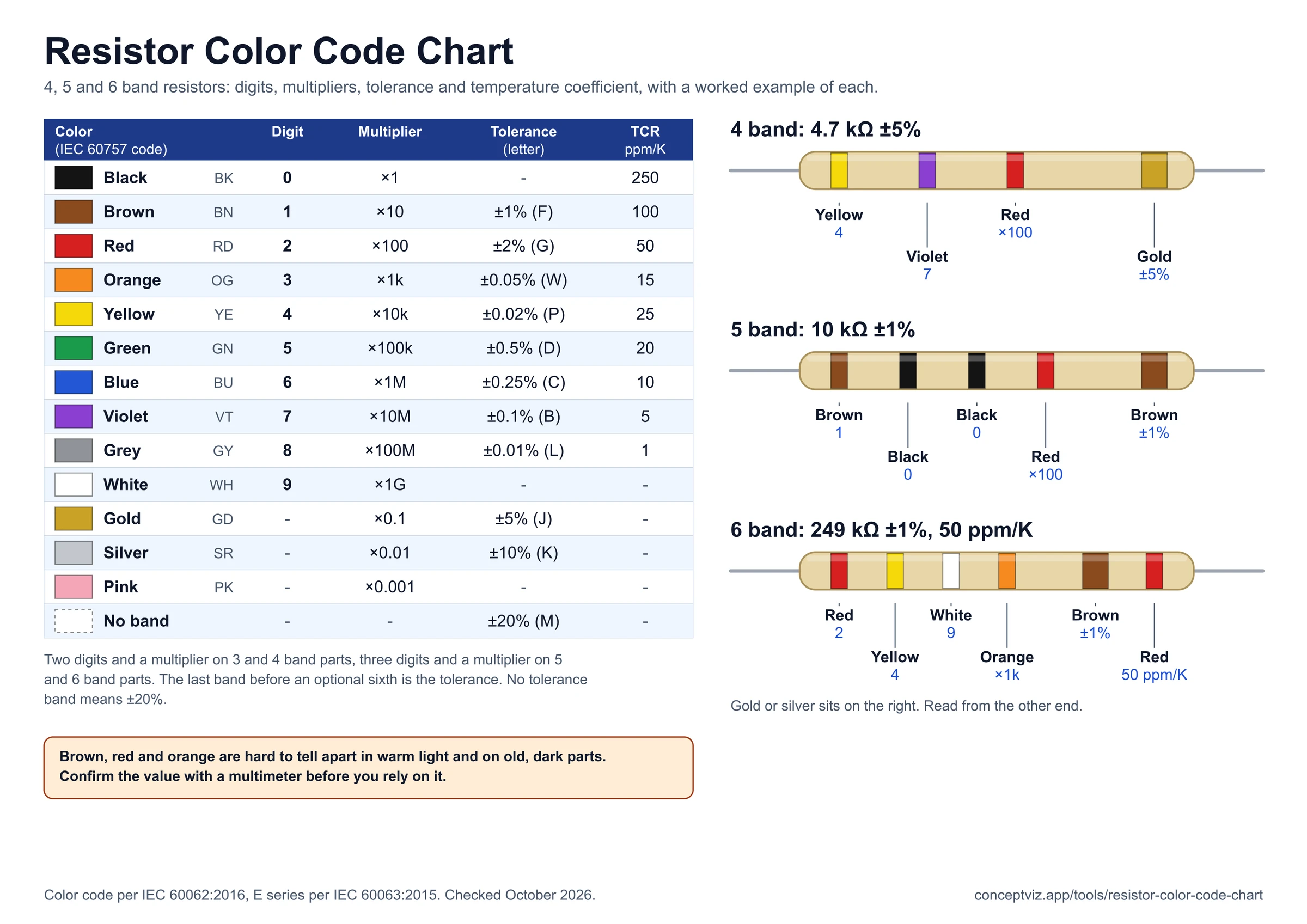
Resistor Color Code Chart
4, 5 and 6 band color codes with a two-way calculator and E12 and E24 values.