Line Chart Maker Line Charts
Describe your data and our AI will create a professional line chart instantly. Perfect for research papers, business reports, and data presentations.
Line Chart Maker
Free to try ·
Your line chart will appear here
Describe your data and click Generate
Line Chart Examples
Browse line chart examples or generate your own above
Single Trend Line Chart
Simple single-series line chart displaying a clear upward trend over 12 months with data point markers and labeled axes.
Multi-Series Comparison
Multi-line chart comparing three product lines over quarterly periods with color-coded series and a clear legend.
Stock Price Line Chart
Stock price line chart with 50-day moving average overlay and volume indicators for financial analysis.
Temperature Time Series
Annual temperature time series chart with seasonal shading and monthly average temperature data points.
Research Data with Error Bars
Research-quality line chart with error bars representing standard error of the mean across experimental conditions.
Stacked Area Chart
Stacked area chart variant showing how three categories contribute to a total over time with semi-transparent color fills.
What is a Line Chart?
A line chart (also called a line graph) is a type of data visualization that displays information as a series of data points connected by straight or curved line segments. Line charts are one of the most widely used chart types because they excel at showing trends, patterns, and changes in data over time. The horizontal axis (x-axis) typically represents time or sequential categories, while the vertical axis (y-axis) represents the measured values. Line charts are essential tools in statistics, business analytics, scientific research, and financial analysis for identifying trends, comparing multiple data series, and communicating data-driven insights clearly.
When to Use a Line Chart
- Time series data — showing how values change over hours, days, months, or years
- Trend analysis — identifying upward, downward, or cyclical patterns in data
- Comparing multiple series — overlaying two or more datasets on the same axes
- Continuous data — when the data represents a continuous measurement rather than discrete categories
- Forecasting — extending trend lines to predict future values
- Scientific experiments — plotting measurements across conditions or time points with error bars
Single-Line vs Multi-Line Charts
Single-line charts display one data series and are ideal for showing a clear trend or pattern without visual clutter. They work best when you want the audience to focus on one metric over time. Multi-line charts overlay two or more data series on the same axes, making them powerful for direct comparisons — such as comparing sales across regions, performance of different products, or experimental vs control groups. When using multi-line charts, use distinct colors and include a clear legend. Limit the number of lines to 4-5 to avoid visual clutter and ensure readability.
Line Chart vs Bar Chart
Line charts and bar charts serve different purposes. Line charts emphasize trends and continuity over time — the connecting lines imply that data flows between points. Bar charts emphasize individual values and comparisons between discrete categories. Use a line chart when your x-axis represents time or continuous data and you want to highlight trends. Use a bar chart when comparing distinct categories (like product types or regions) where the order does not imply continuity. For time-series data with few data points, either format can work, but line charts become clearly superior with more data points.
Best Practices for Line Charts
- Start the y-axis at zero when possible to avoid exaggerating trends and misleading viewers
- Use clear, descriptive axis labels with units of measurement
- Add data point markers for charts with fewer than 20 data points to highlight actual values
- Limit multi-line charts to 4-5 series maximum for readability
- Use a consistent color palette and include a legend for multi-series charts
- Consider adding annotations for significant events, outliers, or milestones in the data
Frequently Asked Questions
More Data Visualization Tools
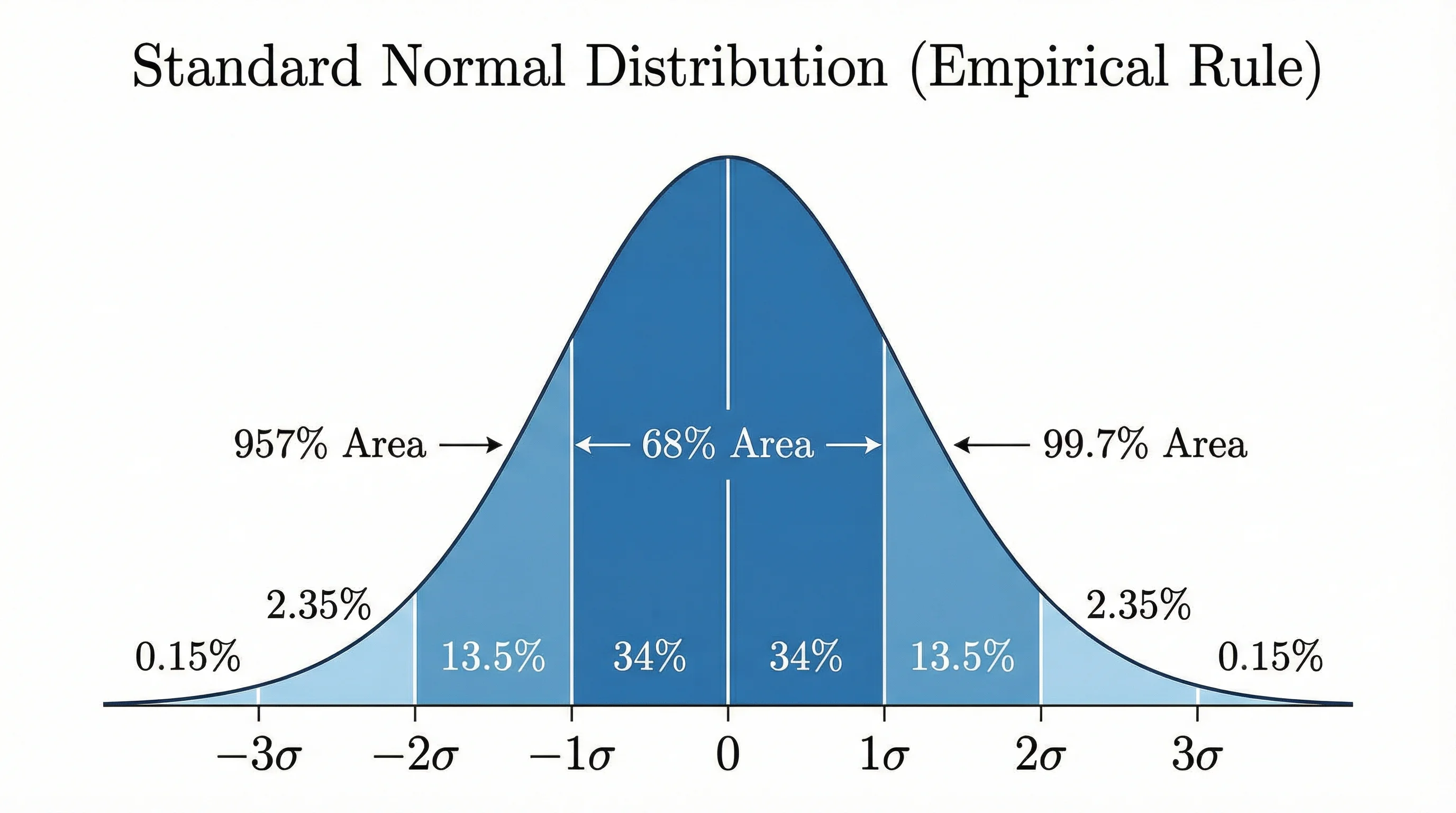
ResearchBell Curve Generator
Create professional bell curves and normal distribution graphs for statistics and data analysis.
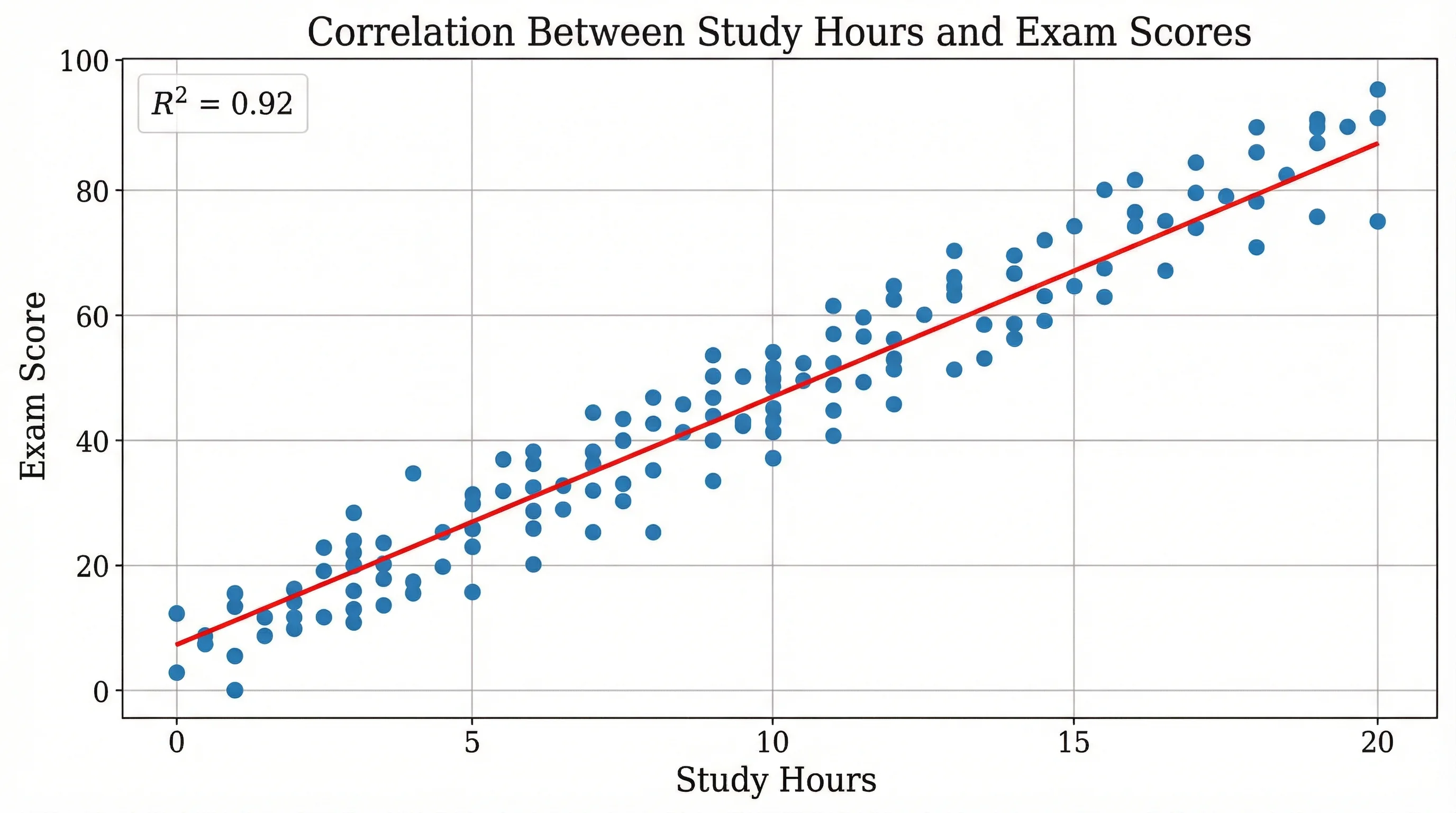
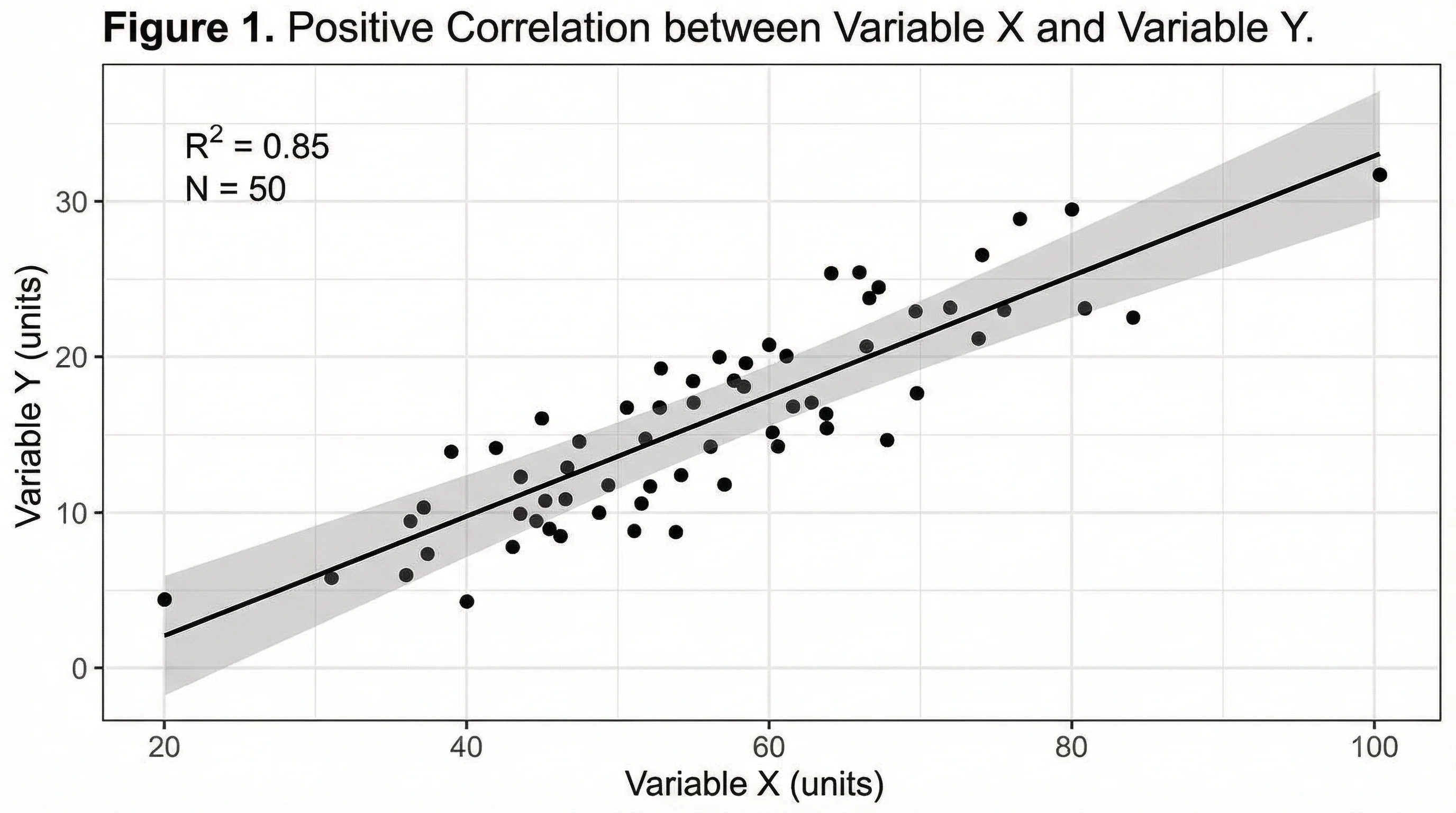
ResearchScatter Plot Maker
Create professional scatter plots for correlation analysis and regression visualization.
ResearchAI Chart Generator
Generate bar charts, pie charts, and more for comprehensive data visualization.