MCP Architecture Diagram Generator for AI Apps
Generate an MCP architecture diagram from a text prompt: host, clients, servers, stdio and Streamable HTTP, with exact diagrams checked against the spec.
Create Your MCP Architecture Diagram
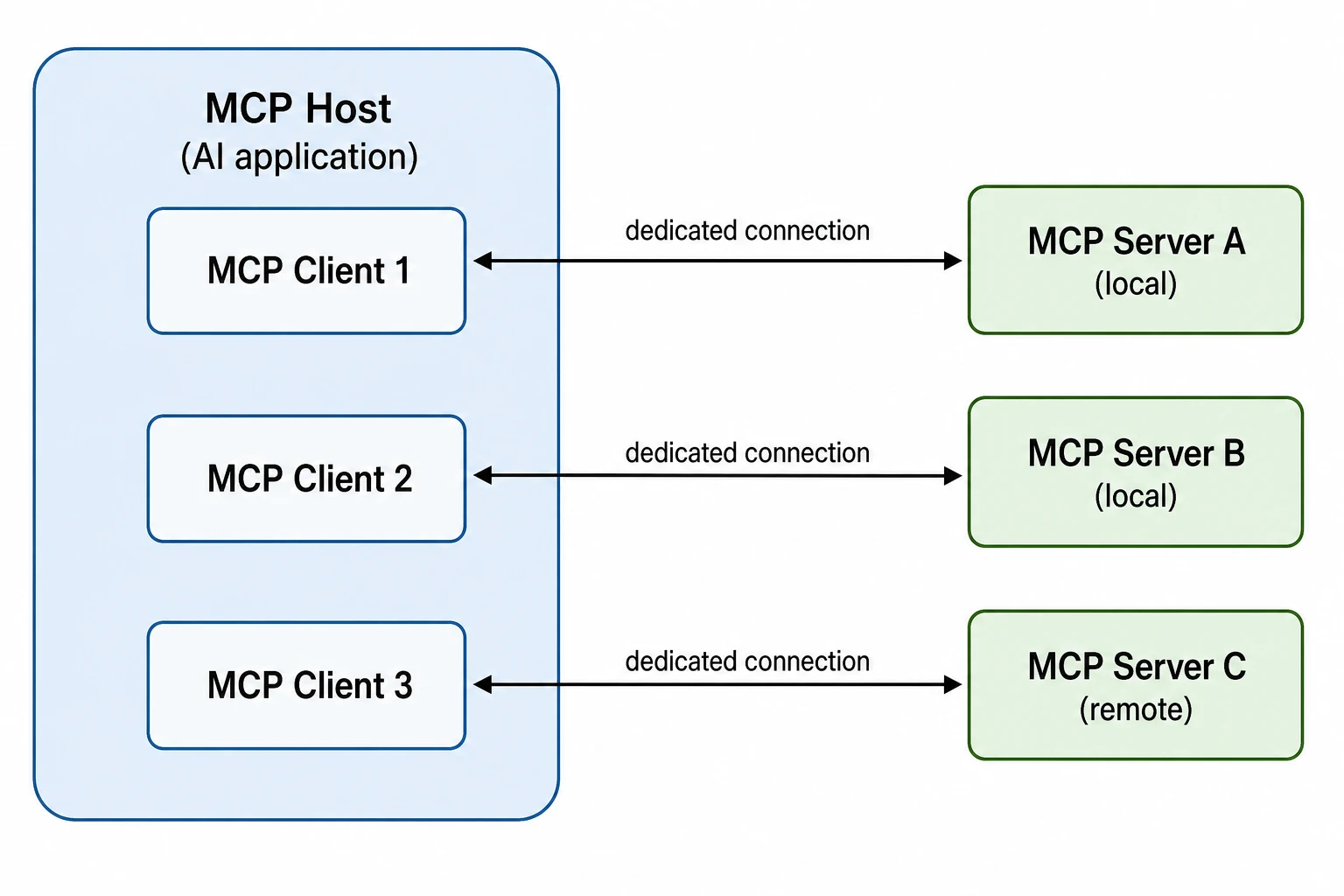 Example: Host, clients, and serversView full size
Preview is free on this page ·
Your MCP architecture diagram will appear here
AI diagrams are drafts. Check every arrow direction and label before use.
MCP Architecture Diagram Examples
Two exact diagrams drawn in code and checked against the spec, plus three AI diagrams with their known flaws noted. AI diagrams need human review.
MCP host, clients, and servers (exact diagram)
Drawn in code, not by AI, and checked against the MCP specification (protocol version 2026-07-28, Checked October 2026). One client per server, stdio for local subprocess servers, Streamable HTTP for a remote server, and the language model kept in the host application. Server types are categories, not product picks.
MCP request flow (exact diagram)
Drawn in code: optional discovery, tools/list and tools/call, an elicitation round trip (the server replies with an input request and the client retries the call with the answer), and an opt-in notification stream. Every message direction follows the specification.
Host, clients, and servers (AI diagram)
AI-generated from a text prompt. The structure is right: clients inside the host, one client per server, servers outside. Known flaw: the connections do not name a transport, so nothing shows that Servers A and B run as local subprocesses and Server C is reached over a network.
stdio vs Streamable HTTP (AI diagram)
AI-generated from a text prompt. The transport names and directions are right. Known flaws: the network cloud is drawn on top of the request arrow, and the arrow leaving the cloud has no label, so it reads as a second hop; the stdio lane does not mention that this transport has no HTTP layer at all.
Server primitives (AI diagram)
AI-generated from a text prompt. The three primitive names and their list/call/read/get methods are right. Known flaws: the unlabeled elicitation arrow leaves the server level with Prompts, as if Prompts triggered it, and it looks like a request the server sends on its own. Elicitation is also drawn as a separate box, and the request arrows have no response arrows. In the specification the server asks by replying to a client request, as the exact request-flow diagram shows.
What an MCP architecture diagram shows
The Model Context Protocol (MCP) is an open protocol for giving an AI application access to outside context: files, databases, APIs, and reusable prompts. An MCP architecture diagram shows who talks to whom and over which channel: the host, the clients it creates, the servers those clients connect to, and the transport underneath. Describe your setup in the prompt box, generate a draft, and compare it with the two exact diagrams in the gallery. Terminology on this page was checked in October 2026 against the official MCP documentation at modelcontextprotocol.io, protocol version 2026-07-28.
The three participants: host, client, server
- MCP host: the AI application that coordinates one or more MCP clients. It holds the user interface and decides how model output and tool results are used. The language model belongs to the host, not to MCP.
- MCP client: a component inside the host that keeps a dedicated connection to one MCP server and fetches context from it for the host.
- MCP server: a program that provides context to MCP clients. It can run locally on the same machine or remotely as a service.
- The host creates one client for each server. The common drawing mistakes are putting clients outside the host, connecting one client to several servers, and drawing the model inside the server.
Two layers: data and transport
MCP has an inner data layer and an outer transport layer. The data layer defines the JSON-RPC 2.0 messages: discovery of a server’s versions and capabilities, the primitives (tools, resources, prompts), and notifications. The transport layer defines how those messages travel: connection setup, message framing, and authorization. The same messages run unchanged over every transport, which is why a good diagram keeps the two layers apart instead of drawing them as one arrow.
stdio vs Streamable HTTP
- stdio: the client launches the server as a subprocess on the same machine. The server reads JSON-RPC messages from stdin and writes them to stdout, one message per line. There is no network and no HTTP, and a local server usually serves a single client.
- Streamable HTTP: the server runs on its own and exposes a single MCP endpoint. The client sends each JSON-RPC message as an HTTP POST, and the server answers with either one JSON object or a Server-Sent Events (SSE) stream for that request. A remote server can serve many clients, and standard HTTP authentication applies; the specification recommends OAuth for tokens.
- Label each connection with its transport in your diagram. It is the quickest way to show which servers are local and which are remote.
What a server offers, and what a client offers
- Tools: executable functions the AI application can call, listed with tools/list and run with tools/call.
- Resources: data that gives the model context, such as file contents or database records, listed with resources/list and fetched with resources/read.
- Prompts: reusable templates that structure an interaction, listed with prompts/list and fetched with prompts/get.
- Elicitation (client side): lets a server ask the user for more input or a confirmation. The client collects the answer through the host’s interface.
- Notifications: a client that wants to hear about changes, such as a new tool list, opens a subscriptions/listen stream and names the notification types it wants.
What changed in the 2026-07-28 revision
- Many older diagrams show an initialize handshake, a long-lived session, and a server that sends its own requests back to the client. In the 2026-07-28 revision there is no initialize handshake or protocol-level session: every request carries the protocol version and the client’s capabilities in its _meta field, and discovery uses a server/discover request that servers must implement and clients may call first.
- Servers no longer start requests of their own. When a server needs input from the user, it replies to the client’s request with an InputRequiredResult and the client retries the call with the answer. The standalone GET stream of Streamable HTTP was removed; long-lived notifications use subscriptions/listen.
- Sampling, roots, and logging are marked deprecated in this revision, and the older HTTP+SSE transport is deprecated in favor of Streamable HTTP. If your own system still runs an earlier revision, say so on the diagram. Earlier revisions up to 2025-11-25 used the initialize handshake, sessions, and sampling and roots.
MCP architecture vs LLM application architecture
This page covers only the protocol between an AI application and the servers that supply context. It does not show how the application itself is built: retrieval pipelines, agent loops, memory, and guardrails belong in an LLM application architecture diagram, which is a different drawing. In a full system the two fit together. The agent in the host calls MCP tools the same way it calls any other tool.
How to generate an MCP architecture diagram from text
- Say what is inside the host and how many clients and servers you have.
- Mark each server as local or remote and name the transport on each connection.
- List the primitives each server exposes (tools, resources, prompts) if they matter to the reader.
- Ask for a white background, no brand logos, and legible English labels, then check every arrow and label against the specification before you publish.
Exact diagrams vs AI illustration on this page
The two exact diagrams are drawn in code, so every box, arrow, and label is placed on purpose and was checked against the specification. The three AI diagrams were generated from the prompts shown, and each caption lists the flaws we found. AI output is good for fast concept drafts, but it can reverse an arrow, label a transport wrongly, or draw a protocol feature from an older revision. Check each diagram against your own system before it goes into a design doc or a slide.
Frequently Asked Questions
Related Diagram Tools
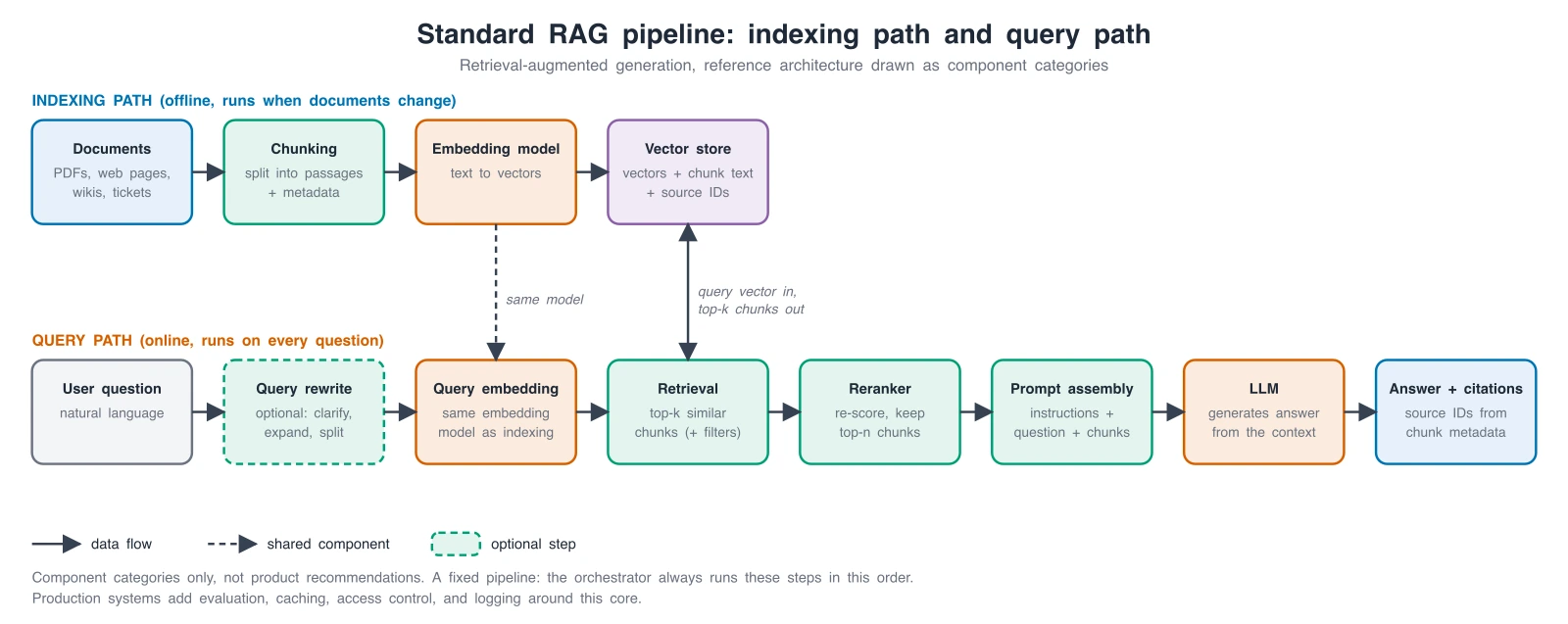 Diagrams
LLM App Architecture Diagram Generator
Draw the application around the model: RAG pipelines, AI agents, memory, tools, and guardrails.
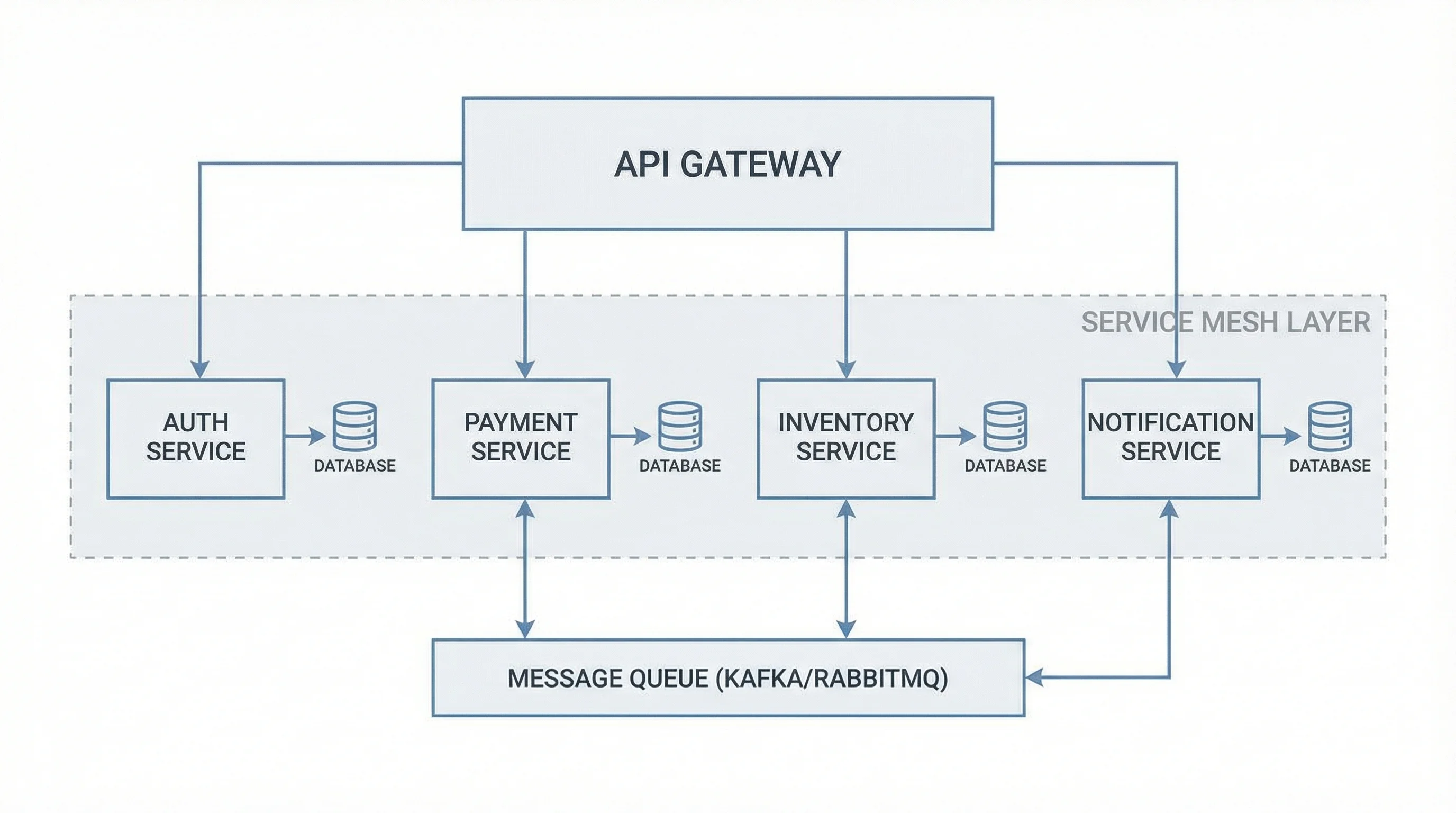 Diagrams
Software Architecture Diagram Generator
Microservices, client-server, cloud, and event-driven system views from a plain-English description.
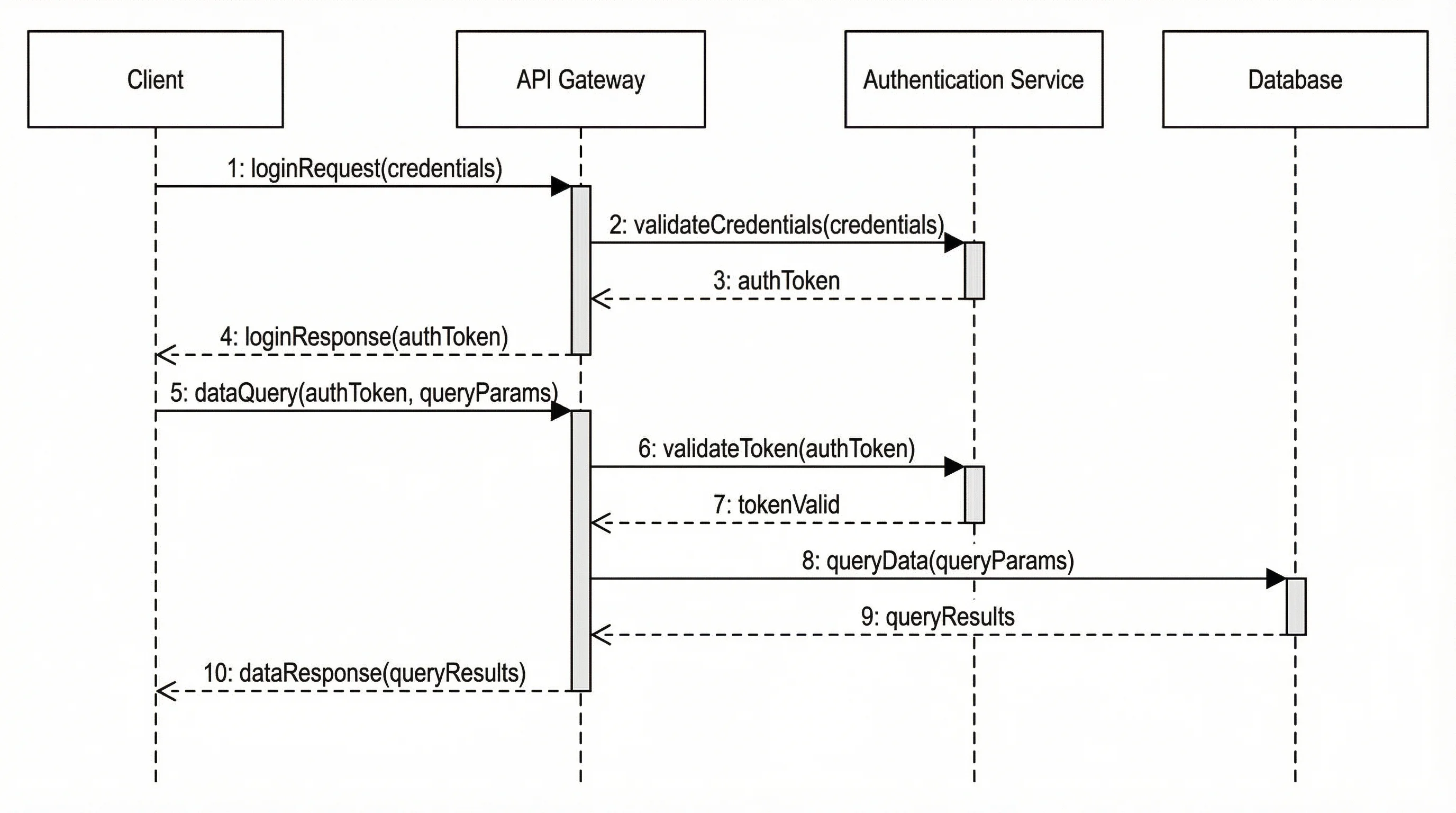 Diagrams
Sequence Diagram Generator
Turn a request and response flow into a clean sequence diagram.