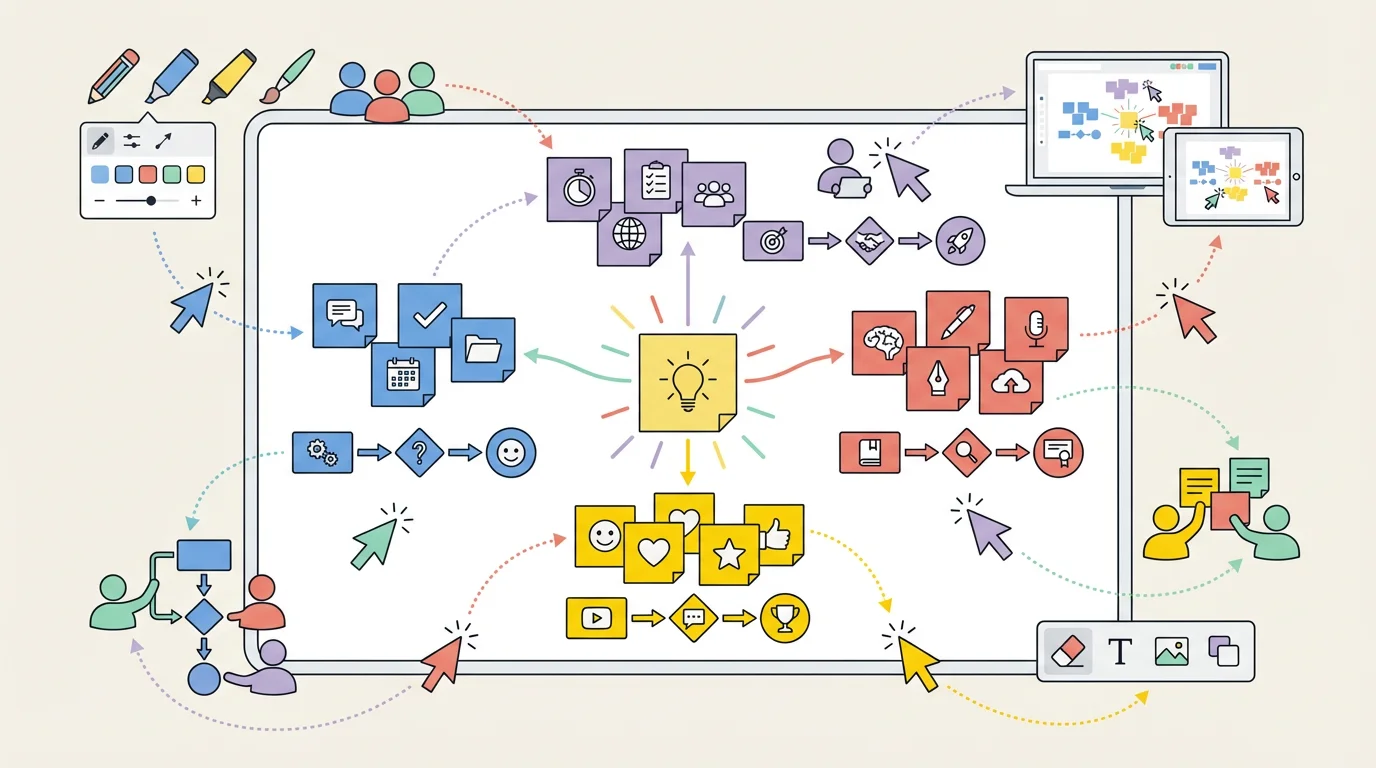
10 Best Free Miro Alternatives 2026: No Paywall, Unlimited Boards
The best free Miro alternatives with unlimited boards and real-time collaboration — Excalidraw, FigJam, Canva Whiteboard & more. No credit card required.
Best Miro Alternatives 2026: 10 Free Whiteboard & Collaboration Tools
Miro is a powerful collaborative whiteboard—but its free plan only allows 3 editable boards. That's a dealbreaker for teams, educators, and anyone managing multiple projects.
The good news? In 2026, there are excellent free alternatives that offer unlimited boards, better free tiers, or open-source solutions with no restrictions at all.
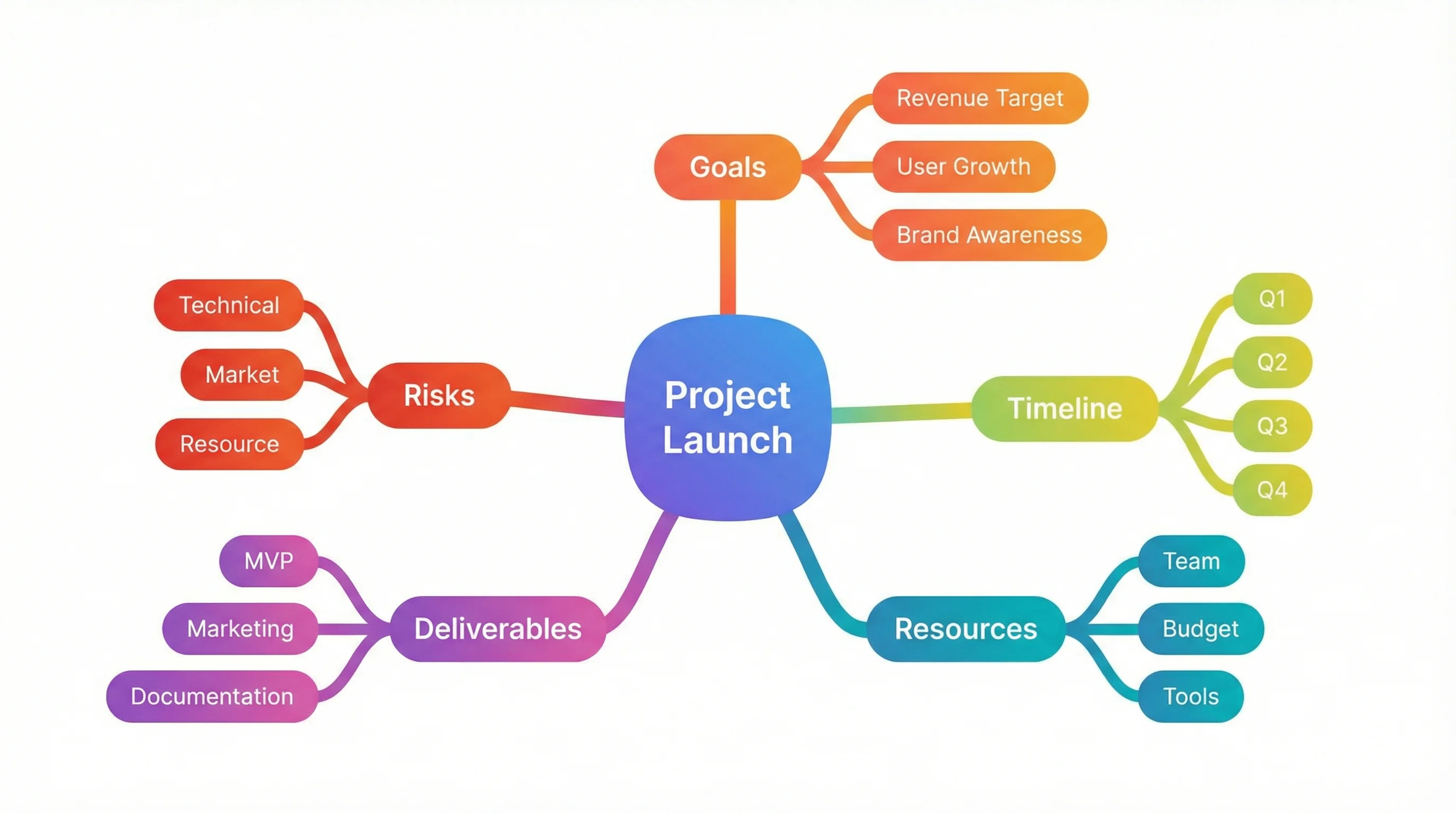
AI Mind Map Generator
Create professional mind maps and diagrams in seconds. Perfect for brainstorming sessions.
Try it free →Why You Need Miro Alternatives
Before we explore the alternatives, let's understand why Miro might not be the best fit:
| Issue | Details |
|---|---|
| Limited Free Boards | Only 3 editable boards on the free plan |
| Expensive Paid Plans | $8-16/user/month for teams |
| Complex Interface | Steep learning curve for new users |
| No Offline Mode | Requires constant internet connection |
| Feature Overload | Enterprise features most users don't need |
Education Plan Note: Miro offers a free Education plan for verified educators (unlimited boards), but the application process can take weeks and requires institutional verification.
Quick Comparison: Top 10 Miro Alternatives
| Tool | Price | Best For | Free Boards | Highlight |
|---|---|---|---|---|
| FigJam | Free (3 boards) / Free for Edu | Design teams, educators | 3 (unlimited for edu) | AI features, Figma integration |
| Excalidraw | 100% Free | Quick sketching, privacy | Unlimited | Open-source, no account needed |
| Canva Whiteboard | Free | Visual brainstorming | Unlimited | 100M+ design assets |
| Microsoft Whiteboard | Free (M365) | Microsoft users | Unlimited | Teams integration |
| Lucidspark | Freemium | Structured workshops | 3 boards | Lucidchart integration |
| Boardmix | Free | Unlimited collaboration | Unlimited | No team size limits |
| draw.io | 100% Free | Diagrams & flowcharts | Unlimited | Open-source, offline mode |
| Whimsical | Freemium | Mind maps, wireframes | Limited | Beautiful default styling |
| MURAL | Freemium | Enterprise workshops | 3 murals | Strong facilitation tools |
| ConceptViz | Free tier | AI-generated diagrams | N/A | AI creates diagrams from text |
1. FigJam (Figma) — Best Free Option for Education
Price: 100% Free for educators and students Platform: Web, Desktop (Windows, Mac) Website: figma.com/figjam
FigJam is Figma's collaborative whiteboard tool, and it's completely free for education. This makes it arguably the best Miro alternative for teachers who want unlimited access without any cost.
Why It's Great for Teachers:
- 100% free for education — K-12 districts get Enterprise tier free; higher education gets Professional tier free
- Google Classroom integration — Create and distribute boards directly to students
- Open sessions — Invite students without requiring Figma accounts
- AI-powered features — Summarize sticky notes, generate ideas, categorize themes automatically
- Fun collaboration tools — Stamps, stickers, emotes, audio notes, and voting
Key Features:
- Infinite canvas — Never run out of space
- Real-time collaboration — See cursors and edits live
- Templates — Meeting agendas, retrospectives, mind maps, flowcharts
- Widgets — Polls, timers, voice recordings, interactive elements
- FigJam AI — Generate boards from text prompts, summarize content
Best For:
- K-12 classrooms needing free unlimited whiteboards
- Design and art classes
- Group projects and collaborative assignments
- Teachers who use Google Classroom
How to Get Free Education Access:
- Sign up with your school email at figma.com/education
- Verify your educator status
- Get unlimited FigJam boards for your classroom
Verdict: The best free Miro alternative for education. If you're a verified educator, FigJam offers everything Miro does—and more—at no cost.
2. Excalidraw — Best Free Open-Source Option
Price: 100% Free, open-source Platform: Web (works offline as PWA) Website: excalidraw.com
Excalidraw is a virtual whiteboard with a distinctive hand-drawn aesthetic that makes diagrams feel more approachable and less formal. It's completely free, requires no account, and is loved by developers and educators alike.
Why It's Great for Teachers:
- No account needed — Students can start drawing immediately
- End-to-end encrypted — Student data stays private
- Works offline — Use it without internet after initial load
- Unlimited collaborators — Invite as many students as you need
- Hand-drawn style — Makes diagrams feel informal and approachable
Key Features:
- Infinite canvas — Unlimited space for ideas
- Real-time collaboration — Share a link and collaborate instantly
- Shape library — Rectangles, circles, arrows, lines, and freehand drawing
- Export options — PNG, SVG, or copy to clipboard
- Local storage — Drawings auto-save to your browser
- Dark mode — Easy on the eyes during long sessions
User Reviews:
"It is one of the smoothest, most intuitive GUI I have ever met if not the best." — Product Hunt
"Excalidraw is highly praised for its ease of use and intuitive interface." — Software Advice
Best For:
- Quick classroom brainstorming
- Informal sketching and diagramming
- Teachers who value privacy (E2E encryption)
- Schools without budget for paid tools
- Students on Chromebooks
Limitations:
- One drawing per session (use multiple tabs for more)
- Limited integrations compared to Miro
- No built-in templates (but you can find community templates)
Verdict: Perfect for teachers who want a simple, free, private whiteboard without any setup. The hand-drawn style is especially great for making students feel comfortable sharing rough ideas.
3. Canva Whiteboard — Best for Visual Brainstorming
Price: Free (Canva for Education is 100% free for verified teachers) Platform: Web, iOS, Android Website: canva.com/online-whiteboard
Canva Whiteboard combines the power of Canva's design tools with infinite whiteboard collaboration. If you're already using Canva for Education, this is a natural addition to your toolkit.
Why It's Great for Teachers:
- Canva for Education — 100% free for verified teachers with premium features
- 100+ million assets — Access Canva's massive library of images, graphics, and icons
- Beautiful templates — Mind maps, flowcharts, mood boards, org charts
- Design integration — Turn whiteboard ideas into presentations, posters, or documents
- Real-time collaboration — Colorful cursors show who's working where
Key Features:
- Infinite canvas — Create as many whiteboards as you need
- Sticky notes with reactions — Add emojis and feedback to ideas
- Timer feature — Perfect for timed brainstorming activities
- Diagramming tools — Shapes with automatic connectors
- AI features — New AI-powered brainstorming and content generation
- Export anywhere — PDF, PNG, or share as a link
Best For:
- Visual learners and creative projects
- Teachers already using Canva
- Creating polished presentations from brainstorms
- Mood boards and design thinking activities
- Elementary and middle school classrooms
Canva vs. Miro:
| Feature | Canva Whiteboard | Miro |
|---|---|---|
| Free boards | Unlimited | 3 |
| Asset library | 100M+ | Limited |
| Design export | Native | Requires export |
| Learning curve | Very easy | Moderate |
| Education pricing | Free | Free (with application) |
Verdict: The best choice if you want beautiful visuals and seamless integration with other Canva tools. Particularly great for younger students who benefit from visual elements.
4. Microsoft Whiteboard — Best for Microsoft Schools
Price: Free with Microsoft 365 Education Platform: Web, Windows, iOS, Android Website: microsoft.com/microsoft-whiteboard
If your school uses Microsoft 365, Microsoft Whiteboard is already included in your subscription—and it integrates seamlessly with Teams, OneNote, and other Microsoft tools.
Why It's Great for Teachers:
- Built into Teams — Open whiteboards directly in video calls
- OneNote integration — Export boards to Class Notebooks
- Ink beautification — Handwriting becomes more legible automatically
- Education stickers — Collect poll responses and give feedback
- Accessibility features — Automatic alt text for images, screen reader support
Key Features:
- Unlimited boards — Create as many as you need
- Real-time collaboration — Work together during Teams meetings
- Drawing tools — Pens, highlighters, ruler with angle measurement
- Sticky notes — Resizable notes for brainstorming
- Background options — Including blackboard mode for reduced eye strain
- Ink Grab — Convert photos of physical whiteboards to digital ink
Best For:
- Schools using Microsoft 365 Education
- Teachers who use Teams for video calls
- Math and science classes (ruler with angle measurement)
- Accessibility-focused classrooms
Limitations:
- Requires Microsoft account
- Less creative features than Canva or FigJam
- Limited text formatting options
- No version history
Verdict: The obvious choice if your school is in the Microsoft ecosystem. Deep Teams integration makes it perfect for hybrid learning.
5. Lucidspark — Best for Structured Brainstorming
Price: Free (3 boards) / Individual $7.95/month / Team $9/user/month Platform: Web Website: lucidspark.com
Lucidspark is the whiteboard tool from Lucid (makers of Lucidchart). It's designed for more structured brainstorming with built-in frameworks and AI-powered organization.
Why It's Great for Teachers:
- Visual activities — Built-in frameworks for brainstorming, voting, and sorting
- AI features — Generate ideas and automatically categorize sticky notes
- Lucidchart integration — Turn brainstorms into professional diagrams
- Presentation mode — Walk through ideas step-by-step
- Gather & Sort — Organize ideas into themes automatically
Key Features:
- Infinite canvas — Unlimited space per board
- Collaborative editing — Real-time work with shareable links
- Emoji reactions — Quick feedback on ideas
- Freehand drawing — Sketch and annotate freely
- Templates — Mind maps, SWOT analysis, retrospectives, and more
Free Plan Includes:
- 3 editable boards
- Unlimited shapes per board
- Basic collaboration
- Commenting
- Presentation mode
Best For:
- Structured brainstorming sessions
- Teachers who also use Lucidchart
- Project-based learning activities
- High school and college classrooms
Limitations:
- Only 3 free boards (same as Miro)
- Advanced features require paid plan
- Some users find pricing inflexible
Verdict: Great if you need structured brainstorming frameworks, but the 3-board limit on the free plan is the same limitation as Miro.
6. ConceptViz — Best for AI-Generated Diagrams
Price: Free credits on signup, then pay-as-you-go credit packs from $5 — no subscription Platform: Web Website: conceptviz.app
ConceptViz takes a different approach: instead of drawing diagrams manually, describe what you need and AI creates it. Perfect for adding professional visuals to your whiteboard sessions.
Why It's Great for Whiteboard Users:
- AI-powered — Describe your diagram in plain English, get results in seconds
- No design skills needed — Professional quality without the learning curve
- Export anywhere — Download and add to any whiteboard tool
- Multiple styles — Scientific, educational, minimalist, and more
Popular Tools for Brainstorming & Collaboration:
- AI Mind Map Generator — Create mind maps from text
- AI Flowchart Generator — Generate flowcharts instantly
- Conceptual Framework Generator — Build research frameworks
- Text to Diagram Generator — Turn any text into visuals
Science-Specific Tools:
Best For:
- Adding professional diagrams to whiteboards
- Teams without designers
- Quick visual explanations
- Educators creating teaching materials
Verdict: The perfect complement to any whiteboard tool. Use ConceptViz to generate diagrams, then add them to FigJam, Excalidraw, or Canva.
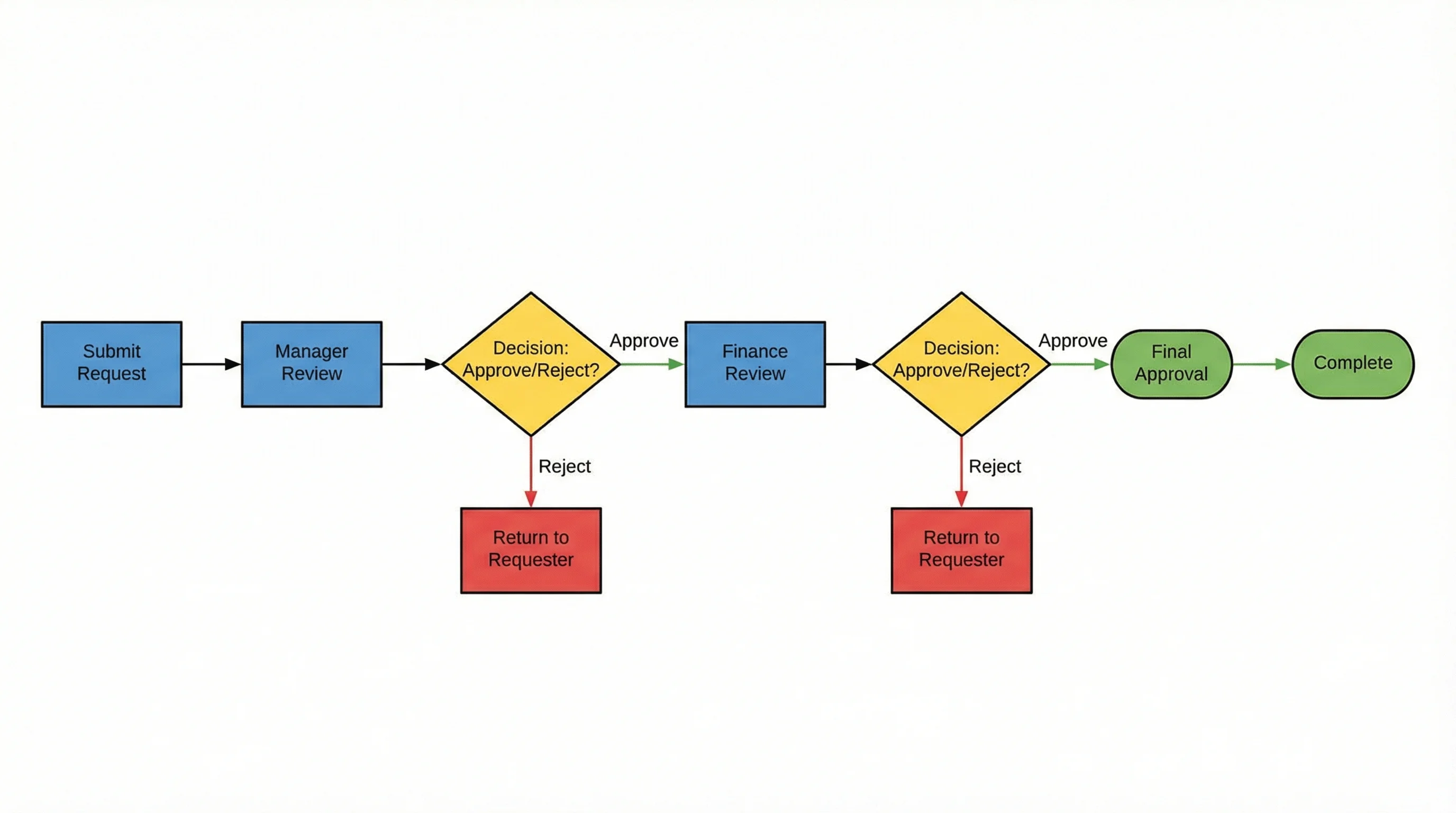
AI Flowchart Generator
Generate flowcharts from text descriptions
Other Notable Alternatives
Boardmix
- Website: boardmix.com
- Truly unlimited — No board limits, no team size limits
- AI-powered brainstorming features
- Best free alternative if you need zero restrictions
draw.io (diagrams.net)
- Website: draw.io
- 100% free and open-source
- Works offline, integrates with Google Drive, OneDrive
- Best for technical diagrams and flowcharts
AFFiNE
- Website: affine.pro
- Open-source, self-hosted option
- Combines docs, whiteboards, and databases
- Best for privacy-conscious teams
MURAL
- Website: mural.co
- Free plan with 3 murals
- Strong facilitation tools for workshops
- Best for enterprise teams
Whimsical
- Website: whimsical.com
- Beautiful mind maps and flowcharts
- Clean, minimalist interface
- Best for documentation and wireframes
Milanote
- Website: milanote.com
- Visual boards for creative projects
- Free plan with 100 notes/images
- Best for designers and creatives
Note: Google Jamboard was discontinued in late 2024. Former users should migrate to FigJam, Excalidraw, or Canva Whiteboard.
Google Whiteboard Alternatives: What Replaced Jamboard?
Many users searching for a Google Miro alternative or Google whiteboard collaboration tool are looking for what replaced Google Jamboard after its discontinuation in 2024. Here are the best options that integrate well with Google Workspace:
| Tool | Google Integration | Free? | Best For |
|---|---|---|---|
| FigJam | Google Classroom, Google SSO | Free for education | Teams already using Google for Education |
| Excalidraw | None needed (no account) | 100% free | Quick whiteboarding without setup |
| Canva Whiteboard | Google Drive export | Free (Canva for Education) | Visual brainstorming with design assets |
| Lucidspark | Google Drive, Google Workspace | Freemium (3 boards) | Structured workshops |
| draw.io | Google Drive native integration | 100% free | Technical diagrams saved to Drive |
Our recommendation for former Jamboard users: Start with Excalidraw for instant, no-setup whiteboarding, or FigJam if you need deeper collaboration features. Both are free and require minimal onboarding.
Which Tool Should You Choose?
Here's a quick decision guide:
| Your Situation | Best Choice |
|---|---|
| Want truly unlimited free boards | Excalidraw or Boardmix |
| Need the most features | FigJam (free for education) |
| Already use Canva | Canva Whiteboard |
| Microsoft 365 user | Microsoft Whiteboard |
| Need technical diagrams | draw.io |
| Want AI-generated diagrams | ConceptViz |
| Privacy-conscious / self-hosted | Excalidraw or AFFiNE |
Quick Recommendations:
- Best 100% free option: Excalidraw — No account, no limits, open-source
- Best for design teams: FigJam — Figma integration, AI features
- Best for visual brainstorming: Canva Whiteboard — 100M+ design assets
- Best for Microsoft users: Microsoft Whiteboard — Teams integration
- Best for diagrams: draw.io — Professional flowcharts, free forever
- Best for AI-generated visuals: ConceptViz — Describe and generate
Related Guides
Looking for alternatives to other tools? Check out our comparison guides:
- Best Free Lucidchart Alternatives — Flowcharts and diagrams
- Best Free Prezi Alternatives — Presentations
- Best Free BioRender Alternatives — Science illustrations
- Best Free EdrawMax Alternatives — Professional diagramming
Conclusion
You don't need to pay $8-16/month for Miro when there are excellent free alternatives with unlimited boards. Here's our final verdict:
Top Picks for 2026:
- Best 100% free: Excalidraw — No limits, no account required
- Best features: FigJam — AI-powered, free for education
- Best for visuals: Canva Whiteboard — 100M+ assets
- Best for diagrams: draw.io — Open-source, works offline
- Best for AI generation: ConceptViz — Describe and create diagrams instantly
Ready to get started?
- For instant collaboration: Excalidraw (no signup needed)
- For professional diagrams: draw.io (free forever)
- For AI-generated visuals: ConceptViz Mind Map Generator
FAQ
Q: What is the best free Miro alternative with unlimited boards? A: Excalidraw and Boardmix both offer unlimited boards for free. Excalidraw is open-source and requires no account, while Boardmix also removes team size limits.
Q: Is Miro still worth paying for? A: If you need advanced features like voting, timers, or enterprise integrations, Miro's paid plans may be worth it. But for basic whiteboard collaboration, free alternatives like Excalidraw, FigJam, or Canva Whiteboard offer similar functionality.
Q: Which Miro alternative works best on Chromebooks? A: Excalidraw, FigJam, Canva Whiteboard, and draw.io all work well in Chrome browsers. Excalidraw works offline as a PWA, making it ideal for unreliable internet connections.
Q: Can I collaborate without creating accounts? A: Yes! Excalidraw requires no accounts—just share a link and start collaborating. FigJam offers "open sessions" for guests. Most other tools require at least one person to have an account.
Q: Which tool is best for diagrams and flowcharts? A: draw.io (diagrams.net) is the best free option for technical diagrams and flowcharts. For AI-generated diagrams, try ConceptViz.
Q: What replaced Google Jamboard as a whiteboard tool? A: Google Jamboard was discontinued in late 2024. The best replacements are FigJam (integrates with Google Classroom), Excalidraw (free, no account needed), draw.io (native Google Drive integration), and Canva Whiteboard. All offer more features than Jamboard did.
Q: Is Canva Whiteboard better than Miro? A: For most users, Canva Whiteboard offers better value — unlimited free boards vs. Miro's 3-board limit, access to 100M+ design assets, and a gentler learning curve. Miro is better for enterprise teams needing advanced facilitation tools, integrations, and detailed permissions.
Q: Can I migrate from Miro to another tool? A: There's no direct migration path. You can export Miro boards as images or PDFs and import them into other tools, but complex boards may need to be recreated.
Категории
Ещё публикации
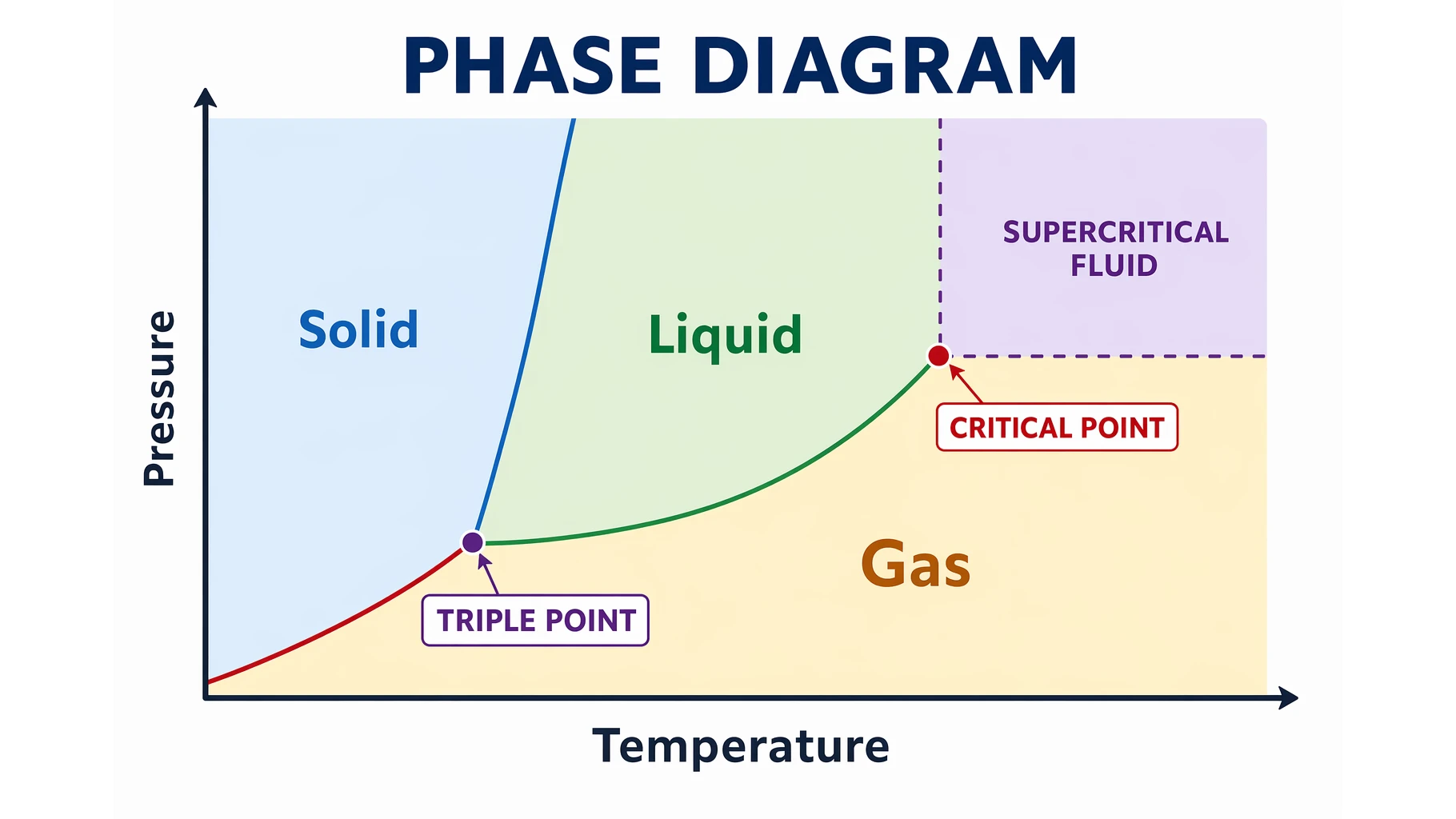
Phase Diagrams Explained: Triple Point & Critical Point
Learn how to read a phase diagram: the solid, liquid, and gas regions, melting, boiling, and sublimation curves, and the triple and critical points.
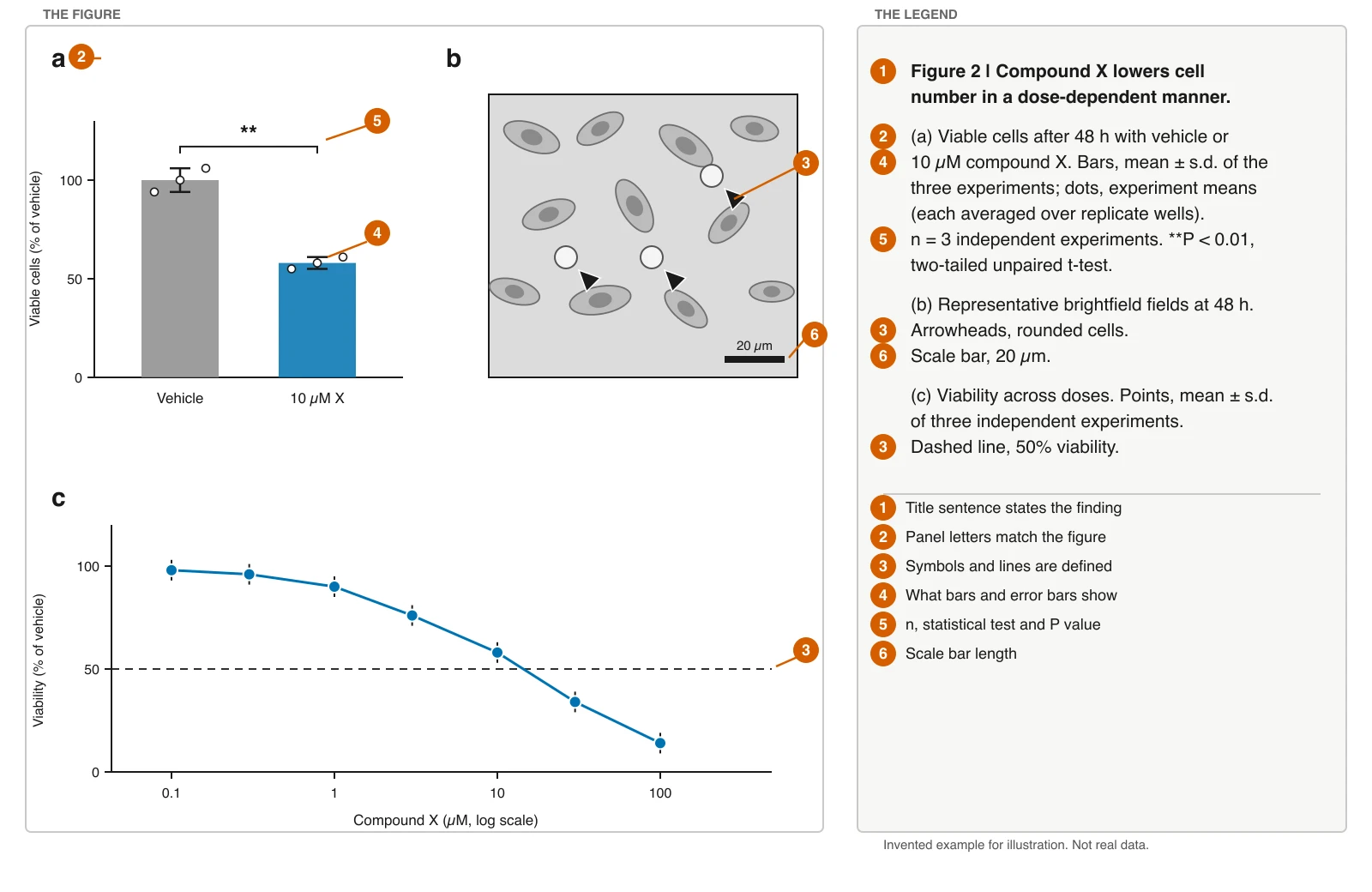
Figure Legend Examples: Structure and Journal Rules
Write a figure legend in six parts, with before-and-after examples, a fill-in template, and Nature, Science, Cell, PLOS and APA rules with official links.
Best Free Adobe Illustrator Alternatives 2026
Compare the best free Adobe Illustrator alternatives in 2026: Inkscape, Affinity by Canva, Canva, Vectr, Gravit and ConceptViz for vector graphics and diagrams.