Unit Circle Generator with Radians & Degrees
Create a printable unit circle chart with the standard angles in degrees and radians and their exact (cos, sin) coordinates. Export SVG or PNG.
Unit Circle Examples
Common unit-circle reference layouts for degrees, radians, and coordinates
Complete Unit Circle
The full reference chart: degrees, radians, and (cos, sin) at every standard angle.
Unit Circle in Radians
Every standard angle labeled as an exact fraction of π around the circle.
Unit Circle in Degrees
The standard angles marked in degrees for a simple, uncluttered reference.
Unit Circle Coordinates
The exact (cos θ, sin θ) point where each terminal ray meets the circle.
Unit Circle Quadrants
The four quadrants highlighted to teach the sign pattern of cos and sin.
Blank Unit Circle Worksheet
A printable blank circle for students to fill in the angles and coordinates.
What is the unit circle?
The unit circle is a circle of radius 1 centered at the origin of the coordinate plane. It is one of the most useful pictures in trigonometry because it turns angles into points: for any angle θ measured counter-clockwise from the positive x-axis, the point where the terminal ray meets the circle has coordinates exactly (cos θ, sin θ). Because the radius is 1, the horizontal distance to that point is the cosine of the angle and the vertical distance is the sine, so the circle lets you read off sine and cosine values directly. The standard reference chart marks sixteen common angles — the multiples of 30° and 45° — and labels each one with its degree measure, its radian measure, and its exact coordinates.
Degrees vs radians
- Angles on the unit circle can be measured two ways. Degrees split a full turn into 360 equal parts, so a right angle is 90° and a full circle is 360°. Radians instead measure the arc length along a radius-1 circle, so a full turn is 2π radians and a right angle is π/2.
- The two systems are linked by 180° = π radians. To convert degrees to radians, multiply by π/180; to go the other way, multiply by 180/π. That is why 30° becomes π/6, 45° becomes π/4, and 60° becomes π/3.
- In the tool you can show degrees, radians, or both at once. Seeing them side by side is the fastest way to build the mental map between the two systems that trigonometry and calculus both rely on.
The (cos, sin) coordinates
- At each angle, the point on the unit circle is (cos θ, sin θ). Reading the coordinates off the chart gives you exact trig values without a calculator: at 30° the point is (√3/2, 1/2), so cos 30° = √3/2 and sin 30° = 1/2.
- The signs of the coordinates follow the quadrant. In Quadrant I both are positive; in Quadrant II the x-coordinate (cosine) turns negative; in Quadrant III both are negative; and in Quadrant IV the y-coordinate (sine) is negative while cosine is positive again.
- Only three magnitudes ever appear — 1/2, √2/2, and √3/2 — plus 0 and 1 on the axes. Once you know those values and the sign rule, you can reconstruct every coordinate on the circle.
Memorizing the standard angles
- A common trick for the first quadrant is to write sin as √0/2, √1/2, √2/2, √3/2, √4/2 for 0°, 30°, 45°, 60°, 90°. That simplifies to 0, 1/2, √2/2, √3/2, 1 — the sine values in order. Cosine is the same list reversed.
- For the other quadrants, find the reference angle (the acute angle to the nearest x-axis), read its coordinates, then apply the quadrant sign rule for cosine and sine.
- Use the highlight-angle option in the tool to draw one angle’s reference triangle. Seeing the right triangle drop from the point to the x-axis makes the connection between the circle and the familiar 30-60-90 and 45-45-90 triangles obvious.
Tips for a clean, printable chart
- Turn off the labels you do not need. A degrees-only or radians-only circle is far easier to read for a quiz or a first lesson than the fully loaded chart.
- Switch to the quadrantal set (0°, 90°, 180°, 270°) when you only want to teach the axis values and the sign pattern, without the diagonal angles crowding the figure.
- Export SVG for crisp printing at any size, or PNG (rendered at 2x) for slides and handouts. Precise mode runs entirely in your browser and uses no image-generation credits, so you can print a whole class set of blank worksheets for free.
Frequently Asked Questions
Related Math Tools
 Education
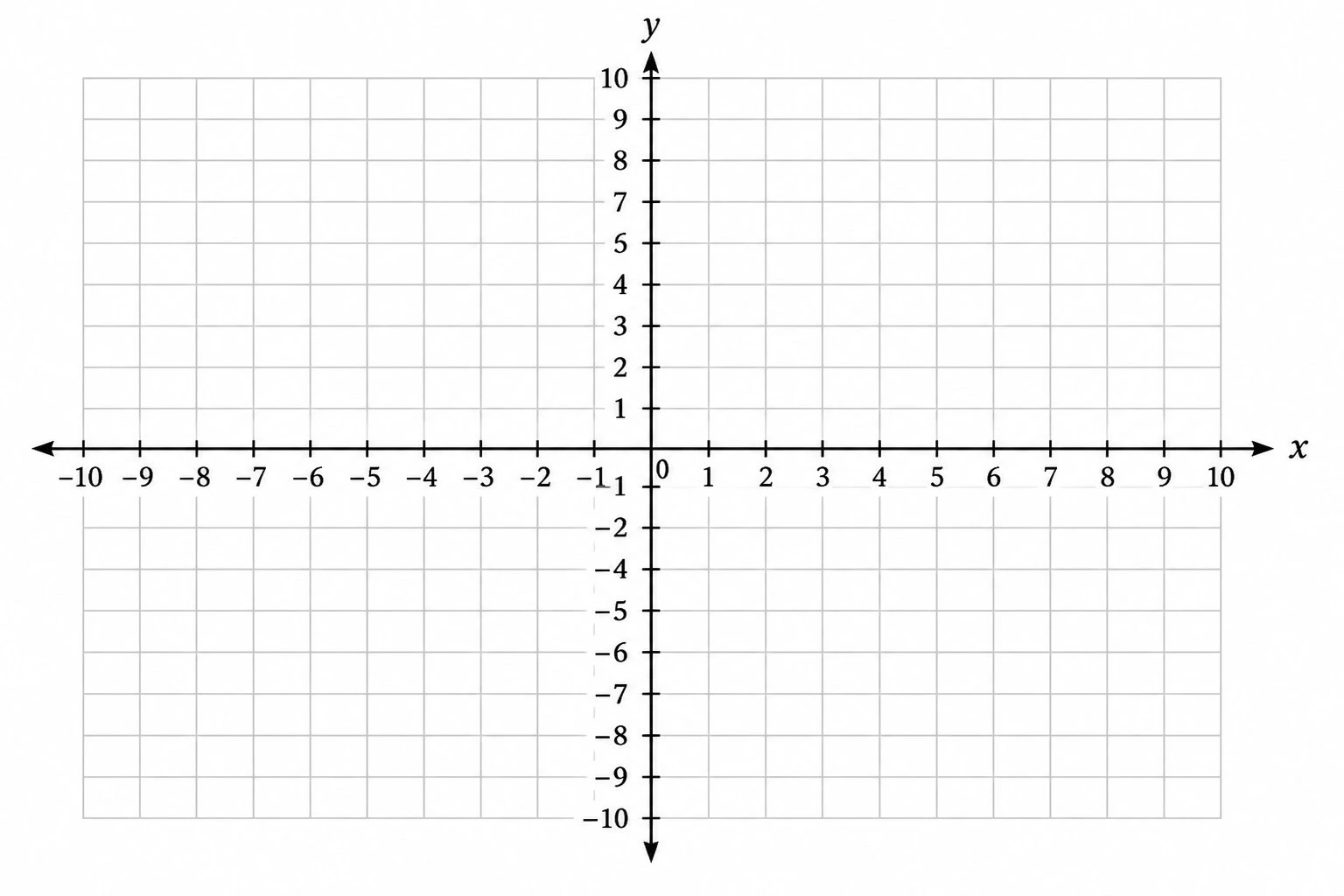
Coordinate Plane Generator
Create precise Cartesian planes: plot ordered pairs, graph lines by slope and intercept, and label the four quadrants.
 Education
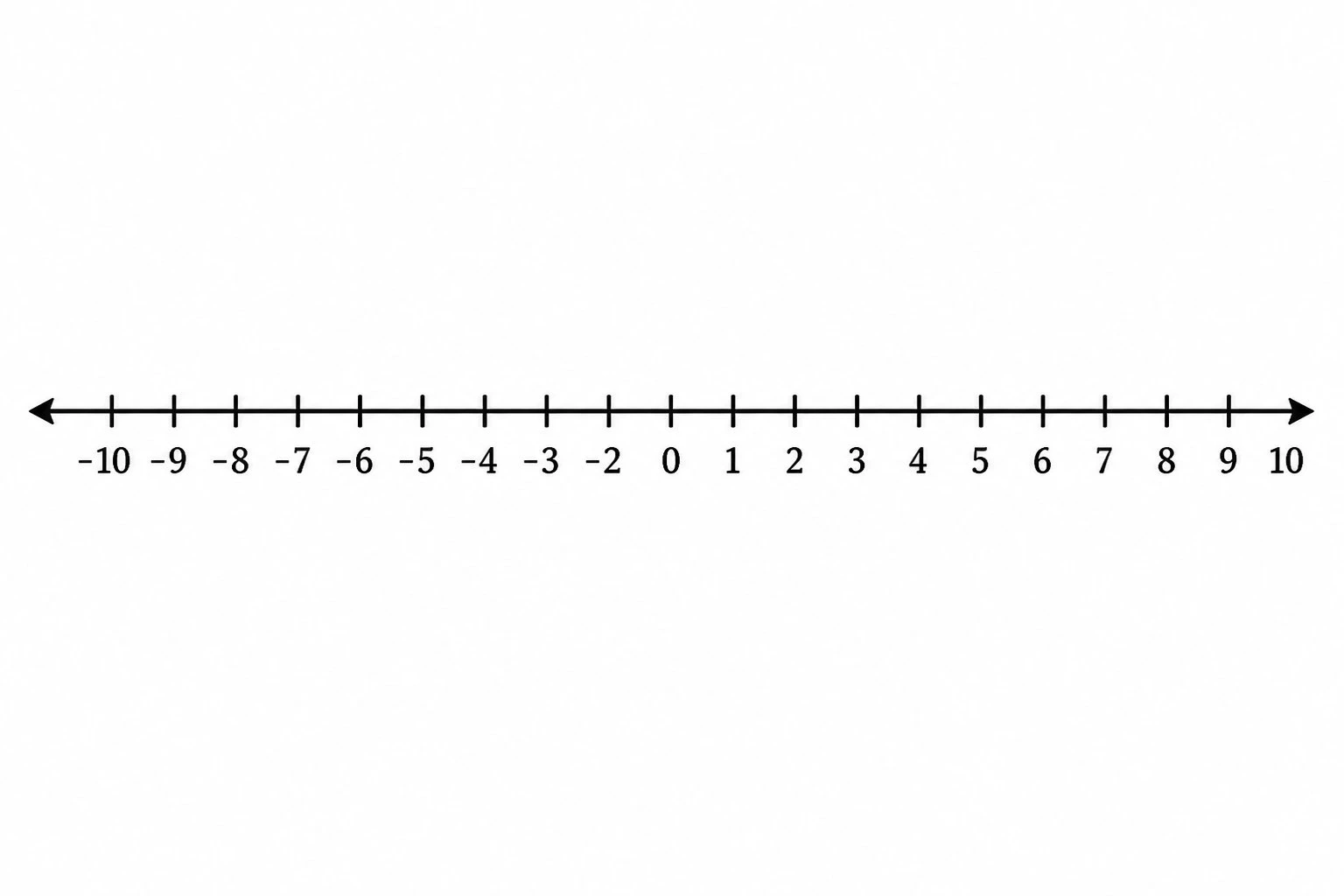
Number Line Generator
Create precise number lines: plot points, graph inequalities and intervals, and mark fractions or decimals.
 Education
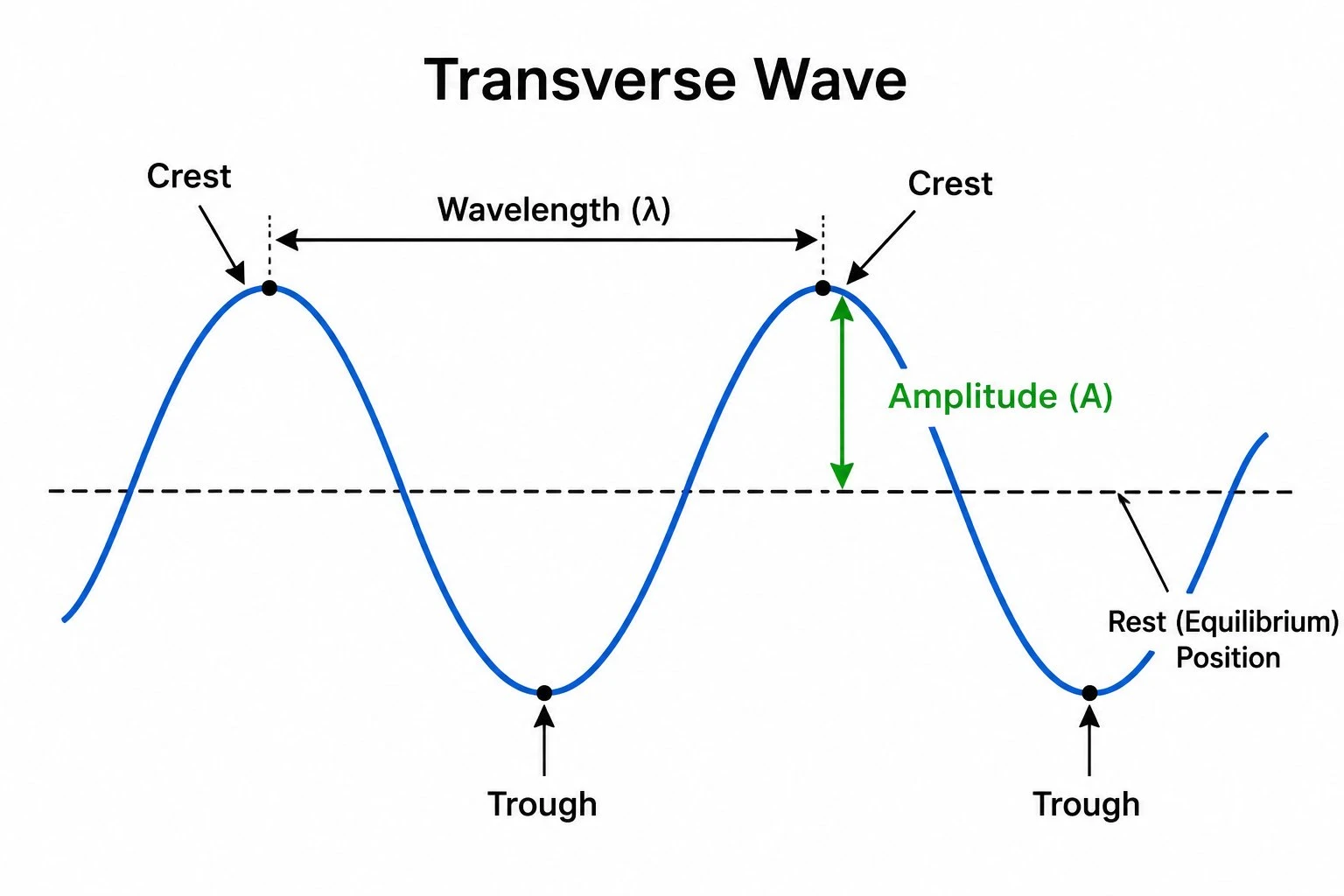
Wave Diagram Generator
Draw labeled waves with wavelength, amplitude, and period — the wave shape sine and cosine trace out.