Sentence Diagram Generator · Reed-Kellogg Style
Type an English sentence and generate a Reed-Kellogg style diagram draft that preserves the original wording. Best for grammar lessons, homework review, and quick classroom worksheet drafts.
Create a consistent Reed–Kellogg diagram for free, with fair-use limits to keep it available.
Sentence Diagram Generator
Type or paste one complete English sentence below.
Use sample
Reed-Kellogg diagram
Enter a sentence and click Generate
Your sentence diagram will appear here
This is the preview area, not a text box. Enter your sentence in Step 1, then select Generate Sentence Diagram.
AI Sentence Diagram
Free to try ·
Your illustrated sentence diagram will appear here
Enter one complete English sentence
Sentence Diagram Examples
Browse examples of different sentence types or generate your own above
Simple Sentence Diagram
The base line splits subject from verb; modifiers hang on diagonal lines beneath the words they describe.
Compound Sentence Diagram
Two independent clauses sit on parallel base lines, linked by a dotted step that carries the coordinating conjunction.
Complex Sentence Diagram
A subordinate clause drops onto a lower line, joined to the main clause by the subordinating conjunction.
Prepositional Phrases
Each preposition sits on a slanted line with its object on a horizontal extension — easy to spot how modifiers attach.
Passive Voice Diagram
The full verb phrase stays on the base line while the by-agent phrase hangs below — a clear view of passive construction.
Relative Clause Diagram
A relative clause branches onto its own line, tied back to the noun it describes by a dotted connector.
What is a sentence diagram?
A sentence diagram is a visual map of how the words in a sentence work together grammatically. The most common style is the Reed-Kellogg diagram, developed in the 1870s, which lays the sentence out on a horizontal base line: the subject sits on the left, the verb on the right, and a vertical line that crosses the base line splits the two. Modifiers — adjectives, adverbs, articles, and phrases — hang from the words they describe on slanted lines below. Instead of reading a sentence left to right, you see its structure at a glance: which word is the core subject, which is the action, and how every other word attaches to that frame. This generator turns an English sentence you type into a Reed-Kellogg style diagram draft so you can show that structure without drawing the lines by hand.
Subjects, predicates, objects, and modifiers
- Subject: who or what the sentence is about. It goes on the left of the base line — "the dog" in "The dog barked."
- Predicate (verb): the action or state of being, placed to the right of the dividing line — "barked."
- Direct object: what receives the action. A short upright line (that does not cross the base) separates the verb from its object — "ball" in "The dog caught the ball."
- Complements: a predicate noun or adjective renames or describes the subject after a linking verb, sitting after a back-slanted line — "happy" in "The dog is happy."
- Modifiers: adjectives, adverbs, and articles drop onto diagonal lines beneath the word they modify, so "the," "quick," and "brown" all branch off the noun they describe.
Simple, compound, and complex sentences
A simple sentence has one independent clause and fits on a single base line — subject, verb, and whatever objects or modifiers come with them. A compound sentence joins two independent clauses with a coordinating conjunction (and, but, or); each clause gets its own base line, and a dotted step between them carries the conjunction. A complex sentence pairs an independent clause with one or more dependent (subordinate) clauses. The main clause stays on the top line, and each subordinate clause drops to a lower line connected by the subordinating word — "because," "although," "who," "that." A compound-complex sentence simply combines both patterns. Seeing clauses stacked on separate lines is often the moment grammar "clicks" for students, because clause boundaries become physical rather than abstract.
How to diagram a sentence with this tool
- Type or paste a complete English sentence into the box — keep the original wording so the diagram matches what you are teaching.
- Click Generate. The tool reads the sentence and produces a Reed-Kellogg style diagram draft, placing the subject, verb, objects, and modifiers on the standard lines.
- Read the result against the parts of speech: confirm the subject and verb on the base line, then check that each modifier and phrase attaches to the right word.
- For a long or layered sentence, verify how the clauses connect — the tool flags complex sentences because clause attachment is exactly where an automatic draft is most likely to need a human eye.
- Use the diagram as is, or copy a sample prompt to generate variations for a worksheet, then save the image for class.
Prepositional phrases, passive voice, and clauses
Real sentences rarely stop at subject-verb-object, and the diagram has a place for everything. A prepositional phrase hangs on a slanted line under the word it modifies, with the preposition on the slant and its object on a horizontal extension — so "on the table" and "from college" each branch off cleanly. Passive voice keeps the helping verb and main verb together in the predicate ("was eaten") while the by-agent phrase becomes a prepositional phrase below. Relative clauses ("who discovered penicillin") and noun clauses get their own lines, tied back to the word they relate to with a dotted connector. Because each construction has a fixed position, diagramming makes it obvious when a phrase is misattached or a clause is doing more work than expected.
Using sentence diagrams to teach grammar
Diagramming is a teaching tool first. It gives students a concrete way to test whether they have actually found the subject and verb, to see why a modifier is "dangling," and to compare sentence types side by side on a worksheet. Because this generator preserves your exact wording and produces a printable image, it fits homework review, in-class examples, and quick practice sets without redrawing diagrams by hand. Treat the output as a draft: automatic parsing is excellent for simple and moderately complex sentences, but ambiguous or heavily nested sentences should be checked before you hand them to a class — which is why the tool warns you when it detects a complex sentence.
Frequently Asked Questions
More Education & Language Tools
 Education
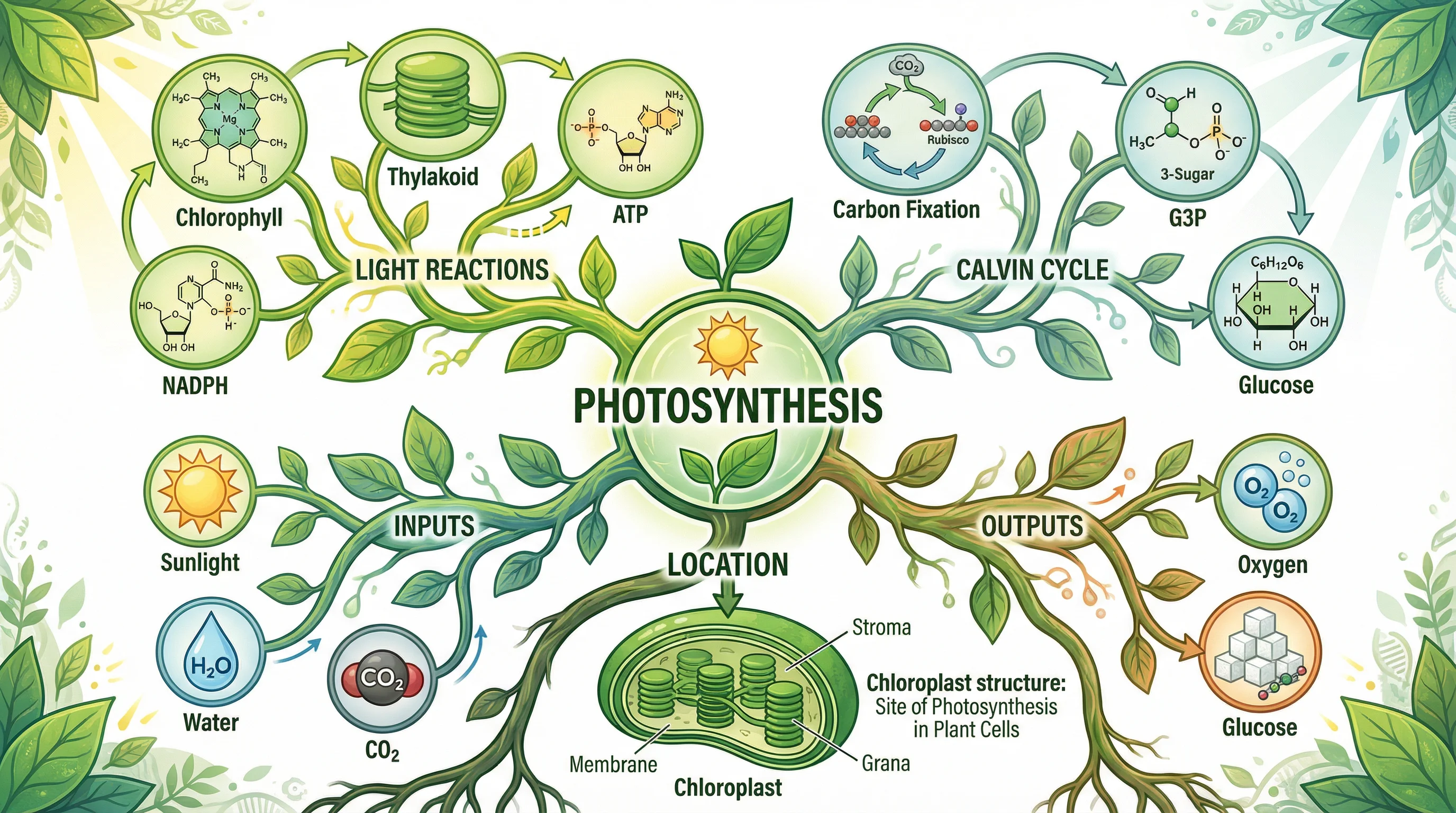
Mind Map Generator
Turn a topic into an organized mind map with branches — great for grammar units and vocabulary.
 Visualization
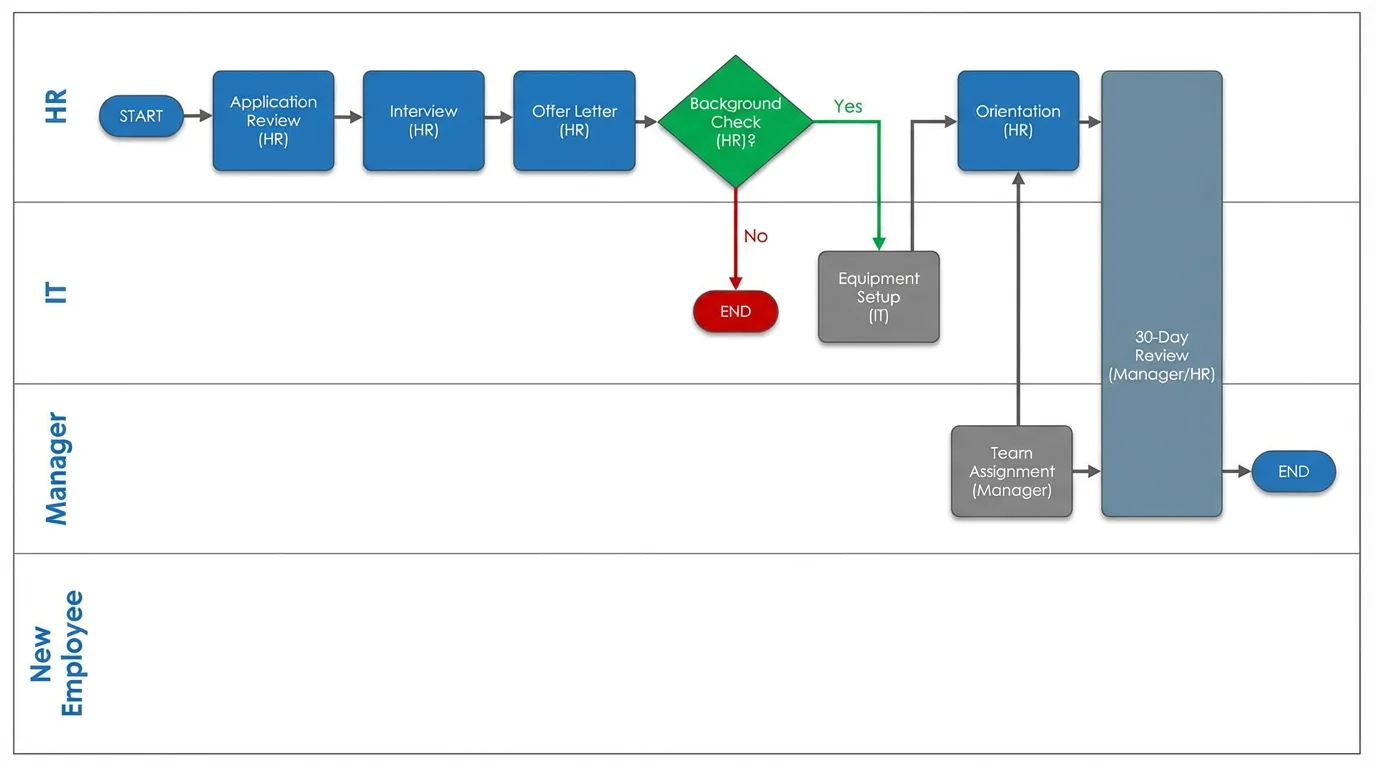
Text to Diagram Generator
Describe any process or structure in plain English and get a clean diagram back.
 Education
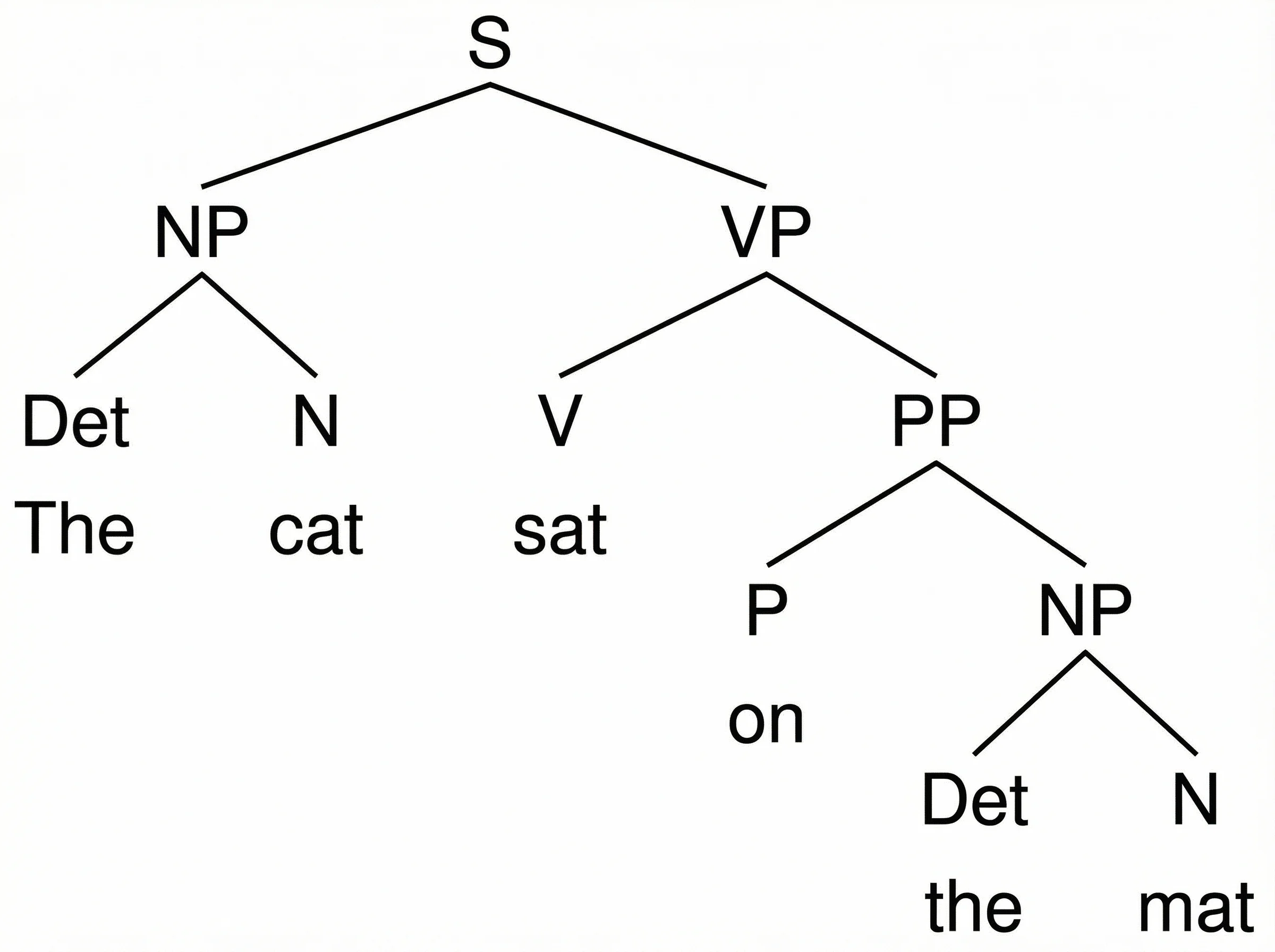
Syntax Tree Generator
Parse a sentence into a labeled constituency or X-bar syntax tree for linguistics class.