Journal Cover Maker for Custom Journal & Notebook Covers
Design a custom journal or notebook cover from a simple description. Make covers for subject notebooks, bullet journals, planners, diaries, reading and lab journals — pick a theme, colors, and style, then generate a print-ready image. AI-powered and free to try.
Journal Cover Maker
Free to try ·
Your cover will appear here
Describe your cover and click Generate
Journal Cover Examples
Themes and styles you can adapt for notebooks, journals, planners, and diaries
Science Journal Cover
A bold science theme — perfect for a biology notebook, lab journal, or research cover.
Space & Astronomy Cover
A space scene that works for a physics or astronomy notebook, or a kid’s science diary.
Biology Notebook Cover
An elegant cell-biology look for a class notebook, study journal, or lab notebook.
Modern Tech Cover
A clean, modern theme for a computer-science notebook, project journal, or planner.
Elegant Planner Cover
A polished, grown-up look for a planner, budgeting journal, or business notebook.
Wellness Journal Cover
A calm, soft palette that suits a wellness diary, gratitude journal, or self-care planner.
What is a journal cover maker?
A journal cover maker is a tool that turns a short description into a finished cover design for a journal, notebook, planner, or diary. Instead of opening a design app and arranging shapes, fonts, and photos by hand, you describe the theme you want — a subject, a mood, a color scheme — and the tool generates a polished cover image you can use as-is. It is built for people who want a personal, good-looking cover without being a designer: students labeling their school notebooks, teachers making matching covers for a class, and anyone starting a new journal who wants it to feel like their own.
Types of journal and notebook covers you can make
- Subject and school notebooks: covers for science, math, history, English, or any class — handy for back-to-school organizing.
- Bullet journals: clean, themed covers that match your spreads and trackers.
- Planners: weekly, monthly, or yearly planner covers with a calm, organized look.
- Diaries and personal journals: a private, expressive cover that fits your style and mood.
- Reading journals and book trackers: covers with a cozy, literary feel for logging what you read.
- Lab notebooks and research journals: tidy science-themed covers for coursework, projects, or the lab.
- Gratitude, wellness, and habit journals: soft, encouraging designs that make daily writing inviting.
Design elements you control
A great cover comes down to a few choices, and you describe them in plain language. Start with the title or name you want featured, then the theme (the subject or vibe — botanical, galaxy, minimalist, vintage). Add a color palette so the cover matches your supplies or aesthetic, and any imagery you have in mind, such as plants, planets, geometric shapes, or hand-drawn motifs. Finally, set the overall style — clean and modern, playful and colorful, elegant and minimal, or bold and graphic. The more specific your description, the closer the generated cover lands to what you pictured, so it helps to name the colors and one or two key visual ideas.
When a custom journal cover comes in handy
- Back-to-school: give each subject its own cover so notebooks are easy to grab and tell apart.
- Classroom sets: teachers can make matching covers for a class project, reading log, or science journal.
- Personal journaling: start a new diary, bullet journal, or planner with a cover that feels like yours.
- Gifts: design a personalized journal cover for a friend, student, or family member.
- Small projects and clubs: brand a shared notebook for a study group, hobby, or side project.
How to generate a journal cover from a description
- Describe the cover you want: name the subject or theme, your colors, any imagery, and the overall style.
- Choose a shape that matches your notebook — portrait (3:4 or 4:5) for most journals, or square for a different look.
- Generate the cover, then read it like a real cover: is the focus right, do the colors fit, is there room for a title?
- Refine your description and generate again if you want a different mood, palette, or composition.
- Save the image you like best, ready to print or use as a digital cover.
Printing and size tips
For a printed cover, generate the largest, highest-quality image you can and choose a shape close to your notebook so it does not get cropped — most journals are portrait, so 3:4 or 4:5 usually works well. Standard sizes to plan around are A5 (about 5.8 × 8.3 in) and A4 (8.3 × 11.7 in); print on sturdy or matte paper, and add a little extra margin so you can trim to fit and slip the cover under a clear sleeve. One honest note: these covers are AI-generated images, so any text in the artwork is decorative — if you need a crisp, perfectly spelled title, leave space in your description and add the title yourself in print or with a label.
Frequently Asked Questions
Related Design Tools
 Research
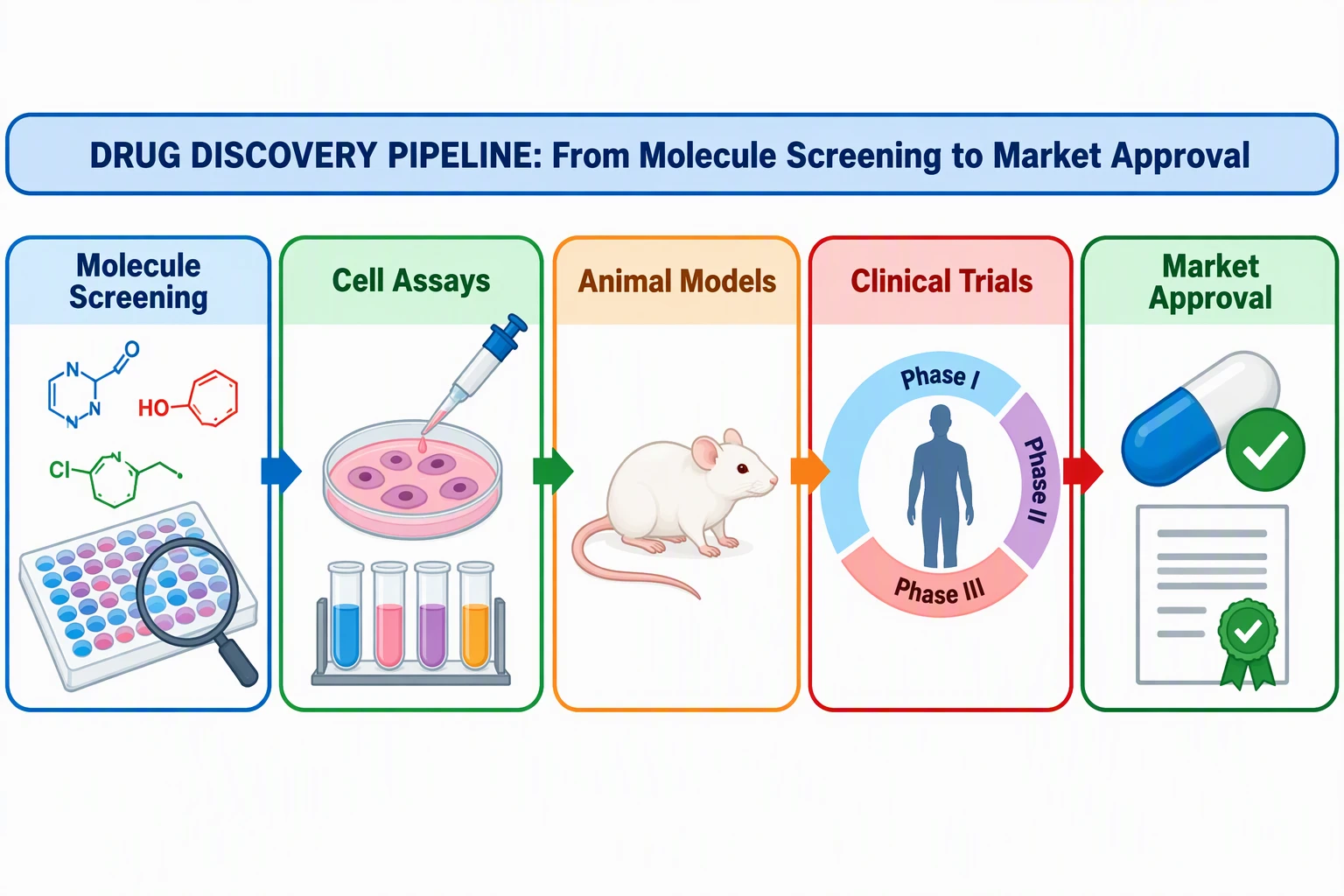
Graphical Abstract Maker
Turn a research summary into a clean, visual graphical abstract for papers and posters.
 Research
Scientific Poster Generator
Design a presentation-ready scientific poster from your project and key findings.
 Visualization
AI Infographic Generator
Create clean, shareable infographics from your data and main points.