Graph Paper Generator Printable Grid Paper
Make printable graph paper in seconds — square, dot, isometric, hex, lined, or axes grids. Pick spacing and line color, then export SVG or PNG.
Grid type
Spacing
Orientation
Graph Paper Examples
Common grid styles you can generate and print
Square Graph Paper
Standard square grid paper with an optional heavier line every few cells.
Dot Grid Paper
A dot grid of evenly spaced points — subtle guides for notes and bullet journaling.
Isometric Graph Paper
A triangular isometric grid for sketching 3D objects and technical drawings.
Graph Paper With Axes
A square grid with bold, optionally numbered axes through the center for graphing.
Hexagonal Graph Paper
A tiled hexagon grid, handy for games, mapping, and organic chemistry.
Lined Paper
Simple horizontal ruled lines for writing, handwriting practice, and notes.
What is graph paper and what is it for?
Graph paper — also called grid paper, coordinate paper, or squared paper — is a sheet printed with a regular pattern of fine lines or dots. That even pattern gives you a ready-made reference for measuring, aligning, and drawing to scale without a ruler for every stroke. It is the everyday surface for plotting functions and coordinates in math class, sketching floor plans and circuit diagrams in engineering, laying out pixel art and game maps, keeping columns tidy in a bullet journal, and drawing 3D objects in isometric projection. This generator draws each grid with exact, even spacing directly in your browser, so the lines are always crisp and correctly spaced no matter the size — then you export a clean SVG or high-resolution PNG to print at home.
Grid types explained
- Square grid is the classic: two sets of perpendicular lines forming equal squares. It suits general math, plotting, and scale drawing. Turn on a heavier line every few cells to make counting and blocking easier.
- Dot grid replaces the lines with a small dot at each intersection. The dots guide your writing and drawing but stay out of the way, which is why dot grids are popular for bullet journals and clean note-taking.
- Isometric grid uses vertical lines plus two families of 60° diagonals to build a mesh of equilateral triangles. It lets you draw boxes and 3D forms in isometric projection where the three axes are evenly foreshortened.
- Hexagonal grid tiles the page with hexagons. It shows up in board and tabletop games for movement, in mapping, and in organic chemistry for drawing ring structures.
- Lined paper keeps only the horizontal rules — the format for writing, handwriting practice, and notes.
Choosing the right spacing
- Spacing controls how far apart the lines or dots sit, which sets how much detail fits on the page. Small spacing packs in more cells for fine, detailed work; large spacing gives roomy squares that are easier for younger students and quick sketches.
- For most math homework a medium square grid — roughly a quarter inch — is the familiar standard. Engineering and detailed plans lean toward smaller spacing, while early-years counting and large-format drawing favor larger squares.
- Pick the line color to match the job: a light gray grid stays subtle behind your work and prints economically, while a stronger color makes the grid itself the star. You can also add a heavier line every N cells on square grids so blocks of cells are easy to count.
Graphing with X and Y axes
- The graph-paper-with-axes style adds a bold horizontal and vertical axis through the center of a light square grid, turning the page into a four-quadrant coordinate plane. Each square becomes one unit, so you can plot ordered pairs, draw lines and curves, and read values straight off the grid.
- Switch on axis numbering and the tool labels the cells outward from the origin — positive to the right and up, negative to the left and down — which is exactly the layout students meet when graphing linear equations and functions.
- For heavier plotting work with tick labels and plotted points, pair this with the dedicated coordinate plane and number line tools linked below.
Printing tips
- Export as SVG for a razor-sharp, resolution-independent file, or as a 2× PNG when you need a raster image. Both use a white background and light lines so they print cleanly and save ink.
- When you print, set your printer or PDF dialog to “Actual size” or 100% scaling rather than “Fit to page,” so the squares keep their true measurements — important if you rely on the grid for scale.
- The sheets use standard letter proportions in portrait or landscape, so they fill a normal page with even margins. Print a few copies at different spacings to keep the right paper on hand for any task.
Frequently Asked Questions
Related Math Tools
 Education
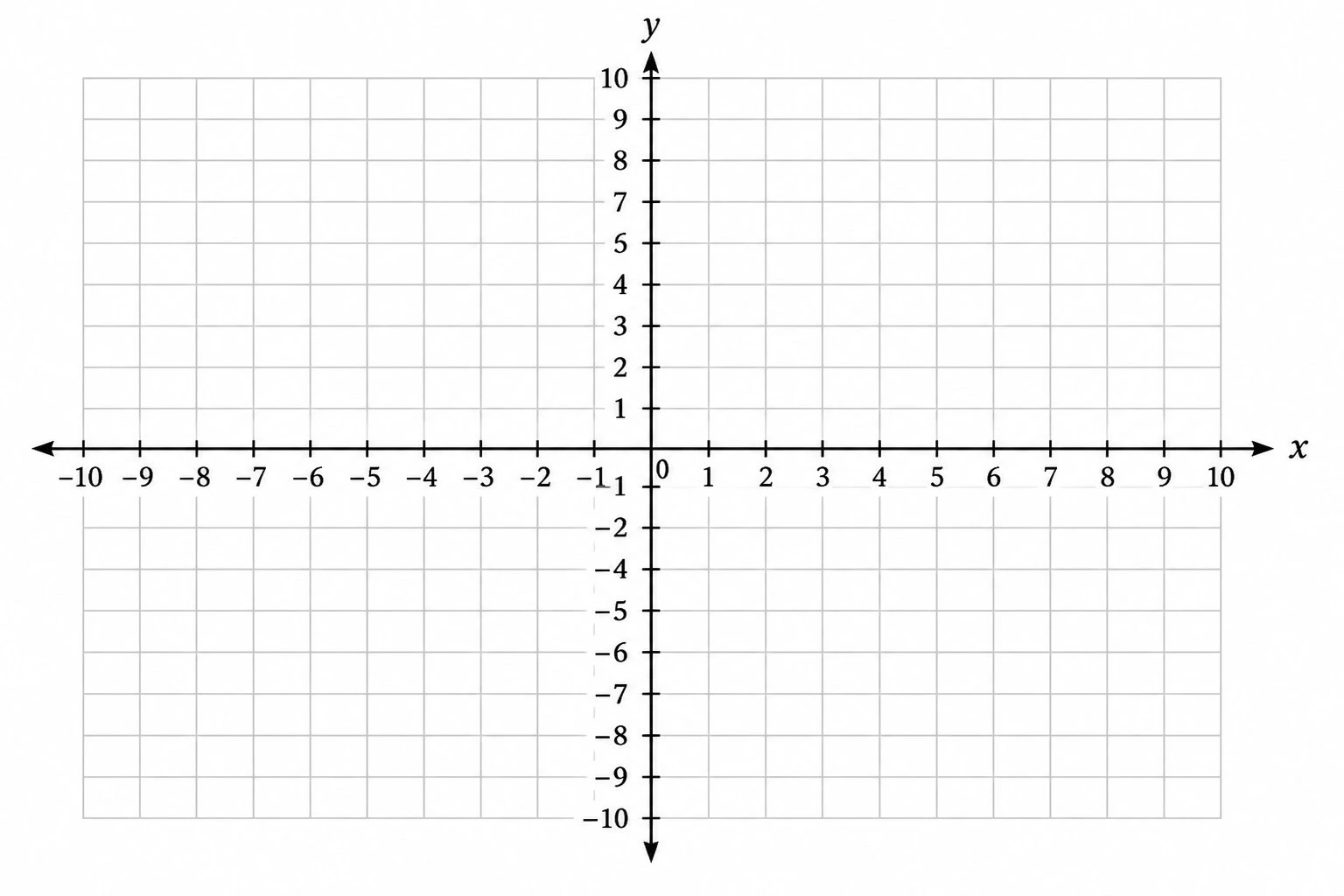
Coordinate Plane Generator
Create clean, printable Cartesian planes: plot ordered pairs, graph lines by slope and intercept, and label the four quadrants.
 Education
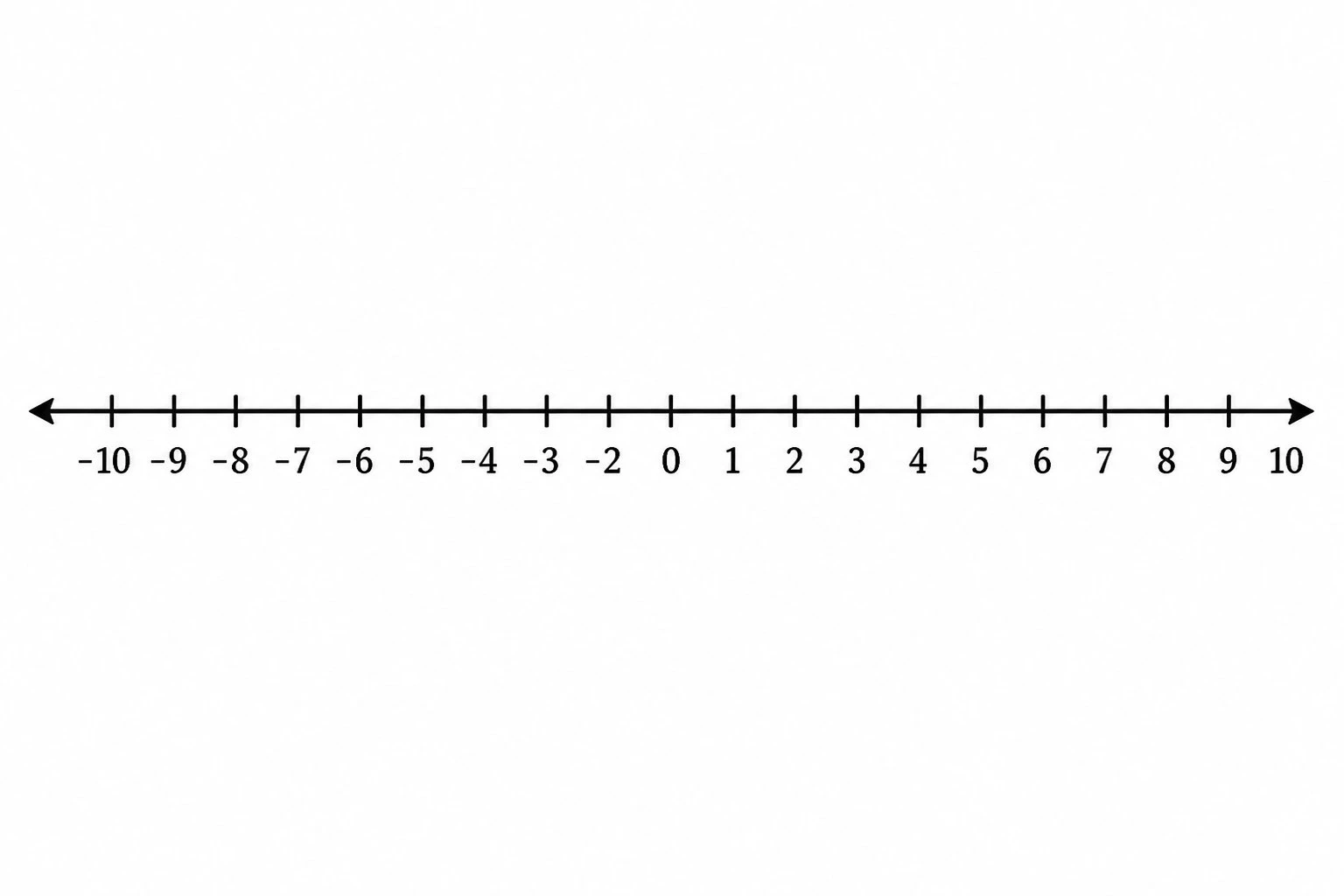
Number Line Generator
Create precise number lines: plot points, graph inequalities and intervals, and mark fractions or decimals.
 Education
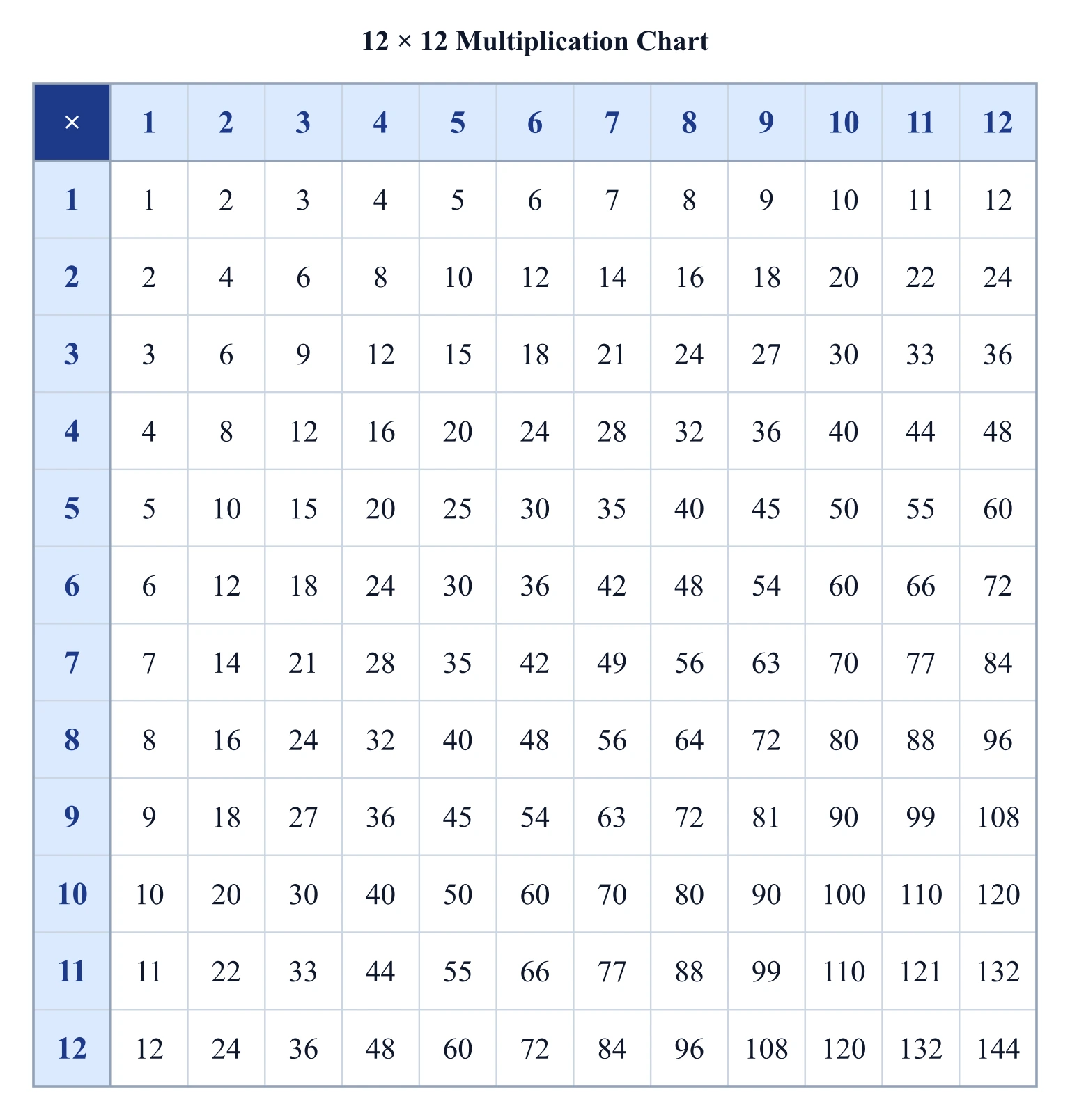
Multiplication Chart Generator
Make a printable multiplication chart: pick the grid size, highlight any times table, and export a clean SVG or PNG.